Claude Code-LangSmith Integration: Complete Guide
Step into a world where AI blends seamlessly into your workflow. Meet Claude Code and LangSmith. This guide reveals how these tools reshape your tech interactions. From tracing workflows to practical applications, master Claude Code's advanced features. Imagine fetching real-time weather data in just a few lines of code. Learn how to set up this powerful integration and leverage Claude Code's hooks and transcripts. Ready to revolutionize your digital routine? Follow the guide!
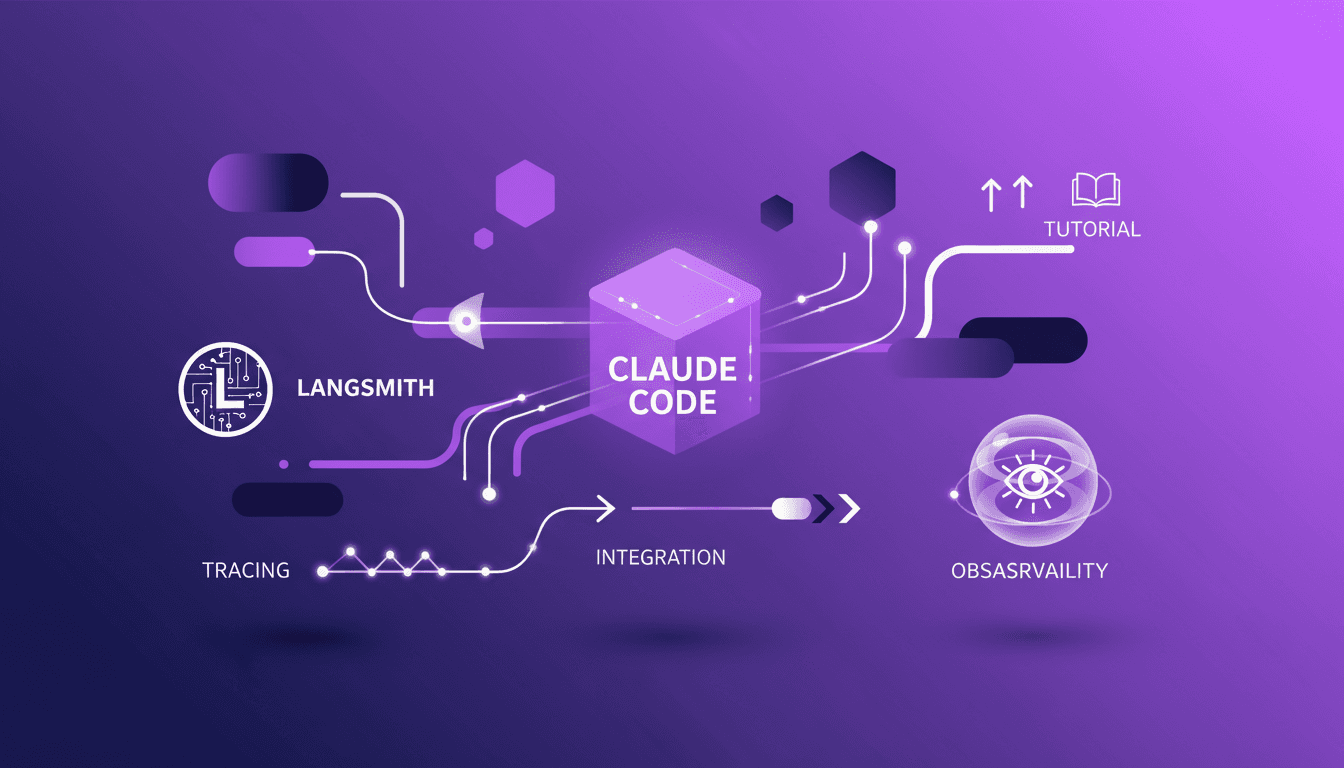
Imagine a world where artificial intelligence effortlessly meshes with your daily routine, providing real-time insights and automating complex tasks. Welcome to the realm of Claude Code and LangSmith. These tools don't just change the game; they redefine how you interact with technology. In this article, we delve into the integration of Claude Code with LangSmith, focusing on tracing and observability in workflows. You'll discover how Claude Code can be used for simple tasks, like fetching real-time weather data. We'll also detail the technical setup needed to harness the full potential of this integration, along with Claude Code's advanced features, such as hooks and transcripts. Get ready to transform your digital workflow with this comprehensive guide.
Introduction to Claude Code and LangSmith Integration
Claude Code and LangSmith are two powerful tools used in developing AI-based solutions. Claude Code allows for creating AI agents and complex workflows, while LangSmith facilitates the tracking and optimization of these workflows. The integration of these two tools offers a synergy that significantly enhances developers' workflows.
Through this integration, developers can leverage hooks, transcripts, and tracing, allowing them to track every step and call of a language model (LLM) or a tool. This seamless integration is crucial for optimizing the development and debugging of AI applications.
- LLM and tool calls: Claude Code uses LLM calls to process data and tool calls to interact with external APIs.
- Seamless integration: simplifies AI workflow management for developers.
Tracing a Simple Task with Claude Code
Tracing a task with Claude Code allows for visualizing each step of the process, making debugging more efficient. Let's consider a simple task like fetching real-time data. Using LLM calls and tool calls, Claude Code can execute this task seamlessly.
Understanding LLM calls is crucial as they dictate the actions Claude Code should take. In our example, Claude Code might use an LLM call to decide on the best method to fetch real-time weather data.
- Importance of LLM calls: they dictate Claude Code's actions.
- Use of tool calls: enables interaction with APIs to execute specific tasks.
- Observability: essential for debugging and optimization.
Fetching Real-Time Weather Data with Claude Code
To fetch real-time weather data, it's necessary to set up Claude Code to use web fetch calls to interact with APIs. For instance, the Open Meteo weather API can be used to obtain current weather conditions.
Setup involves using environment variables in a JSON file to store the necessary API keys. Claude Code then uses this information to execute API calls securely and efficiently.
- Web fetch calls: enable Claude Code to retrieve external data.
- Environment variables: secure sensitive configurations.
- Troubleshooting: includes tips for handling common errors.
Features of Claude Code: Hooks and Transcripts
Hooks in Claude Code are extension points that allow developers to add functionalities or modify the default behavior of an application. They are crucial for customizing and optimizing AI workflows.
Transcripts provide a detailed record of every step in the process, facilitating tracking and debugging. They also help in understanding how LLM calls and tool calls interact to accomplish a given task.
- Use of hooks: customization and enhancement of workflows.
- Transcripts: offer increased visibility for debugging.
- Integration with LangSmith: maximizes efficiency and traceability.
Technical Setup and Enabling Tracing in Claude Code
Setting up Claude Code integration with LangSmith requires careful configuration. This includes configuring environment variables through JSON to ensure smooth execution of API calls.
Enabling tracing features allows developers to track every LLM and tool call, which is essential for debugging and optimization. By avoiding common pitfalls and following best practices, developers can maximize the performance of their AI solutions.
- Setup instructions: include managing JSON variables.
- Use of tracing: enhances observability and debugging.
- Optimization: tips for avoiding common errors.
Integrating Claude Code with LangSmith elevates your workflow with robust tracing and real-time data capabilities. Key takeaways include:
- The integration significantly enhances task execution and debugging.
- Utilizing features like hooks and transcripts is crucial.
- Claude Code can be used for simple tasks like fetching real-time weather data.
These insights open limitless possibilities for improving AI-driven solutions. Imagine a future where each integration optimizes your processes and boosts efficiency.
Begin exploring the potential of Claude Code and LangSmith integration in your projects today. Watch the full video for deeper understanding: Tracing Claude Code to LangSmith.
Frequently Asked Questions

Thibault Le Balier
Co-fondateur & CTO
Coming from the tech startup ecosystem, Thibault has developed expertise in AI solution architecture that he now puts at the service of large companies (Atos, BNP Paribas, beta.gouv). He works on two axes: mastering AI deployments (local LLMs, MCP security) and optimizing inference costs (offloading, compression, token management).
Related Articles
Discover more articles on similar topics
Managing Agent Memory: Practical Approaches
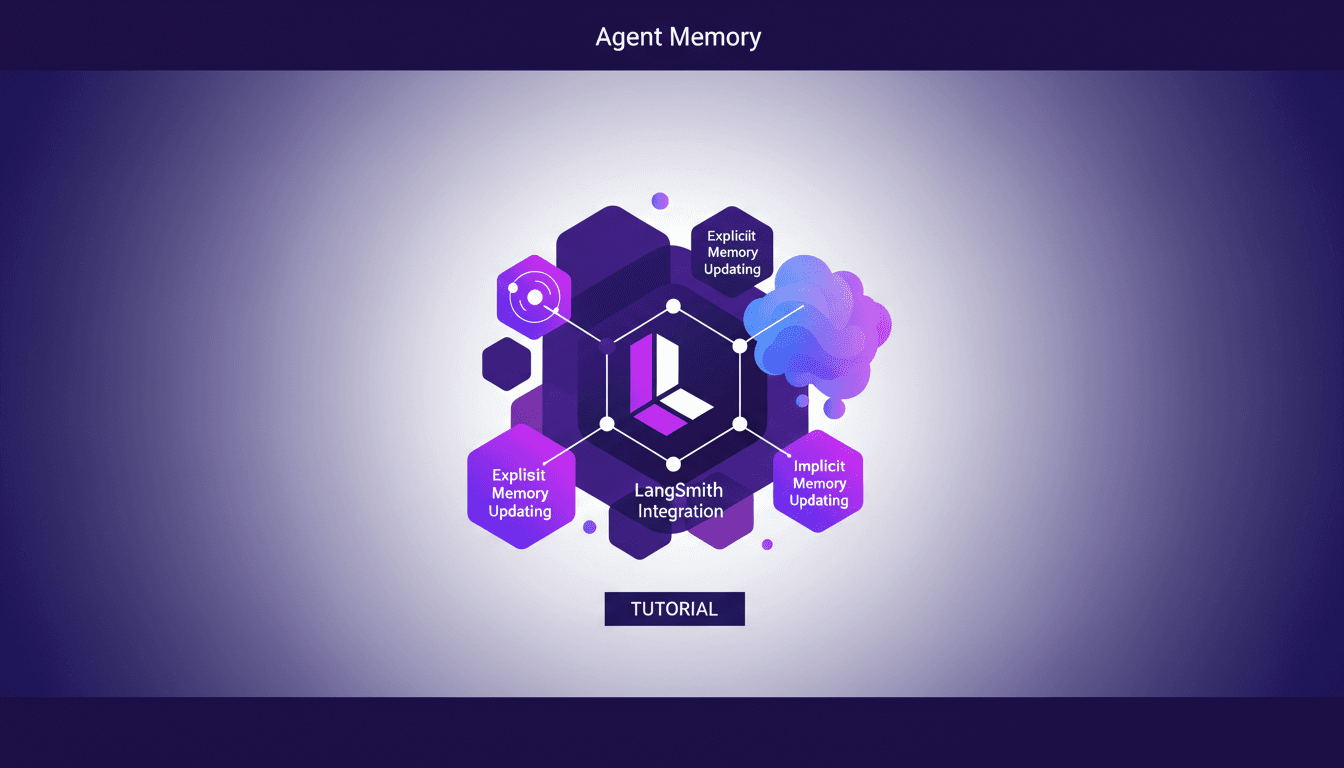
I remember the first time I had to manage an AI agent’s memory. It was like trying to teach a goldfish to remember its way around a pond. That's when I realized: memory management isn't just an add-on, it's the backbone of smart AI interaction. Let me walk you through how I tackled this with some hands-on approaches. First, we need to get a handle on explicit and implicit memory updates. Then, integrating tools like Langmith becomes crucial. We also dive into using session logs to optimize memory updates. If you've ever struggled with deep agent management and configuration, I'll share my tips to avoid pitfalls. This video is an advanced tutorial, so buckle up, it'll be worth it.
Agent Memory Management: Key Approaches
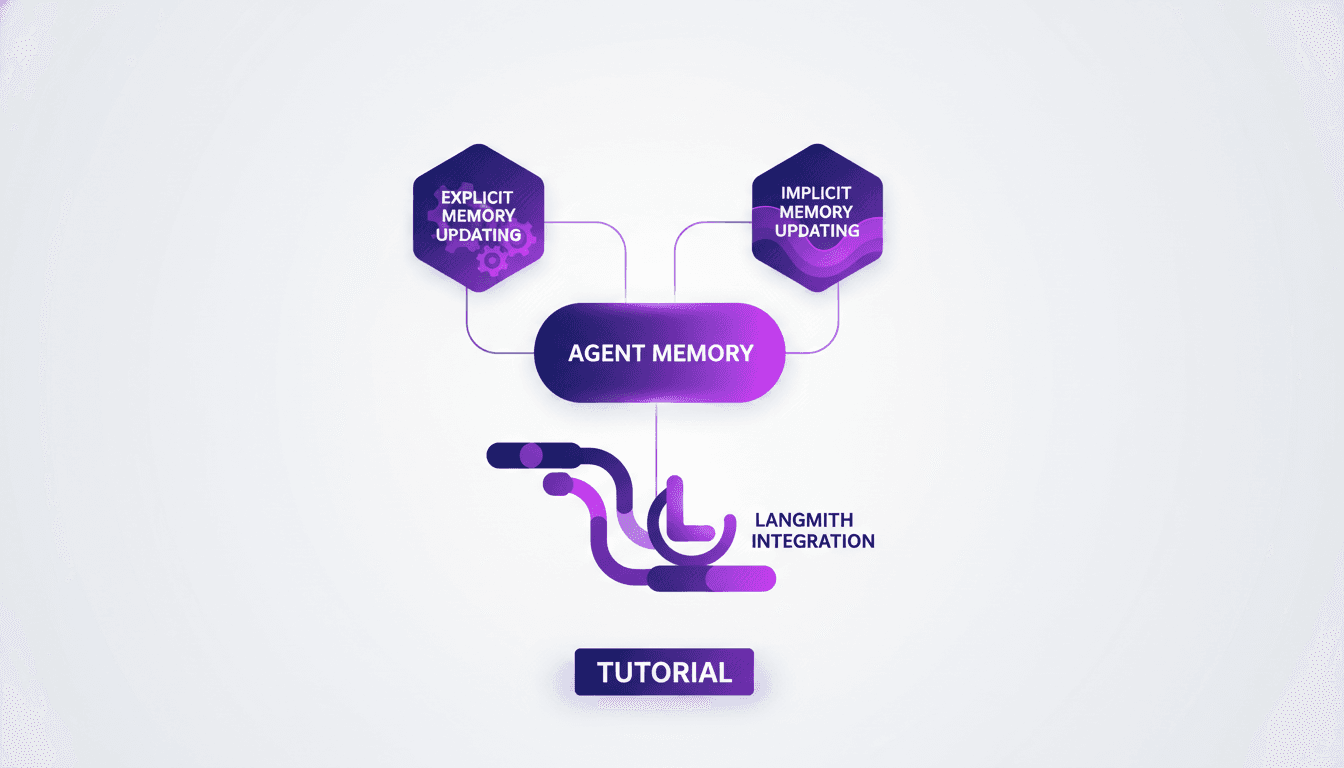
Imagine if your digital assistant could remember your preferences like a human. Welcome to the future of AI, where managing agent memory is key. This article delves into the intricacies of explicit and implicit memory updating, and how these concepts are woven into advanced AI systems. Explore how Cloud Code and deep agent memory management are revolutionizing digital assistant capabilities. From CLI configuration to context evolution through user interaction, dive into cutting-edge memory management techniques. How does Langmith fit into this picture? A practical example will illuminate the fascinating process of memory updating.
LangChain Academy: Start with LangChain
I dove into LangChain Academy's new course to see if it could really streamline my AI agent projects. Spoiler: it did, but not without some head-scratching moments. LangChain is all about building autonomous agents efficiently. This course promises to take you from zero to hero with practical projects and real-world applications. You'll learn to create agents, customize them with middleware, and explore real-world applications. For anyone looking to automate intelligently, it's a game changer, but watch out for context limits and avoid getting lost in module configurations.
Introduction to LangChain: AI Agents in Python
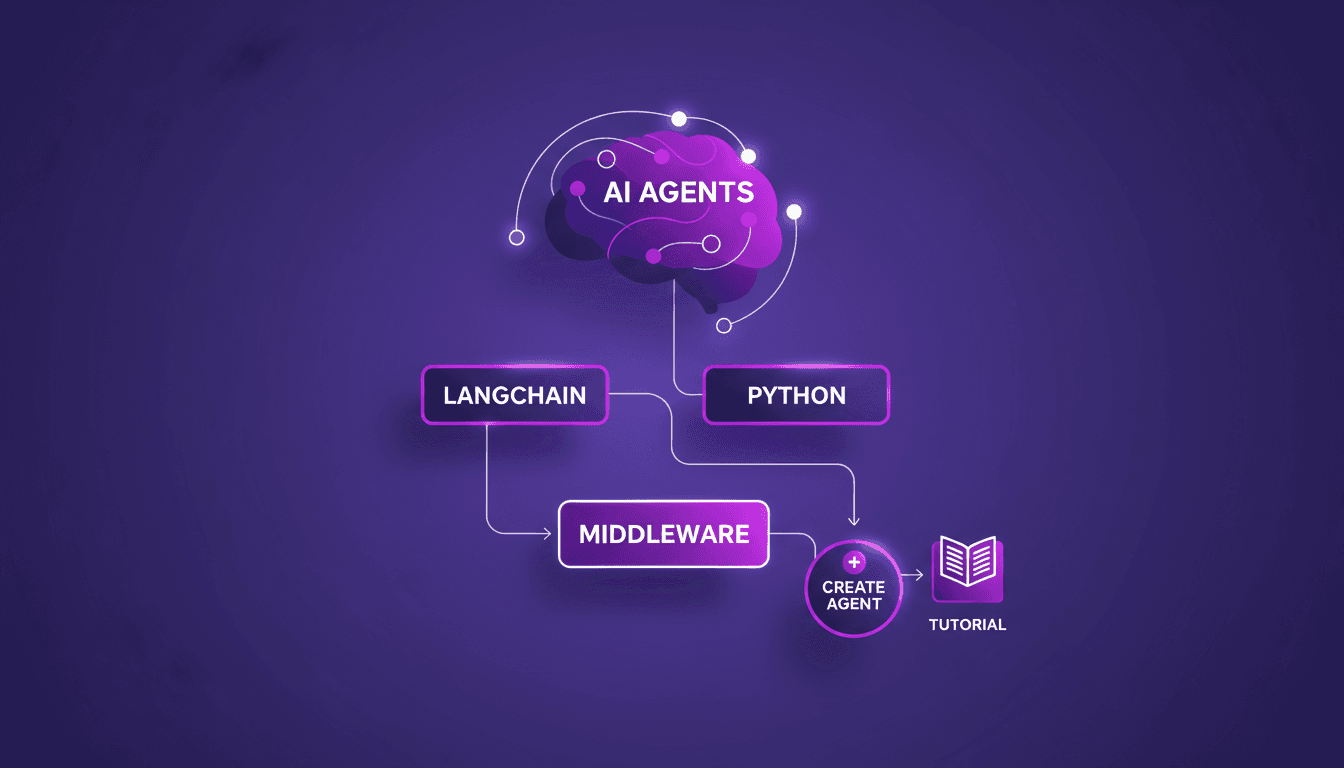
Imagine a world where AI agents handle your daily tasks effortlessly. Welcome to LangChain, a powerful tool in Python that makes this a reality. LangChain is changing how developers craft AI agents. Explore the new LangChain Academy course, designed to arm you with the skills to build sophisticated AI systems. Learn to create customized agents with the 'create agent' abstraction and refine their behavior with middleware. This course guides you through practical modules and projects to master this groundbreaking technology. Don't miss the chance to revolutionize how you interact with AI!
Build MCP Agent with Claude: Dynamic Tool Discovery
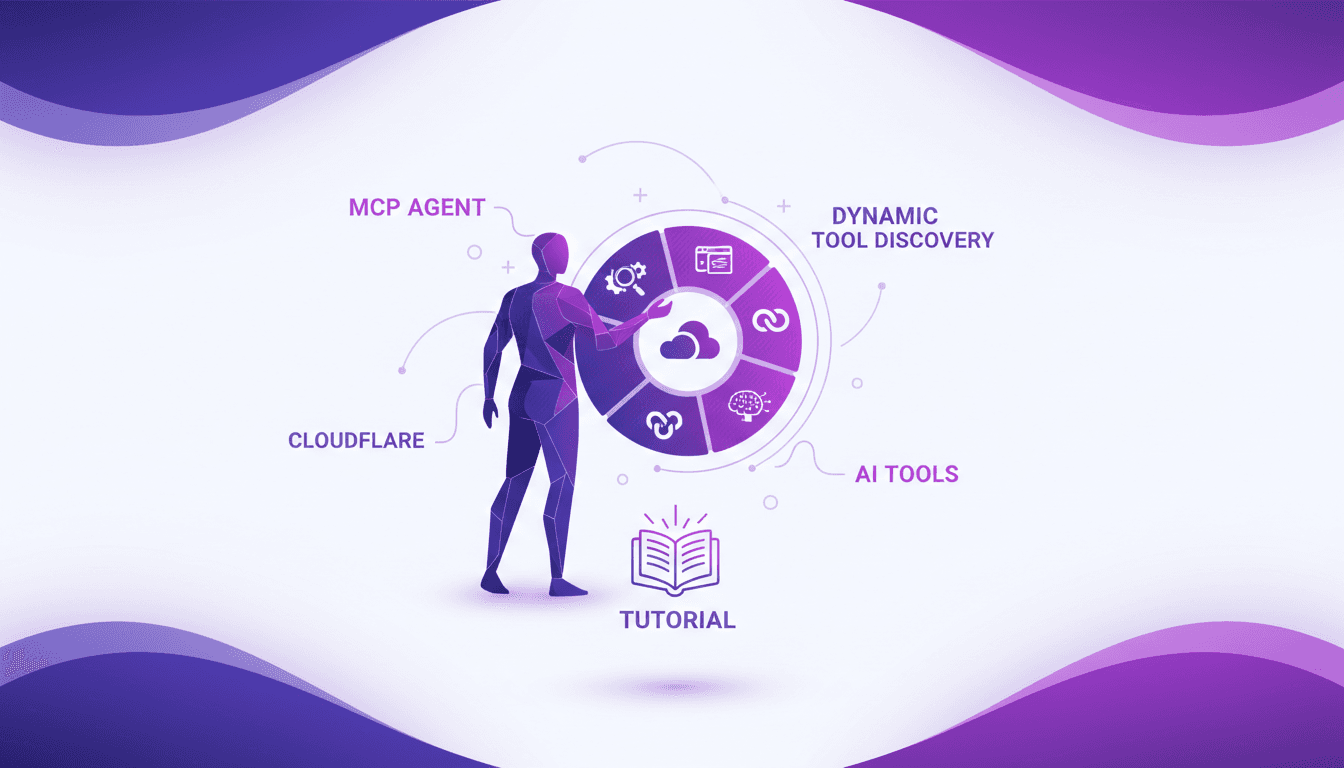
I dove headfirst into building an MCP agent with LangChain, and trust me, it’s a game changer for dynamic tool discovery across Cloudflare MCP servers. First, I had to get my hands dirty with OpenAI and Entropic's native tools. The goal? To streamline access and orchestration of tools in real-world applications. In the rapidly evolving AI landscape, leveraging native provider tools can save time and money while boosting efficiency. This article walks you through the practical steps of setting up an MCP agent, the challenges I faced, and the lessons learned along the way.
Integrate Claude Code with LangSmith: Tutorial
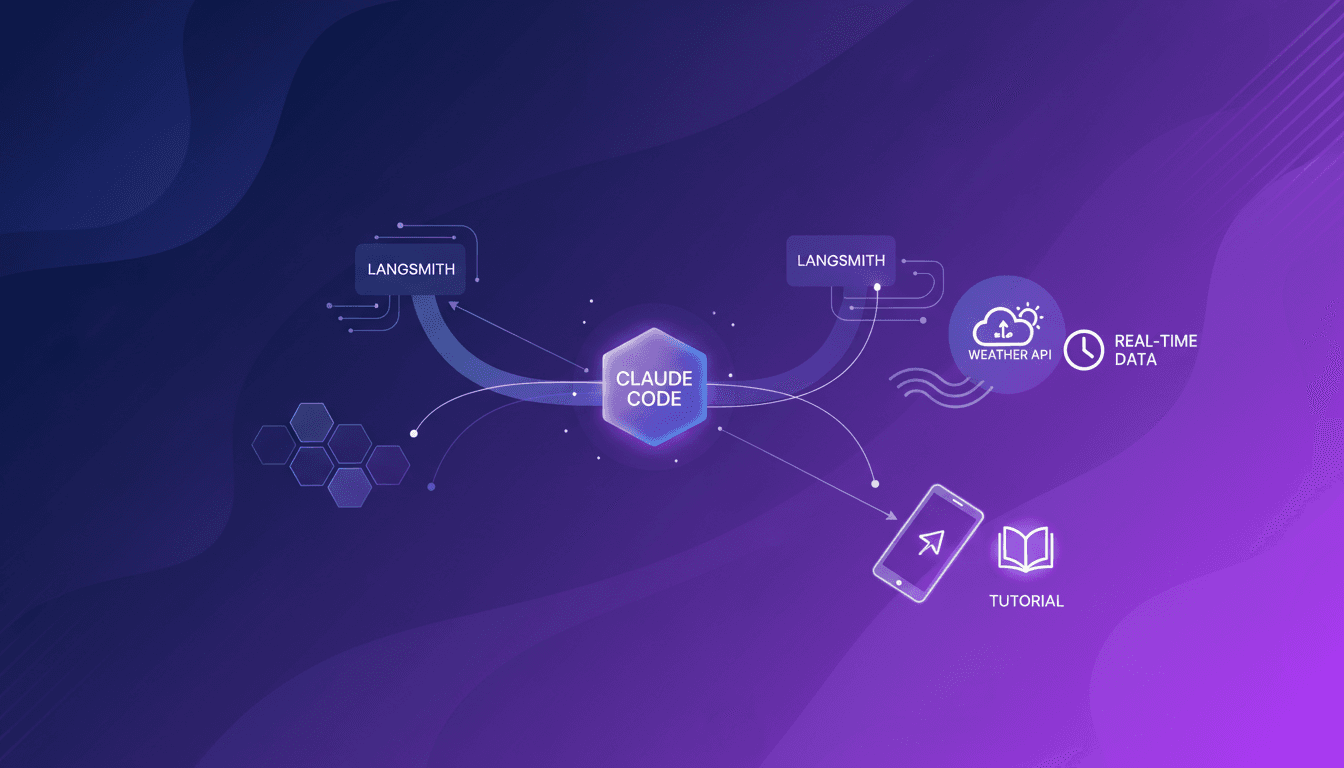
I remember the first time I tried to integrate Claude Code with LangSmith. It felt like trying to fit a square peg into a round hole. But once I cracked the setup, the efficiency gains were undeniable. In this article, I'll walk you through the integration of Claude Code with LangSmith, focusing on tracing and observability. We’ll use a practical example of retrieving real-time weather data to show how these tools work together in a real-world scenario. First, I connect Claude Code to my repo, then configure the necessary hooks. Watch out, tracing can quickly become a headache if poorly orchestrated. But when well piloted, the business impact is direct and impressive.
Gemini 3 Flash: Upgrade Your Daily Workflow
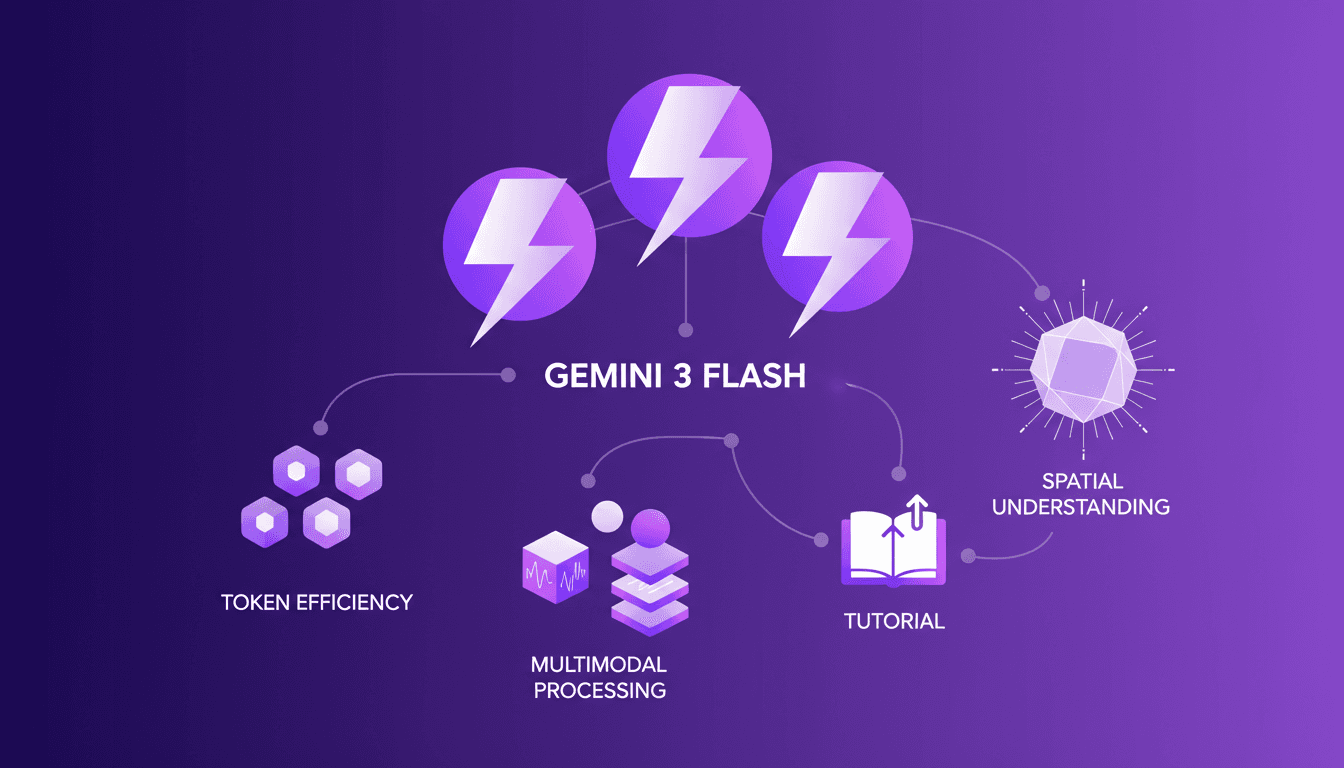
I was knee-deep in token usage issues when I first got my hands on Gemini 3 Flash. Honestly, it was like switching from a bicycle to a sports car. I integrated it into my daily workflow, and it's become my go-to tool. With its multimodal capabilities and improved spatial understanding, it redefines efficiency. But watch out, there are limits. Beyond 100K tokens, it gets tricky. Let me walk you through how I optimized my operations and the pitfalls to avoid.

Claude Code: Unveiling Architecture and Simplicity
Imagine a world where coding agents autonomously write and debug code. Claude Code is at the forefront of this revolution, thanks to Jared Zoneraich's innovative approach. This article unveils the architecture behind this game-changer, focusing on simplicity and efficiency. Dive into the evolution of coding agents and the importance of context management. Compare different philosophies and explore the future of AI agent innovations. Prompt engineering skills are crucial, and the role of testing and evaluation can't be overlooked. Discover how these elements are shaping the future of AI agents.
Integrate Claude Code with LangSmith: Tutorial
I remember the first time I tried to integrate Claude Code with LangSmith. It felt like trying to fit a square peg into a round hole. But once I cracked the setup, the efficiency gains were undeniable. In this article, I'll walk you through the integration of Claude Code with LangSmith, focusing on tracing and observability. We’ll use a practical example of retrieving real-time weather data to show how these tools work together in a real-world scenario. First, I connect Claude Code to my repo, then configure the necessary hooks. Watch out, tracing can quickly become a headache if poorly orchestrated. But when well piloted, the business impact is direct and impressive.
Gemini 3 Flash: Upgrade Your Daily Workflow
I was knee-deep in token usage issues when I first got my hands on Gemini 3 Flash. Honestly, it was like switching from a bicycle to a sports car. I integrated it into my daily workflow, and it's become my go-to tool. With its multimodal capabilities and improved spatial understanding, it redefines efficiency. But watch out, there are limits. Beyond 100K tokens, it gets tricky. Let me walk you through how I optimized my operations and the pitfalls to avoid.
Claude Code: Unveiling Architecture and Simplicity
Imagine a world where coding agents autonomously write and debug code. Claude Code is at the forefront of this revolution, thanks to Jared Zoneraich's innovative approach. This article unveils the architecture behind this game-changer, focusing on simplicity and efficiency. Dive into the evolution of coding agents and the importance of context management. Compare different philosophies and explore the future of AI agent innovations. Prompt engineering skills are crucial, and the role of testing and evaluation can't be overlooked. Discover how these elements are shaping the future of AI agents.