Gemini 3 Flash: Upgrade Your Daily Workflow
I was knee-deep in token usage issues when I first got my hands on Gemini 3 Flash. Honestly, it was like switching from a bicycle to a sports car. I integrated it into my daily workflow, and it's become my go-to tool. With its multimodal capabilities and improved spatial understanding, it redefines efficiency. But watch out, there are limits. Beyond 100K tokens, it gets tricky. Let me walk you through how I optimized my operations and the pitfalls to avoid.
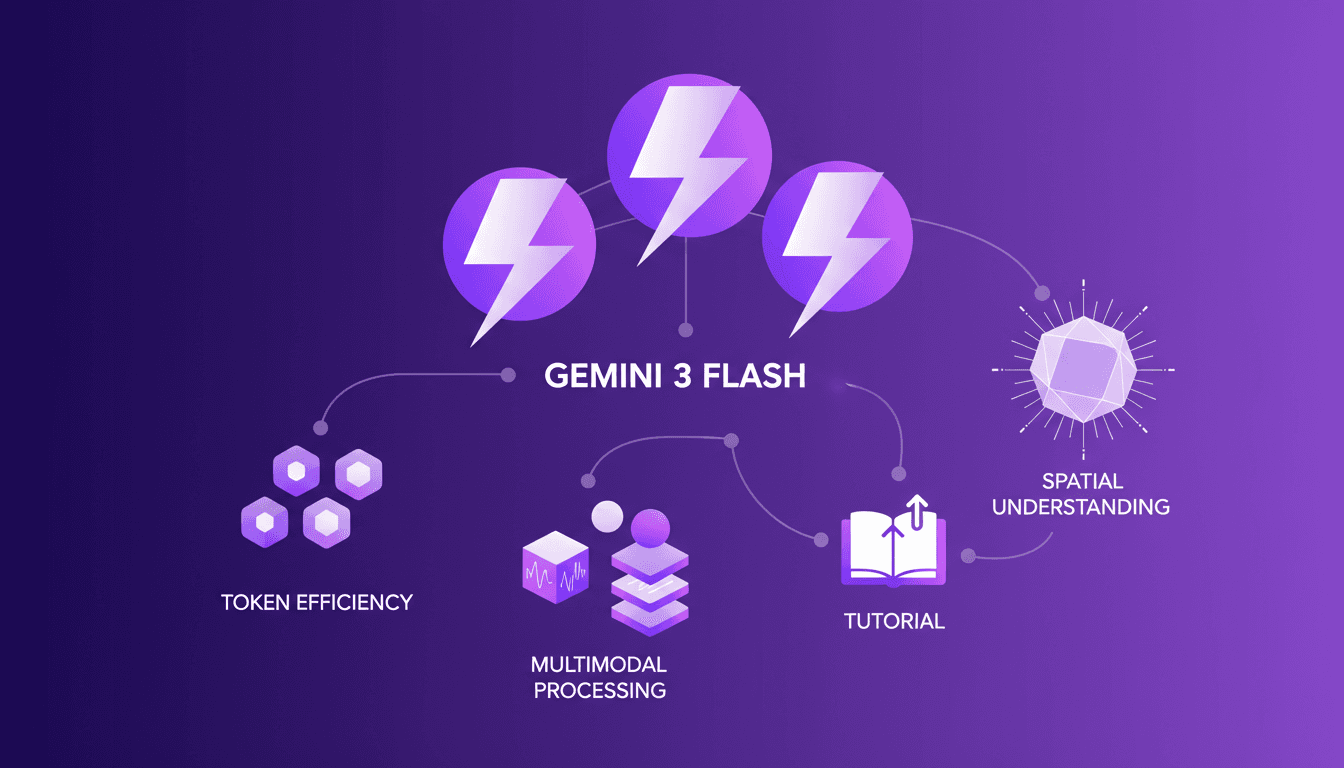
I was knee-deep in token usage issues when I first got my hands on Gemini 3 Flash. Honestly, it was like switching from a bicycle to a sports car. This model redefined my daily efficiency. With multimodal capabilities, improved spatial understanding, and token cost optimization, I felt like a maestro orchestrating my workflow. First, I connected it with my existing tools, then explored its practical applications. But watch out, there are pitfalls. For instance, beyond 100K tokens, it gets tricky, and I got burned more than once. The Gemini 3 Flash promises a lot, but you need to know how to integrate it effectively. I'll walk you through how I set it up, the surprises I encountered, and the mistakes I wish I'd avoided from the start. If you're ready to level up your AI operations, join me on this technical journey.
Introducing Gemini 3 Flash: What's New
Let's dive into the Gemini 3 Flash. Right off the bat, it's clear that this model boasts significant upgrades over its predecessors. Having tested the 2.5 Flash and 2.5 Pro models, I can confidently say the Flash 3 leaves the 2.5 Flash in the dust. Performance-wise, it stands toe-to-toe with the Pro 2.5, even outperforming it in some benchmarks. I remember my initial test run: the speed and efficiency were striking. We're looking at three versions, with two more expected before the general release.
In direct comparison, the Flash 3 handles tasks with fewer tokens, which is crucial for those of us building applications. The numbers tell the story: a 30% improvement in token efficiency over the Pro 2.5. Put simply, it's like switching from a manual tool to an automated machine.
Token Efficiency and Pricing: A Real-World Analysis
Now, let's get down to business: token efficiency and pricing. With the Flash 3, I've noticed a significant reduction in the number of tokens needed. To give you an idea, the input cost is $0.50 per million tokens, compared to $2.00 for the Pro. This makes the Flash about four times more cost-effective for inputs. It's a real game changer for long-term projects. But watch out, this efficiency comes at a price: $3 per million tokens for outputs, a bit pricier than the Flash 2.5.
That's where you have to weigh the pros and cons. I've found that for daily tasks, the extra expense is worth it. However, for basic tasks where performance is less critical, it's better to save. Here are some practical tips:
- Use context caching to reduce costs by up to 90%.
- Monitor token usage to avoid overspending.
Multimodal Data Processing: Expanding Capabilities
Where the Flash 3 truly shines is in multimodal data processing. I've tested it with images, PDFs, and even audio. Its capability to extract structured information is impressive. I remember using Flash 3 to analyze multimedia content and obtain precise details, like recipes or calorie estimates. It really simplifies the workflow.
But beware, in high-demand scenarios, there are limits. For example, processing large data volumes can slow down the system. Here's where to be cautious:
- Keep an eye on processing limits in high-demand scenarios.
- Avoid overloading the system with unnecessary data.
Practical Applications and Use Cases
In practice, the Flash 3 is a versatile tool. Take spatial understanding and bounding box detection, for instance. I needed to identify potential hazards in images, and Flash 3 not only detected the hazards but also suggested possible improvements for future versions.
This ability to process multiple data types proves invaluable for automating tasks like resume analysis, traditionally done manually. The gains in efficiency and cost savings are evident. Moving forward, I expect to see even more improvements in these areas.
Integrating Gemini 3 Flash with Your Tools
Integrating the Flash 3 into your existing workflows is fairly straightforward. I've used the Gemini Interactions API guide to get started. Compatibility with popular tools is a big plus. However, watch out for potential pitfalls:
- Ensure your platform fully supports Flash 3.
- Avoid integrations that might slow down your system.
By maximizing the benefits of integration, you can achieve seamless and efficient workflows. For more details, check out our complete guide on Claude Code-LangSmith integration.
Gemini 3 Flash isn't just an upgrade; it's a game changer for those of us in the AI trenches. I've put it through its paces, and first off, the token efficiency is impressive—costs down, usage up. Next, its ability to handle multimodal data seamlessly integrates into the workflow, no more juggling different tools. But, watch out, proper integration is key to unlocking its full potential. Remember, the model is still evolving with two more versions expected before the GA release, so don't rush into changes without testing.
Looking forward: Gemini 3 Flash can truly transform our AI projects. Get ready to boost your workflows and start optimizing today.
Concrete action: To dive deeper and see how this can fit into your projects, I'd recommend watching the full video "Gemini 3 Flash - Your Daily Workhorse Upgraded". It's a valuable resource you shouldn't miss! YouTube link
Frequently Asked Questions

Thibault Le Balier
Co-fondateur & CTO
Coming from the tech startup ecosystem, Thibault has developed expertise in AI solution architecture that he now puts at the service of large companies (Atos, BNP Paribas, beta.gouv). He works on two axes: mastering AI deployments (local LLMs, MCP security) and optimizing inference costs (offloading, compression, token management).
Related Articles
Discover more articles on similar topics
Mastering Gemini Interactions API: Practical Guide
I dove headfirst into the Gemini Interactions API, and let me tell you, it's a game changer if you know how to wield it. First, I connected the dots between its features and my daily workflow, and then I started seeing the real potential. But watch out, it's not all sunshine and rainbows—there are some quirks to navigate. By understanding its multimodality, managing tokens efficiently, and leveraging server-side state persistence, I was able to integrate advanced AI interactions into my applications. But honestly, I got burned more than once before mastering its nuances. So, are you ready to explore what the Gemini API can really do for you?
Continual Learning with Deep Agents: My Workflow
I jumped into continual learning with deep agents, and let me tell you, it’s a game changer for skill creation. But watch out, it's not without its quirks. I navigated the process using weight updates, reflections, and the Deep Agent CLI. These tools allowed me to optimize skill learning efficiently. In this article, I share how I orchestrated the use of deep agents to create persistent skills while avoiding common pitfalls. If you're ready to dive into continual learning, follow my detailed workflow so you don't get burned like I did initially.
Continual Learning with Deepagents: A Complete Guide
Imagine an AI that learns like a human, continuously refining its skills. Welcome to the world of Deepagents. In the rapidly evolving AI landscape, continual learning is a game-changer. Deepagents harness this power by optimizing skills with advanced techniques. Discover how these intelligent agents use weight updates to adapt and improve. They reflect on their trajectories, creating new skills while always seeking optimization. Dive into the Langmith Fetch Utility and Deep Agent CLI. This complete guide will take you through mastering these powerful tools for an unparalleled learning experience.
Claude Code-LangSmith Integration: Complete Guide
Step into a world where AI blends seamlessly into your workflow. Meet Claude Code and LangSmith. This guide reveals how these tools reshape your tech interactions. From tracing workflows to practical applications, master Claude Code's advanced features. Imagine fetching real-time weather data in just a few lines of code. Learn how to set up this powerful integration and leverage Claude Code's hooks and transcripts. Ready to revolutionize your digital routine? Follow the guide!
Build MCP Agent with Claude: Dynamic Tool Discovery
I dove headfirst into building an MCP agent with LangChain, and trust me, it’s a game changer for dynamic tool discovery across Cloudflare MCP servers. First, I had to get my hands dirty with OpenAI and Entropic's native tools. The goal? To streamline access and orchestration of tools in real-world applications. In the rapidly evolving AI landscape, leveraging native provider tools can save time and money while boosting efficiency. This article walks you through the practical steps of setting up an MCP agent, the challenges I faced, and the lessons learned along the way.
Cut Costs with Gemini 3 Flash OCR
I've been diving into OCR tasks for years, and when Gemini 3 Flash hit the scene, I had to test its promise of cost savings and performance. Imagine a model that's four times cheaper than Gemini 3 Pro, at just $0.50 per million token input and $3 for output tokens. I'll walk you through how this model stacks up against the big players and why it's a game changer for multilingual OCR. From cost-effectiveness to multilingual capabilities and technical benchmarks, I'll share my practical findings. Don't get caught up in the hype, discover how Gemini 3 Flash is genuinely transforming the game for OCR tasks.
Unlocking Gemini 3 Flash: Practical Use Cases
I dove into Gemini 3 Flash expecting just another AI tool, but what I found was a game changer for OCR tasks. This model, often overshadowed by the Pro, turns out to be a hidden gem, especially when you factor in cost and multilingual capabilities. In this article, I'll walk you through how Gemini 3 Flash stacks up against its big brother and why it deserves more attention. We're talking efficiency, technical benchmarks, and practical use cases. Spoiler: for certain tasks, it even outperforms the Pro. Don't underestimate this little gem; it might just transform your OCR handling without breaking the bank.
Harnessing Gemini 3 Flash: Cost Savings and OCR Performance
I remember the first time I switched to Gemini 3 Flash. We were drowning in document digitization costs, paying a premium for features we didn't fully exploit. That's when I decided to explore Gemini 3 Flash, and what I found was a game changer. In the world of OCR and document digitization, balancing cost and performance is crucial. Gemini 3 Flash offers a compelling, cost-effective solution, especially compared to its pricier sibling, Gemini 3 Pro. Priced four times cheaper, it's a boon for multilingual digitization projects. Let's dive into the OCR performance, the power of Gemini 3 Flash, and why it might just be the catalyst for your next project.