Integrate Claude Code with LangSmith: Tutorial
I remember the first time I tried to integrate Claude Code with LangSmith. It felt like trying to fit a square peg into a round hole. But once I cracked the setup, the efficiency gains were undeniable. In this article, I'll walk you through the integration of Claude Code with LangSmith, focusing on tracing and observability. We’ll use a practical example of retrieving real-time weather data to show how these tools work together in a real-world scenario. First, I connect Claude Code to my repo, then configure the necessary hooks. Watch out, tracing can quickly become a headache if poorly orchestrated. But when well piloted, the business impact is direct and impressive.
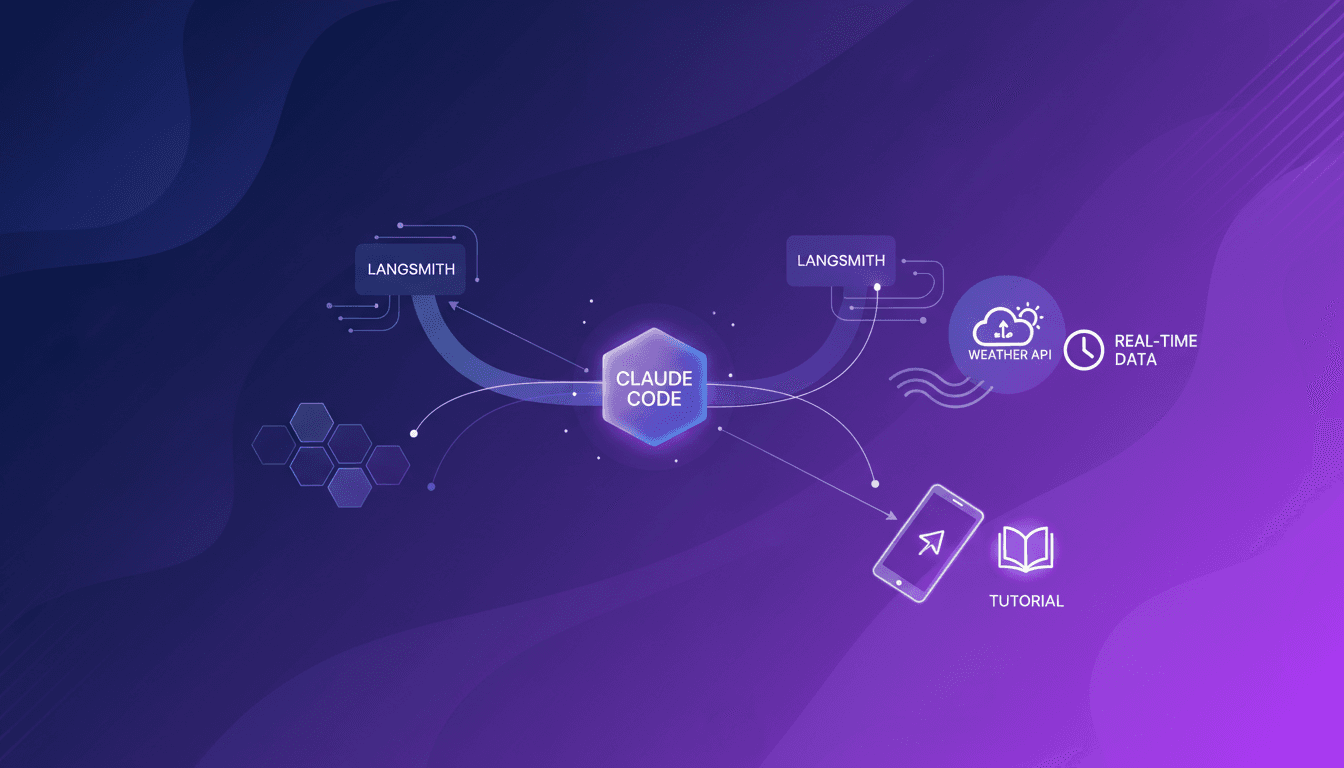
I remember the first time I tried to integrate Claude Code with LangSmith. Honestly, it felt like trying to fit a square peg into a round hole. But once I cracked the setup, the efficiency gains were incredible. So, if you've ever broken a sweat trying to get these two tools to work together, I'm here to show you how I made it happen. In this article, we're diving into the integration of Claude Code with LangSmith, focusing on tracing and observability. I'll use a concrete example of retrieving real-time weather data with the Open Meteo API. First, I connect Claude Code to my repo, then configure the necessary hooks. But watch out, poorly orchestrated tracing can quickly become a headache. Once well piloted, however, the business impact is direct. Ready to discover how to optimize your workflow? Let's dive in.
Setting Up Claude Code and LangSmith Integration
When I first dived into Claude Code and LangSmith, it became clear why they're a game changer for observability. Claude Code is excellent for code generation, and LangSmith offers unparalleled visibility into LLM calls and tool calls. Integrating them lets you fine-tune every step of the process, from code creation to execution.
The initial setup involves connecting your repo to Claude Code. Be careful with API configurations, as errors often lurk here. Ensure all permissions are correctly set, as a misconfiguration can quickly become a nightmare. Understanding LLM calls is crucial, as they dictate the actions Claude Code will take. Without this understanding, you're flying blind.
- Carefully connect your repo.
- Meticulously configure your APIs.
- Understand LLM calls to optimize workflows.
- Avoid common configuration mistakes.
Demonstrating a Simple Claude Code Agent
To showcase Claude Code's capabilities, I built a simple agent. The key here is understanding the workflow from code writing to execution. Tool calls play a crucial role, allowing Claude Code to interact with files or other necessary resources.
But watch out, each tool call comes with its trade-offs. Sometimes it's more efficient to write a custom function rather than using a standard tool call. Optimizing agent performance involves making smart choices about these calls.
- Build an agent step by step.
- Use tool calls wisely.
- Optimize performance by choosing the right tools.
- Avoid unnecessary calls that can slow down the process.
Tracing a Claude Code Session with LangSmith
Once your agent is up and running, how do you know it's working as intended? This is where LangSmith comes in. Tracing a session with LangSmith is crucial for understanding what's really happening. It not only helps debug but also improves code quality.
However, tracing has its limits, especially regarding overhead. If you trace every detail, you risk unnecessary bloat. Thus, setting up effective tracing that focuses on critical workflow steps is vital.
- Trace sessions for better understanding.
- Use LangSmith for debugging and optimization.
- Beware of unnecessary overhead from excessive tracing.
- Focus on critical steps for effective tracing.
Fetching Real-Time Weather Data with Claude Code
Integrating Claude Code with the Open Meteo API is another exciting step. It starts with setting up API endpoints. Here, hooks are central to facilitating real-time data retrieval.
Keep in mind the cost implications of real-time data calls. Each request has a price, and effective orchestration of data flow is key to avoiding unnecessary expenses.
- Integrate Claude Code with Open Meteo step by step.
- Set up API endpoints precisely.
- Use hooks for seamless data retrieval.
- Monitor the costs of real-time calls.
Understanding and Configuring Hooks in Claude Code
Finally, let's talk about hooks. These are powerful tools for optimizing and automating workflows. In Claude Code, they trigger specific actions when an event occurs. Proper configuration can transform your development process.
But beware, don't overuse them. Excessive use of hooks can make the system complex and hard to maintain. Striking the right balance between automation and simplicity is key.
- Understand the role of hooks in development.
- Configure them carefully to optimize workflows.
- Avoid excessive use that complicates the system.
- Balance automation and simplicity for maximum efficiency.
Integrating Claude Code with LangSmith is a real game changer for boosting your project's observability and efficiency. Here's what I picked up diving into this integration:
- Enhanced Observability: By connecting these tools, I can trace each session in detail, helping me quickly pinpoint bottlenecks.
- Improved Efficiency: With the right setup, I noticed a significant drop in latency, especially when retrieving real-time weather data.
- Hooks Utilization: Don't overlook them; they're key to optimizing performance and ensuring smooth execution.
Looking forward, I'd say that these tools, when well-orchestrated, can truly transform your workflow. It's not magic, but understanding the limits and tweaking as needed is crucial.
Now it's your turn. Try integrating Claude Code with LangSmith and see the difference for yourself. For a deeper dive, I recommend watching the full video: "Tracing Claude Code to LangSmith". You won't regret it.
Frequently Asked Questions

Thibault Le Balier
Co-fondateur & CTO
Coming from the tech startup ecosystem, Thibault has developed expertise in AI solution architecture that he now puts at the service of large companies (Atos, BNP Paribas, beta.gouv). He works on two axes: mastering AI deployments (local LLMs, MCP security) and optimizing inference costs (offloading, compression, token management).
Related Articles
Discover more articles on similar topics
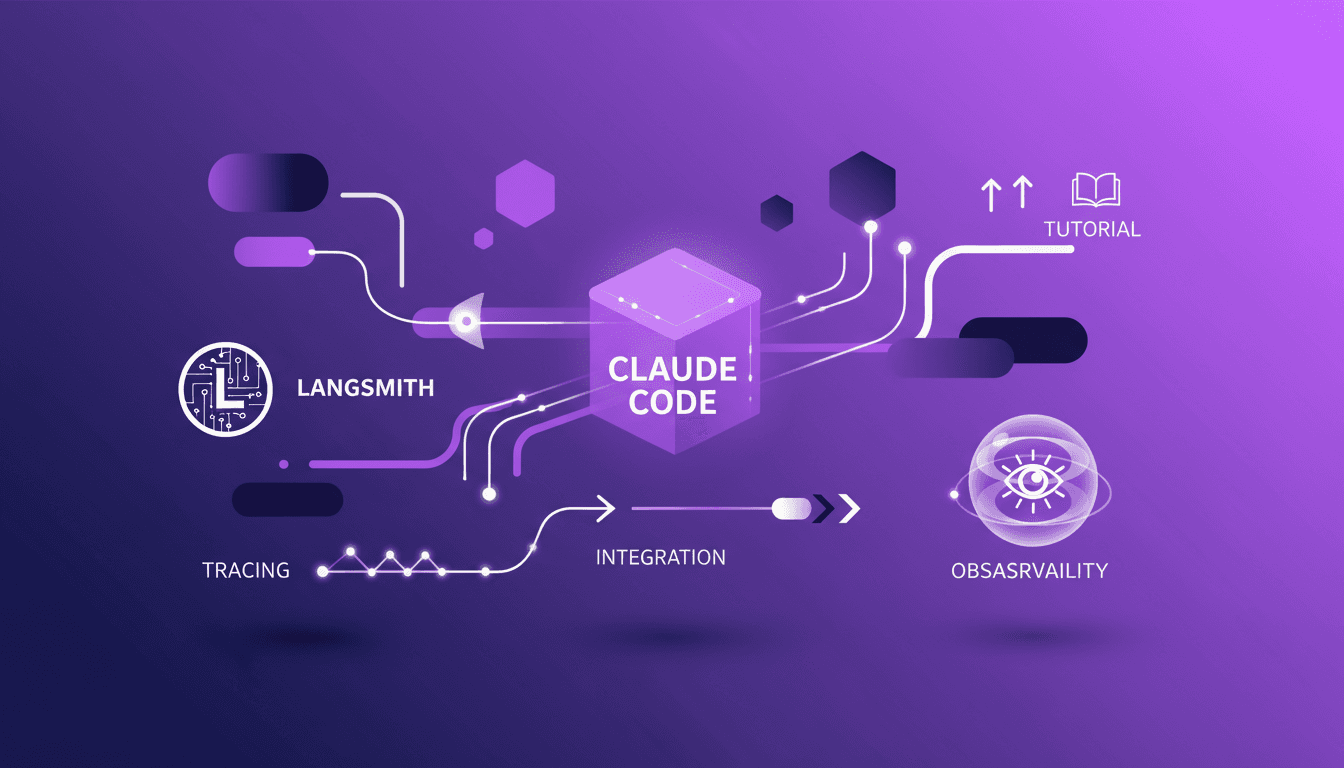
Claude Code-LangSmith Integration: Complete Guide
Step into a world where AI blends seamlessly into your workflow. Meet Claude Code and LangSmith. This guide reveals how these tools reshape your tech interactions. From tracing workflows to practical applications, master Claude Code's advanced features. Imagine fetching real-time weather data in just a few lines of code. Learn how to set up this powerful integration and leverage Claude Code's hooks and transcripts. Ready to revolutionize your digital routine? Follow the guide!
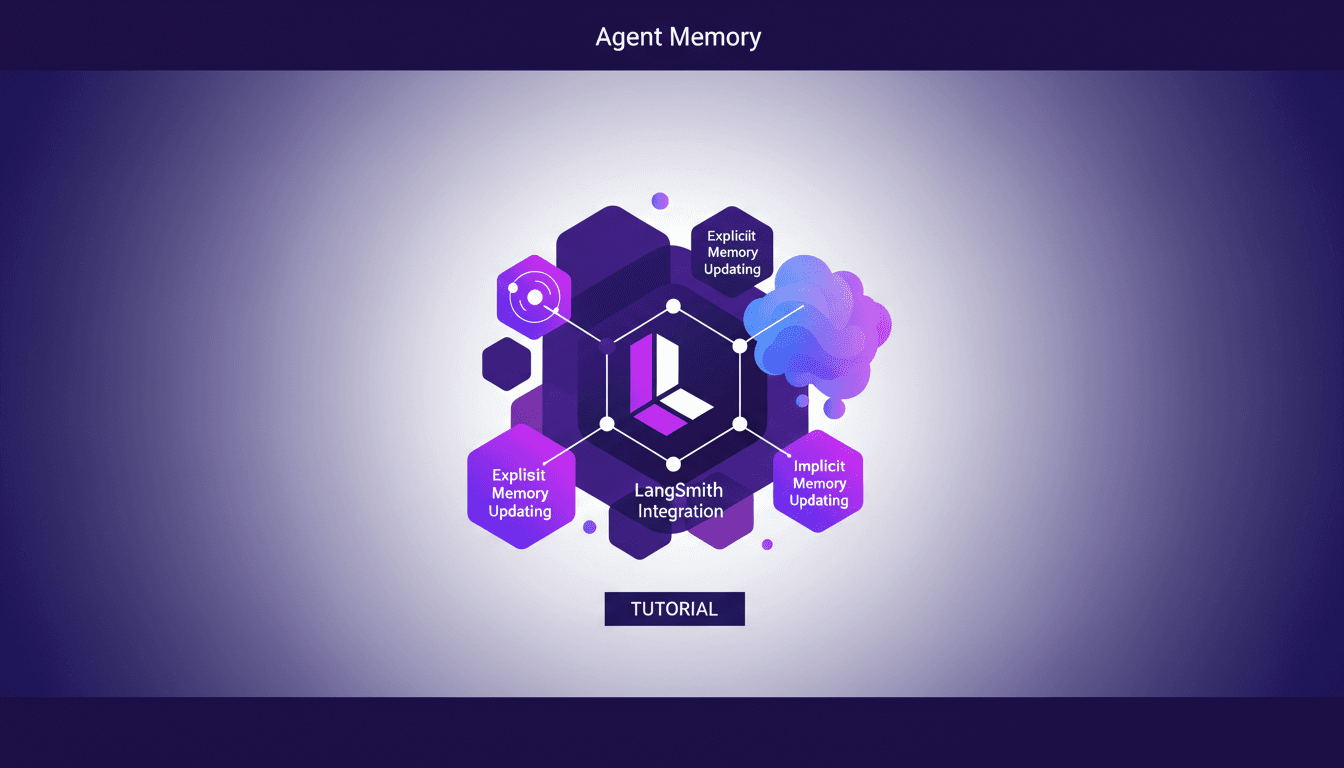
Managing Agent Memory: Practical Approaches
I remember the first time I had to manage an AI agent’s memory. It was like trying to teach a goldfish to remember its way around a pond. That's when I realized: memory management isn't just an add-on, it's the backbone of smart AI interaction. Let me walk you through how I tackled this with some hands-on approaches. First, we need to get a handle on explicit and implicit memory updates. Then, integrating tools like Langmith becomes crucial. We also dive into using session logs to optimize memory updates. If you've ever struggled with deep agent management and configuration, I'll share my tips to avoid pitfalls. This video is an advanced tutorial, so buckle up, it'll be worth it.
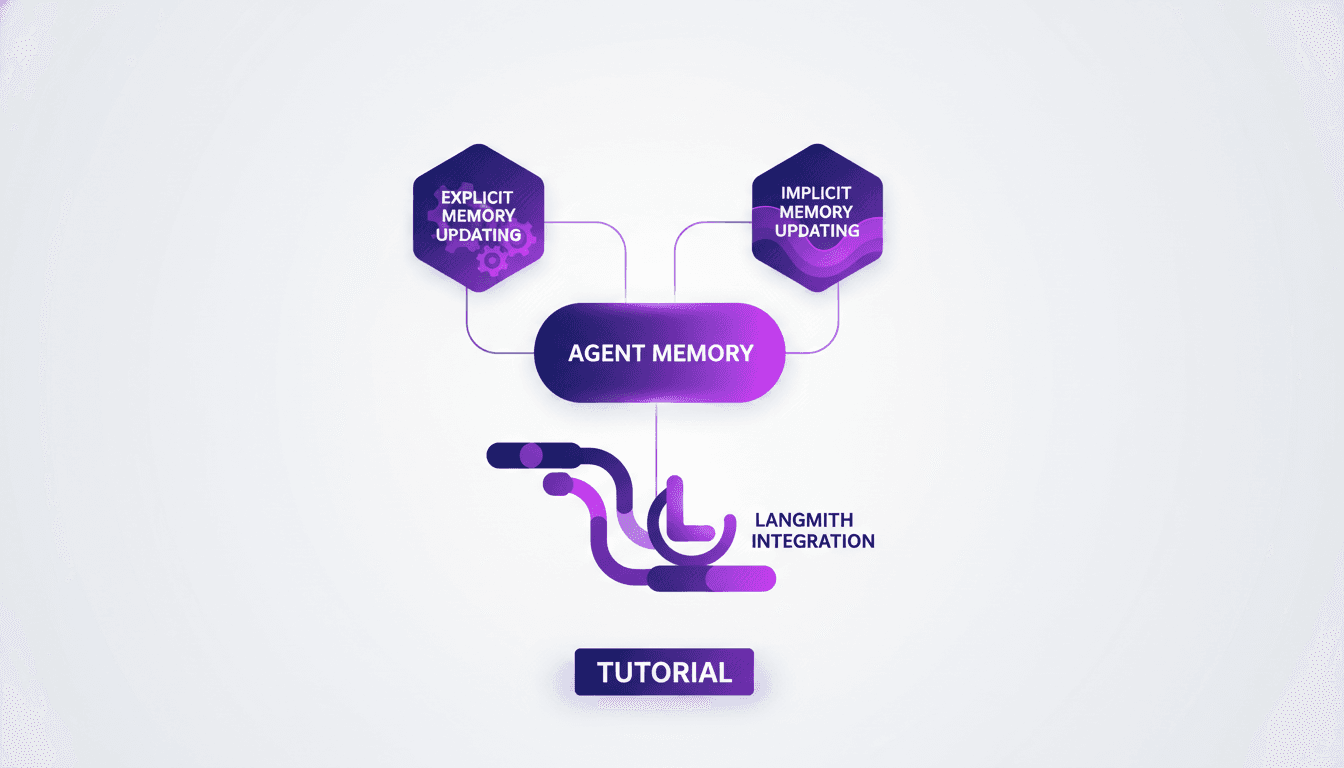
Agent Memory Management: Key Approaches
Imagine if your digital assistant could remember your preferences like a human. Welcome to the future of AI, where managing agent memory is key. This article delves into the intricacies of explicit and implicit memory updating, and how these concepts are woven into advanced AI systems. Explore how Cloud Code and deep agent memory management are revolutionizing digital assistant capabilities. From CLI configuration to context evolution through user interaction, dive into cutting-edge memory management techniques. How does Langmith fit into this picture? A practical example will illuminate the fascinating process of memory updating.
LangChain Academy: Start with LangChain
I dove into LangChain Academy's new course to see if it could really streamline my AI agent projects. Spoiler: it did, but not without some head-scratching moments. LangChain is all about building autonomous agents efficiently. This course promises to take you from zero to hero with practical projects and real-world applications. You'll learn to create agents, customize them with middleware, and explore real-world applications. For anyone looking to automate intelligently, it's a game changer, but watch out for context limits and avoid getting lost in module configurations.
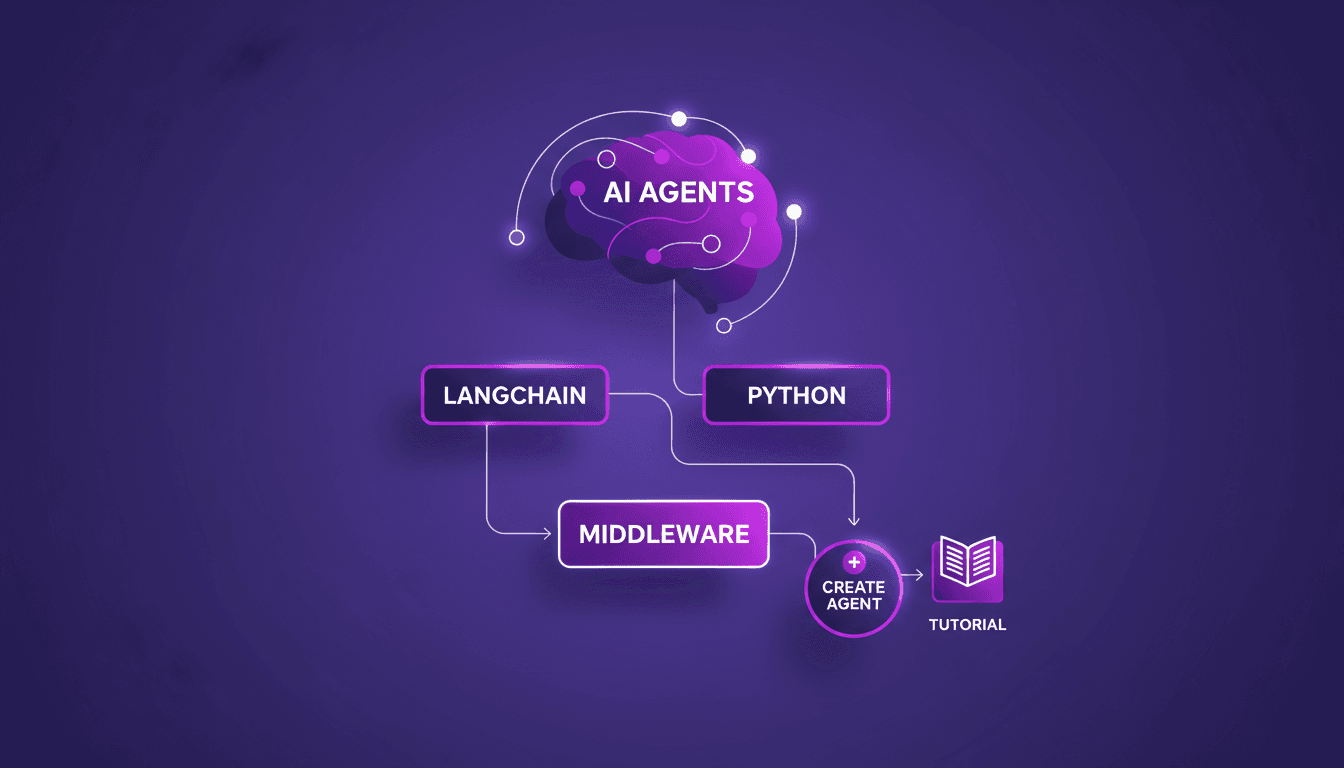
Introduction to LangChain: AI Agents in Python
Imagine a world where AI agents handle your daily tasks effortlessly. Welcome to LangChain, a powerful tool in Python that makes this a reality. LangChain is changing how developers craft AI agents. Explore the new LangChain Academy course, designed to arm you with the skills to build sophisticated AI systems. Learn to create customized agents with the 'create agent' abstraction and refine their behavior with middleware. This course guides you through practical modules and projects to master this groundbreaking technology. Don't miss the chance to revolutionize how you interact with AI!

Claude Code: Unveiling Architecture and Simplicity
Imagine a world where coding agents autonomously write and debug code. Claude Code is at the forefront of this revolution, thanks to Jared Zoneraich's innovative approach. This article unveils the architecture behind this game-changer, focusing on simplicity and efficiency. Dive into the evolution of coding agents and the importance of context management. Compare different philosophies and explore the future of AI agent innovations. Prompt engineering skills are crucial, and the role of testing and evaluation can't be overlooked. Discover how these elements are shaping the future of AI agents.
Claude Code: Unveiling Architecture and Simplicity
Imagine a world where coding agents autonomously write and debug code. Claude Code is at the forefront of this revolution, thanks to Jared Zoneraich's innovative approach. This article unveils the architecture behind this game-changer, focusing on simplicity and efficiency. Dive into the evolution of coding agents and the importance of context management. Compare different philosophies and explore the future of AI agent innovations. Prompt engineering skills are crucial, and the role of testing and evaluation can't be overlooked. Discover how these elements are shaping the future of AI agents.