Using a Sandbox for Your Cloud Agent
I dove headfirst into testing our cloud agent SDK in the E2B sandbox, and let me tell you, it was a rollercoaster ride. From initial setup to deployment, I faced security hurdles and unexpected twists that kept me on my toes. In the world of cloud environments, security and efficiency are paramount. Whether you're adapting an SDK or managing API keys, the challenges are real. Here's my journey through the E2B sandbox, tackling these issues firsthand. I faced security concerns with API keys and deployment issues on Render due to security protocols. Don't get caught off guard by the pitfalls of sandboxing—follow my journey and learn how to navigate these challenges.
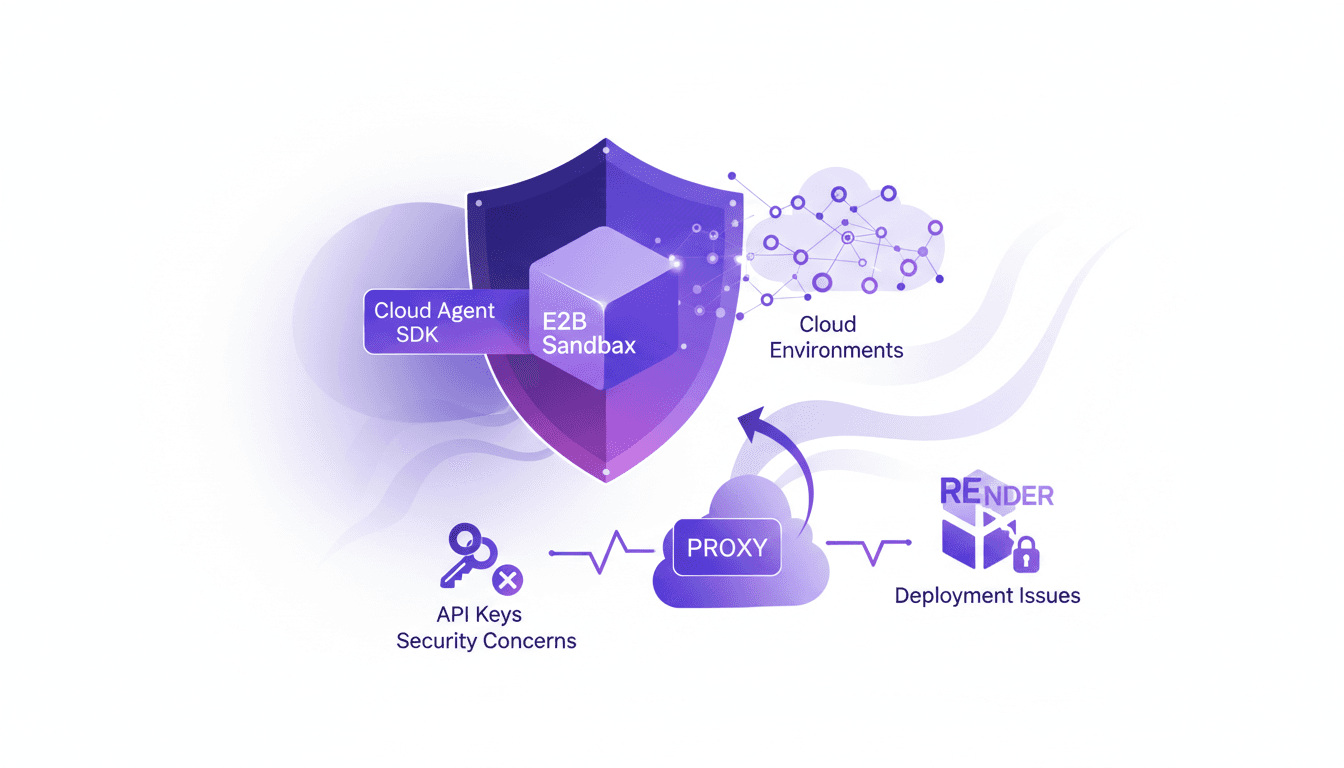
I dove headfirst into testing our cloud agent SDK in the E2B sandbox, and let me tell you, it was a rollercoaster. From the moment I connected everything for the initial setup, I had to wrestle with security hurdles and unexpected twists. First up was managing the Anthropic API keys, a real headache to keep everything secure. Then, trying to deploy on Render, the security protocols caught me off guard. In the world of cloud environments, especially when you're adapting an SDK or managing API keys, you can't afford to ignore security and efficiency. It's not just a test game; it's a real challenge. Follow my journey through the E2B sandbox to see how I tackled these issues firsthand. And most importantly, don't get burned by the pitfalls you might encounter along the way.
Getting Started with E2B Sandbox
Choosing the E2B sandbox for testing our cloud agent SDK was a deliberate move to leverage a flexible platform that simulates various environments before production deployment. Initially, connecting the SDK and configuring the environment seemed straightforward, but I quickly realized I needed to adjust my expectations. Our agents, initially designed for local use, faced the harsh realities of the cloud. First impression: a controlled testing environment is essential to avoid costly surprises.
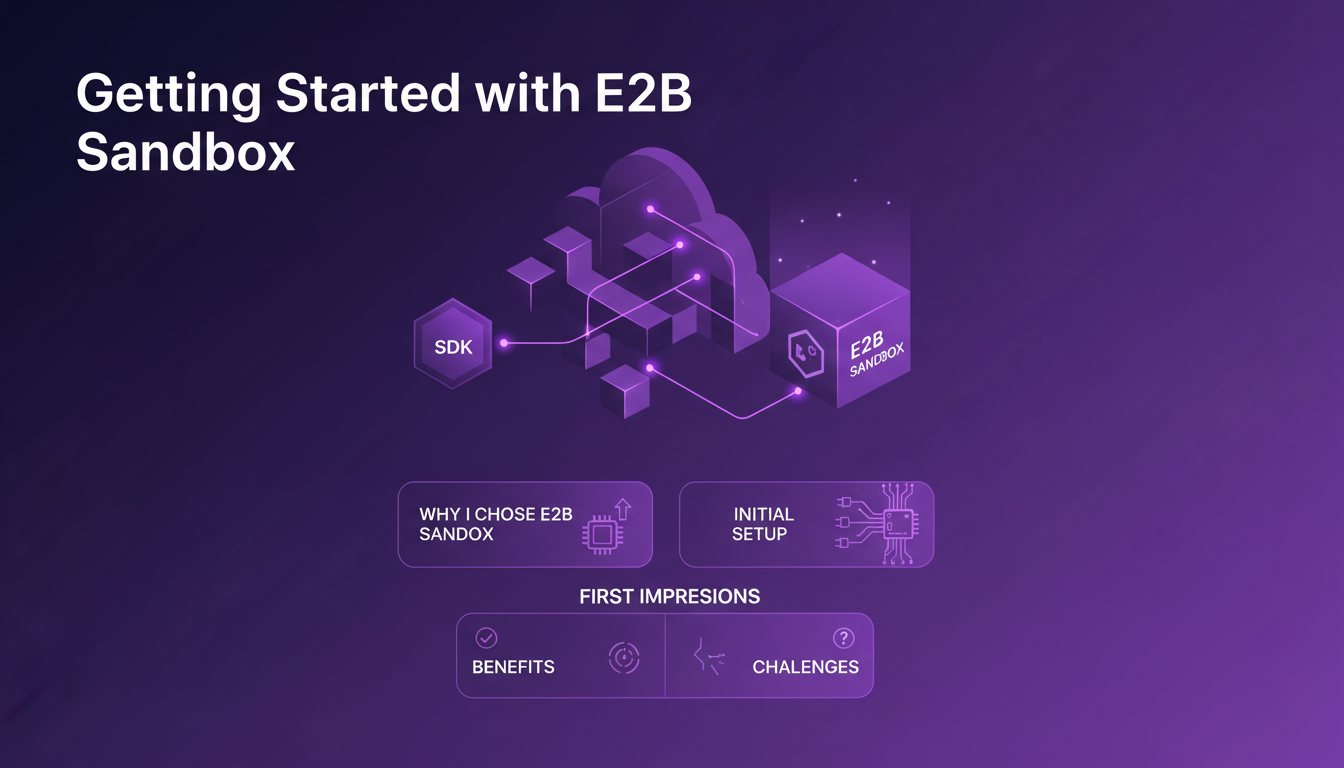
The benefits included increased flexibility and the ability to simulate various scenarios, but caution, the limitations quickly became apparent, especially in terms of performance and compatibility. I had to adjust my initial configurations, which gave me a better understanding of the importance of a well-controlled testing environment.
Navigating Cloud Environment Challenges
Adapting our SDK for cloud environments wasn't a walk in the park. Some functions, which worked perfectly locally, encountered unexpected difficulties in the cloud. I faced surprising compatibility issues, particularly with the Anthropic API, essential for the SDK's proper functioning. These errors often stemmed from the mismatch between local development assumptions and cloud realities.
I found myself debugging environment-specific bugs, which taught me to better anticipate these problems in the future. I had to make trade-offs between local and cloud testing, sometimes choosing to revert to a local environment for quicker analysis.
Securing API Keys: A Balancing Act
API key security is critical in cloud environments. With the E2B sandbox, I had to find solutions to protect this sensitive information. Proxying requests was a necessity to prevent data leaks. Using fake API keys as a temporary workaround allowed me to bypass some issues, but it could only be a temporary measure.
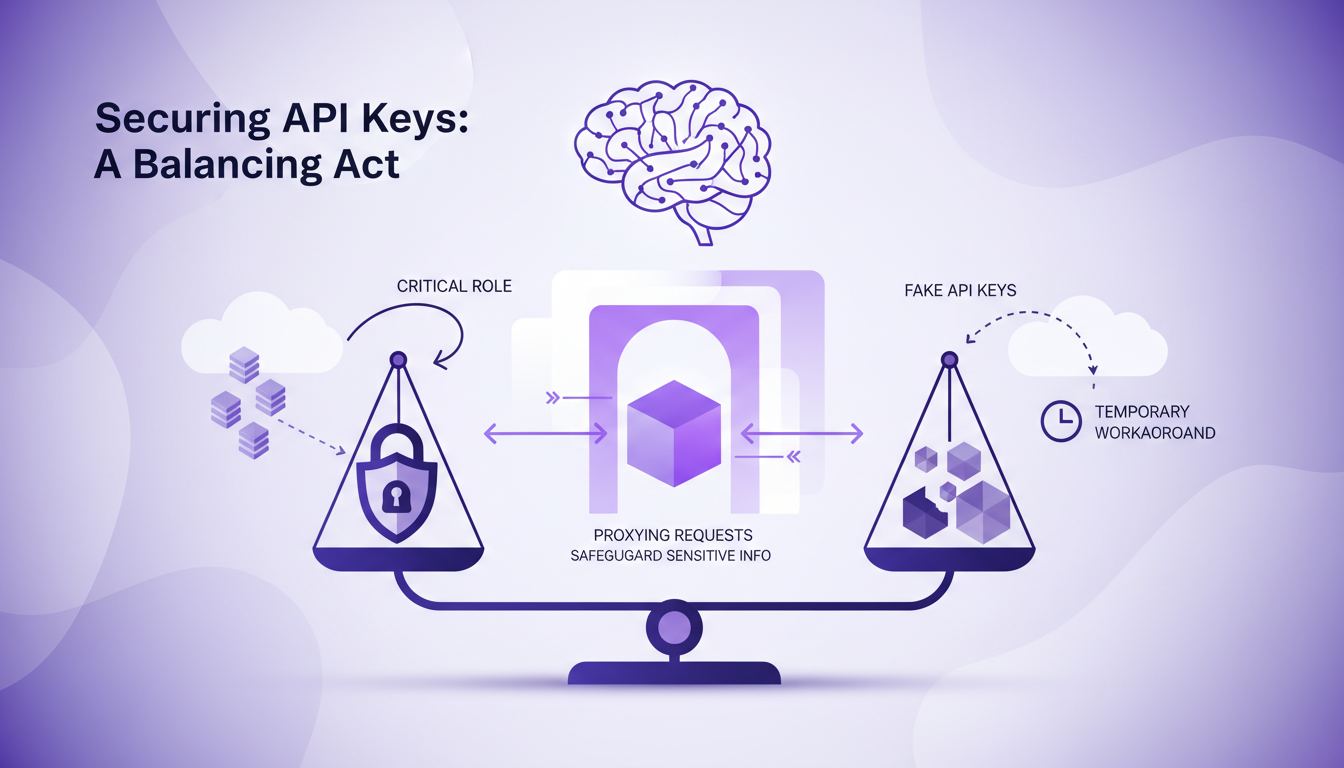
It was crucial to know when to switch to real API keys, a process that involved rigorous verification of requests. This strategy secured data while maintaining a high level of innovation.
Deployment Hurdles and Security Protocols
Deploying on platforms like render presented its own challenges due to stringent security protocols that detected potential malicious behavior. This was an important lesson on how security measures can complicate deployment.
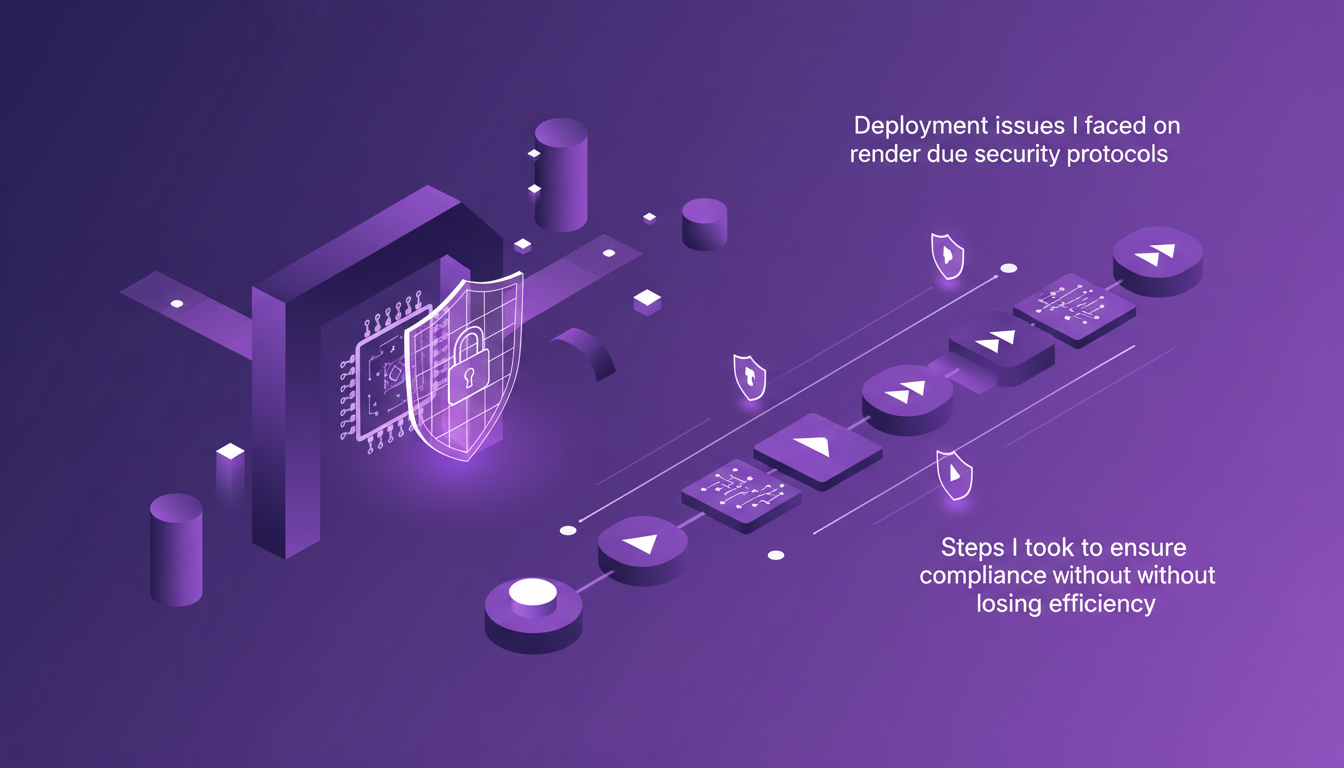
To ensure compliance without sacrificing efficiency, I had to adjust our deployment procedures, often testing multiple approaches. This required a deep understanding of security protocols to avoid unnecessary blocks.
Reflections and Unexpected Obstacles
The process sometimes felt "hacky," but I learned a lot from my improvisations. Unexpected obstacles arose, like undocumented system behaviors. I had to balance security, efficiency, and practicality, often juggling these constraints to move forward.
In the end, using sandbox environments proved to be a valuable tool for testing, despite the challenges. This experience taught me the importance of adaptability and anticipation in cloud development.
- The sandbox's flexibility facilitates testing of various scenarios.
- Protecting API keys is crucial to prevent data leaks.
- Security protocols can slow down deployment if not anticipated.
- Adapting methods according to technical limits is essential.
For more on development strategies, check out our article Building Conversational Agents: A Hands-On Guide.
Testing in the E2B sandbox was more than just a technical exercise; it was a deep dive into the intricacies of cloud environments. I learned some valuable lessons along the way:
- First, securing API keys is paramount. Don’t skip this step.
- Then, deployment protocols require careful adaptation of your SDK to ensure it works properly in a cloud environment.
- Finally, setting up a proxy to protect sensitive information is a must.
Testing in the E2B sandbox was a real eye-opener for me, and I believe it can be for you too. Ready to tackle your own cloud agent SDK challenges? Dive into the E2B sandbox and start testing today. For deeper insights, I recommend watching the full video: YouTube link.
Frequently Asked Questions

Thibault Le Balier
Co-fondateur & CTO
Coming from the tech startup ecosystem, Thibault has developed expertise in AI solution architecture that he now puts at the service of large companies (Atos, BNP Paribas, beta.gouv). He works on two axes: mastering AI deployments (local LLMs, MCP security) and optimizing inference costs (offloading, compression, token management).
Related Articles
Discover more articles on similar topics
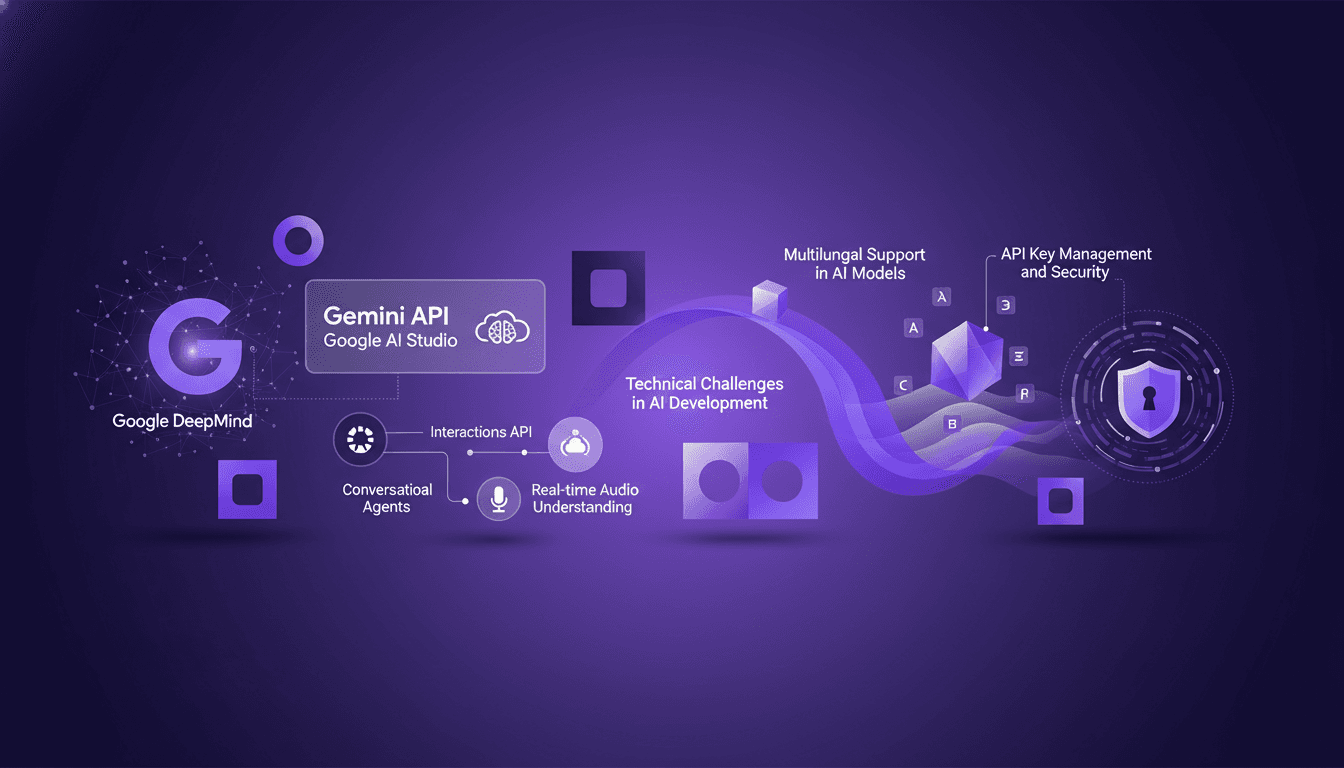
Building Conversational Agents: A Hands-On Guide
I've built my fair share of conversational agents, and let me tell you, working with Google DeepMind's Gemini API is a game changer. But, like any tool, it's got its quirks and challenges. In this article, we're diving into the developer experience at Google DeepMind, focusing on the Gemini API and Google AI Studio. We'll tackle real-time audio understanding, multilingual support, and the nitty-gritty of API key management. With tools like the Gemini CLI, we dive into the hands-on aspects, but watch out for the technical limits and security issues. Get ready for a practical, no-nonsense look at building conversational agents.
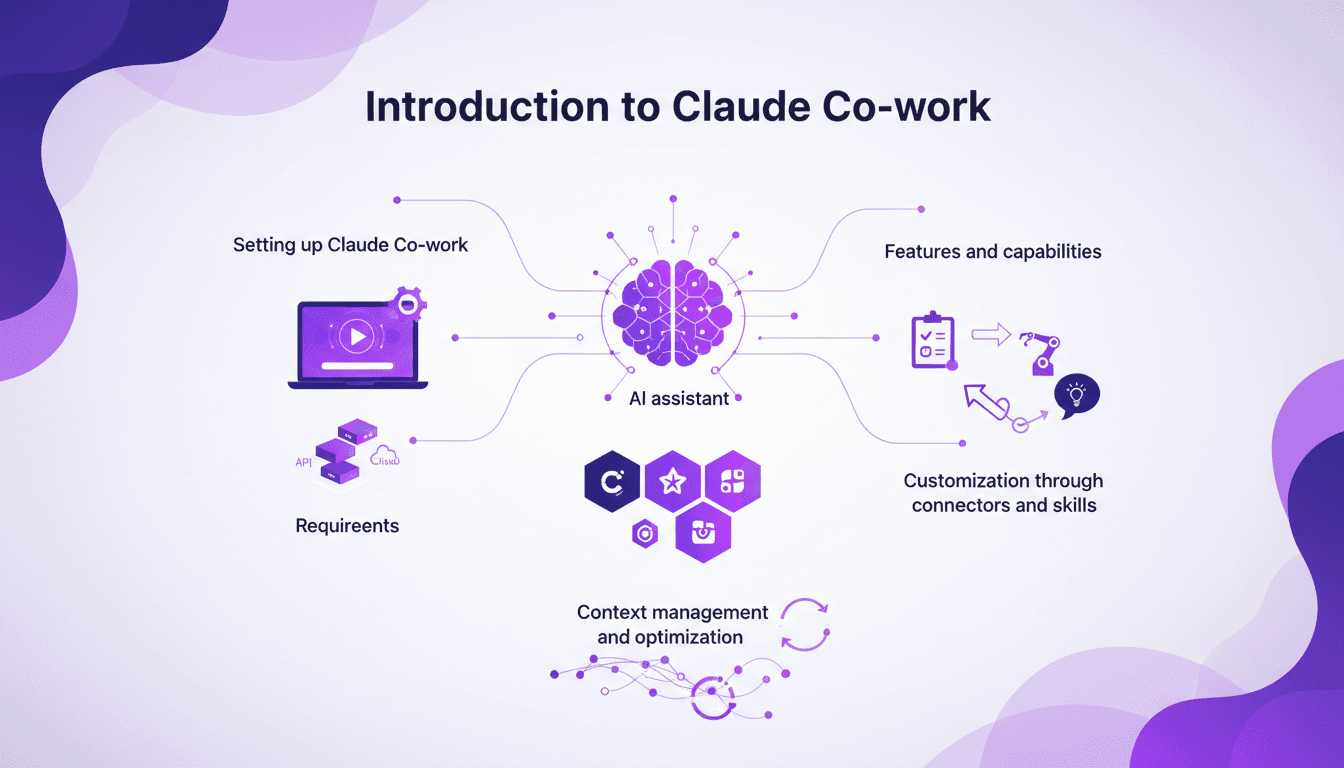
Setting Up Claude Co-work: A Builder's Guide
I still remember the first time I set up Claude Co-work. It was like opening a toolbox with endless possibilities. But let's be honest, it wasn't all smooth sailing. After getting burned a few times, I finally navigated the setup, features, and customization to make Claude Co-work a real asset in my projects. Whether you're a beginner or have some experience, understanding how to make the most of this AI assistant is crucial. Let's dive in, and I'll show you how to turn Claude Co-work into a powerful ally.
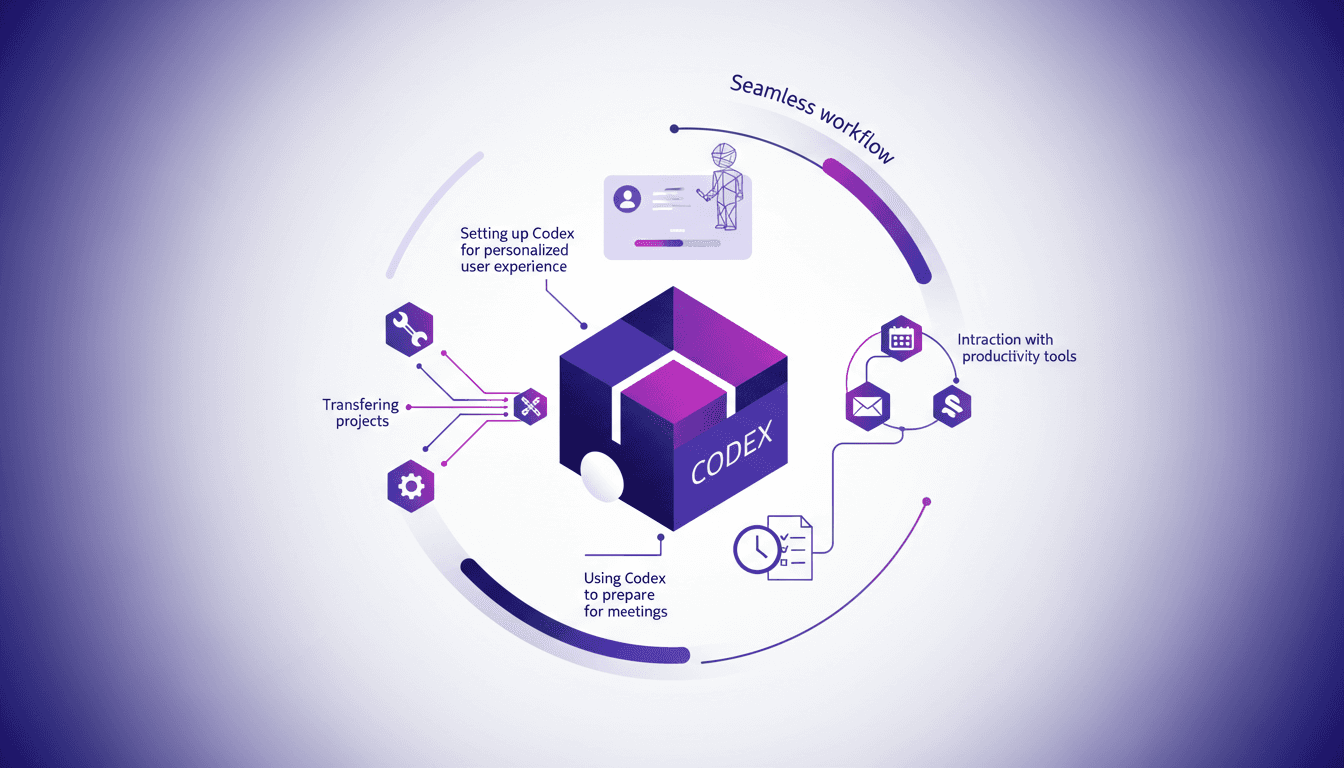
Set Up Codex in a Few Clicks for Time Savings
I remember the first time I set up Codex. It felt like unlocking a new level of productivity. With just a few clicks, I had my projects and tools seamlessly integrated. Let me show you how I did it, and how you can too. Codex is all about streamlining your workflow—whether you're transferring projects, integrating systems, or prepping for meetings, it's a game changer. The key is setting it up efficiently. I connected my systems to Codex, integrated Google Calendar, Gmail, and Slack, and saw an immediate transformation in my time management. I'll walk you through these steps so you can maximize your efficiency with Codex.
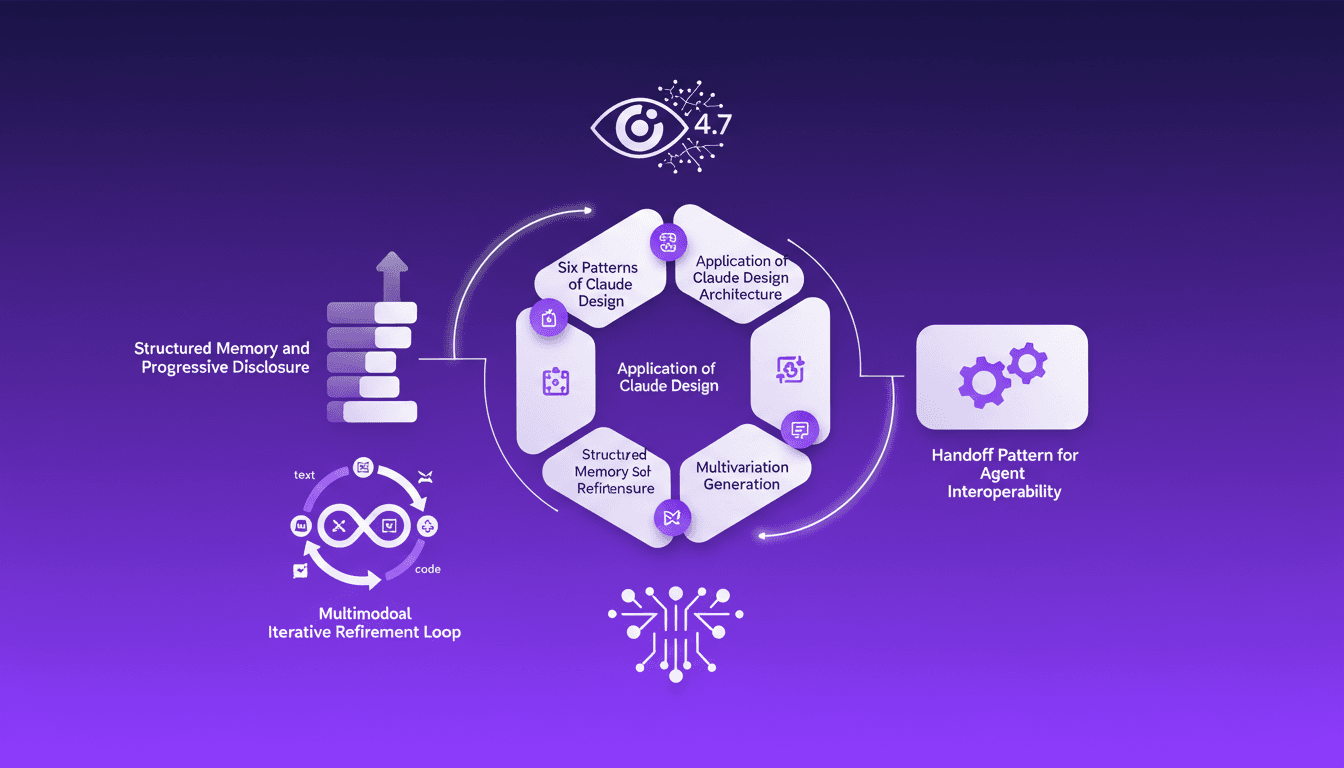
Six Claude Design Patterns: How I Use Them
When I first dove into Claude's design patterns, I was skeptical. But after integrating them into my workflow, I realized their potential. Let me walk you through how I apply these concepts daily. Claude Design is a powerhouse of structured memory and iterative refinement. If you're working in AI, understanding these patterns is non-negotiable. We're discussing six patterns, the application of Claude Design architecture, structured memory and progressive disclosure, multimodal iterative refinement loop, Opus 4.7 and the vision model, multivariation generation, and the handoff pattern for agent interoperability. Buckle up, it's a technical journey, but an essential one.
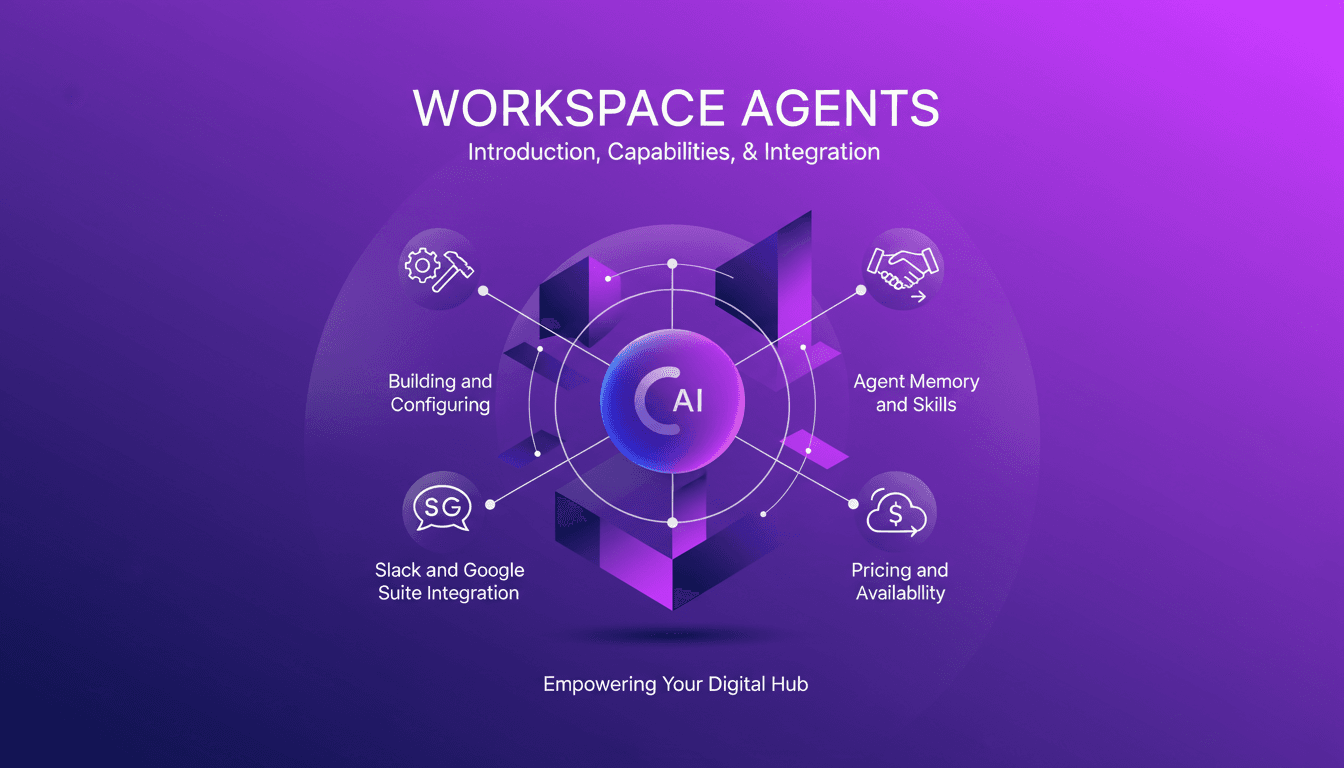
Workspace Agents in ChatGPT: Practical Guide
I've spent countless hours finetuning Workspace Agents in ChatGPT, and let me tell you, once you get the hang of it, it's a game changer. But beware, the path isn't without its bumps. Let's dive into how you can set up and optimize these agents for maximum efficiency. First, I connect tools like Slack and Google Suite to automate tasks. Then, I ensure each agent has well-calibrated memory and skills. A tip: don't overlook customization, it can really make a difference. Finally, we'll cover the pricing and availability of these agents to keep you well-prepared. Let's dive into this practical guide together.