Setting Up Claude Co-work: A Builder's Guide
I still remember the first time I set up Claude Co-work. It was like opening a toolbox with endless possibilities. But let's be honest, it wasn't all smooth sailing. After getting burned a few times, I finally navigated the setup, features, and customization to make Claude Co-work a real asset in my projects. Whether you're a beginner or have some experience, understanding how to make the most of this AI assistant is crucial. Let's dive in, and I'll show you how to turn Claude Co-work into a powerful ally.
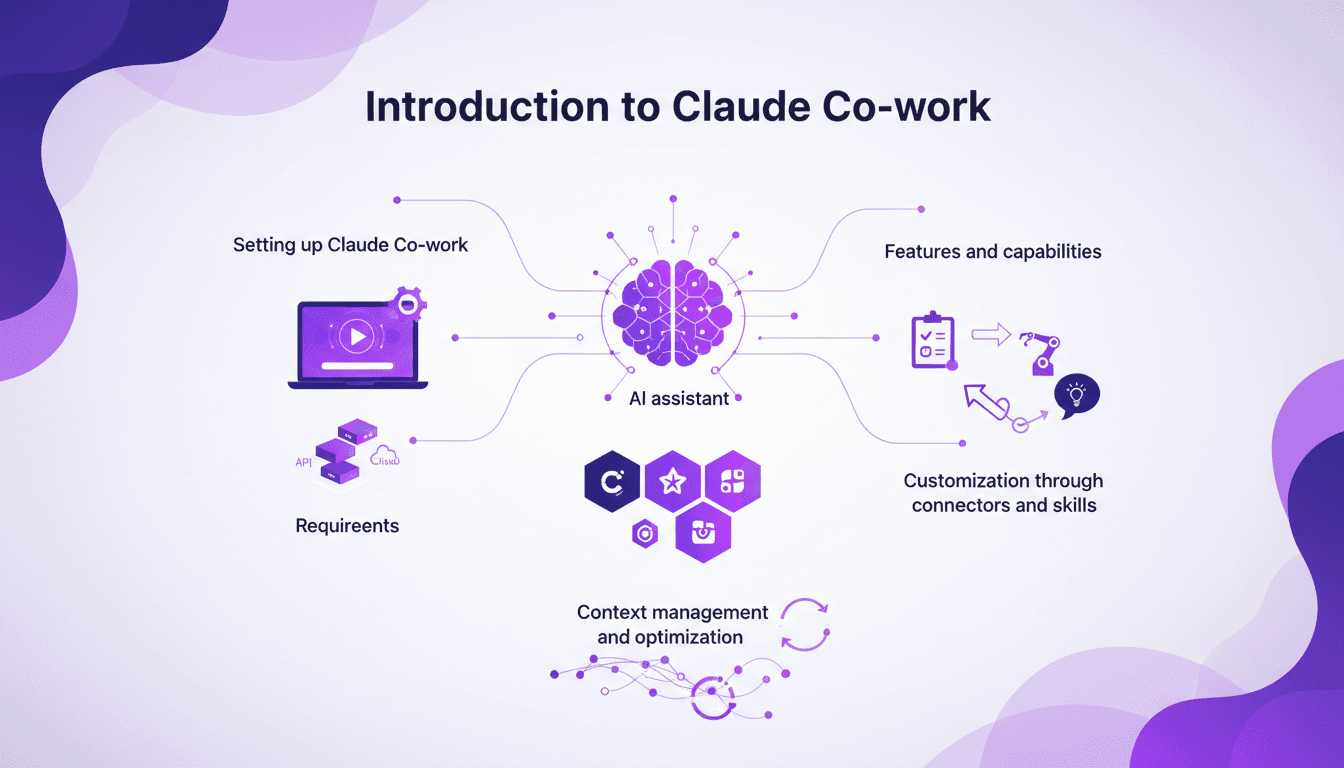
I remember the first time I set up Claude Co-work. It felt like opening a toolbox with endless possibilities. But let's be real, it wasn't all smooth sailing. You get lost in the options, wondering how this will truly fit into your projects. After getting burned a few times, I finally orchestrated the setup and features of Claude Co-work to make it a real game-changer in my daily workflow. I even offered three one-on-one workshops with Palomino Motors' management team, and in just 29 minutes, they had a clear vision. Whether you're managing a team or handling tasks on your own, understanding Claude Co-work's intricacies is key. We're diving into the details so you can really make the most of it—from task delegation to customizing connectors and skills. Ready? Let's go, I'll walk you through it all.
Introduction to Claude Co-work
Claude Co-work is an AI assistant designed to streamline workflows. Whether you're a beginner or an intermediate user, it offers intuitive features that cater to your needs. Understanding its core AI models—Opus, Haiku, Sonnet—is crucial for optimal use. These models vary in speed and cost, directly affecting your technical choices.
In AI, the concept of a context window is fundamental. It's the amount of information the AI can process at once. Claude Co-work handles this brilliantly, but beware of limits: exceeding 100K tokens can get tricky. The idea of progressive disclosure in skills helps manage complexity by revealing features as you need them.
Setting Up Claude Co-work
First things first, make sure you fulfill two key requirements: a Claude subscription (pro, team, or enterprise) and the desktop application. Without these, there's no point in proceeding. Personally, I set up Claude in eight straightforward steps, but watch out for common pitfalls like network configuration that can complicate matters.
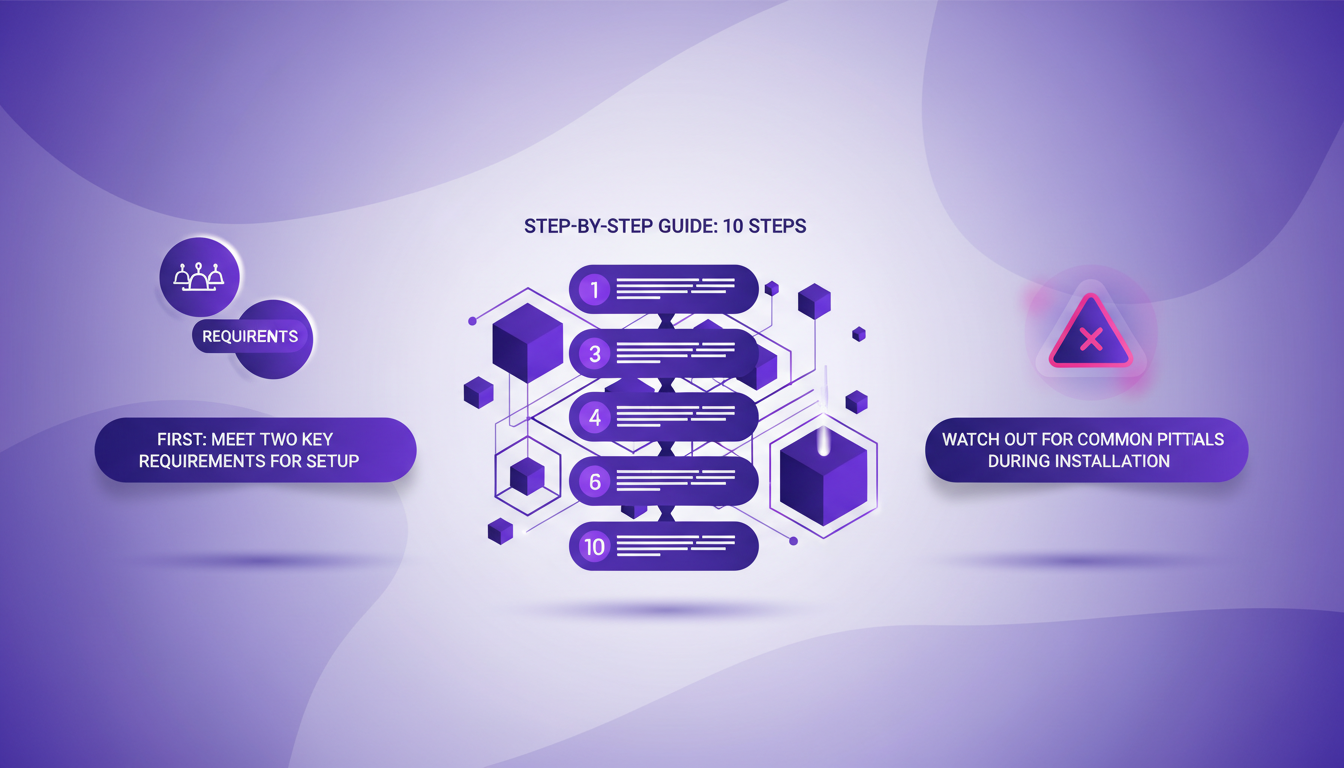
Integrating Claude into your existing workflows requires a bit of mental gymnastics. For me, it directly impacted efficiency, especially through the initial adjustments I made to ensure everything runs smoothly.
Exploring Features and Capabilities
Task delegation is simplified with Claude. Whether it's for executive briefings, business development, or copywriting, Claude acts as a personal assistant. The role of sub-agents in AI is crucial, allowing Claude to manage multiple tasks independently.
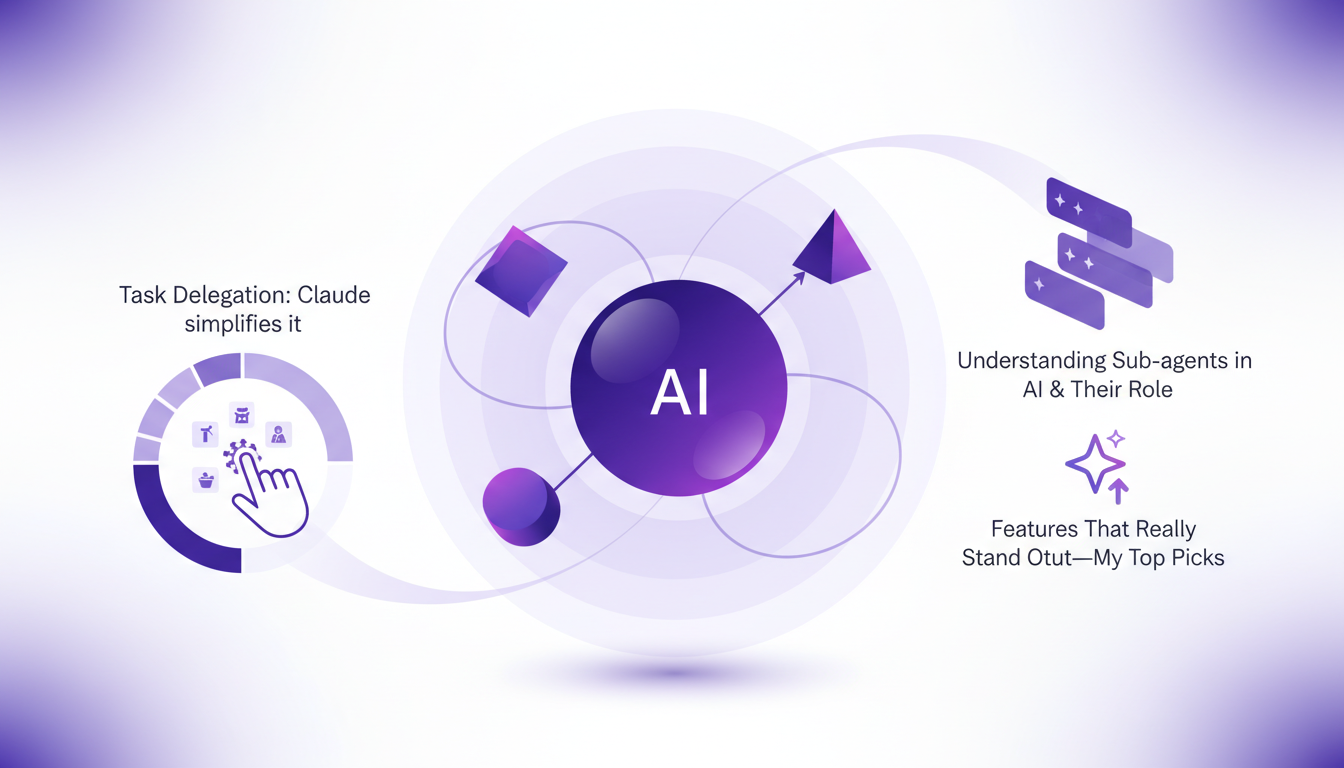
Among the standout features, the to-do list system is a real asset. But watch out, some features might not live up to the hype. In my projects, I've seen significant time savings, but only when the features were perfectly aligned with my needs.
Customization with Connectors and Skills
Connectors are powerful tools. I use them to tailor Claude to specific tasks, allowing customization that fits into my workflow. Progressive disclosure in skills is crucial to avoid drowning in options.
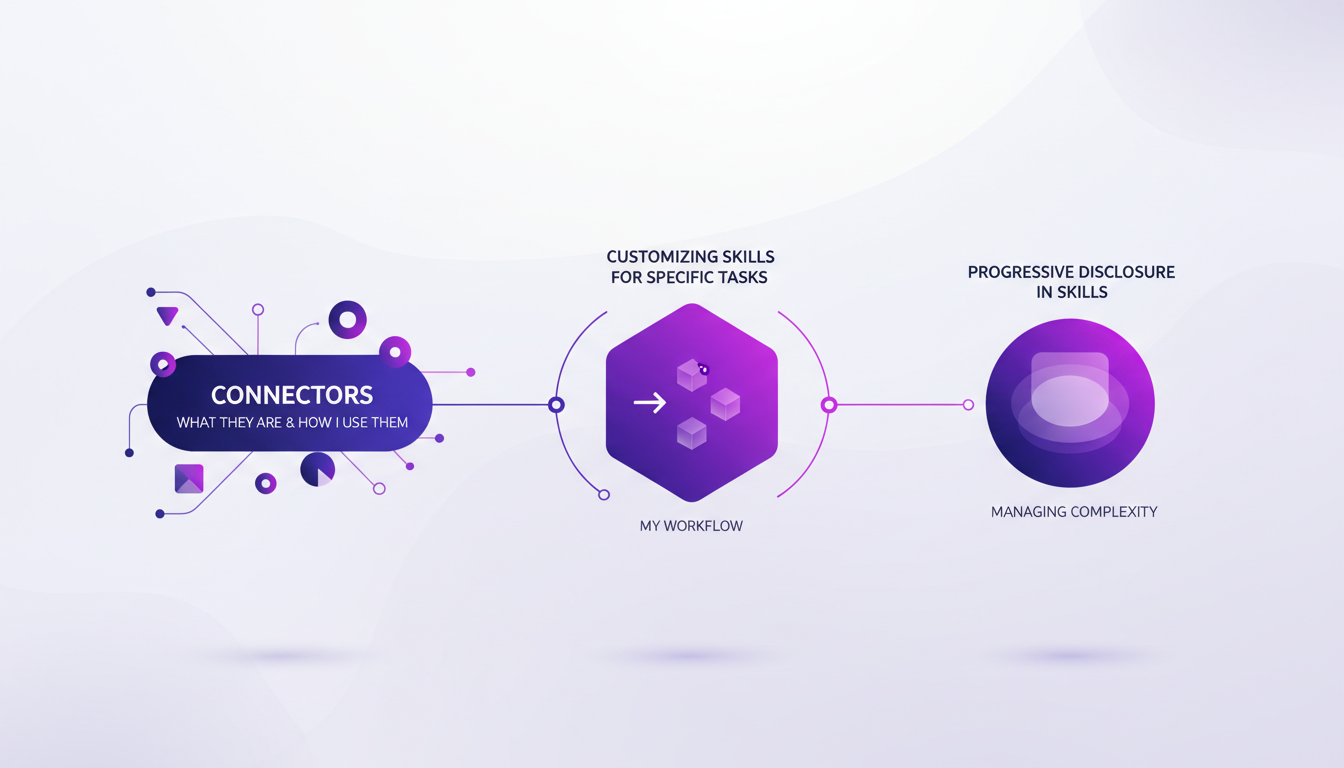
But beware, customization has its limits. Sometimes it's better to stop before overcomplicating things. In my experience, these adjustments had a direct impact on project timelines, often for the better.
Context Management and Optimization
Managing context windows effectively is an art. To optimize Claude, I've developed strategies that balance performance and cost. Common mistakes in context management are easy to avoid if you know what to look for.
"The role of context management in task orchestration is crucial."
By orchestrating tasks with fine-tuned context management, I've learned that optimization comes from striking a balance between performance and cost, especially when juggling different AI capabilities like Opus, Haiku, and Sonnet.
- Ensure you have a Claude subscription and the desktop application.
- Integrate Claude into your existing workflows to maximize efficiency.
- Use connectors to customize tasks effectively.
- Manage context windows to avoid common mistakes.
- Balance performance and cost for maximum optimization.
Claude Co-work can be a real game changer, but only if you set it up right and leverage its features wisely. From my experience, it's all about understanding the tools, customizing strategically, and managing context effectively. Here's what I've learned:
- Understanding and Customization: I spent time exploring connectors and skills. This is where you can truly tailor Claude to fit your specific needs.
- Task Delegation: The task delegation features are powerful, but watch out for system overload. Prioritizing your tasks is crucial.
- Context Management: Master context management to maximize efficiency. Beyond certain limits, performance can drop.
Ready to transform your workflow with Claude Co-work? I urge you to start setting it up today and see the efficiency boost for yourself. For deeper insights, check out the video "Claude Cowork Explained in 29 Minutes (for non-coders)" on YouTube. When you're ready, dive in and experiment, and you'll feel the difference!
Frequently Asked Questions

Thibault Le Balier
Co-fondateur & CTO
Coming from the tech startup ecosystem, Thibault has developed expertise in AI solution architecture that he now puts at the service of large companies (Atos, BNP Paribas, beta.gouv). He works on two axes: mastering AI deployments (local LLMs, MCP security) and optimizing inference costs (offloading, compression, token management).
Related Articles
Discover more articles on similar topics
Planning and Reviewing: Software Engineering Revolution
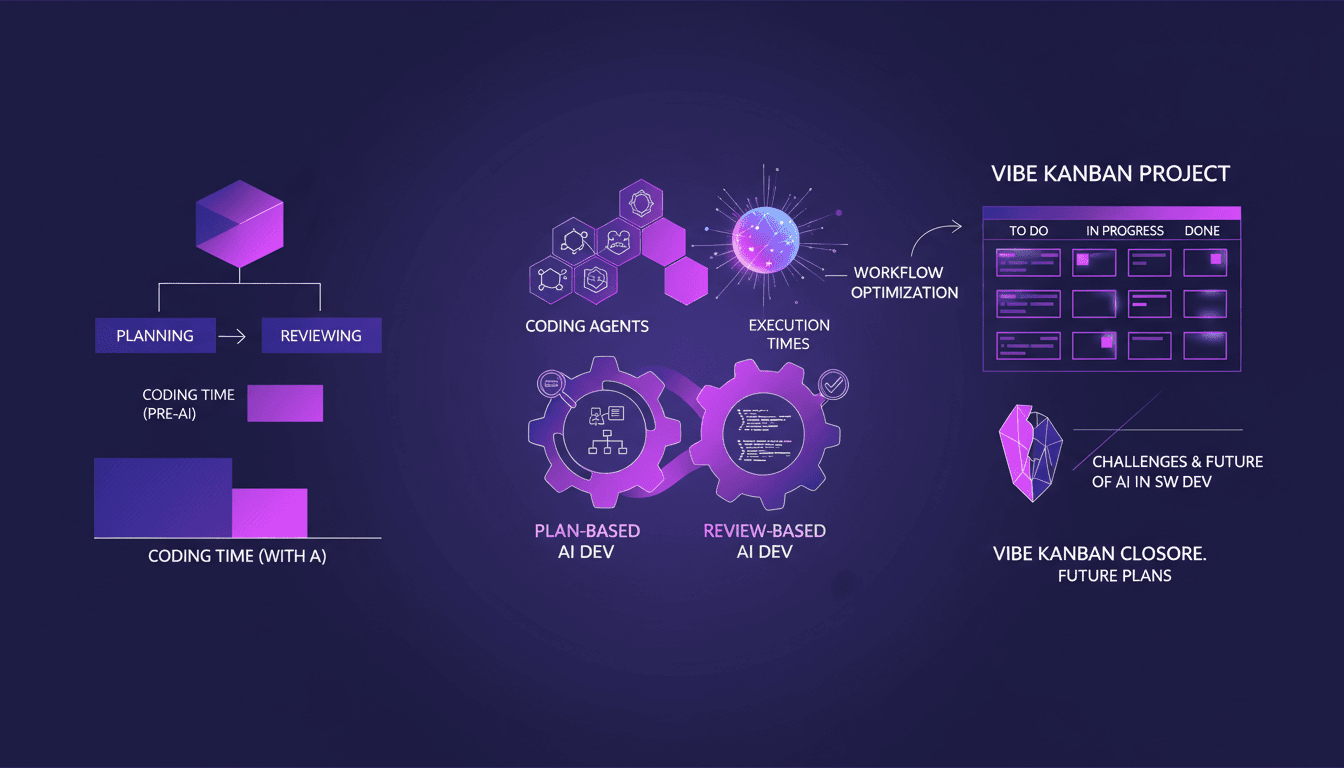
I remember when coding meant diving headfirst into lines of code for hours. But now, with AI tools, it’s all about planning and reviewing. Let me take you through this seismic shift and how Vibe Kanban played a pivotal role in optimizing our workflows. Software engineering is transforming, and I've witnessed it firsthand. We're moving from hands-on coding to strategic planning, backed by tools that save us hours. With Vibe Kanban, I learned to orchestrate planning that saves us 20 minutes for every half an hour of coding. This isn't just theoretical—it’s a real change I experience daily.
Dipsic V4: AI Revolution, Challenges OpenAI
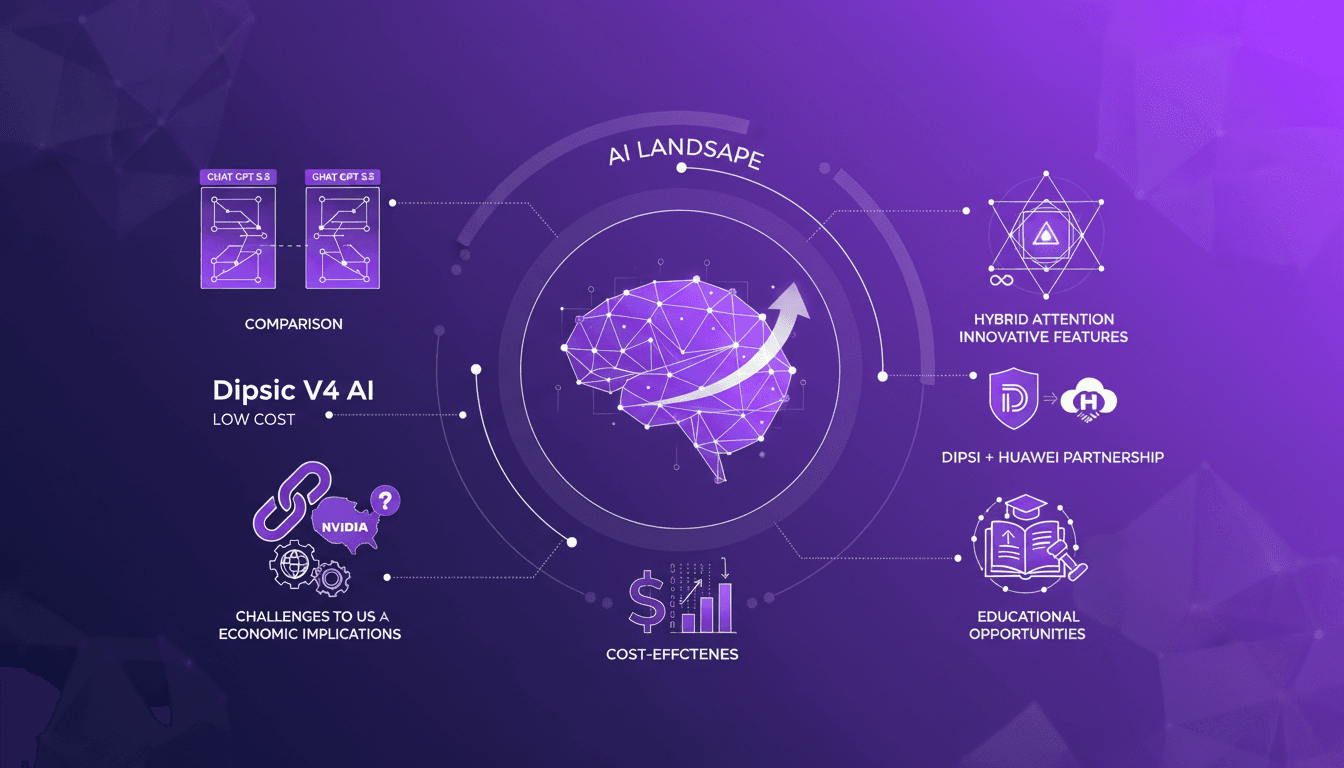
I've been in the AI trenches for years, watching models evolve. But when I first got my hands on Dipsic V4, I knew we were onto something game-changing. With 1600 billion parameters, this model isn't just another tool in the landscape; it’s a potential disruptor in a space dominated by giants like OpenAI's GPT 5.5. Let me show you why this model is causing such a stir and how it’s rewriting the rules. We’ll dive into its innovative features, aggressive pricing strategy, and what it means for players like Nvidia and OpenAI. Watch out, this could be a game changer.
Recursion in AI: Transforming Models
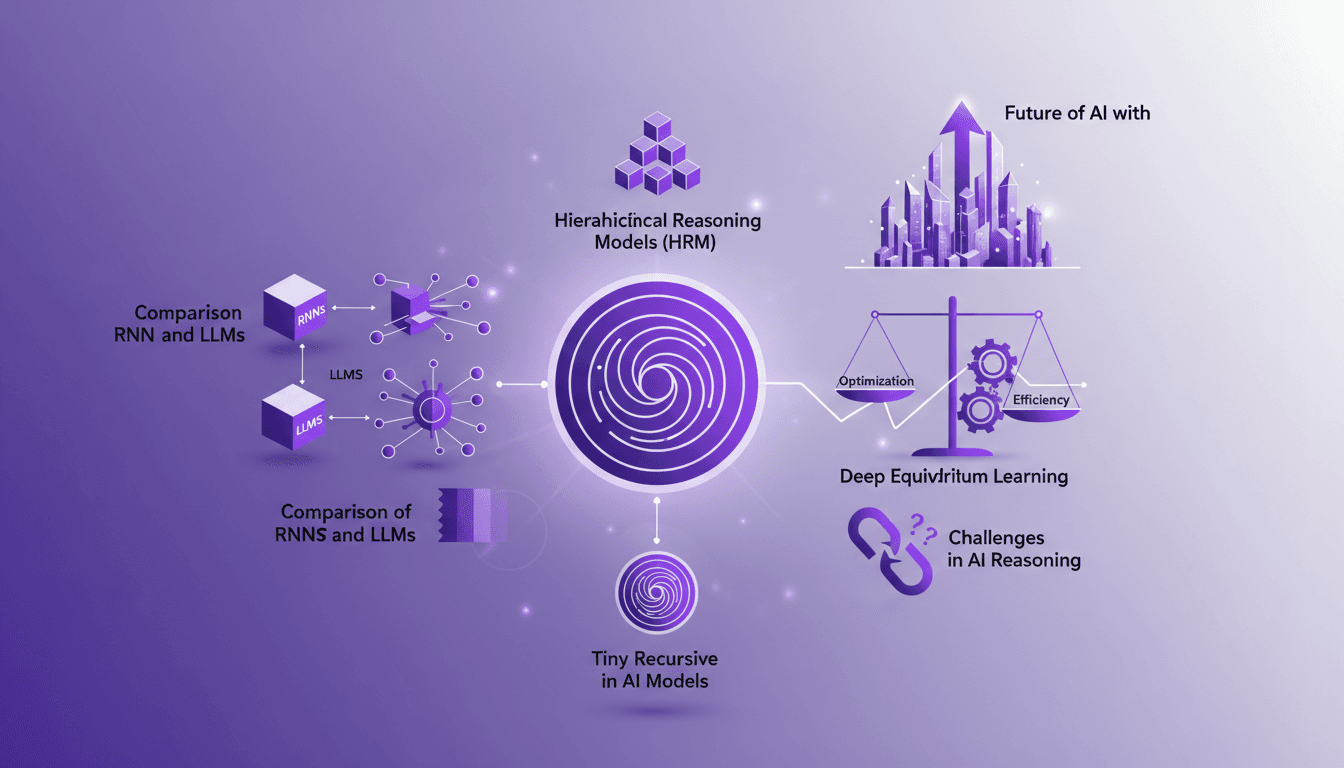
I've spent countless hours tweaking AI models, and let me tell you, recursion is the game changer we've been waiting for. Forget the race for more parameters; now it's about intelligence. While traditional models hit scaling walls, recursion offers a fresh perspective. We're diving into how it could redefine AI efficiency and capability. We'll discuss hierarchical reasoning models, tiny recursive models, deep equilibrium learning, and the challenges of optimization. If you've ever been frustrated by scalability limits, you're going to love this new paradigm.
Boosting Velocity with Codex at Virgin Atlantic
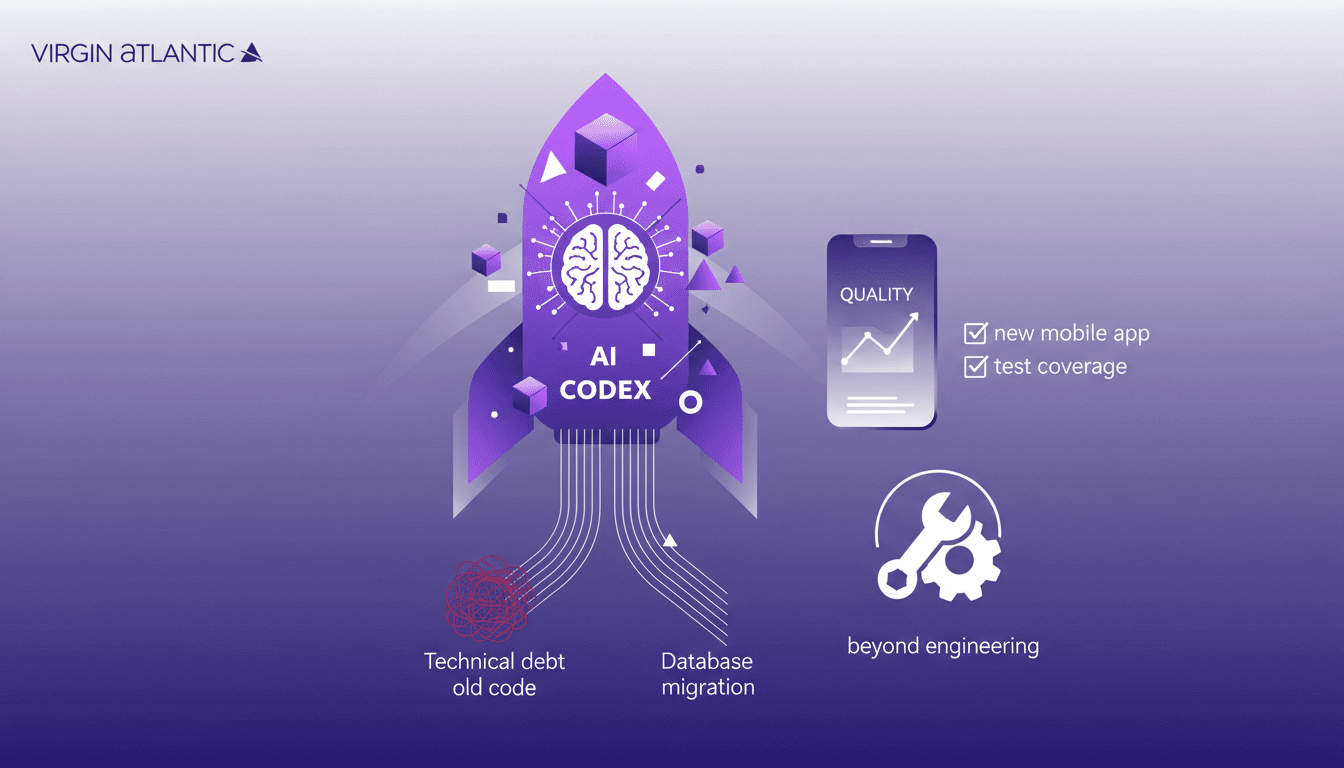
I remember the first time I integrated Codex into our workflows at Virgin Atlantic. The impact was immediate—our team velocity shot up, and the technical debt that had been weighing us down started to shrink noticeably. In this article, I'll walk you through how Codex transformed our approach to software development, from increasing performance to reducing code base and improving quality assurance. The performance of our new mobile app was astonishing, and Codex played a key role in database migration and transformation pipelines. You'll see how our test coverage and quality assurance reached new heights, showing that Codex is a tool that goes beyond pure engineering.
Dynamic Software Interfaces Evolution
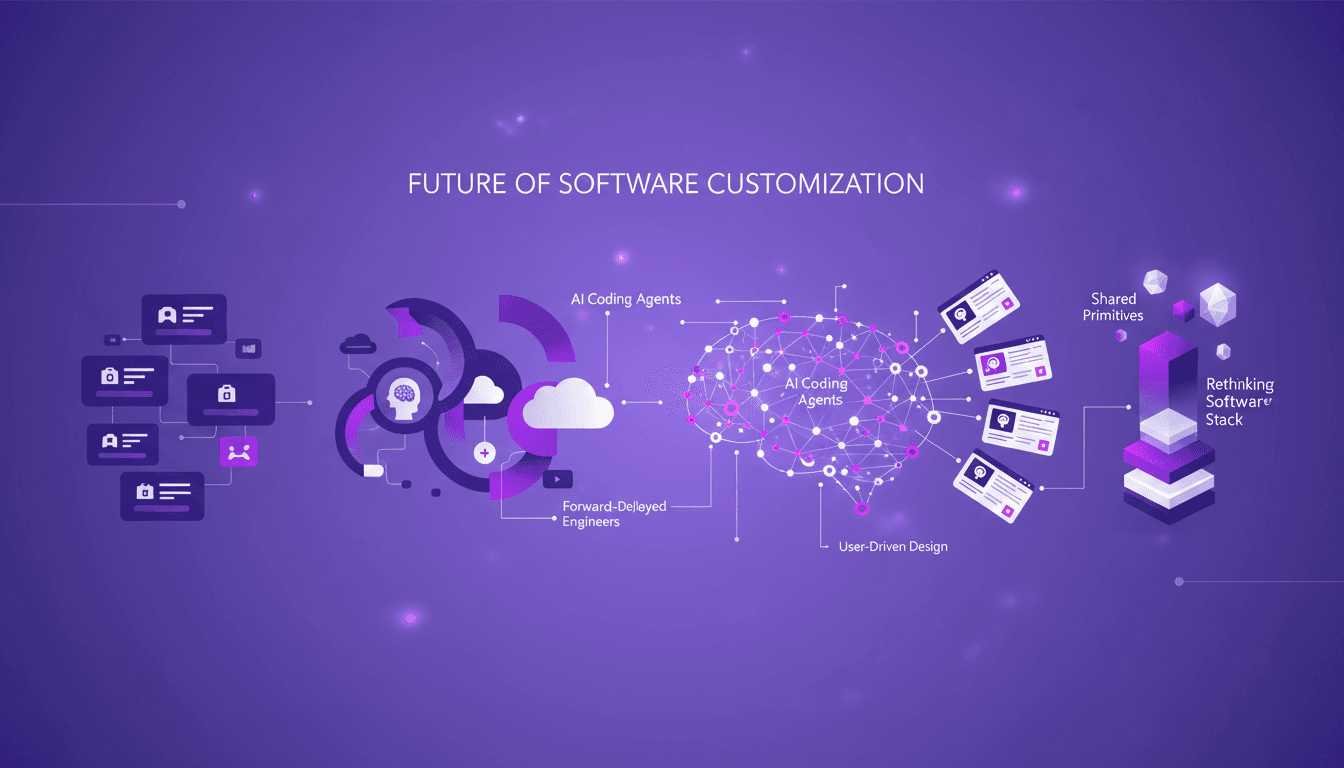
I've watched software interfaces evolve from static to dynamic, and it's a game changer. As a forward-deployed engineer, I've seen firsthand how personalization is redefining our approach to software. We're moving beyond one-size-fits-all solutions. We're crafting interfaces that adapt to each user through coding agents and a reimagined delivery stack. It's a pivotal moment for the industry, but watch out for the pitfalls: you need precise orchestration and to avoid over-customization that can confuse users. Don't get stuck in old habits, it's time to embrace a more flexible, user-centric approach. Join me as we explore how these transformations are reshaping our daily work as developers.