Workspace Agents in ChatGPT: Practical Guide
I've spent countless hours finetuning Workspace Agents in ChatGPT, and let me tell you, once you get the hang of it, it's a game changer. But beware, the path isn't without its bumps. Let's dive into how you can set up and optimize these agents for maximum efficiency. First, I connect tools like Slack and Google Suite to automate tasks. Then, I ensure each agent has well-calibrated memory and skills. A tip: don't overlook customization, it can really make a difference. Finally, we'll cover the pricing and availability of these agents to keep you well-prepared. Let's dive into this practical guide together.
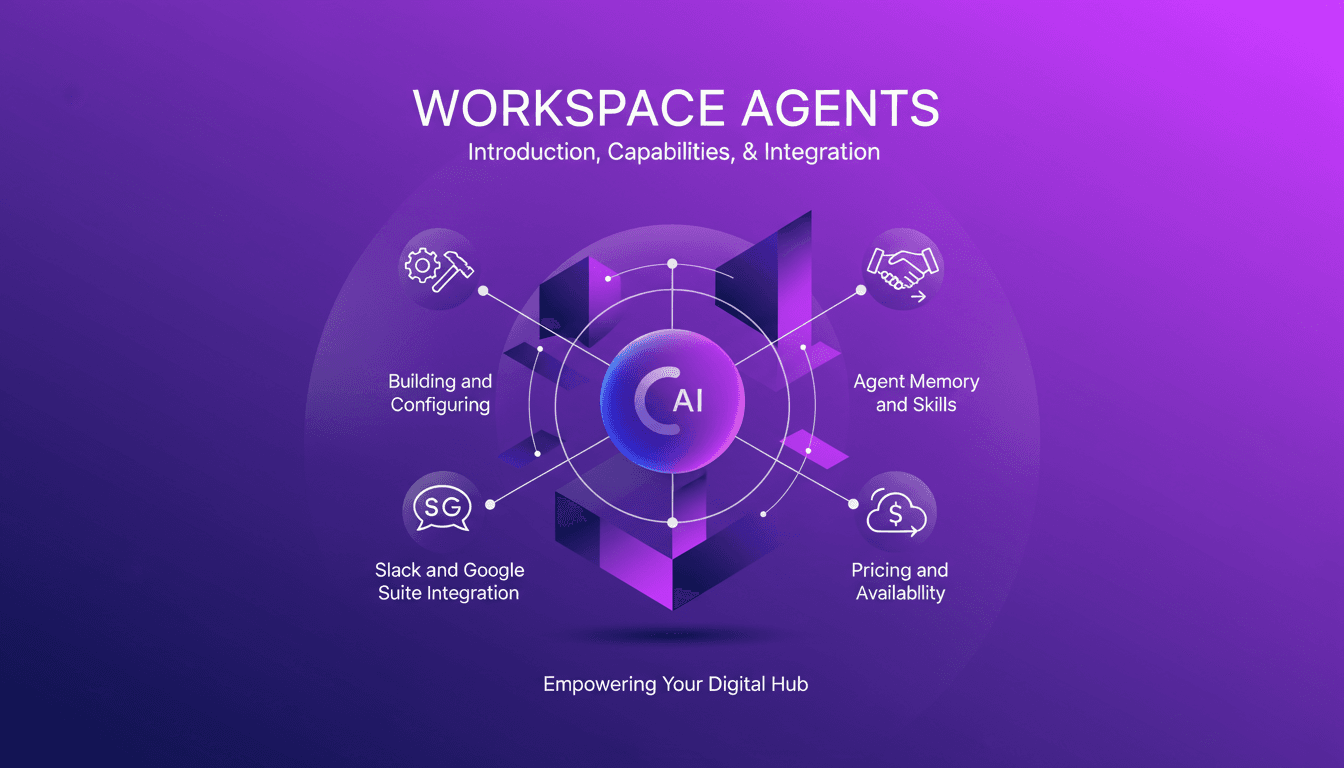
I've spent countless hours finetuning Workspace Agents in ChatGPT, and let me tell you, once mastered, they're a game changer. But don't be fooled, the path has its bumps. Let me walk you through how to set up and optimize these agents for maximum efficiency. First, I plug into tools like Slack and Google Suite to automate repetitive tasks—it saves a ton of time. Then, I ensure each agent has well-calibrated memory and skills. Watch out, customization is key; it can really transform your workflow. Speaking of customization, think about sharing your agents to better collaborate with your teams. Finally, we'll discuss pricing and availability, so there are no nasty surprises. This practical guide will equip you with the tools to get the most out of your Workspace Agents, so let's dive in together!
Understanding Workspace Agents
Workspace agents are transforming how we automate repetitive and time-consuming tasks. As a practitioner, I've integrated these tools into my daily workflow to orchestrate complex tasks and free up time. Powered by Codex, these agents include key components like agent memory and skills, allowing them to improve their performance over time.
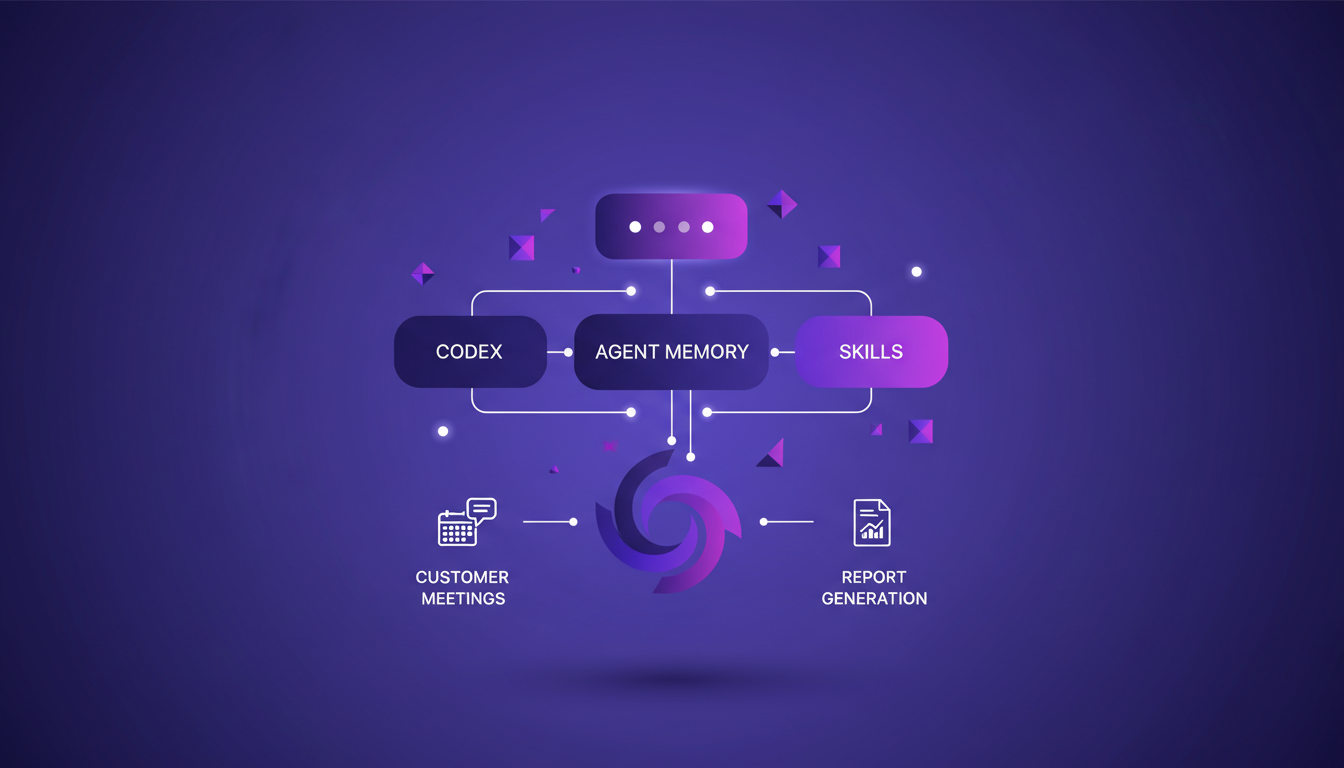
In the real world, these agents prove valuable for preparing client meetings and generating reports. However, watch out for context limits: overly complex tasks may require fine-tuning. I've learned this the hard way when agents were overwhelmed by too much information.
- Efficiency gains: significant reduction in time spent on daily tasks.
- Practical applications: converting product briefs to websites, month-end close preparation, etc.
- Ability to share and customize for specific workflows.
Building and Configuring Your Agent
To start, I recommend creating a meeting prep agent. This will help you understand the basics of setup. I followed two crucial steps before moving to live testing in Slack. These steps ensured the agent functioned correctly without causing unnecessary disruptions.
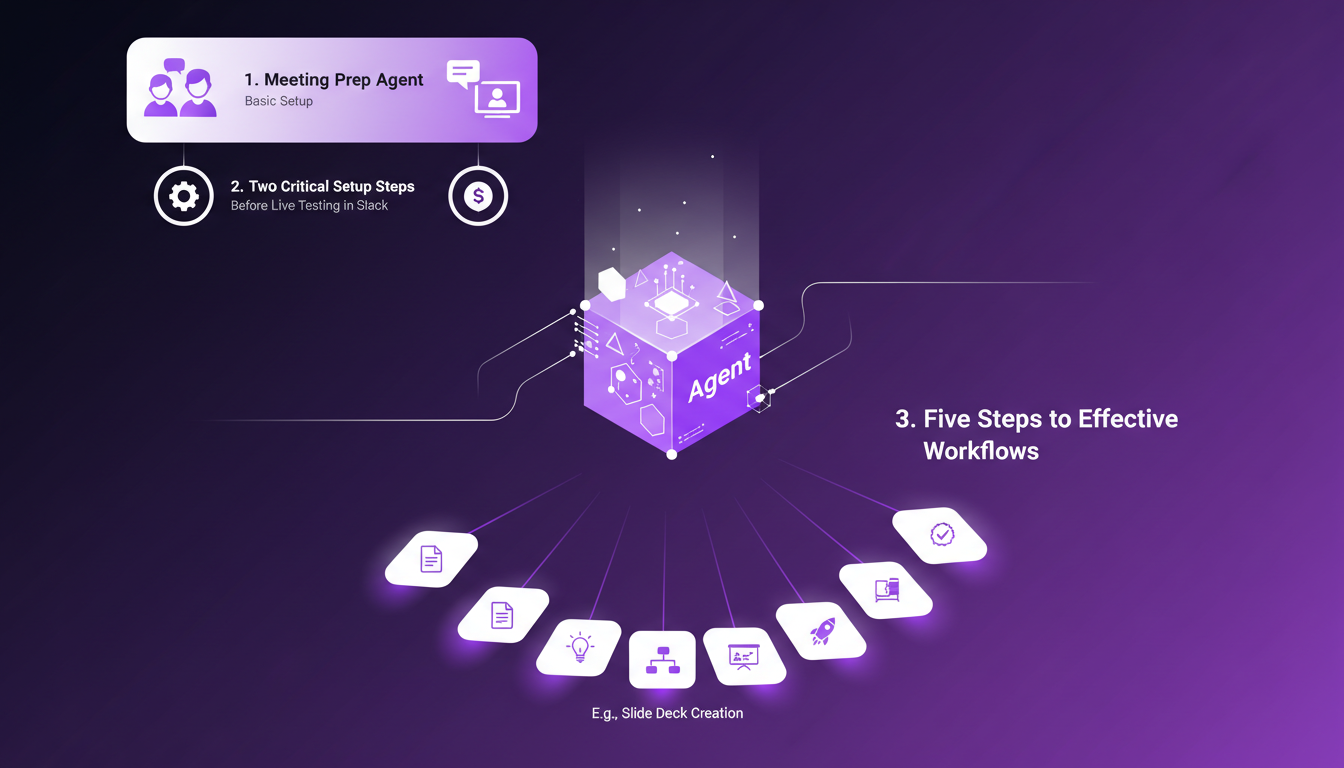
Next, I followed five key steps to create effective workflows, such as auto-generating slide decks. Don't skip the testing and iteration phase—it's crucial. I often found myself overcomplicating initial configurations, a trap to avoid at all costs.
- Start with simple tasks to master the fundamentals.
- Avoid overloading the agent with complex actions from the get-go.
- Regularly test and adjust to optimize performance.
Integrating with Slack and Google Suite
Integration with Slack and Google Suite allows for seamless task management across platforms. I conducted live test runs in Slack to ensure smooth operations. With Google Suite, automated document handling boosts productivity, but watch for integration limits—not all tools play nicely together.
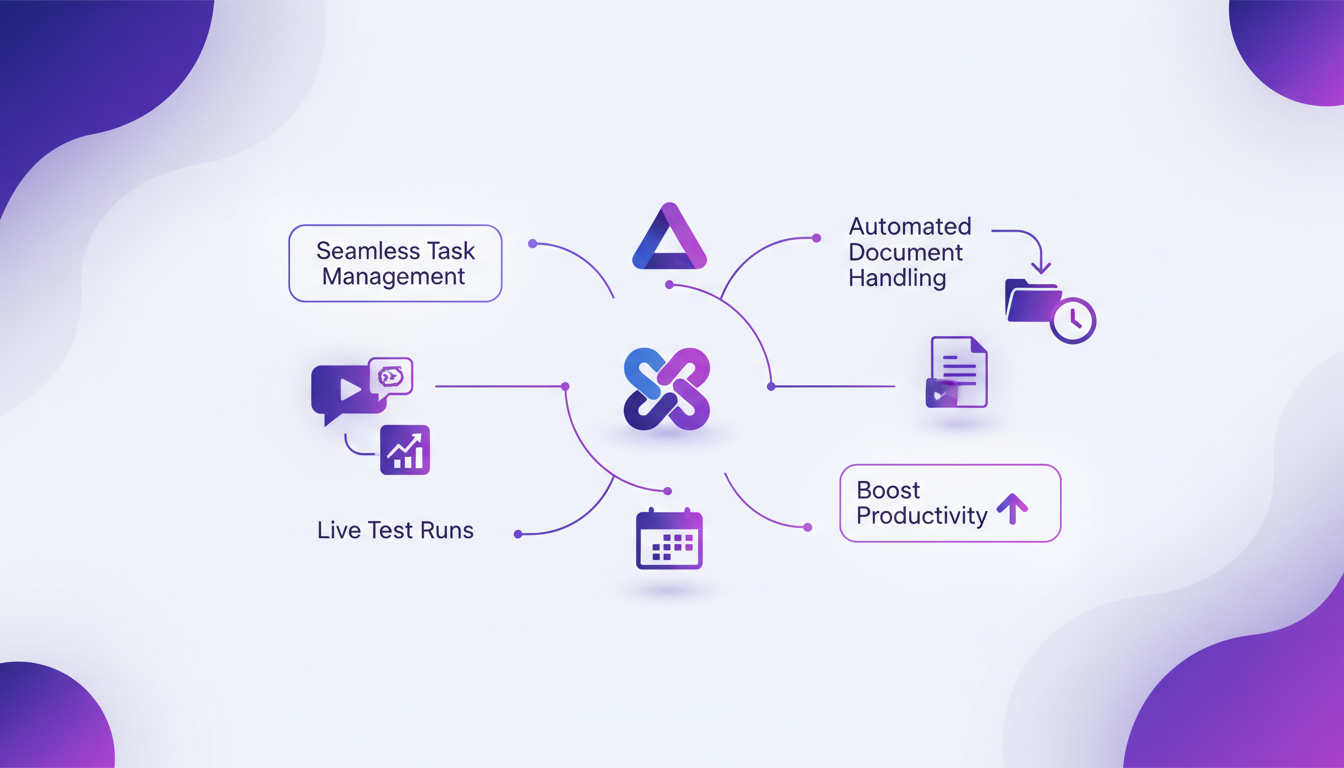
Companies like Blossomart, Pedal Pay, and Nectar Works have leveraged this for improved operational efficiency. These integrations centralize actions and prevent effort duplication.
- Ensure live tests are successful before deployment.
- Check tool compatibility to avoid surprises.
- Customer examples: saving time and resources.
Leveraging Agent Memory and Skills
Agent memory is crucial for retaining context over sessions, vital for task continuity. Skills in ChatGPT enhance agent capabilities for specific tasks. It's important to balance memory usage with performance—don't overload the agent.
Start small and scale memory as you become more proficient with the tool. I made the mistake of assuming memory was infallible, a lesson I'm not likely to forget.
- Begin with basic tasks to test memory.
- Avoid assuming memory is foolproof.
- Adjust gradually based on real needs.
Pricing and Future Availability
The credit-based pricing model is what's proposed, and it's essential to understand your usage to optimize costs. I anticipate future adjustments and plan accordingly. Maximizing agent utility within budget constraints is key, but watch out: advanced features might increase costs.
Plan for scalability as your usage grows. Planning for scalability is a necessity if you aim to maintain agent efficiency while controlling expenses.
- Understand the pricing model to avoid budget surprises.
- Plan for usage growth to anticipate costs.
- Balance advanced features with budget constraints.
For more on optimizing workflows with ChatGPT, check out our article on mastering case files.
Setting up Workspace Agents in ChatGPT can really revolutionize your workflow, but it's all about nailing the right configuration and integration. I started with two setup steps before diving into Slack for a live test run. Mastering the basics is key, but leveraging advanced features is where you hit peak efficiency. Always keep iterating and optimizing; it's an ongoing process.
- Seamless integration with Slack and Google Suite: It's a game changer, but watch out for integration limits that might slow your system down.
- Concrete steps: Five steps to have ChatGPT create a slide deck—this is the kind of practical impact we need.
- Customer stories: Companies like Blossomart and Nectar Works have made the leap, and it's working.
Looking forward? We're at the brink of a new way of working, and every successful setup brings you closer to that revolution. Ready to transform your workspace? Start building your first agent today and see the difference. For deeper insights, I recommend watching the full video here: YouTube link.
Frequently Asked Questions

Thibault Le Balier
Co-fondateur & CTO
Coming from the tech startup ecosystem, Thibault has developed expertise in AI solution architecture that he now puts at the service of large companies (Atos, BNP Paribas, beta.gouv). He works on two axes: mastering AI deployments (local LLMs, MCP security) and optimizing inference costs (offloading, compression, token management).
Related Articles
Discover more articles on similar topics
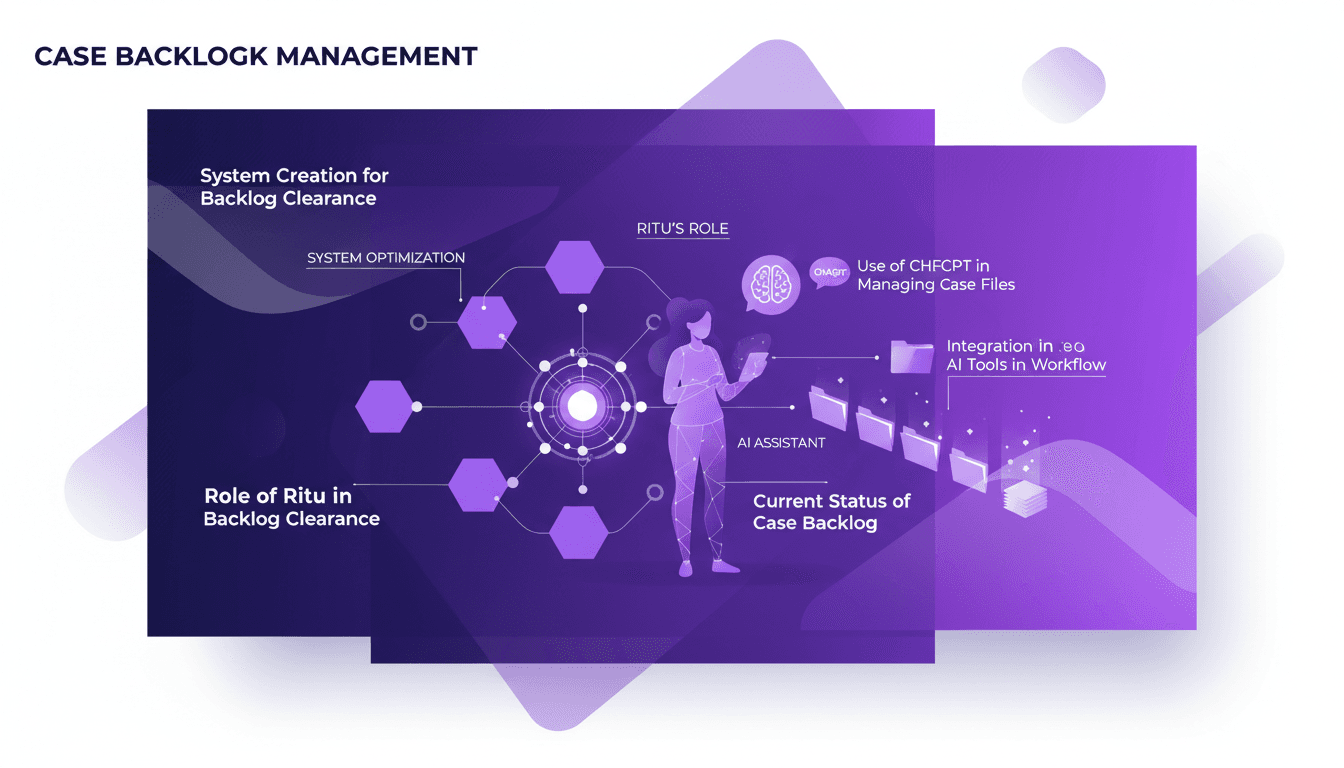
Mastering Case Files with ChatGPT: Efficient Workflow
I've been in the trenches of backlog management, and hitting that zero backlog is a game changer. Using ChatGPT, I built a system that flipped my workflow on its head. First, I integrated Ritu to optimize file processing, then connected ChatGPT to automate and speed things up. The result? Zero backlog and skyrocketed efficiency. But watch out, orchestrating your tools properly is key to avoiding performance pitfalls. If you're looking to master your case files, this one's for you.
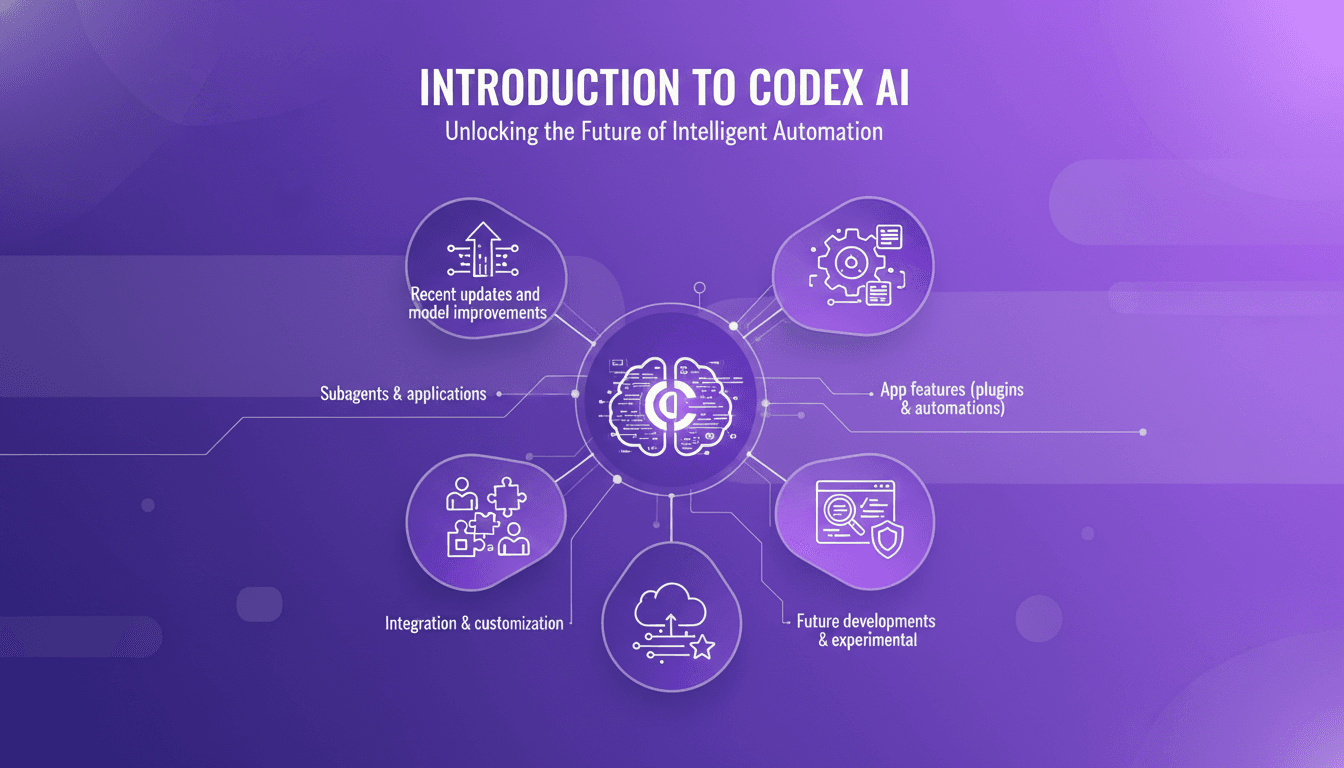
Codex: Recent Enhancements and Integrations
I remember the first time I integrated Codex into our workflow. It was like adding a turbocharger to a well-oiled machine. But watch out, like any powerful tool, understanding its capabilities and limits is key. Codex, with its recent updates, is not just a code assistant; it's a powerhouse for automation and integration. From subagents to security features, it's evolved significantly. Let me show you how to leverage Codex for maximum efficiency. With over three million weekly active users and the latest 5.4 model, the possibilities are massive. Don't get burned by context limits; let's orchestrate Codex to transform your coding environment.
Solopreneur Routine: Earning $77K a Month
I wake up around 6 a.m., ready to tackle the day as a solopreneur. Earning $77K a month doesn't just happen—it's a mix of deep work, smart use of AI, and relentless iteration. First, I orchestrate my priorities using automation tools (saves a ton of time). Then, I dive into the creative work, where AI helps me speed up processes without compromising quality. My secret? Never getting stuck. I test, tweak, and continuously innovate while safeguarding my sleep. In a world where hustle is glorified, smart strategies make the difference. Let me show you how I orchestrate my daily routine to maximize productivity and innovation.
Streamline Your Home Loan with ChatGPT
I remember the first time I signed home loan papers; it felt like an endless cycle of bank visits and paperwork. Then I found ChatGPT. By integrating it into my loan management, I cut down on the back-and-forth and headaches. Here's how I streamlined the process. With ChatGPT, I avoid the inefficiencies of traditional methods. It's a powerful tool to handle home loans more smoothly. Don't let the paperwork overwhelm you; there's a better way. I’m sharing the steps that helped me simplify my home loan journey and save precious time. Ready to transform your loan experience with the help of technology?
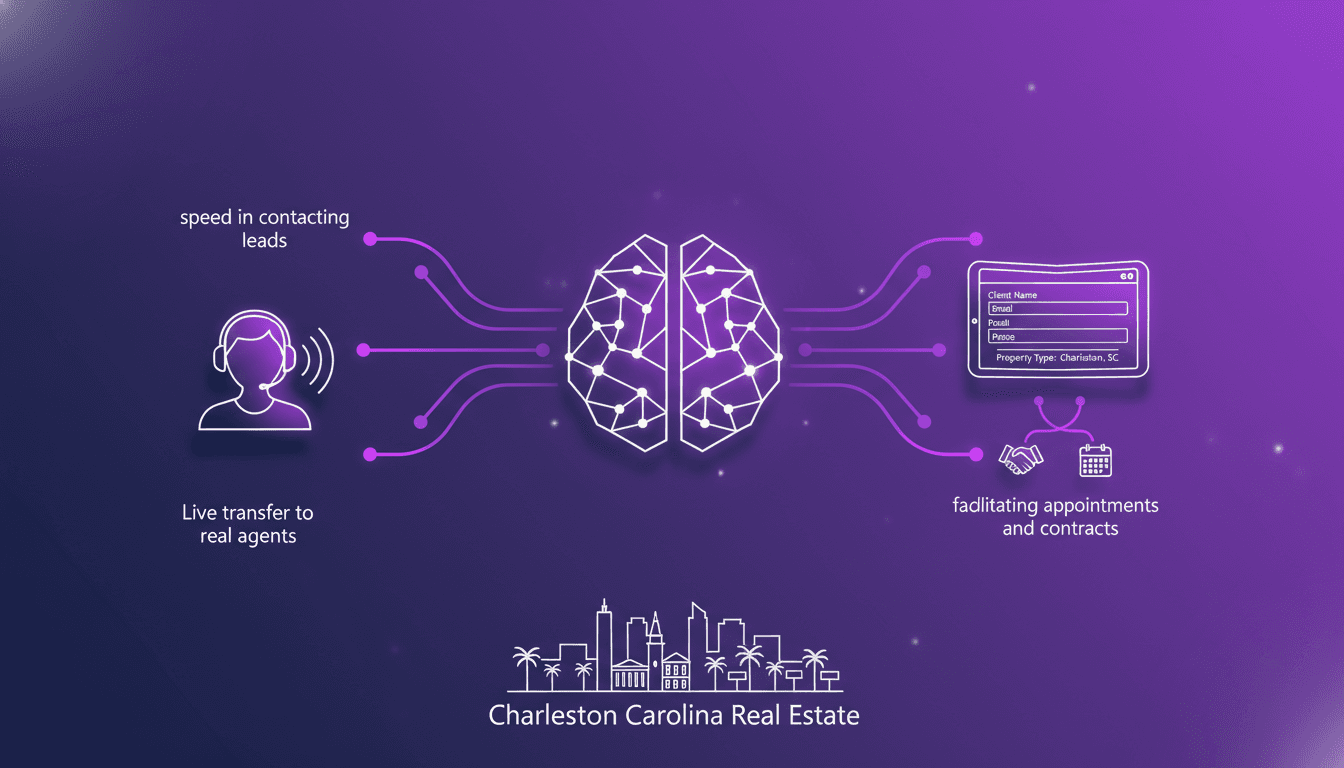
Optimizing Real Estate Lead Conversion with AI
Ever felt that gut-wrenching panic when you miss a prospect's call? I have, until I integrated an AI tool that connects with leads in 8 seconds flat. In real estate, where speed and precision are everything, missing a call can cost you. But with AI, I've flipped the script. Let me show you how I revamped my real estate workflow in Charleston, South Carolina. From lightning-fast lead contact to capturing specific client details and streamlining appointments and contracts, this tool has kept me ahead of the game. No more losing potential clients. Here's how I set it up.