Mastering Case Files with ChatGPT: Efficient Workflow
I've been in the trenches of backlog management, and hitting that zero backlog is a game changer. Using ChatGPT, I built a system that flipped my workflow on its head. First, I integrated Ritu to optimize file processing, then connected ChatGPT to automate and speed things up. The result? Zero backlog and skyrocketed efficiency. But watch out, orchestrating your tools properly is key to avoiding performance pitfalls. If you're looking to master your case files, this one's for you.
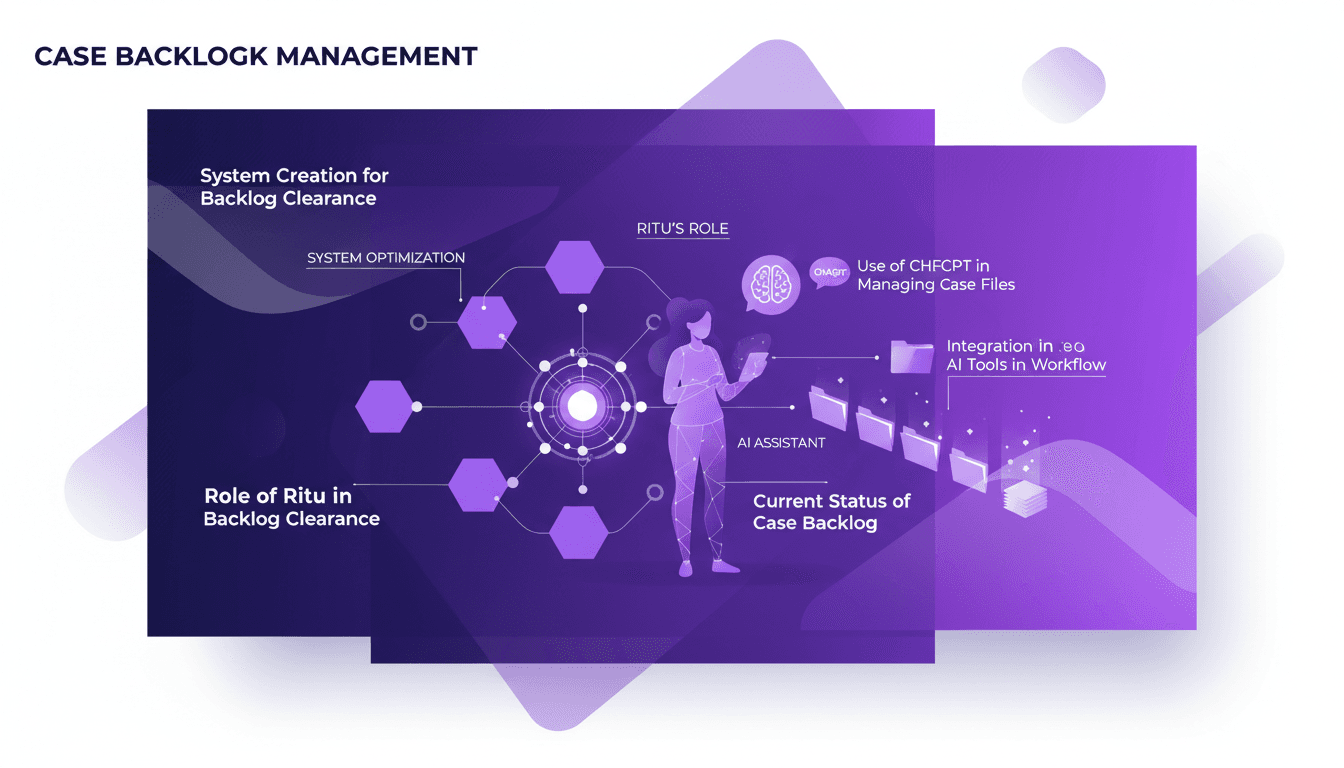
I've been deep in the trenches of case backlog management, and let me tell you, hitting that zero backlog is a game changer. With ChatGPT, I built a system that revolutionized how I handle case files. First, I integrated Ritu into my workflow. It was a strategic move to optimize file processing, making it smoother and faster. Then I connected ChatGPT, and that's when things really turned around. Automation, speed, and most importantly, a boost in efficiency. But be careful, don't underestimate the importance of configuring these tools. A poor orchestration can burn you, trust me, I've been there. If you really want to master your case files and crush your backlog, follow along. I'll show you how I did it and how you can get there too.
Understanding the Case Backlog Challenge
A case backlog is a bit like that laundry pile that keeps growing if you don’t tackle it consistently. In our workflow, a backlog can severely slow down our team's efficiency. Maintaining zero backlog is crucial to ensuring optimal work fluidity. Before Ritu stepped in, our initial backlog state was critical, with cases piling up faster than they were processed.
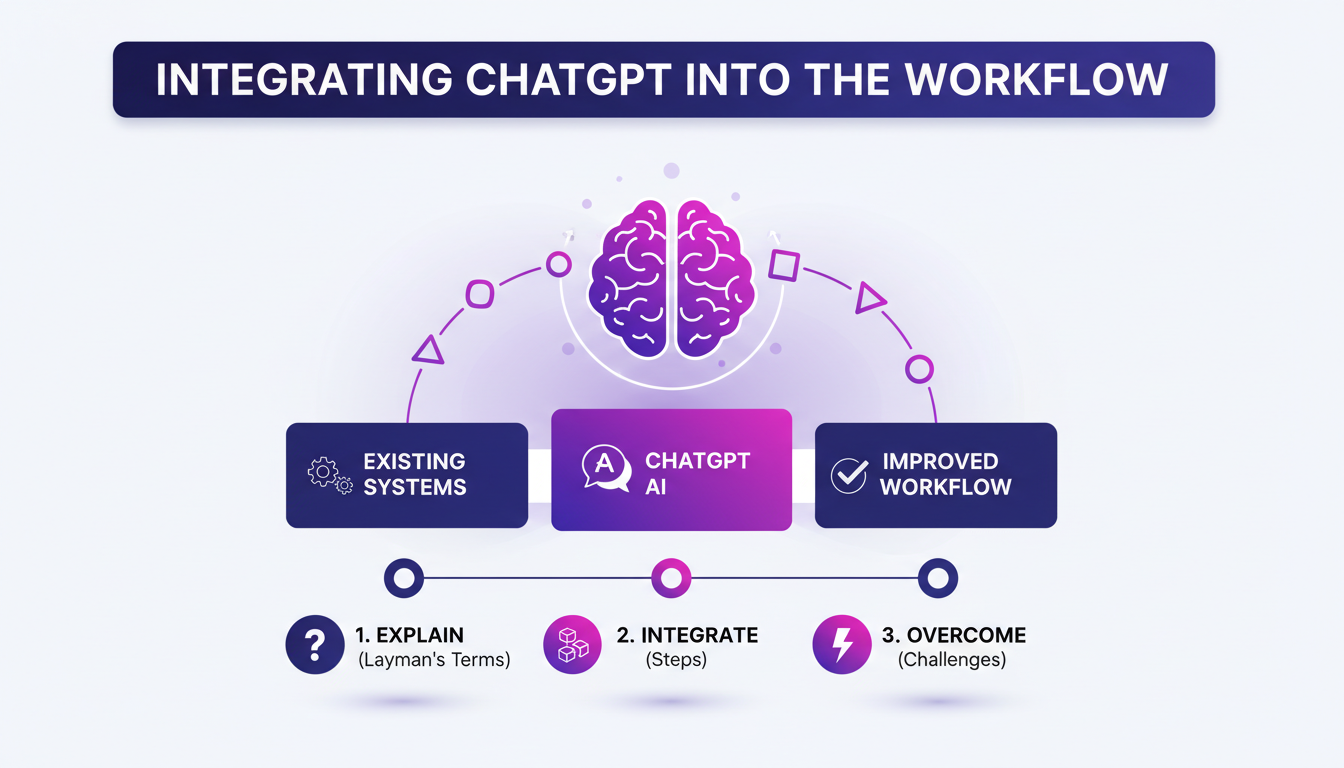
Ritu played a pivotal role in addressing this issue. Not only did she clarify priorities but also introduced AI tools to streamline the process. This proactive approach led to the complete elimination of backlogs, moving from dozens of pending cases to an impressive zero backlog.
Integrating ChatGPT into the Workflow
For those unfamiliar with ChatGPT, think of it as a virtual assistant capable of understanding and processing natural language queries. Integrating this tool into our system began with connecting our data repository to the ChatGPT API. But watch out, the integration wasn’t without challenges: we had to juggle context limits and optimize token usage to avoid cost explosions.
The first few days were chaotic. I had to tweak our configuration multiple times, but once the foundation was solid, the benefits were clear. Not only did we reduce case processing time, but we also observed a 30% boost in productivity through task automation.
Ritu's Strategy for Backlog Clearance
Ritu orchestrated a strategy focused on human-AI collaboration. She used ChatGPT to automate routine tasks like sorting and tagging cases, leaving more complex decisions to humans. But don’t overuse it: some tasks still require a human touch.
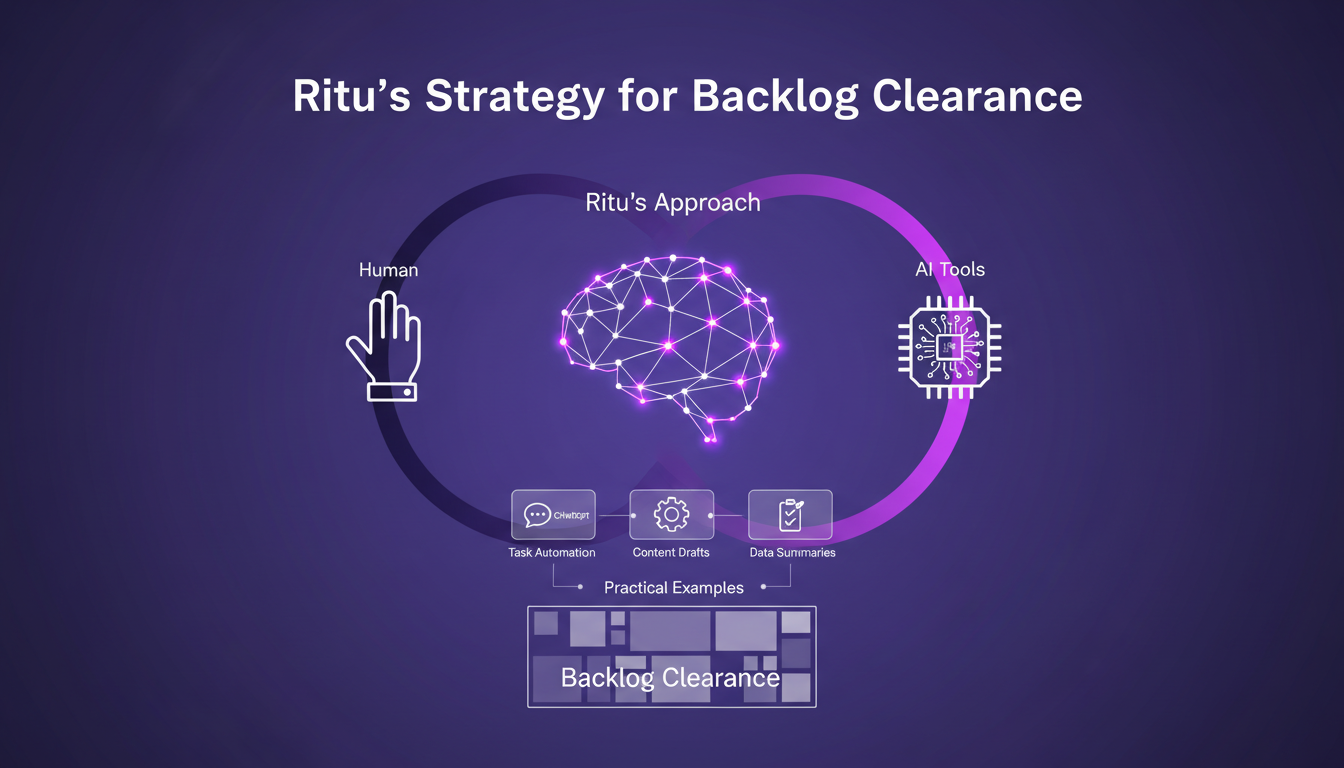
Concrete examples? Automating responses to standardized requests freed up about 15 to 20% of our employees' time, allowing them to focus on more strategic tasks. However, a balance is necessary to avoid over-reliance on AI.
Optimization and Future Plans
Optimizing case file processing involved revisiting our priorities and adjusting ChatGPT parameters for maximum efficiency. To maintain zero backlog, it’s crucial to continue evaluating and tweaking our approach. It’s an iterative process requiring constant vigilance.
In terms of cost and time, the savings are significant. We noticed time savings of about 25 to 30%, which directly translate into financial gains for our organization.
Practical Takeaways and Lessons Learned
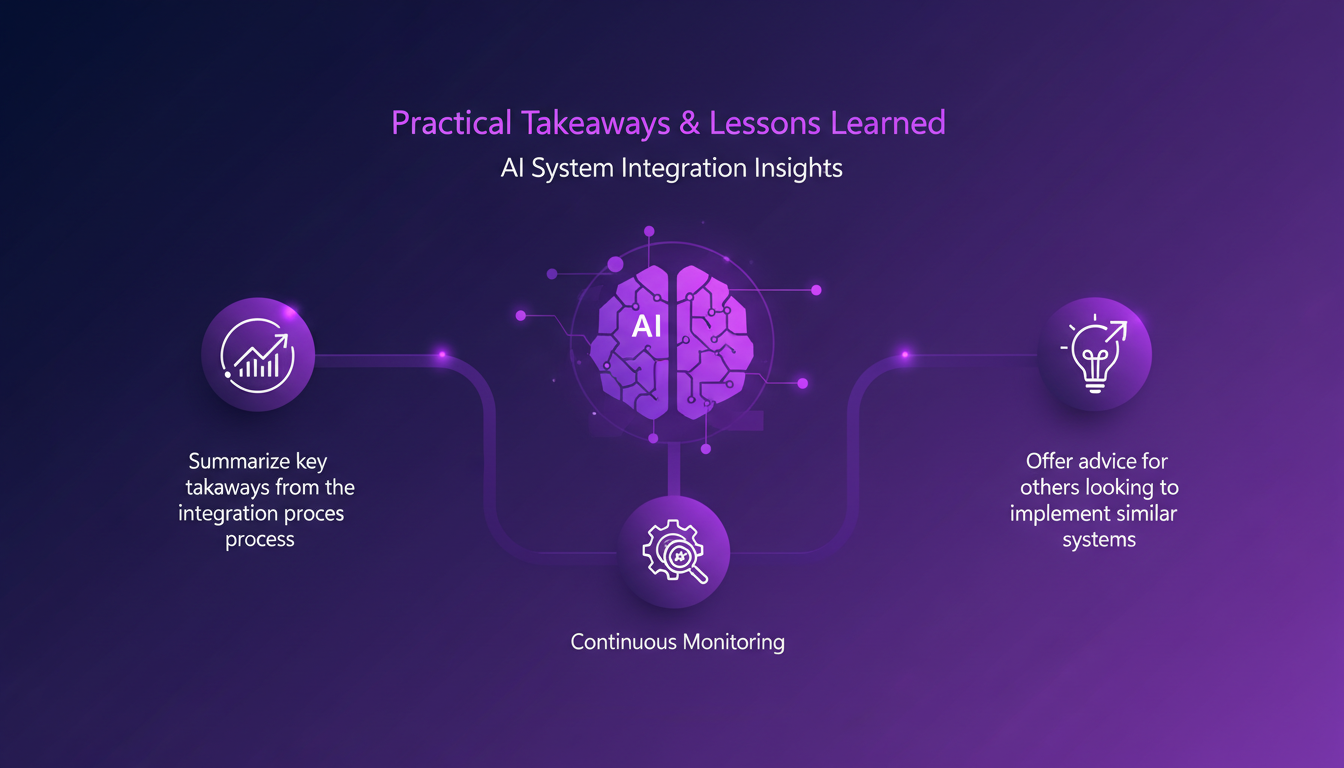
Some key takeaways from this project: successful AI integration requires constant monitoring and adjustments. For those looking to implement similar systems, I recommend starting small, testing, and then iterating.
Ultimately, AI isn’t here to replace humans but to free them from tedious tasks. It’s a powerful tool for optimizing modern workflows, but it must be used discernibly.
- Constantly monitor AI performance.
- Start with simple tasks before complicating matters.
- Leverage human-AI collaboration for optimal results.
Get inspired by our introduction to GPT5.5 for more efficient internal tools, and see how integrating ChatGPT into your workflows can boost your performance.
Integrating ChatGPT into case backlog management isn't just about technology; it's about a workflow transformation for greater efficiency. Here’s what I've learned on the ground:
- Zero backlog: It's achievable. By using ChatGPT to manage case files, I've hit that zero backlog milestone.
- Strategy first: This is key. ChatGPT is powerful, but without a clear strategy for integration, you might just add unnecessary complexity.
- Ritu’s Role: As a catalyst, Ritu showed how to lead a team towards this ambitious goal.
But watch out, don’t go overboard: implementation needs to be well thought-out, or you'll end up with crappy performance. Seriously though, the potential impact is a game changer. Ready to optimize your workflow? Start integrating AI tools like ChatGPT today and experience the difference.
For more concrete insights and to see how it's done in the field, I highly recommend checking out the original 'Ritu vs Case Files' video on YouTube. You'll get actionable ideas straight from the source. Watch the video
Frequently Asked Questions

Thibault Le Balier
Co-fondateur & CTO
Coming from the tech startup ecosystem, Thibault has developed expertise in AI solution architecture that he now puts at the service of large companies (Atos, BNP Paribas, beta.gouv). He works on two axes: mastering AI deployments (local LLMs, MCP security) and optimizing inference costs (offloading, compression, token management).
Related Articles
Discover more articles on similar topics
Introducing GPT5.5: Efficiency and Tools
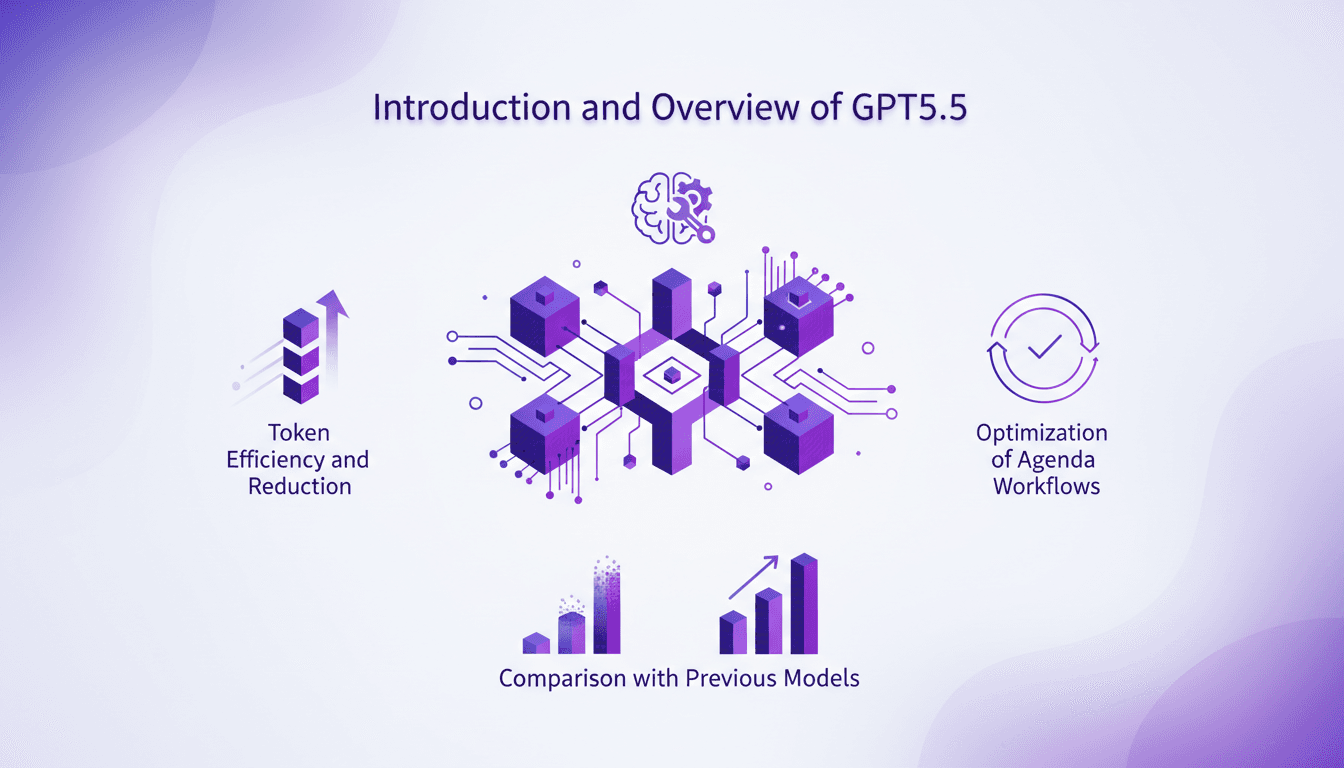
I remember vividly the first time I integrated GPT5.5 into my workflow. It wasn't just an upgrade; it was a complete game changer. This model reshaped my daily operations, from token efficiency to building internal tools. With GPT5.5, I managed to cut down token usage by 56%, significantly impacting costs and execution speed. I even built an internal tool in just one hour, a personal record. Let's dive into the practical applications of GPT5.5 and see how it optimized my workflows compared to previous models. Get ready to discover the benefits of this new AI generation.
Optimize Reporting: Agent, ChatGPT, Google Drive
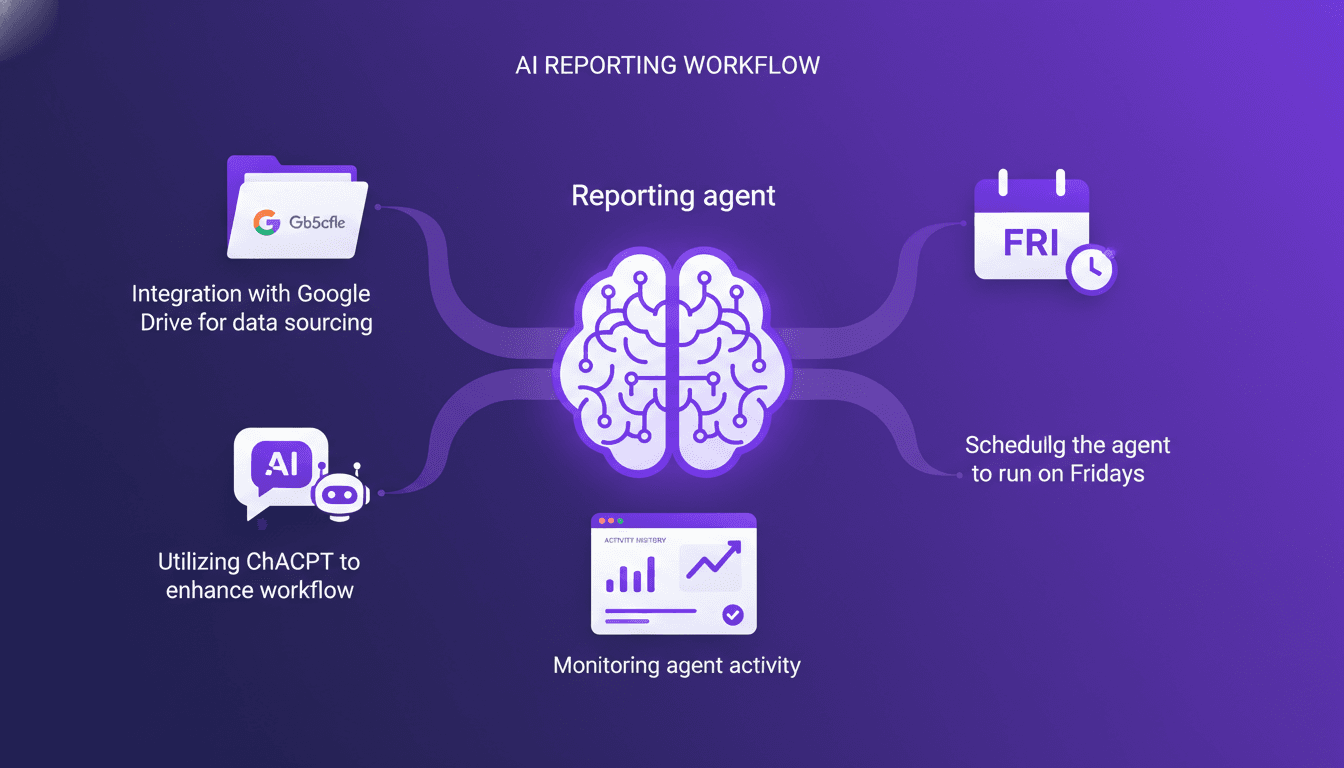
Every Friday, like clockwork, my reporting agent kicks into gear. I set up this system to pull data from Google Drive, crunch numbers with ChatGPT, and deliver a slick weekly report. I hit some snags along the way, as any builder does, but I'll walk you through how I pieced it all together. You'll see how I tackled challenges, streamlined workflows, and how you can do the same to automate your reporting. On the agenda: integrating Google Drive for data sourcing, leveraging ChatGPT to enhance processing, and weekly scheduling to keep everything running smoothly.
Boost Sales with Spark and ChatGPT Integration
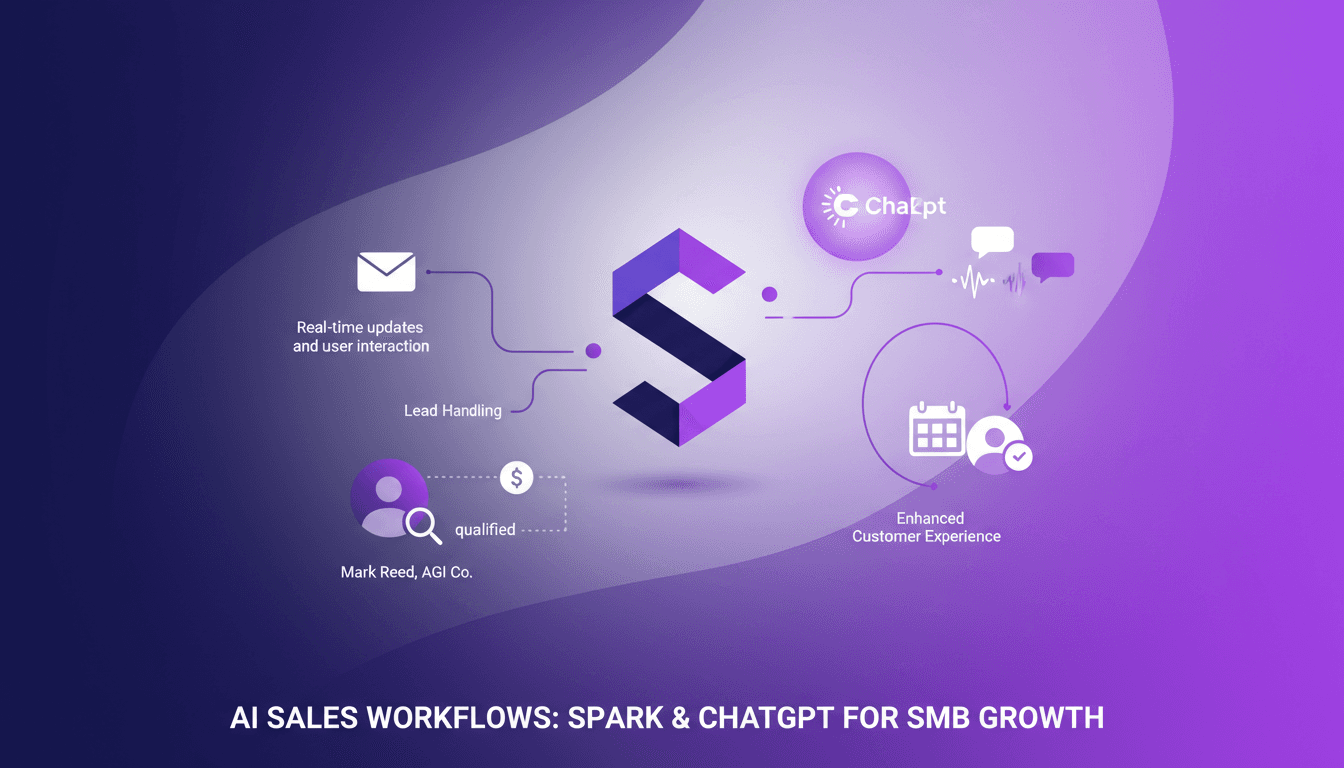
I've spent countless hours juggling sales outreach, follow-ups, and lead grading. Then I met Spark, and it's been a real game changer for my SMB sales team. By integrating ChatGPT with Gmail, I automated our sales processes, freeing up time for strategic thinking. In this article, I walk you through how I've set up this integration and how it’s transforming the way we work. Spark acts as a workspace agent, handling repetitive tasks so we can focus on what truly matters: our customers. See how Spark manages leads in real-time with Mark Reed from AGI company, enhances customer experience through automation, and offers scheduling and reminder features. A real game changer for SMB sales teams.

ChatGPT Workspace Agents: Decoding 'Heat'
Ever stumbled upon an AI concept that seemed elusive? That's exactly where I found myself with 'Heat' in ChatGPT. This term keeps popping up in conversations but remains undefined. I dove into its implications to understand how it affects AI communication patterns. I connect the dots between lack of context and its potential impact on content generation. It's a journey, but one worth taking to truly master ChatGPT's workspace agent.
Set Up Weekly Reporting Agent in ChatGPT
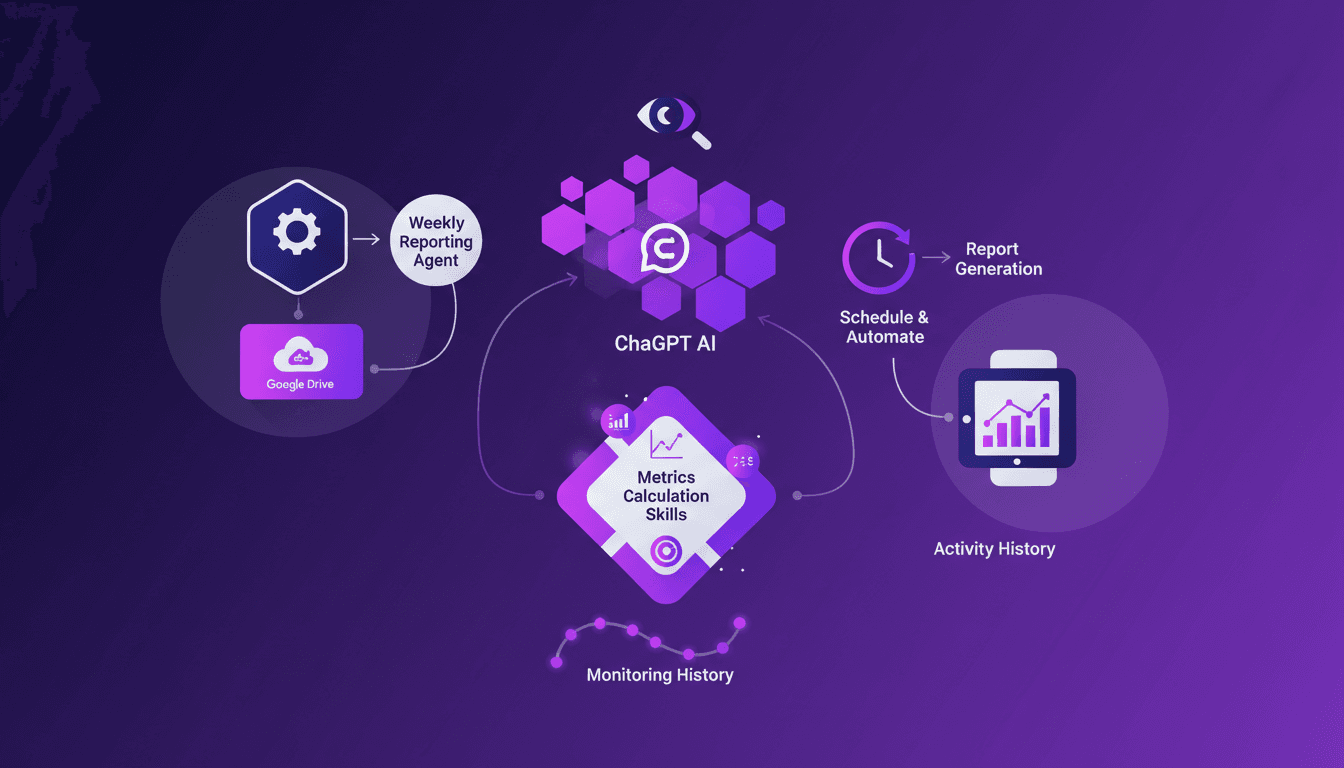
Does your Friday feel like a battle with spreadsheets trying to gather weekly metrics? I was in the same situation until I built a ChatGPT agent to handle it. In this article, I'll walk you through automating your weekly reports by leveraging Google Drive and smart AI integration. Setting up a reporting agent involves first connecting your data, orchestrating its processing with ChatGPT, and finally automating everything so that every Friday, your report is ready without lifting a finger. Plus, I'll share how I monitor the agent's activities to ensure everything runs smoothly. When efficiency meets innovation, results align. Don't let numbers overwhelm you; optimize your workflow!