Introducing GPT5.5: Efficiency and Tools
I remember vividly the first time I integrated GPT5.5 into my workflow. It wasn't just an upgrade; it was a complete game changer. This model reshaped my daily operations, from token efficiency to building internal tools. With GPT5.5, I managed to cut down token usage by 56%, significantly impacting costs and execution speed. I even built an internal tool in just one hour, a personal record. Let's dive into the practical applications of GPT5.5 and see how it optimized my workflows compared to previous models. Get ready to discover the benefits of this new AI generation.
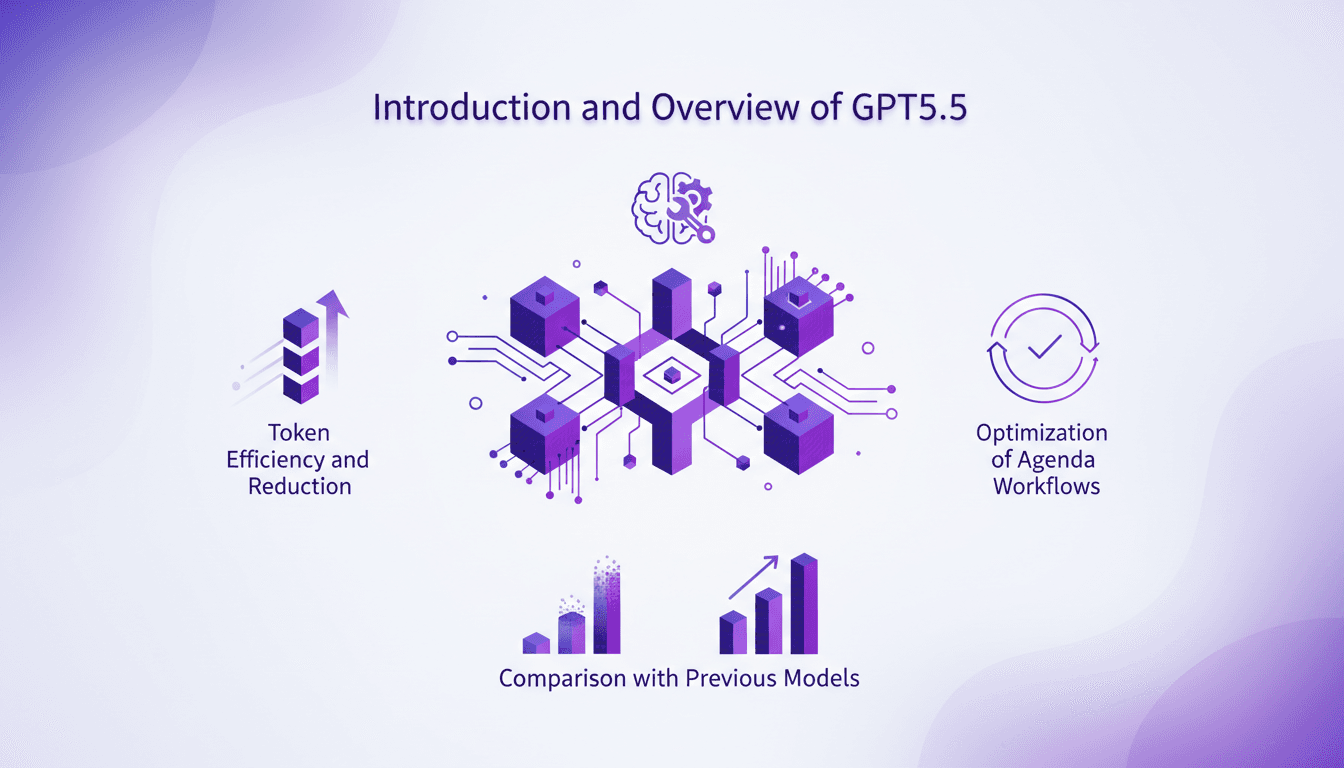
I got burned a couple of times before really harnessing GPT5.5. But once I did, it was a total game changer. Imagine cutting down your token usage by 56%—that's precisely what I achieved with GPT5.5, and that's not even mentioning the speed with which I developed internal tools. In just one hour, I built a tool that transformed how I handle daily operations. We're going to dive into how this model optimized my workflows, from tool creation to token efficiency. I'll also compare GPT5.5 to its predecessors, so you know exactly what you're gaining. So let's dive into what makes GPT5.5 indispensable for boosting efficiency and cutting costs.
Understanding GPT5.5: A Step Forward
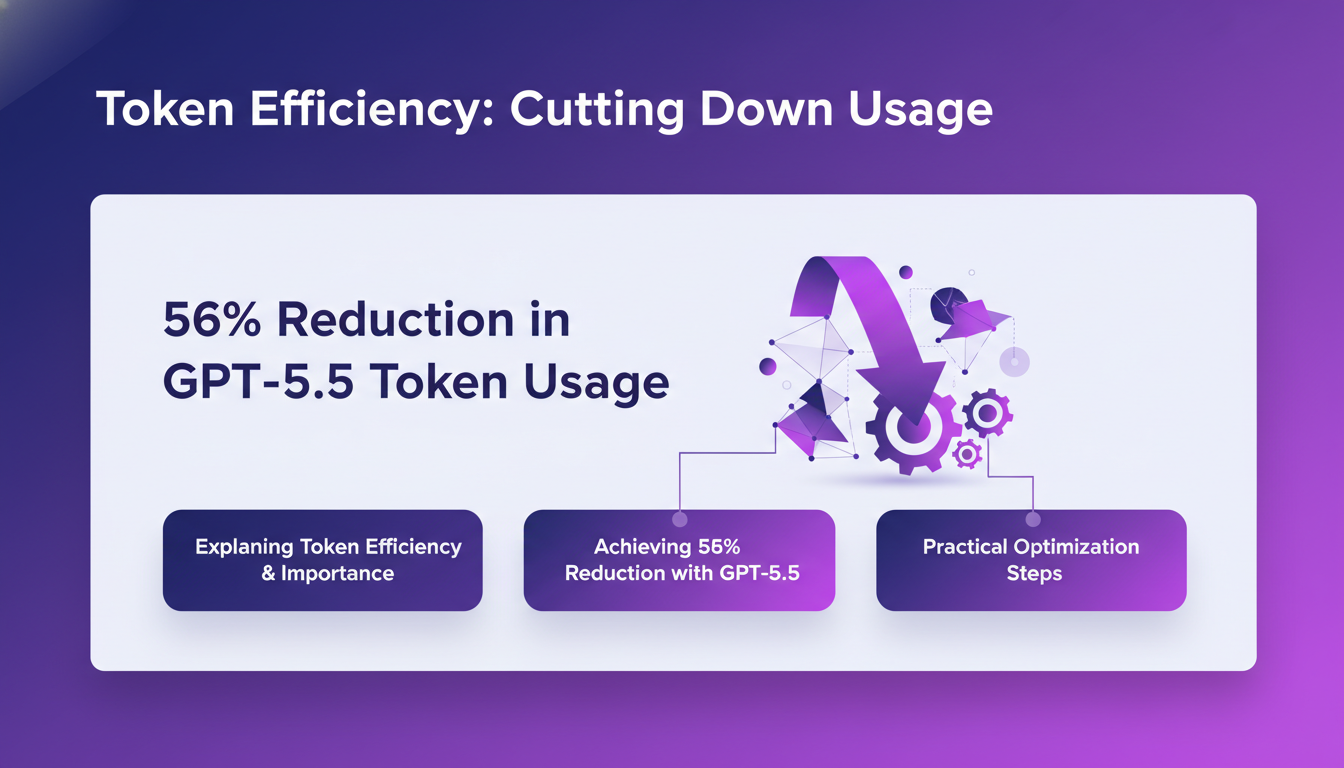
When I got my hands on GPT5.5, the first thing that struck me was its precision and token efficiency. Imagine a model that not only understands your intent better but executes it with formidable efficiency. GPT5.5 was a revelation in our daily workflow. First impression: a 56% reduction in token usage compared to previous models. For someone like me, used to juggling the limitations of earlier models, this is a real game changer.
The initial setup was surprisingly simple. In less than an hour, I was up and running. GPT5.5's new capabilities include significant improvements in multi-step reasoning and tool integration, making it a valuable asset for builders. But beware, don't get swept up in the hype. As always, there are limits to what a model can do, especially when pushing its capabilities to the extreme.
Token Efficiency: Cutting Down Usage
Token efficiency is key. With rising API costs and processing limits, mastering token usage is crucial. Thanks to GPT5.5, I managed to cut token usage by 56%. How? By optimizing our prompts and cutting out the fluff. It's like cleaning up your code. First, I analyzed what was consuming the most tokens, then tightened the screws.

But watch out, focusing too much on token efficiency can lead to underutilizing the model. Sometimes, it's worth spending a few extra tokens to get the right result. So, don't be too stingy. It's about finding the right balance between cost and performance.
Building Internal Tools with GPT5.5
Creating an internal tool in under an hour? Impossible, I thought. Yet, with GPT5.5, that's exactly what I did. By integrating GPT5.5 into our stack, I automated repetitive tasks that used to take me hours each week. The key was structuring the project well from the start.
The challenges? Oh, there were plenty. For example, maintaining model consistency in complex tasks can be tricky. But by refining prompts and using Codex heuristics, I was able to work around these issues. For those looking to optimize their reporting, GPT5.5 is a solution worth considering seriously.
Optimizing Agenda Workflows
With GPT5.5, I optimized my agenda workflows dramatically. By integrating the model into my scheduling system, I automated task and reminder management. Here's how I did it:
- Integrating GPT5.5 with existing scheduling APIs.
- Automating repetitive tasks: meetings, reminders, follow-ups.
- Using prompts to customize interactions.
But beware, don't automate everything. Keep a human eye on critical tasks to avoid costly errors.
Comparing GPT5.5 with Previous Models
Let's compare GPT5.5 with its predecessors. On paper, GPT5.5 promises performance improvements and cost reductions. But in practice, what does that mean? Thanks to better token management, this model can handle complex tasks faster and with fewer resources. However, if your needs are basic, the older models might still do the trick.
A comparison table might clarify these differences:
| Feature | GPT5.5 | GPT5.4 | GPT5.2 |
|---|---|---|---|
| Precision | High | Medium | Low |
| Token Efficiency | 56% better | 30% better | Standard |
| Tool Integration | Optimized | Partial | Limited |
In conclusion, GPT5.5 is a significant advancement for those dealing with complex tasks and looking to optimize costs. But as always, evaluate your needs before making the leap.
So, GPT5.5 is a game changer, right? I put it to work in my workflows, and the impact is clear. First, I cut down token usage by 56% compared to previous models. That's a massive efficiency boost. Then, creating an internal tool took me just an hour with GPT5.5 – a real time-saver. But watch out, there are limits. The model is powerful, but you need to weigh where it truly shines. It's always about balancing the benefits with the constraints.
Looking ahead, it's exciting. Integrating GPT5.5 into daily operations could fundamentally change how we work. But in practice, it's up to us to experiment and see where it takes us.
Ready to integrate GPT5.5 into your workflows? Dive in, experiment with these insights, and check out the full video "Introducing GPT-5.5 with Perplexity" for a deeper understanding: https://www.youtube.com/watch?v=GNEbX8EvDlg. See you on the field!
Frequently Asked Questions

Thibault Le Balier
Co-fondateur & CTO
Coming from the tech startup ecosystem, Thibault has developed expertise in AI solution architecture that he now puts at the service of large companies (Atos, BNP Paribas, beta.gouv). He works on two axes: mastering AI deployments (local LLMs, MCP security) and optimizing inference costs (offloading, compression, token management).
Related Articles
Discover more articles on similar topics
Optimize Reporting: Agent, ChatGPT, Google Drive
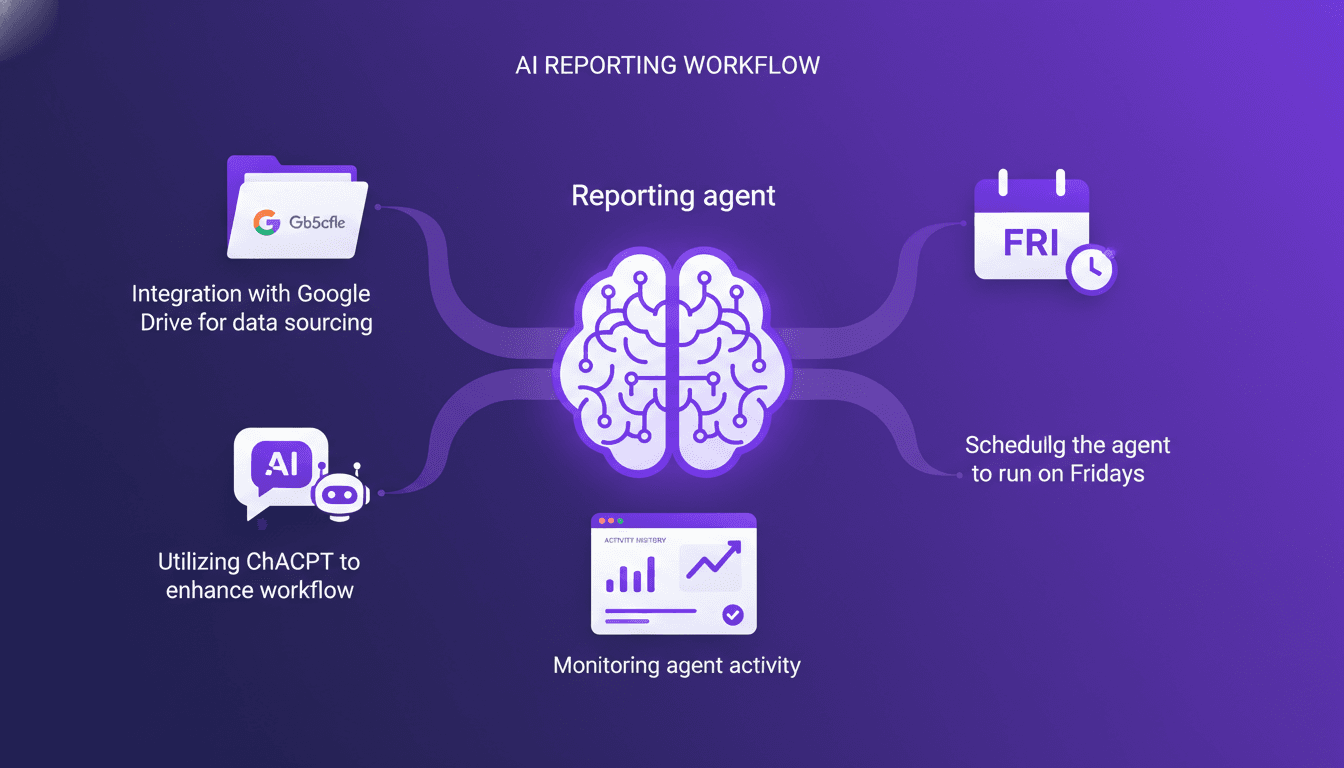
Every Friday, like clockwork, my reporting agent kicks into gear. I set up this system to pull data from Google Drive, crunch numbers with ChatGPT, and deliver a slick weekly report. I hit some snags along the way, as any builder does, but I'll walk you through how I pieced it all together. You'll see how I tackled challenges, streamlined workflows, and how you can do the same to automate your reporting. On the agenda: integrating Google Drive for data sourcing, leveraging ChatGPT to enhance processing, and weekly scheduling to keep everything running smoothly.
End of Apps: Evolution with Benji and AI
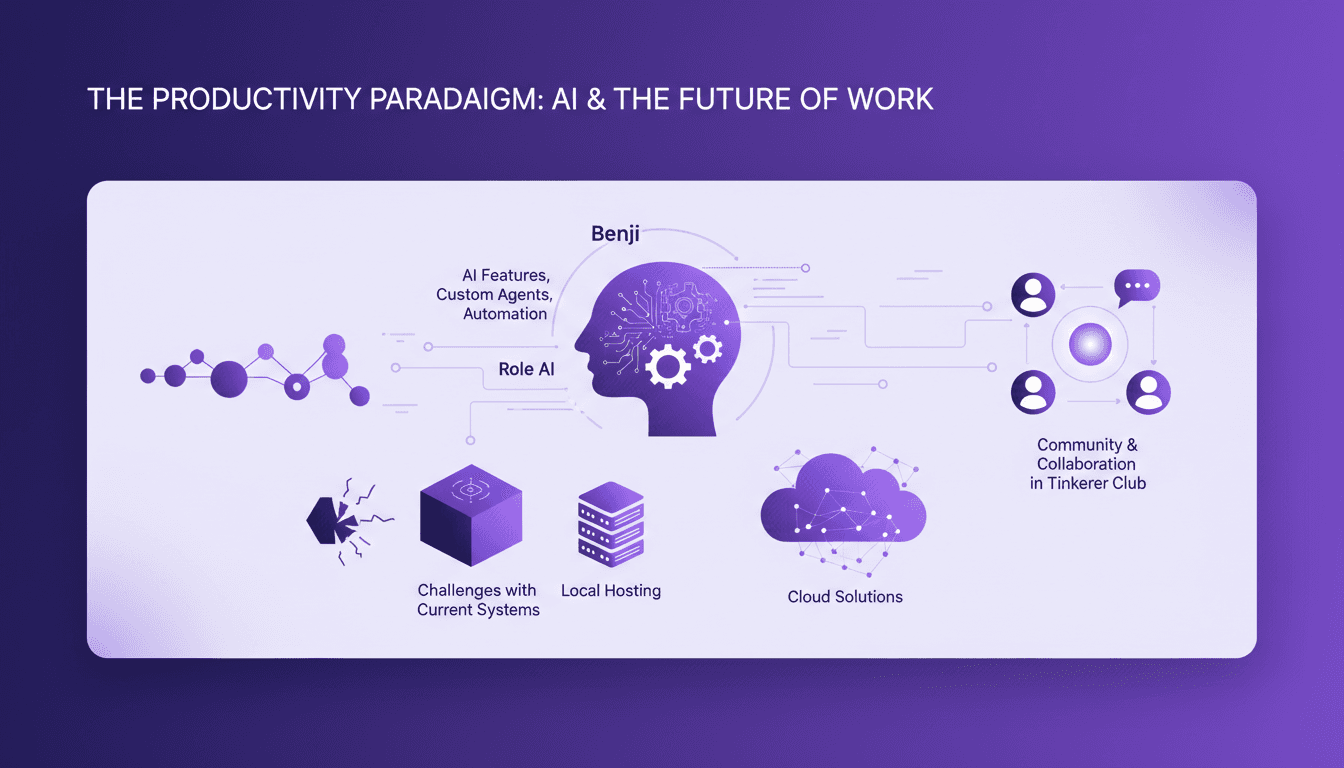
I've been obsessed with productivity tools since I was 10. Fast forward to today, I'm 34 and still chasing the perfect system. I built Benji to simplify and redefine how we work. This isn't just another app—it's a new approach to productivity that challenges the very concept of apps. Benji incorporates AI, local hosting, and custom agents to automate our workflows. The challenges with current systems are plenty, but by approaching them differently, we can maximize efficiency. Join me as we explore how Benji and the Tinkerer Club community are making a difference.
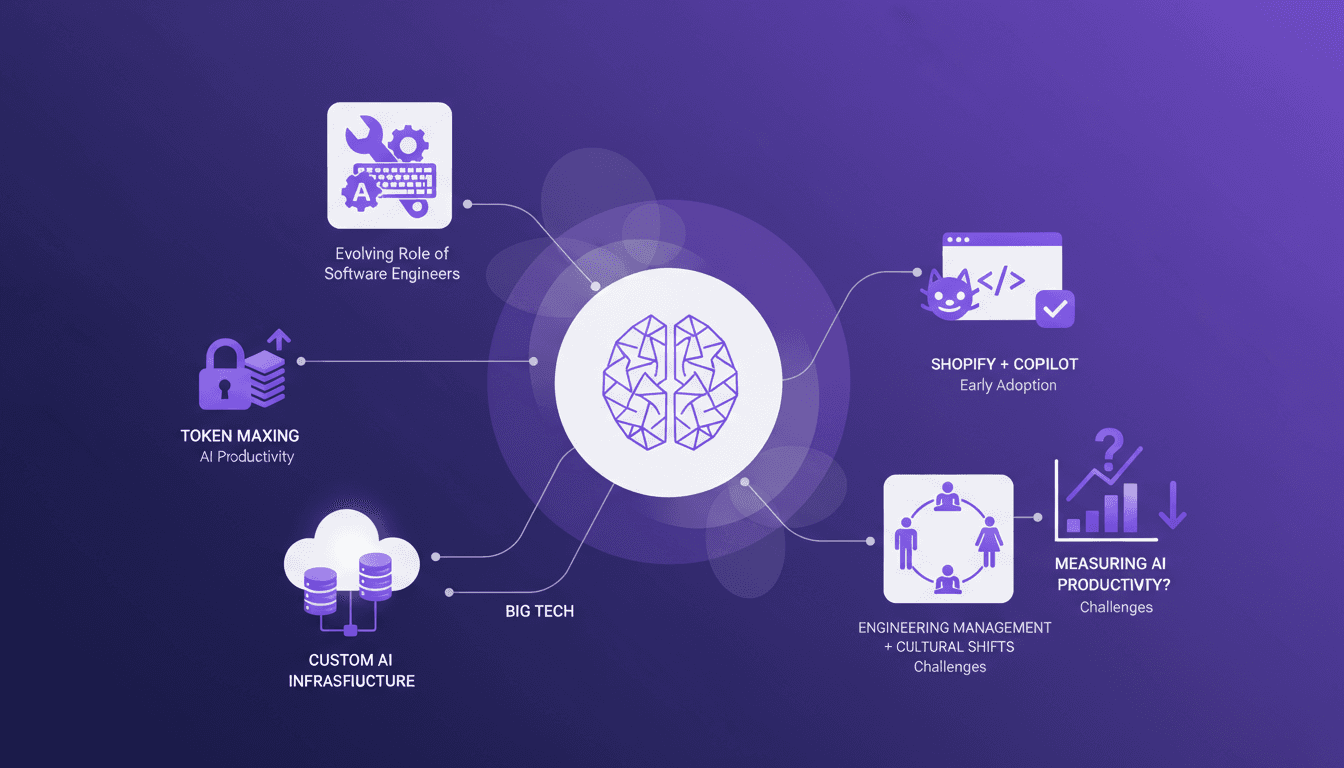
Token Maxing: AI's Revolution in Engineering
I've been in the AI trenches, and let me tell you, the way AI is reshaping software engineering is nothing short of a game changer. But beware, it's not all smooth sailing. In our field, AI tool adoption brings its own set of challenges, like token maxing and the evolving role of engineers. At a recent conference, experts like Gergely Orosz shared valuable insights on these transformations, from productivity impacts to cultural shifts in team management. We will need to navigate these opportunities and challenges to make the most of this technological revolution.
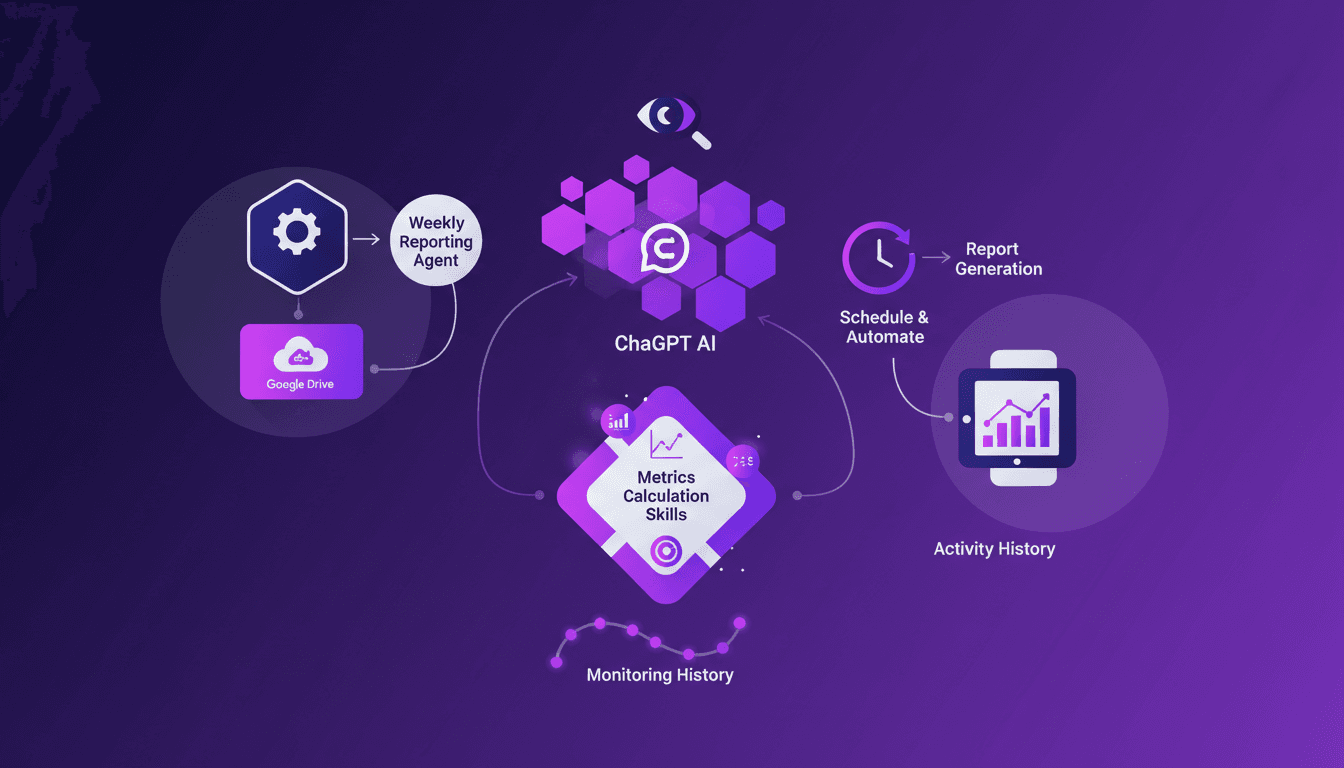
Set Up Weekly Reporting Agent in ChatGPT
Does your Friday feel like a battle with spreadsheets trying to gather weekly metrics? I was in the same situation until I built a ChatGPT agent to handle it. In this article, I'll walk you through automating your weekly reports by leveraging Google Drive and smart AI integration. Setting up a reporting agent involves first connecting your data, orchestrating its processing with ChatGPT, and finally automating everything so that every Friday, your report is ready without lifting a finger. Plus, I'll share how I monitor the agent's activities to ensure everything runs smoothly. When efficiency meets innovation, results align. Don't let numbers overwhelm you; optimize your workflow!
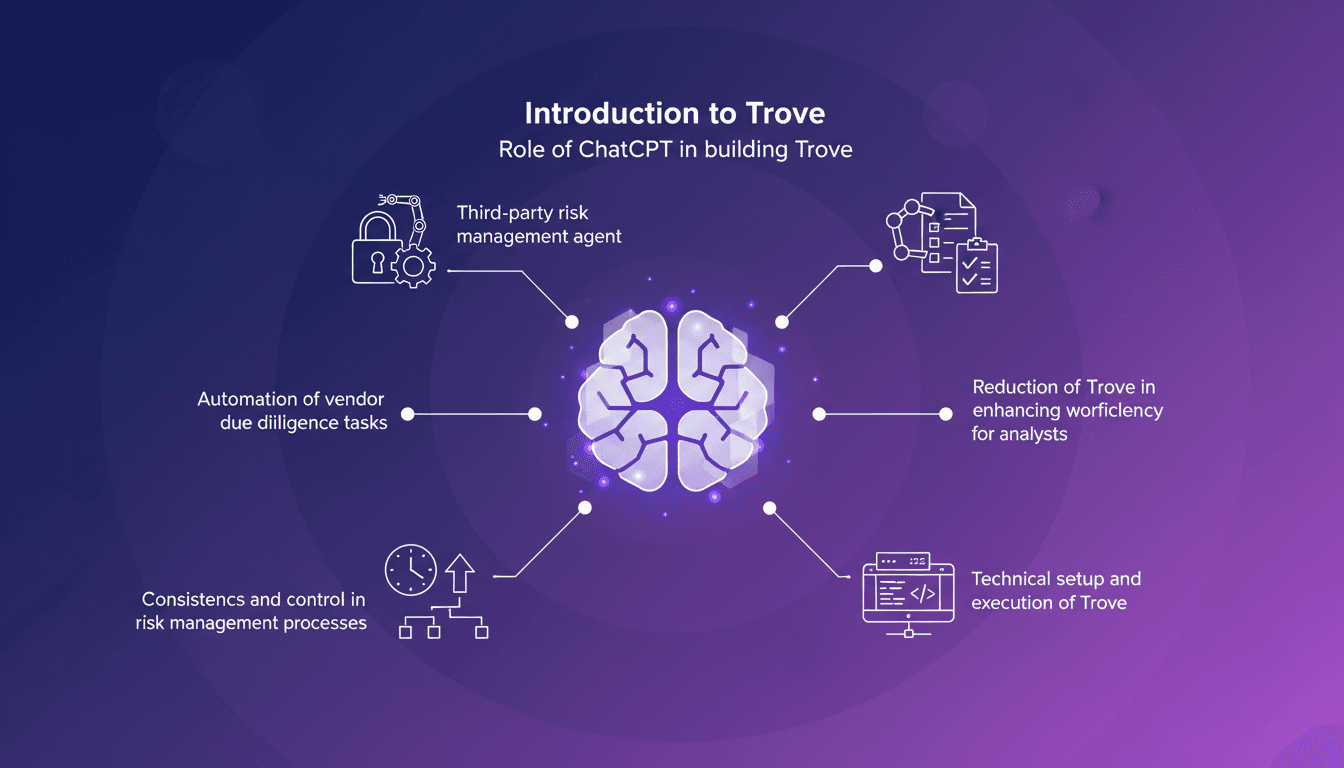
Managing Third-Party Risks with Trove and ChatGPT
I remember when managing third-party risks felt like wrestling with spreadsheets. Then I discovered Trove, and everything changed. With ChatGPT, I built a game-changing tool that slashes manual work and boosts efficiency. Trove automates vendor due diligence, making the process faster and more consistent. Let me walk you through how I integrated ChatGPT into Trove to automate these tasks. Throughout this journey, I learned how to orchestrate everything — from the technical setup to execution — saving a ton of time and providing unmatched consistency in risk management.