Set Up Weekly Reporting Agent in ChatGPT
Does your Friday feel like a battle with spreadsheets trying to gather weekly metrics? I was in the same situation until I built a ChatGPT agent to handle it. In this article, I'll walk you through automating your weekly reports by leveraging Google Drive and smart AI integration. Setting up a reporting agent involves first connecting your data, orchestrating its processing with ChatGPT, and finally automating everything so that every Friday, your report is ready without lifting a finger. Plus, I'll share how I monitor the agent's activities to ensure everything runs smoothly. When efficiency meets innovation, results align. Don't let numbers overwhelm you; optimize your workflow!
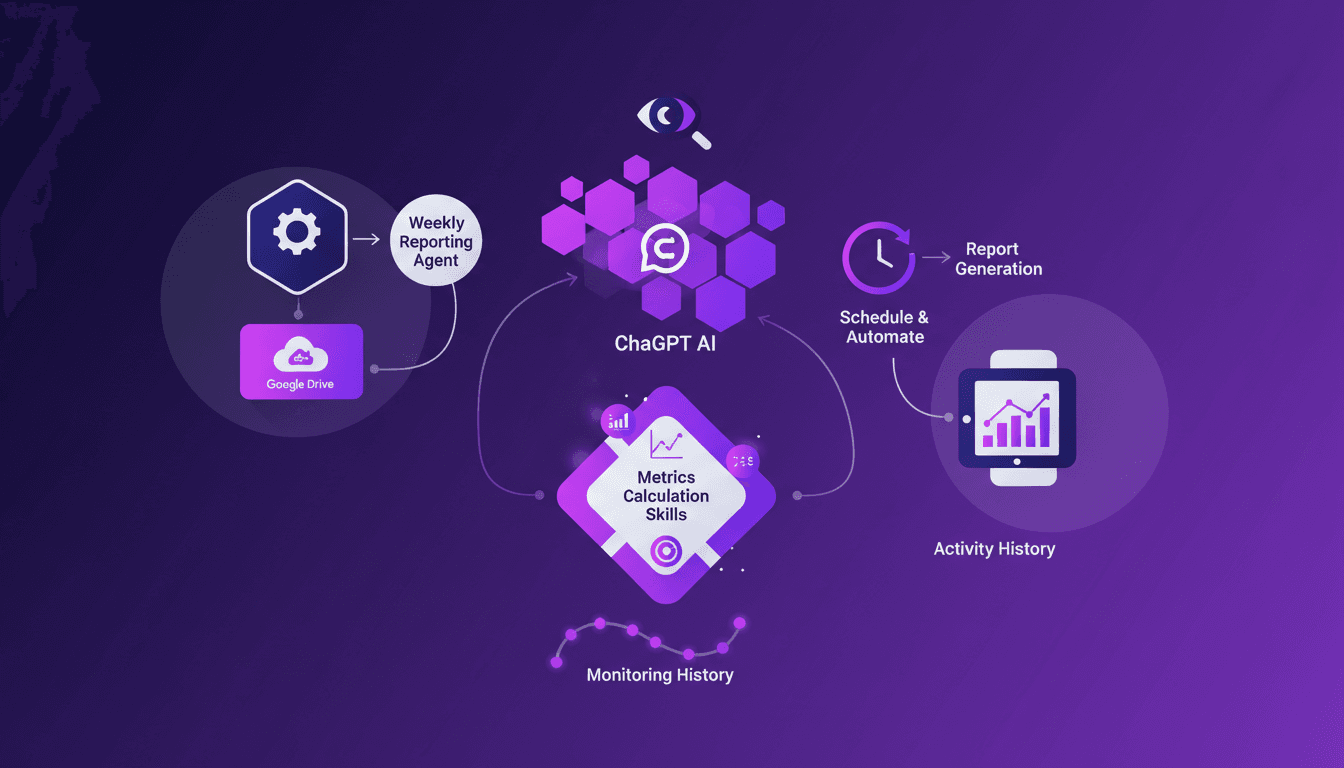
Ever found yourself drowning in spreadsheets every Friday trying to pull together weekly metrics? I did, until I built a ChatGPT agent that does it for me. Let me walk you through how I set this up, leveraging Google Drive and some smart automation. In the world of data reporting, efficiency is king. Automating your weekly reports not only saves time but also ensures accuracy and consistency. First, I connect my data from Google Drive, then I orchestrate it using ChatGPT to enhance workflows. After that, I schedule and automate the report generation, ensuring it's ready every Friday without fail. To keep things running smoothly, I monitor the agent's activity through its history. I'll share with you the mistakes I made, the adjustments, and most importantly, the direct impact on my daily routine. Don't let numbers get the better of you; tame them!
Connecting Your Agent to Google Drive
I always start by establishing a service account-like connection to secure data access. Think of it as giving your agent a special key to enter your data house, in this case, Google Drive. This allows the agent to work with your spreadsheets without someone constantly intervening. For this, I use OAuth 2.0. It's practical, but watch out for token expirations that can catch you off guard.
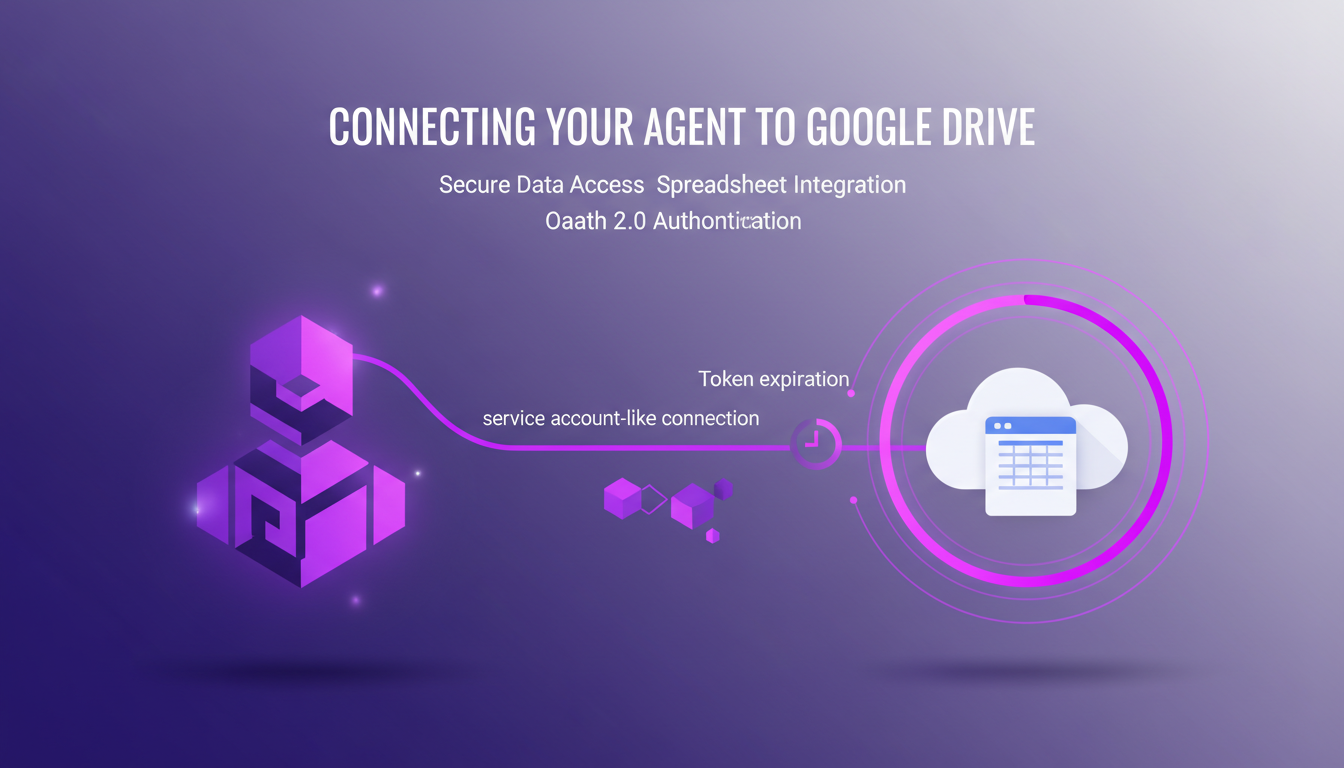
Next, I integrate the agent with your Google Drive where your spreadsheets reside. It's crucial to ensure that your data is well-organized and accessible so the agent can perform its tasks efficiently. You might encounter common connection issues like missing permissions or token errors, so keep an eye on those.
- Use OAuth 2.0 for authentication
- Organize your data in an accessible manner
- Monitor for token expirations
Enhancing Agent Workflows with ChatGPT
Once the connection is established, I use ChatGPT to parse and understand your data. This is where the agent truly shines. By leveraging natural language processing, the agent can extract insights from your data that would otherwise be difficult to obtain manually. But be cautious, context limits can become an issue if you exceed 100K tokens.
To balance AI capabilities with manual checks, I create context-aware responses to enhance reporting. This means the agent can generate reports that are not only accurate but also relevant to your team.
- Use NLP to extract insights
- Optimize token usage
- Create context-aware responses for improved reports
Creating Metrics Calculation Skills
Next, I develop code to calculate key metrics and generate charts. These skills, integrated into the agent, allow for automated analysis. However, ensure that calculations are accurate and scalable. I've been burned several times by calculation errors before thoroughly testing my solutions.

These skills focus on the quantitative measurements that matter most to your team. I perform extensive testing to avoid errors in the final reports.
- Develop code for key metrics
- Integrate them for automated analysis
- Test to ensure accuracy
Scheduling and Automating Reports
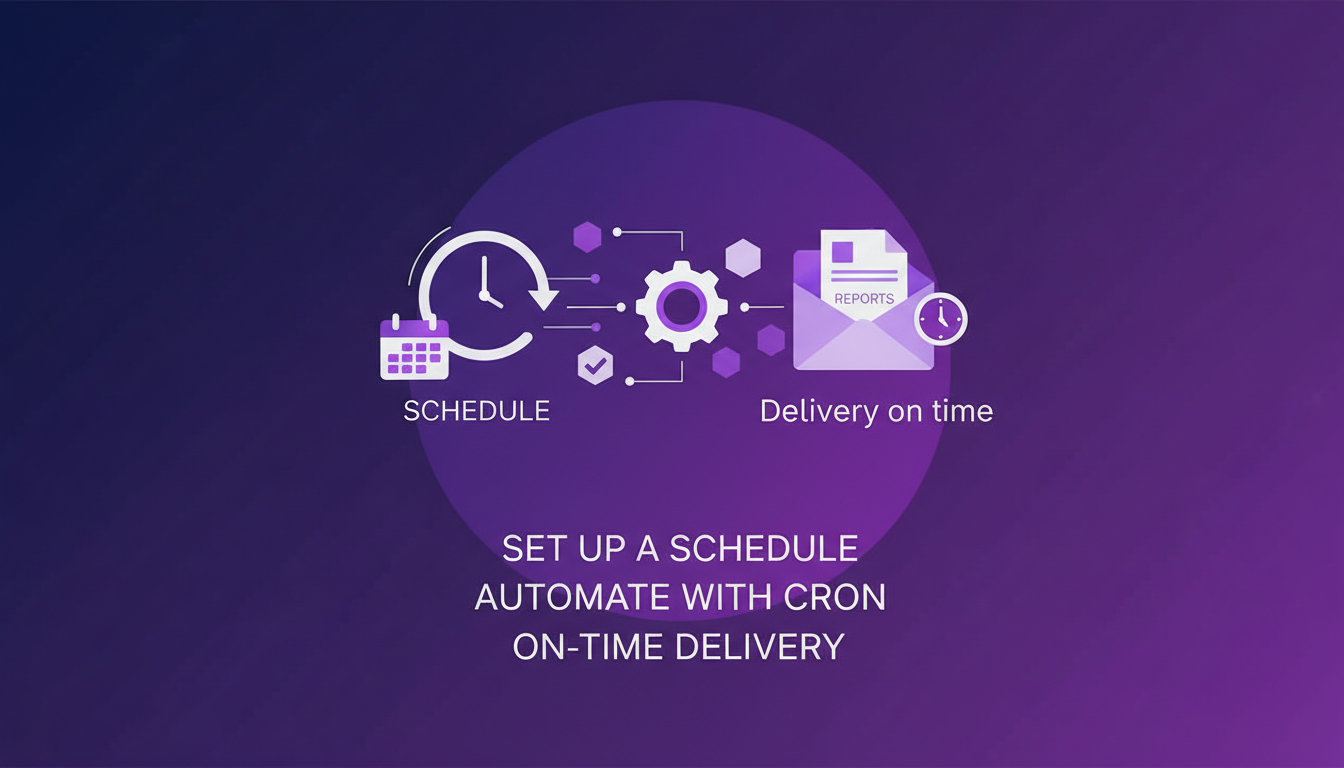
Then, I set up a schedule for the agent to run every Friday. Using cron jobs or similar tools for automation is essential to ensure reports are generated and delivered on time. Watch for scheduling conflicts or errors that might arise.
It's also important to consider the cost of automation tools. Sometimes, efficiency can save you more than expected.
- Set up for execution every Friday
- Use cron jobs for automation
- Ensure timely delivery of reports
Monitoring and Reviewing Agent Activity
Finally, I use activity history to track agent performance. This allows me to quickly identify and resolve any potential issues. Adjusting workflows based on insights from historical data is a strategy I often find winning.
Regular monitoring ensures continuous improvement of the agent. However, watch out for anomalies and maintain a log for easy review.
- Track performance via activity history
- Resolve issues quickly
- Adapt workflows according to insights
By setting up a ChatGPT-powered reporting agent, I've automated my weekly tasks while gaining deeper insights into my data. First, I integrated Google Drive for data access, then used ChatGPT to enhance the agent workflows. The result? A time saver, error reducer, and a focus shift to strategic tasks. Key takeaways to keep in mind:
- Friday: the scheduled day for the agent to run.
- Weekly: the frequency of the reporting agent.
- Metrics: crucial tools for analysis. Now, imagine the impact on your efficiency. Ready to transform your reporting process? Start building your agent today and experience the efficiency boost firsthand. To dive deeper into this topic, I suggest watching the full video "Workspace agents in ChatGPT: Weekly metrics reporting agent". It offers a detailed and practical setup walkthrough. YouTube link
Frequently Asked Questions

Thibault Le Balier
Co-fondateur & CTO
Coming from the tech startup ecosystem, Thibault has developed expertise in AI solution architecture that he now puts at the service of large companies (Atos, BNP Paribas, beta.gouv). He works on two axes: mastering AI deployments (local LLMs, MCP security) and optimizing inference costs (offloading, compression, token management).
Related Articles
Discover more articles on similar topics
Optimize Reporting: Agent, ChatGPT, Google Drive
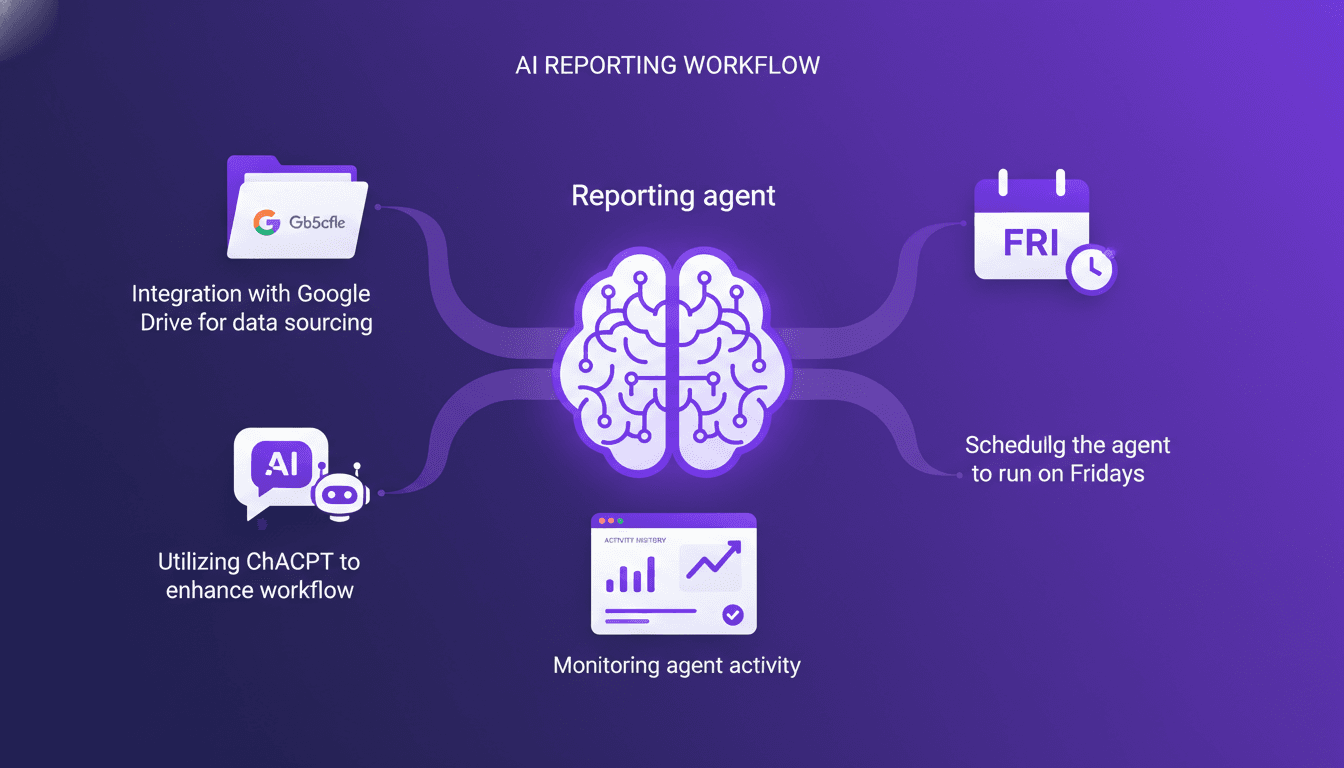
Every Friday, like clockwork, my reporting agent kicks into gear. I set up this system to pull data from Google Drive, crunch numbers with ChatGPT, and deliver a slick weekly report. I hit some snags along the way, as any builder does, but I'll walk you through how I pieced it all together. You'll see how I tackled challenges, streamlined workflows, and how you can do the same to automate your reporting. On the agenda: integrating Google Drive for data sourcing, leveraging ChatGPT to enhance processing, and weekly scheduling to keep everything running smoothly.
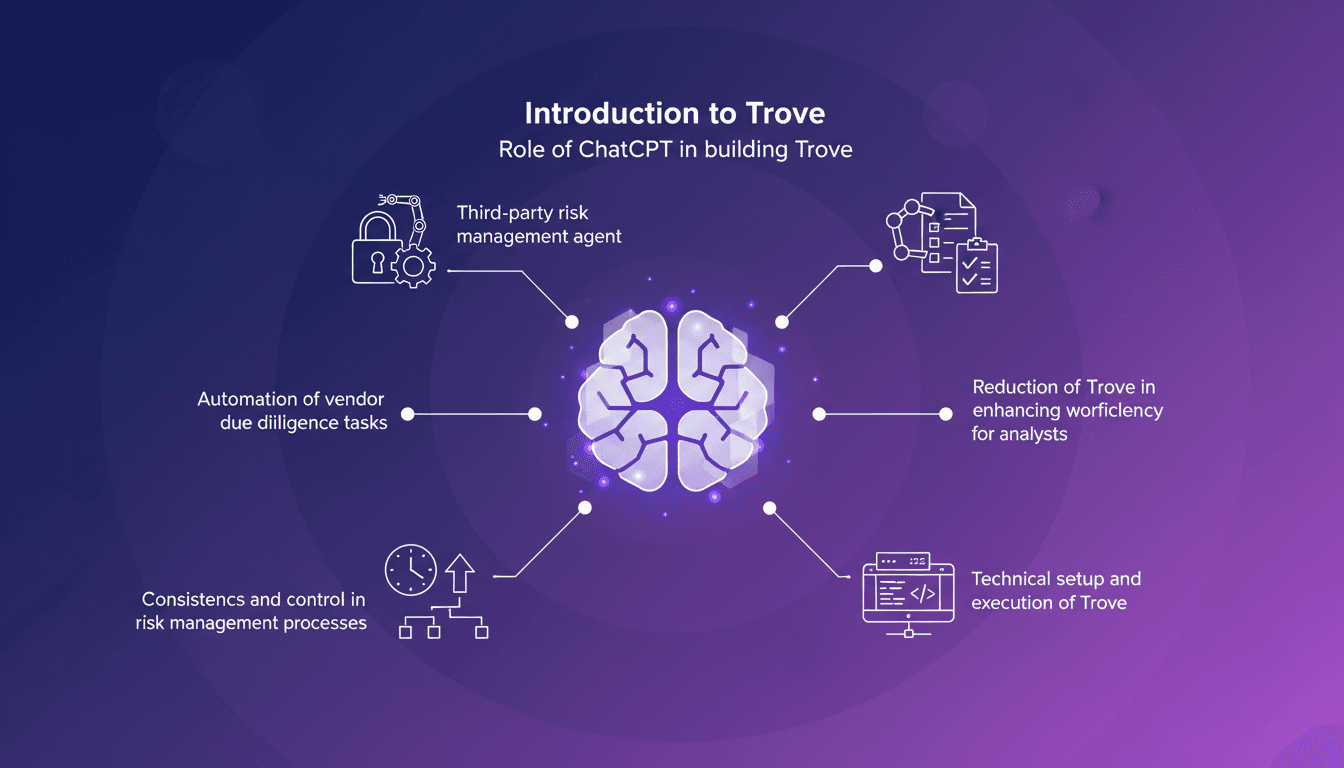
Managing Third-Party Risks with Trove and ChatGPT
I remember when managing third-party risks felt like wrestling with spreadsheets. Then I discovered Trove, and everything changed. With ChatGPT, I built a game-changing tool that slashes manual work and boosts efficiency. Trove automates vendor due diligence, making the process faster and more consistent. Let me walk you through how I integrated ChatGPT into Trove to automate these tasks. Throughout this journey, I learned how to orchestrate everything — from the technical setup to execution — saving a ton of time and providing unmatched consistency in risk management.
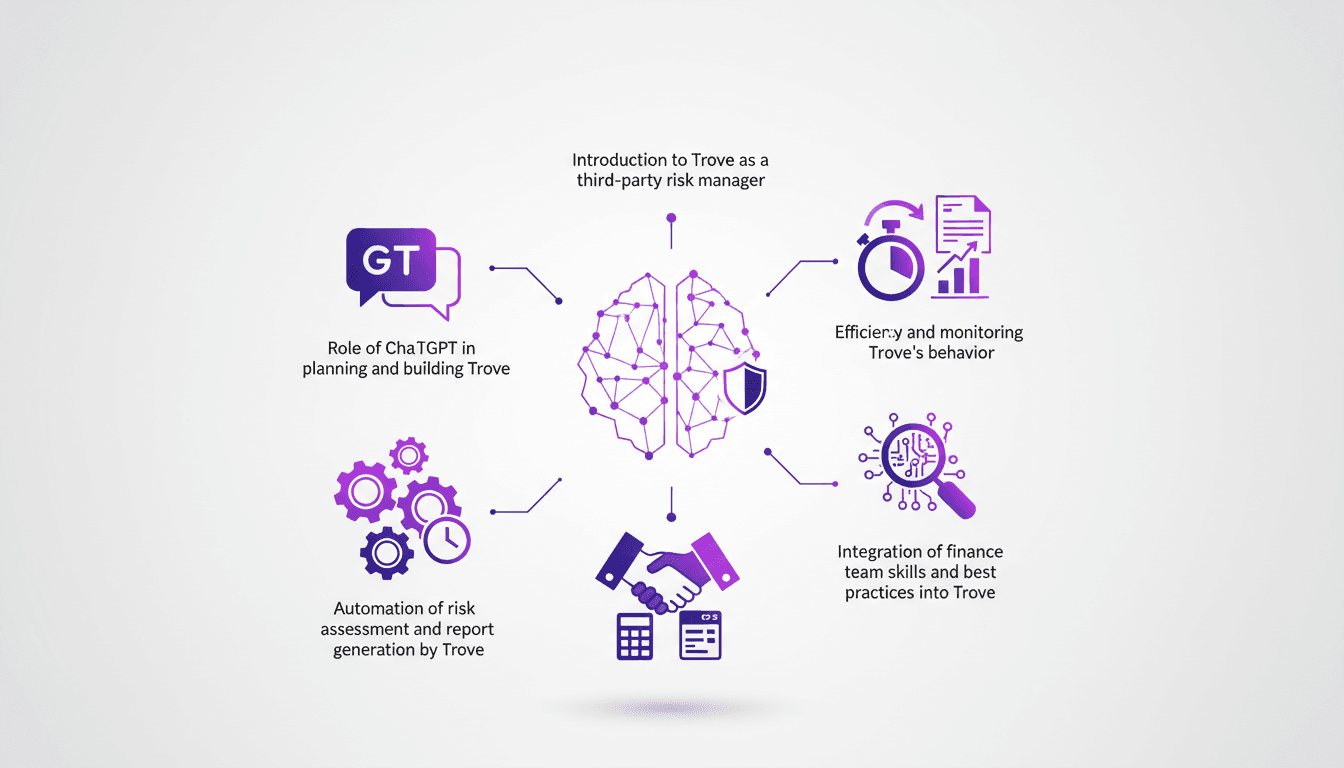
Managing Third-Party Risks with Trove and ChatGPT
I've been in the trenches of risk management for years, and when I first stumbled upon Trove, I knew it could change the game. Trove, paired with ChatGPT, offers a fresh approach to handling vendor due diligence with automation at its core. First, I connect Trove to our risk management system, then I integrate ChatGPT to automate risk assessment and report generation. In a matter of minutes, Trove completes what used to take hours. But watch out, you need to monitor its behavior and align it with our finance team's best practices. I'll walk you through how I orchestrated this integration and the efficiency gains I've seen.
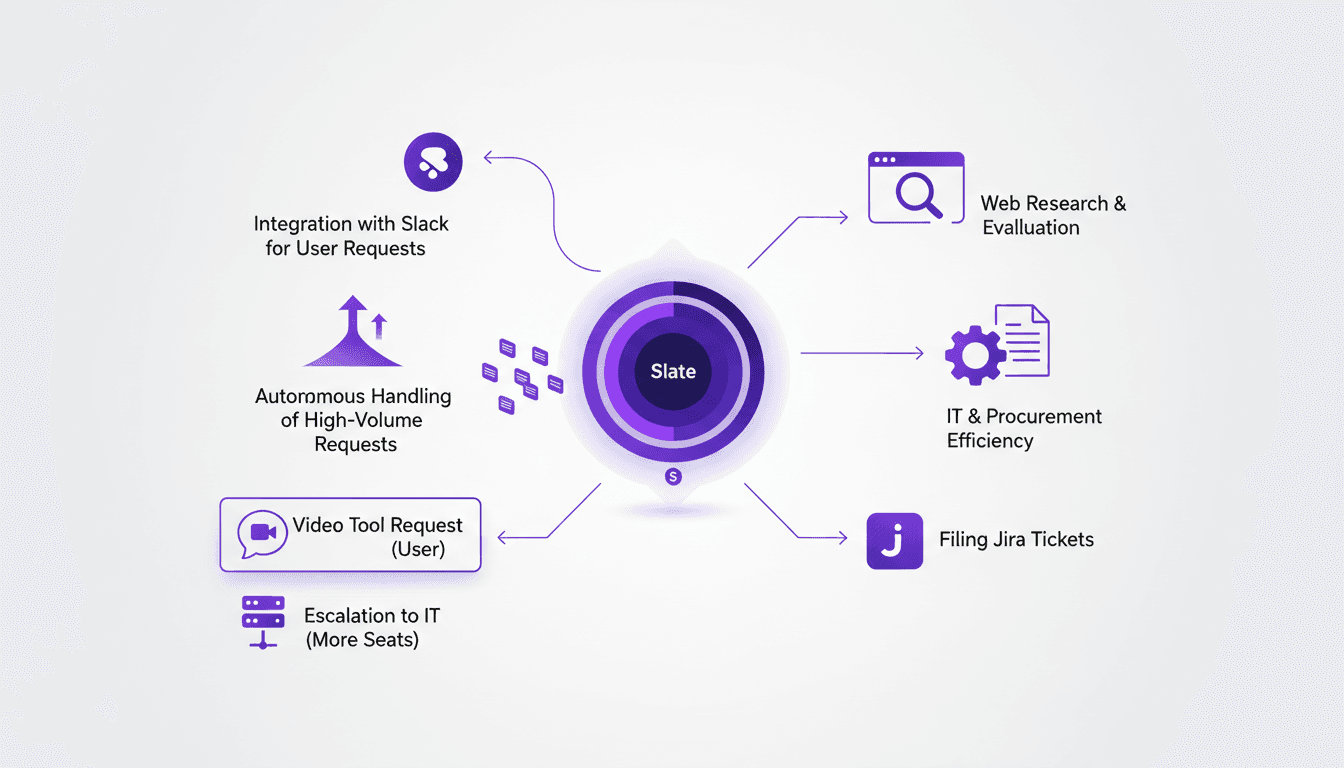
Slate: Software Review Agent in ChatGPT
Ever been buried under a pile of software requests and wished for an extra pair of hands? That's where Slate steps in. I integrated Slate with Slack and saw firsthand how it transformed our IT workflow. Slate acts as a software review agent, autonomously handling high-volume requests and integrating seamlessly with Slack. Let's dive into how it streamlines processes and boosts efficiency, from web research to software evaluation, and even managing Jira tickets.
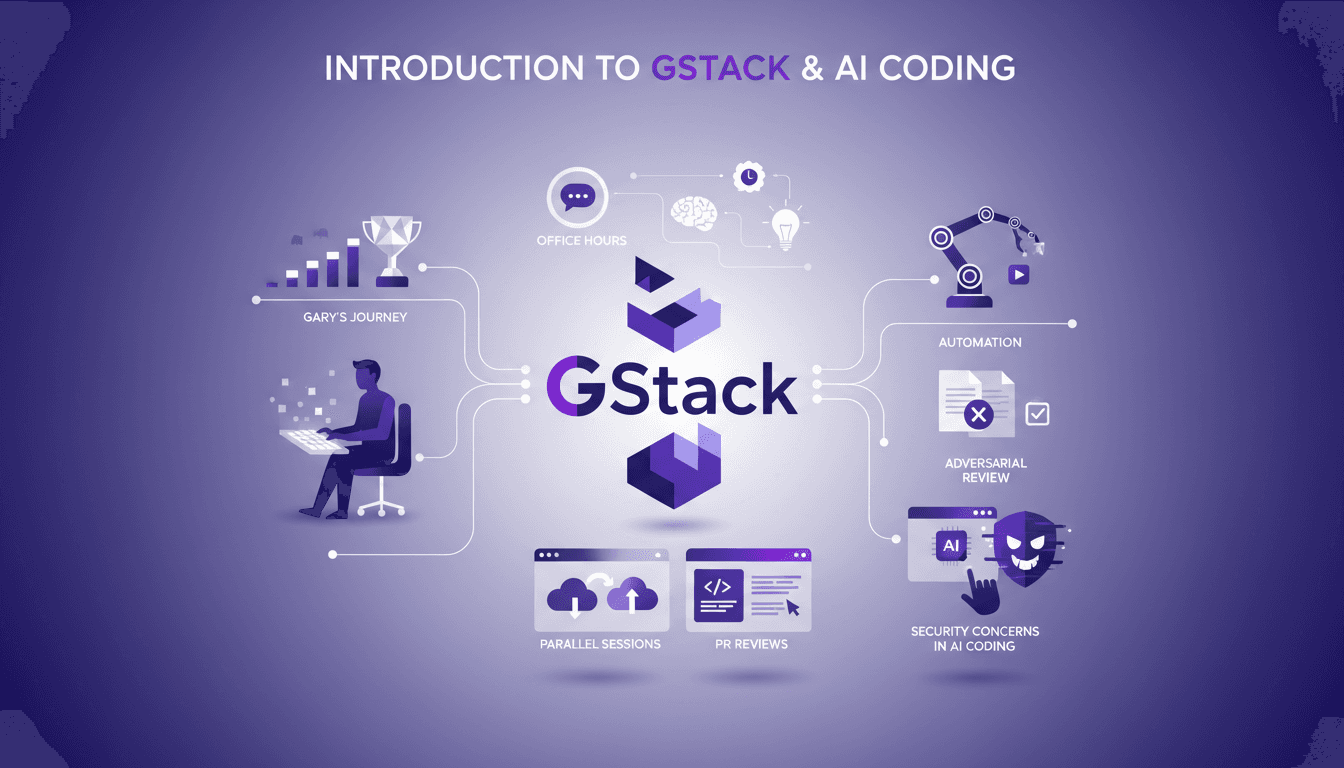
Setting Up GStack: My Experience with Claude Code
I've been deep in the trenches with GStack and Claude Code, and let me tell you, the way Garry Tan orchestrates his workflow is something else. From coding marathons to leveraging office hours for refining startup ideas, there’s a lot to unpack here. GStack is a powerhouse for automation in software development, and Garry has taken it to new heights. In this article, we dive into his tools, his methods, and the lessons we can all learn. We'll explore his use of GStack for automation, parallel cloud code sessions, and how he integrates AI into his process. But watch out, there are security concerns not to overlook.