Optimize Reporting: Agent, ChatGPT, Google Drive
Every Friday, like clockwork, my reporting agent kicks into gear. I set up this system to pull data from Google Drive, crunch numbers with ChatGPT, and deliver a slick weekly report. I hit some snags along the way, as any builder does, but I'll walk you through how I pieced it all together. You'll see how I tackled challenges, streamlined workflows, and how you can do the same to automate your reporting. On the agenda: integrating Google Drive for data sourcing, leveraging ChatGPT to enhance processing, and weekly scheduling to keep everything running smoothly.
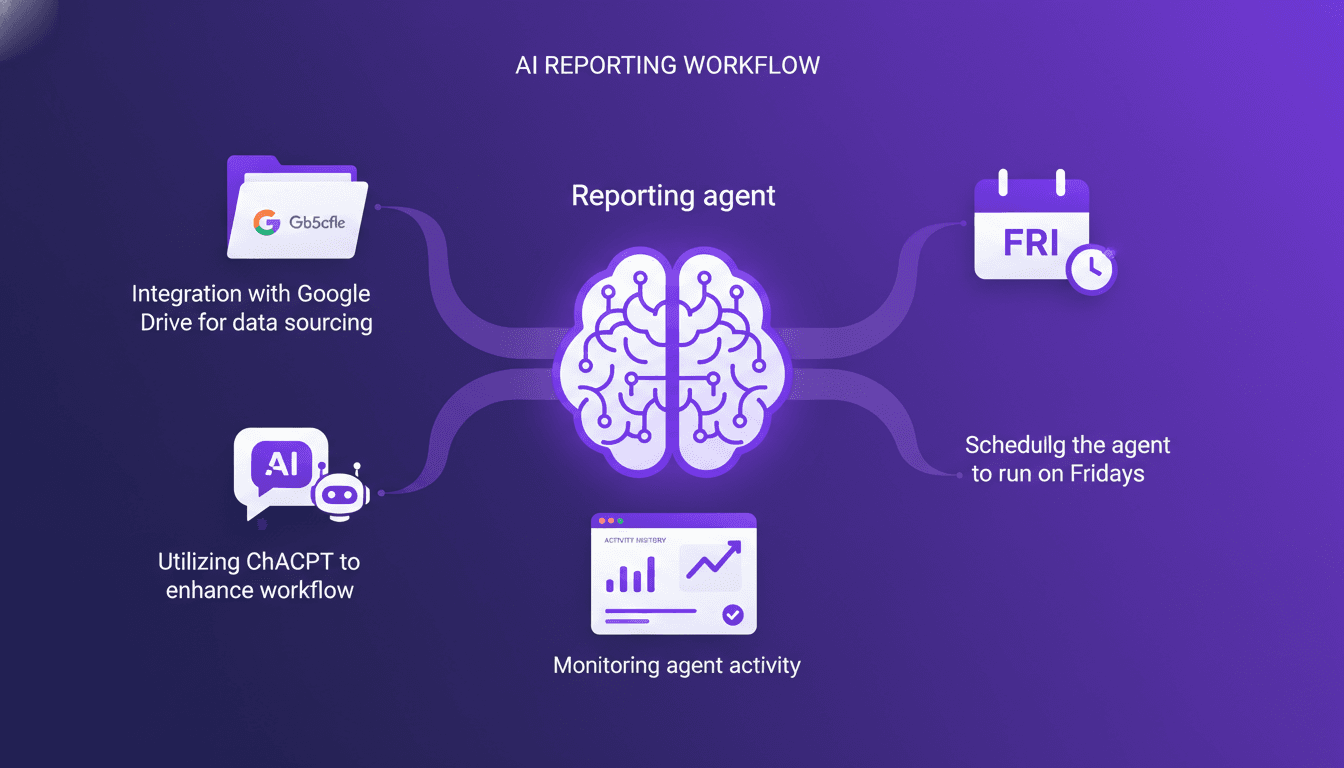
Every Friday, my reporting agent springs into action, pulling data from Google Drive, crunching numbers with ChatGPT, and delivering a pristine weekly report. When I first started, I didn't anticipate it being so intricate (I got burned by a few rookie mistakes), but in the end, I managed to orchestrate everything. Here, I share my journey, the technical choices I made, and most importantly, the pitfalls to avoid. If you're looking to automate your reports, I'll show you how to integrate Google Drive for data sourcing, leverage ChatGPT to refine processing, and schedule everything to run each week without a hitch. It's a real time and efficiency saver, but watch out for the traps along the way!
Setting Up the Reporting Agent
Before diving into building a reporting agent, I always start by clearly defining the metrics I need to report on. This seems obvious, but it's where many get it wrong. If your metrics don't align with your objectives, all the automation in the world won't help. Once I have this list, I create a service account for secure integration with Google Drive. This isn't just a formality: a service account allows the agent to operate independently, without relying on personal configurations, avoiding access headaches when someone leaves the company.
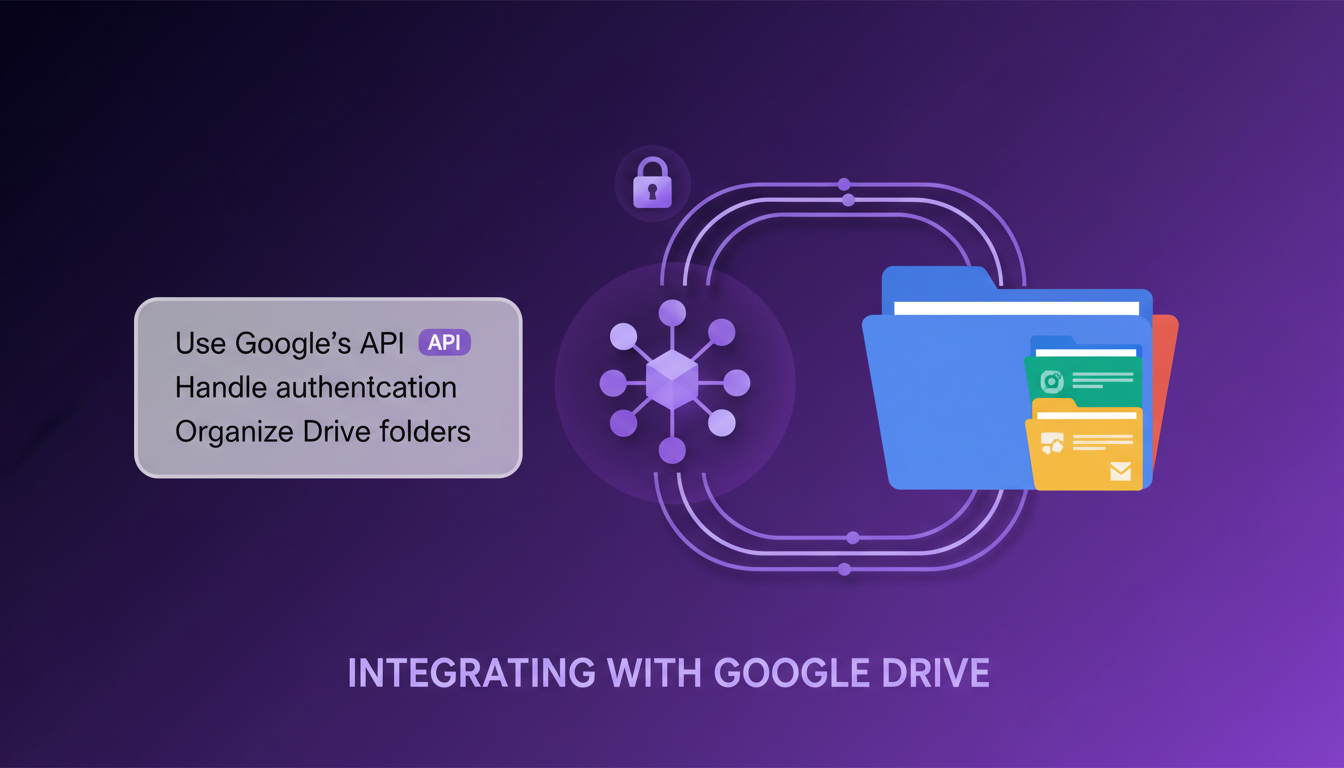
Then, I ensure my agent can access the necessary files by setting permissions correctly. Watch out for incorrect permission settings, a classic trap that can waste a ton of time.
Integrating with Google Drive
To connect the agent to Google Drive, I use the Google API. It might sound technical, but essentially, it's about handling authentication with the service account credentials. Next, I organize my Drive folders for efficient data retrieval. This is where a good filing system can make all the difference. A chaotic Drive is like searching for a needle in a haystack.
But watch out for quota limits and manage API calls efficiently. Google imposes limits, and it's easy to get caught out if you don't anticipate them. Personally, I always monitor quota usage closely to avoid nasty surprises.
Enhancing Workflow with ChatGPT
Integrating ChatGPT into your workflow is like adding a turbo to your car. ChatGPT can help analyze data and generate insights or suggestions for improving your processes. For example, I use it to create metrics calculation skills. This allows the agent not to improvise each time but to follow clear guidelines.
Automation is great, but don't fall into the trap of leaving everything to the machine. A good balance between automation and human control is necessary to avoid mishaps.
Scheduling and Running the Agent
Once the agent is ready, I set up a cron job to run it every Friday. It's simple: I test the scheduling setup to ensure reliability. Time zones and server uptime are factors to consider for accurate scheduling. I've been caught out by time zone shifts before, so don't make the same mistake.
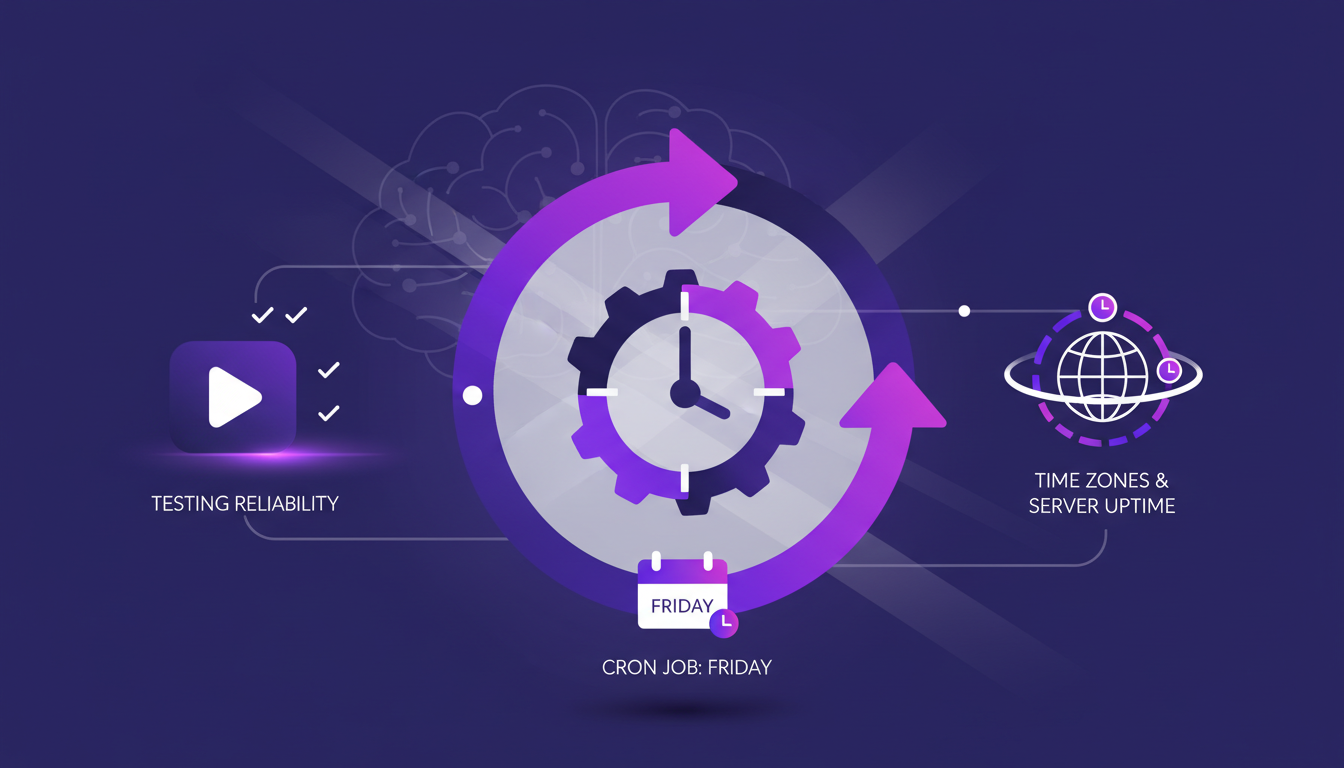
Finally, I keep an eye on performance to prevent overloads. There's nothing worse than an agent that crashes under load because it wasn't properly calibrated.
Monitoring and Reviewing Activity History
Using activity logs is crucial for tracking the agent's operations. These logs allow identifying and troubleshooting errors. For example, I can see the steps the agent took, the tools used, and the generated output. This is valuable visibility that allows adjusting the workflow based on insights from historical data.
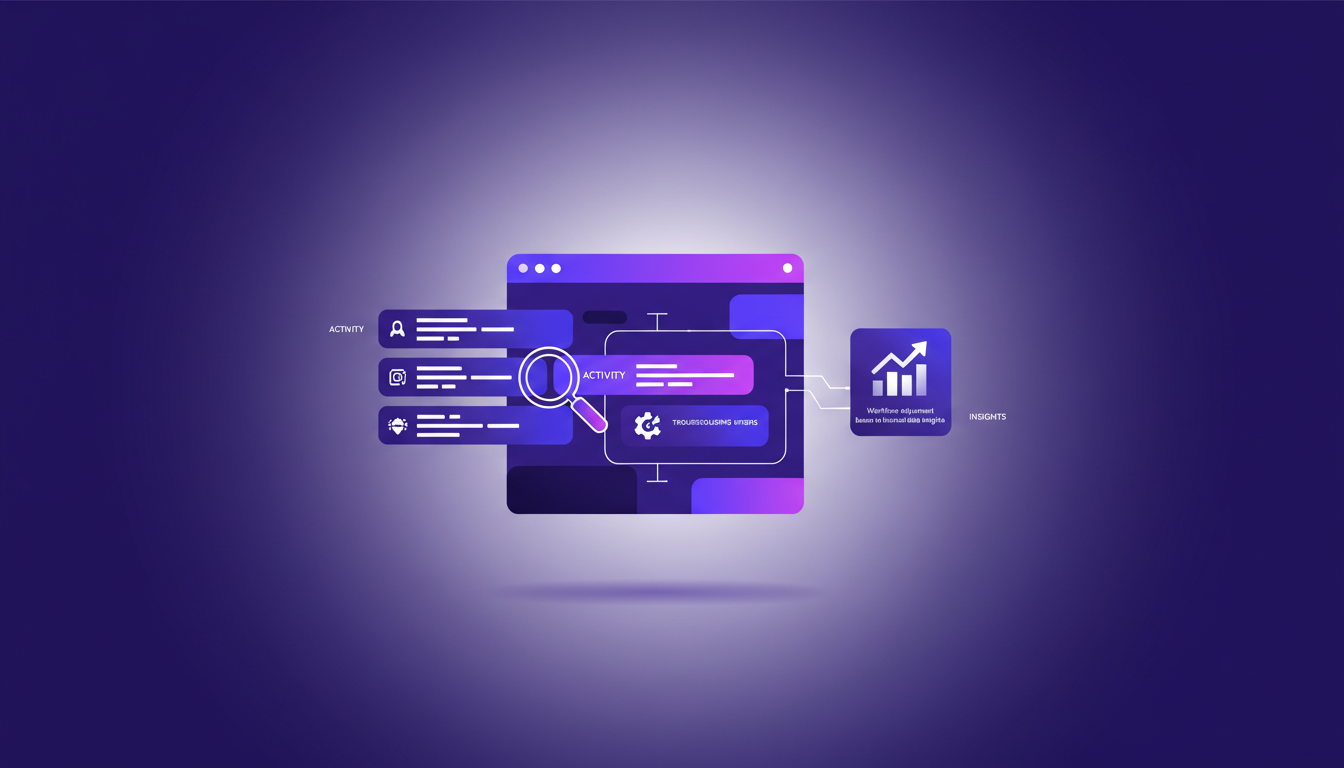
Additionally, I set up alerts for critical failures or anomalies. It's a safety net that has saved me more than once.
In summary, building a performant reporting agent requires meticulous planning and continuous monitoring. You can't afford to leave everything to automation without a minimum of human oversight. For those looking to delve deeper, I recommend reading this article on managing third-party risks or how to boost sales with Spark and ChatGPT integration.
Building a robust reporting agent is like assembling an IKEA piece, but with data. First, I integrate Google Drive to centralize my data sources. Then I hook up ChatGPT to give my workflow a boost. What I learned is that scheduling is crucial: the agent runs every Friday for a weekly report, and it’s a game changer for keeping the team aligned without manual effort. But watch out, performance limits are real—keep an eye on your quotas and adjust as needed.
• Integration with Google Drive for a centralized data source. • Using ChatGPT to automate and enhance reporting. • Scheduling the agent every Friday for weekly reports.
Looking ahead, automating reporting can truly transform how you track your metrics. Ready to streamline your reporting? Start building your own agent today and see the efficiency gains for yourself. For a deeper understanding, feel free to watch the original video: Weekly metrics reporting agent.
Frequently Asked Questions

Thibault Le Balier
Co-fondateur & CTO
Coming from the tech startup ecosystem, Thibault has developed expertise in AI solution architecture that he now puts at the service of large companies (Atos, BNP Paribas, beta.gouv). He works on two axes: mastering AI deployments (local LLMs, MCP security) and optimizing inference costs (offloading, compression, token management).
Related Articles
Discover more articles on similar topics
Managing Third-Party Risks with Trove and ChatGPT
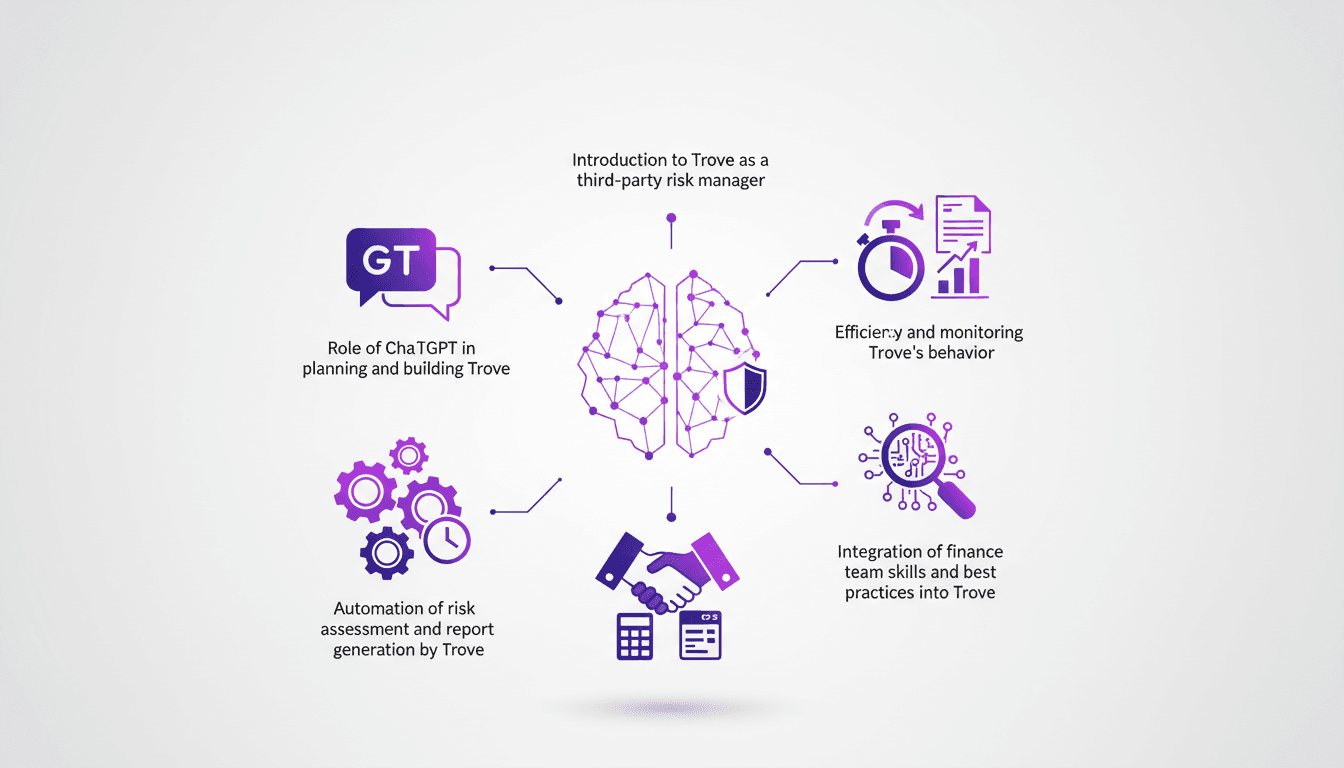
I've been in the trenches of risk management for years, and when I first stumbled upon Trove, I knew it could change the game. Trove, paired with ChatGPT, offers a fresh approach to handling vendor due diligence with automation at its core. First, I connect Trove to our risk management system, then I integrate ChatGPT to automate risk assessment and report generation. In a matter of minutes, Trove completes what used to take hours. But watch out, you need to monitor its behavior and align it with our finance team's best practices. I'll walk you through how I orchestrated this integration and the efficiency gains I've seen.
Boost Sales with Spark and ChatGPT Integration
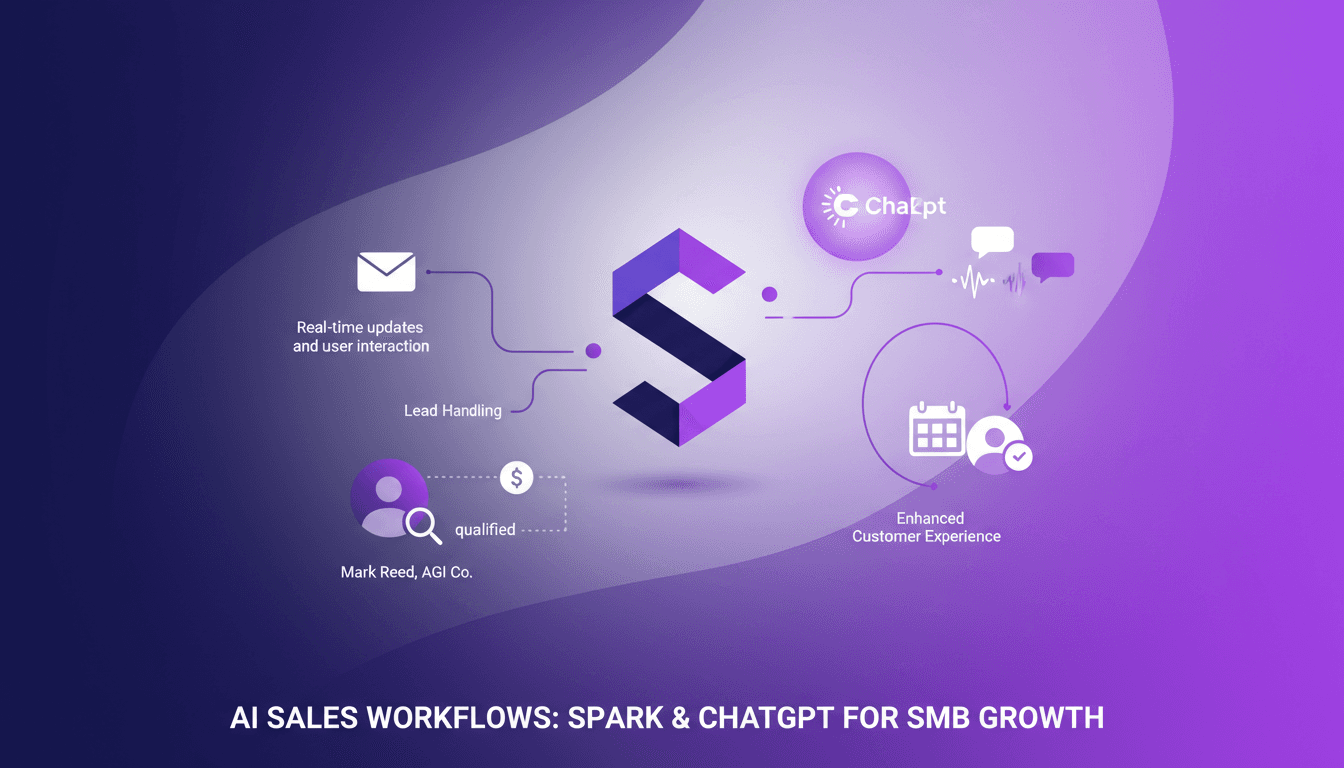
I've spent countless hours juggling sales outreach, follow-ups, and lead grading. Then I met Spark, and it's been a real game changer for my SMB sales team. By integrating ChatGPT with Gmail, I automated our sales processes, freeing up time for strategic thinking. In this article, I walk you through how I've set up this integration and how it’s transforming the way we work. Spark acts as a workspace agent, handling repetitive tasks so we can focus on what truly matters: our customers. See how Spark manages leads in real-time with Mark Reed from AGI company, enhances customer experience through automation, and offers scheduling and reminder features. A real game changer for SMB sales teams.
Building a Product Feedback Agent: Step-by-Step
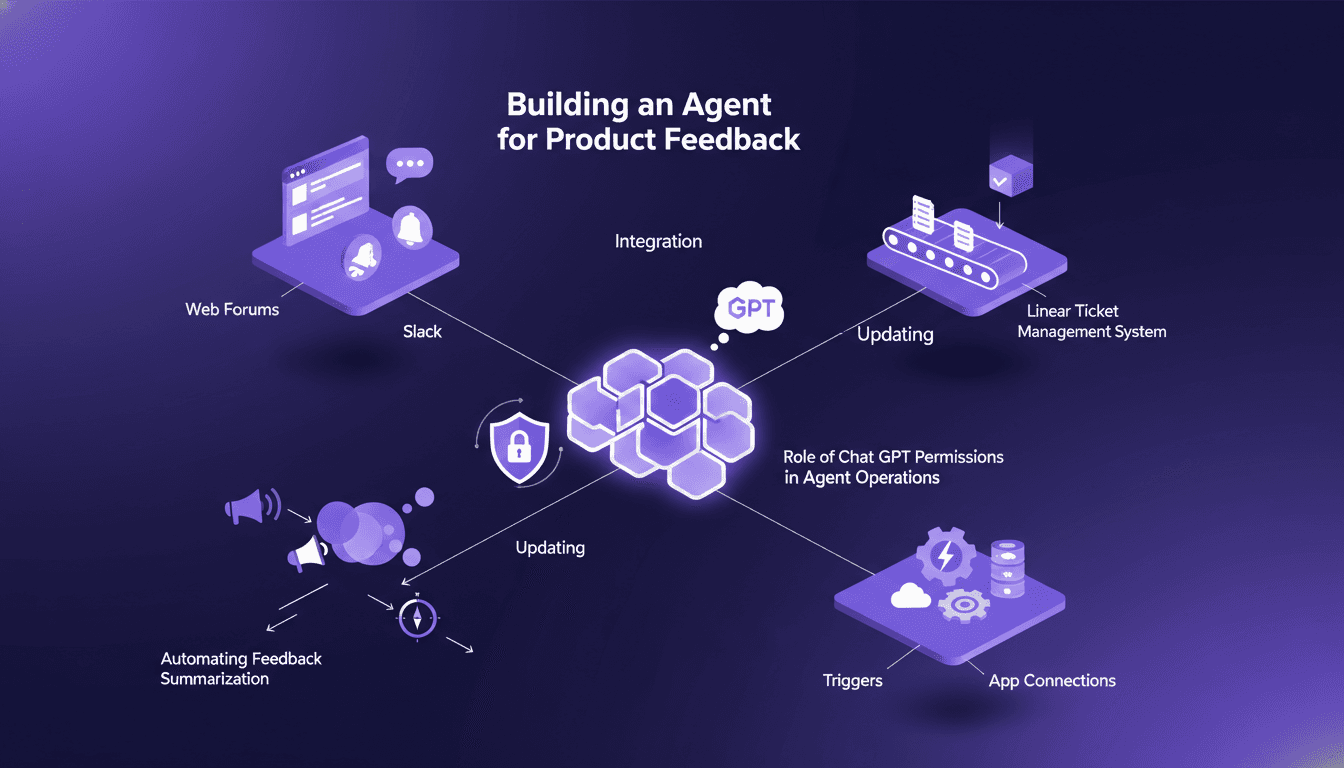
I've been knee-deep in the chaos of product feedback, trying to streamline how we handle it. Building an agent to automate this process was a game changer for me. Picture this: by integrating Chat GPT with platforms like Linear, I managed to automate the entire workflow, saving enormous time and boosting accuracy. I'll walk you through how I built this product feedback routing agent, pitfalls to watch out for, and how you can do the same to transform your feedback management.

ChatGPT Workspace Agents: Decoding 'Heat'
Ever stumbled upon an AI concept that seemed elusive? That's exactly where I found myself with 'Heat' in ChatGPT. This term keeps popping up in conversations but remains undefined. I dove into its implications to understand how it affects AI communication patterns. I connect the dots between lack of context and its potential impact on content generation. It's a journey, but one worth taking to truly master ChatGPT's workspace agent.
Instruction Following ChatGPT Images 2.0
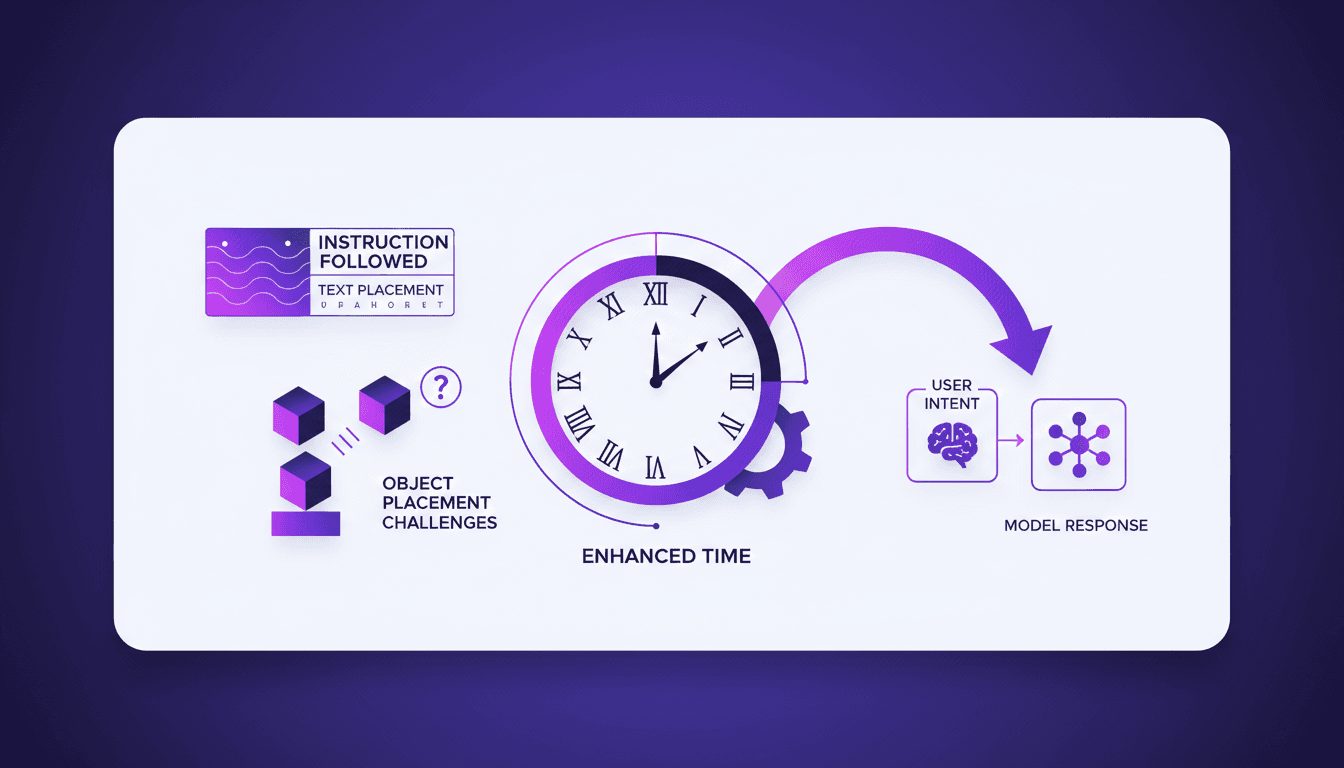
I've spent hours trying to get an AI to follow precise instructions for image generation, and I can tell you, it's a real challenge. But with ChatGPT Images 2.0, we're starting to see real progress. I connect my workflows, test text rendering, and finally see objects landing where I want them. Watch out, there are still pitfalls, especially when it comes to rendering clocks accurately — but the results are promising. Want to know how I make it work? Join me as I dive into the capabilities of this new version.