Instruction Following ChatGPT Images 2.0
I've spent hours trying to get an AI to follow precise instructions for image generation, and I can tell you, it's a real challenge. But with ChatGPT Images 2.0, we're starting to see real progress. I connect my workflows, test text rendering, and finally see objects landing where I want them. Watch out, there are still pitfalls, especially when it comes to rendering clocks accurately — but the results are promising. Want to know how I make it work? Join me as I dive into the capabilities of this new version.
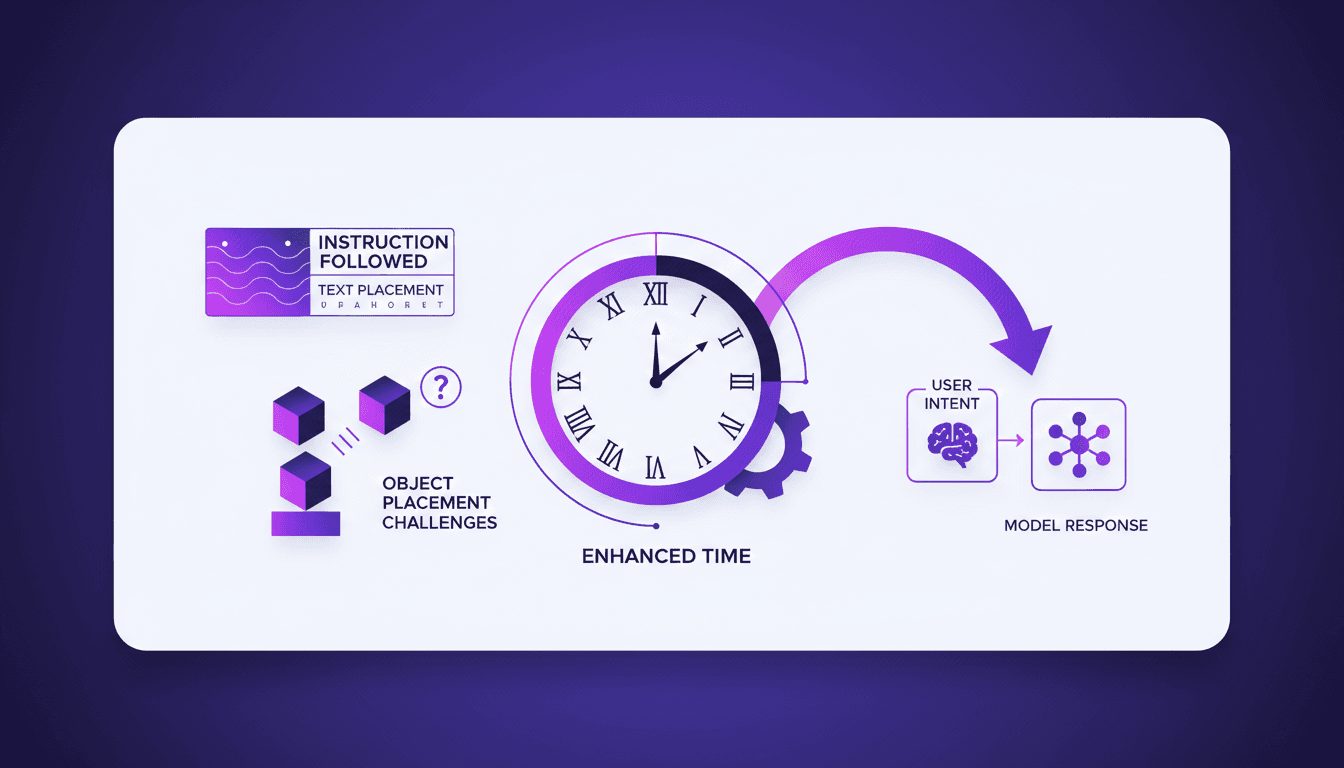
Ever tried getting an AI to follow precise instructions in image generation? I have, and with ChatGPT Images 2.0, we're finally seeing some real progress. I've spent more hours than I'd like to admit orchestrating my workflows, tweaking text rendering, and making sure objects land just where I want them. With this new version, I've noticed significant improvements — like clock rendering that no longer sticks to a fixed 10:10 but varies between 2:25 and 7:45. But watch out, not all issues are resolved. Sometimes, user intent and model response aren't perfectly aligned. However, the progress is undeniable and directly impacts our real-world applications. I invite you to join me as I explore the capabilities of ChatGPT Images 2.0 and discover how we can optimize our projects by leveraging these advancements.
Getting Started with ChatGPT Images 2.0
Imagine 2.0 has opened up new dimensions in imagination capabilities. Right from the start, I was struck by its new features, particularly its ability to follow instructions accurately for image generation. To make the most of this tool, setting up the environment correctly is crucial. This starts by optimizing your hardware and software to ensure smooth performance. Then, I focused on understanding the basic workflow for instruction execution. This involves crafting clear and precise commands. But watch out, the tool has its limits, especially regarding the complexity of instructions it can handle.
From my initial impressions, I'd say it's a remarkable tool, but pay attention to details during the initial setup. For instance, too much complexity in initial instructions can lead to unexpected results.
Mastering Text Rendering and Word Placement
With Imagine 2.0, I was able to significantly improve text rendering during image generation. Previously, texts often appeared blurry or poorly formatted, but now they're clear and well-placed. I tested several word placement scenarios, and while text alignment remains a challenge, I've learned to balance text clarity with image aesthetics. A typical example: positioning a word on a photograph so that it naturally integrates.
The challenges encountered mainly included aligning texts on complex backgrounds. However, by adjusting rendering parameters, I could achieve a satisfactory balance. Don't neglect repeated testing to refine these details.
Enhancing Clock Rendering Capabilities
One notable improvement is the ability to render clocks with different times. Previously, the model often displayed 10:10, due to the images available on the internet. But now, Imagine 2.0 can display varied times like 2:25, 2:30, or 9:10. While this might seem trivial, it's a significant advancement for practical applications, such as simulating real-world scenarios.
However, be aware of precision limits: while times vary, they might not always match the initial intent exactly. It's essential to verify and adjust if necessary.
Tackling Object Placement Tasks
Object placement is another skill where Imagine 2.0 excels. I focused on complex tasks like positioning an apple in the center, a mug to the right, and a book above. The model showed remarkable improvement, but I encountered errors like misaligned objects. To overcome this, I adjusted the level of detail in the instructions given to the model.
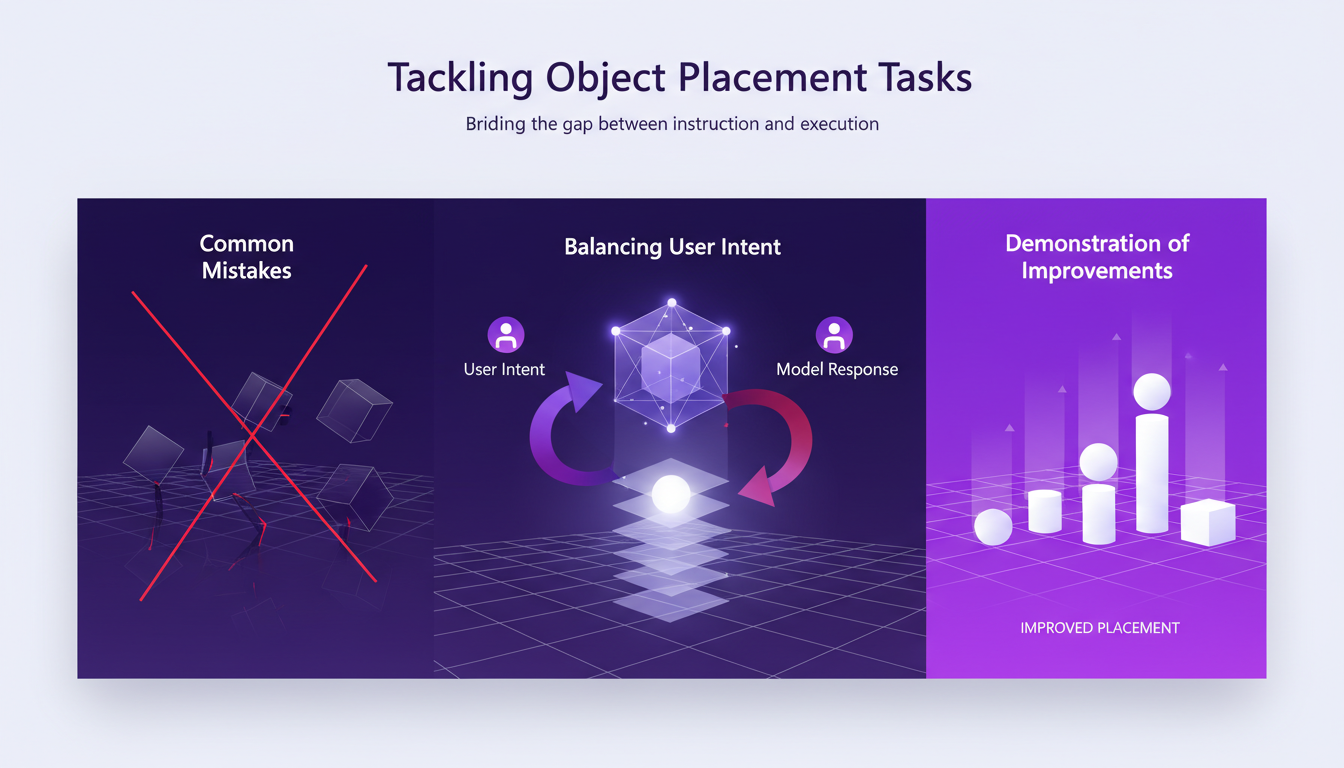
It's crucial to find a balance between user intent and model response. Sometimes precision can be sacrificed to improve overall performance. But don't be mistaken, this requires careful evaluation.
Bridging User Intent and Model Response
To fully leverage Imagine 2.0, mastering the communication of intent to the model is vital. I've experimented with different ways to express clear and concise instructions. For example, by explicitly specifying each step of the desired rendering, I achieved better results.
However, there are obvious limits to what the model can understand. Don't expect it to interpret ambiguous instructions. The strategies I've developed include simplifying commands and using short sentences.
Ultimately, Imagine 2.0 partially bridges the gap between user intent and model response, but it requires continuous practice and adaptation. Discover how ChatGPT Images 2.0 excels in multilingual rendering.
With ChatGPT Images 2.0, instruction following in AI has taken a solid leap forward. I've seen real improvements in text rendering and word placement. The clock rendering is no longer stuck at 10:10—I've clocked times like 2:25 and 9:10, which is a game changer. But keep in mind, object placement remains a challenge. It's not flawless yet, but that's where we need to keep iterating and testing.
- Text rendering has become more precise.
- Clocks now show varied times.
- Object placement still needs fine-tuning.
Looking forward, these enhancements promise a lot, but let's not forget the current limits. Ready to dive deeper into AI image generation? Start experimenting with ChatGPT Images 2.0 today and see the difference it makes. For even deeper insights, check out the original video "Instruction Following with ChatGPT Images 2.0" on YouTube. Trust me, it's worth the watch.
Frequently Asked Questions

Thibault Le Balier
Co-fondateur & CTO
Coming from the tech startup ecosystem, Thibault has developed expertise in AI solution architecture that he now puts at the service of large companies (Atos, BNP Paribas, beta.gouv). He works on two axes: mastering AI deployments (local LLMs, MCP security) and optimizing inference costs (offloading, compression, token management).
Related Articles
Discover more articles on similar topics
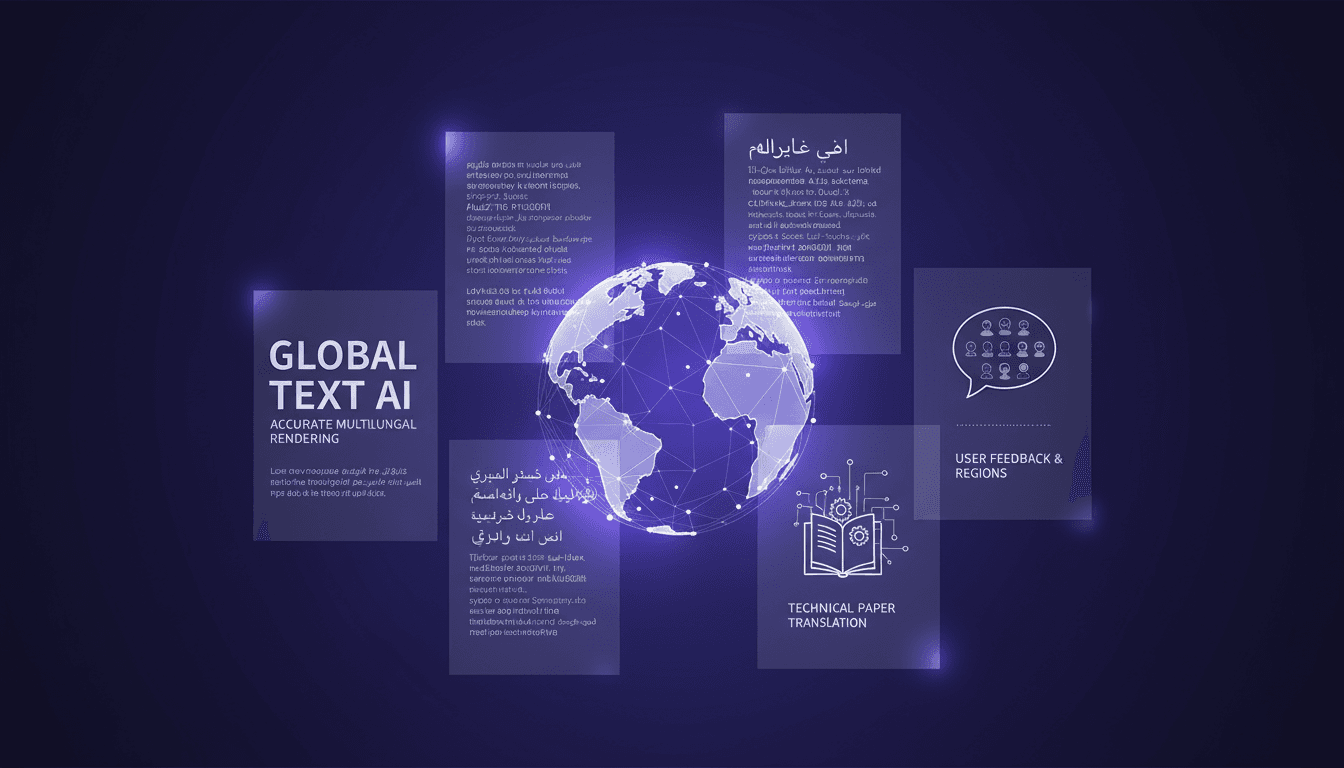
Multilingual Rendering: ChatGPT Images 2.0 in Action
I dove into ChatGPT Images 2.0 expecting the usual AI quirks, but what I found was a game-changer in multilingual text rendering. Let me walk you through how I tackled city poster creation in various languages. With this update, ChatGPT Images 2.0 promises improved multilingual capabilities and more accurate small text rendering. But how does it really hold up in real-world applications? I'll show you how I navigated the challenges of multilingual rendering and, by juggling user feedback from different regions, managed to translate and render a 100-page technical paper. It's really great as a tool, but watch out for context limits – beyond 100K tokens it gets tricky.
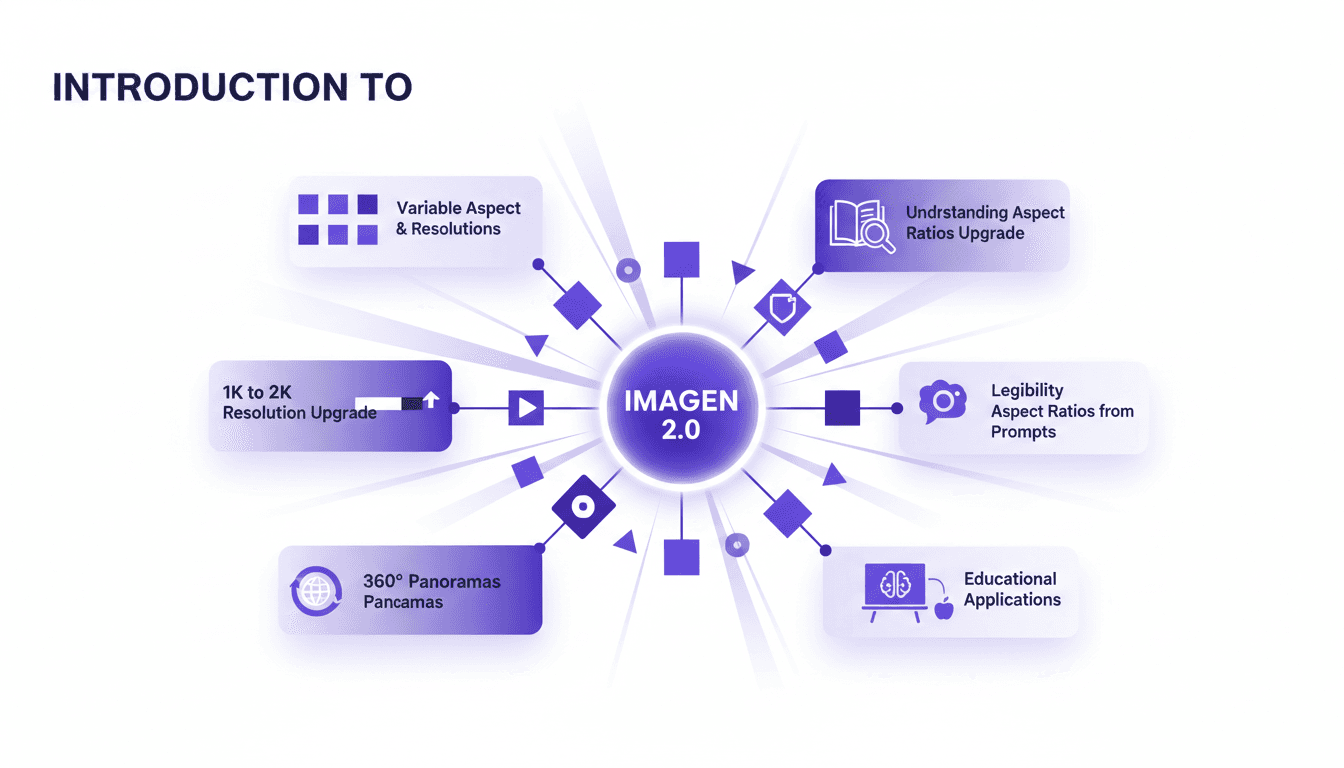
Aspect Ratios & Resolution with Imagen 2.0
I dove into Imagen 2.0 expecting just another upgrade, but what I found was a game changer. Shifting from 1K to 2K resolution and playing with aspect ratios truly opens up new doors for my projects. Imagine creating 360° panoramas or adjusting posters with a 3 by 1 ratio, all with impressive precision. Imagen 2.0 isn't just about better resolution—it's about flexibility and precision in image creation. Whether you're crafting educational materials or immersive panoramas, understanding these tools is crucial. In this tutorial, I'll walk you through mastering aspect ratios with Imagen 2.0, and I promise you'll never look at your projects the same way again.
Imagen 2.0: Revolutionizing Image Generation
When I first got my hands on Imagen 2.0, I was blown away by its potential. We're talking about generating 2K resolution images with multilingual support. The first thing I did was integrate it into my workflow, and the improvement is tangible. The advancement in resolution and detail is a real game changer, but watch out for technical limits in multi-image generation. Compared to previous models and DALL-E, Imagen 2.0 really stands out. This isn't about theory; I'm talking about daily impact on my practice. If you're aiming to innovate, this is the tool to explore.
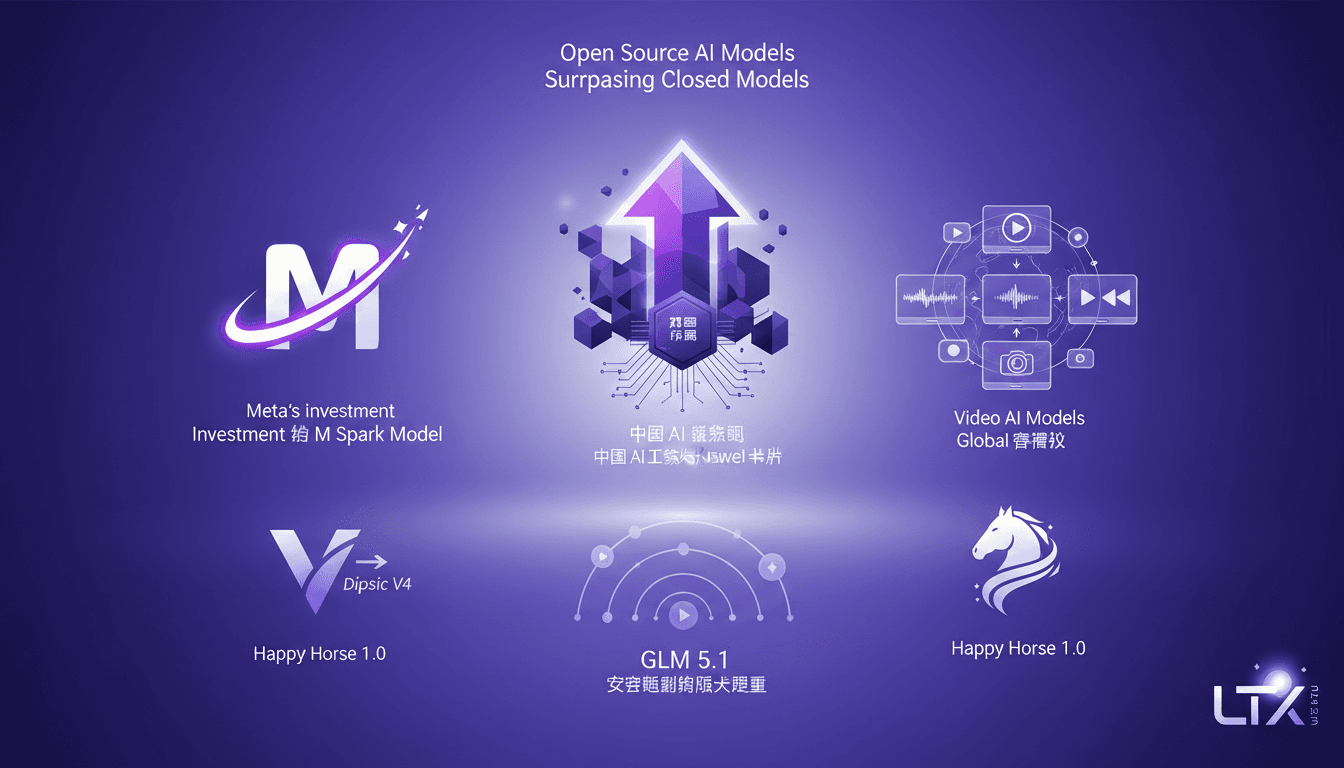
Open Source AI Beats ChatGPT: My Workflow
I've been knee-deep in AI for years, and let me tell you, open source models are shaking things up like never before. When I first saw GLM 5.1 surpassing big names like ChatGPT, I knew we were onto something game-changing. But it's not just about the scores—it's about what we can do with these tools, right in our hands. With scores that give established giants a run for their money, open source is redefining our approach to AI development and deployment. We're diving into how this plays out—from Huawei chips in China to globally competing video models. This transformation is far more than just a tech update—it's a seismic shift in the AI landscape.
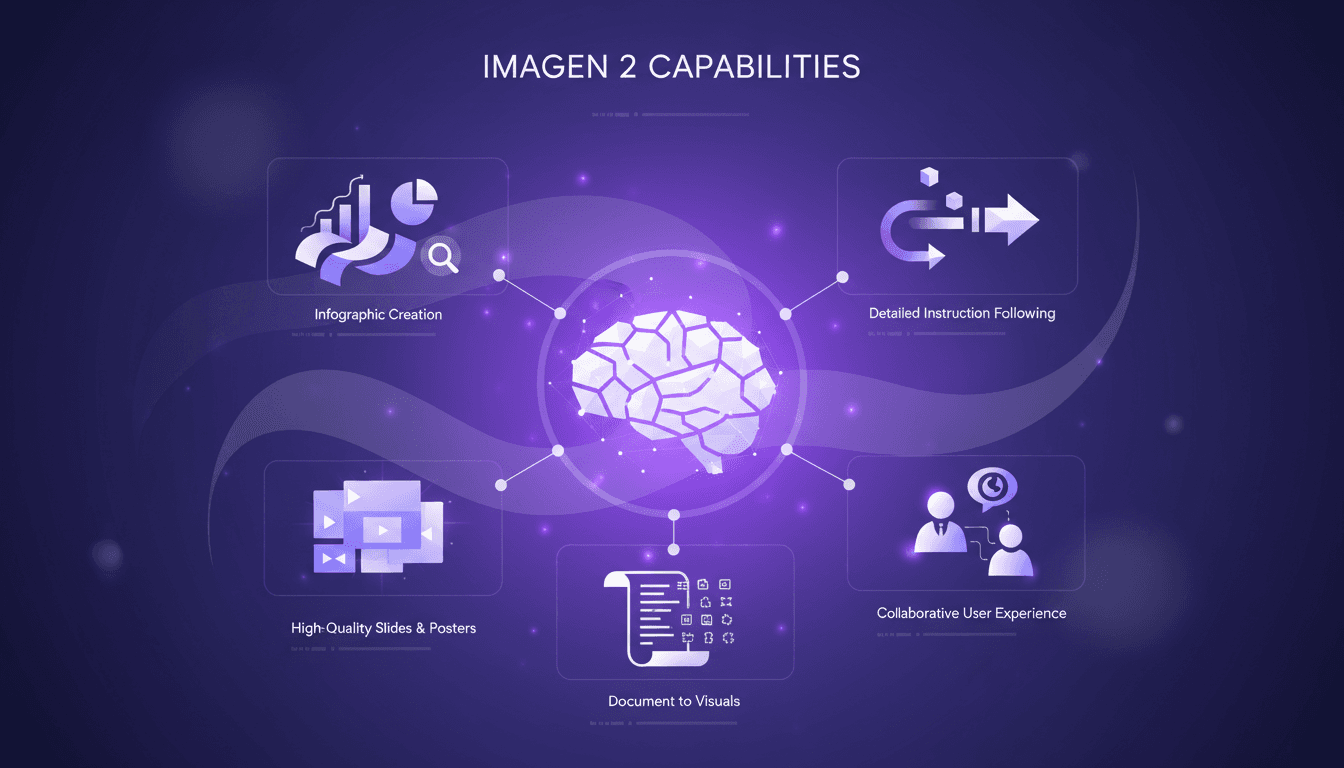
Craft Impactful Infographics with Imagen 2
I've been in the trenches, turning dense documents into visuals that actually speak to people. Imagen 2 has been my go-to for crafting infographics and slides that not only look professional but also convey the message clearly. Whether it's a 70-page PDF or a one-page poster, this tool makes life easier and presentations more impactful. I'll walk you through my process, step by step. We’ll dive into Imagen 2's capabilities, how I convert lengthy documents into concise visuals, and how I create high-quality slides and posters. Trust me, the user experience with Imagen 2 is collaboration at its finest.