Multilingual Rendering: ChatGPT Images 2.0 in Action
I dove into ChatGPT Images 2.0 expecting the usual AI quirks, but what I found was a game-changer in multilingual text rendering. Let me walk you through how I tackled city poster creation in various languages. With this update, ChatGPT Images 2.0 promises improved multilingual capabilities and more accurate small text rendering. But how does it really hold up in real-world applications? I'll show you how I navigated the challenges of multilingual rendering and, by juggling user feedback from different regions, managed to translate and render a 100-page technical paper. It's really great as a tool, but watch out for context limits – beyond 100K tokens it gets tricky.
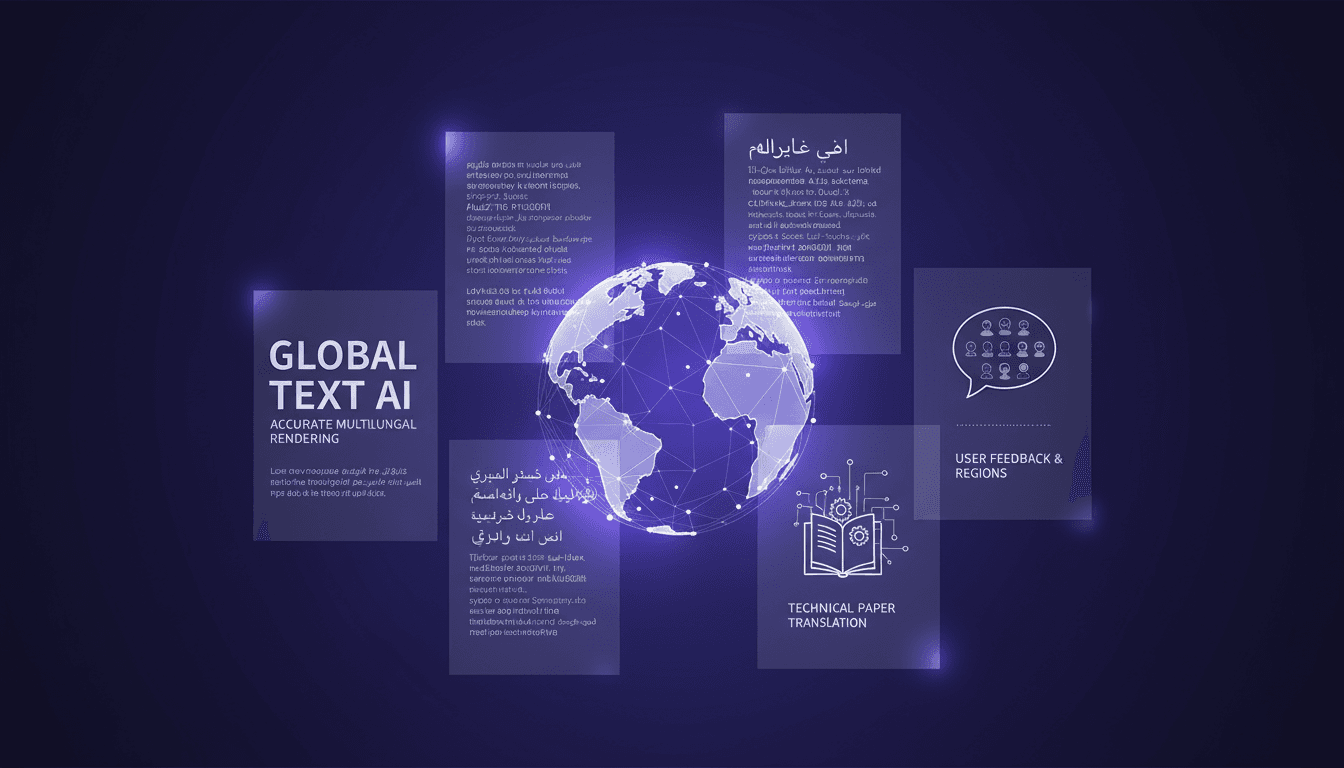
I dove into ChatGPT Images 2.0 expecting the usual AI quirks, but what I found was a true game-changer in multilingual text rendering. Picture yourself creating city posters in every language, and you'll quickly grasp the challenges—and surprises—I encountered. First, I tested the accuracy of small text rendering, often a pain point with other tools. Then, by juggling user feedback from various regions, I managed to translate and render a 100-page technical paper. Not bad, right? But watch out, don't let context limits catch you off guard. ChatGPT Images 2.0 is powerful, but beyond 100K tokens, things get tricky. If you've ever been burned by a tool promising the world, you'll understand why I'm cautious. This time, the results are very real and exceed my expectations, even as I stay mindful of the technical constraints.
Setting Up Multilingual Text Rendering
First step in our multilingual image generation process: configure language settings for diverse text outputs. I started by connecting the rendering model to handle multiple languages seamlessly. It might sound straightforward, but watch out for language-specific nuances—they can trip you up. I found that starting with a base template saves time, a strategic choice that paid off.

The GPT Image Generation 2.0 tool can generate text in every language correctly, which is a real breakthrough. But keep in mind that cultural differences can affect the final output. While working on the model, I had to tweak some settings to ensure accurate rendering for each language.
Creating City Posters in Various Languages
Now onto creating city posters. I began by selecting relevant urban themes and choosing appropriate text in different languages. This is where the tool's demonstration with complex scripts like Mandarin comes into play. I wrapped the process in a workflow that allowed quick iterations.
"Imagine wanting to make a poster about your hometown and its history."
Be aware of text spacing issues, especially in languages with longer characters. The tool has shown effectiveness even with languages like Chinese and Bengali, but adjustments are sometimes necessary to avoid overlaps.
Enhancing Small Text Rendering Accuracy
To improve small text clarity, I adjusted the model settings. This involved some trial-and-error to find the right balance. Don't overdo the detail settings, or it can slow down rendering. The improved accuracy is noticeable in fine print areas.
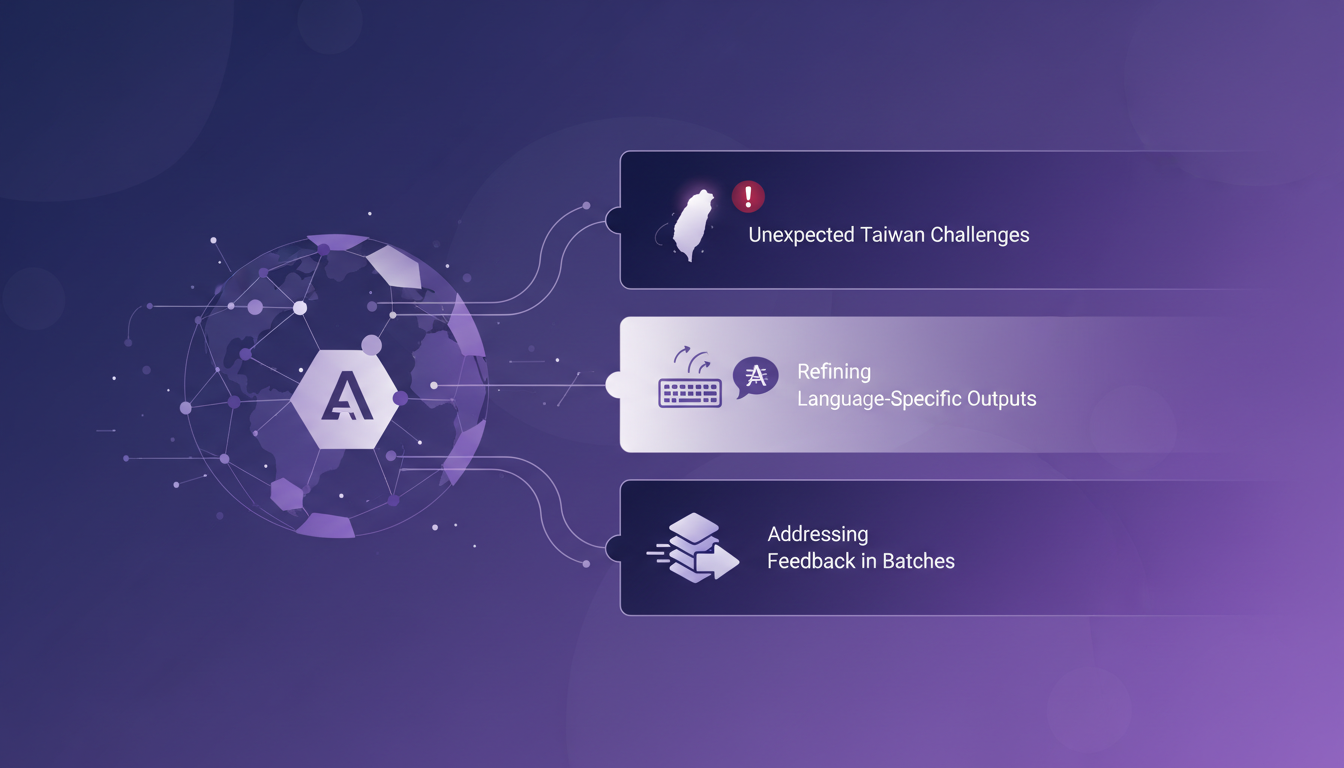
The model can render small text and dense paragraphs accurately, even in Chinese or Japanese. My friends in Taiwan were impressed by the accuracy of small character rendering, which is a good indicator of the model's robustness.
Incorporating User Feedback from Different Regions
Feedback from Taiwan highlighted some unexpected challenges. I integrated their suggestions to refine language-specific outputs. Sometimes it's faster to address feedback in batches.
User feedback is crucial for continuous improvement. It allows the model to be adapted to the real needs of users, which is essential for ensuring an optimal experience.
Translating and Rendering Technical Papers
Finally, I tackled a 100-page technical paper, translating and rendering it. The key was to break down the paper into manageable sections. Automated translation sped up the process but needed manual tweaks.
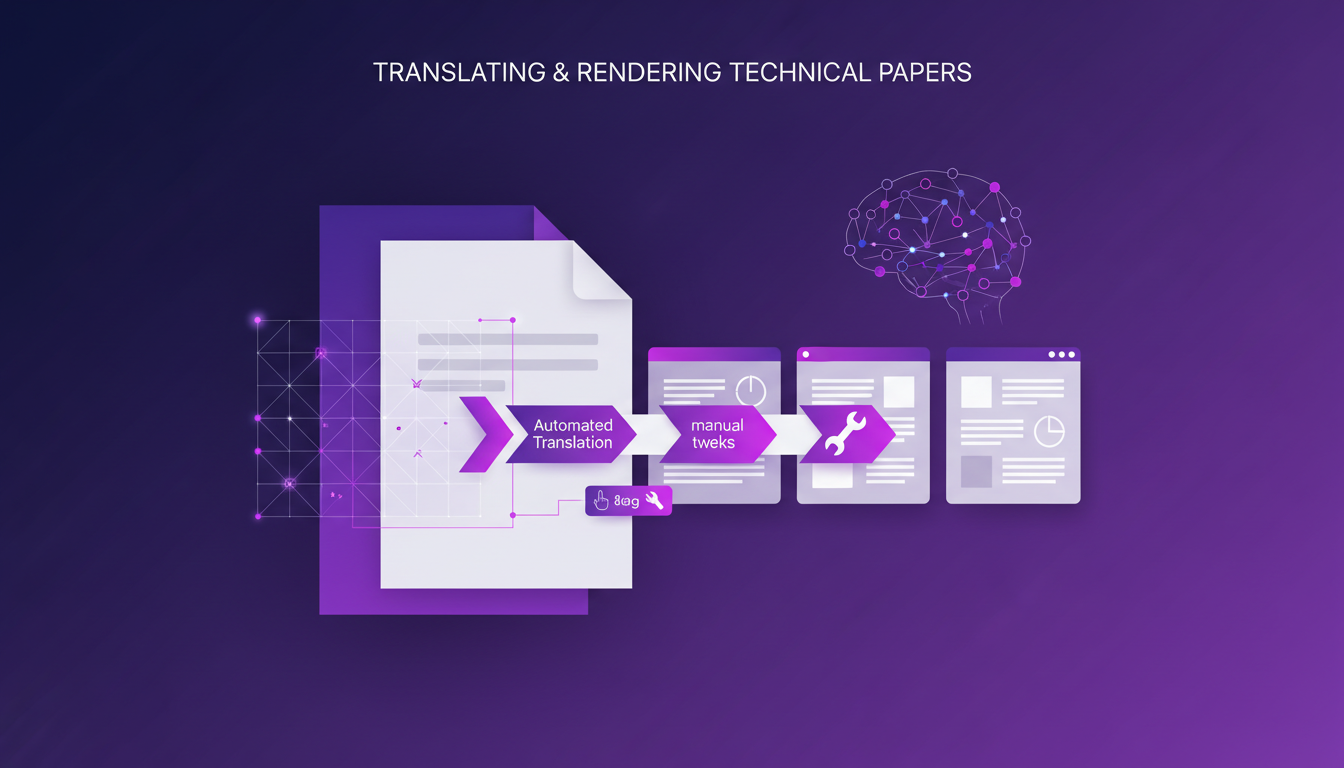
Rendering technical diagrams required additional attention to detail. But once adjustments were made, the final result was satisfying, showing the tool's effectiveness in complex contexts.
With ChatGPT Images 2.0, I've really dived into the enhancement of multilingual text rendering. It's a real game changer for city posters and technical papers, with tangible improvements. But remember, the details are crucial — those language-specific quirks can catch you off guard.
- Multilingual text rendering is now more accurate, even for small text.
- City posters in various languages truly come alive.
- The ability to handle technical documents, like those 100 pages of the GPT paper, is impressive but still requires detail attention.
I'm excited for the future: this is a step towards even more ambitious multilingual projects. Ready to take the plunge? Dive into ChatGPT Images 2.0 and share your feedback. Let's push the boundaries of what’s possible together. For deeper insights, I highly recommend watching the original video here. We'll learn together.
Frequently Asked Questions

Thibault Le Balier
Co-fondateur & CTO
Coming from the tech startup ecosystem, Thibault has developed expertise in AI solution architecture that he now puts at the service of large companies (Atos, BNP Paribas, beta.gouv). He works on two axes: mastering AI deployments (local LLMs, MCP security) and optimizing inference costs (offloading, compression, token management).
Related Articles
Discover more articles on similar topics
Aspect Ratios & Resolution with Imagen 2.0
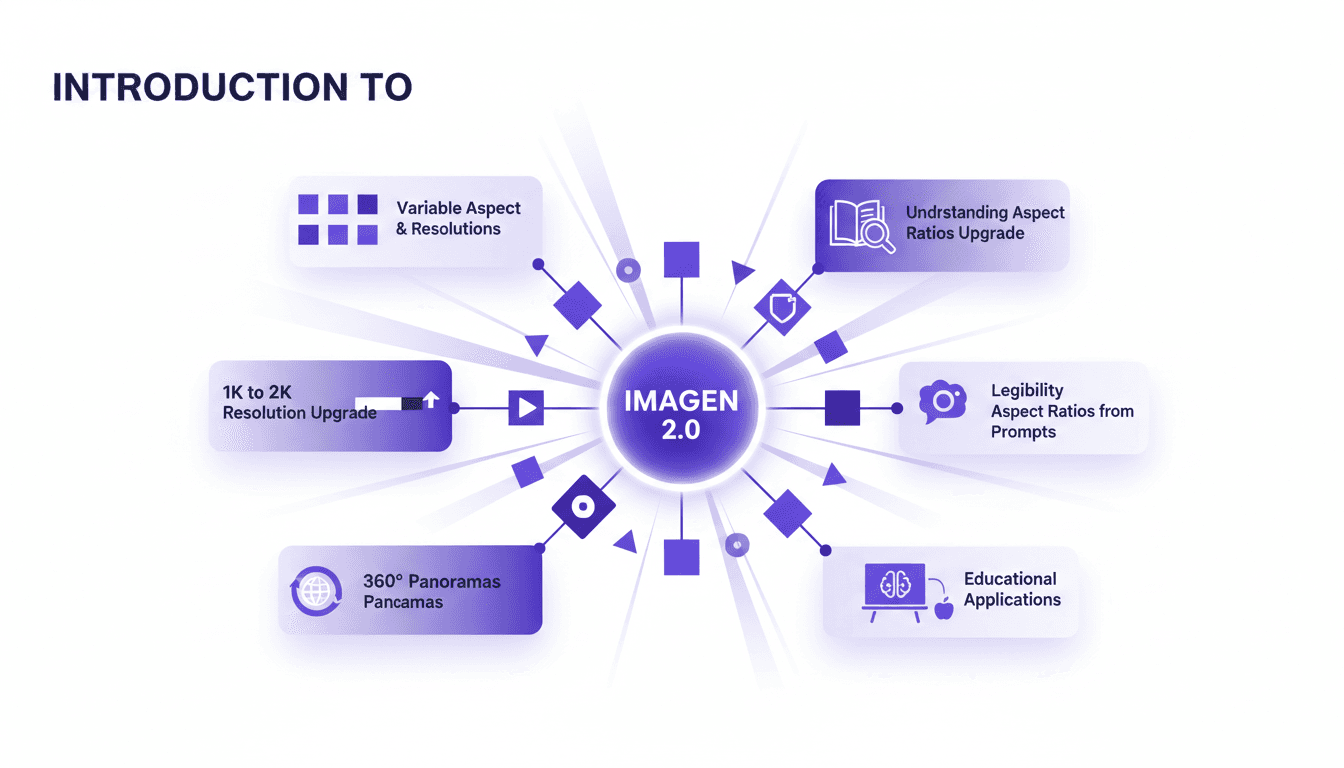
I dove into Imagen 2.0 expecting just another upgrade, but what I found was a game changer. Shifting from 1K to 2K resolution and playing with aspect ratios truly opens up new doors for my projects. Imagine creating 360° panoramas or adjusting posters with a 3 by 1 ratio, all with impressive precision. Imagen 2.0 isn't just about better resolution—it's about flexibility and precision in image creation. Whether you're crafting educational materials or immersive panoramas, understanding these tools is crucial. In this tutorial, I'll walk you through mastering aspect ratios with Imagen 2.0, and I promise you'll never look at your projects the same way again.
Imagen 2.0: Revolutionizing Image Generation
When I first got my hands on Imagen 2.0, I was blown away by its potential. We're talking about generating 2K resolution images with multilingual support. The first thing I did was integrate it into my workflow, and the improvement is tangible. The advancement in resolution and detail is a real game changer, but watch out for technical limits in multi-image generation. Compared to previous models and DALL-E, Imagen 2.0 really stands out. This isn't about theory; I'm talking about daily impact on my practice. If you're aiming to innovate, this is the tool to explore.
Running Gemma 4 on iPhone: Optimize with MLX
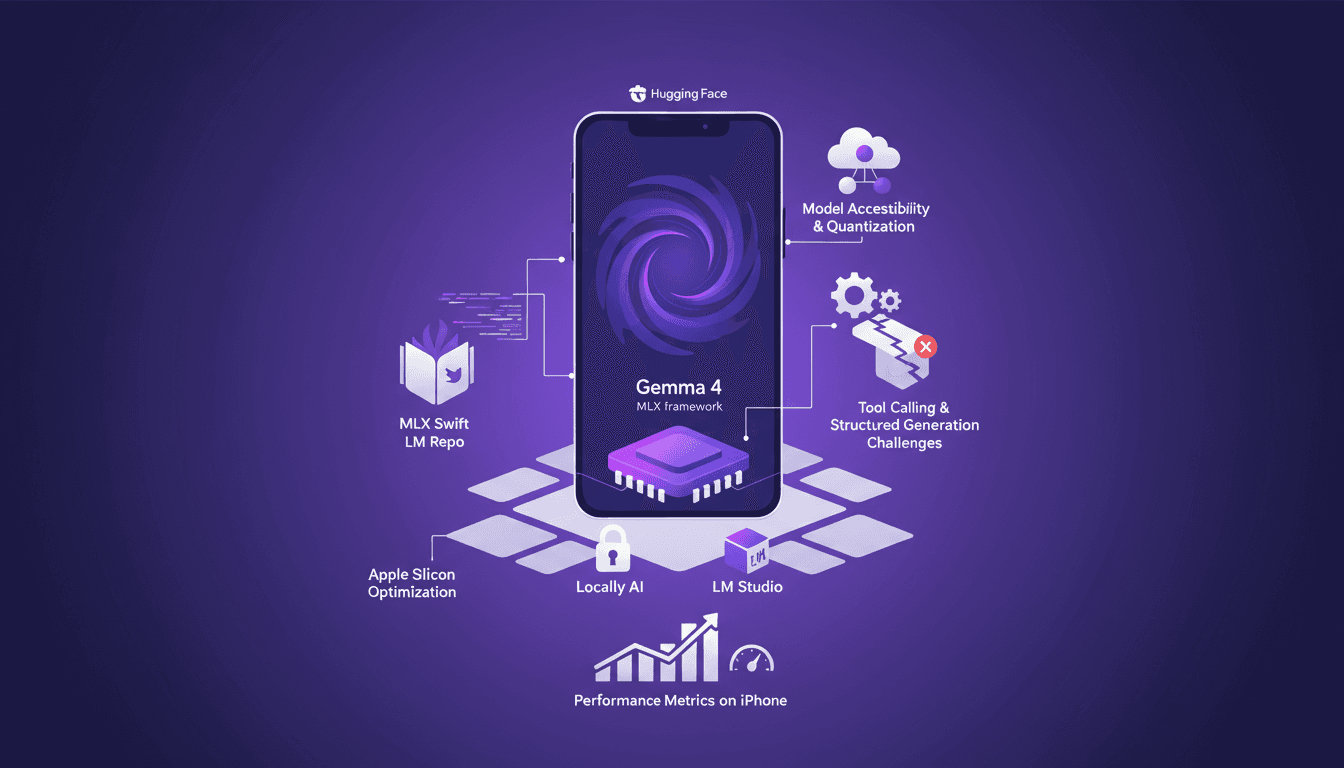
I've spent quite some time running AI models on iPhones, but hitting 40 tokens per second with Gemma 4 using MLX was a game changer. In this article, I walk you through the process step-by-step to optimize Gemma 4 on an iPhone using the MLX framework. We dive into Apple Silicon optimizations, 4-bit and 6-bit quantization, and the challenges I faced with model compatibility. It's all about making it work in real life, not just theory. If you've tried running an LLM on an iPhone and found it either slow or too complex, this guide is for you.
TSLP Prioritization: Speeding Up Research
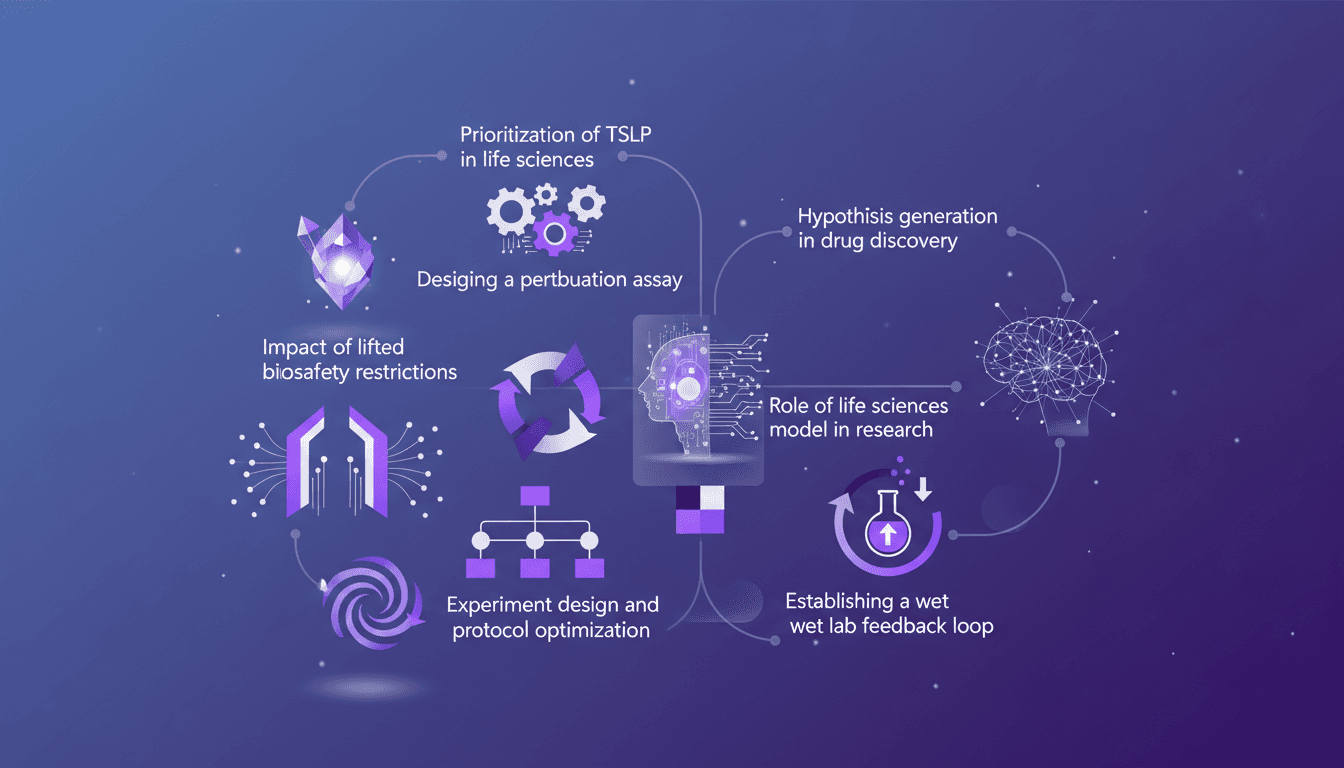
I remember the day we finally prioritized TSLP in our life sciences model. It was a game changer. Suddenly, our experiments were not just faster but smarter. In this article, I walk you through how we did it and why it matters. In the fast-paced world of life sciences, designing efficient experiments is crucial. With the lifting of biosafety restrictions, there's a new frontier of possibilities. I'll guide you through prioritizing TSLP, designing a perturbation assay, the impact of new biosafety freedoms, and optimizing experimental protocols. Don't miss how to establish a wet lab feedback loop and generate hypotheses in drug discovery.
Integrating Data: IL-33, TSLP, IL-1 RA1 Targets
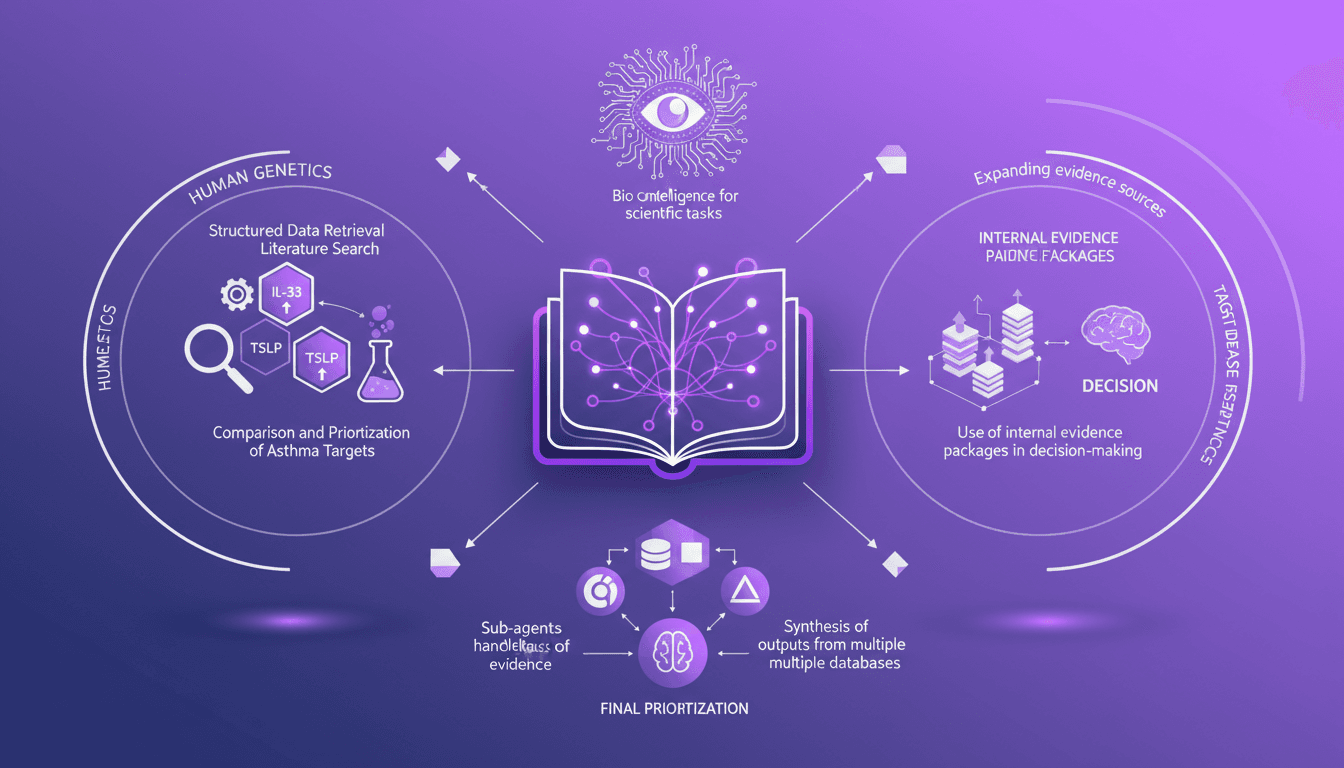
I've been knee-deep in data chaos, trying to make sense of disparate evidence in life sciences. Using Codex, I've turned this mess into actionable insights. In this video, I'll walk you through how I integrated structured data retrieval with scientific analysis to compare asthma targets like IL-33, TSLP, and IL-1 RA1. I share my workflow, using internal evidence packages to make informed decisions. It's a technical deep dive, but I'm here to guide you through each step.