Aspect Ratios & Resolution with Imagen 2.0
I dove into Imagen 2.0 expecting just another upgrade, but what I found was a game changer. Shifting from 1K to 2K resolution and playing with aspect ratios truly opens up new doors for my projects. Imagine creating 360° panoramas or adjusting posters with a 3 by 1 ratio, all with impressive precision. Imagen 2.0 isn't just about better resolution—it's about flexibility and precision in image creation. Whether you're crafting educational materials or immersive panoramas, understanding these tools is crucial. In this tutorial, I'll walk you through mastering aspect ratios with Imagen 2.0, and I promise you'll never look at your projects the same way again.
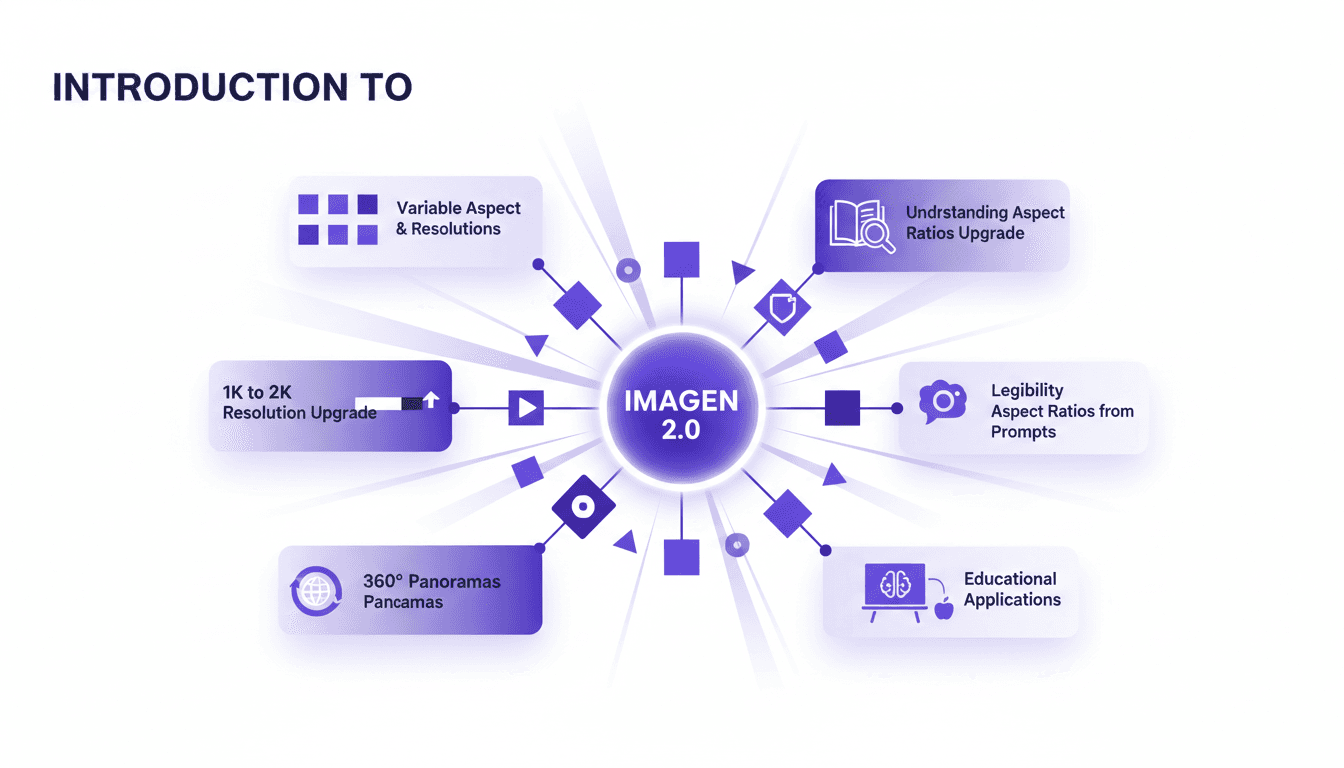
I dove into Imagen 2.0 thinking it was just another upgrade. But I quickly found it was a real game changer. Moving from 1K to 2K resolution is impressive on its own, but the ability to manipulate aspect ratios? That really opens up new doors for my projects. Imagine creating 360° panoramas, adjusting posters with a 3 by 1 ratio, all with formidable precision. Imagen 2.0 isn't just about better resolution—it's about flexibility and precision in image creation. Whether you're working on educational materials or immersive panoramas, understanding these tools is crucial. In this tutorial, I'll show you how to master aspect ratios with Imagen 2.0, and trust me, you'll never look at your projects the same way again.
Introduction to Imagen 2.0: What's New?
Imagen 2.0 is like upgrading from a standard TV to 4K, but for AI-generated images. We're talking about a resolution jump from 1K to 2K, which is a game changer for high-quality print images. The model also offers variable aspect ratios. Before, we were stuck with fixed portrait, landscape, or square. Now, we can really get creative, like using a 3:1 ratio for posters. And then there's legibility. If you've ever tried to read tiny text on a generated image, you know what I'm talking about.
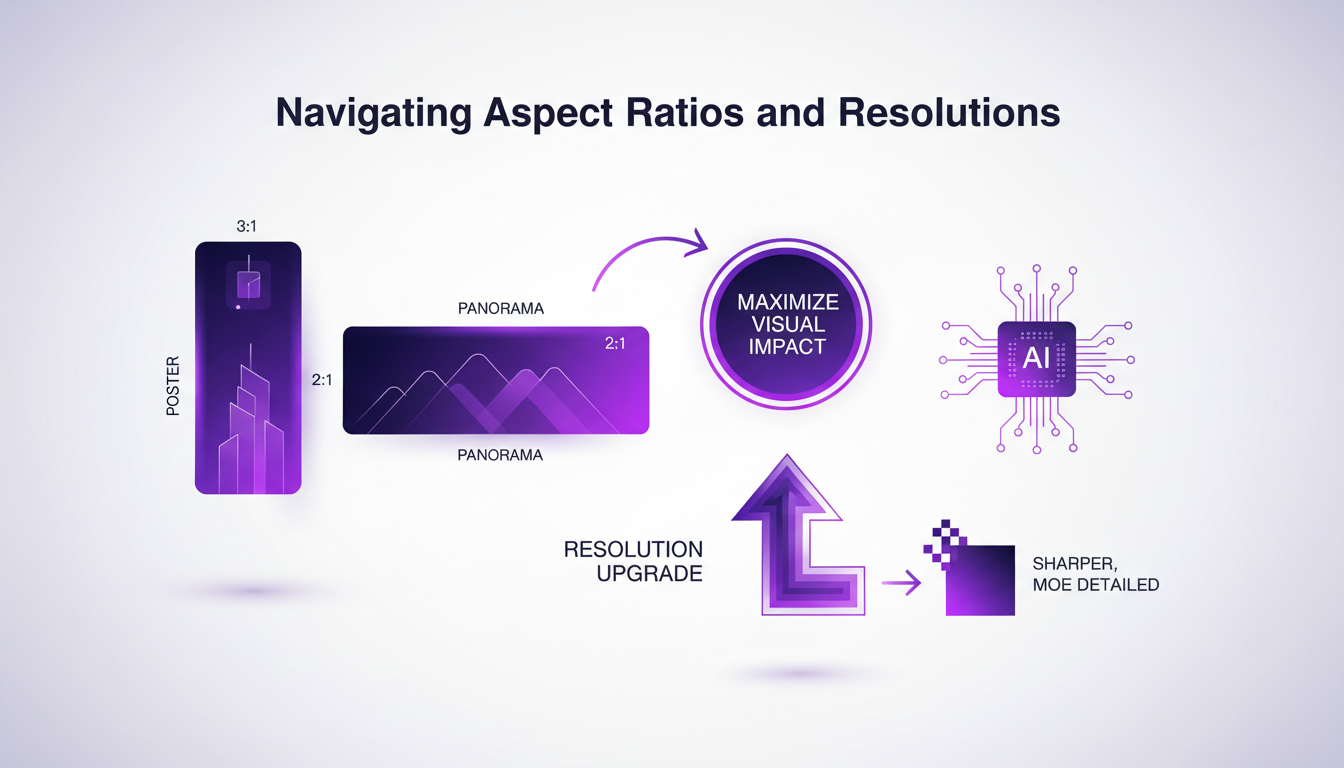
But what's really powerful is the model's adaptability to different prompts. Imagine a tool that not only understands what you want but also how to lay it out to highlight your message. That's Imagen 2.0 for you.
Navigating Aspect Ratios and Resolutions
I remember a project where I needed to create a series of posters for an exhibition. With Imagen 2.0, the 3:1 ratio was perfect for that. It gives real presence to the posters, and the viewer is immediately drawn in. For panoramas, a 2:1 ratio is ideal. It allows capturing a complex scene without losing details. The key takeaway here is that matching the right ratio to the content type ensures maximum visual impact.
The resolution upgrade is also a big plus. Sharper, more detailed images save you tons of time in post-production. Imagine, fewer touch-ups to make, that's time saved for other tasks.
Leveraging the 2K Resolution Upgrade
Moving from 1K to 2K is like doubling the detail finesse. It's crucial for quality prints. I tested this on a picture book project, and the difference was phenomenal. Even the smallest text becomes legible. But beware, higher resolution also means larger file sizes. And that can quickly become a nightmare if you're not careful.
Efficient use of this higher resolution also reduces the need for downstream modifications. Less retouching, less hassle. However, always weigh the pros and cons: disk space vs. quality.
Creating 360° Panoramas with Imagen
360° panoramas offer the ultimate immersive experience. Ideal for virtual tours, they make you feel like you're right there. With a 2:1 ratio, transitions are seamless, with no visible seams. I tested this on an educational project, and the results were stunning.
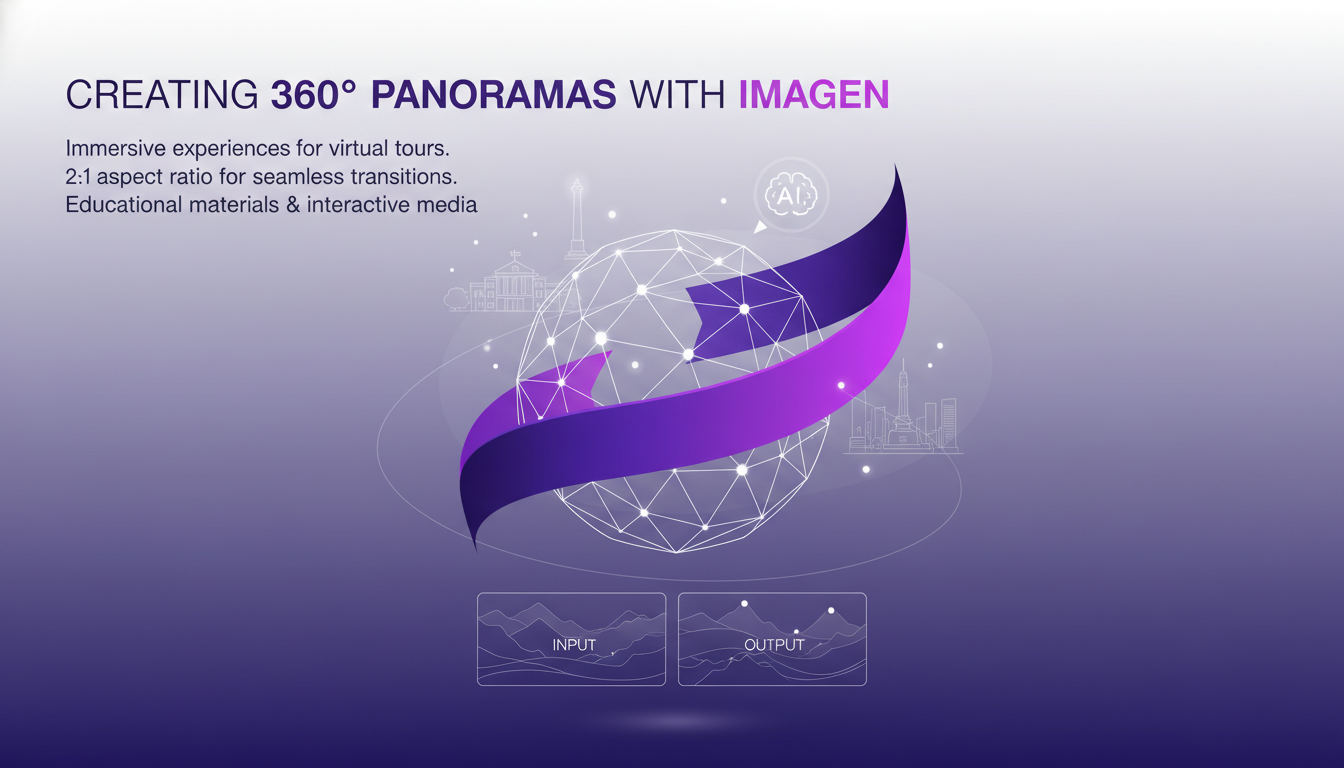
But watch out, these panoramas can be heavy in file size. And processing times can extend. You need to anticipate based on your equipment and available time.
Practical Applications and Efficiency Tips
Incorporating these tools into educational materials, for example, can really boost engagement. Plus, optimizing aspect ratios and resolutions also saves resources. Always consider the end-use. Digital or print, it directly influences your choices.
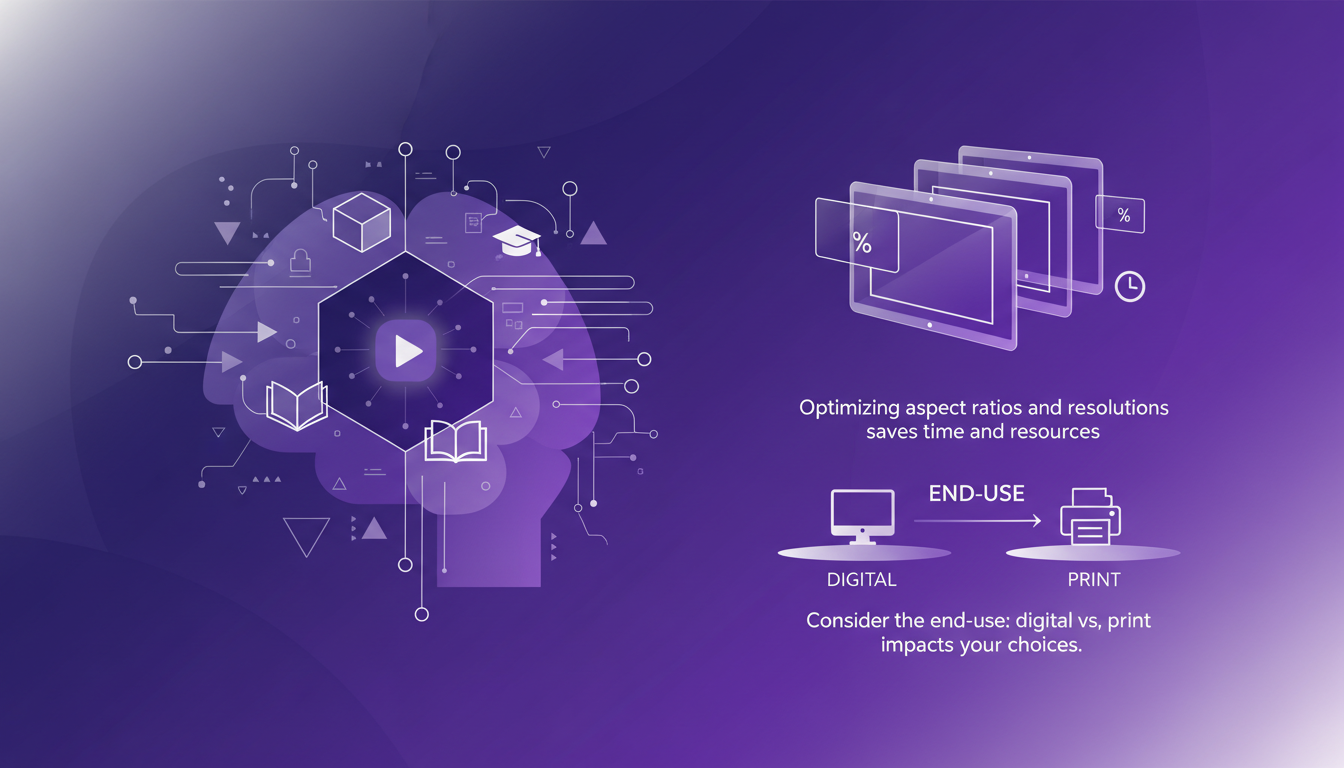
In the end, it's about balancing quality and efficiency to maximize impact.
- Use aspect ratios that suit your content to maximize visual impact.
- Leverage the 2K resolution for high-quality prints, but be mindful of file sizes.
- Create 360° panoramas for immersive experiences, but watch processing times.
- Consider the end-use (digital vs. print) in your resolution and format choices.
With Imagen 2.0, we're not just in theory anymore; it's about practical, tangible impact. It's up to us now to make the most of it.
Imagen 2.0 isn't just an upgrade; it's a toolkit for precision and creativity. When I master aspect ratios and resolutions, I see the impact directly in my projects. The jump from 1K to 2K resolution is a real game changer for visual quality. Here's what stands out:
- The upgrade to 2K delivers incredible sharpness.
- A 3 by 1 aspect ratio is perfect for posters.
- 360° panorama views open up new perspectives. But watch out, juggling these settings can lead to longer render times if not managed well. Looking forward, I'm convinced that experimenting with these tools can transform our workflows. I encourage you to try out Imagen 2.0 in your next project. For a deeper dive, check out the video "Aspect Ratios & Resolution with ChatGPT Images 2.0" on YouTube. Share your experiences, and together, we can refine our approaches.
Frequently Asked Questions

Thibault Le Balier
Co-fondateur & CTO
Coming from the tech startup ecosystem, Thibault has developed expertise in AI solution architecture that he now puts at the service of large companies (Atos, BNP Paribas, beta.gouv). He works on two axes: mastering AI deployments (local LLMs, MCP security) and optimizing inference costs (offloading, compression, token management).
Related Articles
Discover more articles on similar topics
Imagen 2.0: Revolutionizing Image Generation
When I first got my hands on Imagen 2.0, I was blown away by its potential. We're talking about generating 2K resolution images with multilingual support. The first thing I did was integrate it into my workflow, and the improvement is tangible. The advancement in resolution and detail is a real game changer, but watch out for technical limits in multi-image generation. Compared to previous models and DALL-E, Imagen 2.0 really stands out. This isn't about theory; I'm talking about daily impact on my practice. If you're aiming to innovate, this is the tool to explore.
Running Gemma 4 on iPhone: Optimize with MLX
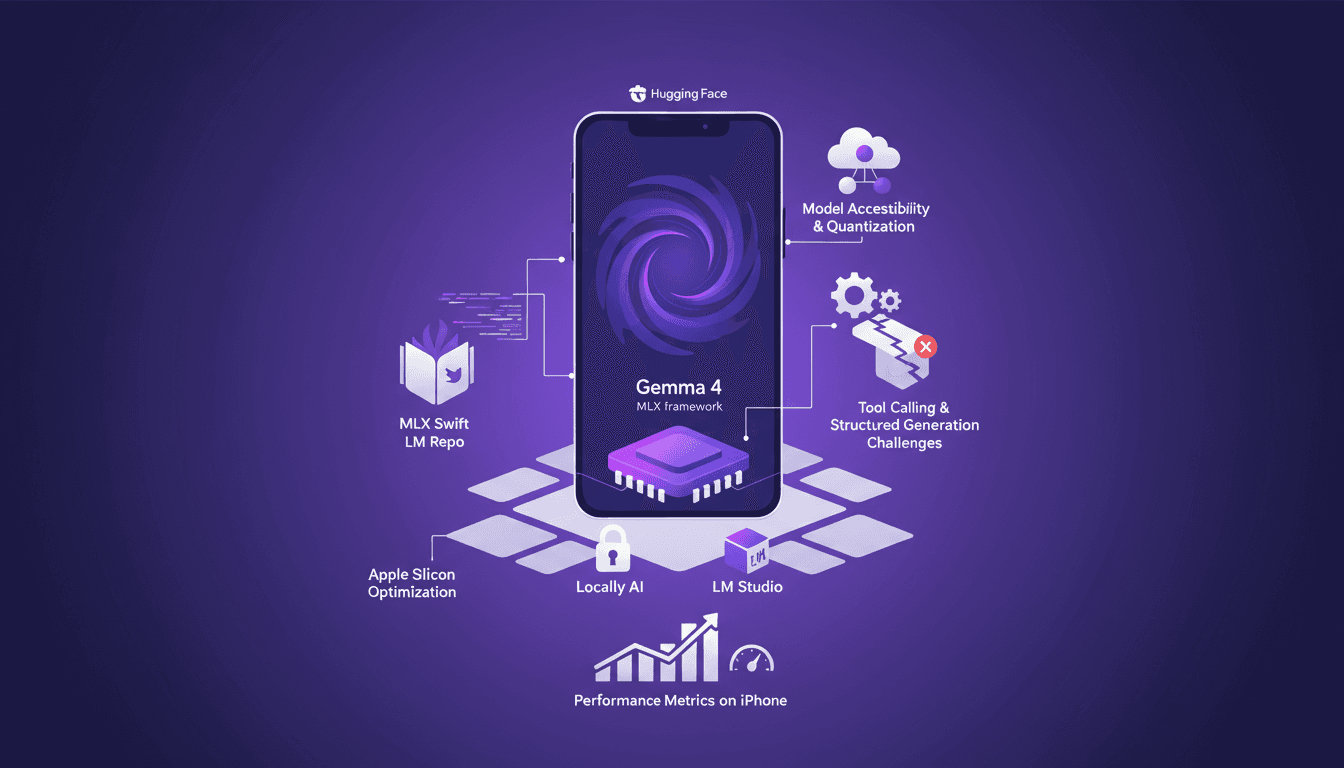
I've spent quite some time running AI models on iPhones, but hitting 40 tokens per second with Gemma 4 using MLX was a game changer. In this article, I walk you through the process step-by-step to optimize Gemma 4 on an iPhone using the MLX framework. We dive into Apple Silicon optimizations, 4-bit and 6-bit quantization, and the challenges I faced with model compatibility. It's all about making it work in real life, not just theory. If you've tried running an LLM on an iPhone and found it either slow or too complex, this guide is for you.
TSLP Prioritization: Speeding Up Research
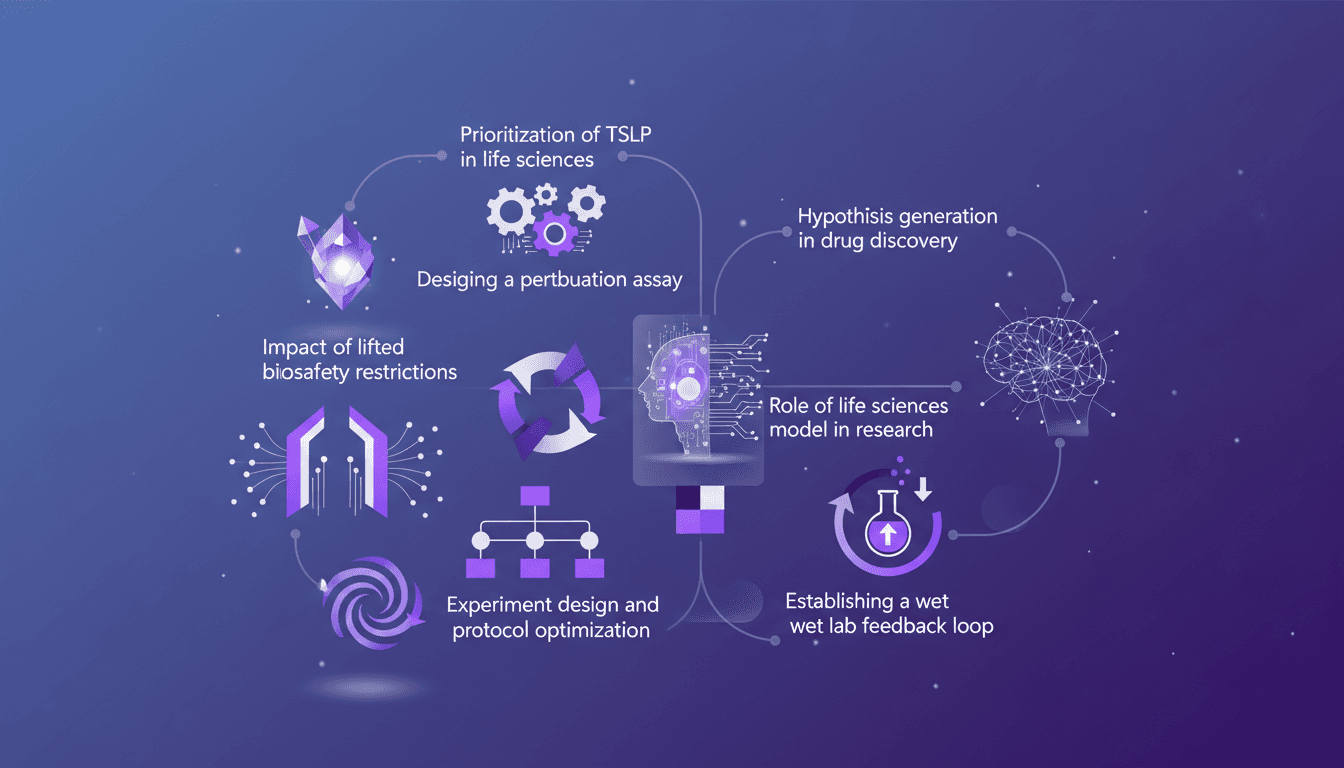
I remember the day we finally prioritized TSLP in our life sciences model. It was a game changer. Suddenly, our experiments were not just faster but smarter. In this article, I walk you through how we did it and why it matters. In the fast-paced world of life sciences, designing efficient experiments is crucial. With the lifting of biosafety restrictions, there's a new frontier of possibilities. I'll guide you through prioritizing TSLP, designing a perturbation assay, the impact of new biosafety freedoms, and optimizing experimental protocols. Don't miss how to establish a wet lab feedback loop and generate hypotheses in drug discovery.
Integrating Data: IL-33, TSLP, IL-1 RA1 Targets
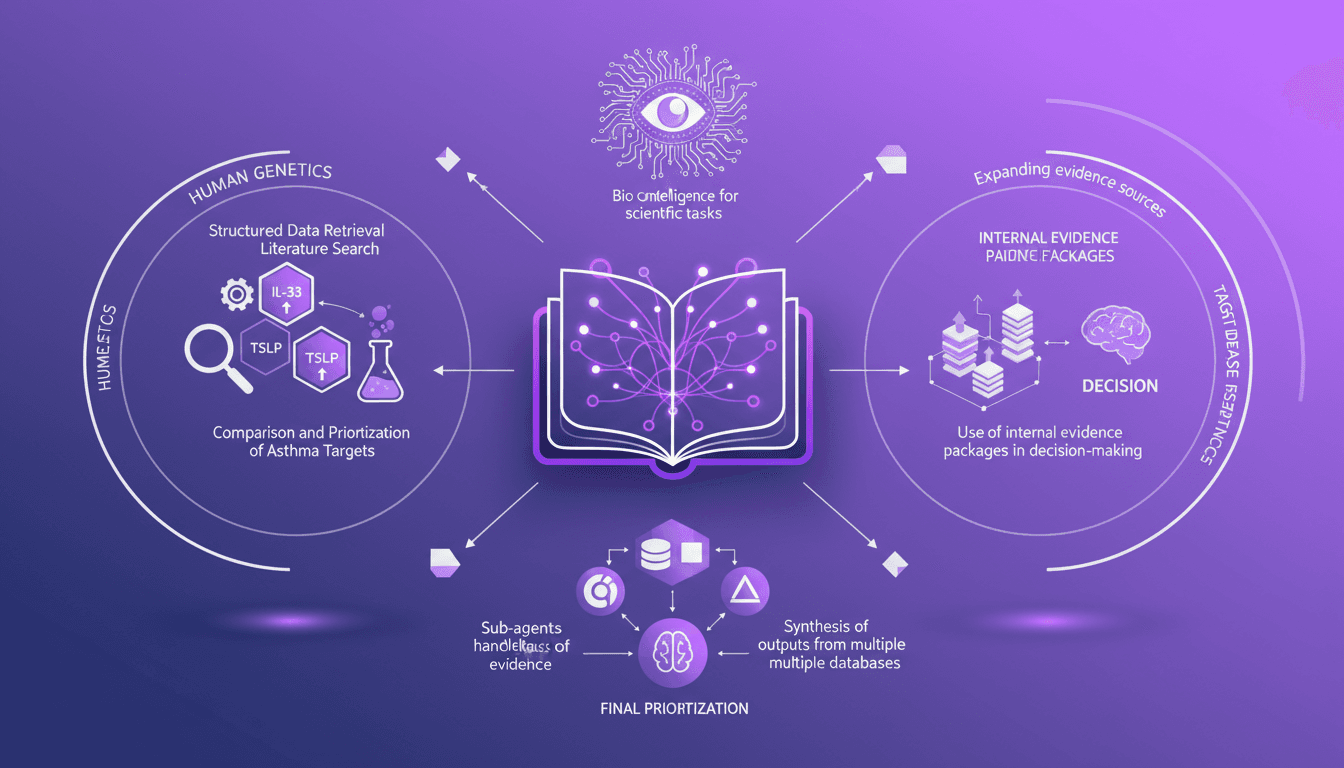
I've been knee-deep in data chaos, trying to make sense of disparate evidence in life sciences. Using Codex, I've turned this mess into actionable insights. In this video, I'll walk you through how I integrated structured data retrieval with scientific analysis to compare asthma targets like IL-33, TSLP, and IL-1 RA1. I share my workflow, using internal evidence packages to make informed decisions. It's a technical deep dive, but I'm here to guide you through each step.
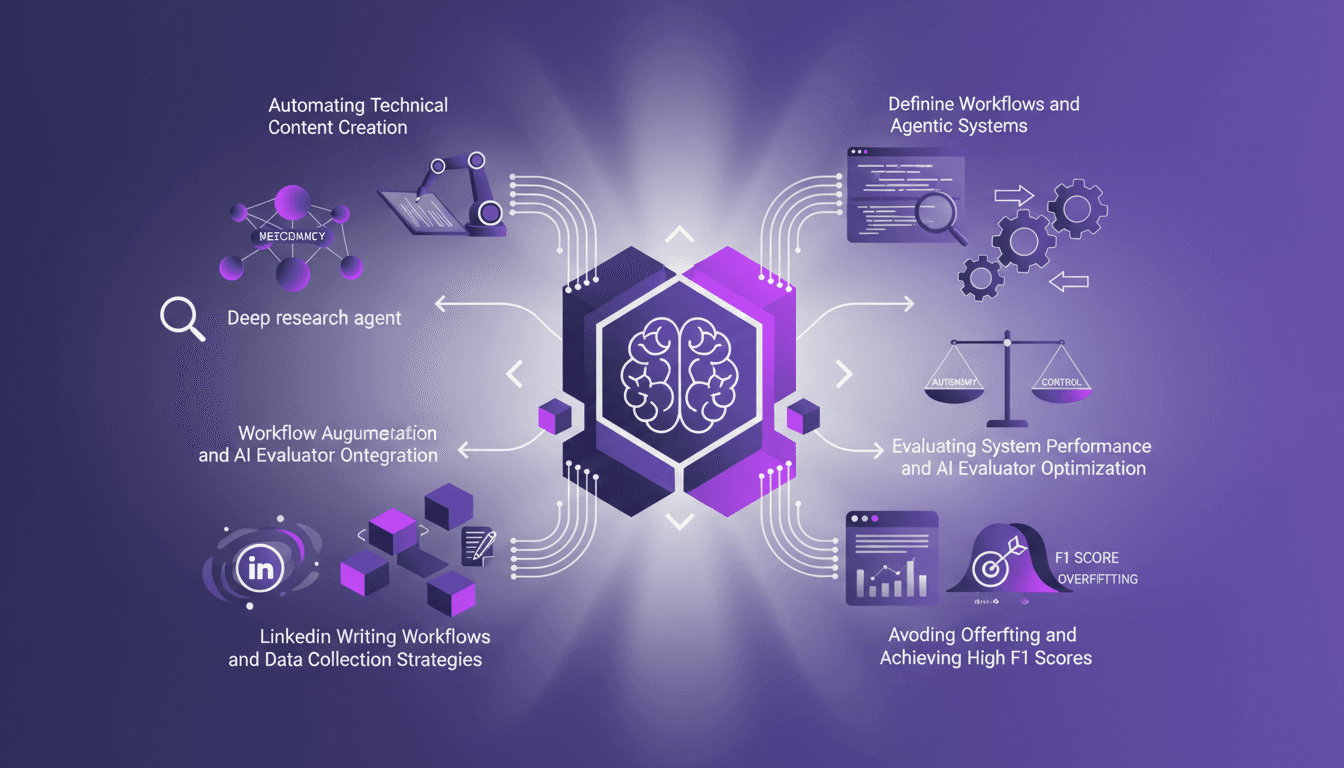
Automate Technical Content Creation in AI
I've been teaching AI for over four years, and if there's one thing I've learned, it's that building your own deep research agents can be a game changer. But it's not just about slapping together some code; it's about crafting workflows that make sense and deliver results. In this article, I'll take you behind the scenes of my research agents, the strategies to avoid overfitting, and how to achieve high F1 scores, all while integrating these systems into your daily operations. We'll also dive into automating technical content creation and optimizing AI evaluators. It's a balance of autonomy and control, and I'll show you how I achieved it.