Running Gemma 4 on iPhone: Optimize with MLX
I've spent quite some time running AI models on iPhones, but hitting 40 tokens per second with Gemma 4 using MLX was a game changer. In this article, I walk you through the process step-by-step to optimize Gemma 4 on an iPhone using the MLX framework. We dive into Apple Silicon optimizations, 4-bit and 6-bit quantization, and the challenges I faced with model compatibility. It's all about making it work in real life, not just theory. If you've tried running an LLM on an iPhone and found it either slow or too complex, this guide is for you.
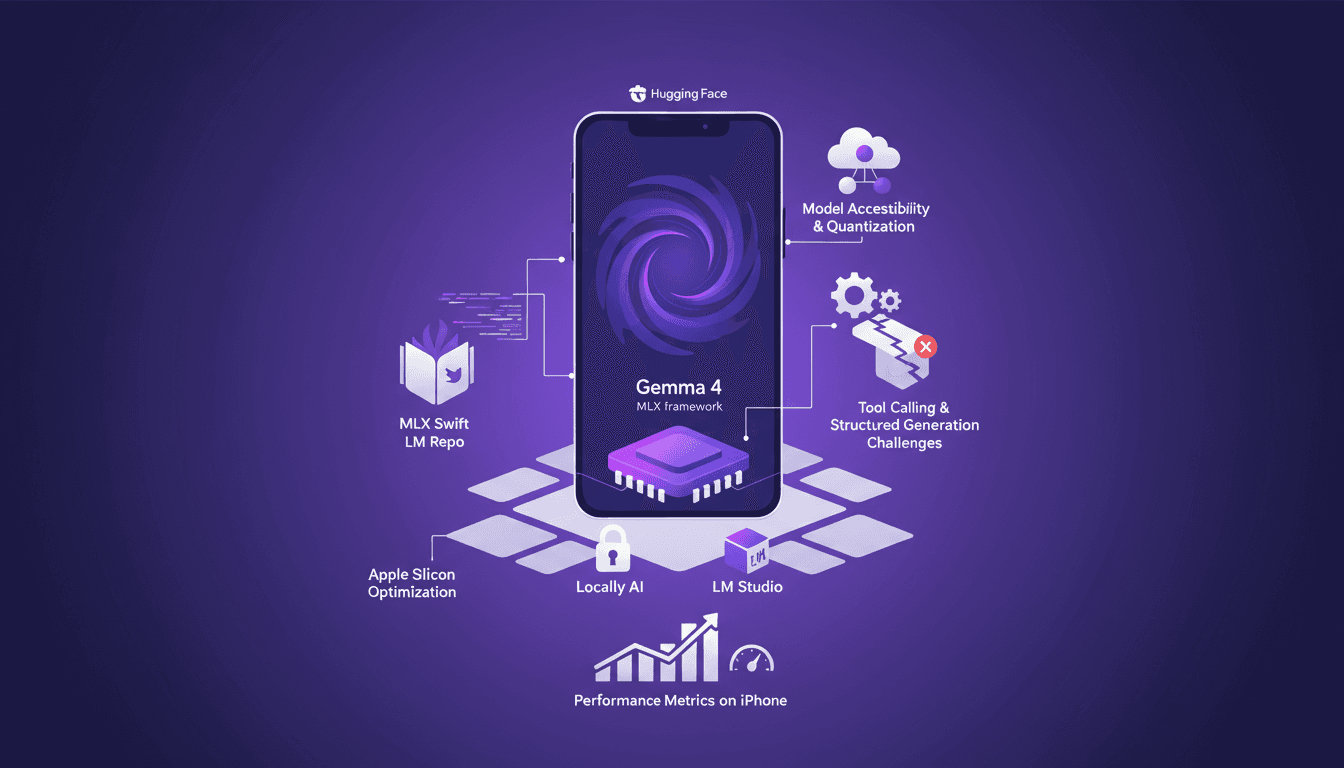
I've spent nights tinkering with AI models on my iPhone, but the real breakthrough was when I got Gemma 4 to hit 40 tokens per second using MLX. That was a game changer, and I'm going to show you how. First, we're diving into optimizing Gemma 4 on an iPhone with MLX. No theoretical fluff here, just practical steps. We'll talk about the MLX framework and its Apple Silicon optimizations, 4-bit and 6-bit quantization, and how I navigated model compatibility on iPhones. Not to mention the acquisition of Locally AI by LM Studio and how it impacts our ability to call tools and support structured generation. So if you've ever tried running a model on your iPhone and found it slow or limited, stick around—this is going to be worth it.
Setting Up Gemma 4 with MLX on iPhone
First things first: download the MLX framework optimized for Apple Silicon. Head to GitHub and grab it. This is crucial if you want to run Gemma 4 on your iPhone. I got burned thinking it was just a simple click, but no, you really need to follow the instructions to ensure compatibility with your iPhone’s hardware.
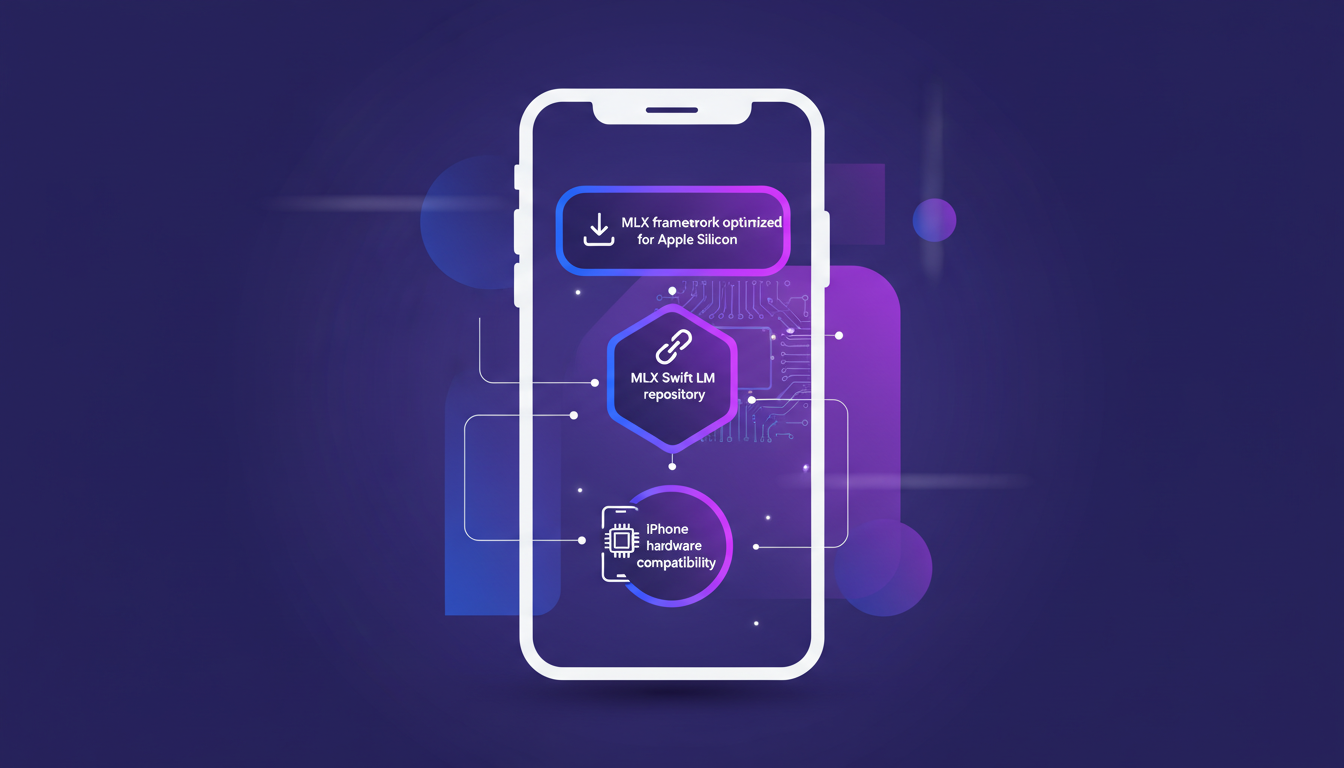
Next, connect to the MLX Swift LM repository. Why Swift LM? Because it’s what lets you develop iOS apps seamlessly. I learned the hard way that skipping this step can lead to annoying incompatibilities. Watch out for the usual setup hiccups, especially with new frameworks like this one. Once everything is set up, test basic functionality before diving into optimizations. Trust me, it saves headaches down the line.
Understanding MLX Framework and Apple Silicon Optimization
The MLX framework is tailored for Apple Silicon, significantly boosting performance. This is the kind of stuff that really makes a difference. The framework optimizes resource allocation, which is crucial for mobile AI apps. I’ve clearly seen the difference in reduced latency on my iPhone. But beware, there are trade-offs: speed can sometimes impact battery consumption.
"MLX is a framework that enables on-device models, essential for efficiency on iPhone."
Understanding MLX’s core structure is key to maximizing efficiency. I got burned a few times before I really grasped how this optimization works. Keep in mind that not everything is perfect; there are limits you need to manage. For more on Gemma 4 optimization with MLX, I recommend this detailed article.
Accessing and Quantizing Models with Hugging Face
For model access, Hugging Face is a robust platform. It’s where I find most of the models I use. You have quantization options: 4-bit, 6-bit, 8-bit. Personally, I prefer 4-bit for speed, but 8-bit for precision. It really depends on the task. Quantization is crucial for performance on iPhones. Be aware of compatibility issues with certain models, so tread carefully.
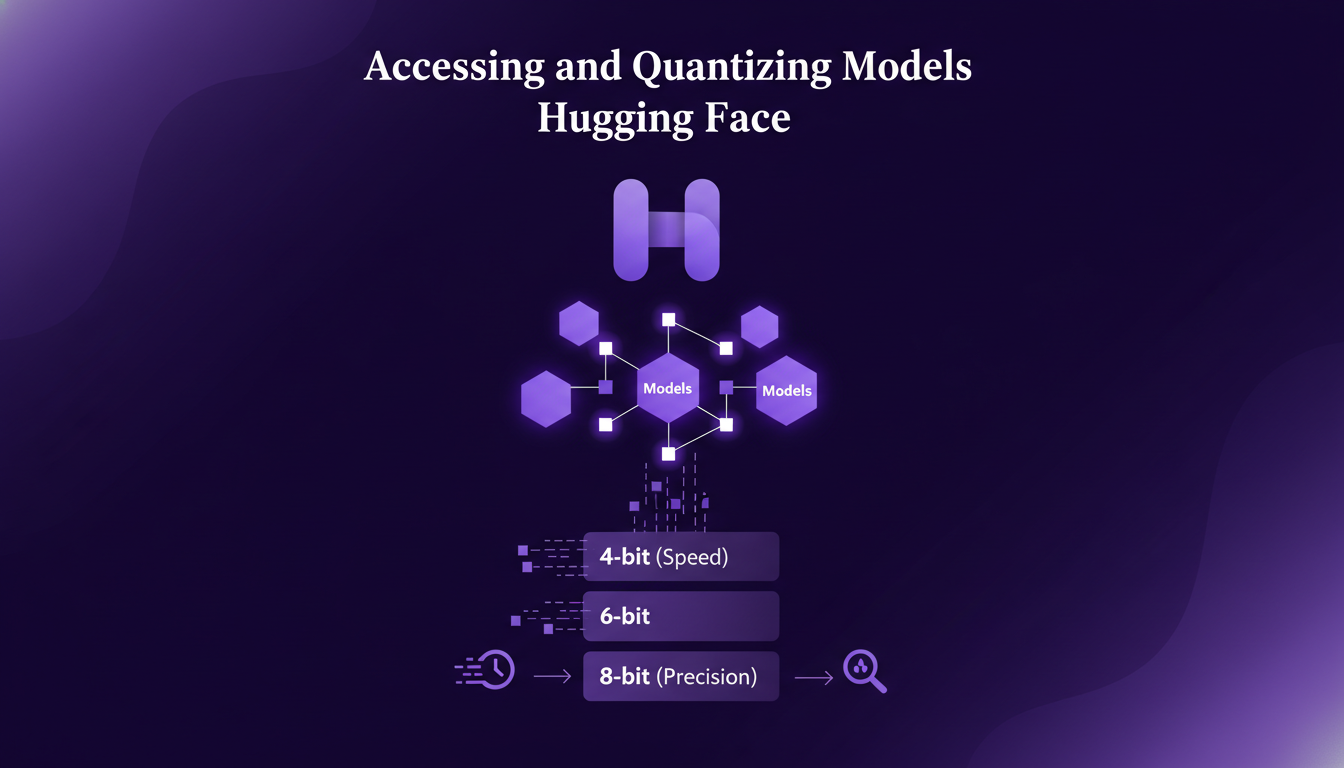
MLX allows for running quantized models directly on the iPhone, which is a major advantage. For more technical details, check out this comparative analysis between 4-bit and 8-bit performance.
Tool Calling and Structured Generation Support
Tool calling enhances model functionality, but integrate it wisely. Structured generation is crucial for maintaining output quality. I’ll show you how I structured my calls to optimize performance. While future improvements are promising, current limits exist. Don’t overuse tool calls, as it can slow down processing.
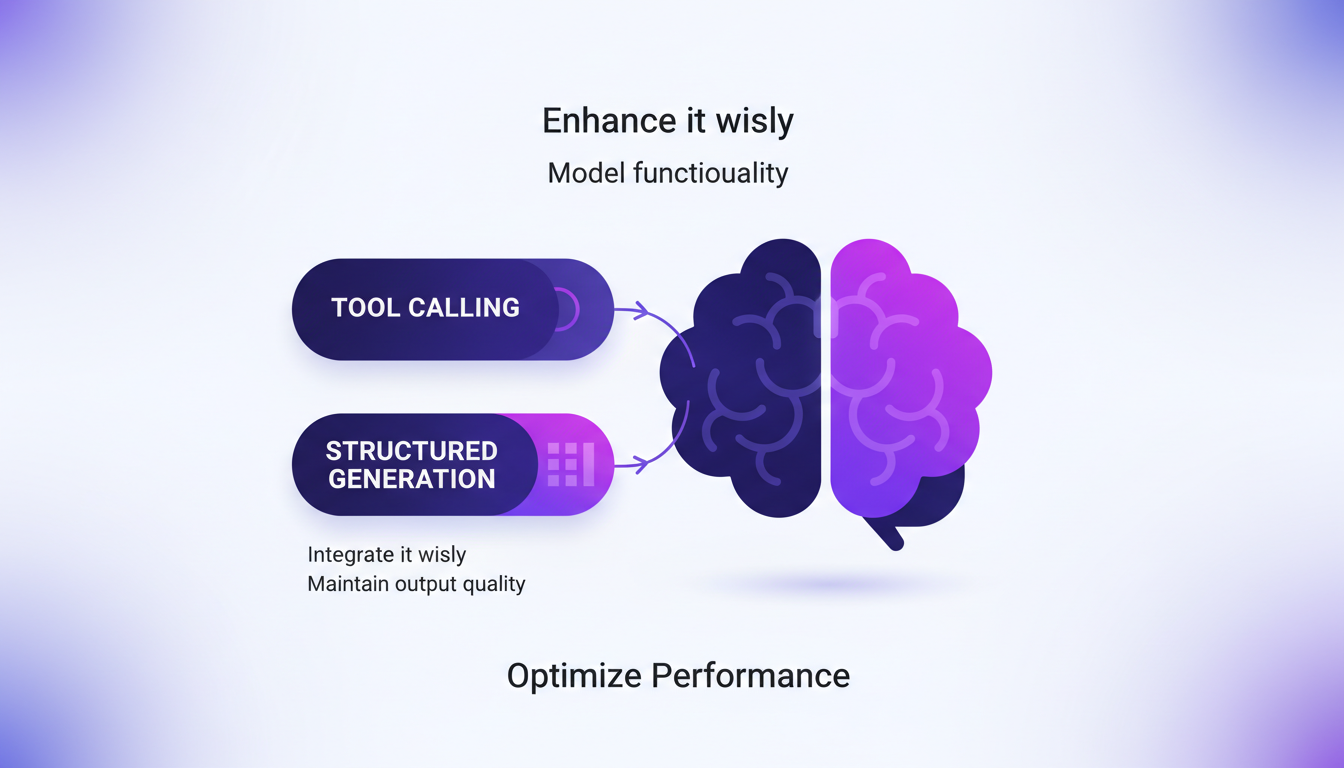
Using MLX Swift LM’s tool calling capabilities, I significantly improved generation quality. For those looking to automate technical content creation in AI, I recommend checking out this article.
Navigating Challenges with Model Size and Compatibility
Model size can quickly become a bottleneck. It's crucial to optimize storage use. Compatibility is a recurring issue, so test thoroughly. I encountered several roadblocks with larger models, but I’ll explain how I overcame them. Sometimes, it's faster to downscale models for mobile use.
Stay updated with MLX and iOS updates for best compatibility. For tips on mobile optimization and deployment of Gemma 4, check out this article.
In summary, working with Gemma 4 and MLX on iPhone requires a good understanding of frameworks and technical trade-offs. But with the right tools and preparation, the potential is immense.
Running Gemma 4 on an iPhone using MLX isn't just feasible—it's damn efficient when you get it right. First, I set up the MLX framework, which is optimized for Apple Silicon, ensuring it integrates smoothly with the MLX Swift LM repository for app development. Then, hitting that 40 tok/s mark isn't just a statistic—it's a result of optimizing each step, from 4-bit or 6-bit quantization to model accessibility on Hugging Face.
Key takeaways:
- Seamless integration with MLX for Apple Silicon
- 4-bit quantized model for performance boost
- Achieving 40 tok/s with precise tweaks
Honestly, we're at a game-changing moment for mobile AI projects. Now's the time to dive in, apply these tips, and let's push these boundaries together. Try it yourself, share your experiences, and check out Adrien Grondin's full video on YouTube for a deeper dive. This is how we move forward, by sharing and experimenting!
Frequently Asked Questions

Thibault Le Balier
Co-fondateur & CTO
Coming from the tech startup ecosystem, Thibault has developed expertise in AI solution architecture that he now puts at the service of large companies (Atos, BNP Paribas, beta.gouv). He works on two axes: mastering AI deployments (local LLMs, MCP security) and optimizing inference costs (offloading, compression, token management).
Related Articles
Discover more articles on similar topics
Gemma 4: Deployment and Mobile Optimization
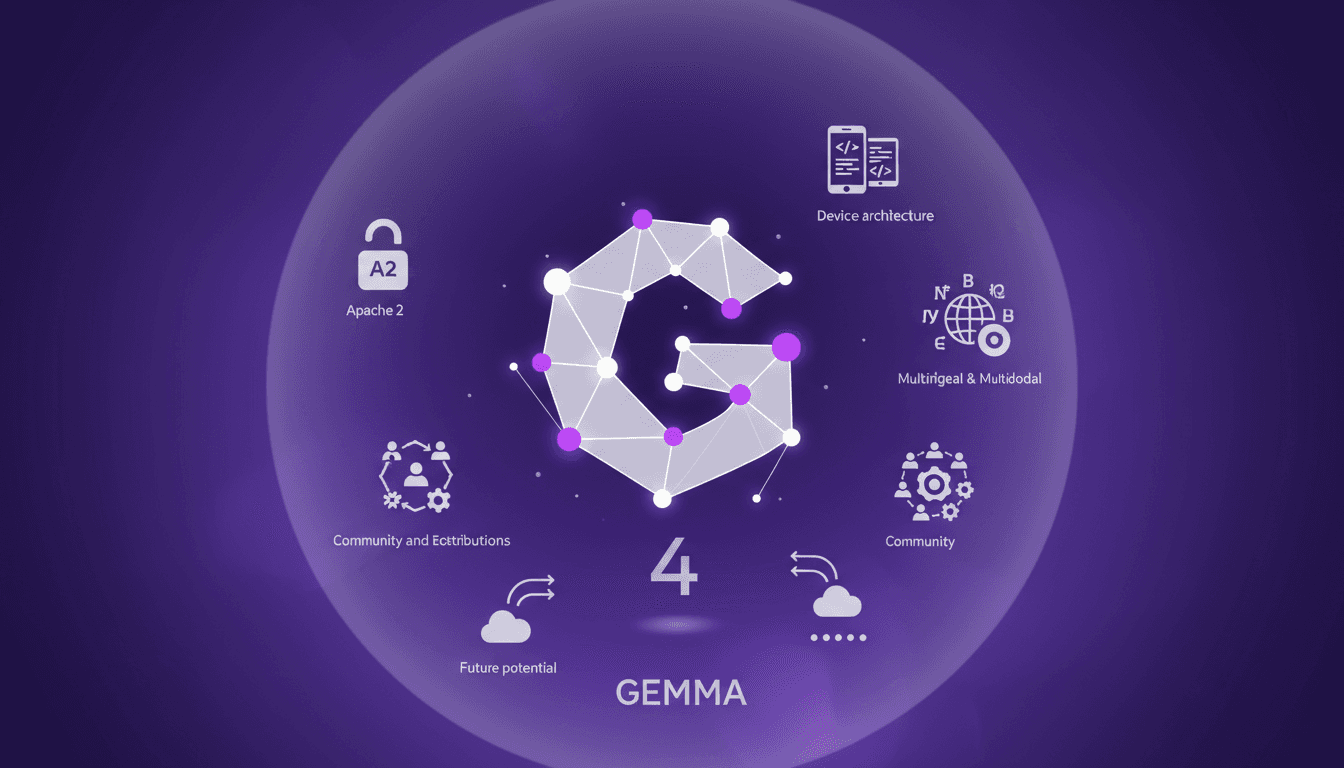
I've been knee-deep in Gemma 4 since it dropped just a week ago. I’ve woven it into my workflows, leveraging its developer-friendly design and mobile optimization. But watch out, there are trade-offs to be aware of. With its new Apache 2 licensing and E2B architecture optimized for mobile, Gemma 4 is reshaping our approach to open models. Its multilingual and multimodal capabilities, alongside community contributions, make it a key player. Yet, even with 500 million downloads for the Gemma family, understanding the technical limits is crucial to fully harness its potential.
TSLP Prioritization: Speeding Up Research
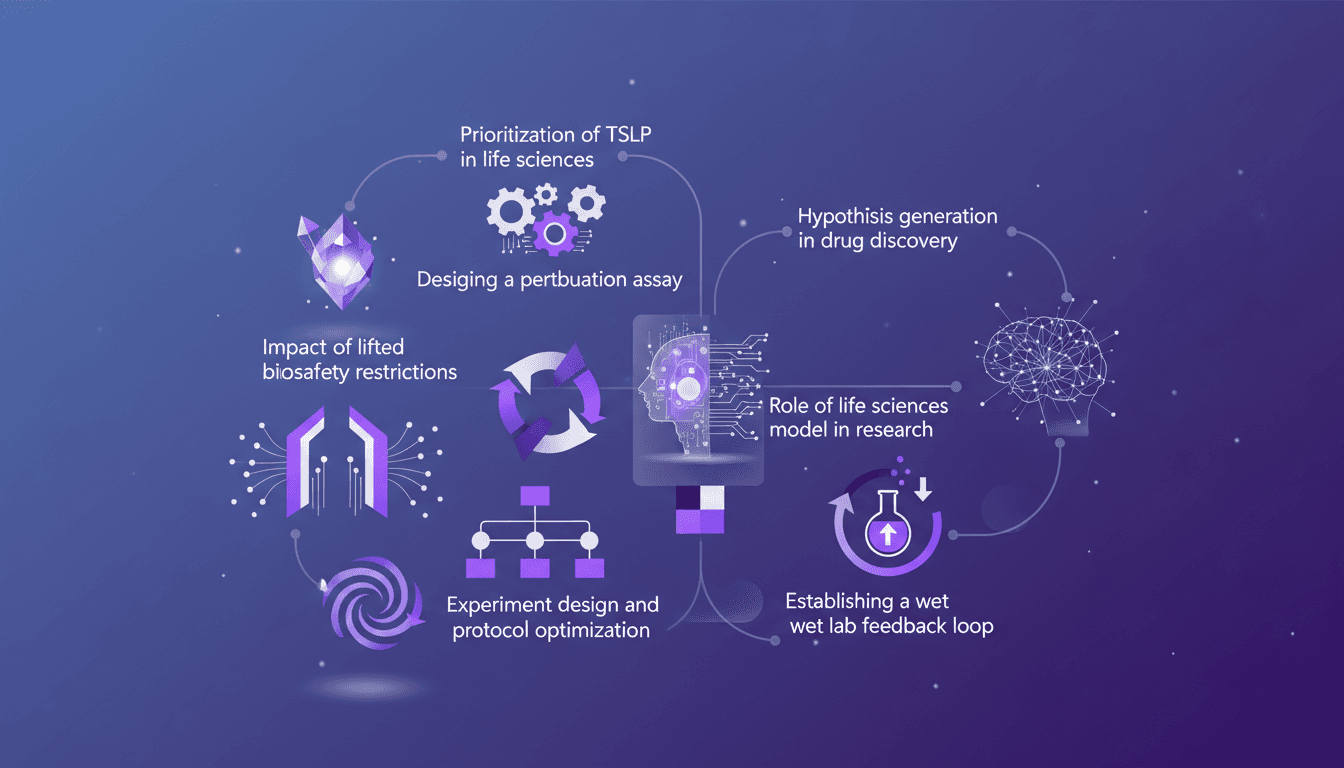
I remember the day we finally prioritized TSLP in our life sciences model. It was a game changer. Suddenly, our experiments were not just faster but smarter. In this article, I walk you through how we did it and why it matters. In the fast-paced world of life sciences, designing efficient experiments is crucial. With the lifting of biosafety restrictions, there's a new frontier of possibilities. I'll guide you through prioritizing TSLP, designing a perturbation assay, the impact of new biosafety freedoms, and optimizing experimental protocols. Don't miss how to establish a wet lab feedback loop and generate hypotheses in drug discovery.
Integrating Data: IL-33, TSLP, IL-1 RA1 Targets
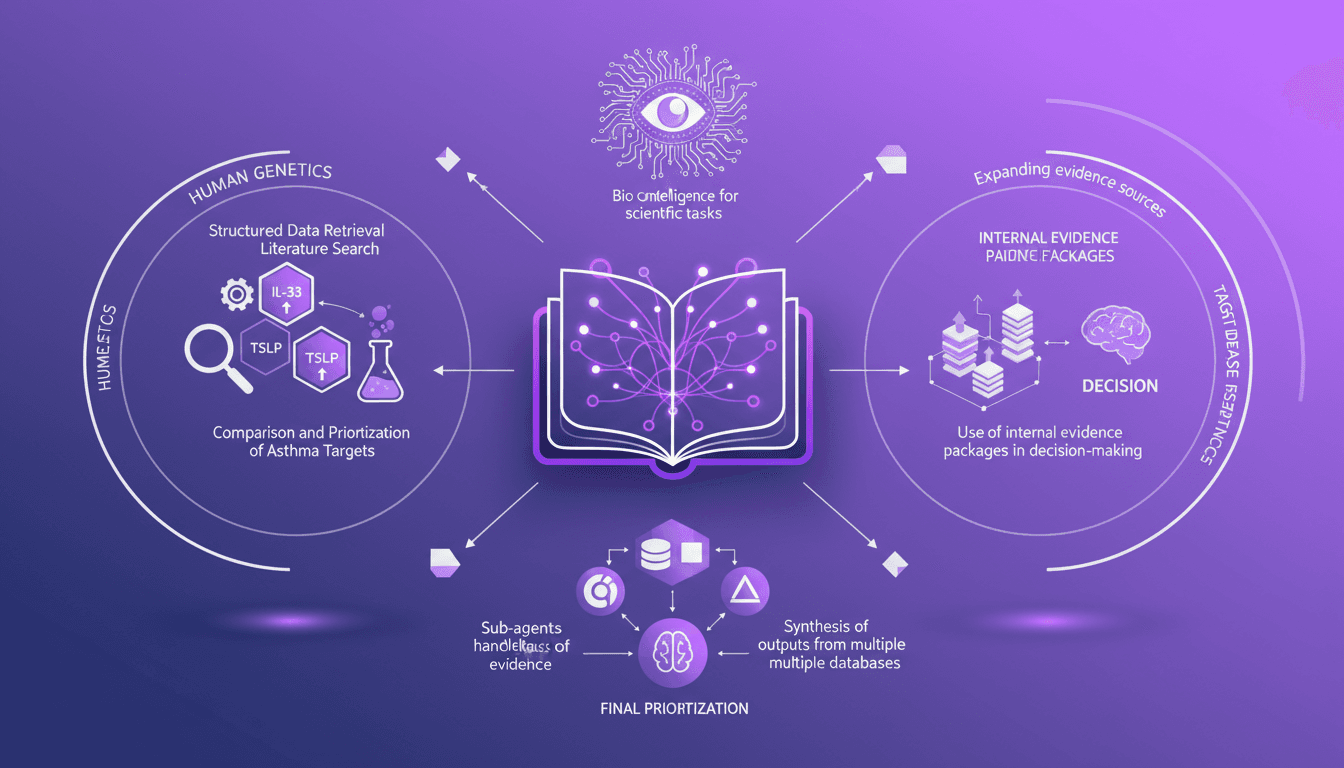
I've been knee-deep in data chaos, trying to make sense of disparate evidence in life sciences. Using Codex, I've turned this mess into actionable insights. In this video, I'll walk you through how I integrated structured data retrieval with scientific analysis to compare asthma targets like IL-33, TSLP, and IL-1 RA1. I share my workflow, using internal evidence packages to make informed decisions. It's a technical deep dive, but I'm here to guide you through each step.
Automate Technical Content Creation in AI
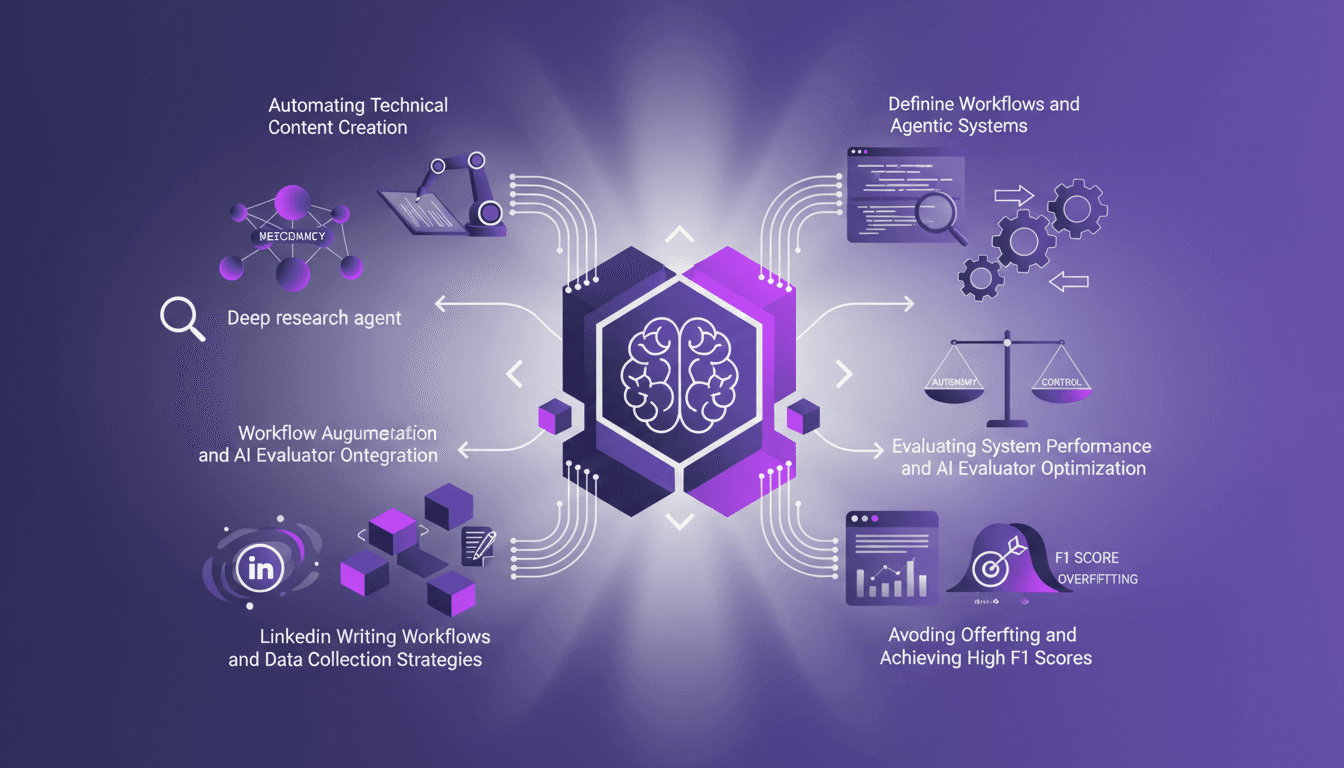
I've been teaching AI for over four years, and if there's one thing I've learned, it's that building your own deep research agents can be a game changer. But it's not just about slapping together some code; it's about crafting workflows that make sense and deliver results. In this article, I'll take you behind the scenes of my research agents, the strategies to avoid overfitting, and how to achieve high F1 scores, all while integrating these systems into your daily operations. We'll also dive into automating technical content creation and optimizing AI evaluators. It's a balance of autonomy and control, and I'll show you how I achieved it.
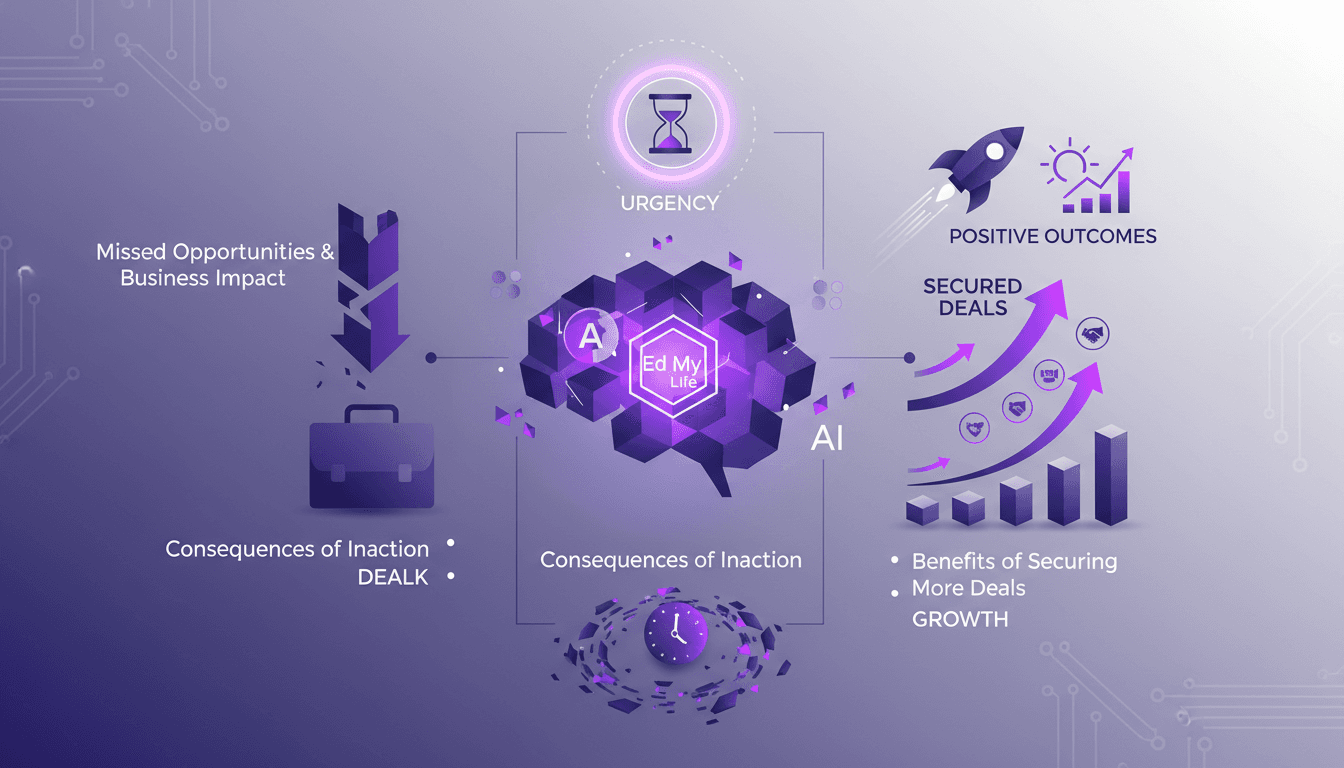
Creating Urgency: 'Ed My Life' in Action
In sales, creating a sense of urgency can make or break a deal. The 'Ed My Life' concept is far from theoretical; it's a real game changer. I apply it systematically to close more deals. Picture this: you're talking to a prospect and within 60 seconds, you make them realize what they're missing out on if they don't act fast. It's not about applying pressure—it's about clearly showing the missed opportunities. In this article, I'll show you how I practice this strategy to turn hesitation into action and why it has a direct impact on business outcomes.