Craft Impactful Infographics with Imagen 2
I've been in the trenches, turning dense documents into visuals that actually speak to people. Imagen 2 has been my go-to for crafting infographics and slides that not only look professional but also convey the message clearly. Whether it's a 70-page PDF or a one-page poster, this tool makes life easier and presentations more impactful. I'll walk you through my process, step by step. We’ll dive into Imagen 2's capabilities, how I convert lengthy documents into concise visuals, and how I create high-quality slides and posters. Trust me, the user experience with Imagen 2 is collaboration at its finest.
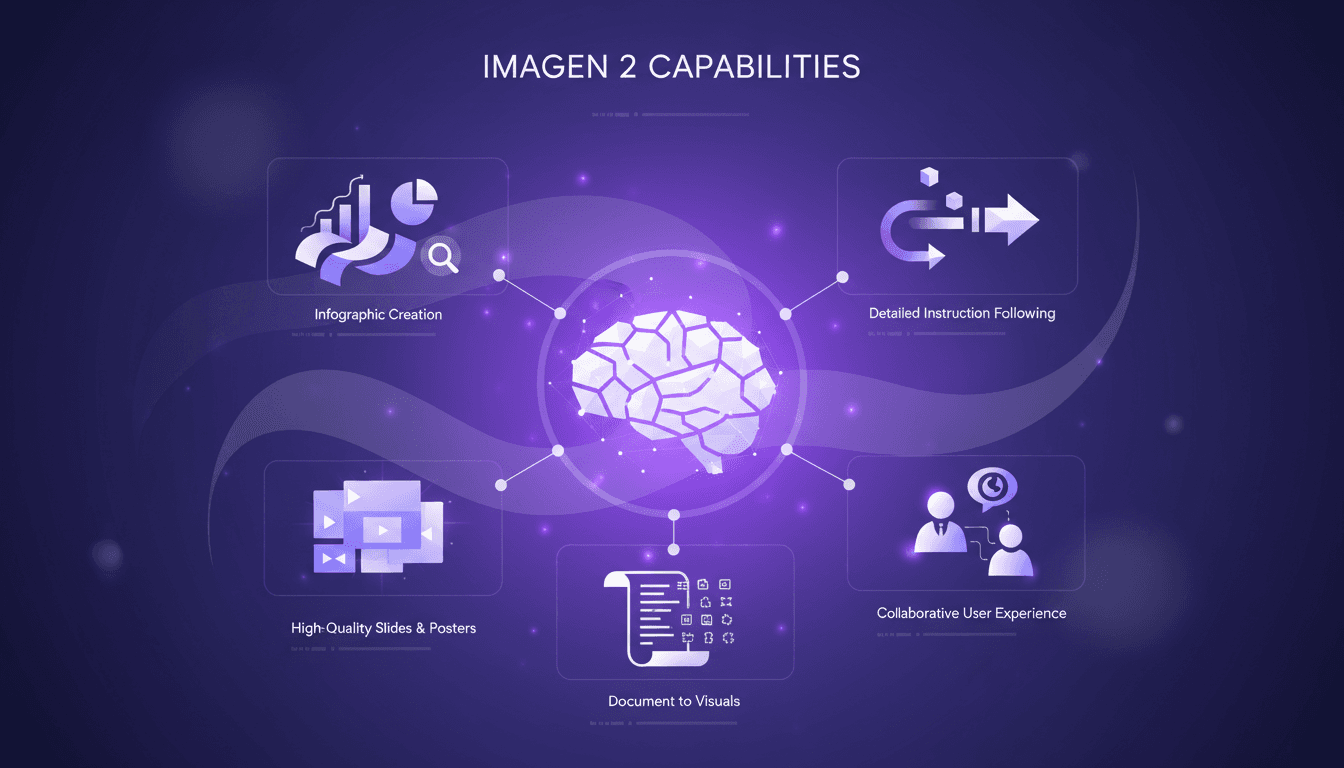
You know those times when you're wrestling with a 70-page document, trying to turn it into something people actually get? Well, I've been there, and Imagen 2 has become my go-to tool to make that happen. I connect my ideas and orchestrate my presentations with impactful infographics and slides that speak for themselves. No need to spend hours tweaking; this tool makes the process smooth, efficient, and above all, professional. Let me take you behind the scenes of my method: how I turn endless text into concise visuals, and why Imagen 2 is a must-have ally. We'll cover all that, with detailed instructions and tips I've honed through practice!
Getting Started with Imagen 2
Diving into Imagen 2 feels like stepping into a brand-new workshop, ready to turn your ideas into reality. First, I tackle the interface: it's intuitive, but don't be fooled, it's packed with features. One of the tool's strengths is its ability to handle detailed instructions, a true game changer for complex designs. But watch out for layout constraints. Knowing these upfront can save you a lot of headaches.
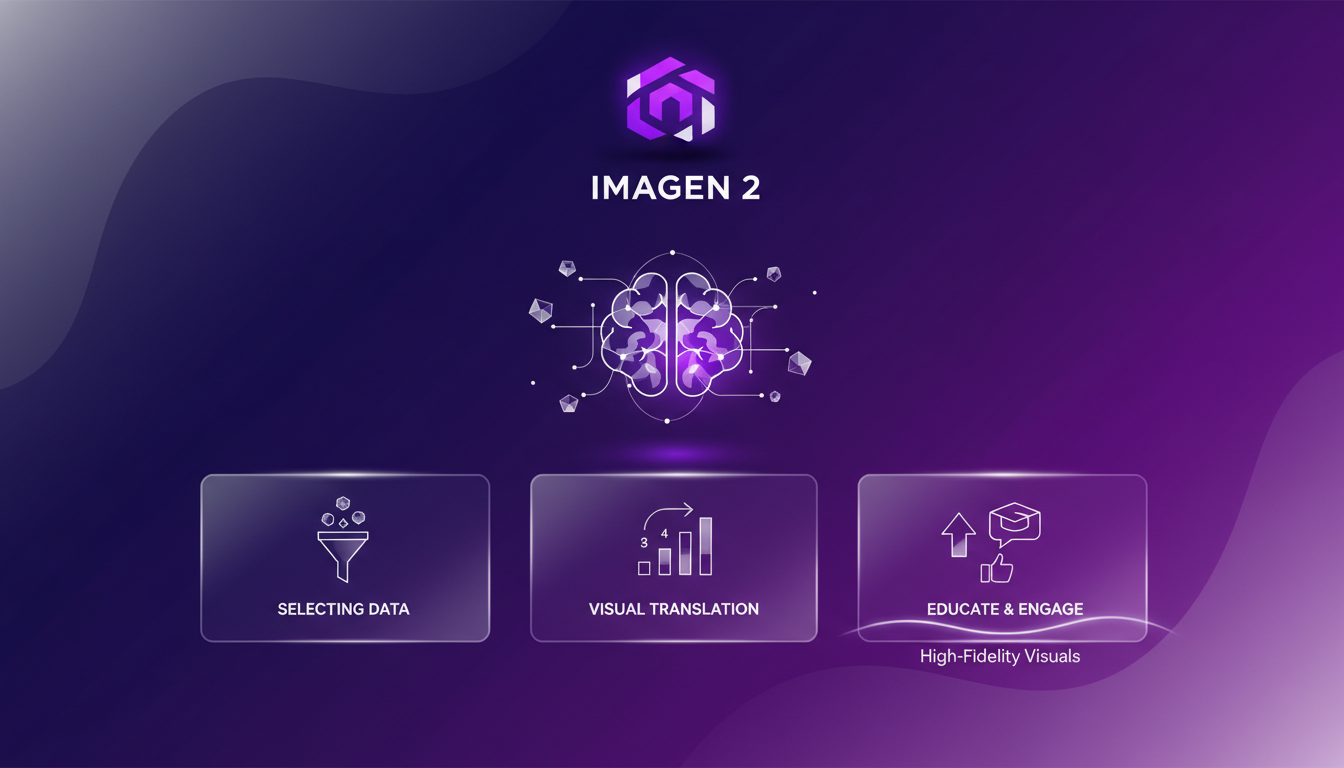
The power of Imagen 2 lies in its ability to translate complex documents into visual formats. This is particularly evident when working with long and dense documents. Practically speaking, I used a prompt of more than 1,000 words to test its capabilities, and the result was ready to use immediately.
Crafting Educational Infographics
With Imagen 2, creating educational infographics becomes a breeze. The tool excels in producing high-fidelity visuals, which is a major asset for capturing and educating. The process begins with selecting key data points and translating them visually. Efficiency is crucial: I focus on minimizing time without sacrificing quality. This is especially important when deadlines are tight.
The trade-offs often lie between detail and readability. Too much detail can drown out essential information.
From PDF to Slides: A Workflow
Converting a 70-page PDF into slides is where Imagen 2 really shines. I managed to produce seven high-quality slides from a lengthy document, capturing the very essence of the content. The workflow involves chunking content and prioritizing visuals.
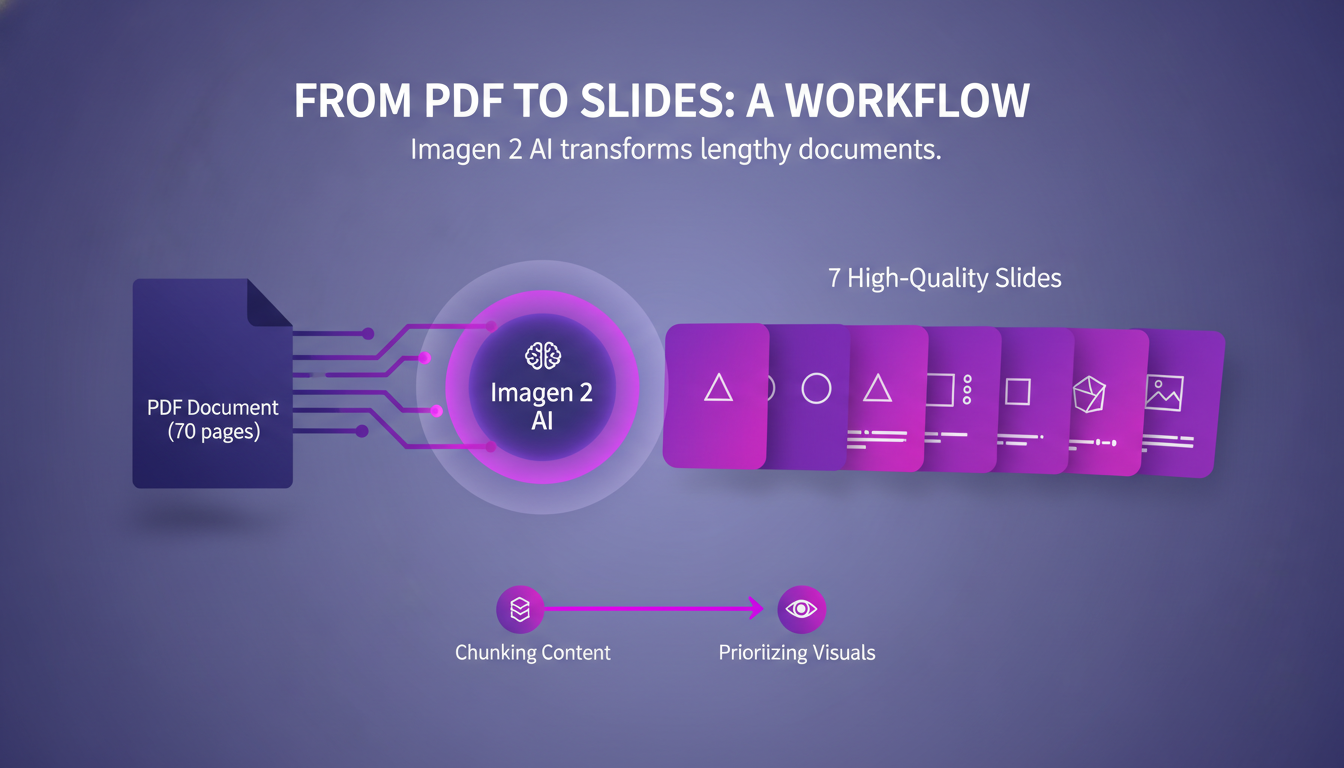
A key tip: focus on consistency across slides. This strengthens the message and avoids unnecessary distractions. But be careful not to overload slides with too much information.
Designing Posters and One-Pagers
Creating a one-page poster from a PDF is straightforward with Imagen 2. I focus on distilling the essence of the document. The tool maintains high quality even on large formats, which is essential for professional presentations.
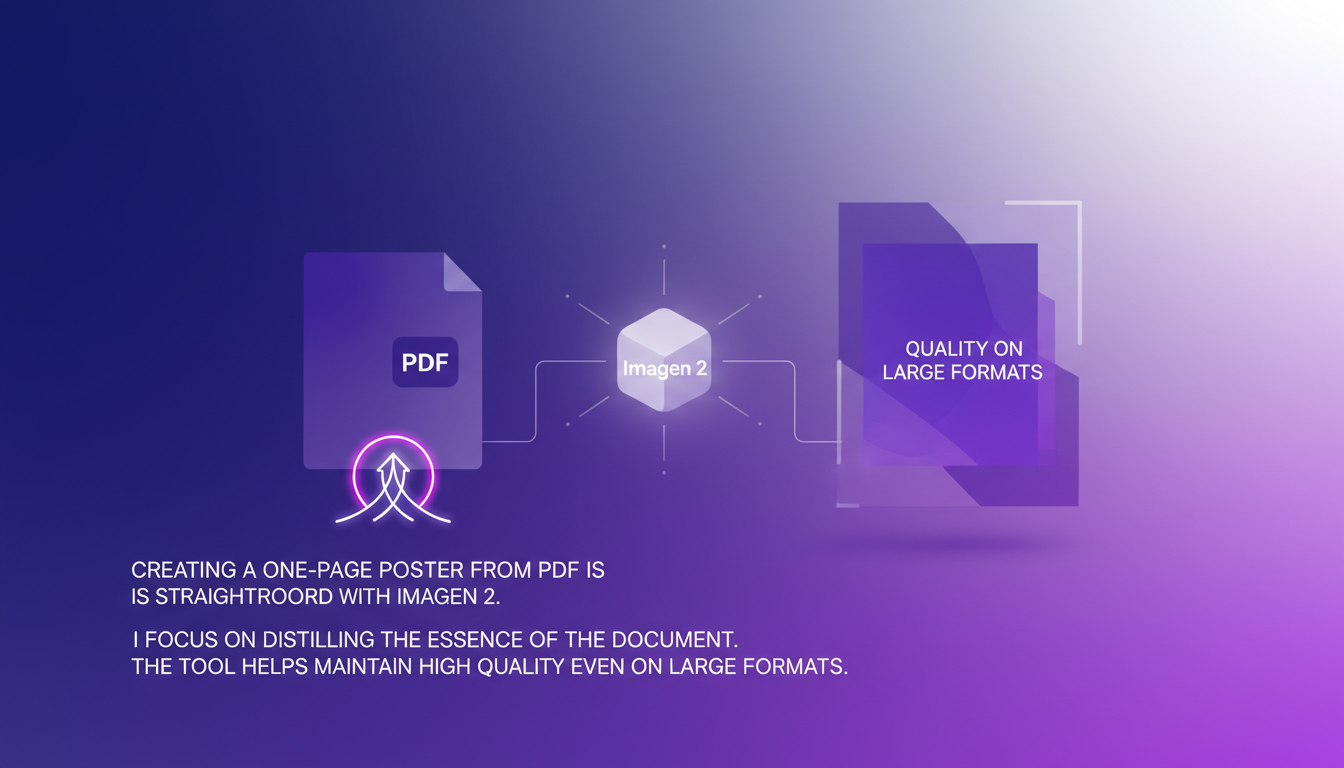
An efficiency tip: use templates to streamline the process. The trade-off is often knowing when to stop to avoid visual overload.
Collaborative Experience with Imagen 2
Using Imagen 2 feels like having a design partner. The user experience is collaborative, enhancing productivity. I'm impressed by the tool's responsiveness to feedback and adjustments. However, watch out for version control: it's easy to lose track.
Overall, the tool boosts team efficiency and output quality. It's like working with a coworker capable of turning complex information into structured visuals.
In summary, Imagen 2 is a powerful tool that makes creating complex visuals not only possible but efficient. For effective strategies, don't miss checking out how to never get lowballed again or the impact of multilingual rendering on your projects. Every step of my process has been optimized, and I'm confident you'll find your workflow enriched by this tool.
Imagen 2 has completely reshaped how I handle visual content creation. It's more than just aesthetics; it's about making visuals work for you and your audience. Here are some takeaways:
- Massive document transformation: I managed to turn a 70-page PDF into punchy, concise visuals.
- High-quality asset creation: Whether it's infographics, slides, or posters, the quality is top-notch.
- Step-by-step guidance: Imagen 2 provides excellent guidance at each step, making it approachable even for non-designers. If you're ready to elevate your visual content, dive into Imagen 2. It's a game changer, though you might need to tweak some details to get everything just right. For a deeper dive into practical tips and tricks, I suggest watching the video 'Slides & Infographics with ChatGPT Images 2.0'. You'll pick up insights that make all the difference. Go ahead, explore, and start transforming your documents today!
Frequently Asked Questions

Thibault Le Balier
Co-fondateur & CTO
Coming from the tech startup ecosystem, Thibault has developed expertise in AI solution architecture that he now puts at the service of large companies (Atos, BNP Paribas, beta.gouv). He works on two axes: mastering AI deployments (local LLMs, MCP security) and optimizing inference costs (offloading, compression, token management).
Related Articles
Discover more articles on similar topics
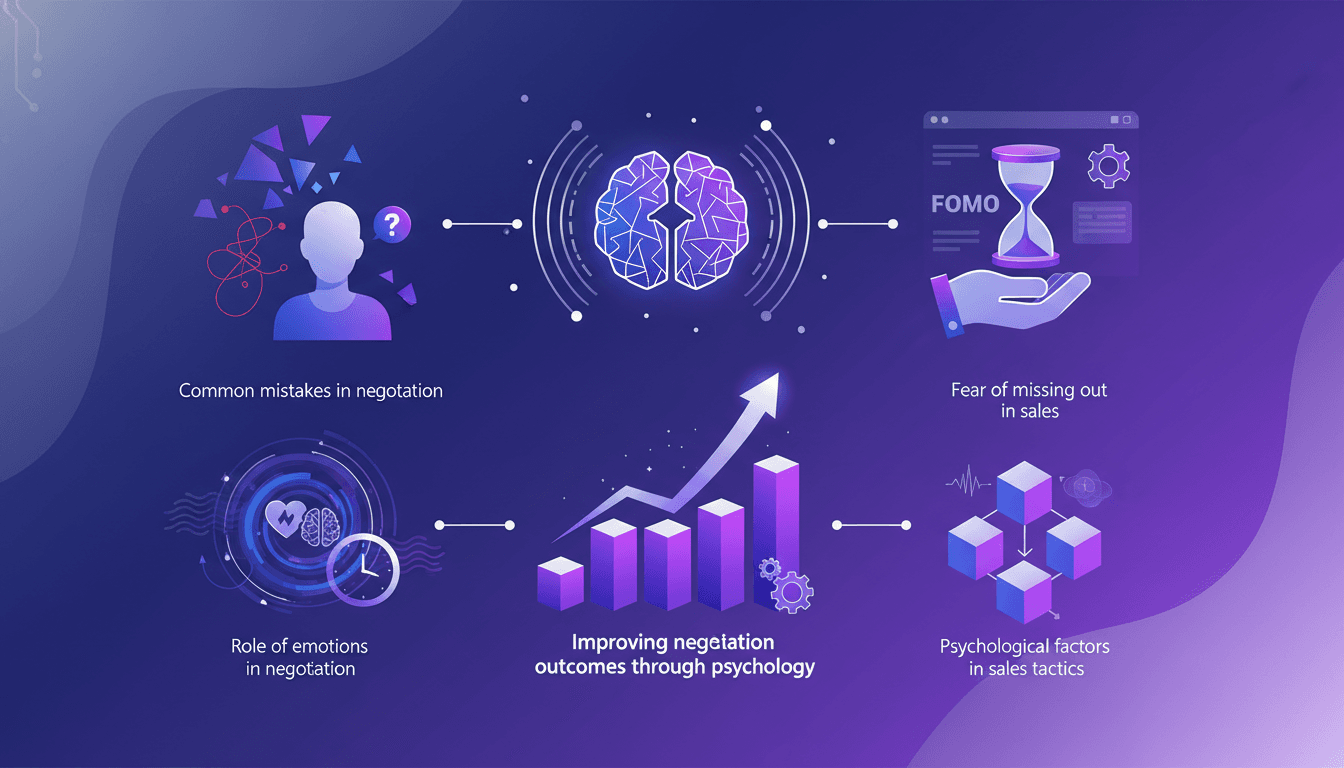
Never Get Lowballed Again: Effective Strategies
I've been in the trenches of real estate negotiations for years, and if there's one thing I've learned, it's that getting lowballed is a gut punch. But I've found ways to turn the tables. Let me walk you through how I use psychology to keep my deals on track. In the fast-paced world of real estate, negotiation isn't just about numbers—it's a psychological game. Understanding the common pitfalls and leveraging emotional intelligence can make or break your deals. Let’s dive into how we can use these insights to our advantage. #realestate #realestateinvesting #psychology
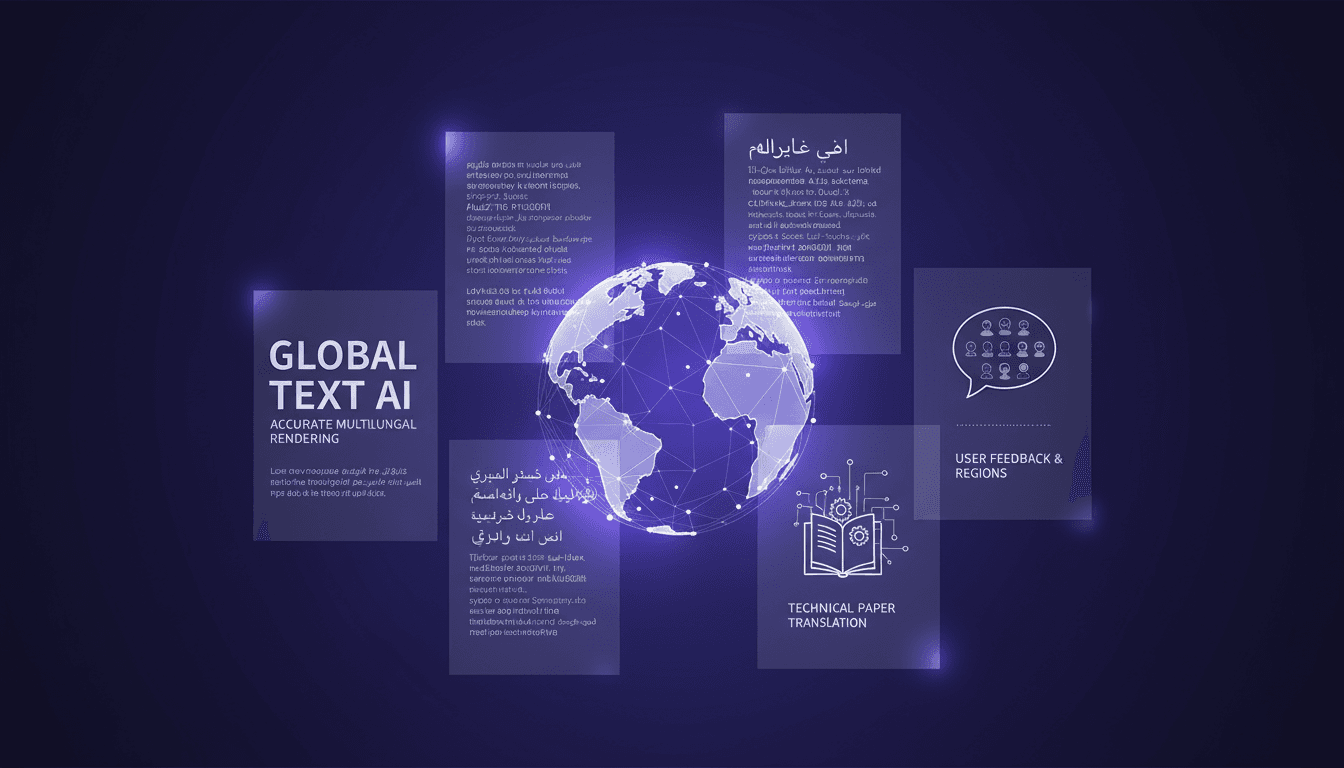
Multilingual Rendering: ChatGPT Images 2.0 in Action
I dove into ChatGPT Images 2.0 expecting the usual AI quirks, but what I found was a game-changer in multilingual text rendering. Let me walk you through how I tackled city poster creation in various languages. With this update, ChatGPT Images 2.0 promises improved multilingual capabilities and more accurate small text rendering. But how does it really hold up in real-world applications? I'll show you how I navigated the challenges of multilingual rendering and, by juggling user feedback from different regions, managed to translate and render a 100-page technical paper. It's really great as a tool, but watch out for context limits – beyond 100K tokens it gets tricky.
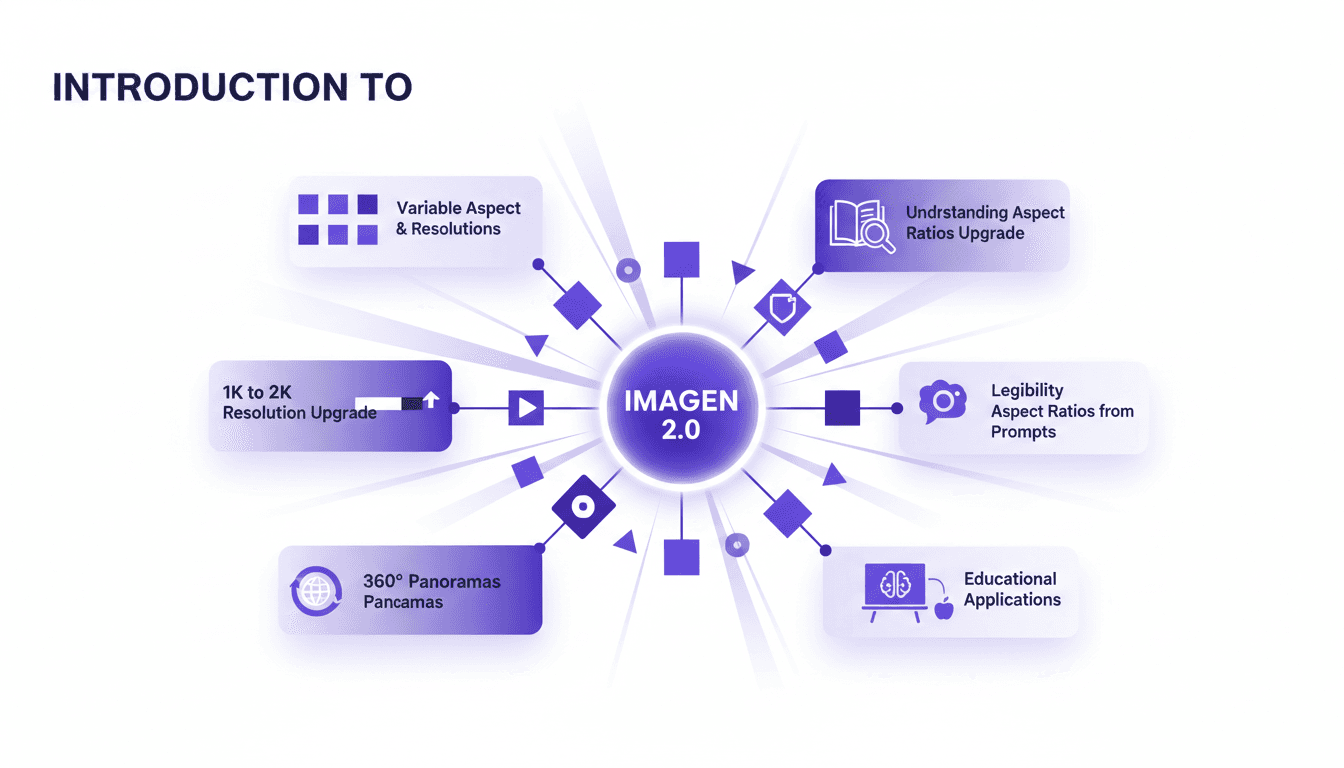
Aspect Ratios & Resolution with Imagen 2.0
I dove into Imagen 2.0 expecting just another upgrade, but what I found was a game changer. Shifting from 1K to 2K resolution and playing with aspect ratios truly opens up new doors for my projects. Imagine creating 360° panoramas or adjusting posters with a 3 by 1 ratio, all with impressive precision. Imagen 2.0 isn't just about better resolution—it's about flexibility and precision in image creation. Whether you're crafting educational materials or immersive panoramas, understanding these tools is crucial. In this tutorial, I'll walk you through mastering aspect ratios with Imagen 2.0, and I promise you'll never look at your projects the same way again.
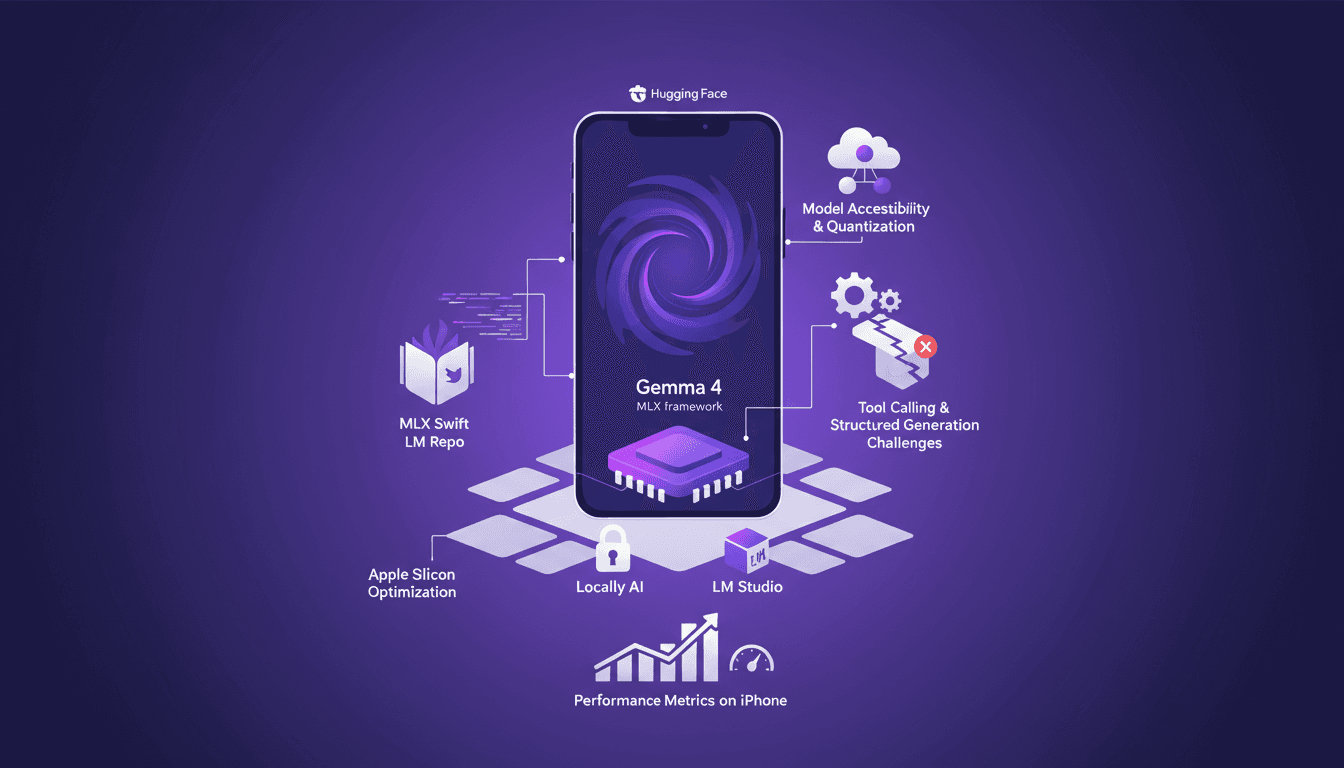
Running Gemma 4 on iPhone: Optimize with MLX
I've spent quite some time running AI models on iPhones, but hitting 40 tokens per second with Gemma 4 using MLX was a game changer. In this article, I walk you through the process step-by-step to optimize Gemma 4 on an iPhone using the MLX framework. We dive into Apple Silicon optimizations, 4-bit and 6-bit quantization, and the challenges I faced with model compatibility. It's all about making it work in real life, not just theory. If you've tried running an LLM on an iPhone and found it either slow or too complex, this guide is for you.
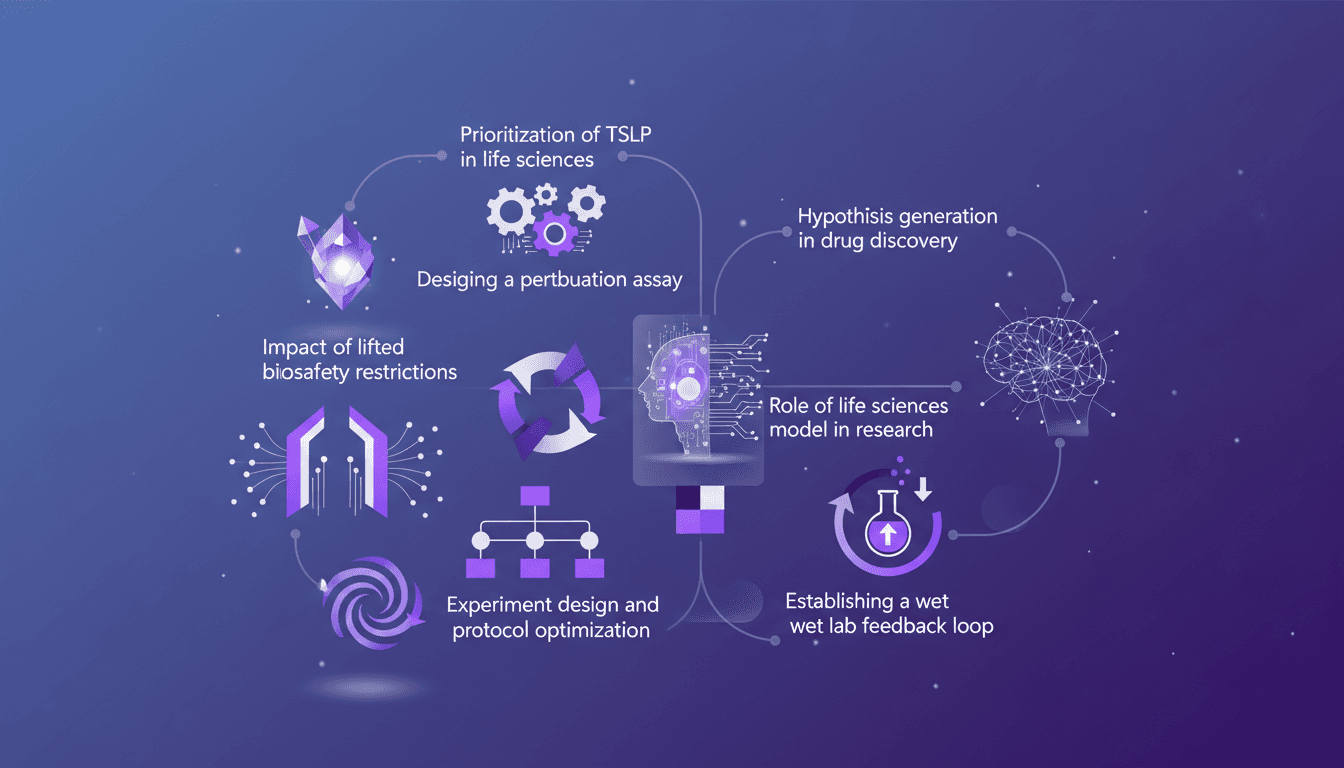
TSLP Prioritization: Speeding Up Research
I remember the day we finally prioritized TSLP in our life sciences model. It was a game changer. Suddenly, our experiments were not just faster but smarter. In this article, I walk you through how we did it and why it matters. In the fast-paced world of life sciences, designing efficient experiments is crucial. With the lifting of biosafety restrictions, there's a new frontier of possibilities. I'll guide you through prioritizing TSLP, designing a perturbation assay, the impact of new biosafety freedoms, and optimizing experimental protocols. Don't miss how to establish a wet lab feedback loop and generate hypotheses in drug discovery.