Building Conversational Agents: A Hands-On Guide
I've built my fair share of conversational agents, and let me tell you, working with Google DeepMind's Gemini API is a game changer. But, like any tool, it's got its quirks and challenges. In this article, we're diving into the developer experience at Google DeepMind, focusing on the Gemini API and Google AI Studio. We'll tackle real-time audio understanding, multilingual support, and the nitty-gritty of API key management. With tools like the Gemini CLI, we dive into the hands-on aspects, but watch out for the technical limits and security issues. Get ready for a practical, no-nonsense look at building conversational agents.
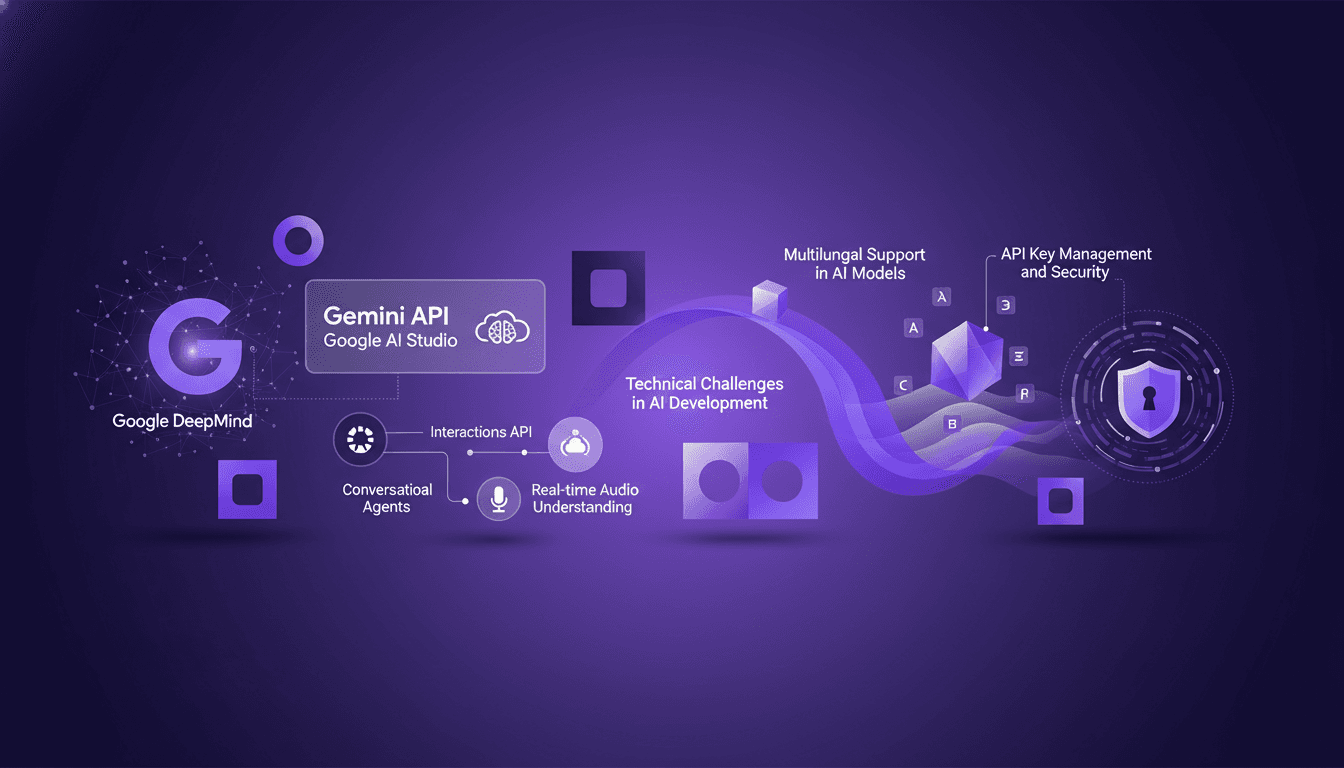
I've built my fair share of conversational agents, and let me tell you, working with Google DeepMind's Gemini API is a game changer. But, like any tool, it's got its quirks and challenges. When I connect my projects to the Gemini API, I start by juggling the intricacies of the interface. With Gemini CLI, I'm in action right from the start, but I got burned a few times with poorly managed API keys. In this article, we're diving into the developer experience at Google DeepMind, focusing on the Gemini API and Google AI Studio. We'll dissect real-time audio understanding, multilingual support, and everything about API key security. Fair warning, there are pitfalls to avoid, especially when working with Gemini 1.5 models that are no longer the latest. This is the real deal, no abstract theory, so sit tight and let's get ready to navigate this complex but fascinating landscape.
Developer Experience at Google DeepMind
Diving into the developer experience at Google DeepMind feels like stepping into a realm where smoothness reigns supreme. Right off the bat, I was struck by how user-friendly everything is, thanks to the Gemini CLI. This isn't just a gimmick; it's an extension of my developer hands. Tools like cursor, anti-gravity, and the Gemini CLI are indispensable for an efficient workflow.
"Efficiency is key; these tools save time and streamline processes."
But watch out for the learning curve; it's steep, though manageable with practice. I've often found myself fumbling at the start, but each mistake became a lesson. The goal here is efficiency, and trust me, once you've mastered these tools, they transform the way you work.
Exploring the Gemini API and Google AI Studio
The Gemini API is a behemoth. It offers incredible possibilities but requires careful orchestration to avoid pitfalls. Google AI Studio is the perfect complement, offering seamless integration.
I often use Gemini 1.5; it's not the latest model, but with the right tweaks, it gets the job done. There are trade-offs; older versions might lack certain features, but they offer valuable stability. Don't get swayed only by the new; sometimes stability trumps novelty.
Building a Conversational Agent: Step-by-Step
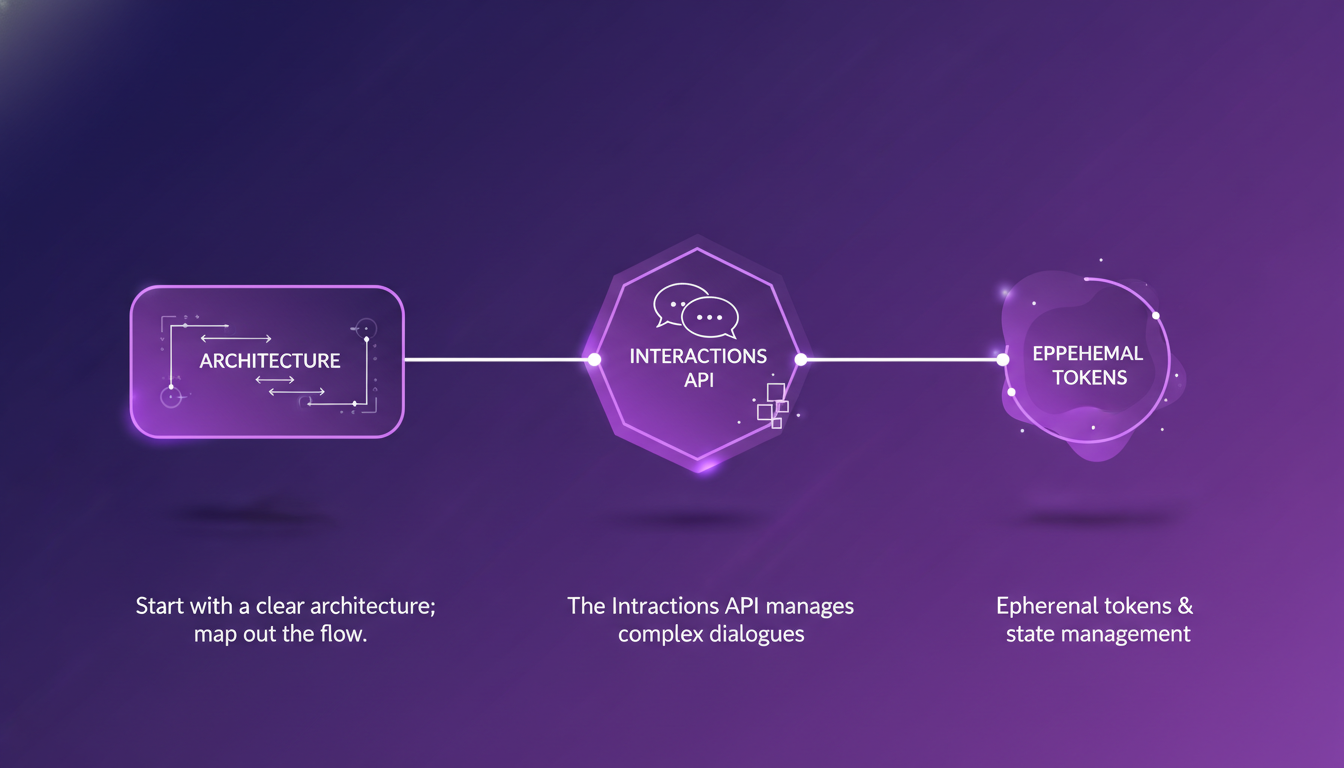
When building a conversational agent, I always start with a clear architecture. I map out the flow before even coding. The Interactions API is a lifesaver for managing complex dialogues.
Ephemeral tokens are great for security, but they can complicate state management. I've found that real-time audio understanding adds a dynamic layer, but beware, it's resource-intensive.
- Start with a clear architecture
- Use the Interactions API for complex dialogues
- Manage ephemeral tokens carefully
- Anticipate high resource consumption for real-time audio
Tackling Technical Challenges: Context and Hallucinations
Context management is tricky; I often turn to server-side state management to keep things clean. Hallucinations can derail a conversation; implementing checks is crucial.
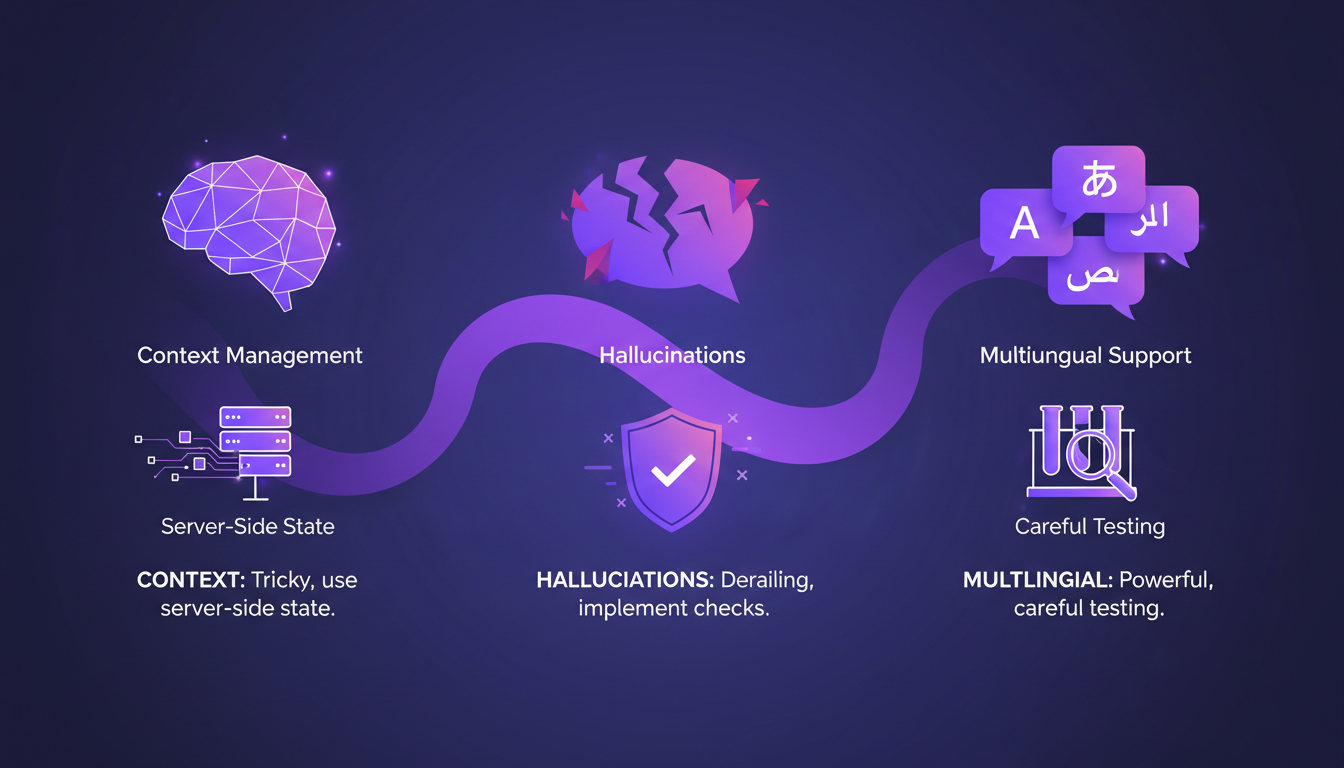
Multilingual support is powerful but requires careful testing across languages. More languages mean more complexity in handling nuances. It's a balance between linguistic diversity and technical complexity.
API Key Management and Security Best Practices
API key management is non-negotiable; I automate as much as possible to avoid human error. Security is paramount; ephemeral tokens help, but they need a solid implementation plan.
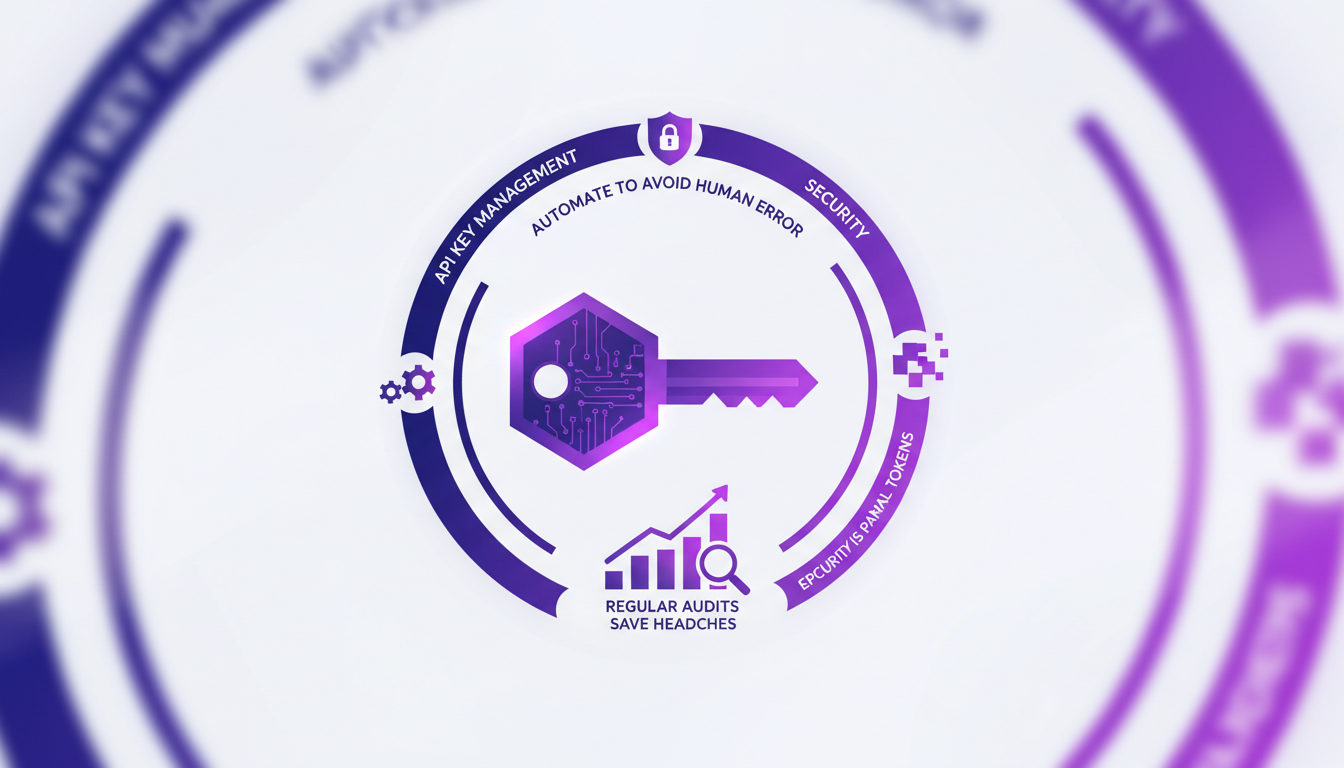
Regular audits of key usage save headaches down the line. Balancing security with usability is a constant challenge; don't skimp on either.
This is a world where technology and humans converge. Every tool, every API, every technical choice carries the promise of increased efficiency and enhanced security. But beware, this world demands rigor and foresight.
Diving into building conversational agents with Google DeepMind's tools is a rewarding challenge. First, I focused on API management using the Gemini CLI, which is crucial to orchestrating everything smoothly. Then, I spent time understanding context limits with Gemini 1.5, which is no longer the latest model, so keep that in mind. Finally, integrating multilingual support has been key to creating powerful and efficient solutions. Watch out though; adapting to new model updates will be essential. Looking forward, I'm really excited to explore the potential of the Gemini API and its future iterations to enhance our agents. Ready to dive in? Start experimenting with the Gemini API and share your own insights and challenges. And for a deeper understanding, check out the full video by Thor Schaeff and Philipp Schmid. It's worth seeing how they pull it all together. Let's keep building better agents together.
Frequently Asked Questions

Thibault Le Balier
Co-fondateur & CTO
Coming from the tech startup ecosystem, Thibault has developed expertise in AI solution architecture that he now puts at the service of large companies (Atos, BNP Paribas, beta.gouv). He works on two axes: mastering AI deployments (local LLMs, MCP security) and optimizing inference costs (offloading, compression, token management).
Related Articles
Discover more articles on similar topics
Build AI Apps Fast: Gemini Models in Action
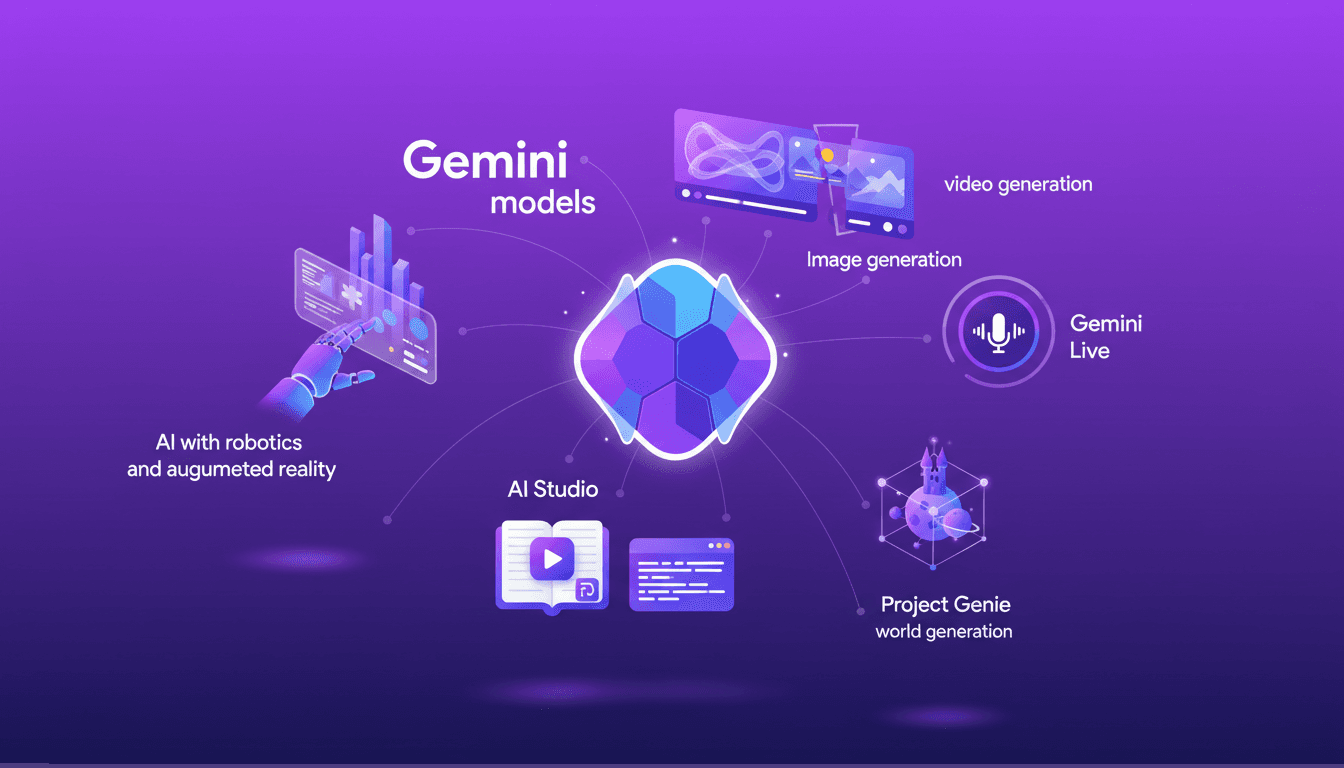
I dove headfirst into AI-powered app development with Google DeepMind's Gemini models. These models, with their rapid release and robust capabilities, are true game changers. But watch out, they come with their own set of challenges. In this article, I share my journey with Gemini's multimodal capabilities, AI Studio tools, and the integration of AI in video, image, and real-time applications. We'll explore practicalities, potential pitfalls, and how these cutting-edge technologies can transform your projects.
Gemma 4: Open Models and Accessibility
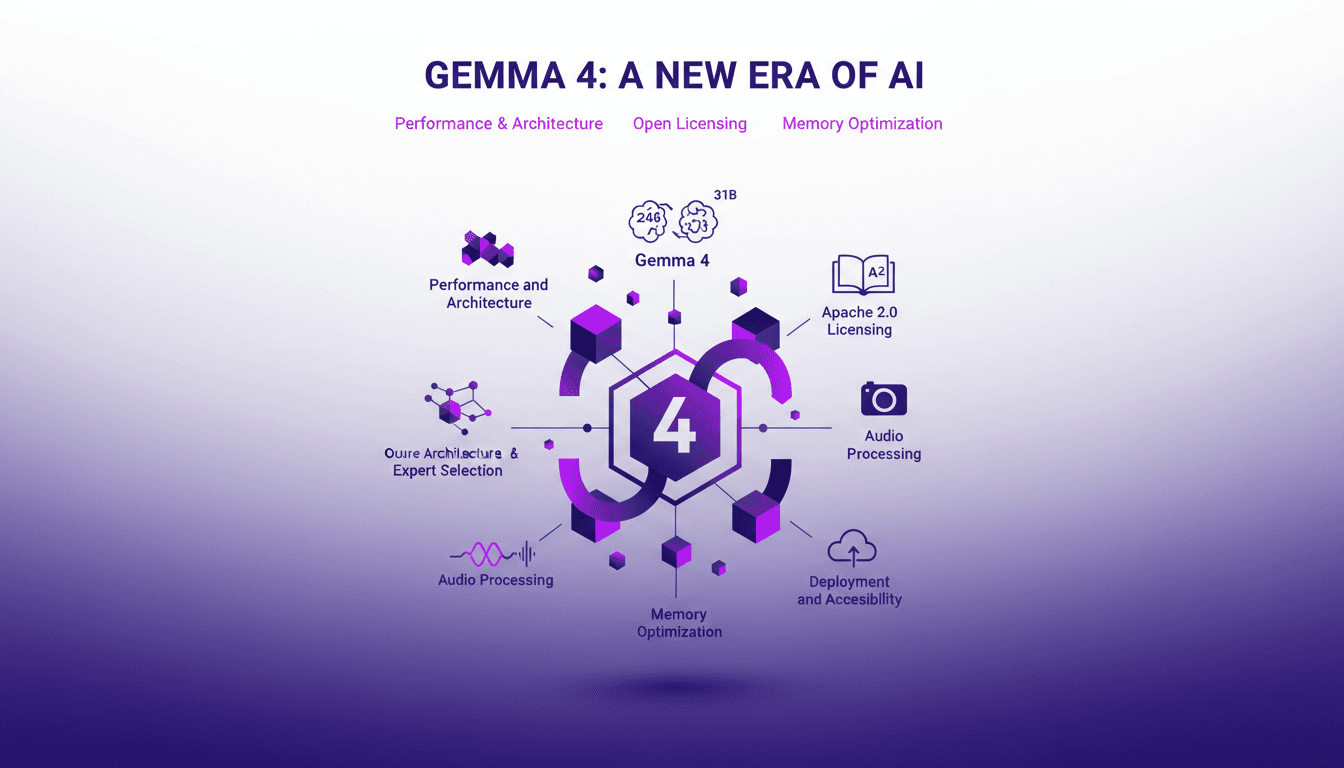
I dove into Gemma 4, the latest gem from Google DeepMind's open models, and it's like stepping into a new realm of possibilities. With its 26B and 31B models, we're talking about performance that's potentially a game changer (especially with its Apache 2.0 licensing making all this super accessible). Let me walk you through how I leveraged its architecture and why it matters for us builders. We'll discuss Oure architecture, multimodal capabilities, memory optimization with PLE, and even its audio processing prowess. Don't miss how these models can be deployed and made accessible for everyone.
Workspace Agents in ChatGPT: Practical Guide
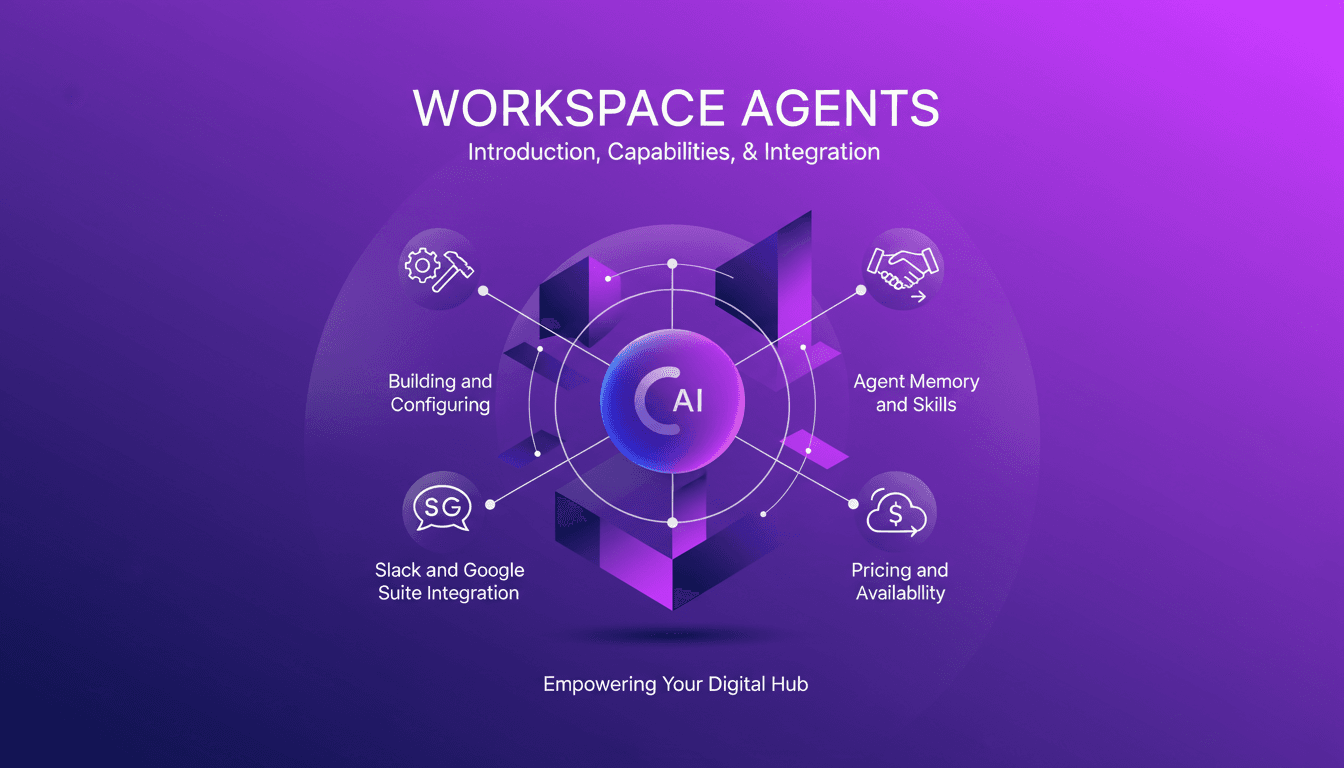
I've spent countless hours finetuning Workspace Agents in ChatGPT, and let me tell you, once you get the hang of it, it's a game changer. But beware, the path isn't without its bumps. Let's dive into how you can set up and optimize these agents for maximum efficiency. First, I connect tools like Slack and Google Suite to automate tasks. Then, I ensure each agent has well-calibrated memory and skills. A tip: don't overlook customization, it can really make a difference. Finally, we'll cover the pricing and availability of these agents to keep you well-prepared. Let's dive into this practical guide together.
Mastering Neotron 3 Nano Omni: Multimodal Intelligence
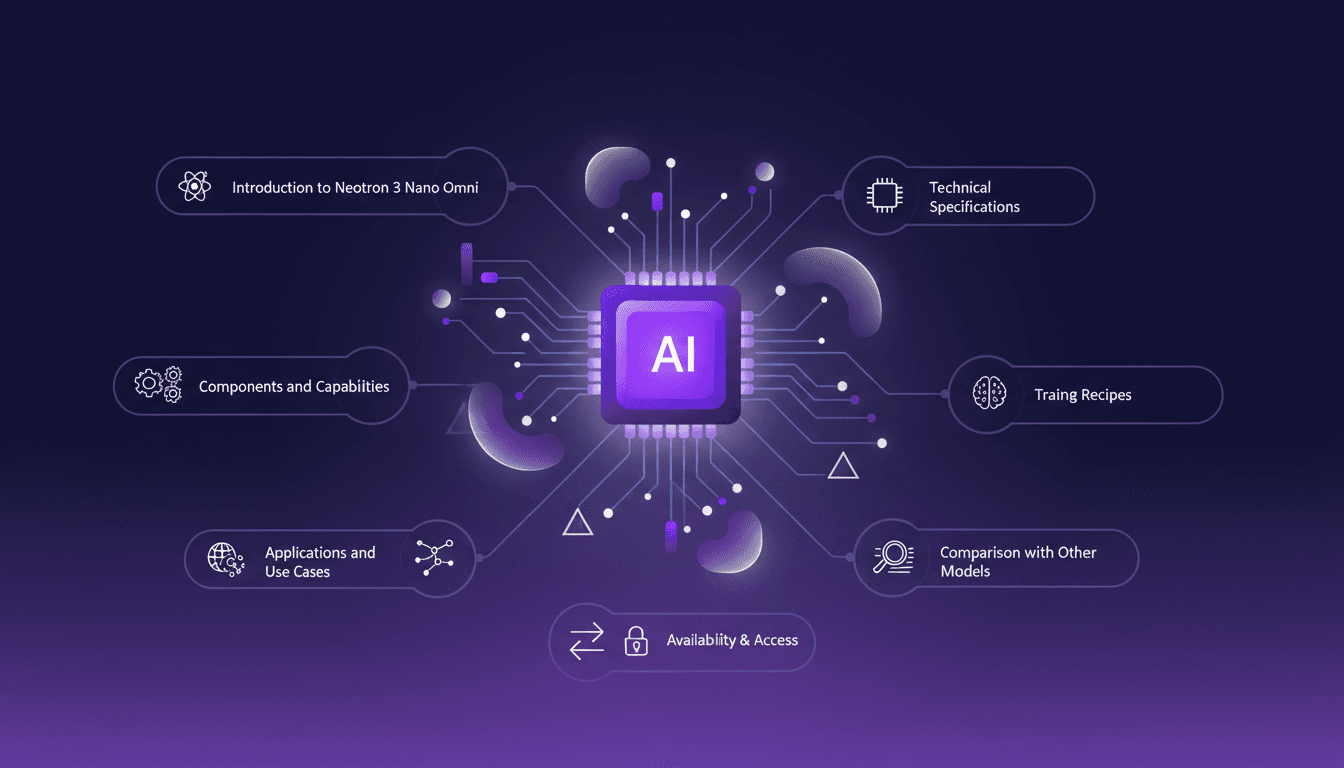
I dove into NVIDIA's Neotron 3 Nano Omni and discovered how this powerhouse of multimodal intelligence can redefine our workflows. It's not just hype—it's a game changer, but with some caveats. By combining vision and audio encoding with a transformer mixture of experts model, this tech offers impressive possibilities. I started by connecting the dots between its components, then explored how to harness it effectively and avoid common pitfalls. Whether for software cybersecurity or other applications, Neotron 3 Nano Omni is a powerful tool, but watch out for context limits. I'm sharing my experiences to help you avoid mistakes I made and maximize business impact.

Streamline Your Home Loan with ChatGPT
I remember the first time I signed home loan papers; it felt like an endless cycle of bank visits and paperwork. Then I found ChatGPT. By integrating it into my loan management, I cut down on the back-and-forth and headaches. Here's how I streamlined the process. With ChatGPT, I avoid the inefficiencies of traditional methods. It's a powerful tool to handle home loans more smoothly. Don't let the paperwork overwhelm you; there's a better way. I’m sharing the steps that helped me simplify my home loan journey and save precious time. Ready to transform your loan experience with the help of technology?