Set Up Codex in a Few Clicks for Time Savings
I remember the first time I set up Codex. It felt like unlocking a new level of productivity. With just a few clicks, I had my projects and tools seamlessly integrated. Let me show you how I did it, and how you can too. Codex is all about streamlining your workflow—whether you're transferring projects, integrating systems, or prepping for meetings, it's a game changer. The key is setting it up efficiently. I connected my systems to Codex, integrated Google Calendar, Gmail, and Slack, and saw an immediate transformation in my time management. I'll walk you through these steps so you can maximize your efficiency with Codex.
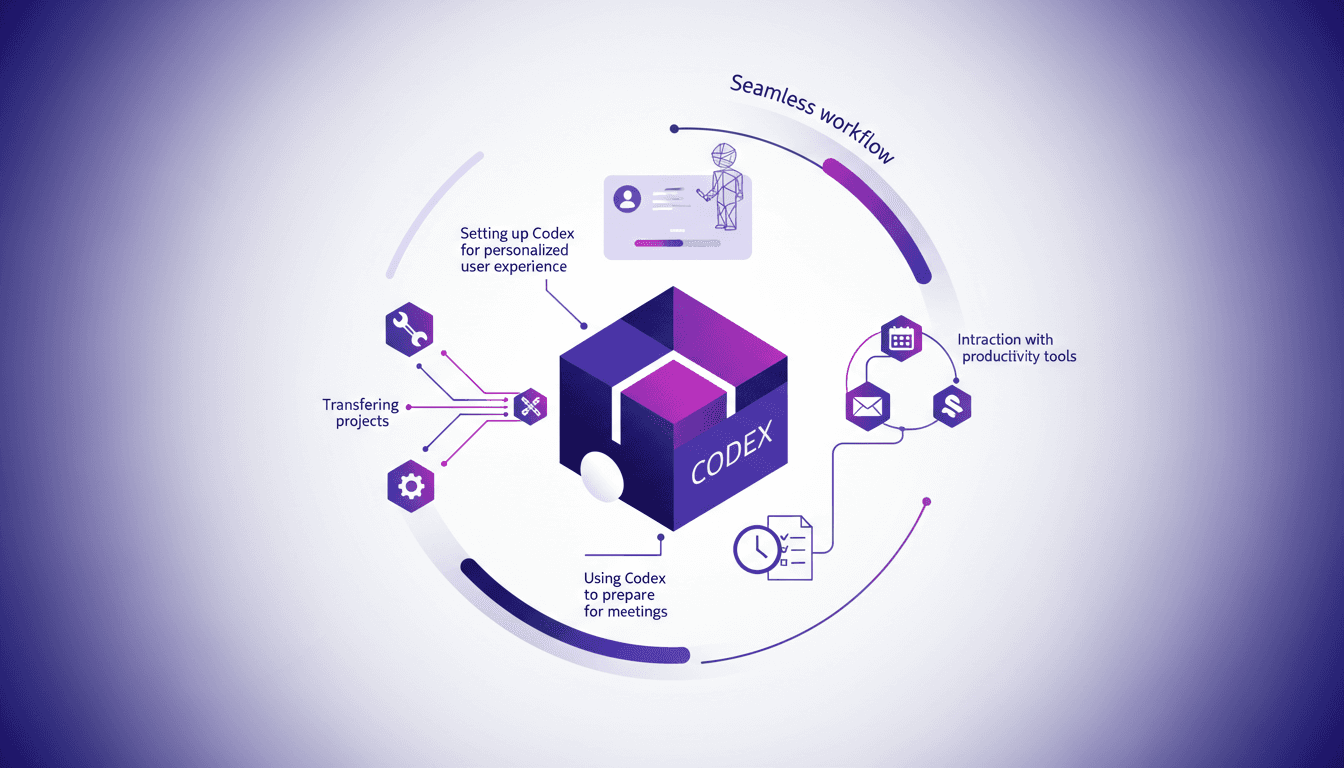
I remember the first time I set up Codex. It felt like unlocking a new level of productivity. With just a few clicks, I had my projects and tools seamlessly integrated. Codex is all about orchestrating your workflow—whether you're transferring projects, integrating systems, or prepping for meetings, Codex can streamline it all. But watch out, the key is in setting it up efficiently. I connected my systems to Codex, integrated Google Calendar, Gmail, and Slack, and saw an immediate transformation. I'll guide you through these steps so you can maximize your efficiency with Codex. First, we transfer projects into Codex from other tools. Then, we integrate Codex with various systems to keep everything in sync. And finally, we use Codex to prepare for meetings, creating a seamless workflow. In about 60 seconds, you can start feeling the difference in your time management. Let's be clear, Codex is powerful, but only if you set it up right. I'm here to show you how, step by step, to avoid the pitfalls that burned me at first.
Setting Up Codex for a Personalized Experience
In the digital work environment, personalization is not just a luxury, it's a necessity. With Codex, I've been able to tailor my tools to my specific needs, and it has literally transformed my productivity. First, I tell Codex what kind of work I do. This allows it to provide me with a customized experience. By personalizing Codex, you can truly optimize your workflow and avoid many unnecessary frictions.
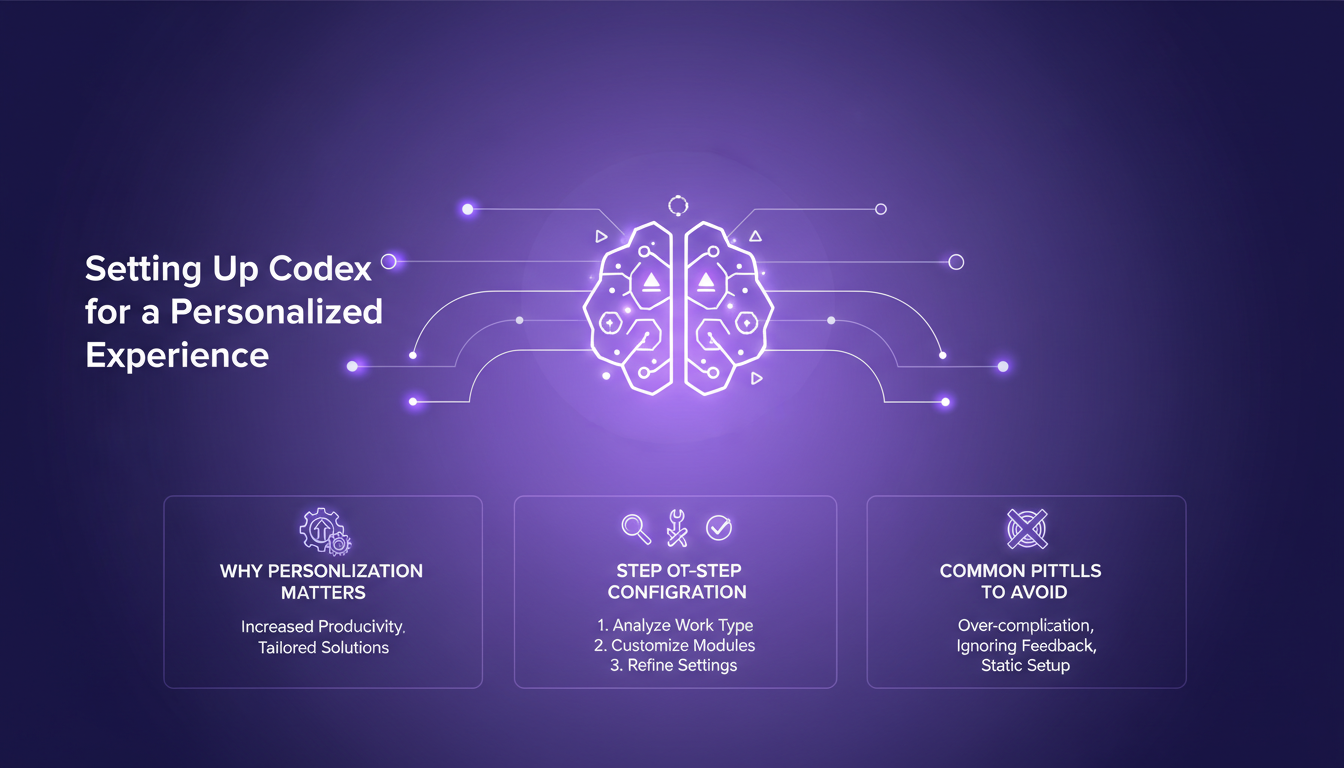
First, you configure preferences based on your work type. This is where Codex's interface shines in its simplicity. But watch out, personalization can quickly become a time sink if you're not careful not to overcomplicate things. My advice: keep a balance between flexibility and simplicity.
- Clearly define your needs before starting.
- Test configurations gradually.
- Avoid excessive customizations that complicate processes.
Transferring Projects into Codex
Transferring projects into a new tool can seem daunting, but with Codex, it's surprisingly easy. I was able to port my projects from other tools with a single click, which is a clear advantage. However, one must be careful to choose tools that integrate naturally with Codex. For instance, I've found that projects from platforms like Trello integrate seamlessly, whereas others require more maneuvering.
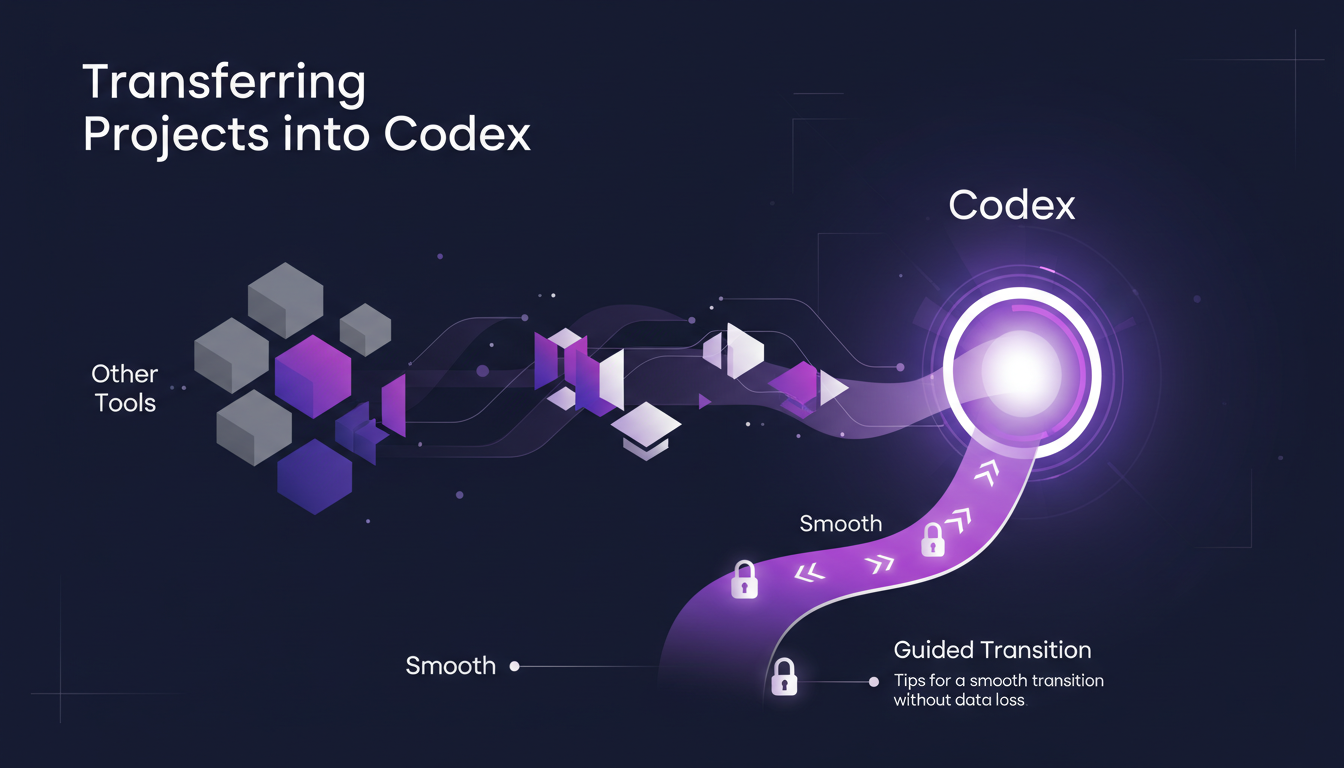
There are trade-offs to consider: manually transferring can be tedious but allows full control, while automation can sometimes result in data loss. I chose a hybrid approach, automating what I could and manually checking critical data.
- Prioritize native integrations to minimize friction.
- Check data after transfer to ensure integrity.
- Use migration tools for smoother results.
Integrating Codex with Various Systems
One of Codex's strengths is its ability to integrate with a multitude of systems. I've connected Codex to my productivity tools like Google Calendar, Gmail, and Slack. This has allowed me to automate repetitive tasks and save precious time. However, each integration can have its own challenges.
For instance, I encountered synchronization issues between Codex and Slack. To resolve this, I had to adjust permissions and ensure APIs were correctly configured. Despite these small hurdles, the impact on my daily operations has been significant: less time lost switching between apps and more focus on important tasks.
- Check access permissions to avoid sync issues.
- Test integrations upfront to identify potential conflicts.
- Use automated workflows to maximize efficiency.
Using Codex to Prepare for Meetings
With Codex, preparing for a meeting has become a breeze. I use Codex to organize my meeting documents and automate reminders. By integrating my calendar and emails, Codex provides me with a complete brief for each meeting. This prevents information overload and allows me to arrive prepared and calm.
However, be careful not to overload Codex with too much information to process at once.
- Centralize your documents for quick access.
- Use automated reminders to ensure nothing is forgotten.
- Set your calendar to avoid scheduling conflicts.
Establishing a Seamless Workflow with Codex
Setting up a workflow in 60 seconds is possible with Codex. I was able to establish a connected workflow that allows me not to waste time on redundant tasks. Some adjustments are sometimes necessary, but the speed of execution is a real asset. The secret lies in balancing speed and accuracy.
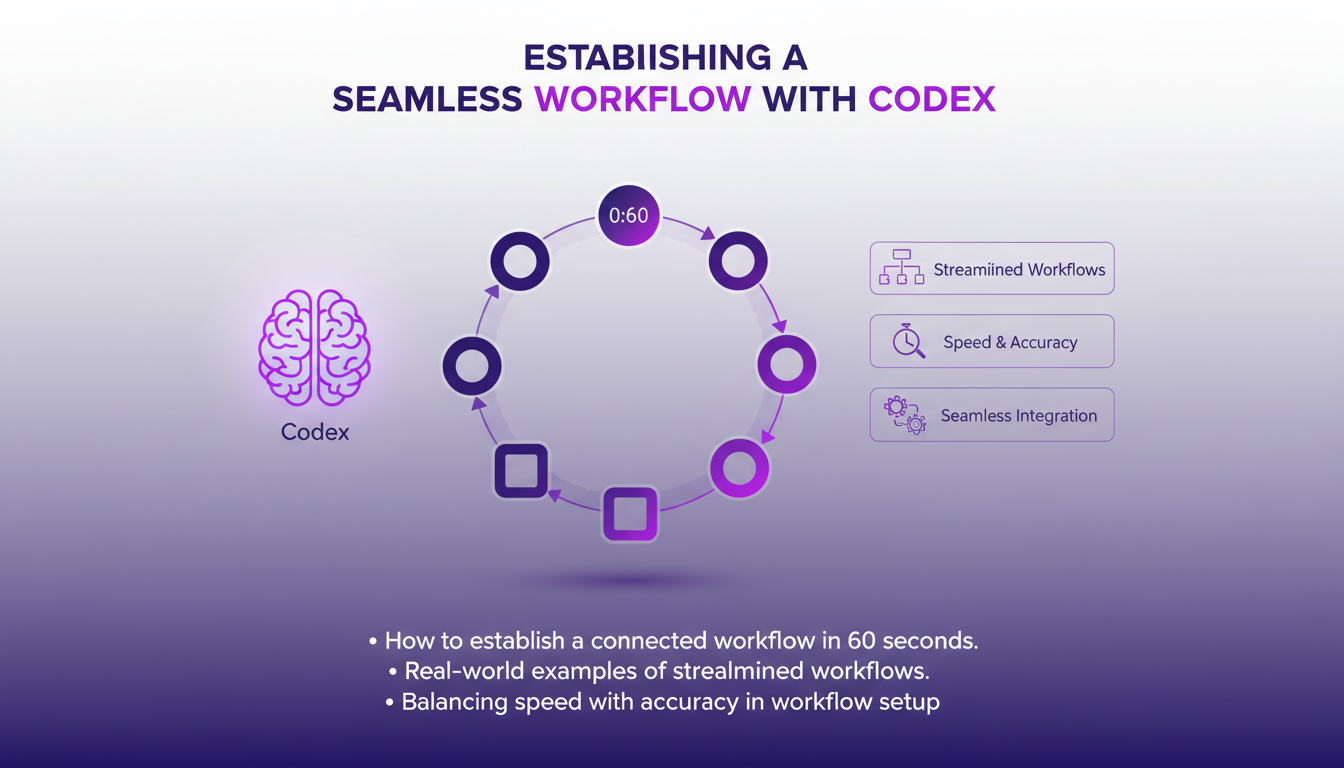
It's crucial to remember that continuous improvement is key. After a few trials, I found that making small regular adjustments had a significant impact on overall efficiency. This allowed me to optimize my processes without ever resting on my laurels.
- Start with simple configurations and then gradually increase complexity.
- Regularly evaluate your processes to identify improvement points.
- Involve your team in the process for constructive feedback.
Setting up Codex isn't just about connecting tools—it's about transforming how you work. First, integrate and personalize your workflow; you'll see significant time savings and a boost in productivity. I started small, transferring existing projects into Codex, and I really felt the difference—about 60 seconds is all it takes to shift everything. By connecting Codex with various systems, I could prepare for meetings more efficiently, without wasting time juggling between tools. But a word of caution, don't try to integrate everything at once; it can become counterproductive. Start with one tool, then scale up. Codex is a real game changer, but you need to harness it properly. Ready to bring Codex into your daily routine? Start today and experience the difference. For a full overview, I recommend the original video—it offers valuable insights.
Frequently Asked Questions

Thibault Le Balier
Co-fondateur & CTO
Coming from the tech startup ecosystem, Thibault has developed expertise in AI solution architecture that he now puts at the service of large companies (Atos, BNP Paribas, beta.gouv). He works on two axes: mastering AI deployments (local LLMs, MCP security) and optimizing inference costs (offloading, compression, token management).
Related Articles
Discover more articles on similar topics
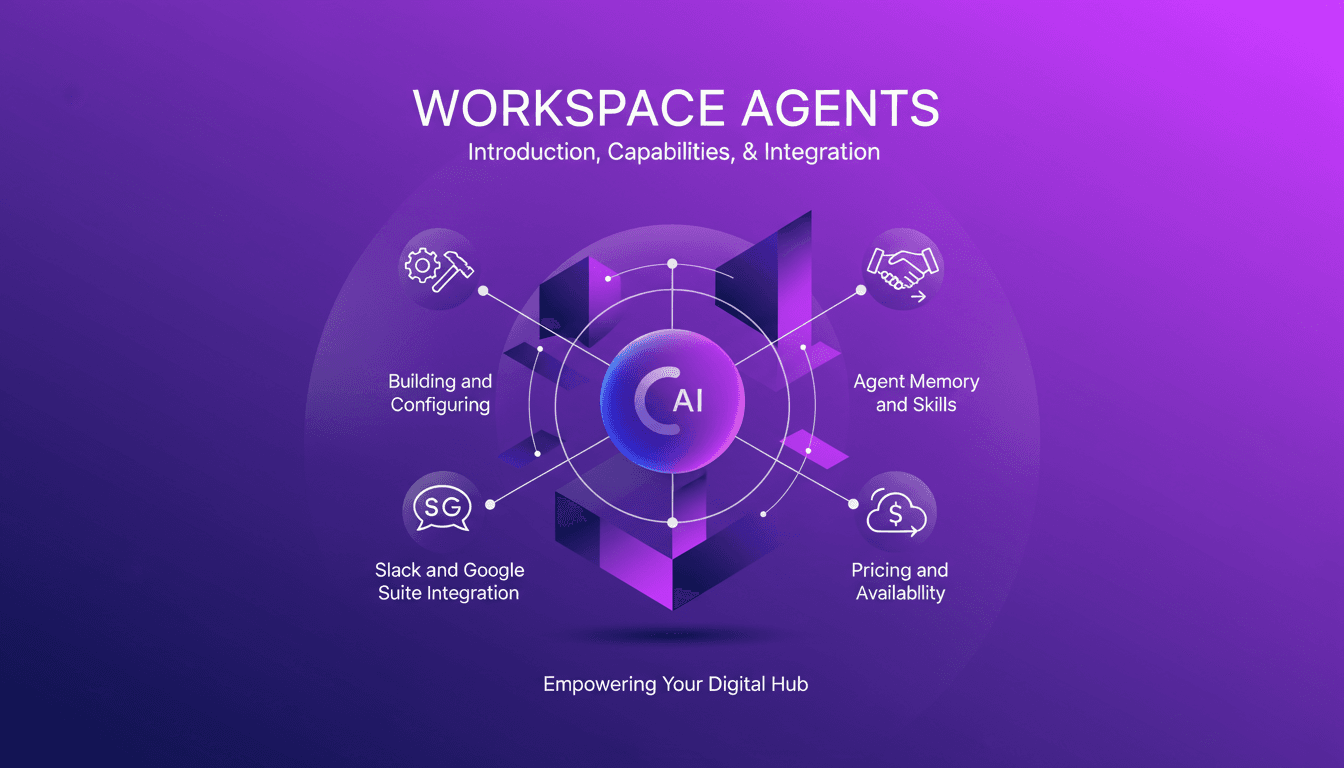
Workspace Agents in ChatGPT: Practical Guide
I've spent countless hours finetuning Workspace Agents in ChatGPT, and let me tell you, once you get the hang of it, it's a game changer. But beware, the path isn't without its bumps. Let's dive into how you can set up and optimize these agents for maximum efficiency. First, I connect tools like Slack and Google Suite to automate tasks. Then, I ensure each agent has well-calibrated memory and skills. A tip: don't overlook customization, it can really make a difference. Finally, we'll cover the pricing and availability of these agents to keep you well-prepared. Let's dive into this practical guide together.
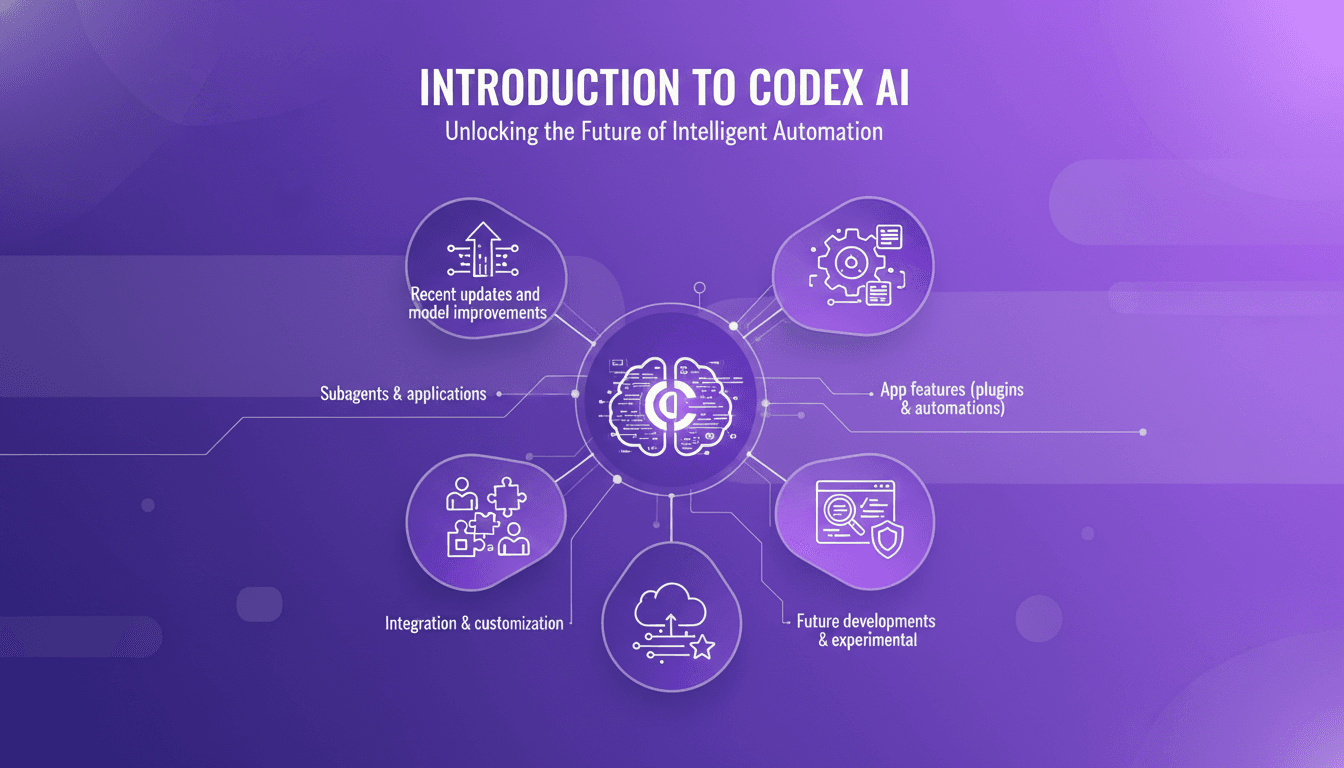
Codex: Recent Enhancements and Integrations
I remember the first time I integrated Codex into our workflow. It was like adding a turbocharger to a well-oiled machine. But watch out, like any powerful tool, understanding its capabilities and limits is key. Codex, with its recent updates, is not just a code assistant; it's a powerhouse for automation and integration. From subagents to security features, it's evolved significantly. Let me show you how to leverage Codex for maximum efficiency. With over three million weekly active users and the latest 5.4 model, the possibilities are massive. Don't get burned by context limits; let's orchestrate Codex to transform your coding environment.
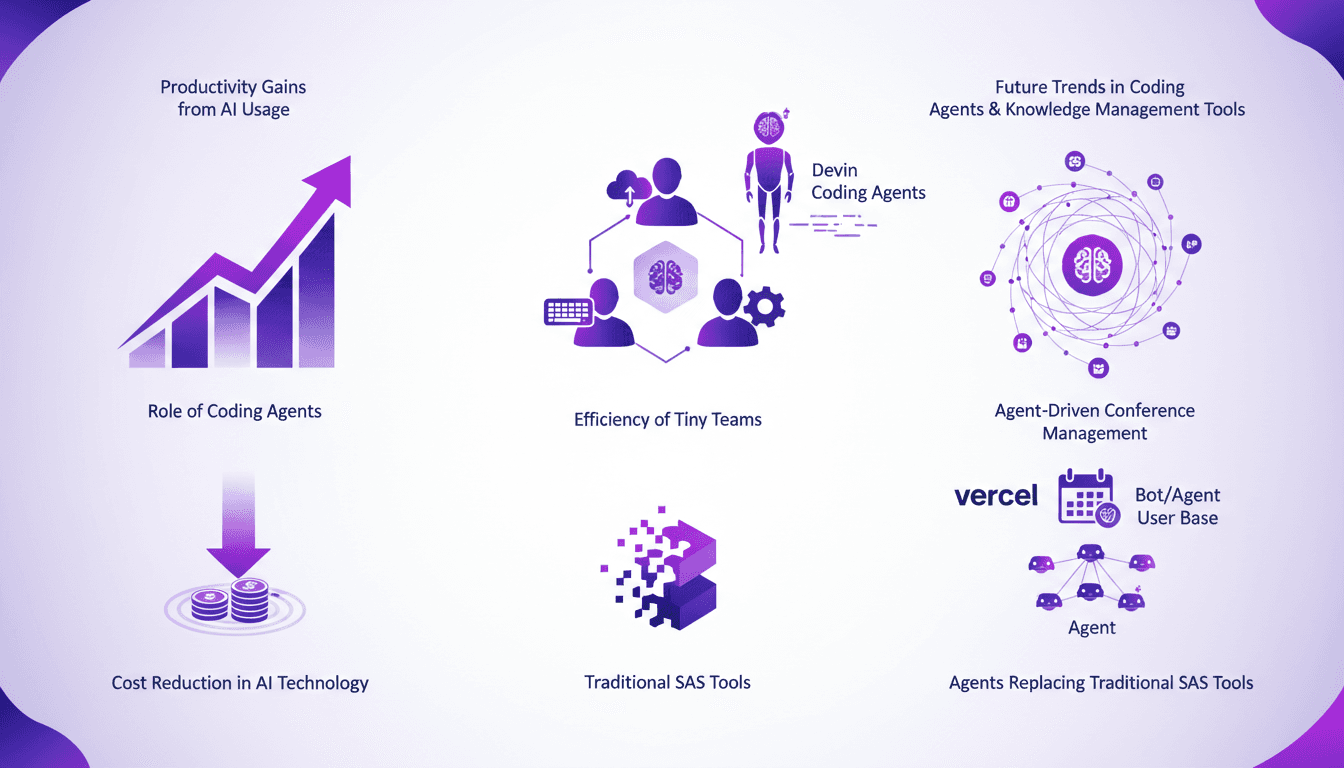
Productivity Gains: AI Agents Empowering Teams
Ever felt like your team's too small to tackle big projects? I did too, until I started leveraging AI coding agents like Devin. These tiny team powerhouses are game-changers. Imagine running a $9 million business with just nine full-timers. With coding agents, it's possible. Let me show you how these tools boost productivity, cut costs, and transform how we work. We're talking about AI costs dropping 100-fold in a few short years. Join me as we explore what Devin and other agents can genuinely do for your team.

Boosting Team Velocity with Codex
When I first integrated Codex into our workflow at Virgin Atlantic, I didn't just see a tool; I witnessed a transformation. I started by connecting our systems, and soon enough, the boost in team velocity was remarkable. We slashed our technical debt massively, freeing our teams from unnecessary constraints. But watch out, it's not just about technical performance; our customer experience also took a leap forward. Let's dive into the details of how Codex revolutionized our way of working.
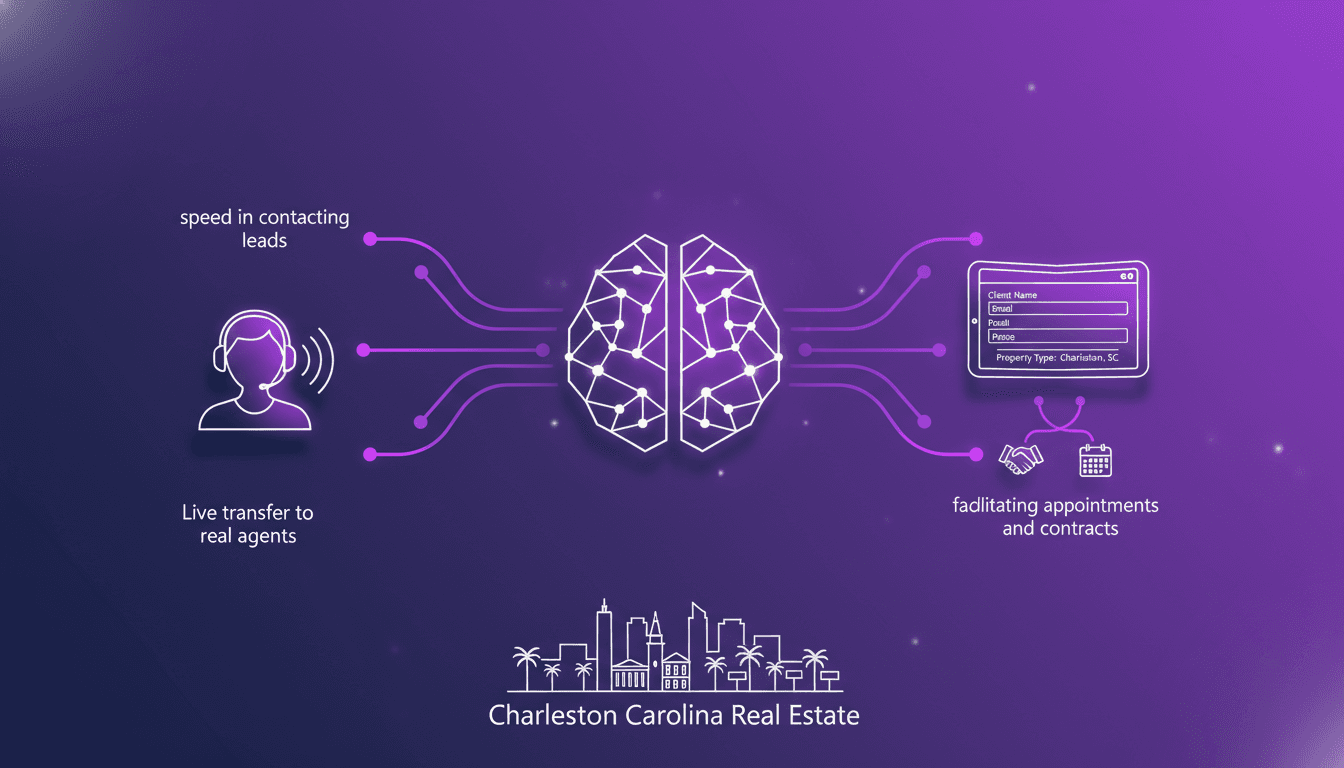
Optimizing Real Estate Lead Conversion with AI
Ever felt that gut-wrenching panic when you miss a prospect's call? I have, until I integrated an AI tool that connects with leads in 8 seconds flat. In real estate, where speed and precision are everything, missing a call can cost you. But with AI, I've flipped the script. Let me show you how I revamped my real estate workflow in Charleston, South Carolina. From lightning-fast lead contact to capturing specific client details and streamlining appointments and contracts, this tool has kept me ahead of the game. No more losing potential clients. Here's how I set it up.