Using GP 5.4: Token Reduction, UI Mastery
I dove headfirst into GP 5.4 thinking, and let me tell you, it's like handing the keys of a Ferrari to your frontend UI. First thing I noticed? Token usage plummeted thanks to Kua. But there's more. GP 5.4 isn't just another upgrade; it's a game-changer for UI design and web development. From building a 3D chess game to crafting stunning visual effects, this tool is a powerhouse. We'll break down how to leverage it efficiently. From token reduction with Kua to using the Image Genen tool for web design, I'll walk you through what GP 5.4 can achieve.
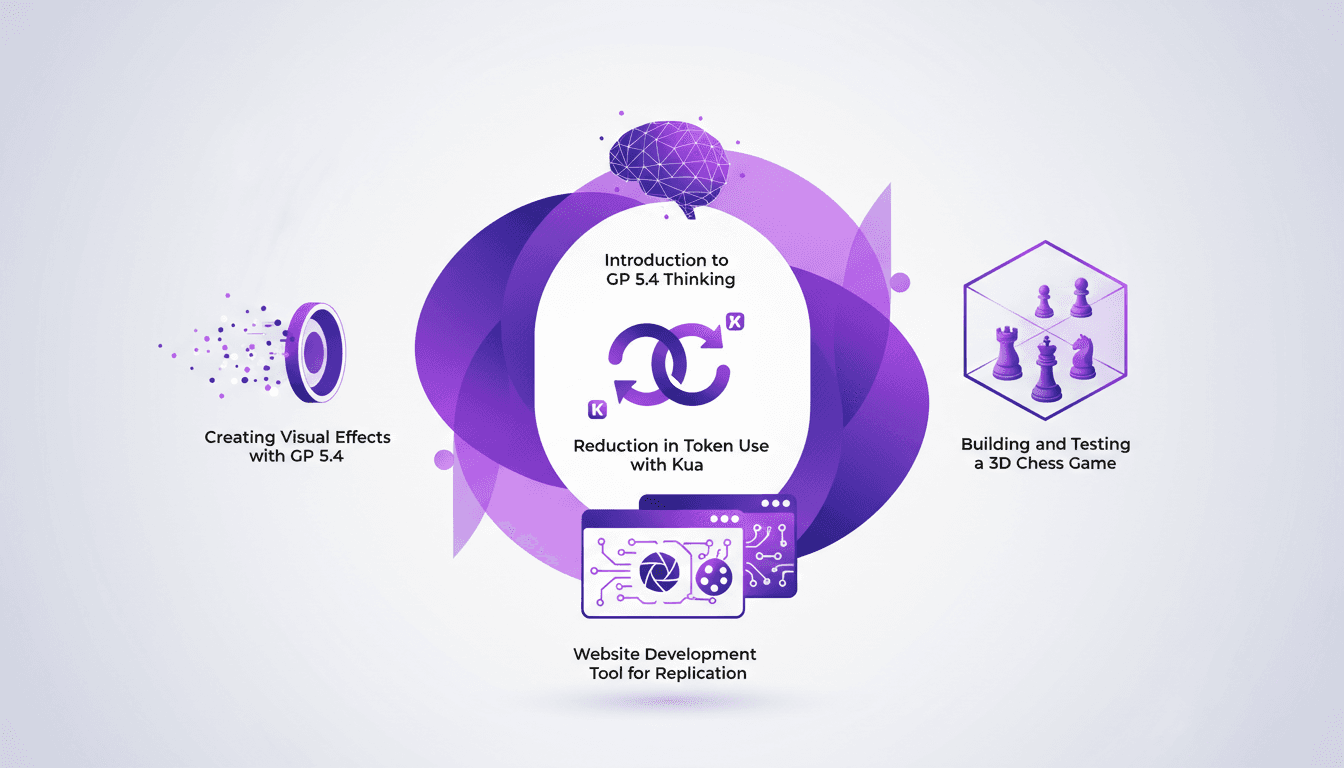
I dove headfirst into GP 5.4 thinking, and let me tell you, it's like handing the keys to a Ferrari to your frontend UI. First thing I noticed? Token usage plummeted by two-thirds thanks to Kua. But that's just scratching the surface. GP 5.4 isn't just another upgrade; it's a game-changer in how we think about UI and web development. From building intricate 3D games to crafting stunning visual effects, this tool is a powerhouse. First, I configure Kua to optimize token usage, and it's a game-changer. Then, I build and test a 3D chess game, which really shows the tool's muscle. Finally, I create glass and marble effects in a few clicks. I'll take you on a journey to leverage GP 5.4 efficiently. We'll also see how the Image Genen tool transforms web design. Let's get started.
Understanding GP 5.4 Thinking
GP 5.4 Thinking is more than just a version update; it's a paradigm shift. Having spent countless hours with previous versions, I can tell you this update is a game changer, especially in terms of token handling with Kua. Previously, models would burn through tokens at an alarming rate. Now, imagine reducing token use by two-thirds. Yes, you heard that right, two-thirds. This translates directly into significant cost savings.
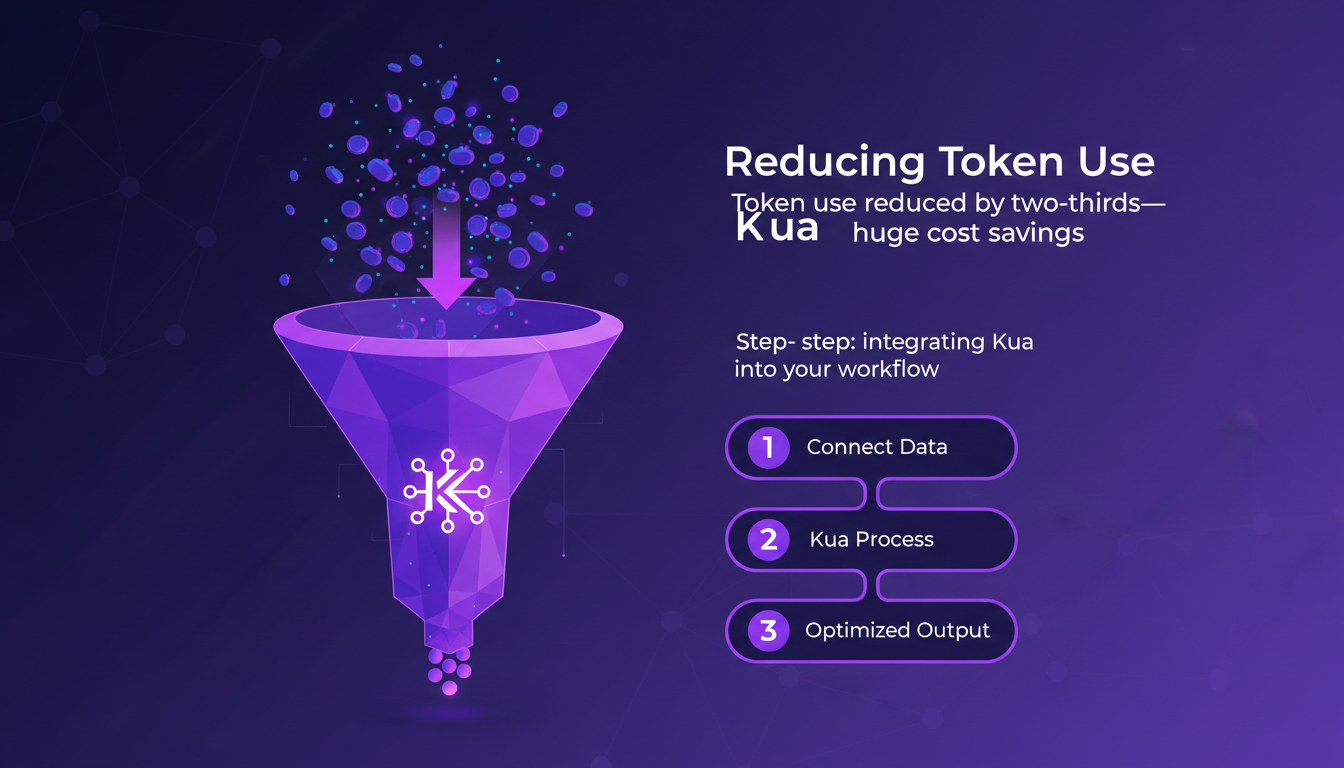
On the frontend UI design side, the impact is tangible. Interfaces can now be more fluid and responsive without sacrificing performance. But watch out, transitioning to GP 5.4 requires a learning curve. I stumbled at first, but once you get past it, the benefits are undeniable.
"GP 5.4 Thinking is like moving from oil lamps to electricity for token management."
Reducing Token Use with Kua
Integrating Kua into my workflows has been a revelation. Reducing token use by two-thirds is no small feat. This represents massive resource optimization. Here's how I did it:
- Connect Kua to your existing project.
- Monitor token usage in real-time.
- Adjust parameters to maximize efficiency.
But be careful not to become reliant. Over-reliance on Kua can lead to unexpected results. I've learned the hard way that it's crucial to keep an eye on overall performance rather than relying solely on Kua's optimization.
Building a 3D Chess Game
Going from concept to execution of a 3D chess game with GP 5.4 was a real challenge. I started by setting up the 3D environment, which involved configuring each piece and its logic. Then, testing revealed performance issues I hadn't anticipated. Testing and iterating are key here.
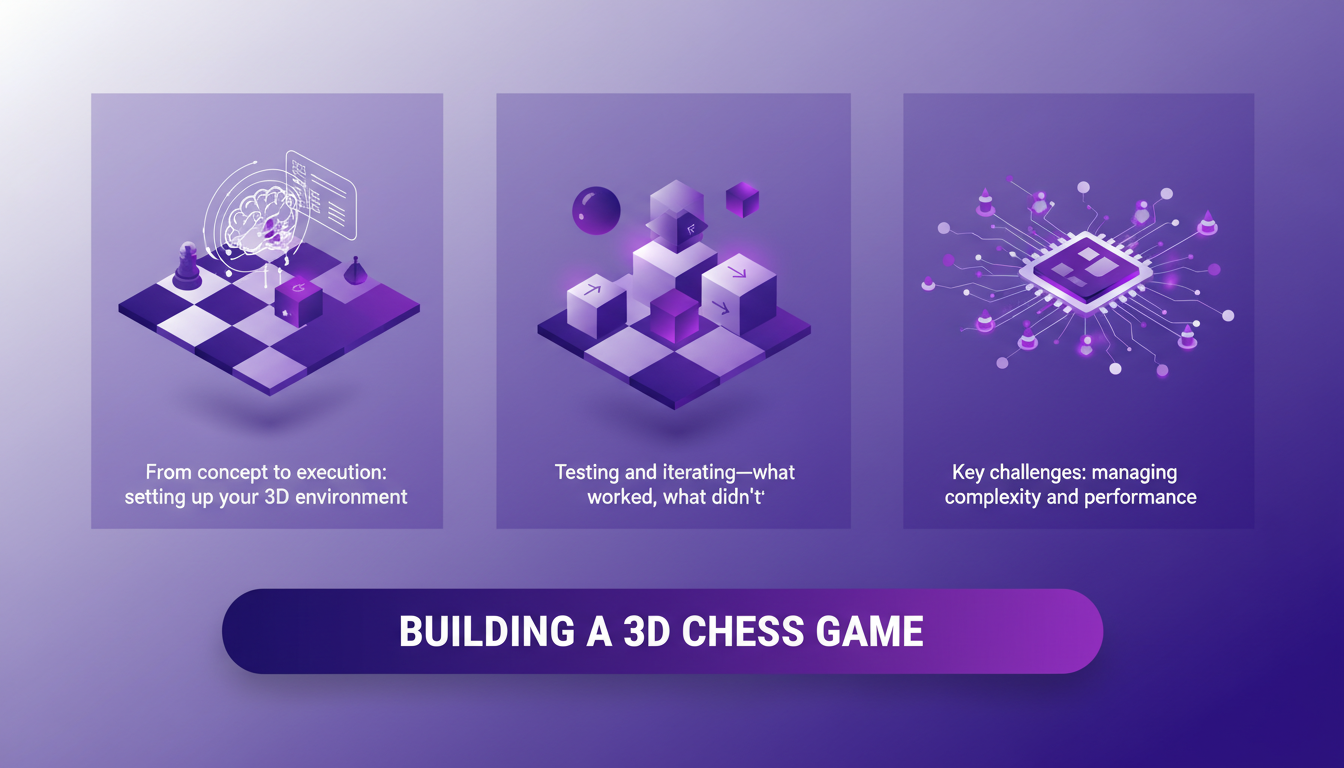
The main challenges were managing complexity and performance. At one point, I had to rethink the entire architecture to optimize rendering. Why a 3D chess game? Because it's a perfect testbed for GP 5.4's capabilities, particularly in handling complex calculations and managing user interfaces.
Crafting Visual Effects with GP 5.4
Visual effects like glass and marble are now within reach thanks to GP 5.4. Here's how I did it:
- Define the materials and shaders needed for each effect.
- Test renders to ensure they integrate well into the overall environment.
But watch out for the trade-offs. These effects, while visually impressive, can bloat your project if misused. My tip? Process four images concurrently to maximize efficiency without overloading the system.
Website Development with the Image Genen Tool
Efficiently replicating websites with the Image Genen tool is another advancement of GP 5.4. I've been able to reproduce complex designs without manually coding every element. How? Thanks to the workflow optimization this update allows.
In my projects, I've found that the model is able to understand the overall design context. It can thus suggest images that perfectly align with the desired aesthetic. However, there are limitations. Sometimes traditional development methods prove more suitable, especially for very specific projects.
In conclusion, GP 5.4 Thinking is a powerful tool that, when used wisely, can transform your projects. But like any technology, it's essential to understand its strengths and limits to make the most of it.
With GP 5.4, I've seriously ramped up the efficiency of my frontend development. The stats speak for themselves: I managed to cut token usage by two-thirds, which is a game changer for my workflow. Then, I built and tested a 3D chess game—kind of a full-scale test—and the results were impressive. Finally, creating visual effects like glass and marble became a breeze with GP 5.4. But watch out, it's not all magic. You need to navigate the tool's limits to avoid surprises.
Looking ahead, I'm convinced GP 5.4 will transform the way we design user interfaces. If you're ready to transform your web development workflow, dive into GP 5.4 today and see the difference for yourself.
For deeper insights, I recommend watching the full video here: https://www.youtube.com/watch?v=YICiHiU2GBU. You'll see how others are using this powerful tool to take their development to the next level.
Frequently Asked Questions

Thibault Le Balier
Co-fondateur & CTO
Coming from the tech startup ecosystem, Thibault has developed expertise in AI solution architecture that he now puts at the service of large companies (Atos, BNP Paribas, beta.gouv). He works on two axes: mastering AI deployments (local LLMs, MCP security) and optimizing inference costs (offloading, compression, token management).
Related Articles
Discover more articles on similar topics
Mastering Link Chain and Linksmith for AI
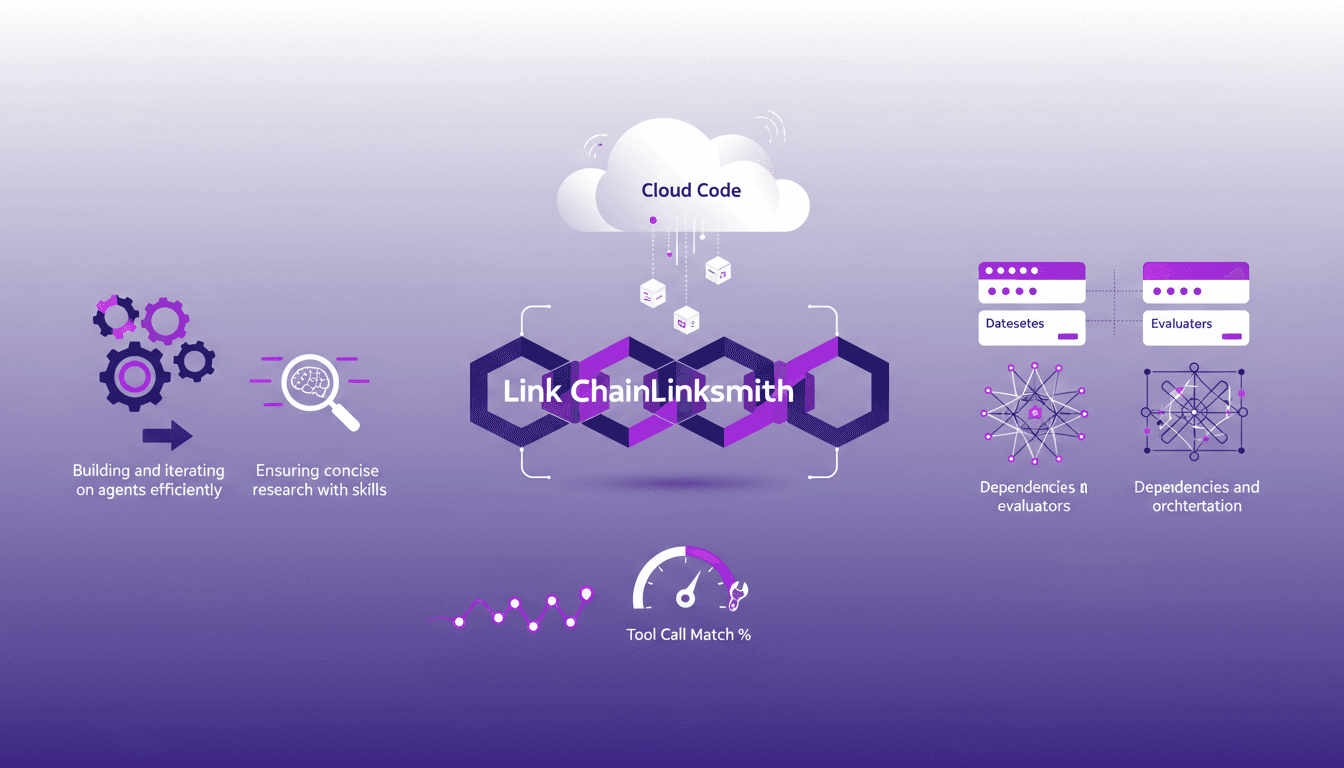
The first time I tried to build an AI agent with Link Chain and Linksmith, it felt like piecing together a complex puzzle. But once I got the hang of it, the efficiency gains were undeniable. In this article, I share my practical experiences: how I used Link Chain and Linksmith with Cloud Code to create and iterate on AI agents. I'll explore key concepts like creating datasets, evaluating tool call match percentages, and more. You'll see how I orchestrated dependencies and analyzed traces to optimize each step.
Boosting Web Search with GPT-5.3: Practical Guide
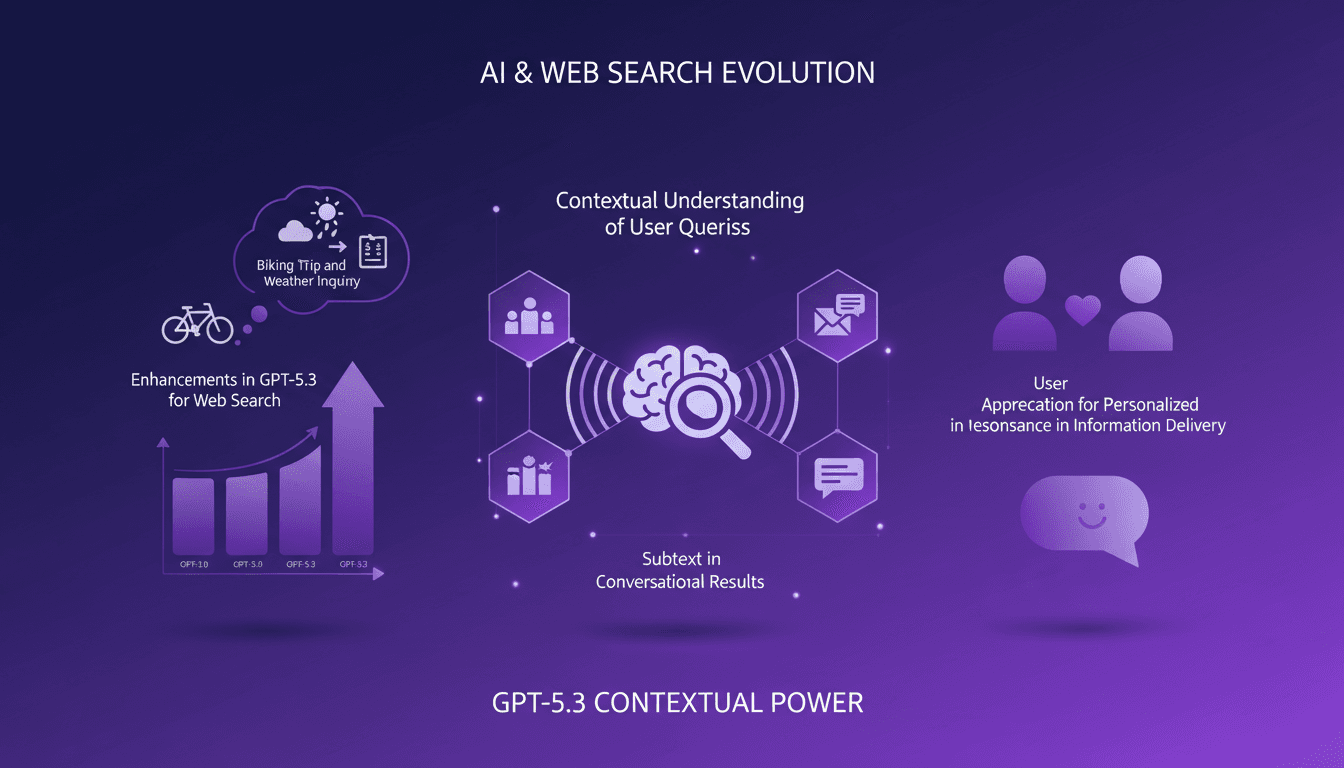
I've been tweaking search results for years, but integrating GPT-5.3 changed everything. With the latest enhancements, understanding user queries has become more nuanced. In this article, I walk you through how to leverage these advancements for better web search results. We'll dive into the importance of subtext, the enhancements in GPT-5.3, and how they make responses more natural and conversational. You'll see practical cases like planning a biking trip or understanding baseball rule changes. It's a powerful tool, but watch out for context limits—beyond 100K tokens, things get tricky. I'll share how I orchestrated these elements for direct user experience impact.
Nanabano 2: Setup, Comparison, and Tips
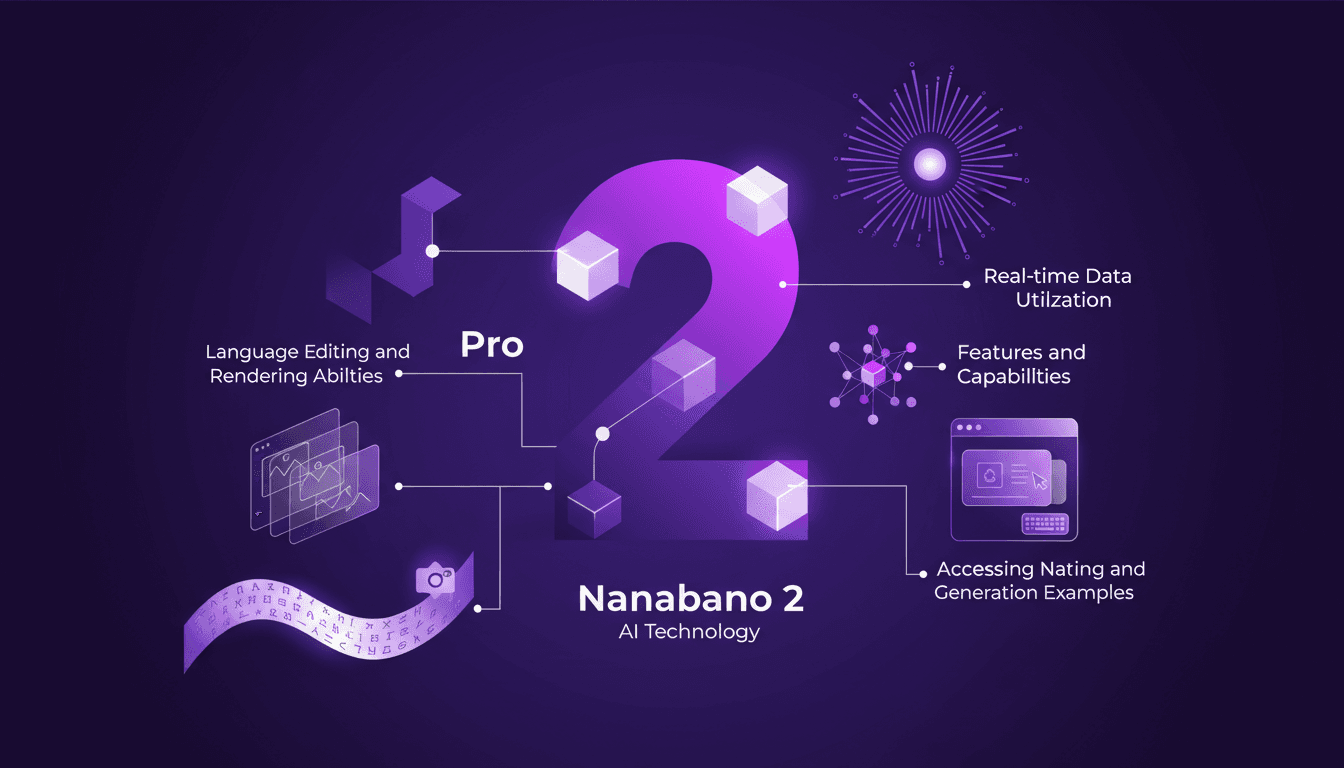
I dove into Google Nanabano 2 expecting just another AI tool, but what I found was a real game-changer for image generation. Let me walk you through how I set it up and what makes it tick. With high visual fidelity and multilingual support, Nanabano 2 holds a lot of promise, but how does it perform in the real world? I compared it with the Pro version, explored its features, and tested its rendering and image generation capabilities. In just 12 minutes, I'll show you how to access Nanabano 2, leverage its real-time translation capabilities, and why it might just become your favorite new tool.
Solopreneur Tech Stack: $10K MRR, Key Tools
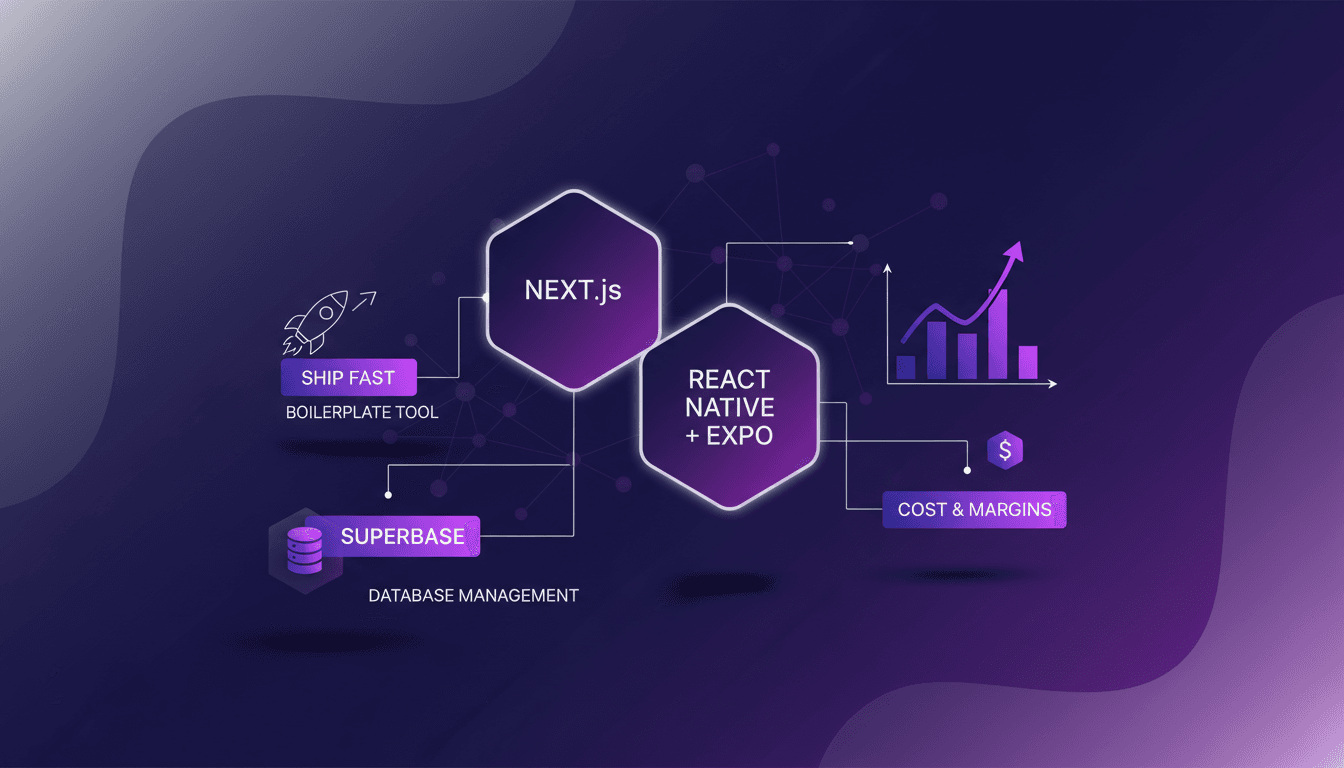
I still remember the day I hit $10K MRR with my projects. It wasn't luck; it was my tech stack that made it happen. I'm going to show you how I built it, the tools I used, and the pitfalls I dodged. We're talking about Next.js for the backend, React Native with Expo for mobile apps, and a bit of Supabase magic for database management. And trust me, don't underestimate the power of a solid boilerplate to ship fast. This isn't theory, it's lived experience, and it makes all the difference when it comes to efficiency and costs.
Revolutionize Presentations with Google Notebook LM
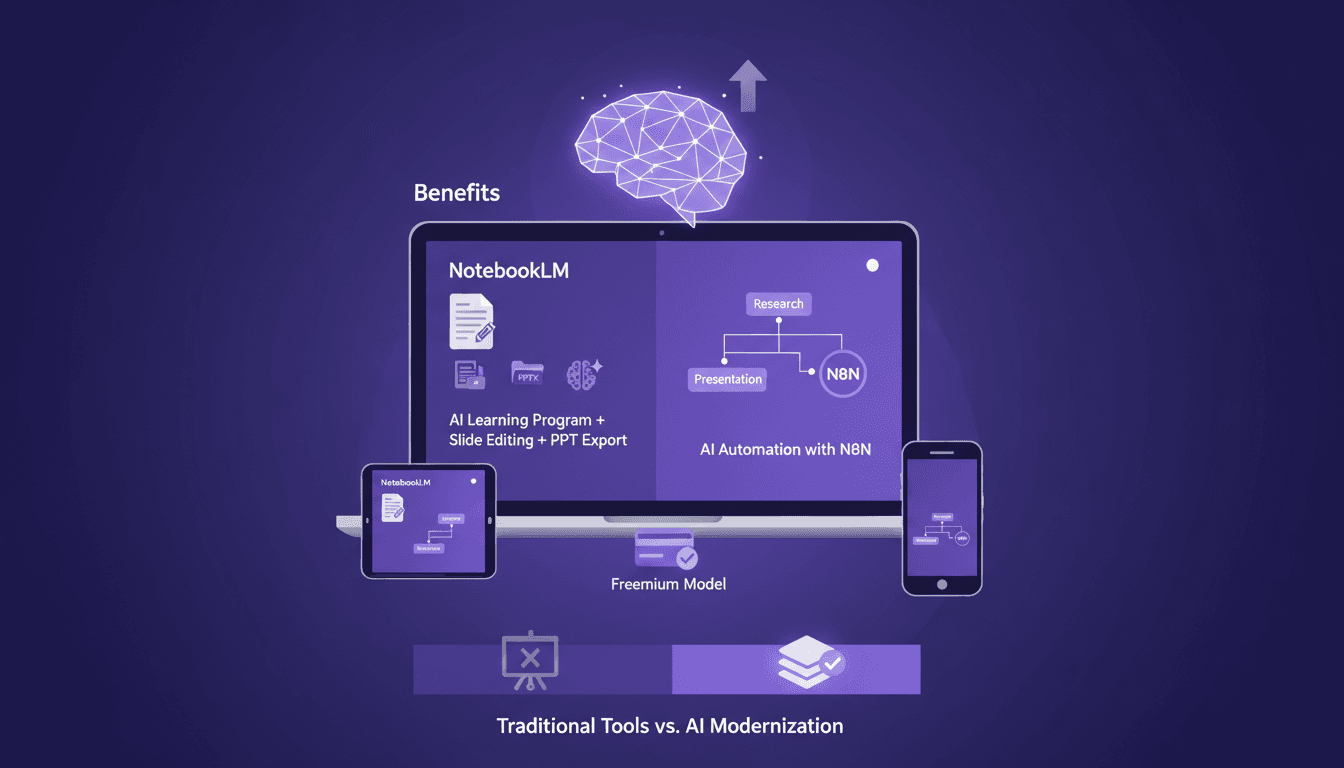
On February 17, 2026, I ditched PowerPoint for Google’s Notebook LM. It wasn't just another tool—it was a game-changer in how we create presentations. With slide editing and AI automation through N8N, it's setting new standards. But like any tool, it's not without its quirks and trade-offs. I'll show you how I've been using it, what works, and where you might hit some bumps.