Revolutionize Presentations with Google Notebook LM
On February 17, 2026, I ditched PowerPoint for Google’s Notebook LM. It wasn't just another tool—it was a game-changer in how we create presentations. With slide editing and AI automation through N8N, it's setting new standards. But like any tool, it's not without its quirks and trade-offs. I'll show you how I've been using it, what works, and where you might hit some bumps.
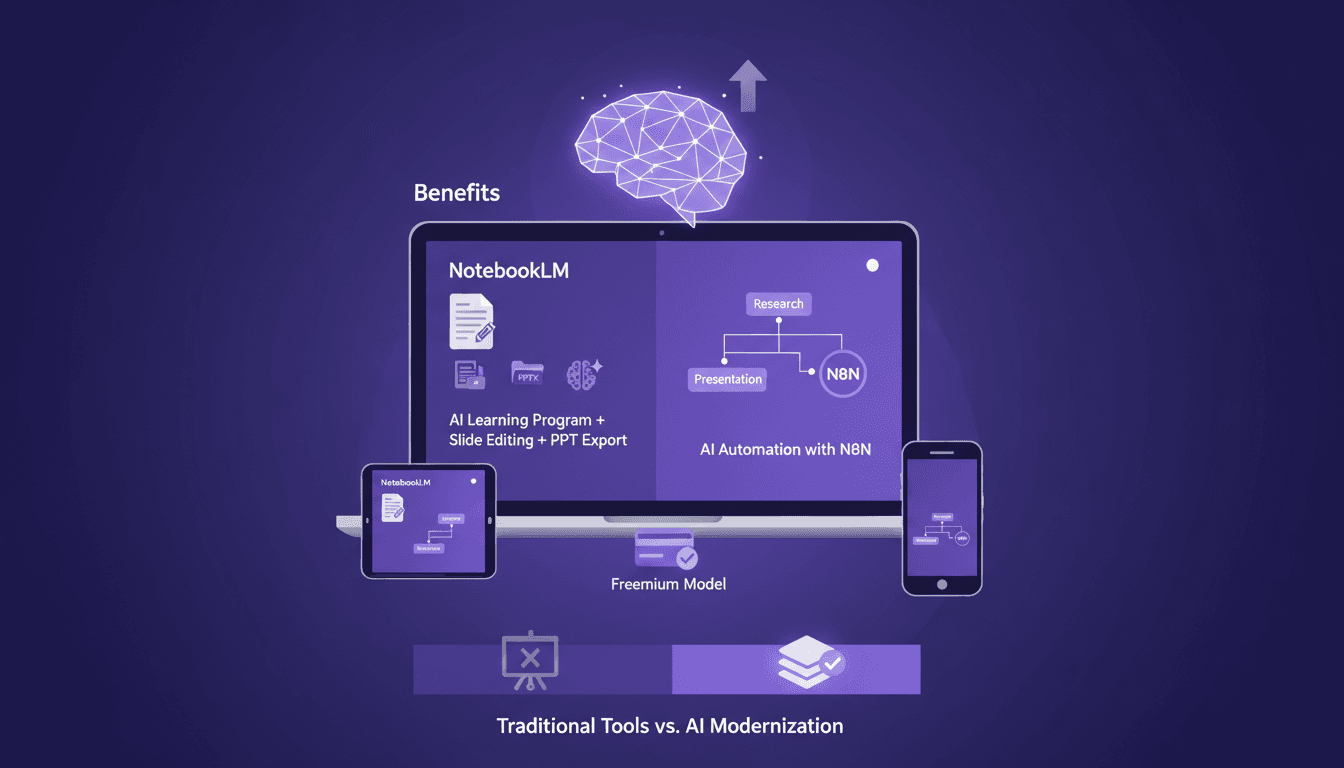
I remember the first time I ditched PowerPoint for Google’s Notebook LM. It was February 17, 2026, just after the update dropped, and I knew I was onto something game-changing. Google's Notebook LM isn't just another tool—it's a shift in how we create presentations. With features like individual slide editing and AI automation through N8N, it really sets a new standard. But like any tool, there are quirks and trade-offs. First, I dove into its unique features—slide editing, PowerPoint export, and more. Then, I orchestrated the automation with N8N, and that's when I truly felt the power of the tool. But watch out for the limits, like the automatic generation—it's awesome but sometimes a bit slow to respond. In short, it's a tool worth mastering, and I'll show you how to use it effectively while avoiding the pitfalls.
Getting Started with Notebook LM
So, it's February 17, 2026, and Google drops a Notebook LM update that's really a game changer. What caught my attention right away is the Nano Banana Pro model. It transforms sources into visual presentations, a real game changer for me. I immediately thought of the possibilities for my projects, but there's a catch: the free version offers 100 notebooks, each supporting 50 sources. It seems generous, but watch out for data limits, it can quickly become a headache. I've been burned once, now I make sure not to overload my notebooks.
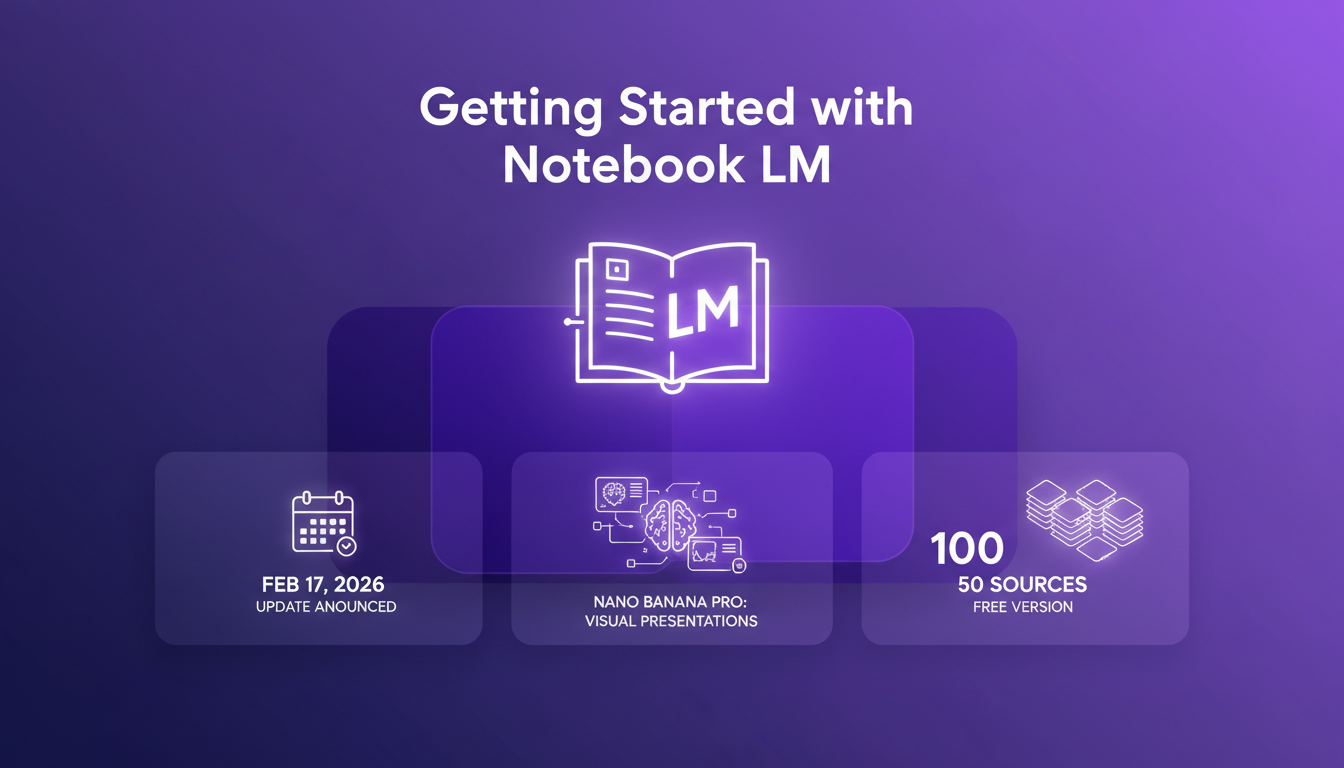
The initial setup is straightforward, but don't let those data limits catch you off guard. Prepare your sources upfront to avoid wasting time juggling between multiple notebooks.
- Key Date: February 17, 2026, update announced.
- Model: Nano Banana Pro for visual presentations.
- Limit: 100 free notebooks, 50 sources each.
Slide Editing and Export: A New Era
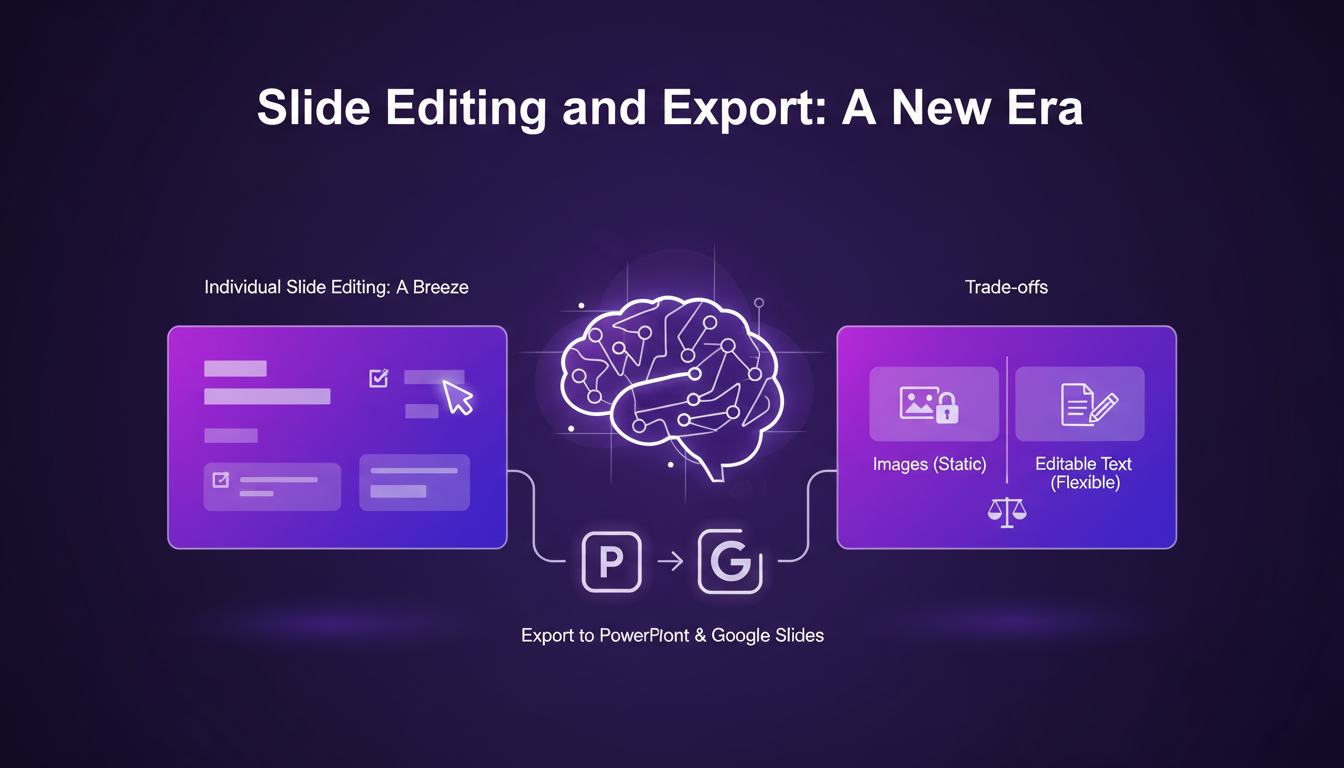
Listen, editing each slide individually is a relief. No more static presentations. I can finally tweak my slides without having to regenerate everything. And that's not all, exporting to PowerPoint is available and Google Slides is coming soon, but there's a caveat: exporting as images versus editable text. I've had surprises exporting as images, which forced me to go back to Notebook LM for adjustments.
With a three-month gap between updates, you need to plan your projects accordingly. Don't wait until the last minute to find out that the feature you were waiting for isn't available yet.
- Editing: Slide by slide, finally possible.
- Export: PowerPoint available, Google Slides pending.
- Interval: 3 months between updates.
AI Automation with N8N: Streamlining Workflows
Integrating N8N with Notebook LM for automated workflows is a blessing for efficiency and time savings. However, be careful not to rely too much on it, as errors can accumulate. I've learned to balance human oversight with automation for optimal results. One configuration error and it's a domino effect.
Automation is great, but don't let it take over. Keep an eye on your processes to avoid costly surprises.
- Integration: N8N with Notebook LM for automation.
- Benefits: Time savings and efficiency.
- Risks: Over-reliance can lead to errors.
Use Cases and Applications
Notebook LM is ideal for educators, marketers, and project managers. I've seen data transformed into engaging visuals. However, it's not a one-size-fits-all solution. You need to consider your audience and purpose before diving in. I've found that often, it's faster to make some manual tweaks to achieve the desired impact.
- Target Audience: Educators, marketers, project managers.
- Applications: Transforming data into visuals.
- Limitations: Not a universal solution.
Access and Payment: What You Need to Know
Access to the program is based on a lifetime access model. The free version is generous, but for advanced features, you have to pay. Evaluate the cost against potential productivity gains. Think about the long-term value based on your usage. I've often wondered if the investment was worth it for my specific needs.
- Model: Lifetime access.
- Free Version: Includes basic features.
- Value: Evaluate cost against productivity gains.
Google's Notebook LM is a real game changer for presentations. I dove into it, and let me tell you, the AI automation is a breath of fresh air. You can create, revise, and export to PowerPoint without the usual hassle. But remember, no tool is perfect — don't rely blindly on AI. Here are my key takeaways:
- AI automation makes slide creation seamless, but always apply your critical eye.
- Flexible exporting to PowerPoint is a major advantage for fitting into existing workflows.
- Nano Banana Pro model is powerful, but it won't replace a personal touch in your presentations.
- Note that Google announced Google Slides integration in three months, promising even more seamless operations.
What's next? Take the time to dive into Notebook LM and see how it can transform your presentation game. Trust me, it's worth a look. And don't forget to check out the original video to grasp the full scope of this tool: YouTube link.
Frequently Asked Questions

Thibault Le Balier
Co-fondateur & CTO
Coming from the tech startup ecosystem, Thibault has developed expertise in AI solution architecture that he now puts at the service of large companies (Atos, BNP Paribas, beta.gouv). He works on two axes: mastering AI deployments (local LLMs, MCP security) and optimizing inference costs (offloading, compression, token management).
Related Articles
Discover more articles on similar topics
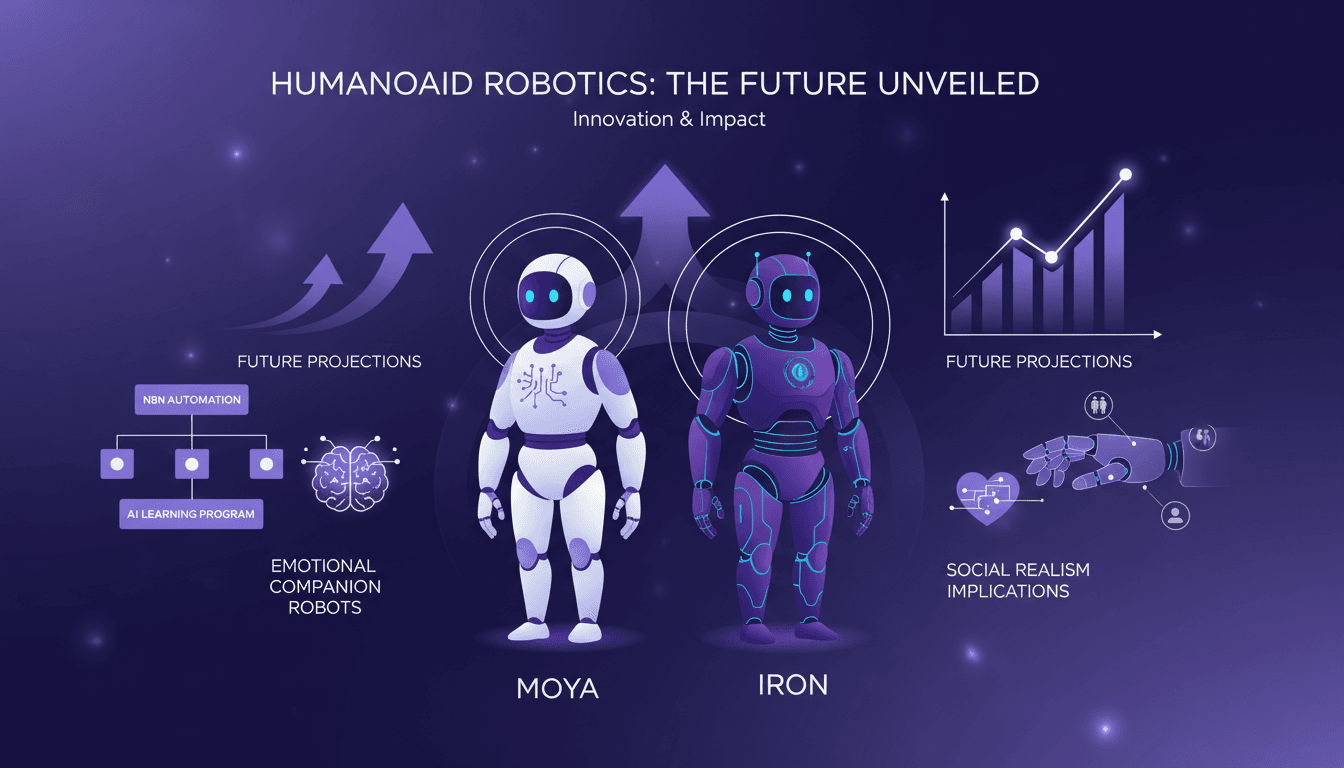
Humanoid Robots: Moya and Iron, Challenges Ahead
I shook Moya's hand, and the warmth was uncanny. It's not just about replicating human features; it's about pushing the boundaries of robotics. With the humanoid robotics market projected to grow rapidly, understanding the tech advancements and market dynamics is crucial. I dive into how humanoid robots like Moya and Iron are reshaping the field. From robot design to AI integration, and automation using N8N, these robots are redefining our relationship with technology. Watch out, Moya's skin reaches 36°C, eerily similar to a human's. Ready to dive into this fascinating world?
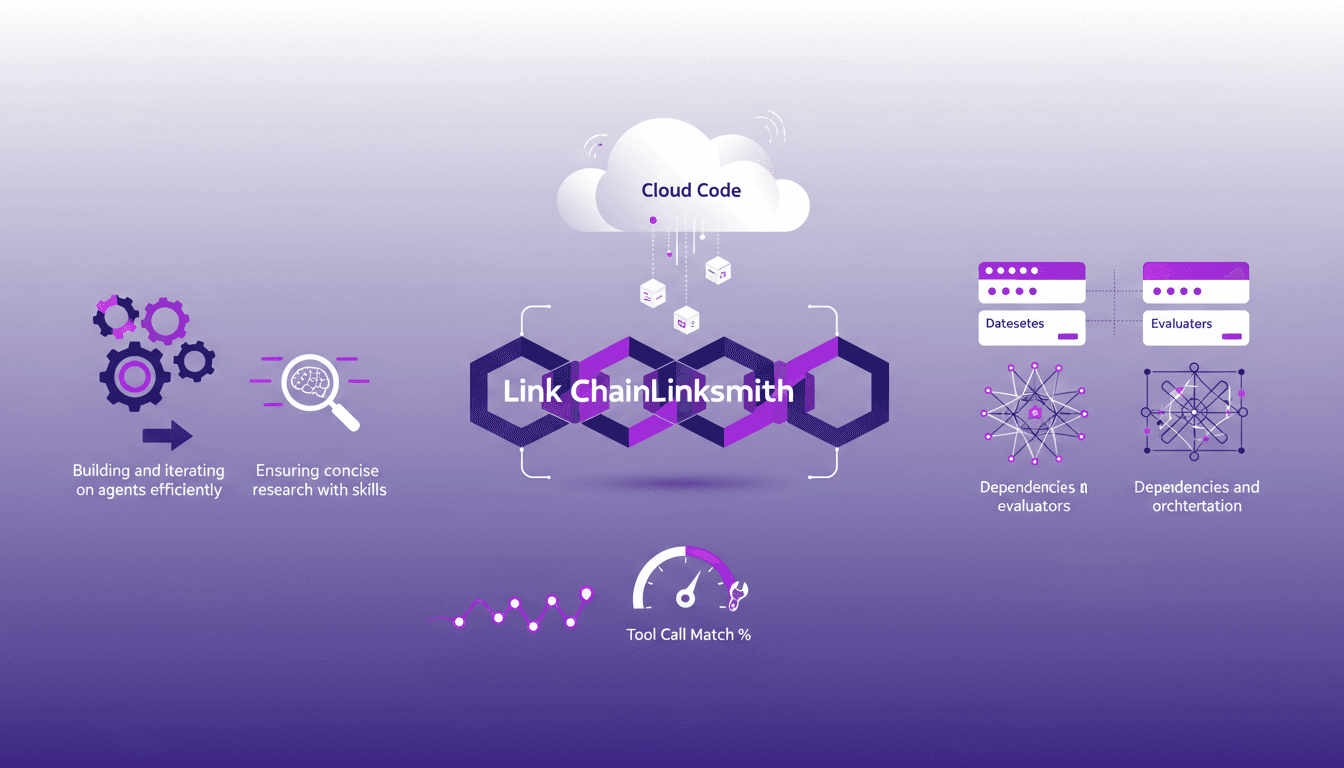
Mastering Link Chain and Linksmith for AI
The first time I tried to build an AI agent with Link Chain and Linksmith, it felt like piecing together a complex puzzle. But once I got the hang of it, the efficiency gains were undeniable. In this article, I share my practical experiences: how I used Link Chain and Linksmith with Cloud Code to create and iterate on AI agents. I'll explore key concepts like creating datasets, evaluating tool call match percentages, and more. You'll see how I orchestrated dependencies and analyzed traces to optimize each step.
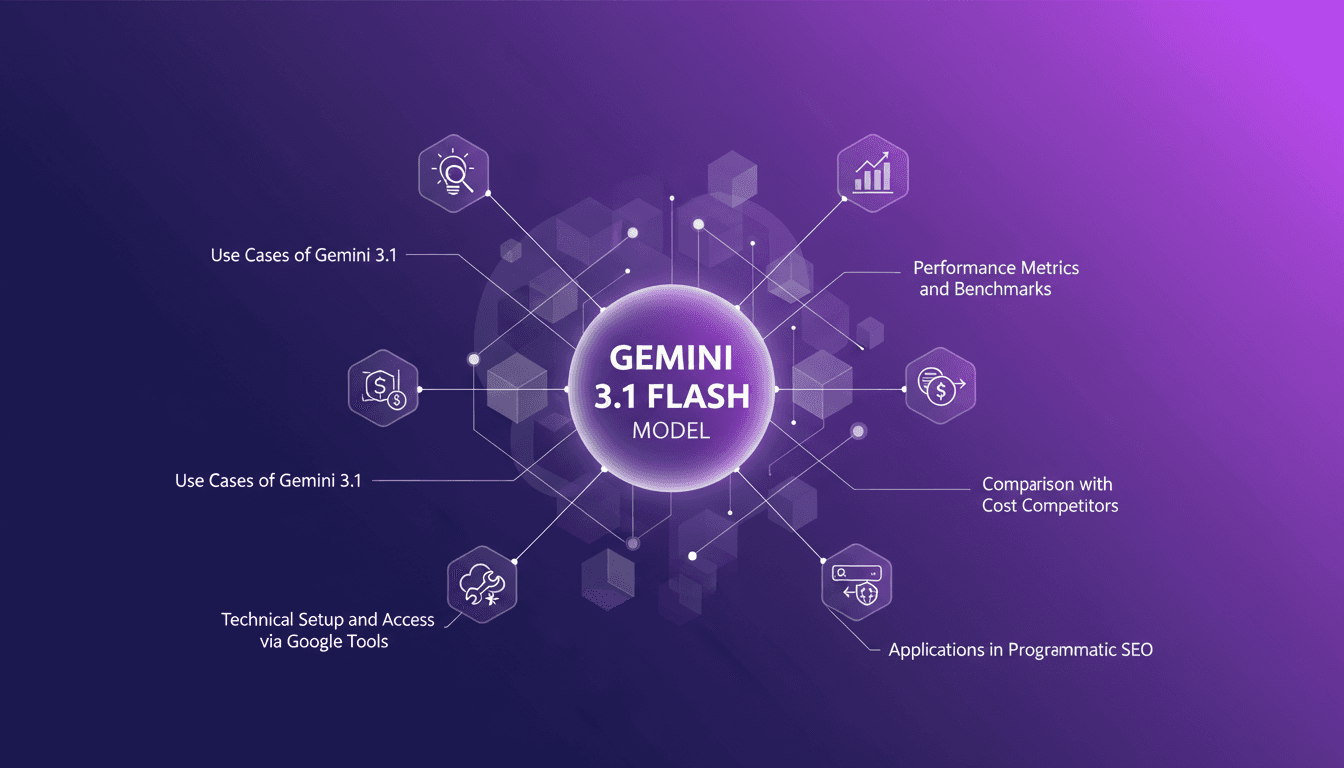
Mastering Gemini 3.1: Flash Lite in 14 Minutes
I dove headfirst into Gemini 3.1 Flash Lite, eager to see if it could truly revolutionize my workflow. Spoiler: It did, but not without a few hiccups along the way. Picture a model that can grasp multimodal data and optimize programmatic SEO in a flash. I tested five different use cases, and for a translation task, it took just one second. But watch out, setting it up with Google's tools isn’t exactly a walk in the park. I'll walk you through how I navigated it all, with candid comparisons to competitors and an eye on cost efficiency. If you're ready to supercharge your SEO, join me on this journey.
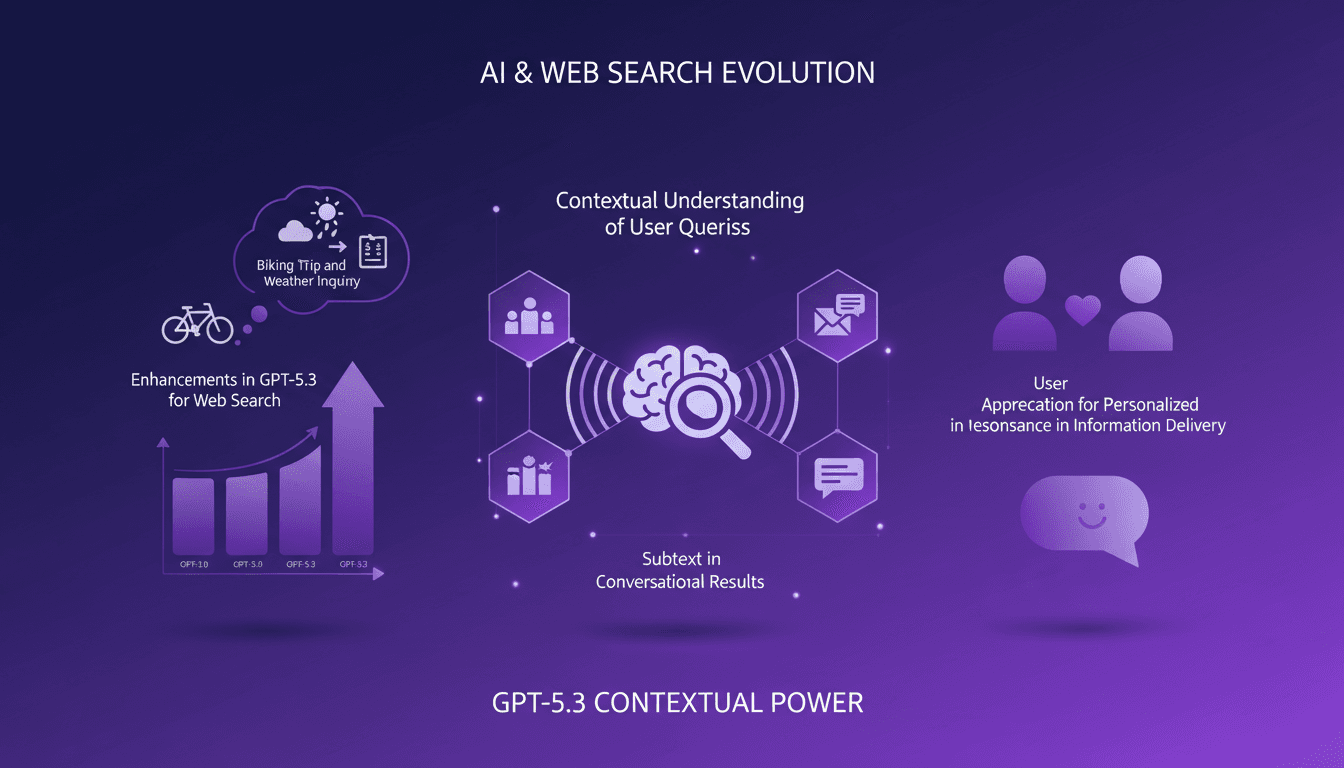
Boosting Web Search with GPT-5.3: Practical Guide
I've been tweaking search results for years, but integrating GPT-5.3 changed everything. With the latest enhancements, understanding user queries has become more nuanced. In this article, I walk you through how to leverage these advancements for better web search results. We'll dive into the importance of subtext, the enhancements in GPT-5.3, and how they make responses more natural and conversational. You'll see practical cases like planning a biking trip or understanding baseball rule changes. It's a powerful tool, but watch out for context limits—beyond 100K tokens, things get tricky. I'll share how I orchestrated these elements for direct user experience impact.
Reducing Overcaveating in GPT-5.3
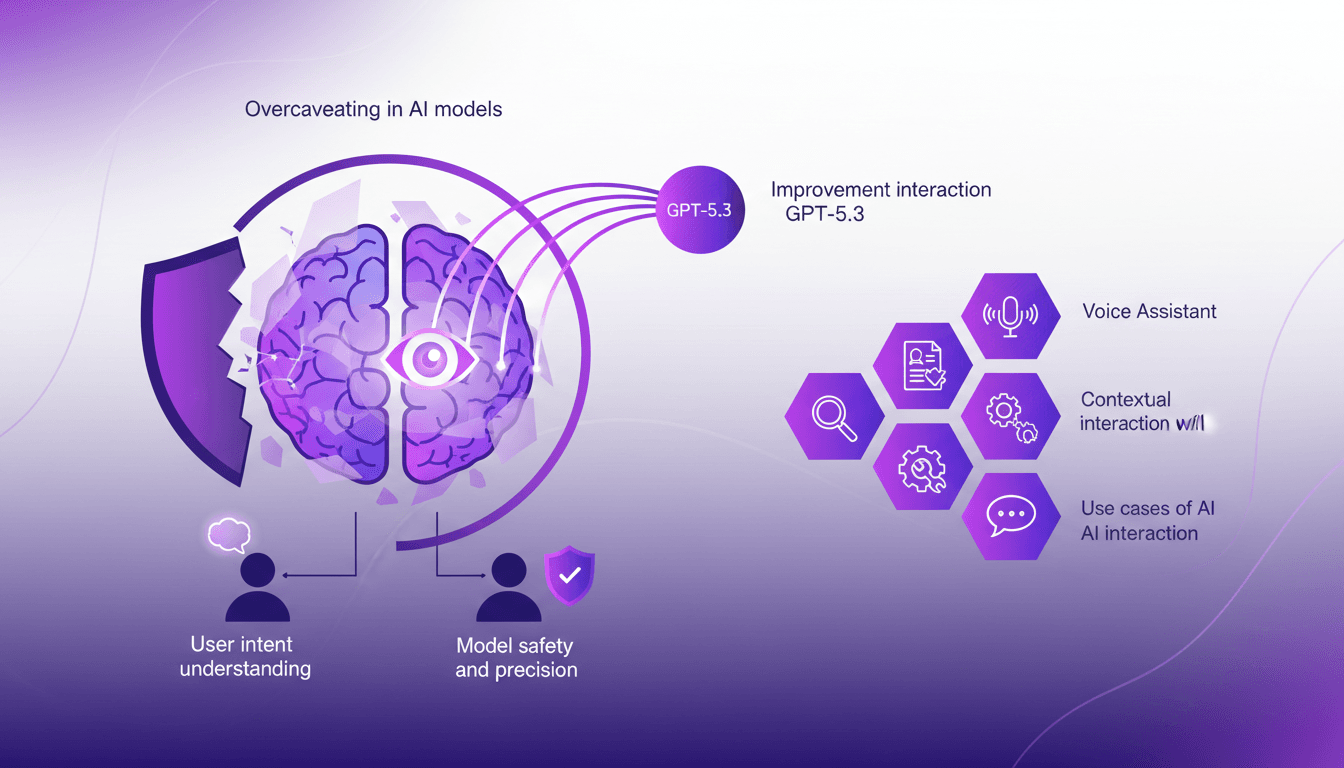
I remember the first time I encountered overcaveating in AI models. It was like talking to someone who couldn't stop hedging their bets. With GPT-5.3, I've finally found a way to cut through the noise and get straight answers. This version has significantly improved understanding of user intent and precision in interactions. But watch out for contextual limits. When I configure these models, I always make sure to test use cases where precision is crucial, and not get burned by poor performance. In short, GPT-5.3 is a game changer, but you need to know how to use it right.