Unlock Productivity: Daily Habits and Key Tools
I started experimenting with productivity tools out of necessity. Eight-hour meetings were draining me, and my workflows felt outdated. So, I set up a Zettelkasten system and dove into 'Getting Things Done'. Here's how I transformed my daily grind into a streamlined machine. In this article, I’ll walk you through my journey of challenging workflows, leveraging AI, and balancing work with personal life. These aren't just theories; they're tested strategies that led to real productivity gains.
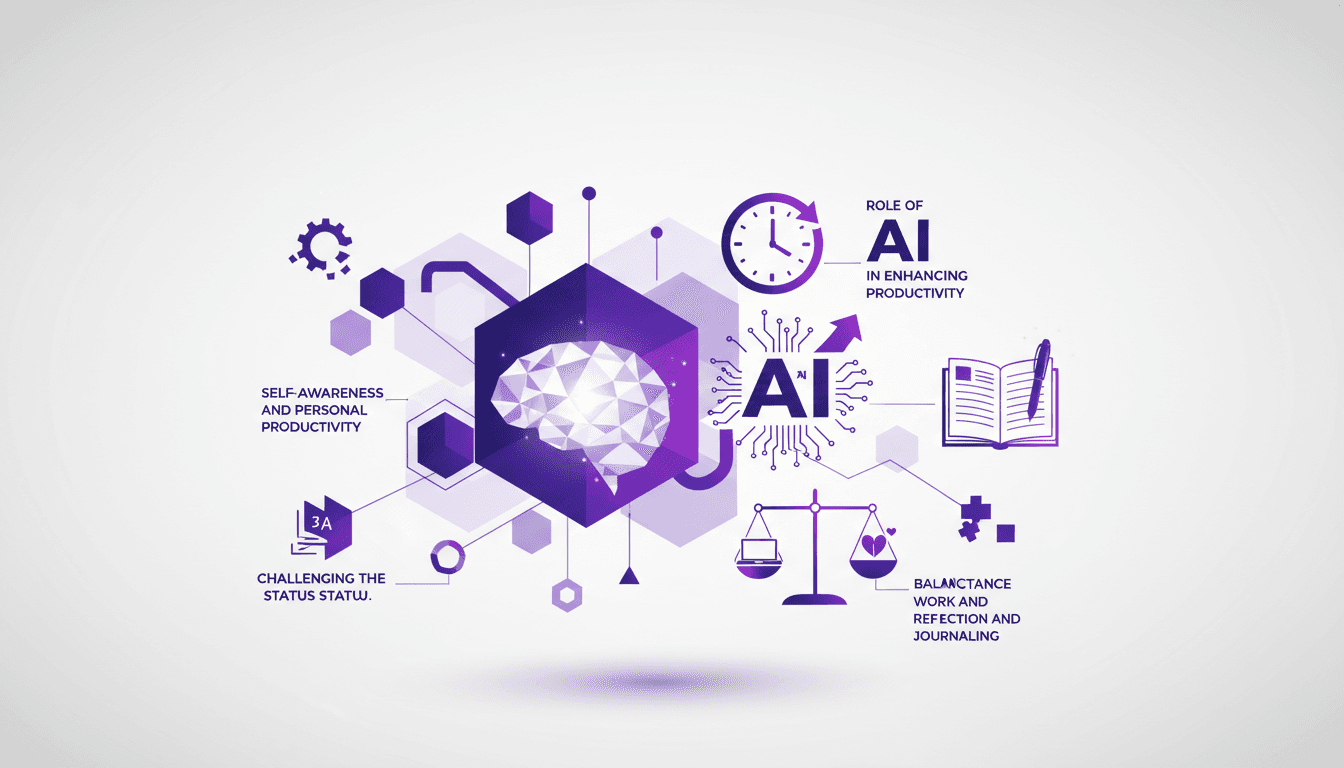
Two days after setting up my Zettelkasten system, I get a last-minute meeting invite. Instead of panicking, I realize my new productivity habits are starting to pay off. I began experimenting with these tools out of necessity. Eight-hour meetings were draining me, and my workflows felt outdated. So, I dove into 'Getting Things Done' and orchestrated a complete overhaul of my routine. In this article, I'll show you how I challenged the status quo, leveraged AI to boost my productivity, and balanced work with personal life. This isn't just theory; these are strategies I've tested and which delivered tangible results. Let's dive in together.
Experimenting with Productivity Tools
Just two days after setting up my Zettelkasten system, the impact was already tangible. This method, which focuses on creating links between ideas, allowed me to organize my thoughts more efficiently. I paired it with Obsidian, and it's truly a game changer for note-taking. By integrating my notes into a flexible, interconnected environment, I gain mental clarity and quick access to information.
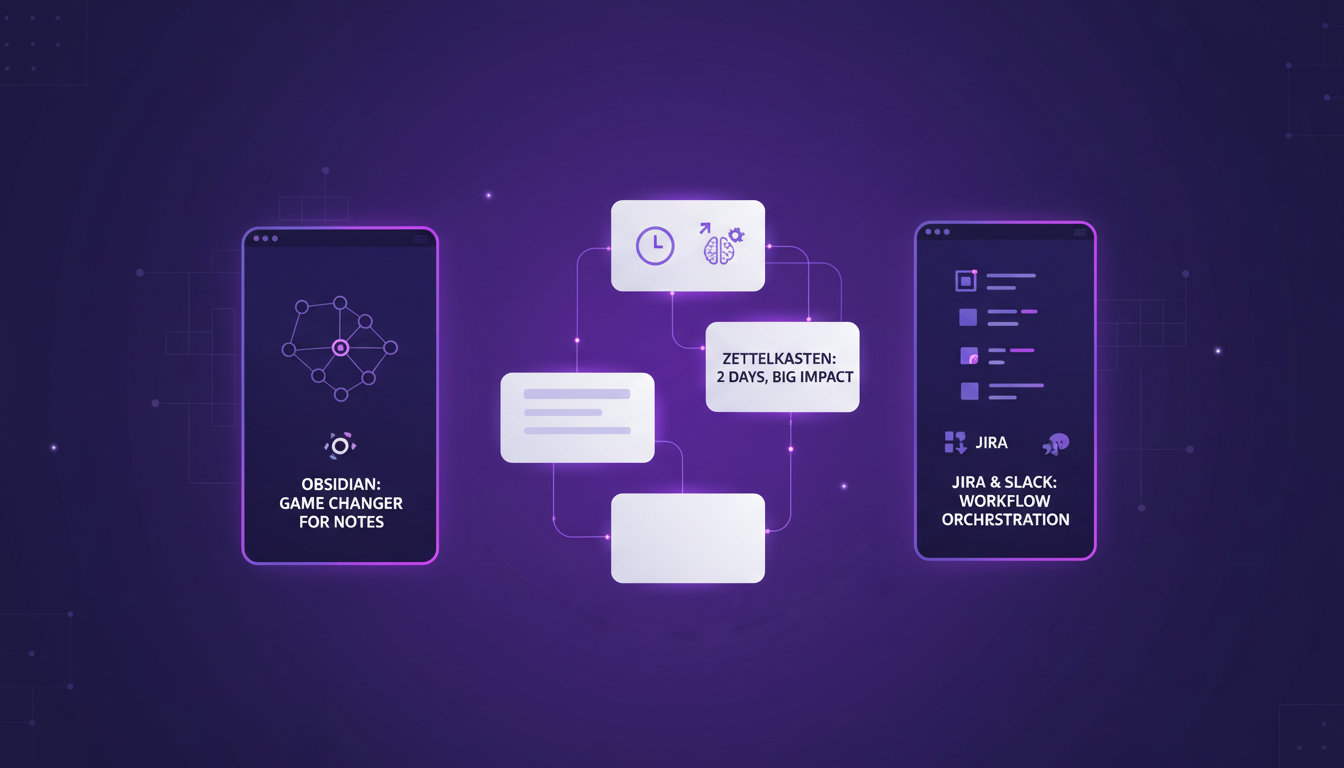
For task orchestration, I use a combination of JIRA and Slack lists. JIRA lets me track ongoing projects with surgical precision, while Slack facilitates asynchronous communication. But watch out, too many tools can complicate your workflow. I recommend sticking to a few well-integrated tools to avoid cognitive overload.
Challenging the Status Quo in Workflows
In a world where traditional meetings still dominate, I decided to break this pattern. By integrating AI summaries in Microsoft Teams, I could reduce the time spent in meetings while increasing the effectiveness of discussions. It's a real time-saver, allowing focus on what truly matters.
Questioning existing processes is crucial. It allowed me to identify outdated practices and adopt more suitable technologies. However, there are trade-offs to consider. Switching to a new technology in an established workflow can create resistance. Yet, approaching these changes as experiments reduces the fear of commitment and failure.
What I've learned is that change should be seen as an opportunity for continuous improvement.
Meeting Management and Time Optimization
Handling last-minute meeting invites is a real challenge. I received one unexpected meeting invite, which pushed me to reassess my time management. Through strategies like reducing meeting hours from eight to four daily, I've been able to balance my time between meetings and deep work sessions.
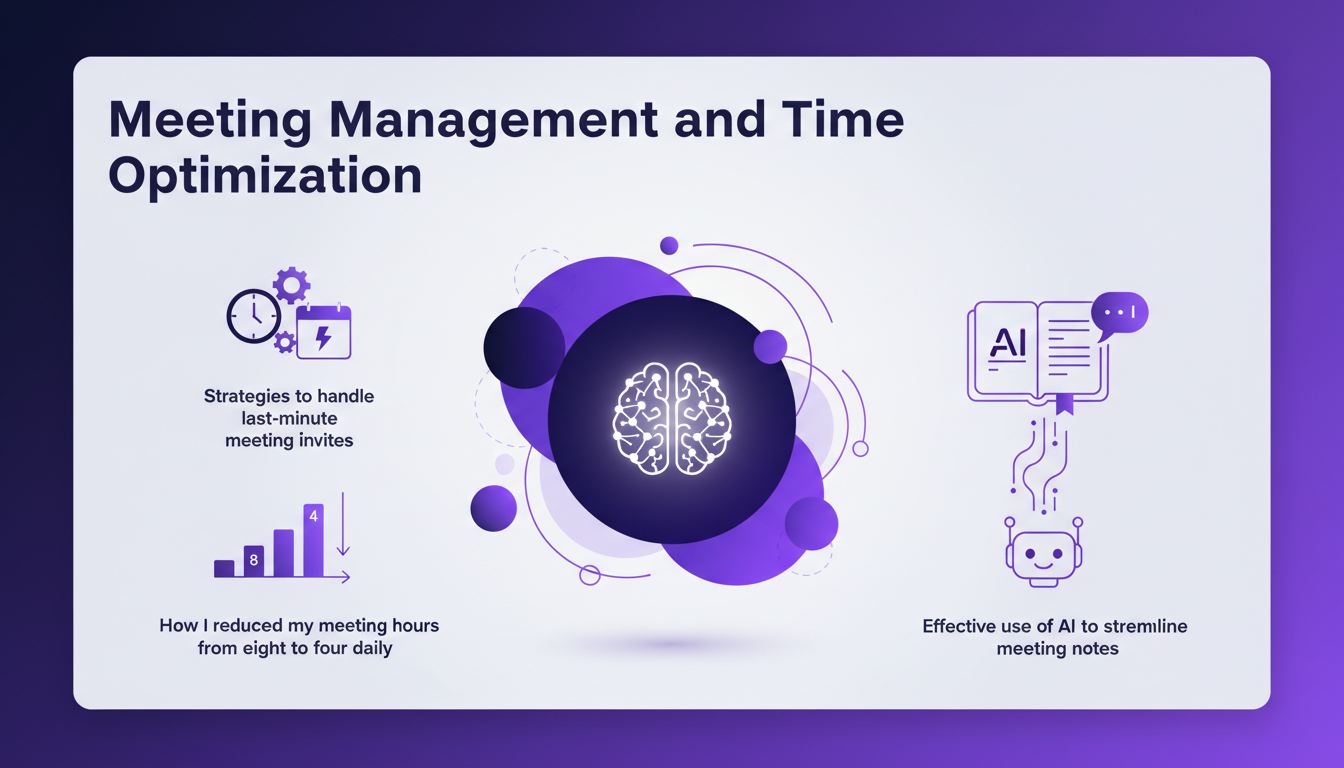
Effective use of AI to streamline meeting notes is crucial. It saves time otherwise spent transcribing entire discussions. Sometimes it's faster not to attend a meeting and read the AI-generated summaries instead.
Self-awareness and Personal Productivity
Self-awareness plays a crucial role in my personal productivity. Reflecting on my reading of 'Getting Things Done', I've been able to apply certain techniques to better manage my tasks. I read 20 pages of this book, which motivated me enough to revisit my time management method.
Journaling is a valuable tool for maintaining clarity and focus. By jotting down my daily reflections, I keep track of my progress and quickly identify areas for improvement. It also helps me avoid burnout by recognizing my personal limits.
Balancing Work and Personal Life
After six months of experience, I've learned the importance of balancing work and personal life. Setting boundaries and sticking to them is essential to prevent professional encroachment on personal time. Thanks to AI, I've been able to automate certain personal tasks, freeing up precious time.
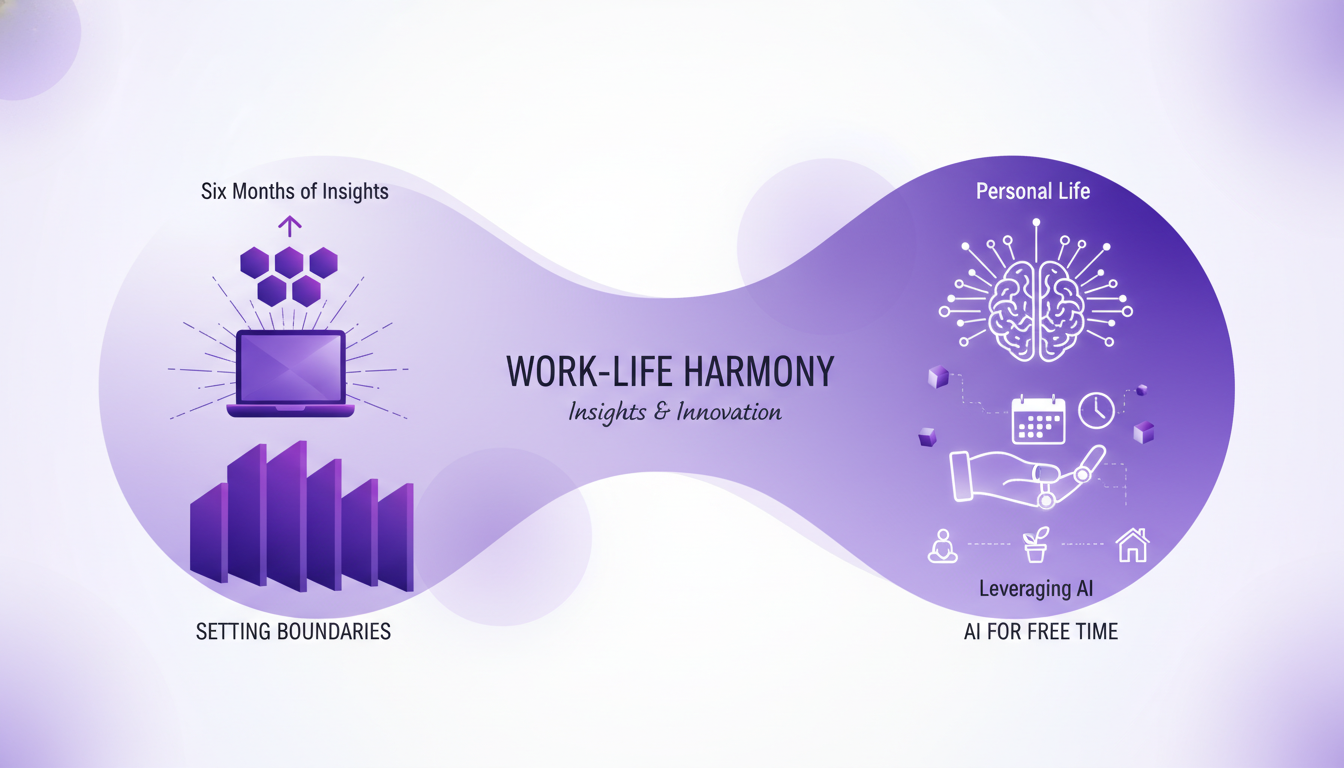
The trade-offs between professional commitments and personal priorities are inevitable. However, by taking a thoughtful approach and leveraging modern technologies, it's possible to find a satisfactory balance.
In conclusion, experimenting with productivity tools and challenging the status quo can transform not only your professional efficiency but also your personal well-being. Remember, every change is an opportunity for learning.
Transforming productivity isn’t about piling up tools; it’s about picking the right ones and integrating them effectively. I've been using the Zettelkasten system for just two days, and already, I see some gains. But watch out, last-minute meeting invites can still throw a wrench in the works. I've also read 20 pages of 'Getting Things Done', and it's clear, tweaking routines is key.
- Choose your tools wisely: Don't get lost in the multitude, focus on those that give real ROI.
- Challenge your workflows: Sometimes, you need to shake things up to see what’s really blocking you.
- Optimize your time management: Last-minute meetings are the classic pitfall, learn to sidestep them.
Remember, balance is crucial. Pushing optimization too hard can lead to burnout. I encourage you to try out these strategies in your daily routines and share your experiences. Together, we can refine these workflows. For a deeper dive, watch the original video: The Simple Daily Habit That Unlocks Your Productivity.
Frequently Asked Questions

Thibault Le Balier
Co-fondateur & CTO
Coming from the tech startup ecosystem, Thibault has developed expertise in AI solution architecture that he now puts at the service of large companies (Atos, BNP Paribas, beta.gouv). He works on two axes: mastering AI deployments (local LLMs, MCP security) and optimizing inference costs (offloading, compression, token management).
Related Articles
Discover more articles on similar topics
AI Innovations 2025: Gemini and Google Beam
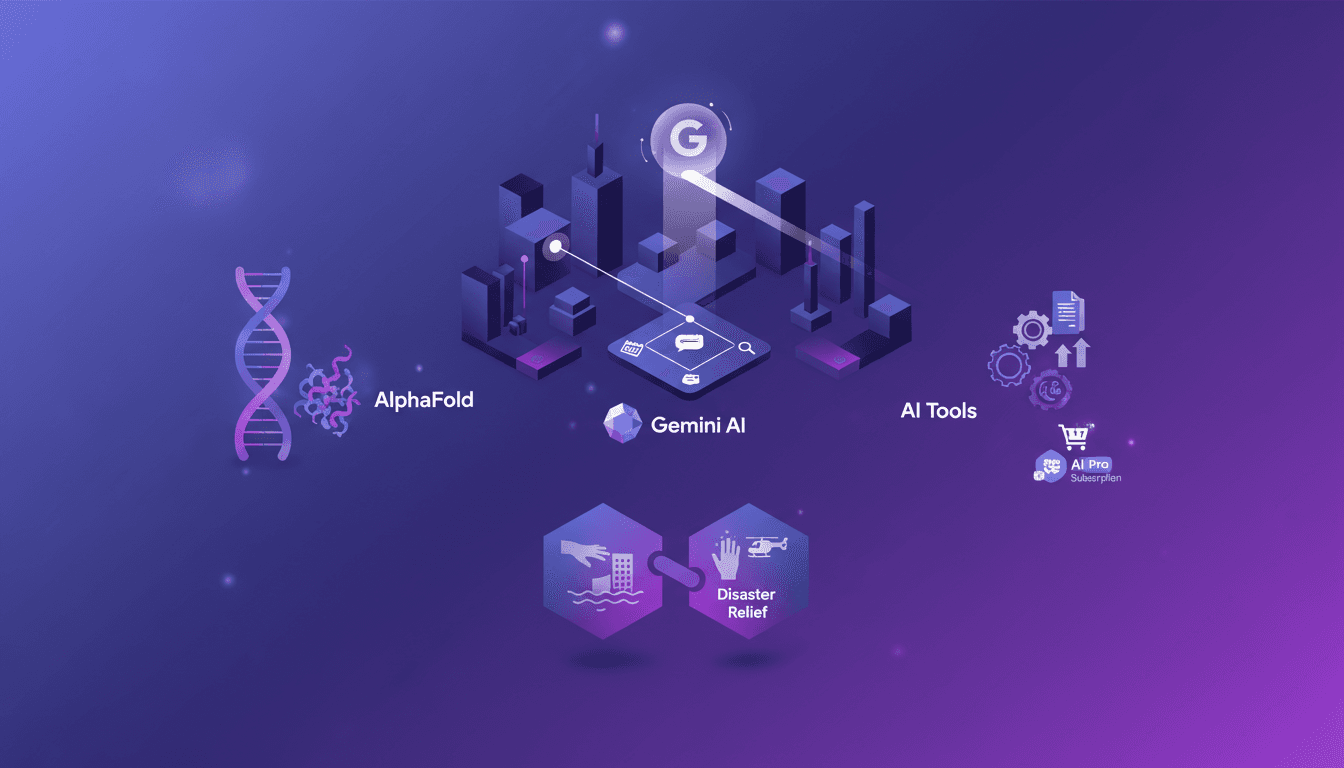
I was at Google I/O 2025, and the buzz was palpable. As a builder, I'm always on the lookout for tools that make a real difference in my workflows. This year, Gemini AI and Google Beam caught my attention. We're not just talking about minor upgrades; these are genuine game changers. New products and subscription plans, Gemini AI's evolution, and breakthroughs in scientific research are shaking things up. AI in immersive video communication and disaster response is no longer just a promise; it's a reality. With the Ironwood TPU delivering 42.5 exaflops of compute per part, performance has skyrocketed. It's time to dive into these innovations and see how they can transform our projects in real ways.
VEED Ships AI Features Fast and Effectively
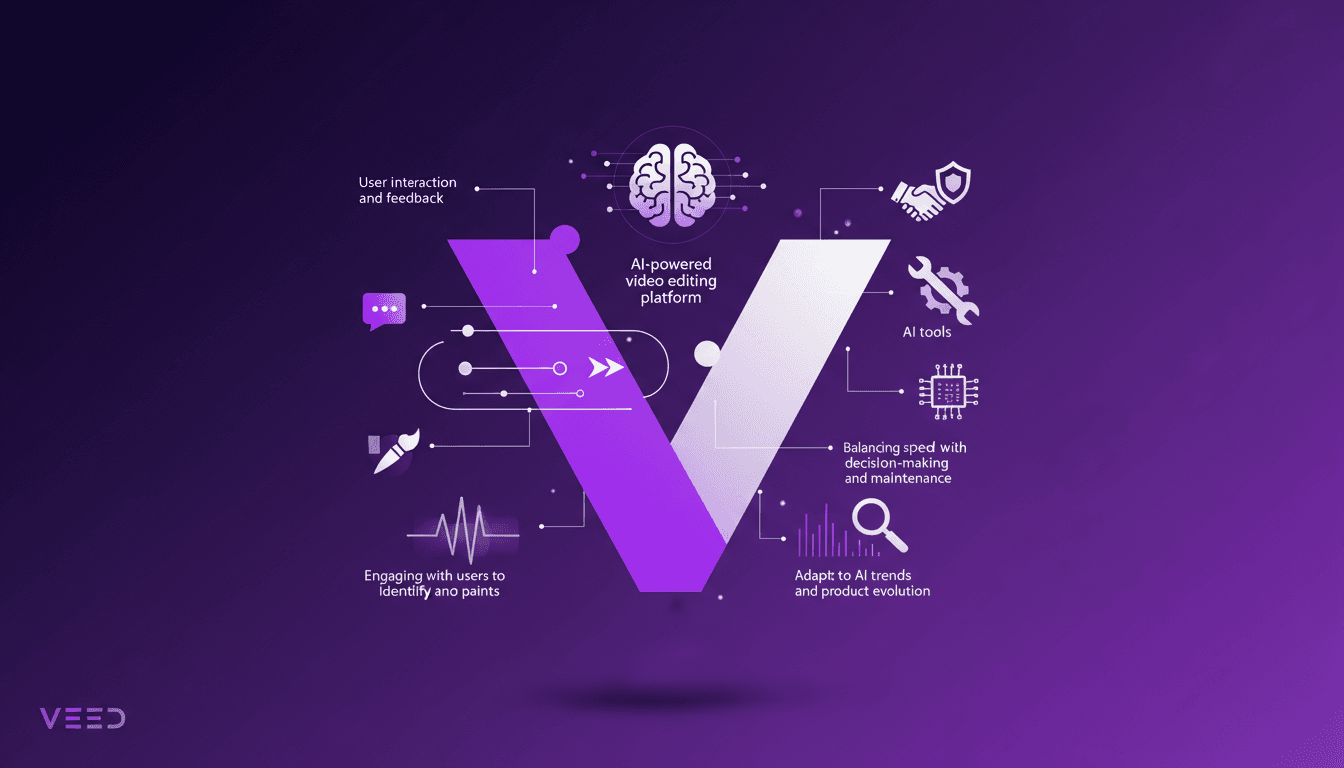
When I first joined VEED, I was blown away by how quickly we could iterate on AI features. It's not just about deploying fast; it's about making sure those features actually work for users. Let me walk you through our approach. VEED, the largest browser-based AI video editing platform, aims to deliver tools that genuinely enhance user experience. In this article, I share our workflow: how we ship AI features fast that resonate with our users without overcomplicating things. We focus on user interaction, identifying pain points, and balancing speed with creativity and maintenance. It's a delicate dance between following AI trends and evolving the product.
React Compiler: Transforming Frontend
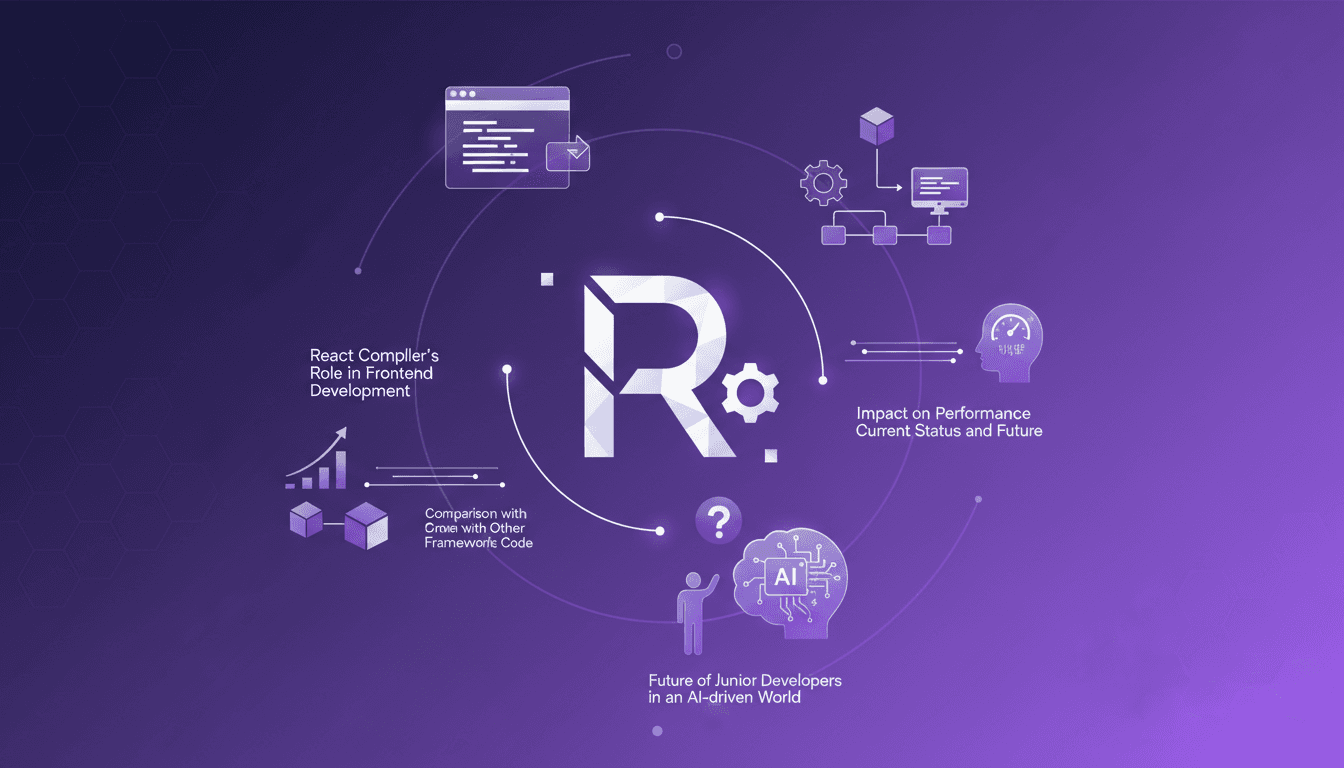
I still remember the first time I flipped on the React Compiler in a project. It felt like turning on a light switch that instantly transformed the room's atmosphere. Components that used to drag suddenly felt snappy, and my performance metrics were winking back at me. But hold on, this isn't magic. It's the result of precise orchestration and a bit of elbow grease. In the ever-evolving world of frontend development, the React Compiler is emerging as a true game changer. It automates optimization in ways we could only dream of a few years ago. Let's dive into how it's reshaping the digital landscape and what it means for us, the builders of tomorrow.
Launch SaaS Without Code Using Data Button
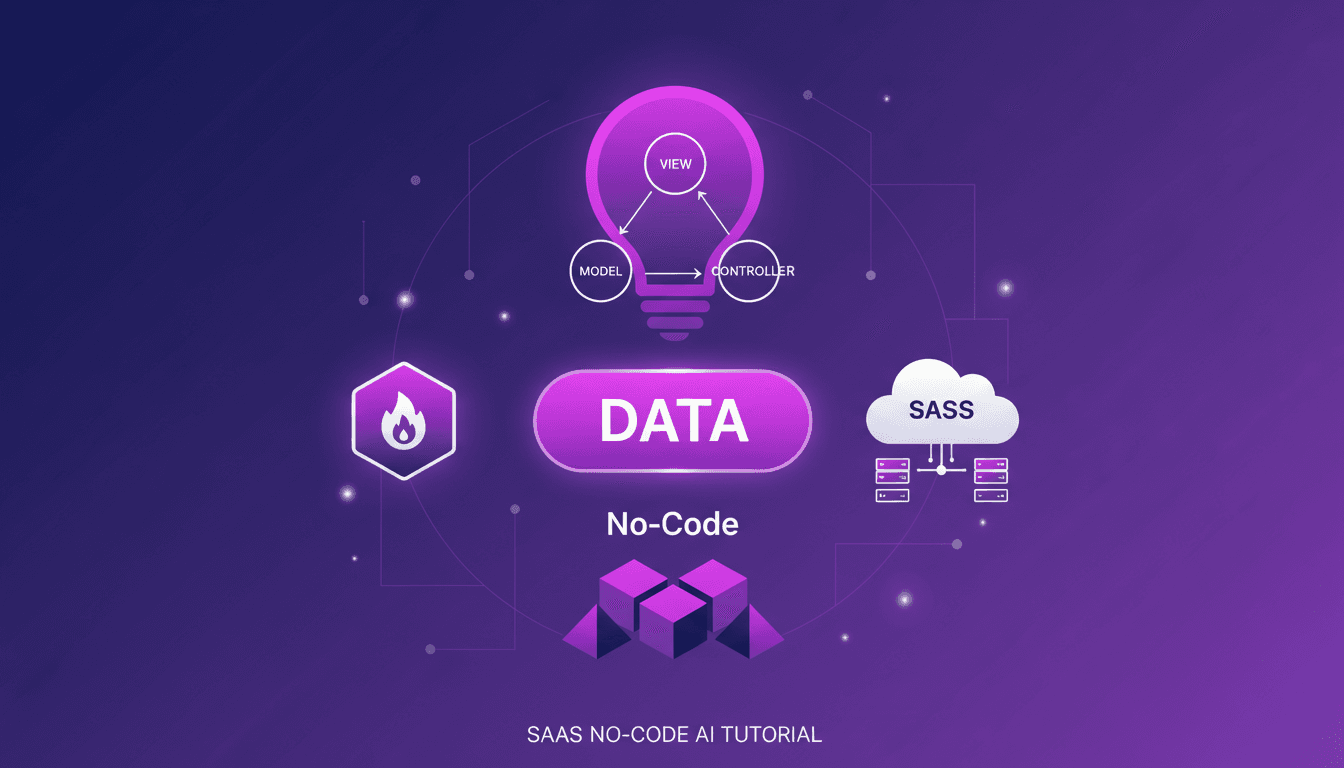
Ever thought launching a SaaS without writing a single line of code was a pipe dream? I did too, until I stumbled upon a game-changer: Data Button. Let me walk you through how I launched my own SaaS, integrating Firebase authentication and deploying it seamlessly, all without touching a line of code. In today's tech world where time and efficiency are crucial, this approach not only saves time but also drastically cuts costs, making it perfect for startups with limited resources. By organizing my files using the MVC design pattern and deploying directly to a custom domain, I've simplified the SaaS deployment process with AI.
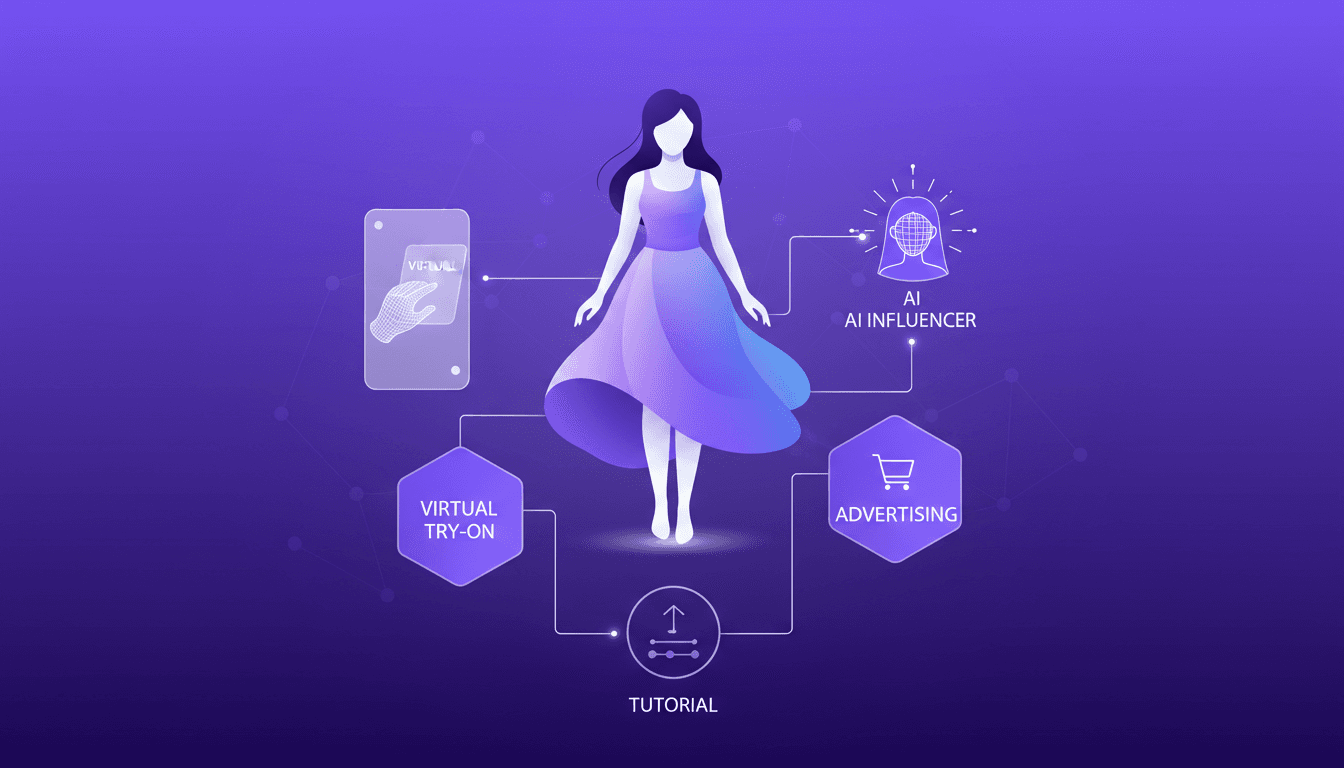
Build Your Own AI Fashion Influencer
I dove into the world of virtual try-on tech to build my own AI fashion influencer. It's like playing dress-up, but with code. First, I integrated an AI model using tools that cost less than a dollar per virtual try. Each generation takes about 40 seconds and costs just 4 cents. It's a real game changer for fashion advertising. I'll walk you through how I orchestrated everything—from model integration to cost management—and how this opens up new monetization opportunities in the industry. Don't get burned by context limits; beyond 100K tokens, it gets tricky. Ready to transform your fashion marketing approach with AI? Follow along, I'll show you how.