Tech Stack: Building a $25K/Month App
I remember the moment I realized my timer app was pulling in $25K a month. Not a dream, but a reality. Let me walk you through the tech stack that made this possible. In this article, I break down the tools, costs, and strategies powering my app, focusing on efficiency and cost management. Discover why Air Table is my go-to CRM, how Postmark handles our email communications, and the game-changing impact of an optimized development environment. We're talking real numbers here: $280 for servers, $250 on tools, and $1,400 on ads. No abstract theories—just concrete insights for those ready to build something profitable.
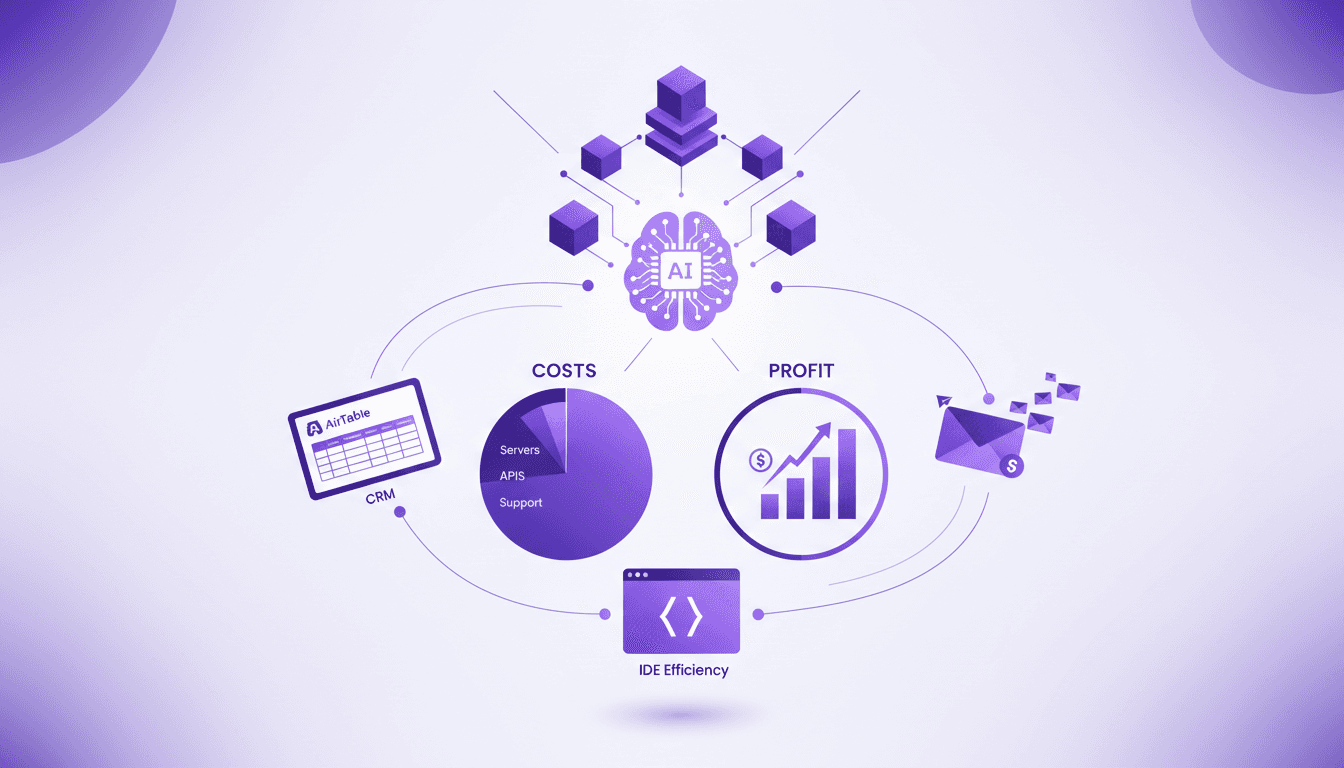
I remember the first time I looked at the numbers and realized my timer app was pulling in $25K a month. Not just a dream, but a reality. Let me walk you through the tech stack that made this possible. In this article, I'll break down the tools, costs, and strategies that power my app, focusing on efficiency, cost management, and the practicalities of running a profitable SaaS business. Air Table is my go-to CRM—it's saved me more times than I can count—and Postmark handles our email communications seamlessly. And let's not forget the integrated development environment, a real game changer when you get it right. We're talking real numbers: $280 a month for server infrastructure, $250 on tools and services, and $1,400 on paid ads. So, if you're looking to build an app that doesn't just work but thrives, you've come to the right place.
Choosing the Right Tech Stack
When I embarked on building my app, the array of tech choices was daunting. I started with Air Table as my CRM (Customer Relationship Management) solution. Why? It's like a supercharged Excel spreadsheet with automation capabilities that let me streamline repetitive tasks. This allows me to focus on more critical issues.
Next, I use Postmark for email management. It's a fantastic tool for SaaS businesses, simplifying bulk email sending without the usual deliverability headaches. Imagine having an assistant handling all that while you focus on development. As for development, an efficient IDE (Integrated Development Environment) is crucial. I chose an IDE that not only speeds up coding but also reduces errors with intelligent autocompletion features.
Watch out for the trade-offs, though: every tool costs money, and balancing performance with budget is key. I found that investing too heavily in "hyped" tools can quickly inflate costs without real ROI.
Breaking Down the Costs
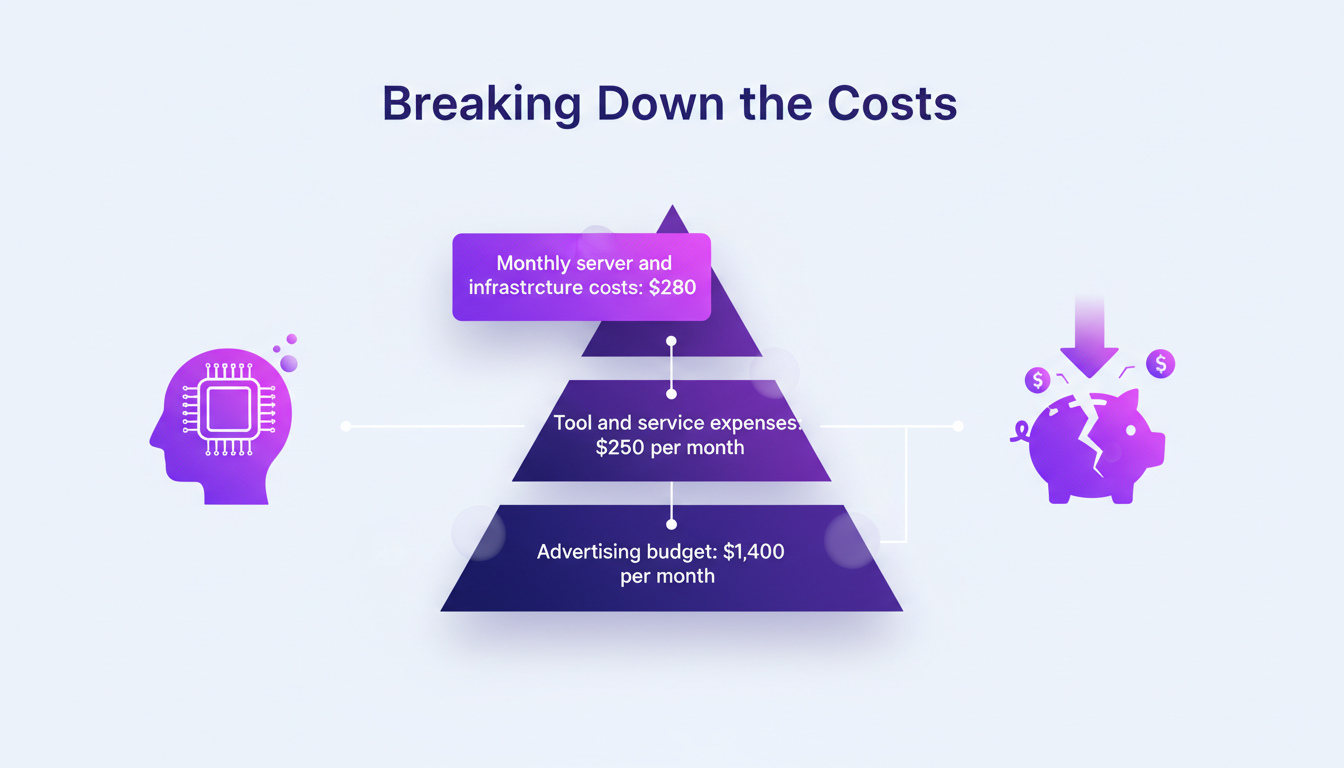
Running an app also means juggling costs. Each month, I spend about $280 on servers and infrastructure. Tools and services, like Air Table and Postmark, add another $250. And for marketing, it's $1,400 on advertising. These might sound high, but they're necessary to keep the app performing and visible.
But beware, don't let these expenses spiral out of control. I've learned to trim down on some services where possible without compromising quality. For instance, optimizing certain manual tasks allowed me to cut costs on unnecessary tools. Every saving, no matter how small, contributes to improving the profit margin.
Maximizing Profit Margins
With profit margins hovering between 80% and 90%, maintaining this profitability requires precise orchestration of operations. The key is to understand each expense and find clever ways to reduce them without affecting service quality. For example, by improving the efficiency of email dispatching via Postmark, I reduced costs related to communication errors.
It's also crucial to avoid common pitfalls that reduce margins. Overinvesting in ad campaigns without tracking returns can quickly diminish profits. Balancing growth with sustainable profitability is essential.
Integrating Air Table and Postmark
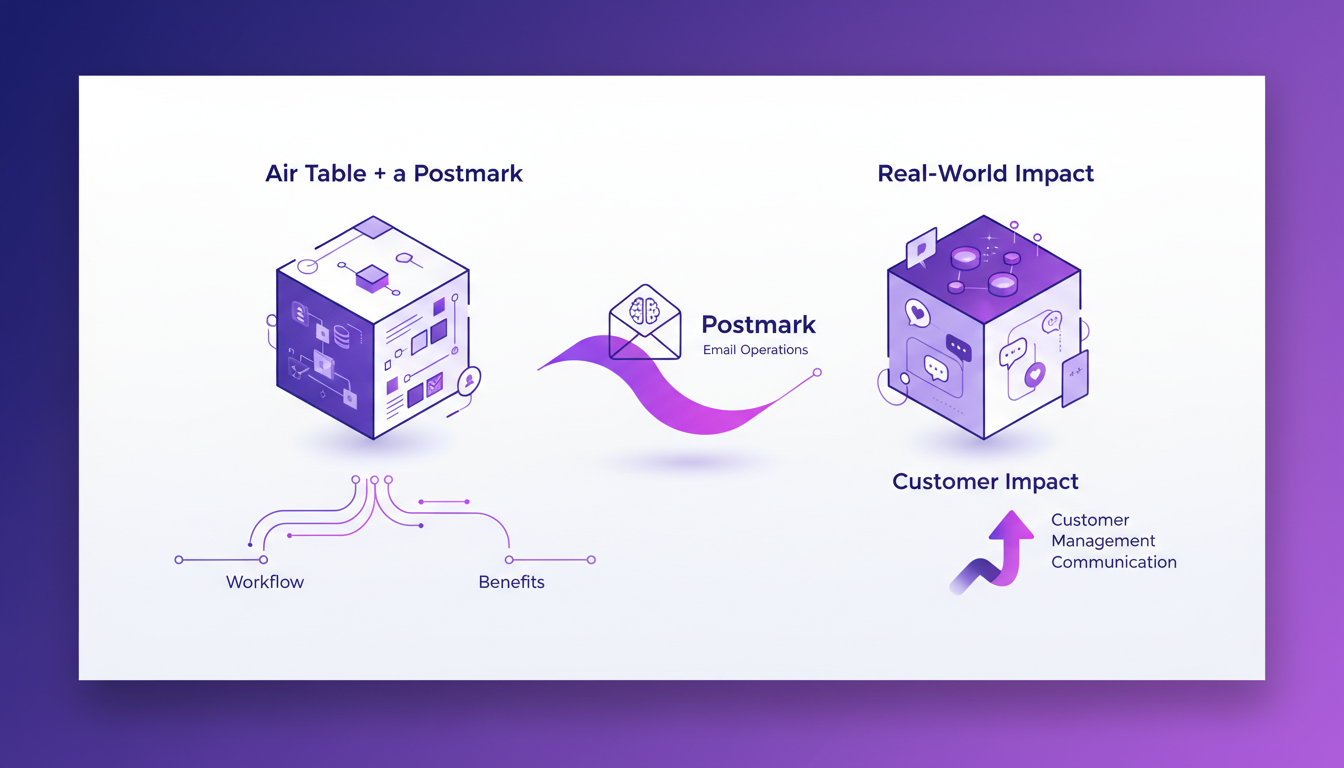
Setting up Air Table as a CRM was a revelation. The workflow is smooth, and the benefits are immediate: better client management, task automation, and simplified data access. Integrating Postmark for emails transformed our client communication, making the entire process more efficient.
However, these tools have their limits. Sometimes, advanced features can be costly or too complex for smaller setups. It's vital to optimize these integrations to maximize performance and avoid unnecessary redundancies.
- Automate repetitive tasks to save time
- Monitor the costs of premium features
- Integrate smoothly to prevent errors
Efficiency in Development Environments
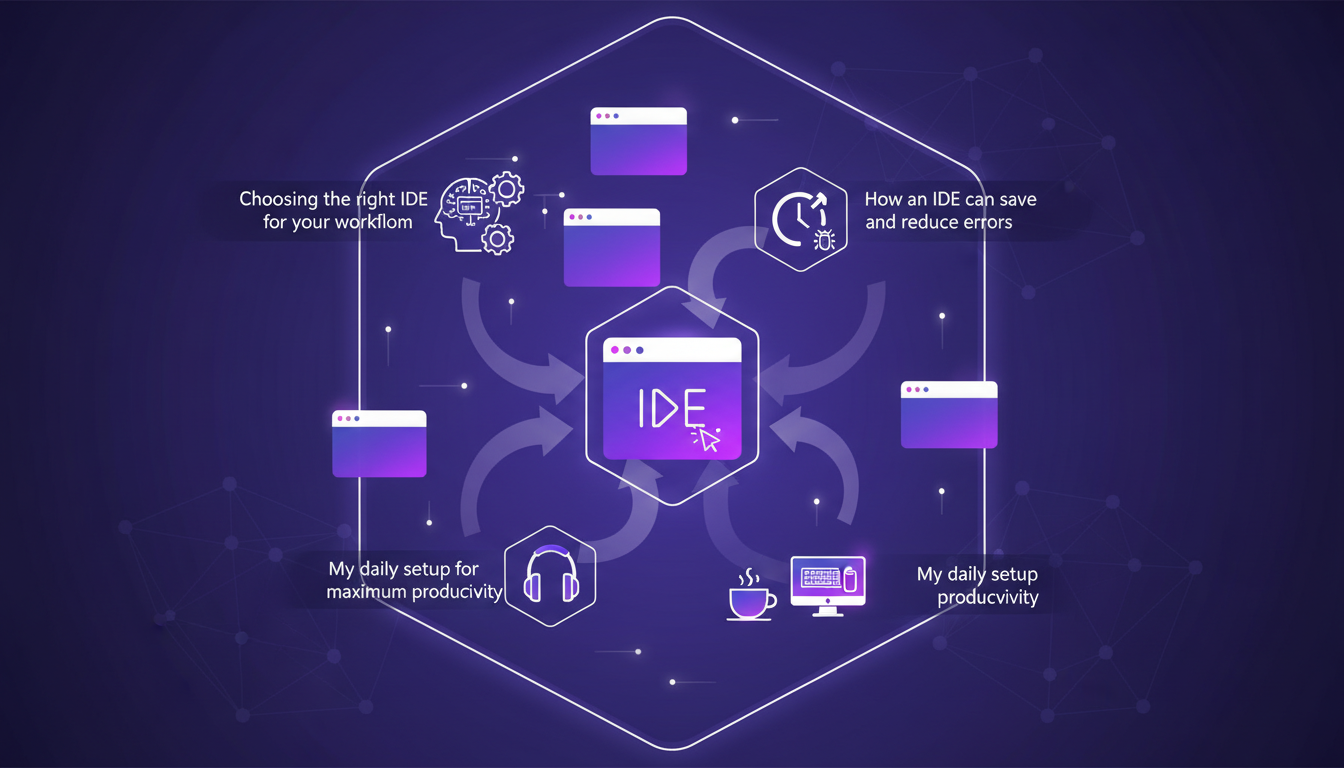
Choosing the right IDE might seem trivial, but it's crucial for productivity. I've found that some IDEs, with advanced autocompletion and debugging features, save me precious time. My daily setup includes a lightweight yet powerful IDE that lets me code efficiently without unnecessary distractions.
However, be careful not to be swayed by overly complex IDEs. Too many features can slow down development and increase errors. For me, balancing features with simplicity has been key to avoiding common pitfalls and maximizing my productivity.
In conclusion, every tech choice must be weighed against its operational and financial impact. Tools like Air Table and Postmark have transformed my client management and communication, but it's the efficiency of my development environment that has truly boosted my daily workflow.
Building a profitable app is about more than just writing slick code. It's about making smart choices, using efficient tools, and getting the financial landscape right. First, I tackled server and infrastructure costs: 280 a month, optimized without losing performance. Then, I spent 250 on tools and services, carefully weighing every dollar for its impact. With 1,400 on paid ads, I made sure each penny brought a return. A game changer was using Air Table as a CRM tool – simple yet powerful. But watch out, don't let your service costs balloon, it can get tricky fast.
Looking forward, I see more optimization in our tech stack, and that's exciting. If you're ready to really boost your profitability, start by evaluating your current stack and costs. I highly recommend checking out the full video "The tech stack behind a $25K/month timer app?" on YouTube. It's packed with practical insights to power up your projects.
Frequently Asked Questions

Thibault Le Balier
Co-fondateur & CTO
Coming from the tech startup ecosystem, Thibault has developed expertise in AI solution architecture that he now puts at the service of large companies (Atos, BNP Paribas, beta.gouv). He works on two axes: mastering AI deployments (local LLMs, MCP security) and optimizing inference costs (offloading, compression, token management).
Related Articles
Discover more articles on similar topics

Validate App Ideas: $500K Made, Method Explained
I've made over $500K flipping apps on iOS. Let me walk you through my formula for validating app ideas that actually make money. In the crowded App Store, it's all about spotting trends and making data-driven decisions. First, I focus on potential revenue analysis using tools like Sensor Tower for market insights. Then, I target profitable niches by identifying promising app categories. It's a game of strategy and timing, and I'm going to show you how I orchestrate it.
Choosing the Right Platform: Productivity and Pitfalls
I've been burned by bad platforms more times than I care to admit. But when you find a good one, it's a game changer. In development, platforms can make or break your workflow. A good platform boosts productivity, while a bad one bogs you down with weird abstractions. Let's dive into why choosing the right platform is crucial and explore how to navigate these tricky decisions.
AI Studio & Gemini: Revolutionizing Development
I remember when AI Studio was just a whisper in the tech corridors. Fast forward to today, it's a game changer—especially with Gemini models in the mix. In just 18 months, AI Studio has crossed critical milestones, integrating cutting-edge features like multimodal capabilities. This isn't just for the tech elite; it's democratizing development for everyone. Let me walk you through how this evolution isn't just hype, but a real shift in how we build and innovate. I've connected Gemini models, orchestrated complex projects, and avoided some pitfalls that I share here. We also talk about mobile platform expansion, agentic engineering, and AI's role in robotics. In short, AI Studio is no longer a dream; it's our reality.
Boosting Developer Productivity with GPT-5.5
I was knee-deep in a decade-old codebase when I first unleashed GPT-5.5. And wow, what a game changer! With its Codex harness, this model isn't just about speed; it redefines how we tackle software development. From breathing life into forgotten projects to streamlining new ones, GPT-5.5 is transforming the landscape. Let me take you behind the scenes of this transformation and show you how this AI literally boosts our productivity and intelligence. Watch out for context limits, but when used right, it's a game changer for developers.
First Impressions of GPT-5.5 by Claire Vo
I remember when I first dove into GPT-5.5. It felt like opening a toolkit with a new, sharper tool, ready to redefine how I handle coding tasks. Claire Vo shares her first impressions of this model that seems to push the boundaries of AI in software development. From autonomous code execution to bug fixing, there's a lot to explore. And with a 98% accuracy in fixing bugs, it's no empty promise. In this interview, Claire takes us through her discoveries, comparing GPT-5.5 with previous models and assessing its potential impact on the software development process.