Mastering Cling Motion Transfer: A Cost-Effective Guide
I still remember the first time I tried Cling Motion Transfer. It was a game-changer. For less than a dollar, I turned a simple video into viral content. In this article, I'll walk you through how I did it, step by step. Cling Motion Transfer is an affordable AI tool that stands out in the realm of video creation, especially for platforms like TikTok. But watch out, like any tool, it has its quirks and limits. I'll guide you through image and video selection, using prompts, and how to finalize and submit your AI-generated content. Let's get started.
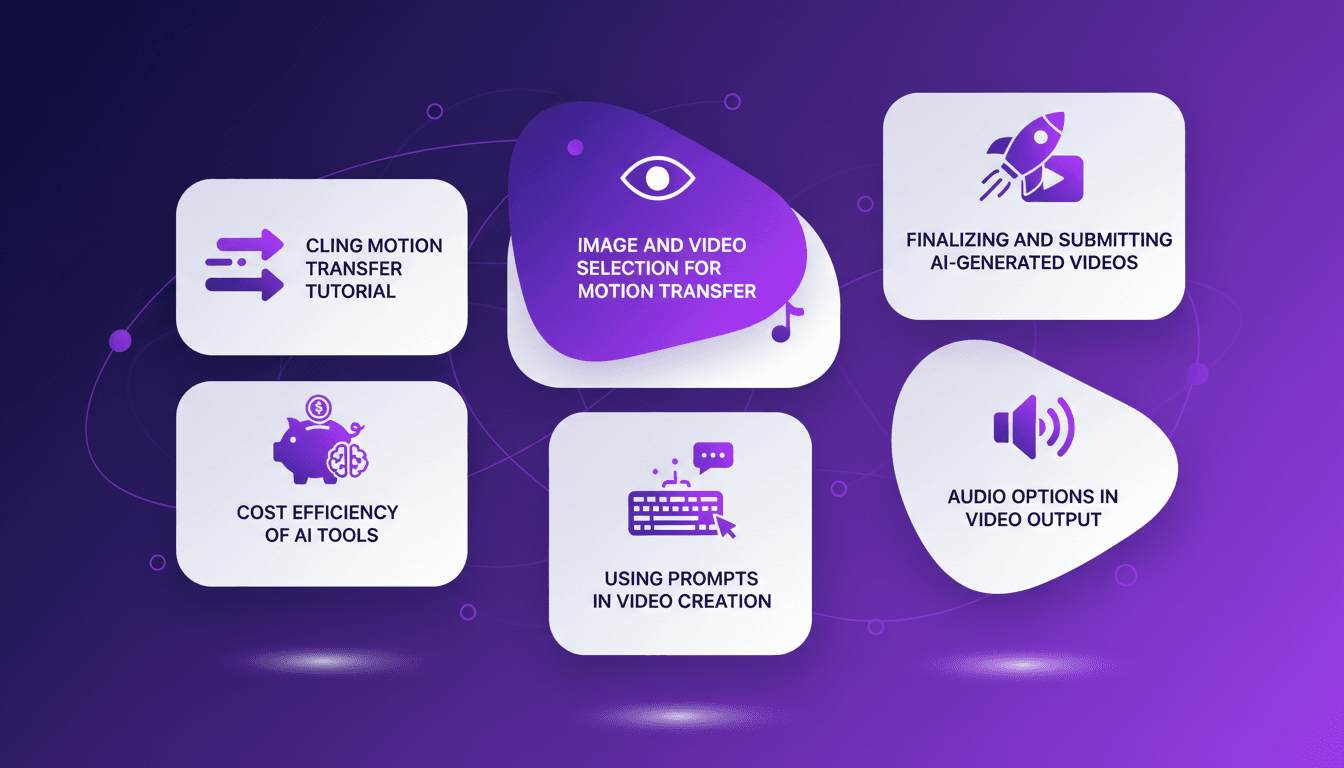
I remember the first time I used Cling Motion Transfer. For less than a dollar, I took a mundane video and turned it into something viral. Now that's what I call a game-changer. In the AI-driven video creation world, Cling Motion Transfer stands out for its cost-effectiveness and impact. It's perfect for TikTok, but remember, it has its quirks. I'll show you how I select my images and videos, how I use prompts for motion transfer, and even how I finalize the audio before submitting the final product. Cling is powerful, but you need to orchestrate it correctly. Don't fall into common traps—I got burned myself, and here's how I learned to avoid them. Let's dive in, because mastering this tool can literally transform how you create content. Ready to boost your creativity? Let's go.
Getting Started with Cling Motion Transfer
Diving into Cling Motion Transfer might seem daunting, but it's actually a very accessible process, even for beginners. First, you need to grasp what Cling Motion Transfer is. Essentially, it's a way to transfer motion from a source video to a static image. It's like bringing a photo to life, and trust me, once you get the hang of it, it's pretty magical.
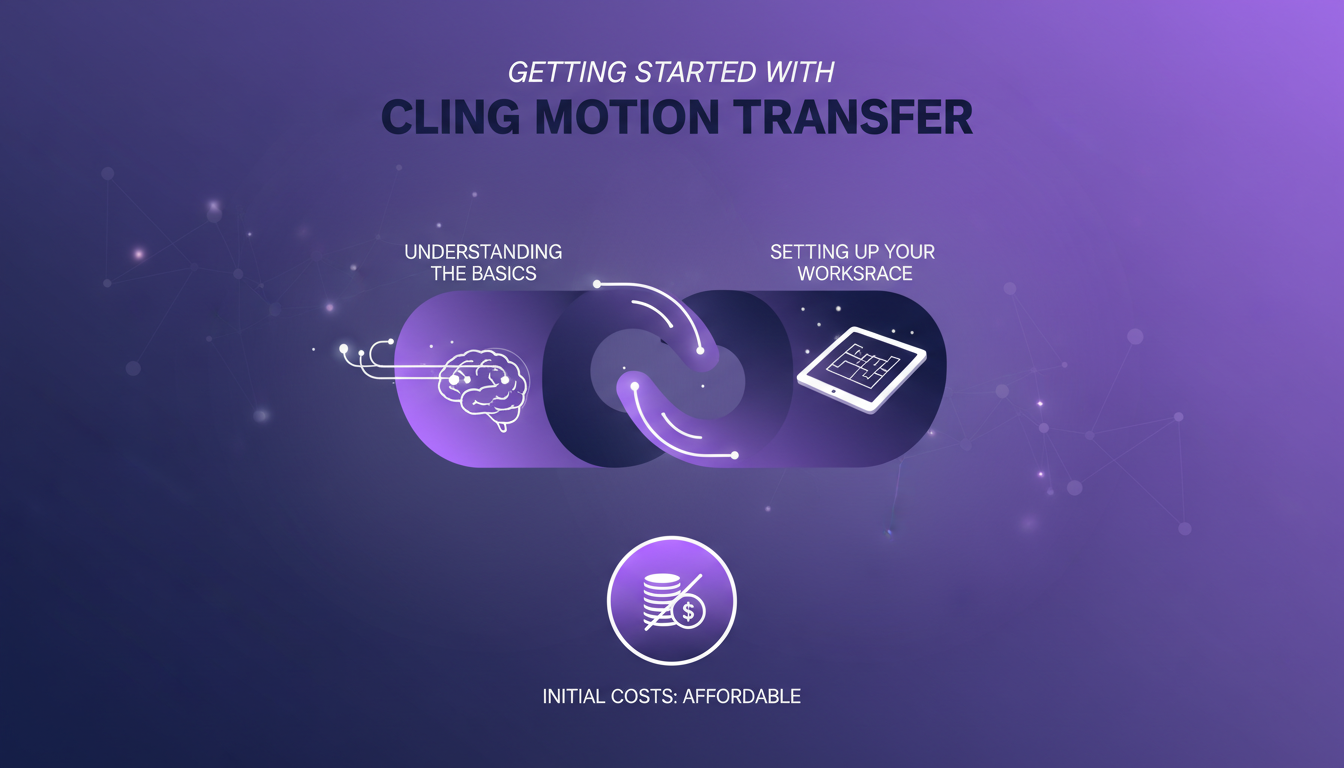
To begin, make sure your workspace is well set up. A computer with good processing capacity is a plus, but not essential. What's surprising is the initial cost: the entire motion transfer tutorial costs less than a dollar. Yes, you read that right. I was myself surprised by its simplicity and efficiency.
Watch out for beginner mistakes, like using low-quality videos or incorrect image formats. I made this mistake initially, and it cost me time. Ensure your files are compatible and of good quality to avoid unnecessary frustration.
Selecting Images and Recording Videos
The key here is choosing an image that fits well with the motion you want to transfer. Think about expressiveness and clarity of the image. I've found that an image with a well-lit face and sharp contours often works best.
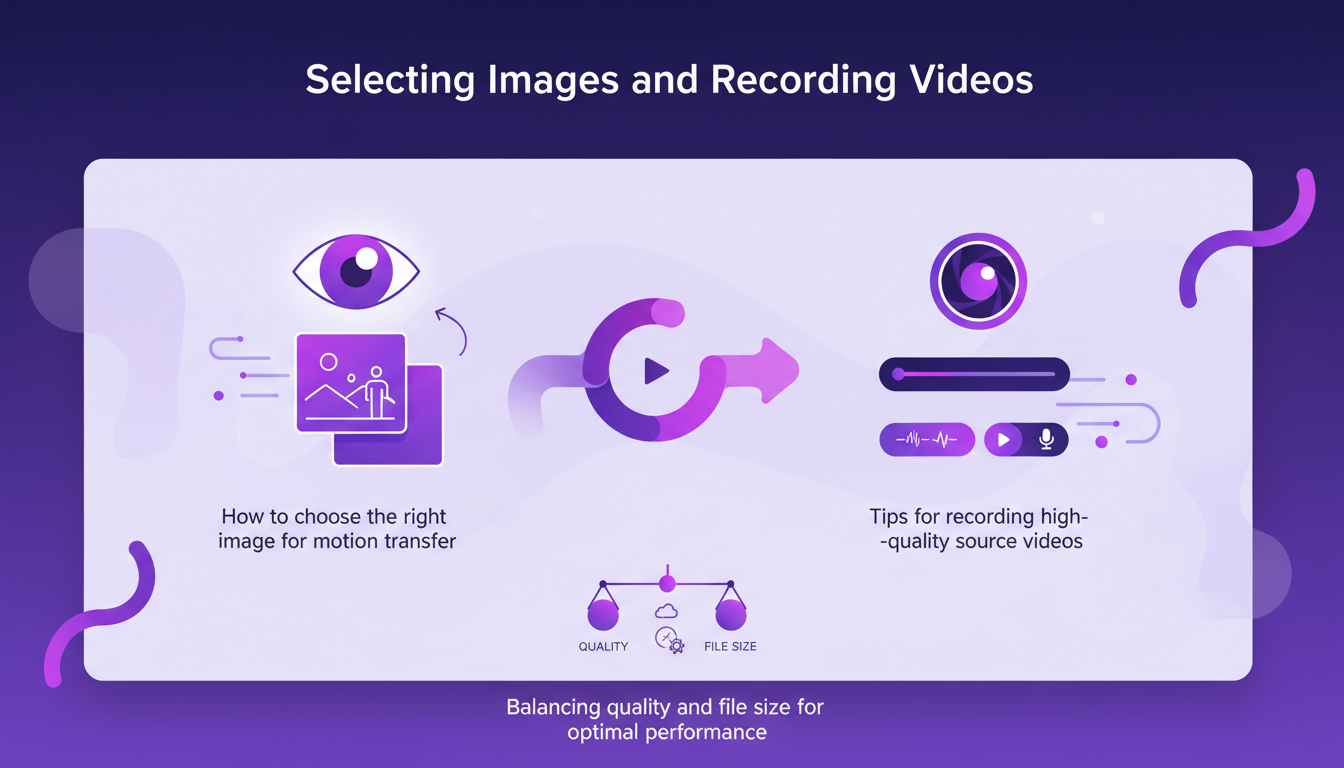
To record a high-quality source video, ensure good lighting and clear sound. Video quality is crucial for motion transfer. However, be cautious about balancing quality and file size. A video that's too large can slow down the processing.
Avoid the common mistake of choosing videos with too much movement or background noise. This can complicate the transfer and degrade the final quality.
Using AI Prompts for Video Creation
AI prompts are essential for guiding the creation of your video. A good prompt can turn an ordinary video into something captivating. I remember using a simple prompt like "the Joker talking to the camera," and the results were astounding.
Prompts play a crucial role in defining the tone and style of the video. However, there are limitations. Sometimes, the prompt doesn't capture all the nuances. You have to juggle with words to get the desired result.
Here are some examples of successful prompts:
- "Joyful dance in the rain": to add a touch of happiness and dynamism.
- "Serious conference": ideal for a professional and poised tone.
Remember, prompts aren't infallible. They have their limits, and you might need to adjust several times to get the perfect result.
Integrating Audio into Your AI-Generated Videos
Once you have your video, it's time to add audio. This can give a new dimension to your creation. You can choose to keep the original audio or add a new one. Personally, I like to experiment with different types of music to see what works best.
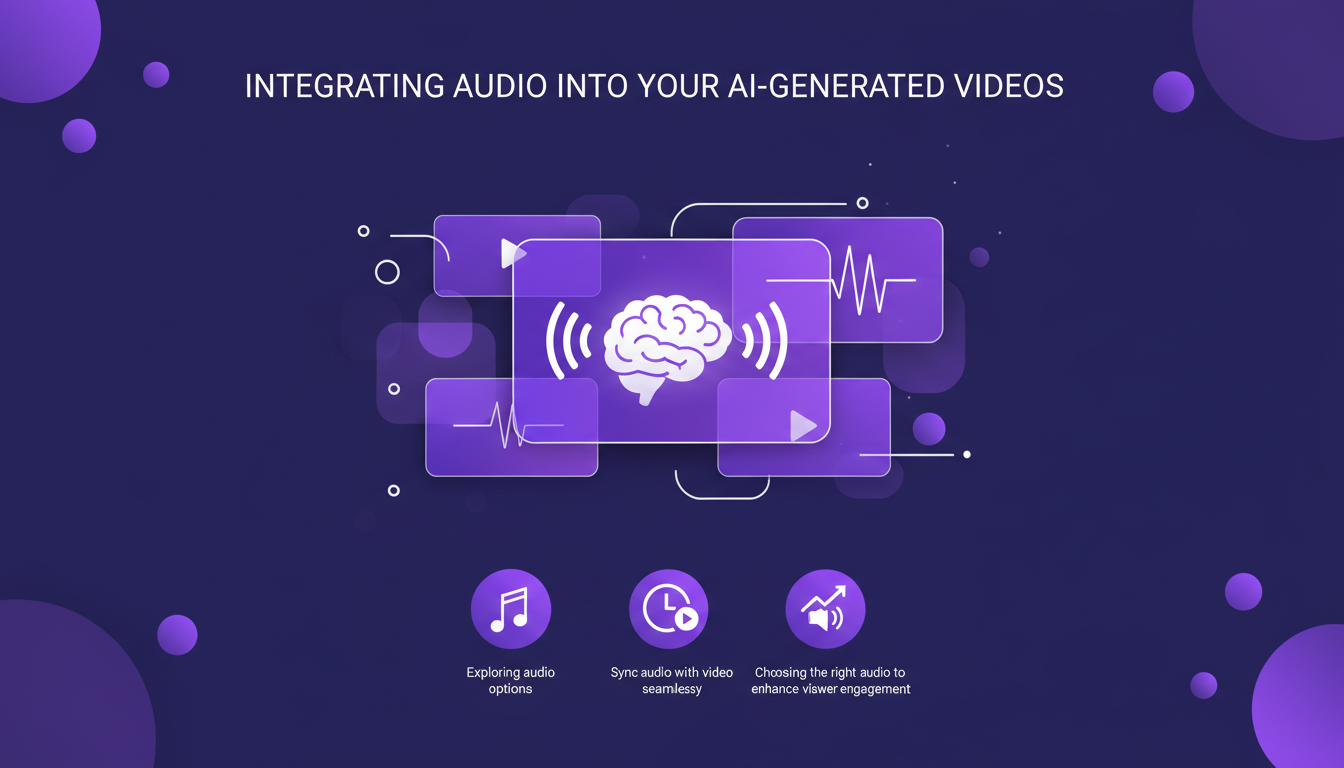
It's crucial to perfectly sync the audio with the video. I had issues with lag initially, but with a bit of practice, you quickly improve. Choose audio that visually complements the video to maximize viewer engagement.
However, be cautious of potential issues like saturation or too high volume. Always test your final video with the audio to avoid unpleasant surprises.
Finalizing and Submitting Your Video
Finally, you're ready to finalize your video. It's time to check every detail before clicking "submit." Use tools to check the video's quality and ensure it's optimal for upload.
When submitting your video, pay attention to the formats required by the platform you're using. Each platform has its own specifics, and it would be a shame to redo the work due to incompatibility.
To maximize reach and engagement after submission, think about your distribution strategy. Use social media, integrate relevant hashtags, and interact with your audience to boost visibility.
In summary, Cling Motion Transfer is a powerful tool but requires a certain level of mastery. With practice and by avoiding common mistakes, you can create captivating and engaging videos for less than a dollar. It's an opportunity not to be missed for any content creator.
Cling Motion Transfer has really streamlined my video creation process, making content more engaging without breaking the bank. But keep an eye out for a few challenges. First, selecting the right images and videos is key to effective motion transfer. Then, using prompts can significantly boost visual impact, but they need to be well-tuned. Honestly, for less than a dollar, the tutorial is an incredible deal. It's a game changer for those of us looking to maximize content efficiency. Remember to keep an eye on costs and be mindful of the tool’s limits to maintain quality. I'm convinced there's huge potential here if used smartly. Ready to transform your video content? Start experimenting with Cling Motion Transfer today and see the difference. For deeper insights and practical tips, I recommend checking out the full video here: [YouTube link].
Frequently Asked Questions

Thibault Le Balier
Co-fondateur & CTO
Coming from the tech startup ecosystem, Thibault has developed expertise in AI solution architecture that he now puts at the service of large companies (Atos, BNP Paribas, beta.gouv). He works on two axes: mastering AI deployments (local LLMs, MCP security) and optimizing inference costs (offloading, compression, token management).
Related Articles
Discover more articles on similar topics

Fastest TTS on CPU: Voice Cloning in 2026
I remember the first time I tried running a text-to-speech model on my consumer-grade CPU. Slow, frustrating, like being stuck in the past. But with the TTH model, everything's changed. Imagine achieving lightning-fast TTS performance on regular hardware, with some astonishing voice cloning thrown in. In this article, I guide you through this 2026 innovation: from technical setup to comparisons with other models, and how you can integrate this into your projects. If you're a developer or just an enthusiast, you're going to want to see this.
Streaming Agent Messages in React with LangChain
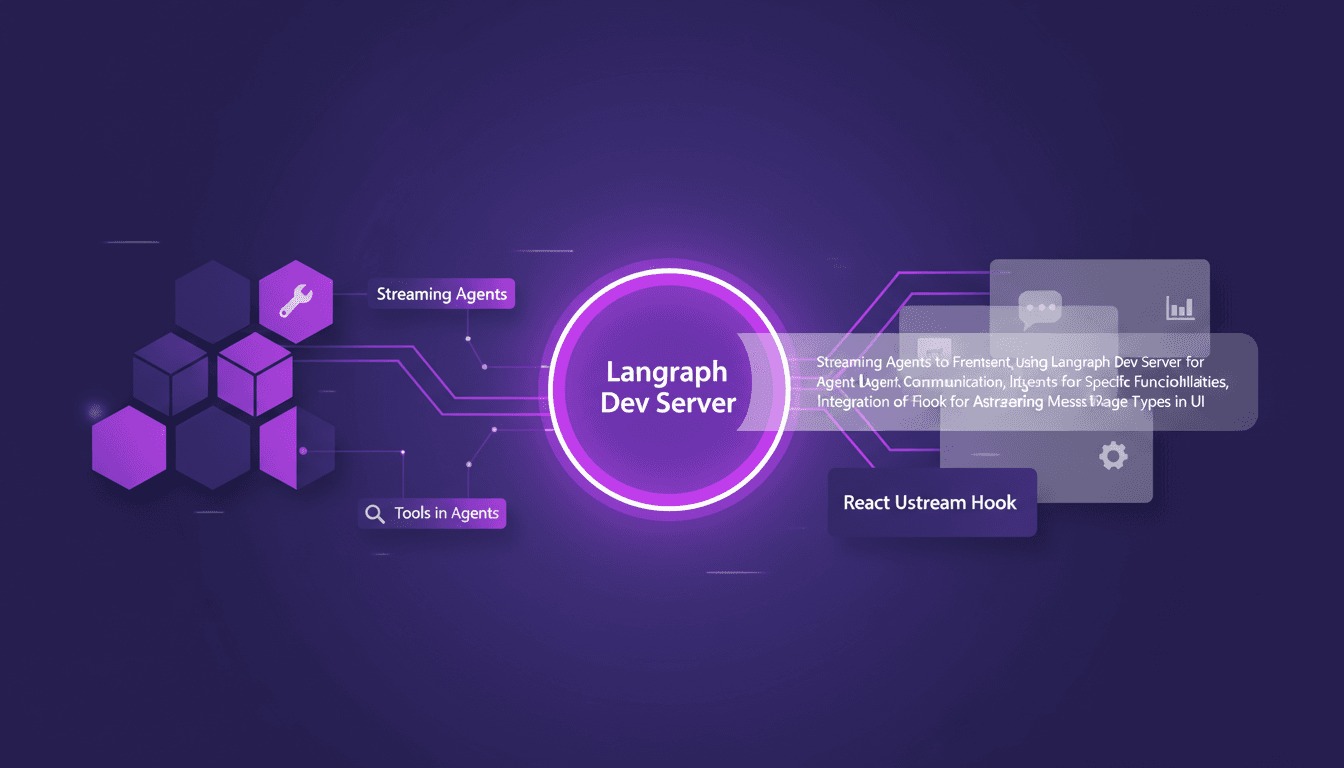
I remember the first time I tried to stream agent messages into a React app. It was a mess—until I got my hands on LangChain and Langraph. Let me walk you through how I set this up to create a seamless interaction between frontend and AI agents. In this tutorial, I'll show you how to connect LangChain and React using Langraph Dev Server. We'll dive into streaming agent messages, using tools like weather and web search, and rendering them effectively in the UI. You'll see how I integrate these messages using the React Ustream hook, and how I handle different message types in the UI. Ready to transform your AI interactions? Let's dive in.
DSPI: Revolutionizing Prompt Engineering
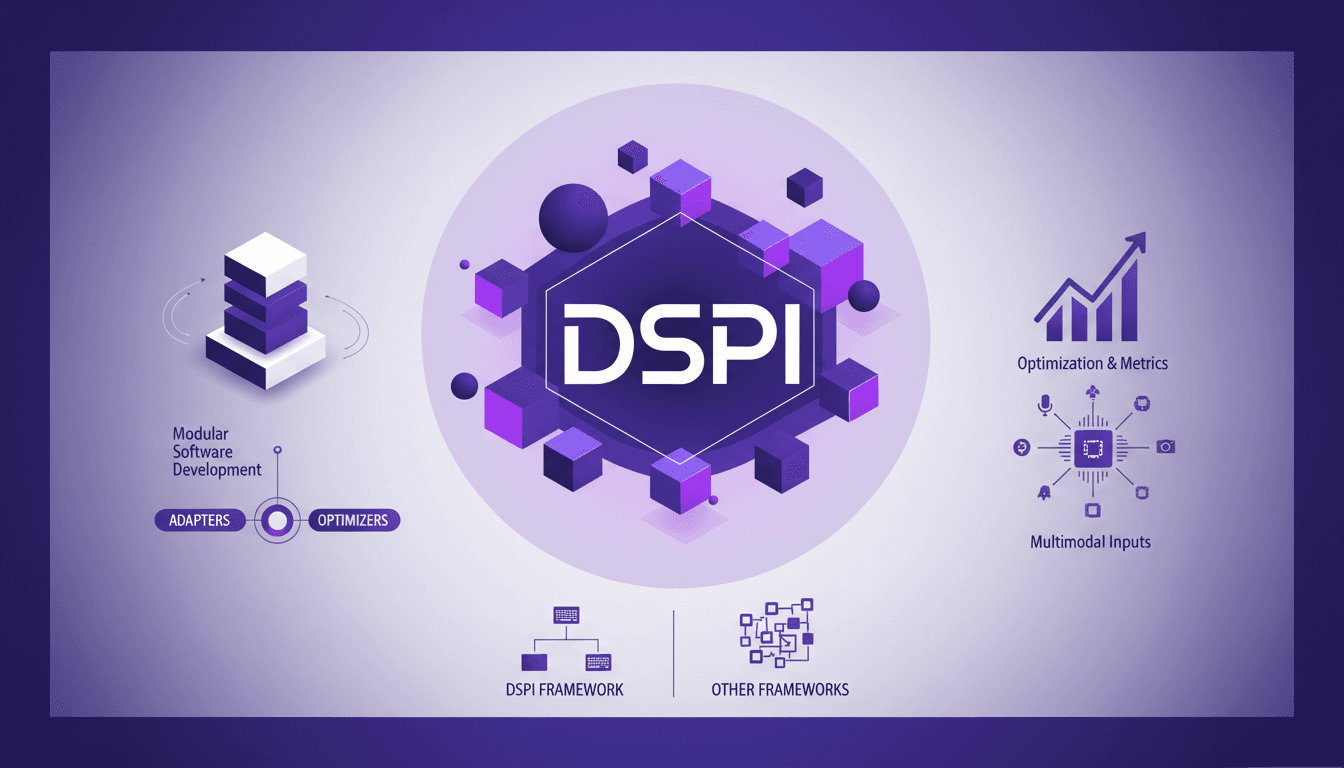
I've been diving deep into DSPI, and let me tell you, it's not just another framework — it's a game changer in how we handle prompt engineering. First, I was skeptical, but seeing its modular approach in action, I realized the potential for efficiency and flexibility. With DSPI, complex tasks are simplified through a declarative framework, which is a significant leap forward. And this modularity? It allows for optimized handling of inputs, whether text or images. Imagine, for a classification task, just three images are enough to achieve precise results. It's this capability to manage multimodal inputs that sets DSPI apart from other frameworks. Whether it's for modular software development or metric optimization, DSPI doesn't just get the job done, it reinvents it.
Mastering Claude Agent SDK: Practical Guide
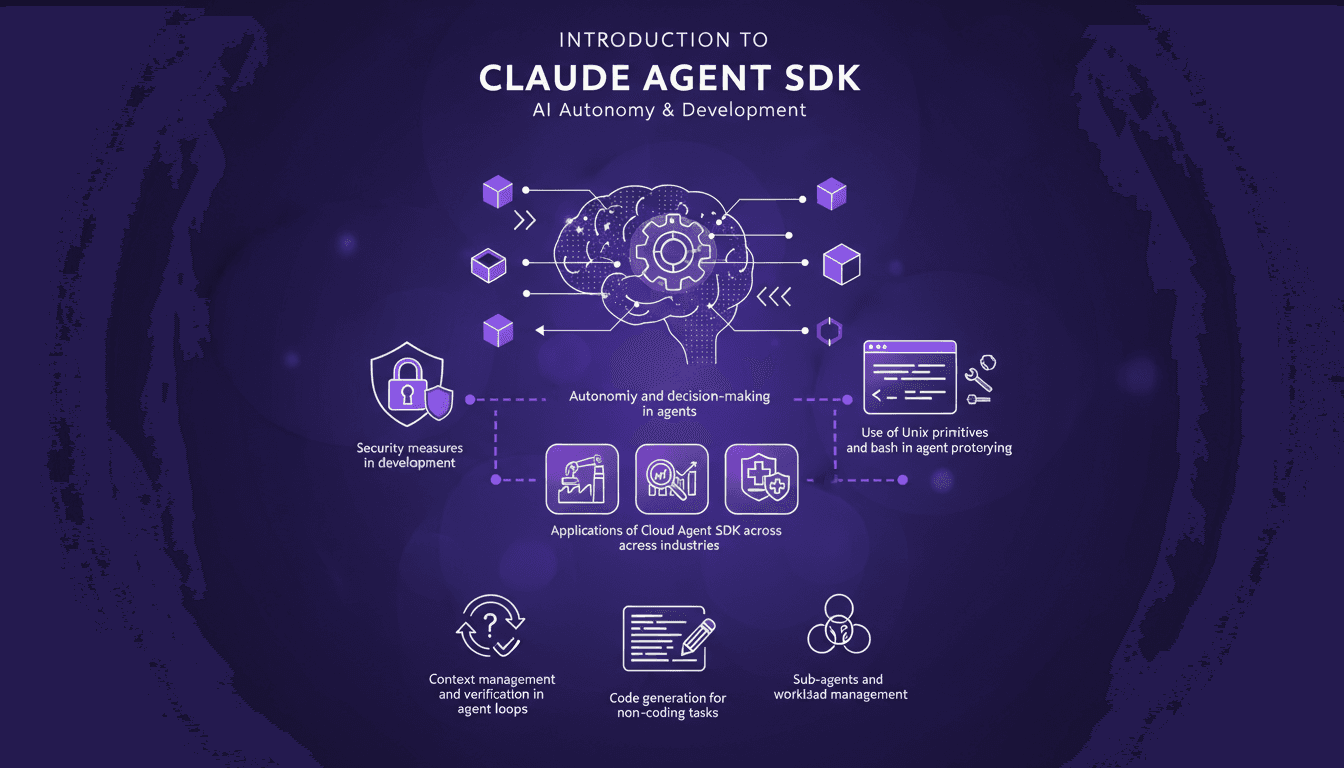
Ever tried orchestrating a team of sub-agents with Unix commands and felt like you were herding cats? I’ve been there. With Claude Agent SDK, I finally found a way to streamline decision-making and boost efficiency. Let me walk you through how I set this up and the pitfalls to avoid. Claude Agent SDK promises autonomy and decision-making power for agents across industries, but only if you navigate its complexities correctly. I connect my agents, manage their workload, and secure it all with Unix primitives and bash. But watch out, there are limits you'll need to watch. Ready to dive into the details?

Robotics and Physical AI: Revolutionizing the Field
I've been building robots for years, but integrating Physical AI has been a game changer. It's not just about making them smarter; it's about giving them a sense of the physical world. Imagine a robot that perceives heat and reacts accordingly. That's exactly what I've managed to orchestrate in my projects. Join me as I walk you through this journey where Physical AI is redefining how we design robots, making them truly interactive with their surroundings.