Streaming Agent Messages in React with LangChain
I remember the first time I tried to stream agent messages into a React app. It was a mess—until I got my hands on LangChain and Langraph. Let me walk you through how I set this up to create a seamless interaction between frontend and AI agents. In this tutorial, I'll show you how to connect LangChain and React using Langraph Dev Server. We'll dive into streaming agent messages, using tools like weather and web search, and rendering them effectively in the UI. You'll see how I integrate these messages using the React Ustream hook, and how I handle different message types in the UI. Ready to transform your AI interactions? Let's dive in.
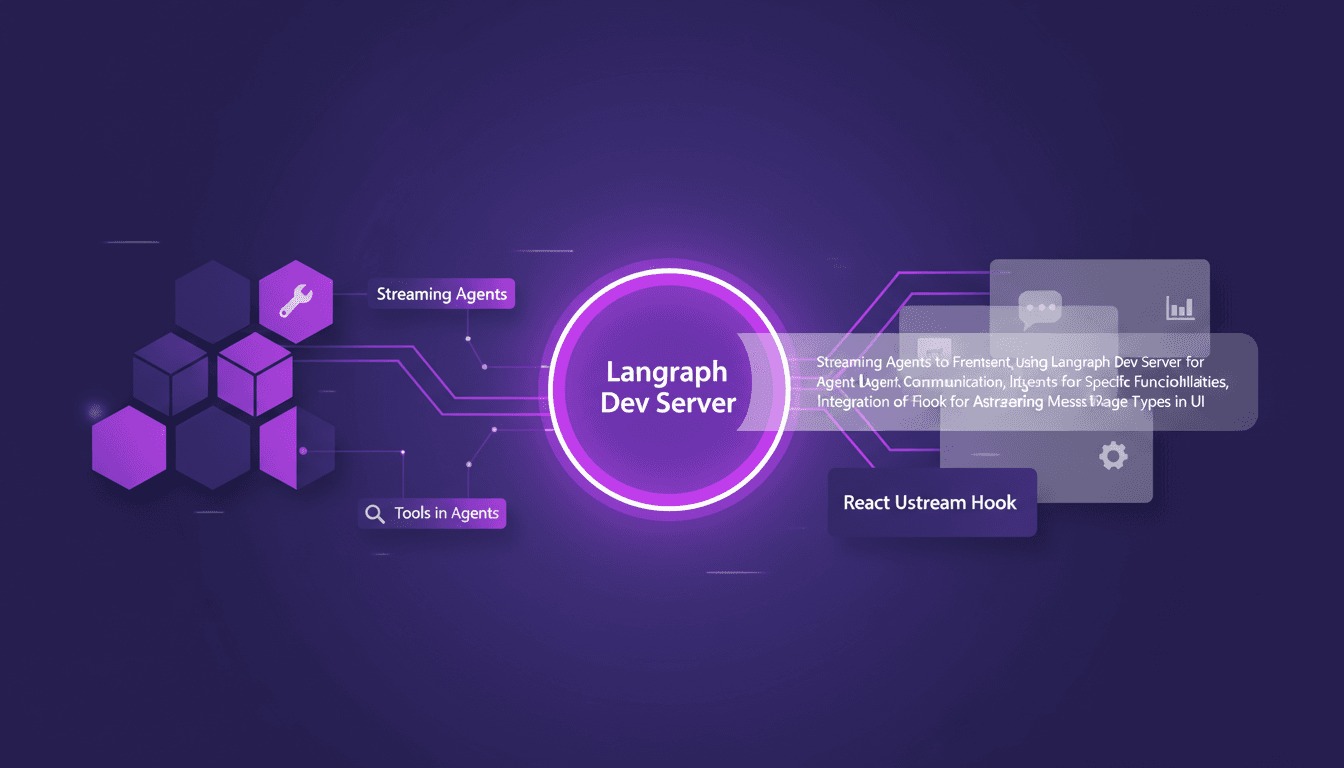
I remember the first time I tried to stream agent messages into a React app. It was a mess—total chaos until I got my hands on LangChain and Langraph. Let me walk you through how I set up everything to orchestrate a seamless interaction between the frontend and AI agents. In this tutorial, I'm going to show you how to connect LangChain and React using the Langraph Dev Server. We'll dive into streaming agent messages, using tools like the weather tool (10.8° Celsius, if you're curious) and web search, and rendering them effectively in the UI. I'll also show you how I integrated these messages with React using the Ustream hook, and tackled rendering different message types in the UI. Ready to revolutionize your AI interactions? Let's get started!
Setting Up Langraph Dev Server
First, I installed the Langraph Dev Server and configured it on the default port 2024. This step was straightforward but crucial, as an incorrect setup can quickly become a nightmare. For hosting the application, I used V version 7, ensuring optimal compatibility.
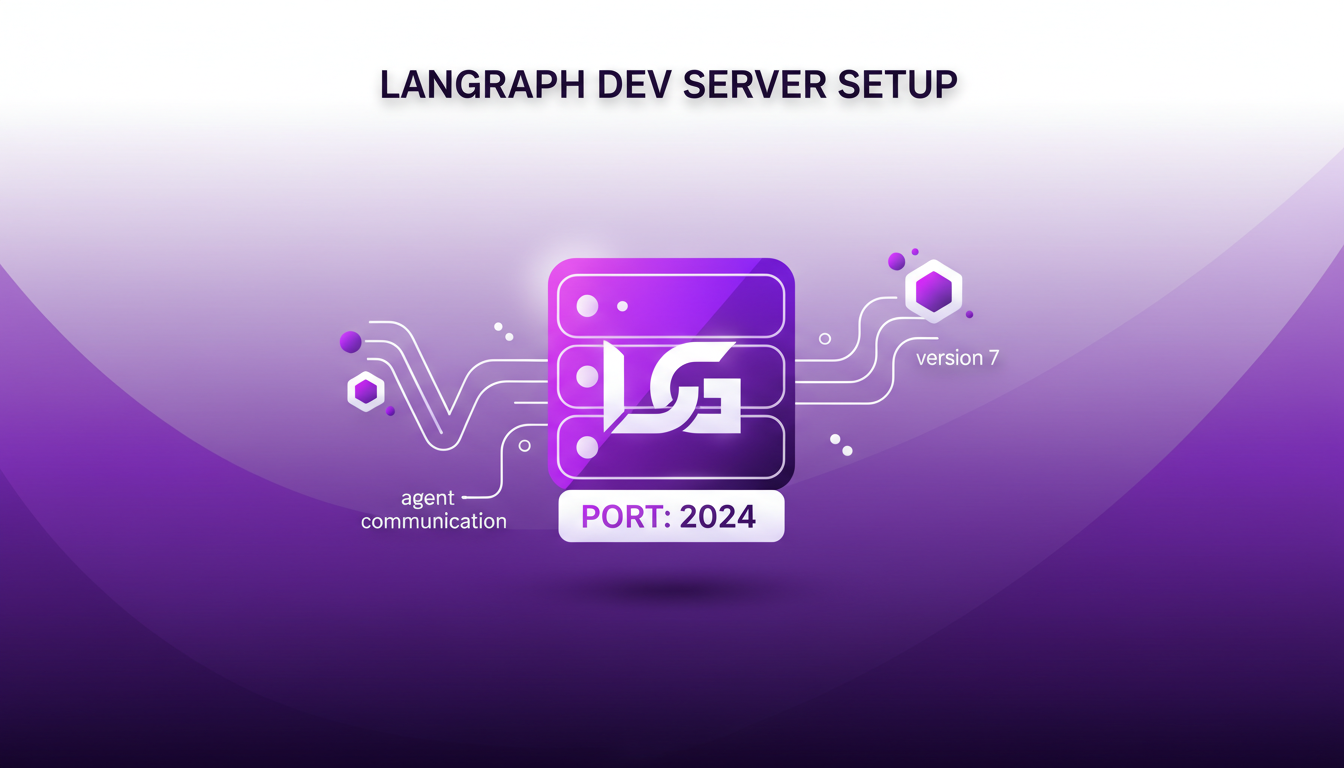
Then, I connected the server to efficiently handle agent communication. This involves creating a config file that detects all agents within your application's subdirectories. A simple npm create langraph set command does the trick, and voilà, your server is ready to host your agents. Simple, right?
- Use of V version 7 for compatibility
- Configuration on default port 2024
- Creation of a config file to detect agents
Integrating Tools in Agents
Next, I implemented tools like the weather tool and the web search tool to extend agent functionalities. By using GPT4 mini, I ensured the tools provided accurate and relevant responses. But be cautious, integrating too many tools can slow down response times. I configured the weather tool to display precise data like 10.8° Celsius—trust me, it makes all the difference.
These tools aren't just gimmicks; they add real value by enabling your agents to provide up-to-date and relevant information. However, integration must be smooth to avoid overloading your agents.
- Integration of search and weather tools
- Use of GPT4 mini for accuracy
- Accurate display of weather data
Using Ustream Hook in React
Next, I integrated the Ustream Hook to manage agent interactions in React. This hook allowed real-time streaming of messages from the agent to the user interface (UI). It was a real game-changer, although I ran into some performance hiccups initially. Make sure to manage your state properly to avoid unexpected slowdowns.
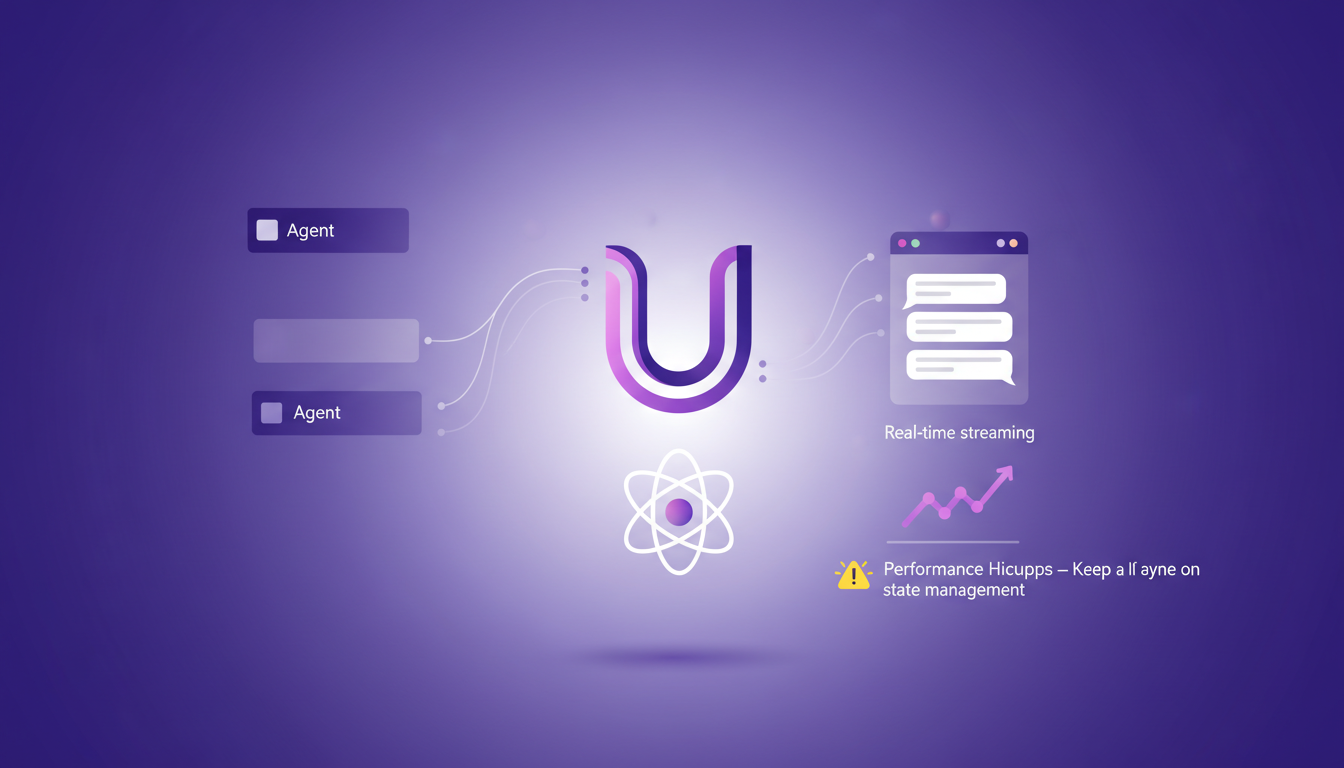
Messages are streamed directly to the UI, making the application more responsive and smooth. But watch out, poor state management can seriously hinder the overall performance of the application.
- Integration of the Ustream Hook for real-time streaming
- Monitoring of performance during integration
- Improvement of application responsiveness
Rendering Messages and Tool Calls in UI
Finally, I focused on rendering different message types clearly in the UI. Tool calls and responses were displayed seamlessly, enhancing the overall user experience. This is where I initially got stuck, particularly in handling diverse data formats. It's crucial to ensure your UI can handle these variations.
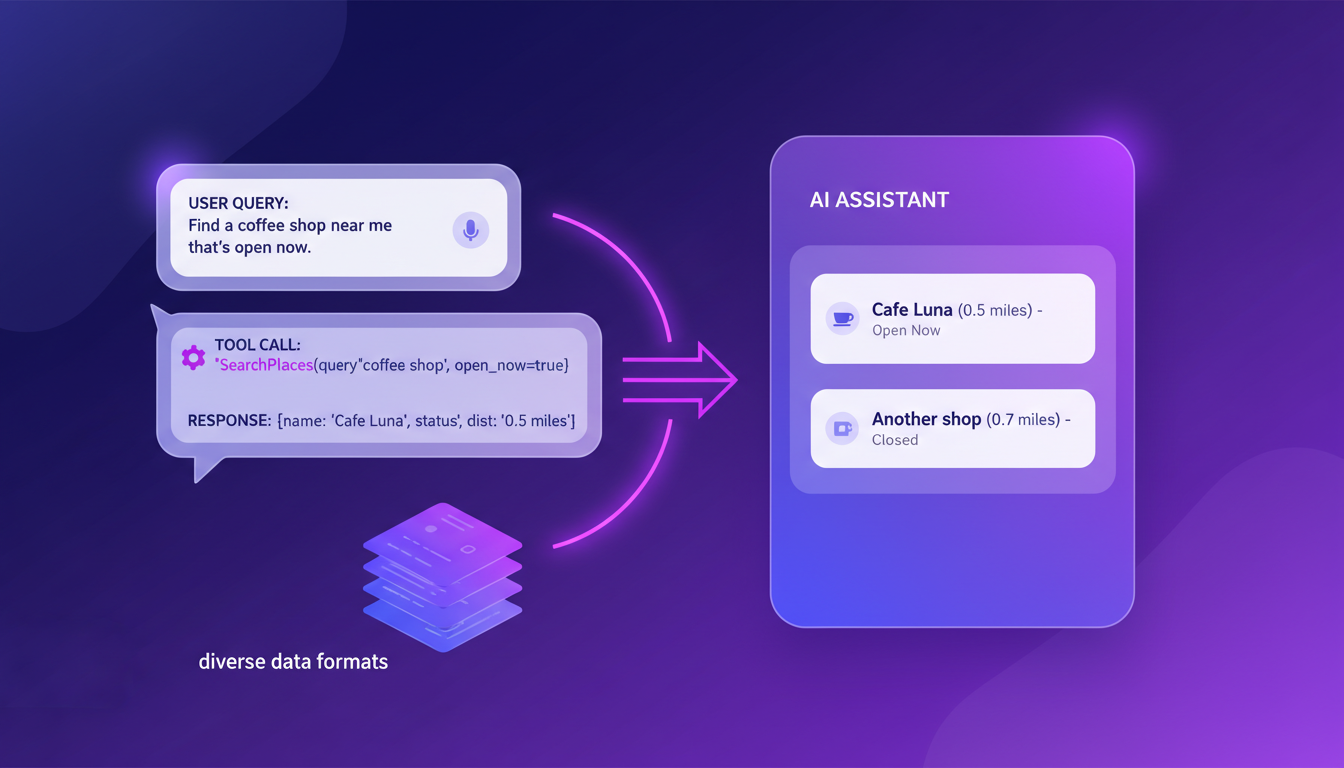
Rendering efficiency directly impacts user satisfaction, so don't forget to optimize your components. I ended up using tool call cards to display details, which really helped structure the information logically and visually.
- Effective rendering of varied message types
- Use of cards to structure tool calls
- Optimization of components for better user experience
By integrating LangChain and React through Langraph, I've set up a dynamic system to stream agent messages. It's truly a game changer: it enhances interaction quality and streamlines tool usage and UI rendering. Here are the key takeaways:
- Seamless Integration: Using Langraph Dev Server, I handle agent communication smoothly.
- Tool Utilization: By integrating specific tools into agents, I achieved targeted functionalities, like accurately displaying a temperature of 10.8°C.
- React Ustream Hook: It boosted real-time agent/UI interaction without slowing down the system.
Looking ahead, I believe this approach will really transform our projects. But be aware of limits, like the version of V used (version 7) to properly manage the application.
I encourage you to try setting this up in your own projects and share your experiences. For deeper understanding, watch the full video: Streaming Typed Agent Messages in LangChain and React. Let's build better systems together!
Frequently Asked Questions

Thibault Le Balier
Co-fondateur & CTO
Coming from the tech startup ecosystem, Thibault has developed expertise in AI solution architecture that he now puts at the service of large companies (Atos, BNP Paribas, beta.gouv). He works on two axes: mastering AI deployments (local LLMs, MCP security) and optimizing inference costs (offloading, compression, token management).
Related Articles
Discover more articles on similar topics
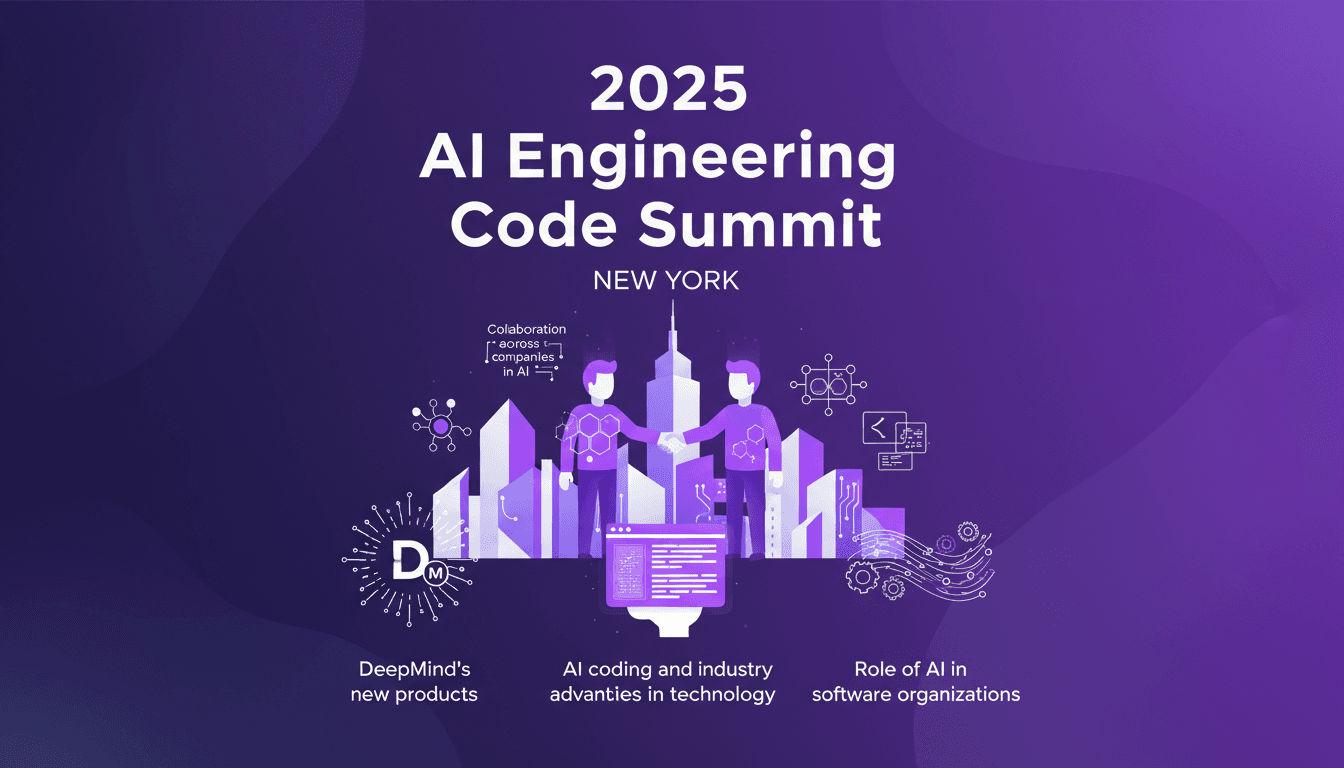
2025 AI Code Summit: Innovations and Insights
I walked into the 2025 AI Engineering Code Summit in New York, and the energy was palpable. This wasn't just another tech event; it was a gathering of the minds shaping the future of AI coding. With AI's role in software organizations expanding, understanding the latest tools and collaborations is crucial. DeepMind stands out with its new releases like Gemini 3 and Nano Banana Pro. These innovations aren't just gadgets; they're transforming how we approach software development. I've experimented with these tools, and I can tell you, they're redefining the way we orchestrate our projects. It's an exciting time for AI, and this summit is the focal point of these disruptions.
Using ChatGPT in Teams: Efficiency and Urgency
I remember the first time I brought ChatGPT into our team meeting. We were scrambling to solve a problem in real-time, and the clock was ticking. That's when ChatGPT stepped in, transforming our approach to communication and decision-making. In this article, I share how I've integrated ChatGPT into our daily operations, especially in collaborative and high-pressure situations. You'll discover how this tool has reshaped our team dynamics and our approach to real-time problem-solving.
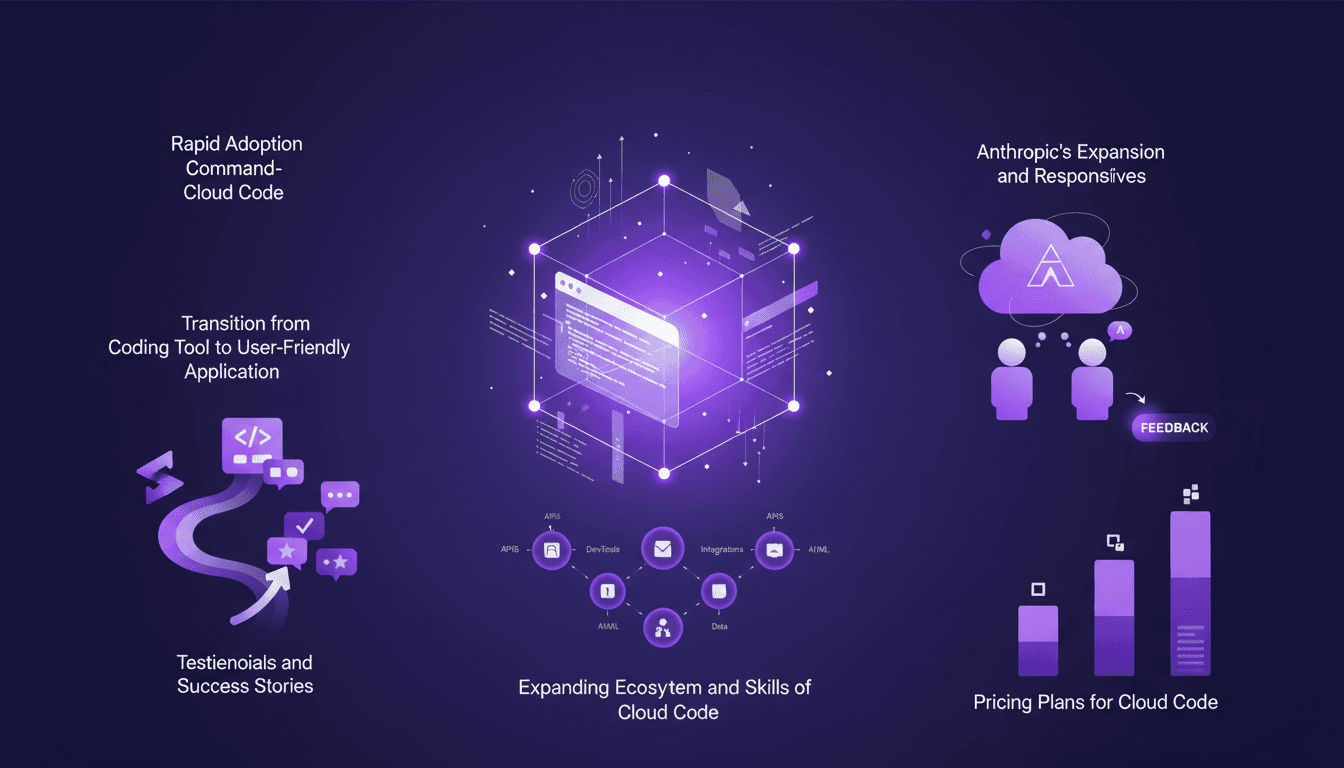
Rapid Adoption of Cloud Code: Why It Changes Everything
I started using Cloud Code back in 2026, and let me tell you, it’s been a game-changer. At first, I was skeptical—another tool promising to revolutionize coding. But then, I saw the command-level interface in action, and things clicked. Cloud Code is quickly becoming the go-to tool for developers. It's not just about writing code; it's about transforming how we approach development. In this article, I'll dive into why so many people are making the switch and how you can harness its power. We’ll cover the rapid adoption of Cloud Code, its unique interface, and how the ecosystem is expanding. Don't miss this if you want to stay ahead of the curve!
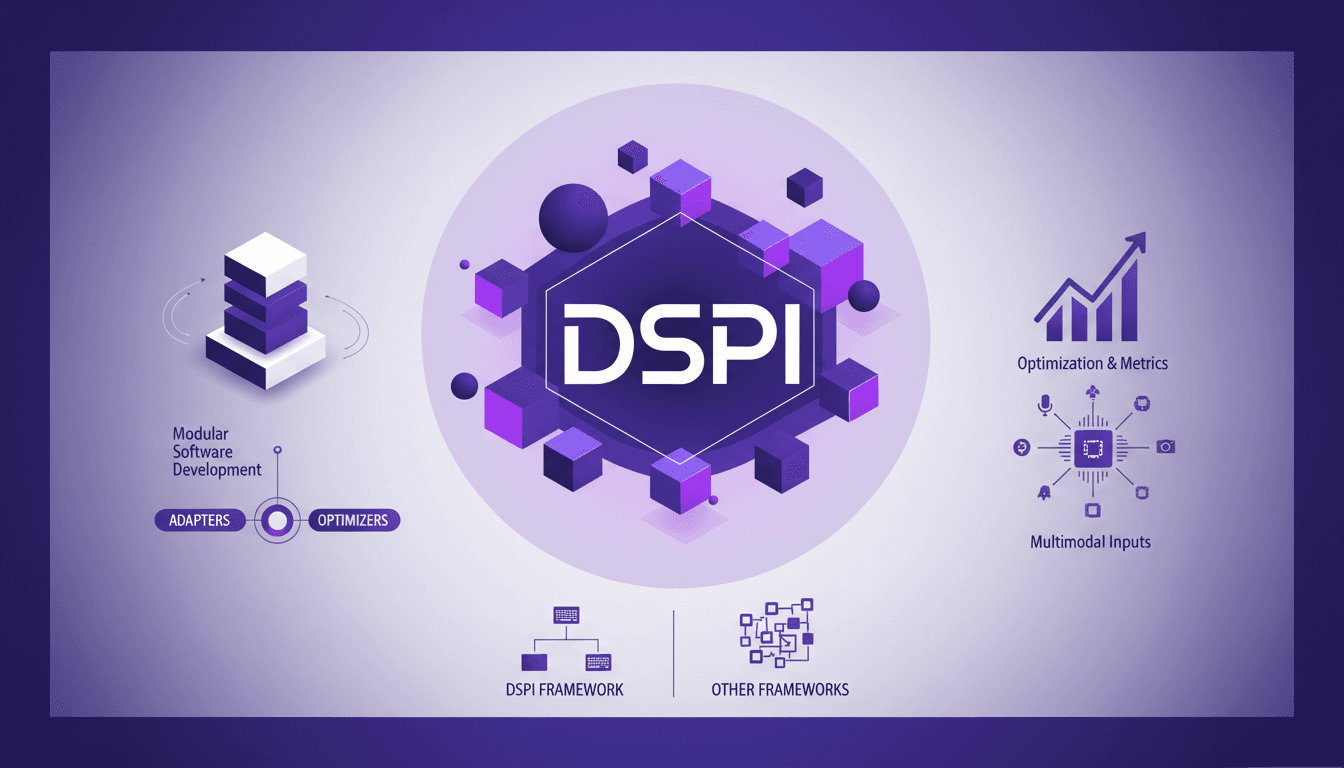
DSPI: Revolutionizing Prompt Engineering
I've been diving deep into DSPI, and let me tell you, it's not just another framework — it's a game changer in how we handle prompt engineering. First, I was skeptical, but seeing its modular approach in action, I realized the potential for efficiency and flexibility. With DSPI, complex tasks are simplified through a declarative framework, which is a significant leap forward. And this modularity? It allows for optimized handling of inputs, whether text or images. Imagine, for a classification task, just three images are enough to achieve precise results. It's this capability to manage multimodal inputs that sets DSPI apart from other frameworks. Whether it's for modular software development or metric optimization, DSPI doesn't just get the job done, it reinvents it.
Optimize Your Prompt Learning Loops
I've spent months refining how my AI agents learn. It's not just about throwing prompts at them and hoping for the best. No, it's about building a robust learning loop that evolves with every iteration. The challenges in AI agent development are many, and optimizing these prompts is where the real work begins. In this video, I share the techniques and solutions I've uncovered, from the crucial role of human feedback to the importance of evaluator quality. It's a journey into the complex world of prompt optimization, and I show you how I cracked the code.