Fastest TTS on CPU: Voice Cloning in 2026
I remember the first time I tried running a text-to-speech model on my consumer-grade CPU. Slow, frustrating, like being stuck in the past. But with the TTH model, everything's changed. Imagine achieving lightning-fast TTS performance on regular hardware, with some astonishing voice cloning thrown in. In this article, I guide you through this 2026 innovation: from technical setup to comparisons with other models, and how you can integrate this into your projects. If you're a developer or just an enthusiast, you're going to want to see this.

I remember the first time I tried running a text-to-speech model on my consumer-grade CPU. It was slow, frustrating, and felt like I was stuck in the past. Then came the TTH model. Suddenly, everything changed. Imagine, in 2026, you can achieve ultra-fast text-to-speech performance even on standard hardware. And that's not all, voice cloning is part of the package too. In this tutorial, I'll show you how to set up this 100-million-parameter model, and you'll see how it outperforms anything I've tested before. We'll compare it with other models, see how it works in real-time on a CPU. And trust me, it's mind-blowing! You'll finally be able to integrate these capabilities into your projects without breaking the bank on hardware. So, ready to transform how you think about TTS?
Getting Started with TTH Model Text-to-Speech
When I first encountered the TTH text-to-speech (TTS) model running on a consumer-grade CPU, I knew something special was at play. This 100 million parameter model, offered by QTI, is a real game changer for those of us without access to a GPU. The initial setup is quite straightforward, but watch out for common pitfalls that can slow you down.
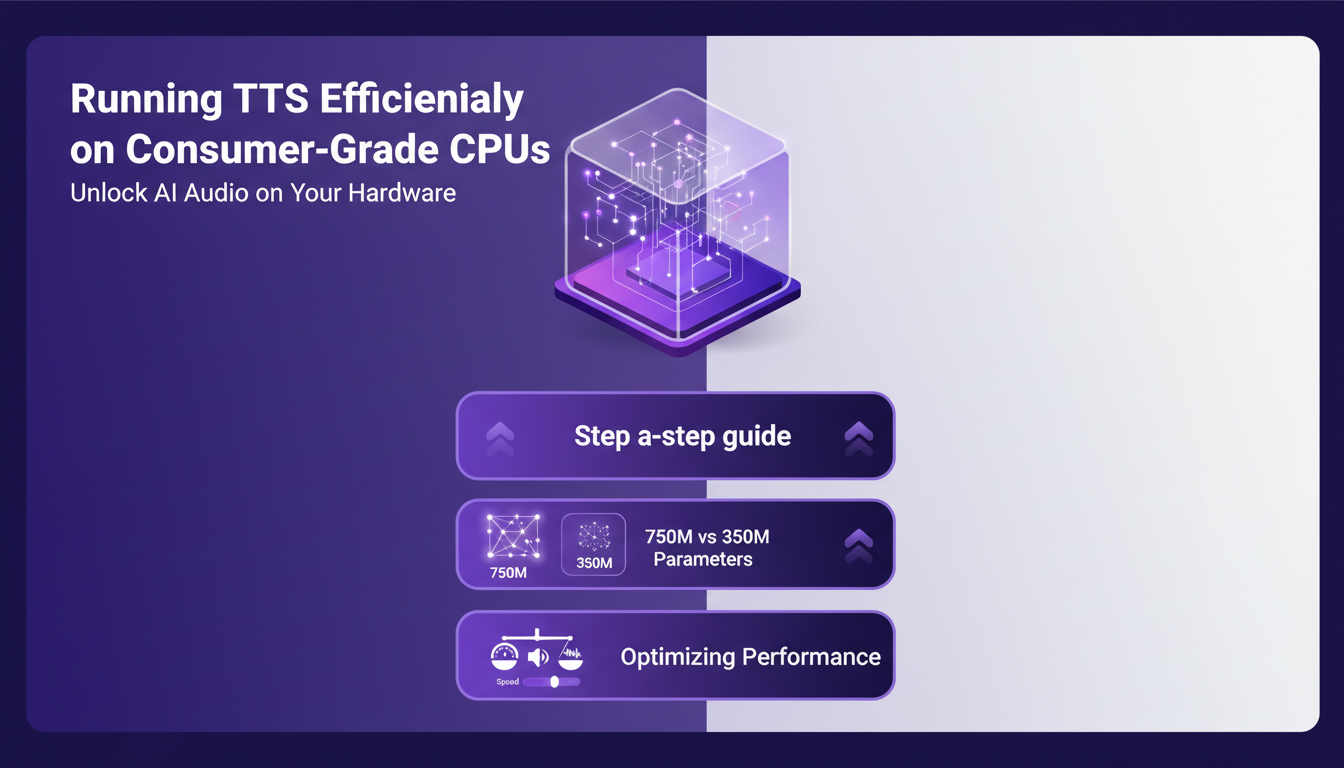
To get started, ensure you have a CPU like an Intel Core ultra 7 or an Apple M3. You'll need access rights to the Hugging Face API, but once that’s sorted, the model is ready to go. The first time I ran the model, I was impressed by its speed and accuracy. However, be cautious not to overload your CPU, especially if you're running other resource-intensive applications.
"This model is extremely fast and can do the heavy lifting without needing a GPU."
Running TTS Efficiently on Consumer-Grade CPUs
To run TTH on consumer hardware, follow these steps. First, download and install Pocket TTS using pip or uvicorn. Personally, I prefer uvicorn for its speed. Then, load the TTS model from Pocket TTS. Where it gets tricky is initializing the voice state. Make sure to condition the model on a voice, or you'll encounter errors.
I compared this model to others, including 750 million parameter models, and TTH clearly stands out for its efficiency on CPU. In real-world tests, I processed 43-second and 44-second clips almost instantly. However, what you gain in speed, you might lose in vocal nuances. It's crucial to find the right balance between speed and sound quality.
- Install Pocket TTS with uvicorn for faster performance
- Condition the model on a voice to avoid errors
- Balance speed and sound quality
Accessing and Using Pocket TTS
Accessing Pocket TTS is easy and can be integrated into your workflow quickly. Whether through the command-line interface (CLI) or serve mode, there are plenty of options. Using Pocket TTS for quick deployment is a real advantage, especially if you need an immediate TTS solution on your local machine.
The technical setup is straightforward, but watch out for potential challenges. For instance, ensure your pip installation is up to date to avoid incompatibilities. In my experience, Pocket TTS excels in practical use cases like reading podcasts or creating audiobooks.
- Easy integration via CLI or serve mode
- Quick deployment for immediate TTS solutions
- Check that pip is up to date to avoid incompatibilities
Exploring Voice Cloning Capabilities
Voice cloning is one of the most fascinating aspects of the TTH model. With its 100 million parameters, it supports voice cloning on CPU, which is a technical feat. To set up voice cloning, start by selecting a base voice for the model to condition on.
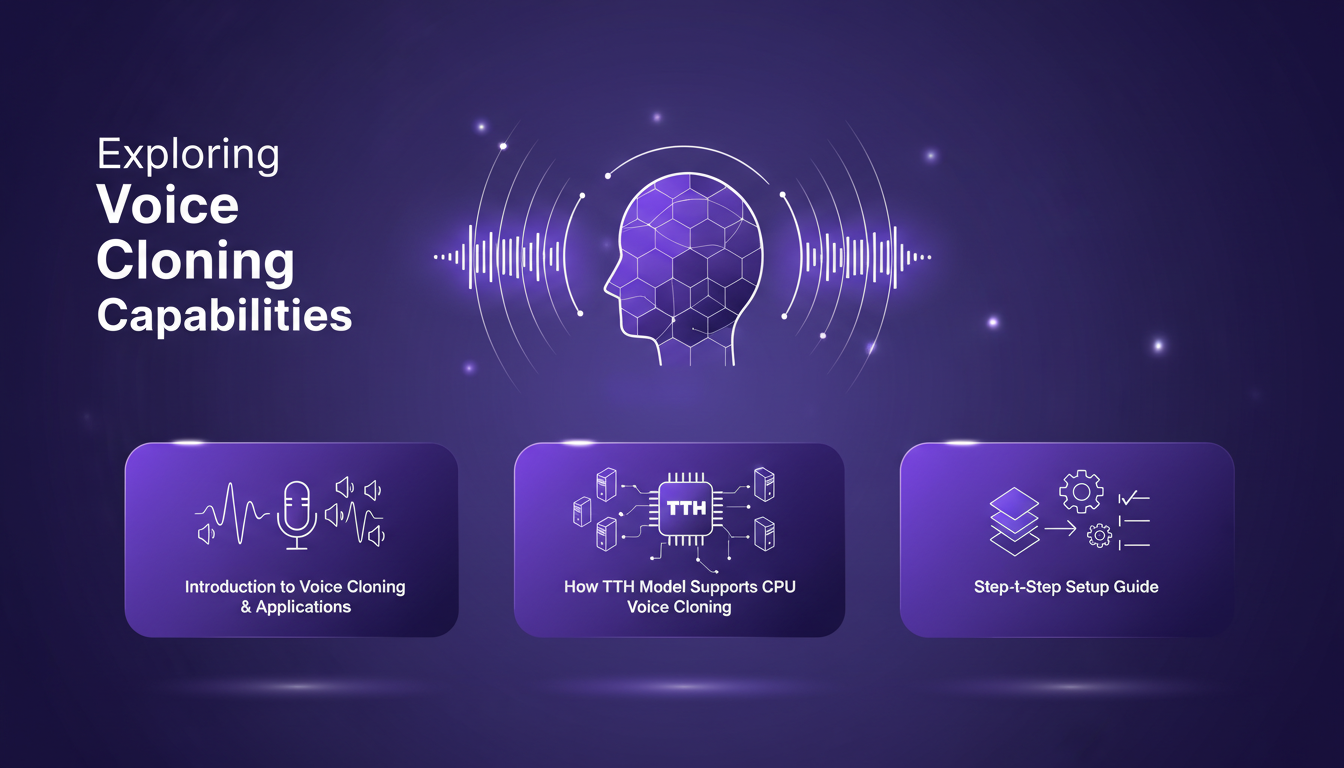
Real-time performance is impressive, but there are limits. If you prioritize quality, you might need to sacrifice speed. Personally, I found that setting up a high-quality voice requires meticulous tweaking of the model's parameters.
- Select a base voice for conditioning
- Adjust parameters for optimal quality
- Trade-off between quality and speed
Technical Setup and Real-Time Performance
The technical setup of the TTH model is a crucial step to optimize real-time performance. To achieve a low word error rate (WER), I had to fine-tune certain settings, particularly by adjusting voice quality parameters based on the CPU used.
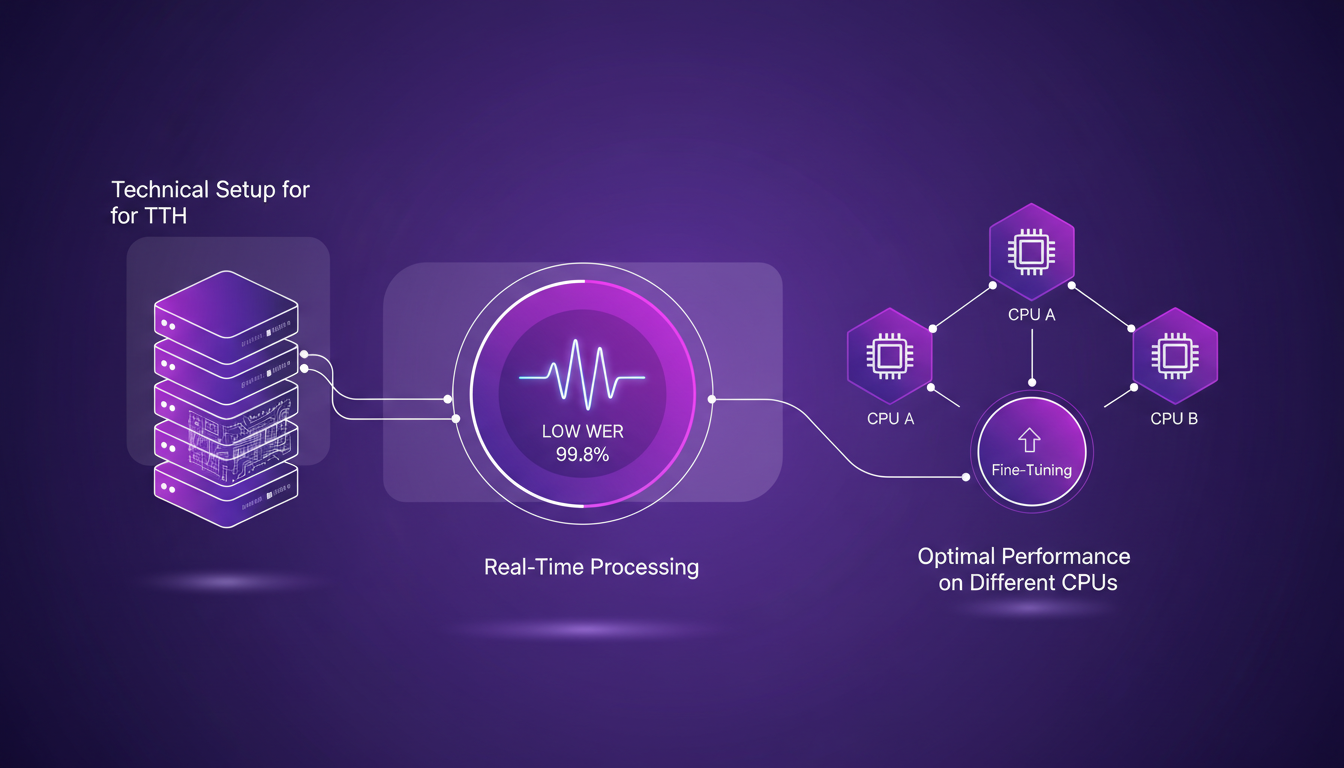
Common errors include software version conflicts and voice state configuration errors. Fortunately, QTI's technical documentation is detailed and helps with quick problem resolution. On the cost side, TTH's performance compared to other solutions is a major advantage, especially if you're on a tight budget.
- Optimize parameters to reduce word error rate
- Resolve software version conflicts
- Detailed documentation for quick problem resolution
- Balance performance with budget
For those seeking a high-performance TTS solution on their personal computer, the TTH model is a top choice. With its ability to run in real-time on a CPU, it opens new possibilities for developers and content creators. But as always in technology, keep in mind the trade-offs between speed, quality, and cost.
With the TTH model, I found that running text-to-speech on consumer-grade CPUs isn't just possible—it's both efficient and practical. First, the 100 million parameter model provides a comprehensive solution, from quick setups to voice cloning. Then, the processing times are impressive: 43 seconds for a 43-second clip, and 44 seconds for a 44-second clip. When compared to other models, TTH really stands out in terms of efficiency on hardware we all already have. But watch out, voice cloning might need a bit more tweaking to hit optimal quality.
Looking forward, I see the potential for the TTH model to transform our TTS experience daily. Ready to revolutionize your text-to-speech use? Dive into the TTH model and see the difference on your own hardware. For deeper insights, I suggest watching the original video. It offers valuable perspectives you won't want to miss.
Frequently Asked Questions

Thibault Le Balier
Co-fondateur & CTO
Coming from the tech startup ecosystem, Thibault has developed expertise in AI solution architecture that he now puts at the service of large companies (Atos, BNP Paribas, beta.gouv). He works on two axes: mastering AI deployments (local LLMs, MCP security) and optimizing inference costs (offloading, compression, token management).
Related Articles
Discover more articles on similar topics
DSPI: Revolutionizing Prompt Engineering
I've been diving deep into DSPI, and let me tell you, it's not just another framework — it's a game changer in how we handle prompt engineering. First, I was skeptical, but seeing its modular approach in action, I realized the potential for efficiency and flexibility. With DSPI, complex tasks are simplified through a declarative framework, which is a significant leap forward. And this modularity? It allows for optimized handling of inputs, whether text or images. Imagine, for a classification task, just three images are enough to achieve precise results. It's this capability to manage multimodal inputs that sets DSPI apart from other frameworks. Whether it's for modular software development or metric optimization, DSPI doesn't just get the job done, it reinvents it.
Mastering Claude Agent SDK: Practical Guide
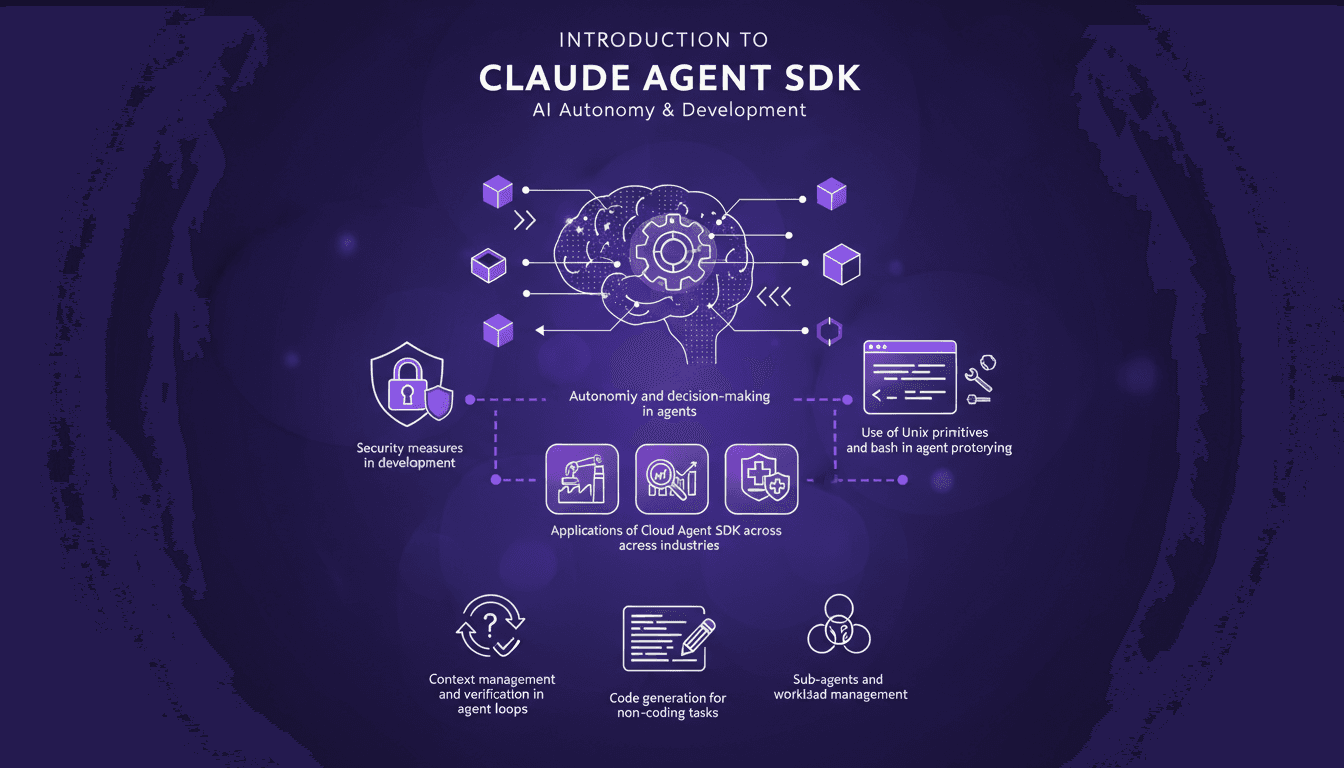
Ever tried orchestrating a team of sub-agents with Unix commands and felt like you were herding cats? I’ve been there. With Claude Agent SDK, I finally found a way to streamline decision-making and boost efficiency. Let me walk you through how I set this up and the pitfalls to avoid. Claude Agent SDK promises autonomy and decision-making power for agents across industries, but only if you navigate its complexities correctly. I connect my agents, manage their workload, and secure it all with Unix primitives and bash. But watch out, there are limits you'll need to watch. Ready to dive into the details?

Robotics and Physical AI: Revolutionizing the Field
I've been building robots for years, but integrating Physical AI has been a game changer. It's not just about making them smarter; it's about giving them a sense of the physical world. Imagine a robot that perceives heat and reacts accordingly. That's exactly what I've managed to orchestrate in my projects. Join me as I walk you through this journey where Physical AI is redefining how we design robots, making them truly interactive with their surroundings.
CES 2026's Coolest Tech: My Hands-On Experience
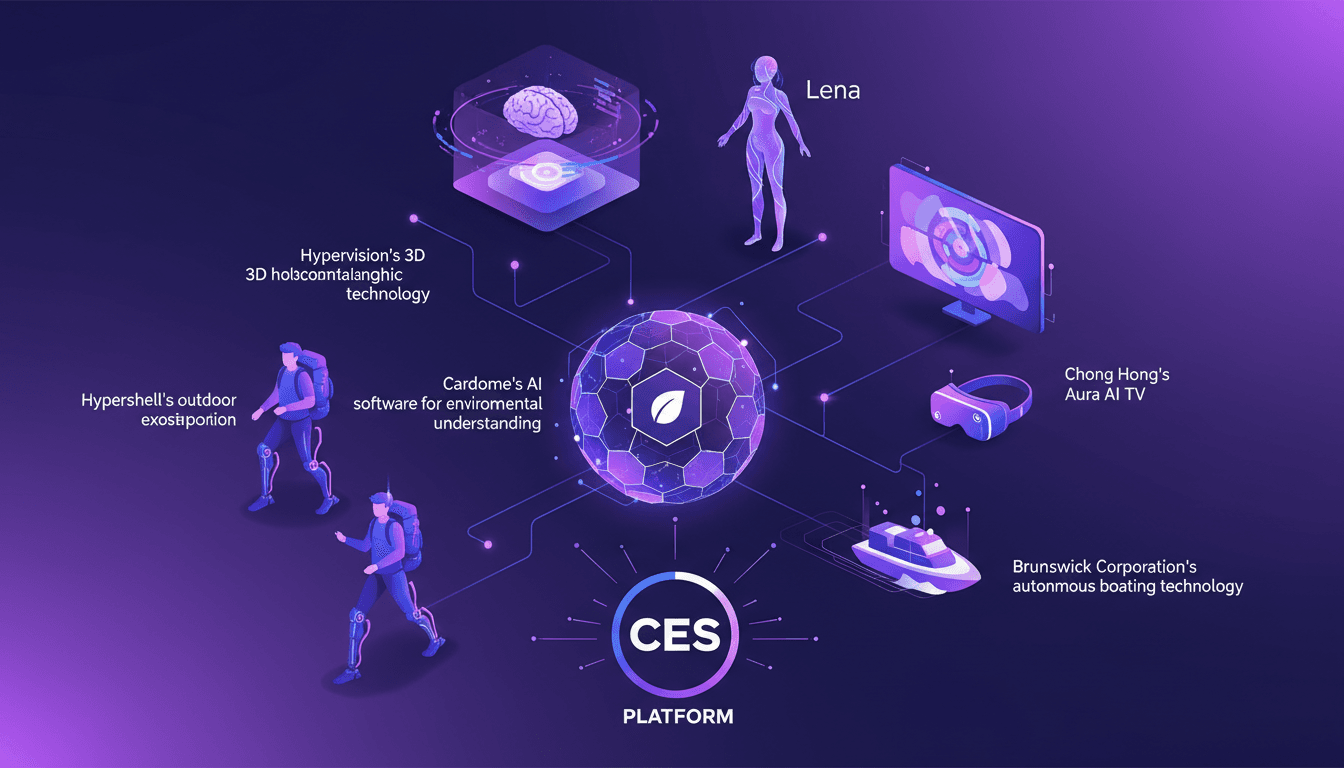
I walked into CES 2026 expecting the usual tech fanfare, but what I encountered was a display of innovations ready to redefine our daily lives. Cardome's AI software for environmental understanding, Hypervision's 3D holographic technology with AI assistant Lena—this isn't science fiction. Chong Hong immerses us in a new dimension with its Aura AI TV and VR experiences, while Hypershell introduces an outdoor exoskeleton for adventure. And let's not forget Brunswick Corporation, taking autonomous boating to a whole new level. CES is the stage where these technologies aren't just concepts but disruptions ready to make their mark.
Digitalization at Caterpillar: Revolutionizing the Jobsite
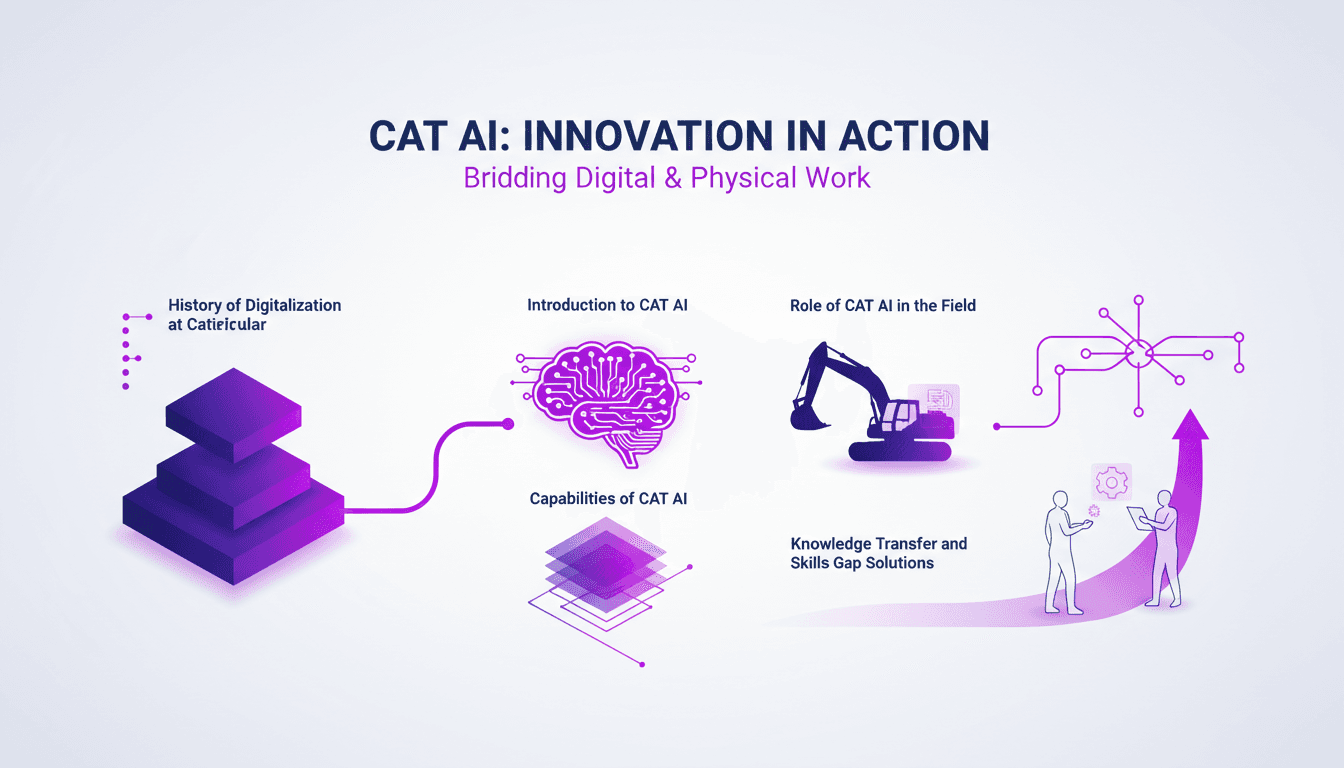
I've been on the jobsite long enough to see the shifts that digitalization brings. When Caterpillar started integrating AI, I was skeptical. But after witnessing CAT AI in action, it’s clear how it bridges knowledge and execution. This revolution isn't just about new tech; it reshapes how we work. Let’s dive into the history of digitalization at Caterpillar, explore CAT AI, its capabilities, and its role in the field. Most importantly, we'll see how it merges digital and physical work environments and tackles the challenges of knowledge transfer and skills gaps.