Mastering Claude Code: Basics and Beyond
I remember the first time I dived into Claude Code. It was like opening a toolbox I didn't know I needed. Claude Code isn't just a coding tool; it's a powerhouse for both coding and non-coding tasks. Whether you're customizing with skills or optimizing context windows, this 47-minute guide walks you through practical steps and strategies. From context management to advanced features like hooks and plugins, we cover it all. This is an intermediate to advanced level dive, so get ready to transform your workflow drastically!
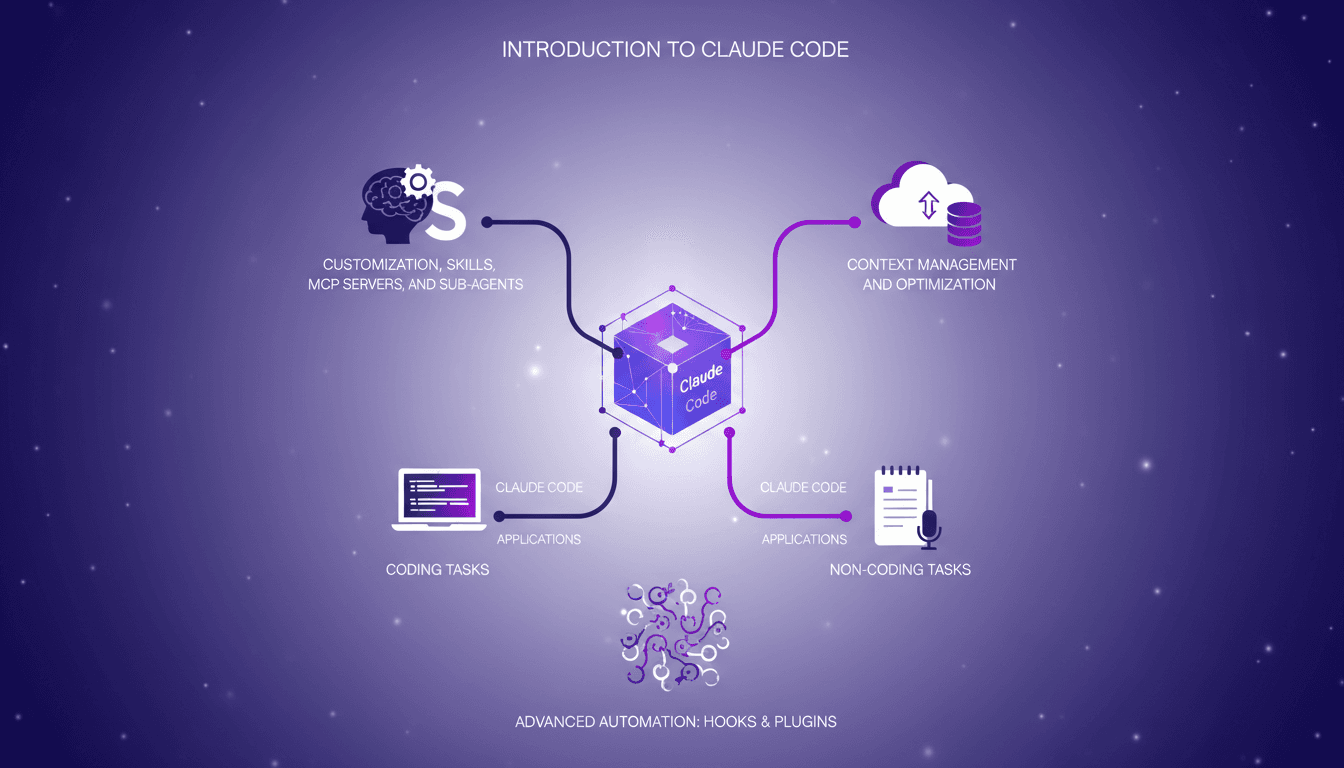
I remember the first time I dived into Claude Code. It was like opening a toolbox I didn't know I needed. Picture a tool that not only enhances your coding capabilities but also boosts your productivity on non-coding tasks. In this video, I'll show you how Claude Code can become your indispensable ally. We start with the basics and move into advanced features like hooks and plugins to automate your processes. I connect MCP servers, orchestrate context management, and tweak with sub-agents for more in-depth research (three, to be precise). But watch out for context window management, with 10% dedicated to system prompts and tools. In 47 minutes, we're going to transform your approach, so ready to optimize your workflow?
Understanding Claude Code Basics
Before diving into the complexities of Claude Code, it's crucial to get familiar with its interface and capabilities. The first thing I do is open my terminal and launch Claude. The interface is intuitive, but beware, it can be confusing for those who have never worked in command line before. It's like driving a manual car after years of automatic. Once past this step, I discover the context window, a crucial element. It determines how much information Claude can process at once, and believe me, managing it efficiently changes everything.
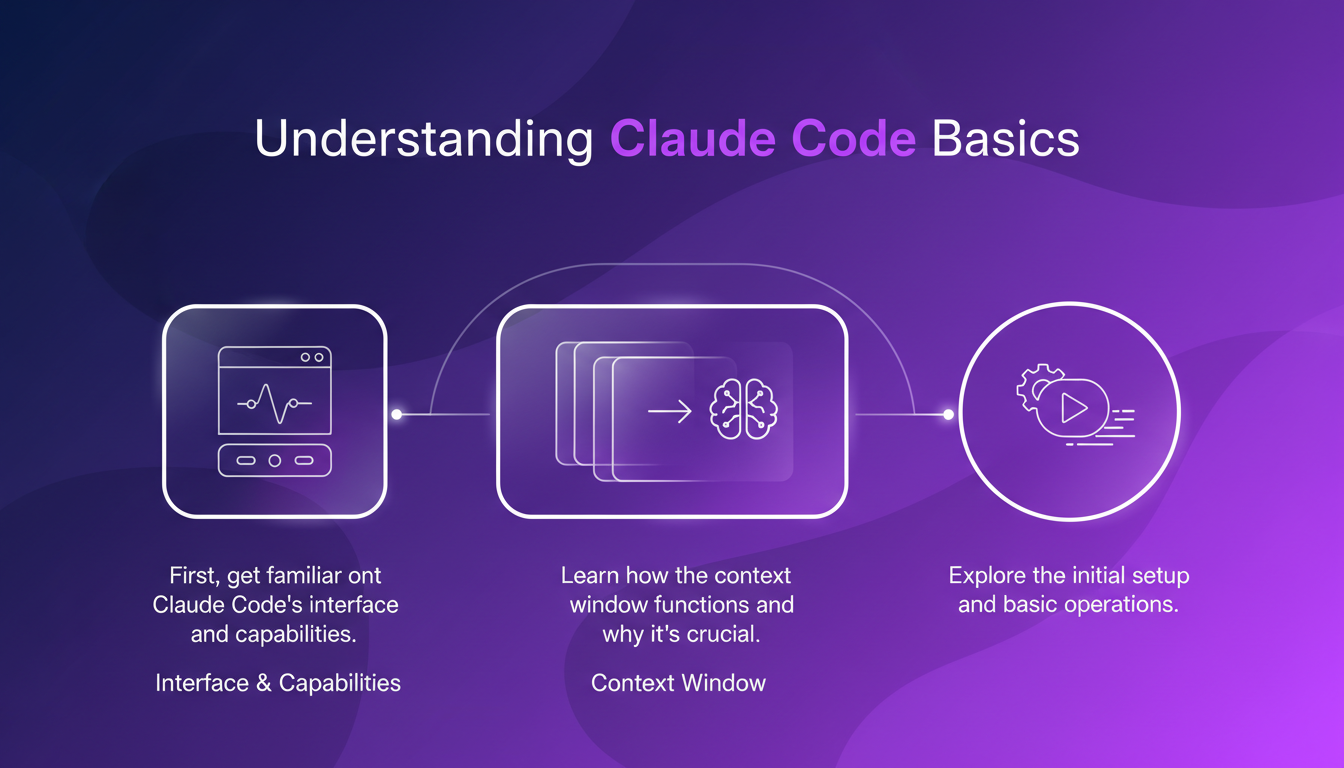
One of the initial steps is to understand that 10% of this window is occupied by system prompts and essential tools. It's a small price to pay for effective management of the rest. The importance of these system prompts cannot be overstated, as they guide Claude in its tasks.
Customizing with Skills, MCP Servers, and Sub-agents
Next, I set up my MCP servers to manage multiple tasks efficiently. This is where Claude Code really shines. You can customize skills to meet your specific needs. For example, I've set up three different sub-agents for varied research purposes. It's like having three personal assistants, each specialized in a particular field. But watch out for over-customization, as it can lead to performance issues. This is a lesson I learned the hard way.
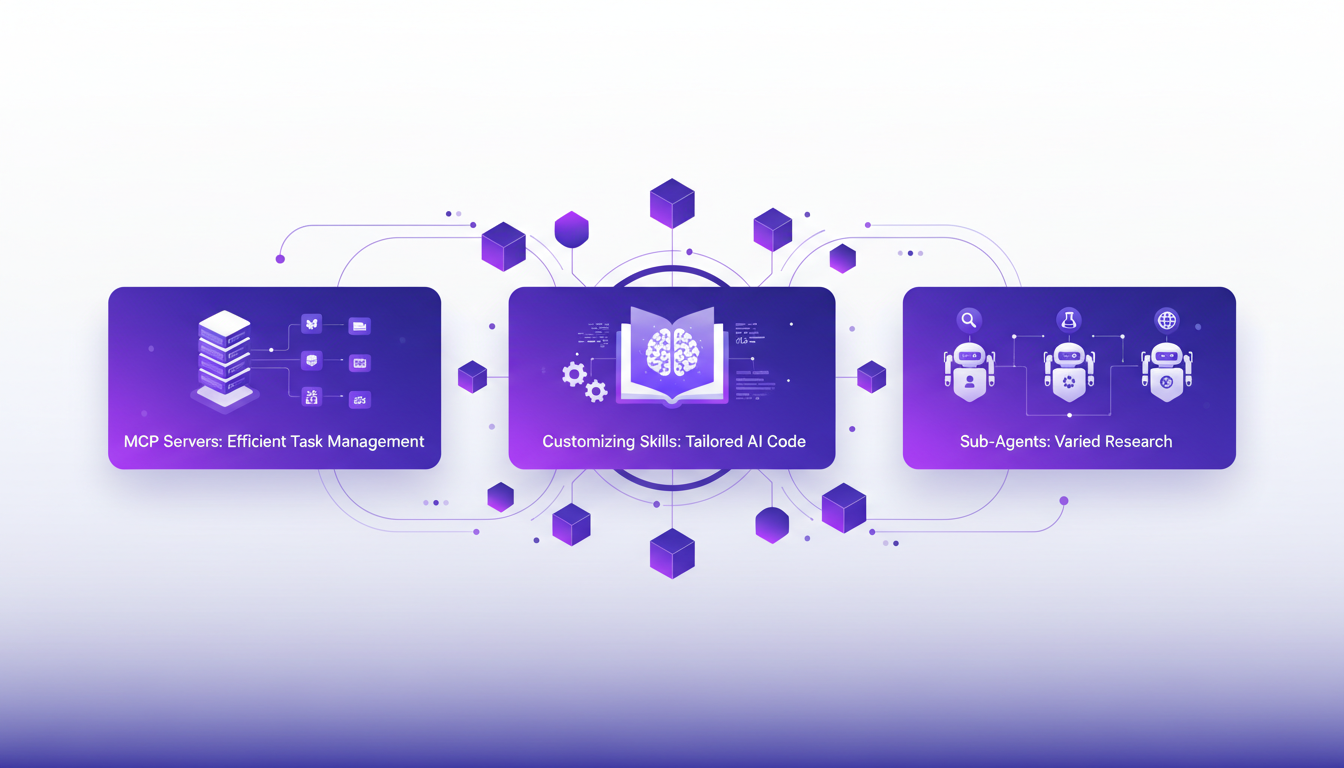
The key is finding the right balance between customization and performance. MCP servers allow me to orchestrate my tasks without overloading Claude. It's a bit like juggling multiple balls; it takes practice but the result is worth it.
Optimizing Context Management
Managing the context window is key to maximizing efficiency. I allocate 10% of the window to system prompts and essential tools, with the rest dedicated to ongoing tasks. This strategy has allowed me to maintain optimal performance even with heavy workloads. A common pitfall is filling the context window with too much unnecessary information, which can lead to performance degradation.
To avoid this, I recommend using "plan mode" and tagging specific essential files. This helps keep the context window clean and efficient. Another tip is to regularly purge and compact your context to prevent slowdowns.
Using Claude Code Beyond Coding
Claude Code isn't just a coding tool; I use it for non-coding tasks like automation and data analysis. It's flexible and adapts to various business scenarios. For example, I've integrated Claude Code with other tools to enhance its capabilities. It's like having a Swiss army knife in your technology toolbox.
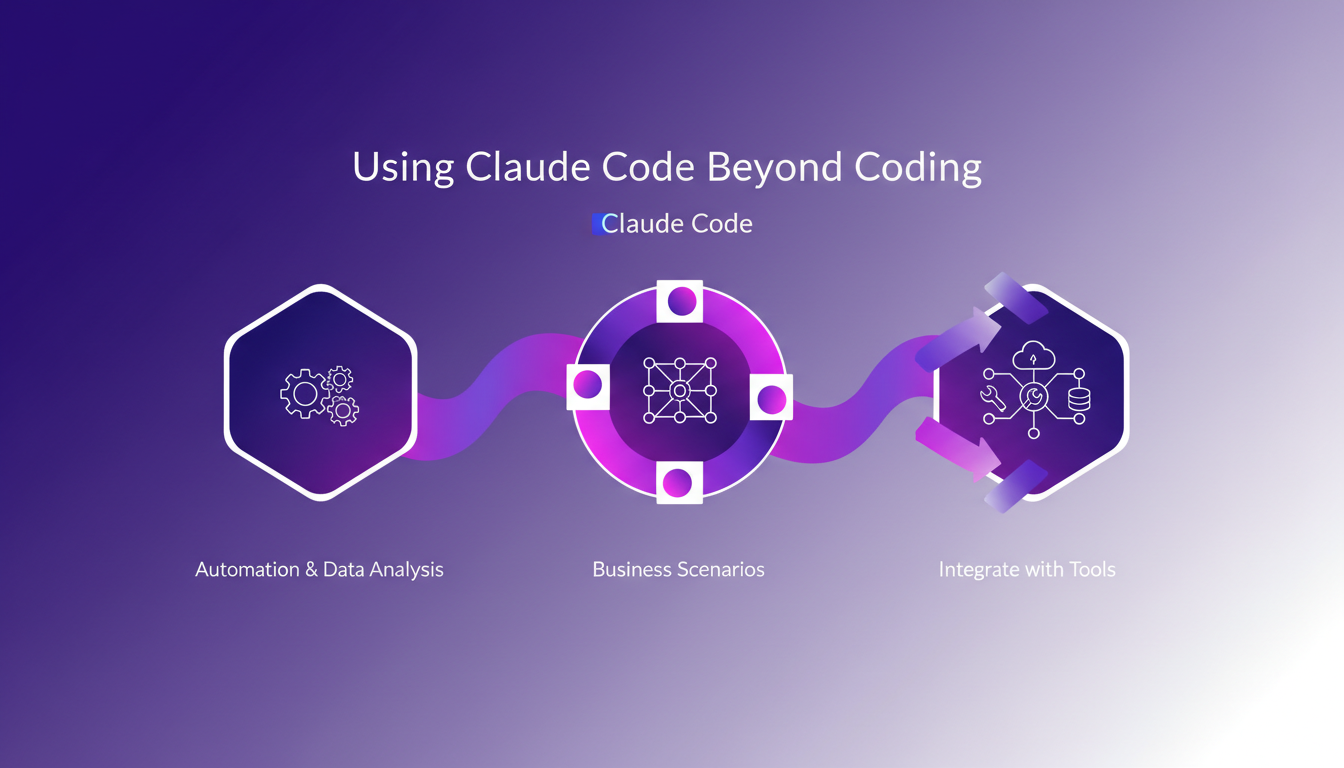
But watch out, there are limits. Claude Code might not perform as well for some non-coding tasks. It's crucial to understand where its strengths lie and where it's better to use other solutions.
Leveraging Advanced Features: Hooks and Plugins
Finally, hooks and plugins are powerful tools for automating repetitive tasks. I set up hooks to trigger actions based on specific events. It's like having automated reflexes that respond on your behalf. Plugins, on the other hand, can extend functionalities, but beware of compatibility issues. I learned the hard way that too many plugins can slow down the system.
The trick is finding the right balance between using advanced features and system performance. Sometimes less is more, and it's better to focus on the essential tools that truly meet your needs.
- Context Window: Allocate 10% to essential tools
- Customization: Use MCP servers and sub-agents moderately
- Context Management: Use "plan mode" and tag essential files
- Non-coding Tasks: Integrate Claude Code with other tools
- Advanced Features: Balance use of hooks and plugins
Claude Code has really changed how I approach my workflow. First, the customization is a real game changer: I set up my skills and MCP servers to orchestrate my projects exactly the way I want. Watch out, though, context management is key — you can't exceed 10% of the context window with system prompts and tools, or you'll lose efficiency. Then, the versatility is fantastic. Whether it's for coding or non-coding tasks, Claude Code integrates seamlessly into my workflow. But remember, understanding its limits is crucial to harness its full potential.
Ready to transform your workflow with Claude Code? Dive in and start experimenting yourself. Watching the video "Claude Code Explained in 47 Minutes" on YouTube (https://www.youtube.com/watch?v=wtOnAZUdP0A) will give you deeper insights and practical ideas. Don't stay on the surface, explore, and see how Claude Code can change your projects.
Frequently Asked Questions

Thibault Le Balier
Co-fondateur & CTO
Coming from the tech startup ecosystem, Thibault has developed expertise in AI solution architecture that he now puts at the service of large companies (Atos, BNP Paribas, beta.gouv). He works on two axes: mastering AI deployments (local LLMs, MCP security) and optimizing inference costs (offloading, compression, token management).
Related Articles
Discover more articles on similar topics
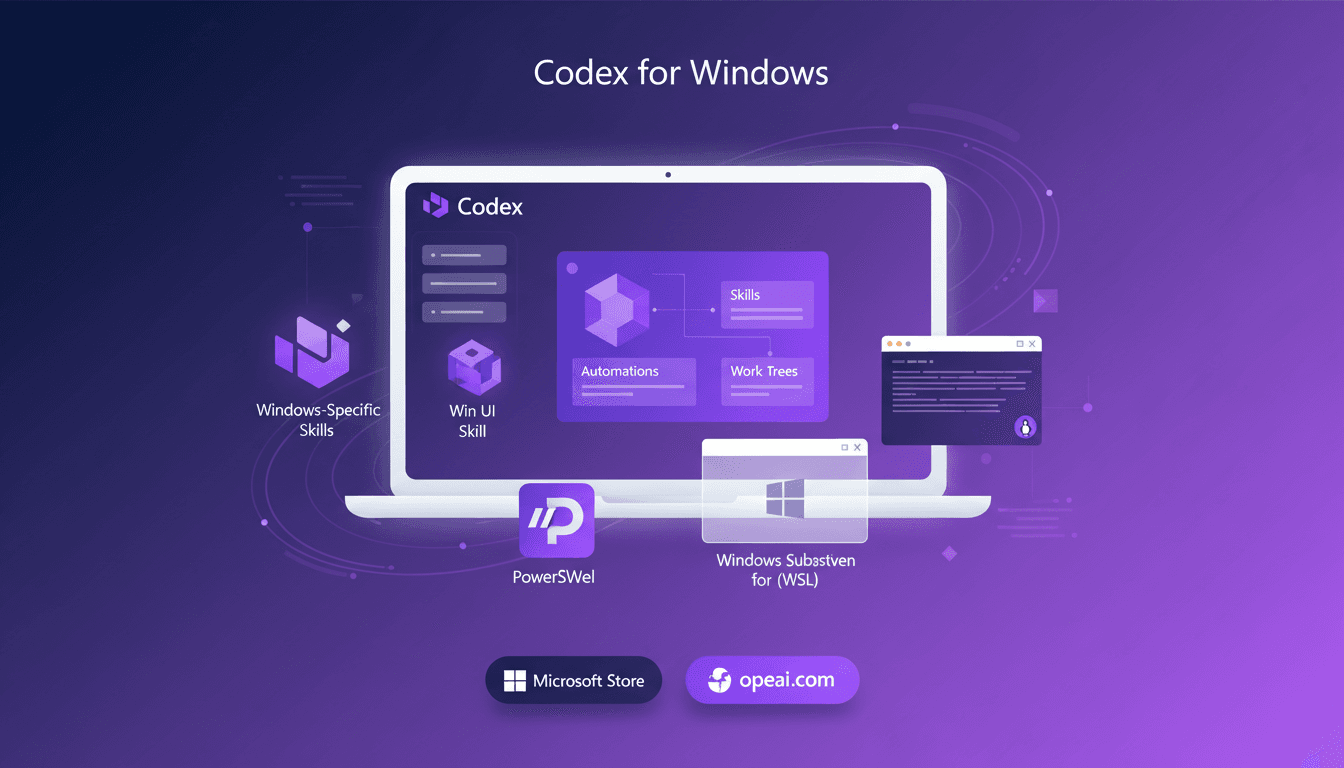
Codex on Windows: Master PowerShell
When I heard Codex was coming to Windows, my first move was to dive into its native operation with PowerShell and the Windows sandbox. Picture this: skills, automations, and work trees directly integrated into your system. It's a real game changer for us Windows users looking to streamline workflows. I'll walk you through setting it up, leveraging its full potential, and why it's a must-have tool for anyone wanting to master PowerShell and the Windows sandbox. Download it via the Microsoft Store or openai.com and let's get to work.
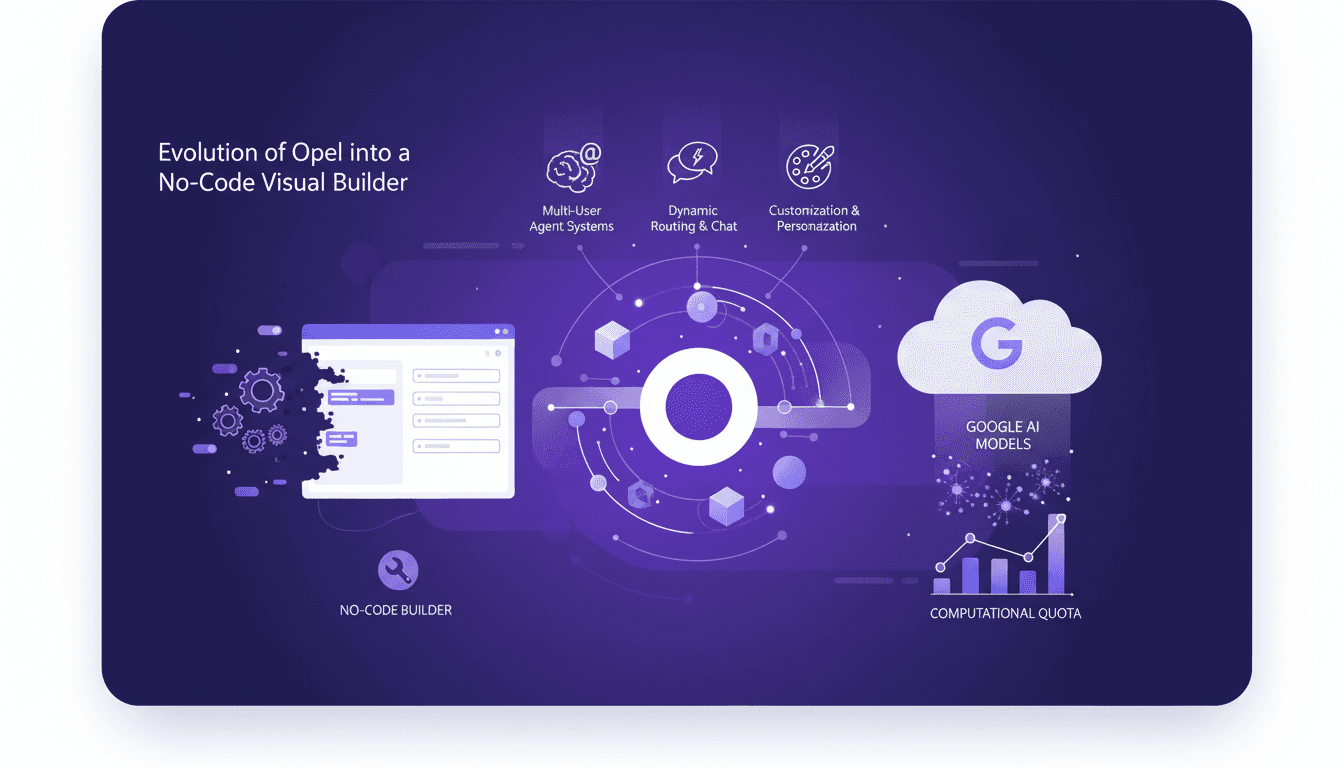
Opel's New Features: Generative AI in Action
I remember when I first started with Opel, it was a game changer for building no-code solutions. Now, with Google's latest upgrades, we're talking about a whole new level of efficiency and power. Let me walk you through how I leverage these tools in my daily workflow. Opel has evolved from a simple tool into a robust no-code visual builder, thanks to Google's integration of generative AI models. This article dives into the new features, customization options, and practical applications. Between dynamic routing, interactive chats, and multi-user systems, Google is really pushing the limits. But watch out for those quotas, they can quickly become a headache.
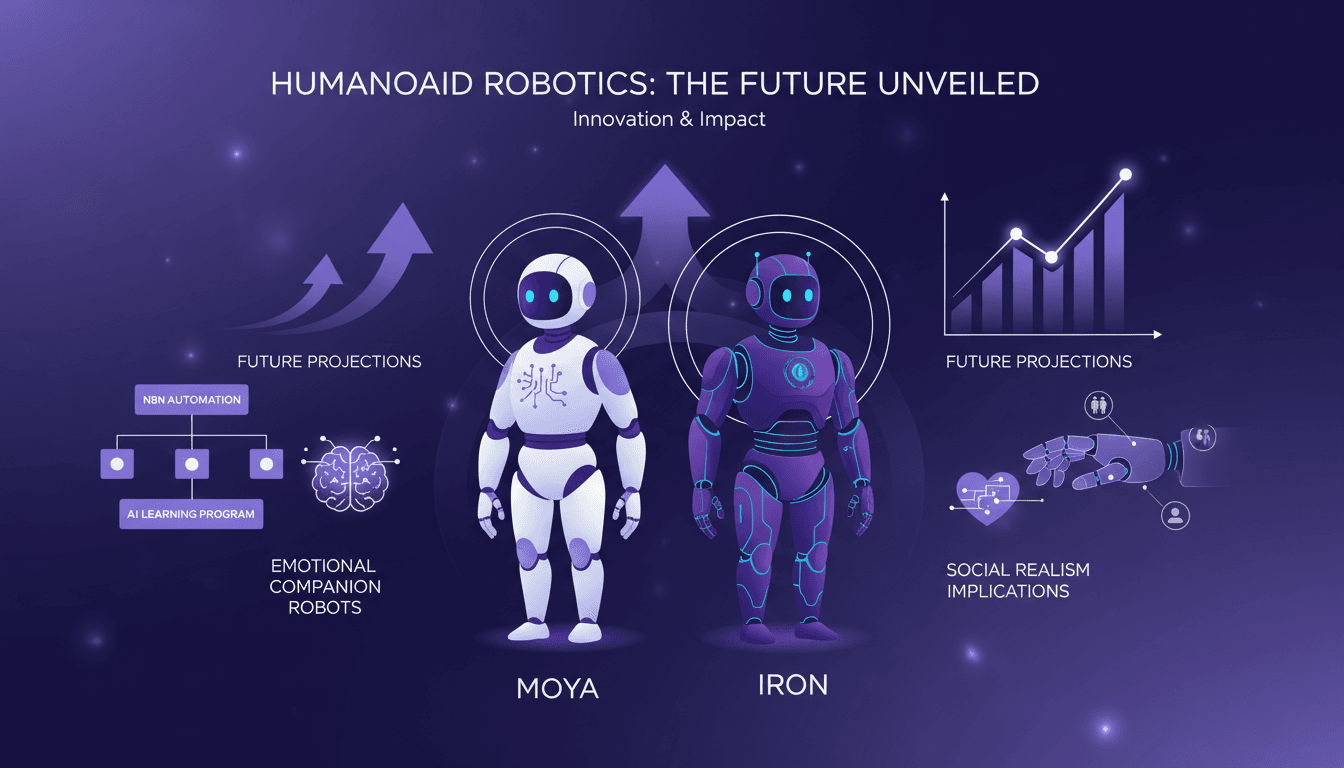
Humanoid Robots: Moya and Iron, Challenges Ahead
I shook Moya's hand, and the warmth was uncanny. It's not just about replicating human features; it's about pushing the boundaries of robotics. With the humanoid robotics market projected to grow rapidly, understanding the tech advancements and market dynamics is crucial. I dive into how humanoid robots like Moya and Iron are reshaping the field. From robot design to AI integration, and automation using N8N, these robots are redefining our relationship with technology. Watch out, Moya's skin reaches 36°C, eerily similar to a human's. Ready to dive into this fascinating world?
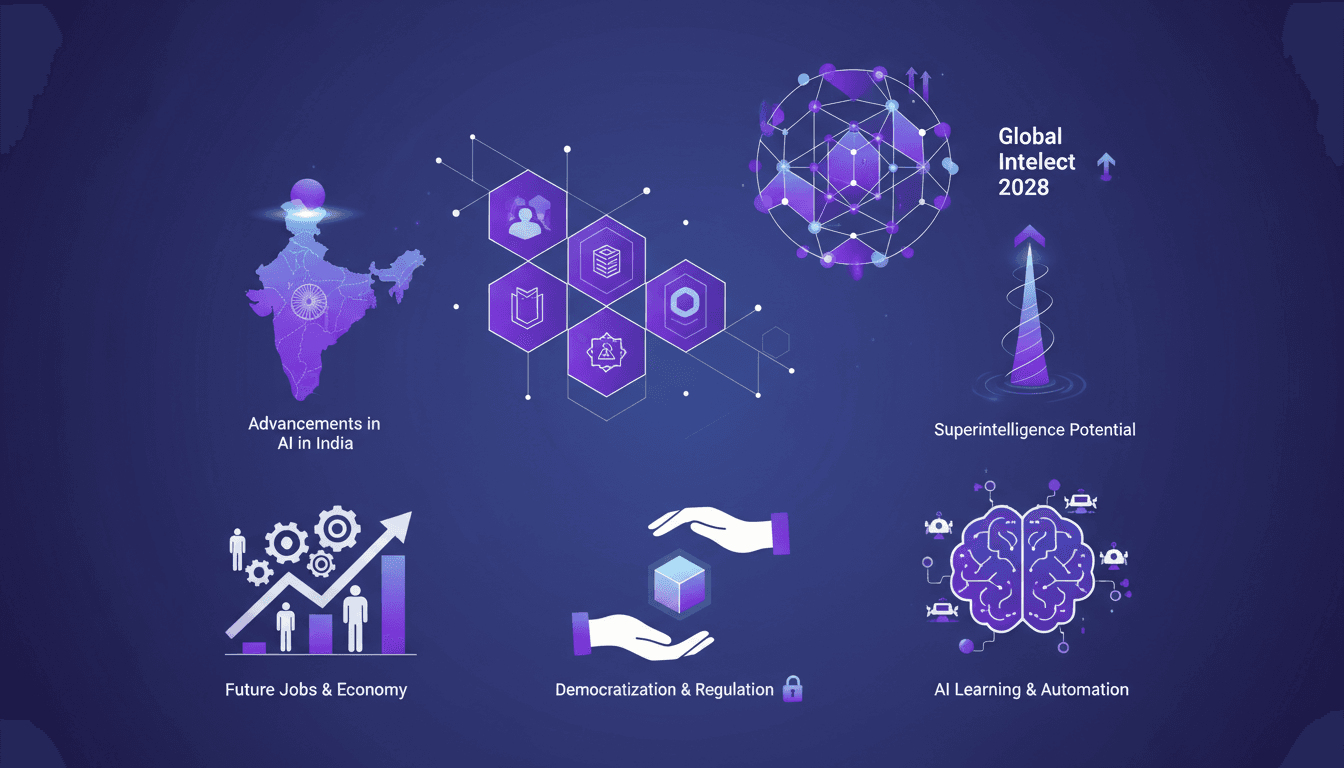
AI in India: Revolution and Global Impact
I've been in the AI trenches for years, and let me tell you, what's happening in India is nothing short of revolutionary. With over 100 million people using Chat GPT weekly, and a third of them being students, we're tapping into something profound. This isn't just about technology; it's about transforming economies and societies. By 2028, a significant portion of the world's intellectual capacity might be locked in data centers. Imagine super intelligence on the horizon. India is at the forefront, and the economic and social impact will be colossal. Let's discuss learning programs, automation, democratization, and regulation of AI.
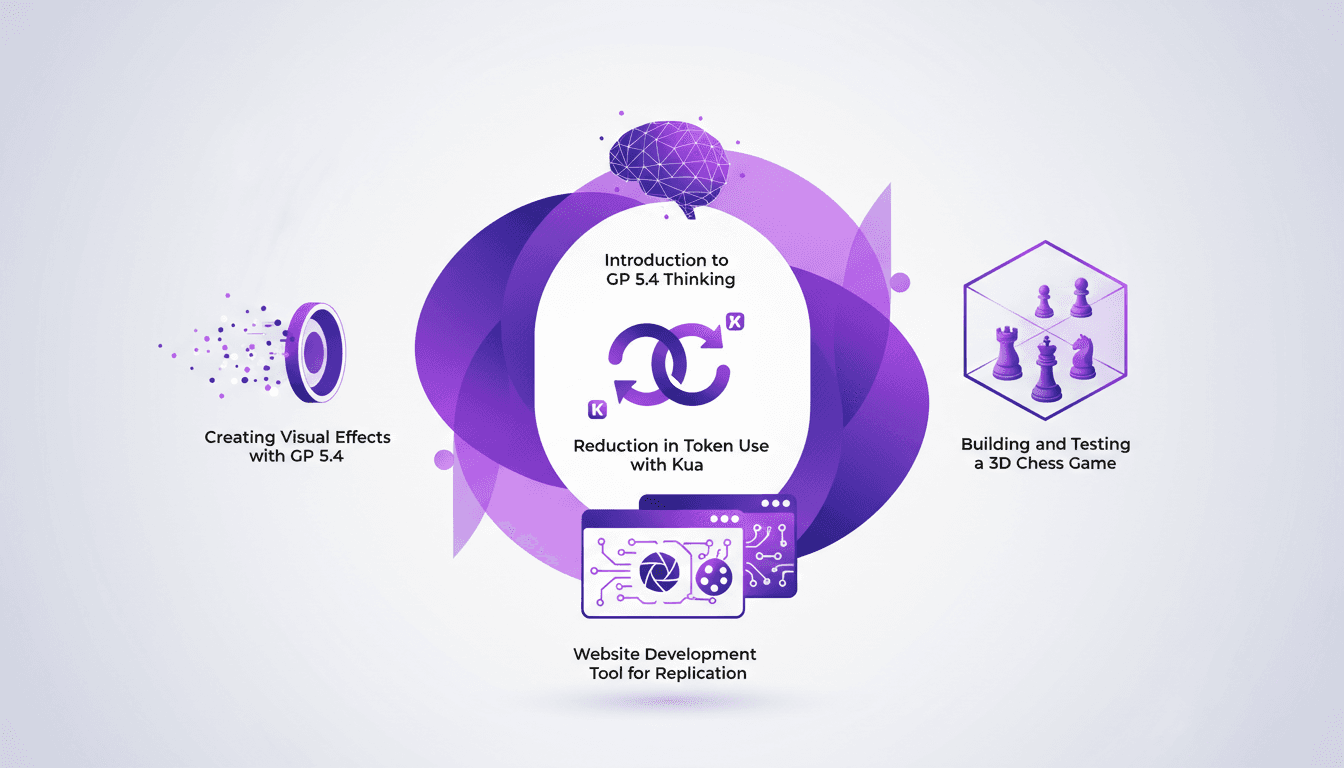
Using GP 5.4: Token Reduction, UI Mastery
I dove headfirst into GP 5.4 thinking, and let me tell you, it's like handing the keys of a Ferrari to your frontend UI. First thing I noticed? Token usage plummeted thanks to Kua. But there's more. GP 5.4 isn't just another upgrade; it's a game-changer for UI design and web development. From building a 3D chess game to crafting stunning visual effects, this tool is a powerhouse. We'll break down how to leverage it efficiently. From token reduction with Kua to using the Image Genen tool for web design, I'll walk you through what GP 5.4 can achieve.