Codex on Windows: Master PowerShell
When I heard Codex was coming to Windows, my first move was to dive into its native operation with PowerShell and the Windows sandbox. Picture this: skills, automations, and work trees directly integrated into your system. It's a real game changer for us Windows users looking to streamline workflows. I'll walk you through setting it up, leveraging its full potential, and why it's a must-have tool for anyone wanting to master PowerShell and the Windows sandbox. Download it via the Microsoft Store or openai.com and let's get to work.
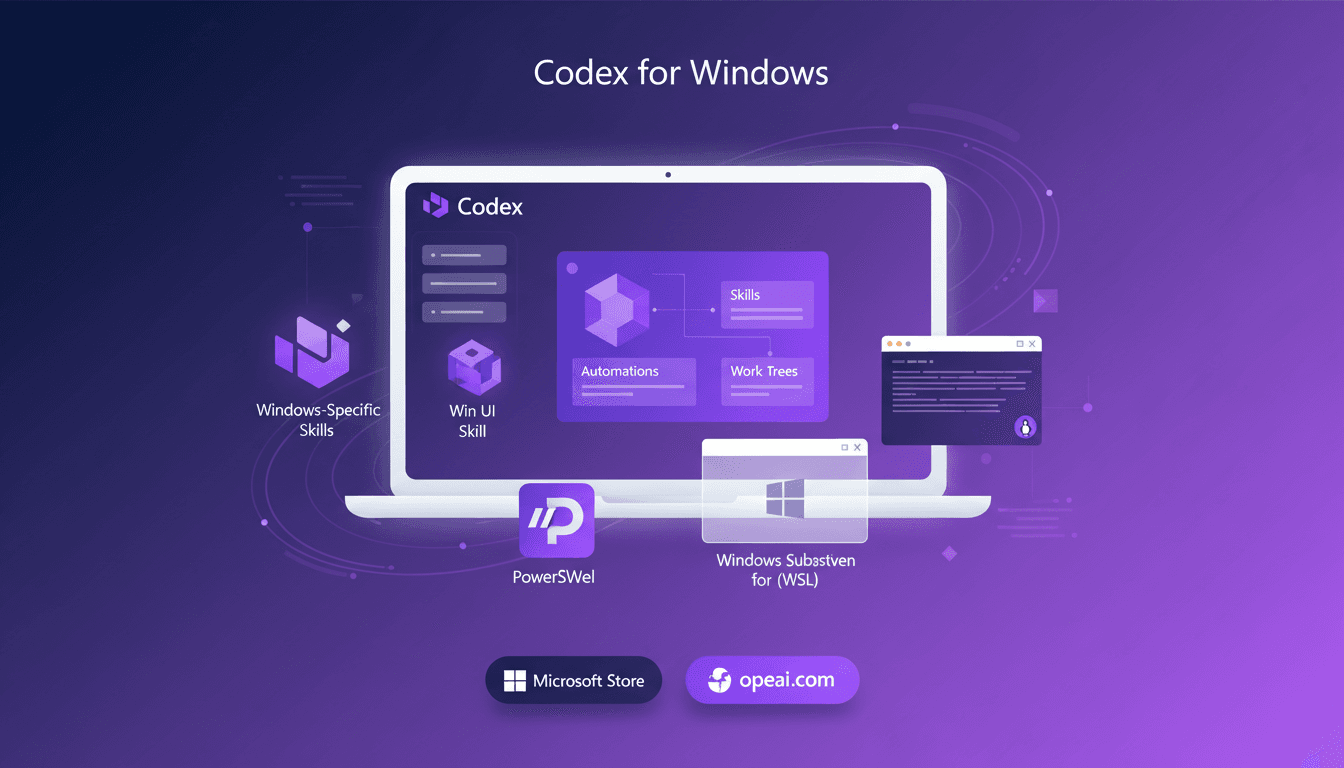
I've been waiting for Codex to hit Windows like a kid waits for Christmas. Now that it's finally here, I've jumped into its native integration with PowerShell and the Windows sandbox. It's a real game changer for those of us looking to optimize workflow on Windows. First, I connect everything, then I test out the skills and automations, and that's when I see the work trees in action. But watch out, there are pitfalls. For instance, don't overload your sandbox with too many scripts. And yes, Codex supports the Windows Subsystem for Linux, so if you're juggling multiple environments, that's a plus. Download it from the Microsoft Store or openai.com, and let's dive into this new world of possibilities together.
Getting Started with Codex on Windows
Getting Codex up and running on Windows is like opening a new chapter in productivity. First, I download Codex from the Microsoft Store or directly via openai.com. Once downloaded, I delve into the setup using PowerShell in the Windows sandbox. A critical step here is ensuring compatibility with your current Windows setup. Don’t overlook system updates; they can cause annoying compatibility issues.
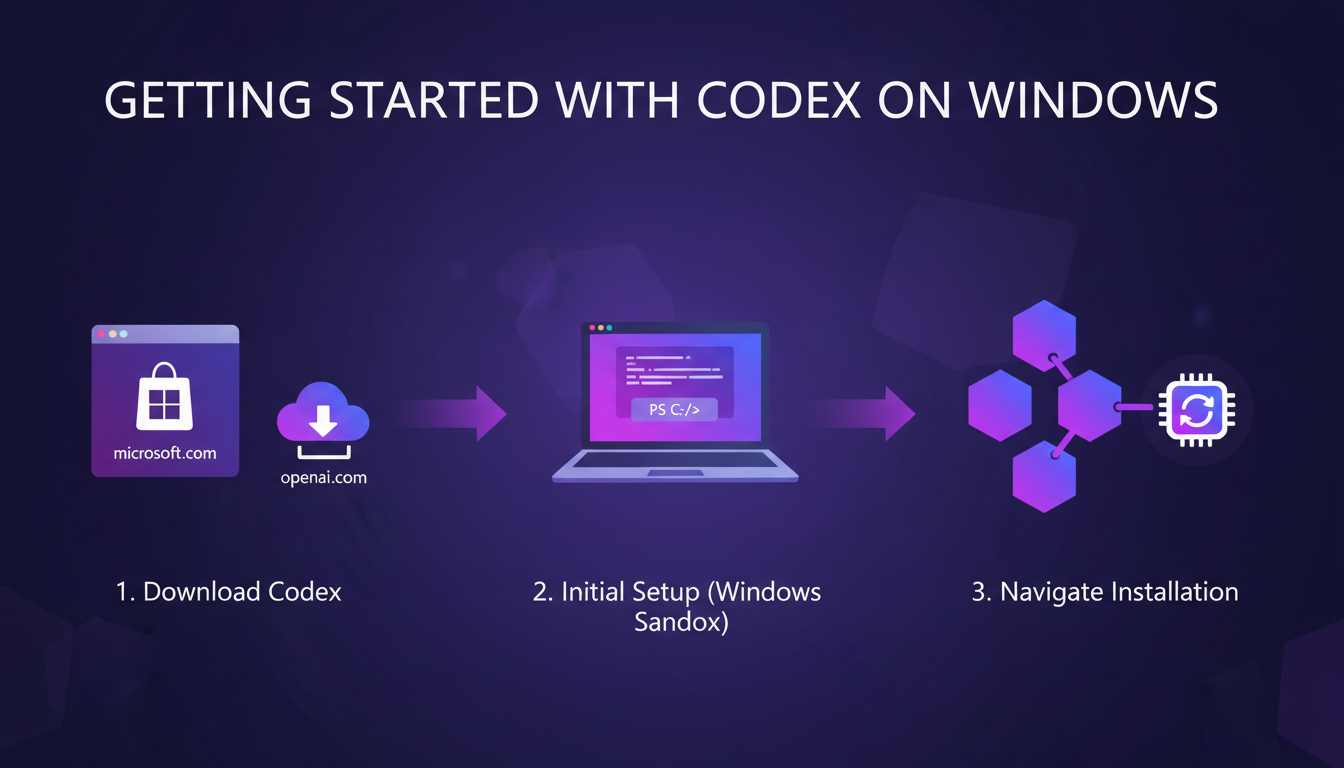
Next, I navigate the installation process efficiently, using PowerShell commands to automate repetitive steps. It saves me a ton of time during initial setups. But watch out, always check the install logs to quickly spot any potential errors.
Leveraging PowerShell and Windows Sandbox
Moving on to the next step: getting Codex to run natively. I first set up PowerShell to work within the dedicated Windows sandbox. This sandbox is like a security fortress for your tests. It provides an isolated environment, perfect for testing without risking your main system.
Integrating PowerShell commands into my workflow is like adding a turbo to a car: it boosts efficiency. However, there's a trade-off between sandbox isolation and direct access to system resources. I often weigh the pros and cons between security and performance.
- Safe use with Windows sandbox.
- Smooth integration of PowerShell commands.
- Trade-off between isolation and direct access.
Exploring Codex Features: Skills, Automations, and Work Trees
Now that Codex is operational, let's explore its features. Skills enhance specific tasks, much like browser extensions. By automating repetitive tasks, Codex frees me from these chores, giving me more time for higher-value tasks.
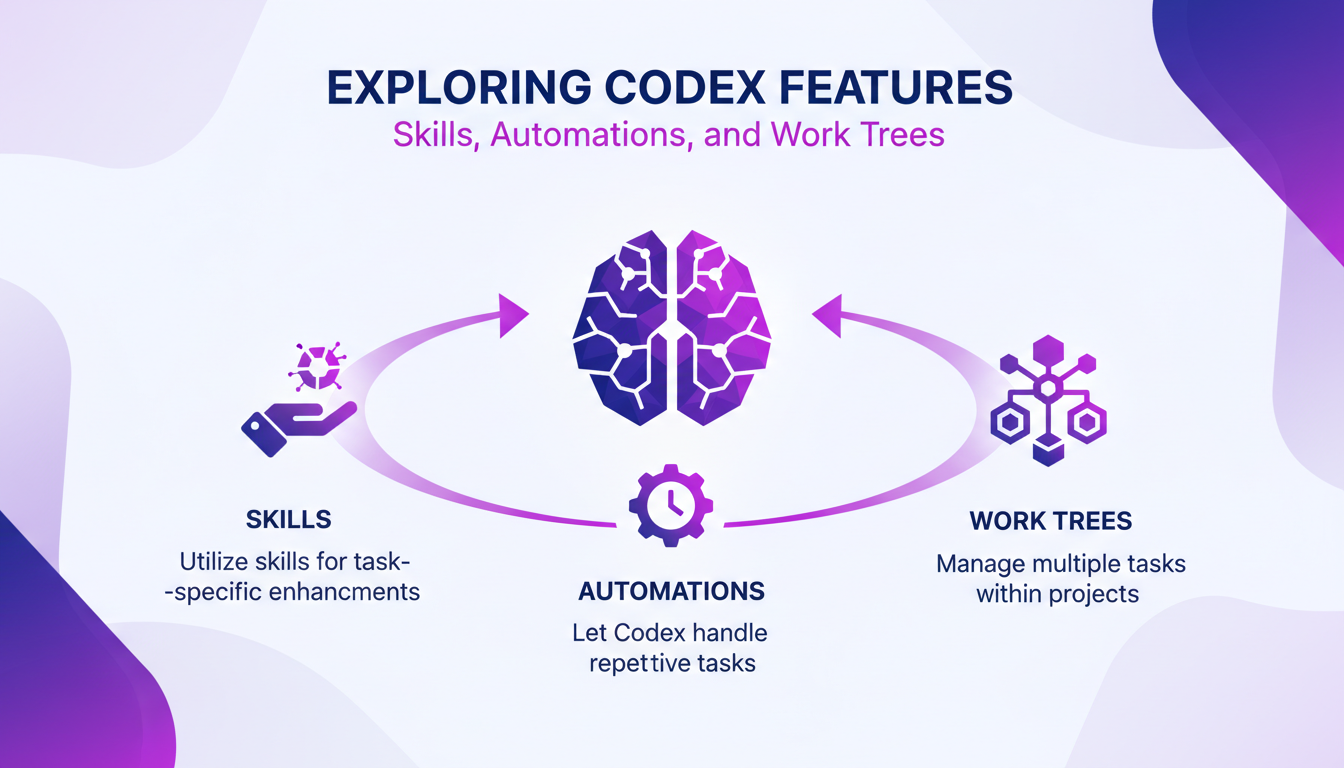
Work trees are the ultimate tool for managing multiple tasks within the same project. However, you have to balance between automation and manual control. Too much automation can lead to errors that are tough to catch.
Windows-Specific Skills and Win UI Integration
With Codex, Windows-specific skills add an extra layer of functionality. I explore them to see how they can boost my user experience. Integrating Win UI skills enhances interface fluidity, making Codex even more intuitive to use.
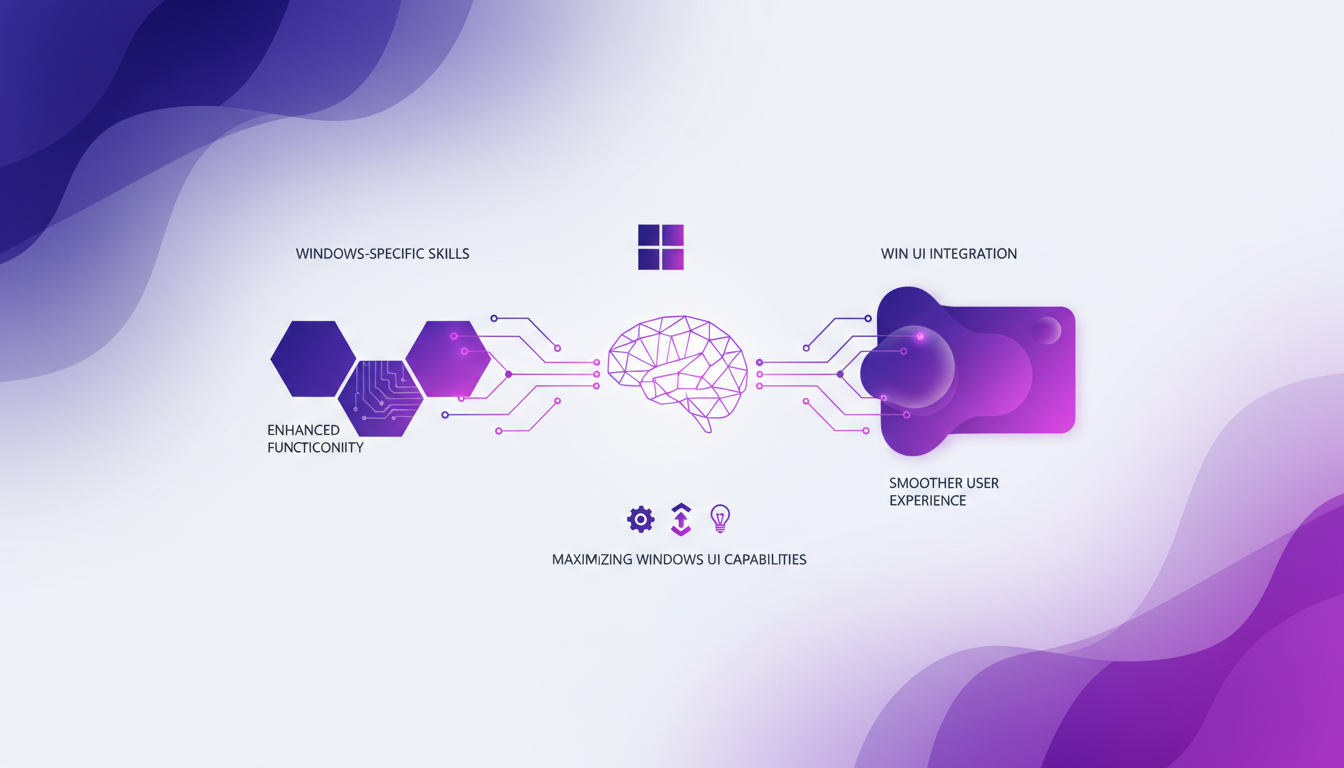
However, watch out for limitations. Sometimes these skills might not perform as expected on certain configurations.
- Enhanced functionality through Windows skills.
- Win UI integration for a smooth user experience.
- Potential limitations depending on the setup.
Integrating with Windows Subsystem for Linux
Integrating Codex with the Windows Subsystem for Linux (WSL) opens up new possibilities for developers. I set up Codex to work with WSL, taking advantage of a Linux environment without leaving Windows. This is particularly useful for developing applications that require native Linux tools.
In real-world scenarios, WSL integration shines with its ability to combine the best of both worlds. However, watch out for potential pitfalls like path conflicts or permissions. Always have a troubleshooting plan handy.
In conclusion, Codex on Windows is a true game-changer in how I work. With its skills, automations, and multiple integrations, it transforms project management into a smoother, more efficient experience.
- Setting up Codex for WSL maximizes development capabilities.
- Watch out for pitfalls like path conflicts.
- Plan for startup scripts to ease sessions.
For further reading, check out our article on GPT 5.4: Context Revolution with 1 Million and other useful resources.
Getting Codex on Windows is a real game changer for anyone in the field. Integrating it with PowerShell and WSL can seriously streamline your workflow. Here's what I found most useful:
- Smooth Integration: Using PowerShell inside the dedicated Windows sandbox lets you deploy Codex natively, making task automation straightforward.
- Windows-Specific Skills: Codex skills and automations fit perfectly, speeding up task management.
- Boosted Productivity: With work trees, you orchestrate projects more efficiently, reducing interruptions.
Looking forward, I believe these tools can transform your daily operations, especially if you're on Windows. The key is not to get overwhelmed by features but to focus on what's going to have a direct impact on your day-to-day.
I encourage you to set up Codex on your Windows machine today. For a deeper dive, check out the original video here. Trust me, it's worth it.
Frequently Asked Questions

Thibault Le Balier
Co-fondateur & CTO
Coming from the tech startup ecosystem, Thibault has developed expertise in AI solution architecture that he now puts at the service of large companies (Atos, BNP Paribas, beta.gouv). He works on two axes: mastering AI deployments (local LLMs, MCP security) and optimizing inference costs (offloading, compression, token management).
Related Articles
Discover more articles on similar topics
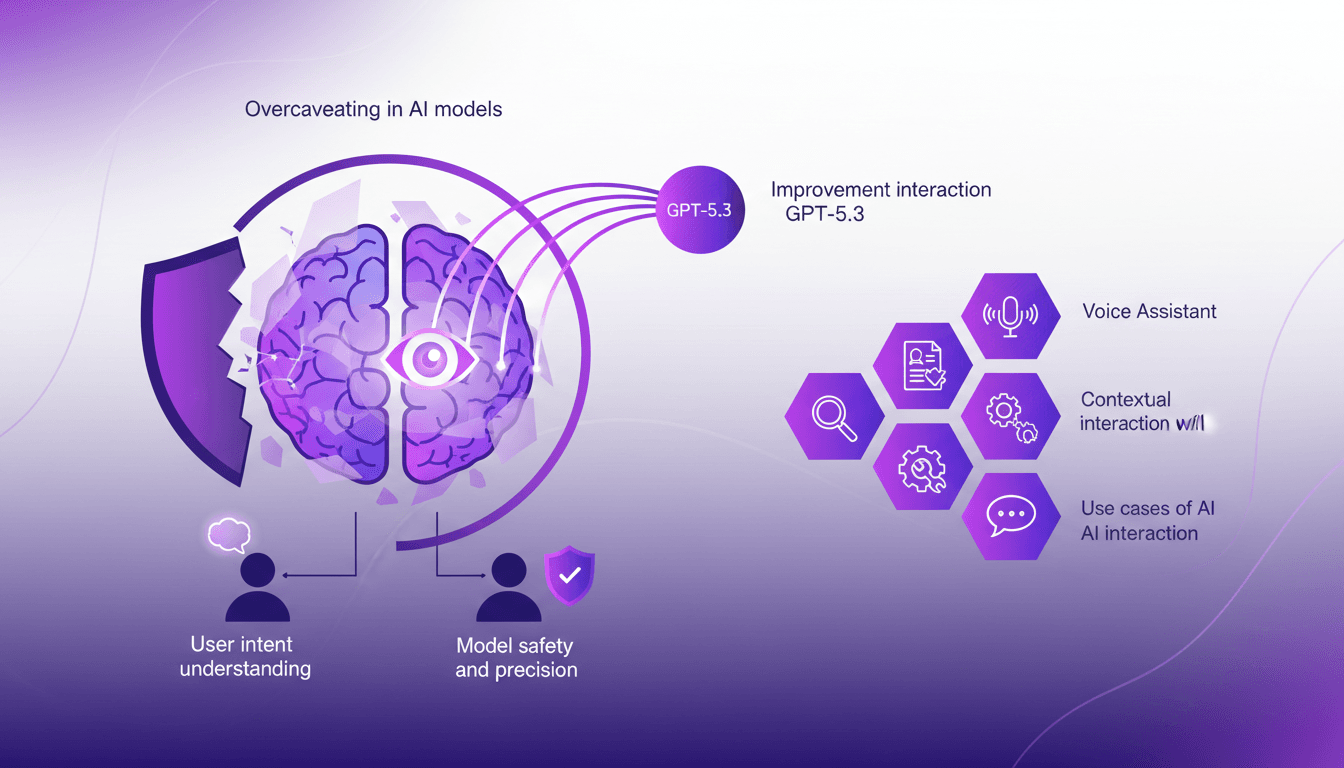
Reducing Overcaveating in GPT-5.3
I remember the first time I encountered overcaveating in AI models. It was like talking to someone who couldn't stop hedging their bets. With GPT-5.3, I've finally found a way to cut through the noise and get straight answers. This version has significantly improved understanding of user intent and precision in interactions. But watch out for contextual limits. When I configure these models, I always make sure to test use cases where precision is crucial, and not get burned by poor performance. In short, GPT-5.3 is a game changer, but you need to know how to use it right.
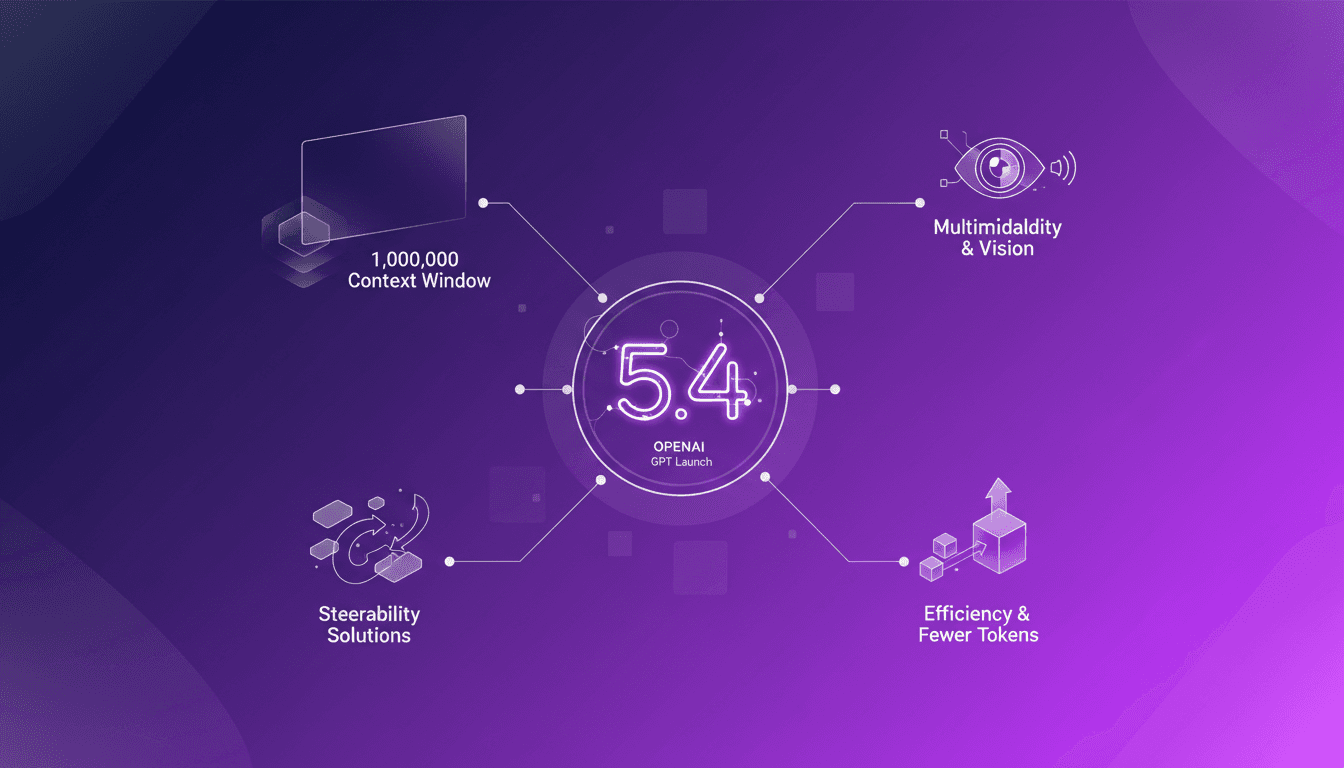
GPT 5.4: Context Revolution with 1 Million
I've been in the trenches with AI models for years, and let me tell you, the launch of GPT 5.4 is a game changer. This model promises a massive leap with its 1 million context window, enhanced multimodal capabilities, and solutions to the notorious steerability problem. But before you dive in headfirst, let's break down what this means for us builders. Imagine orchestrating a project where context isn’t a crushing limit anymore, where vision and text blend seamlessly. GPT 5.4 isn’t just a simple update; it’s a reinvention of the wheel, but watch out for the usual pitfalls: don’t overload your project with promises without understanding the constraints. Let's explore these new features and see how they stack up in real-world applications.
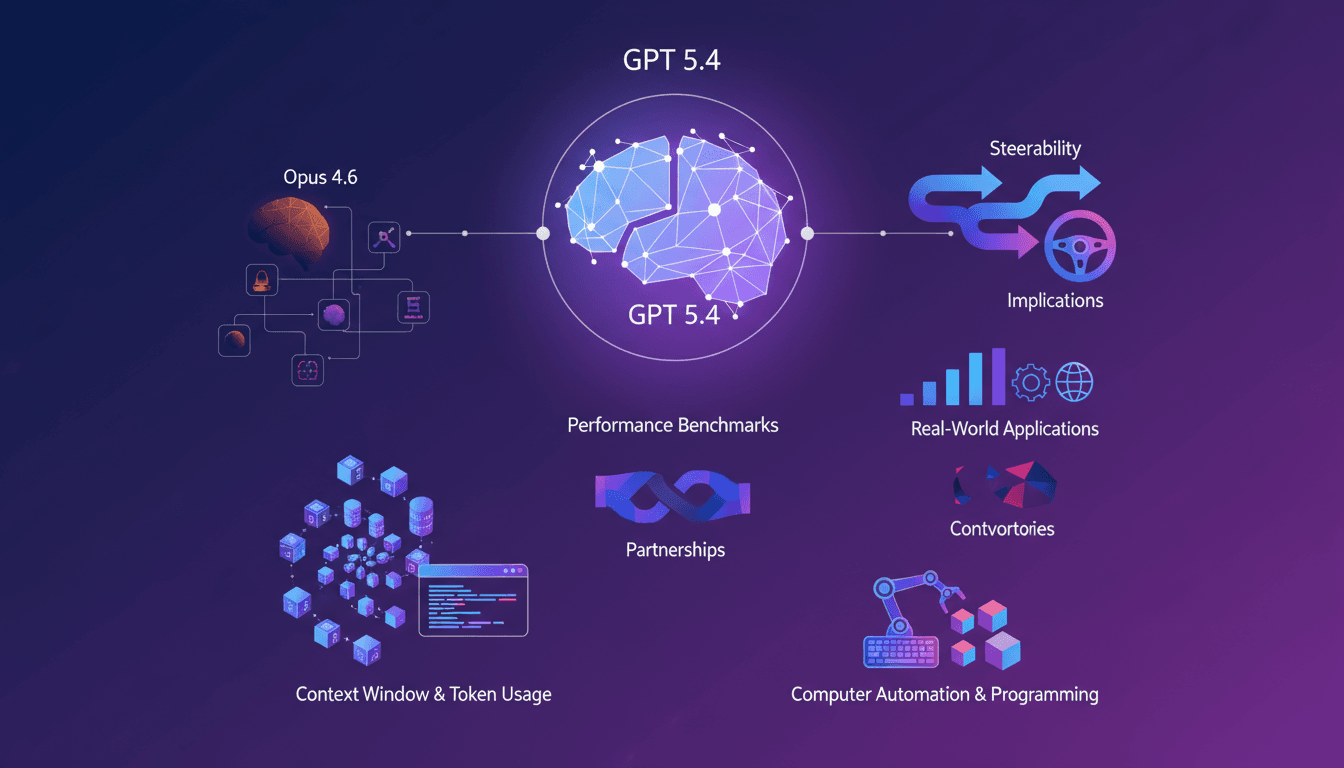
GPT 5.4 vs Opus 4.6: Killer or Just Hype?
I dove headfirst into GPT 5.4 to see if it could dethrone Opus 4.6. Having been burned by overhyped AI promises before, I wanted to separate the noise from the real game changers. GPT 5.4 boasts a massive context window of one million tokens and new steerability features. But is it truly a leap forward or just another iteration with flashy marketing? Let's compare it to Opus 4.6. GPT 5.4's performance in computer automation is impressive, with 90% accuracy. However, even with a score of 75% versus Opus 4.6's 72.7%, is that enough to claim victory? Let's dive into the technical advancements and real-world implications of these features.
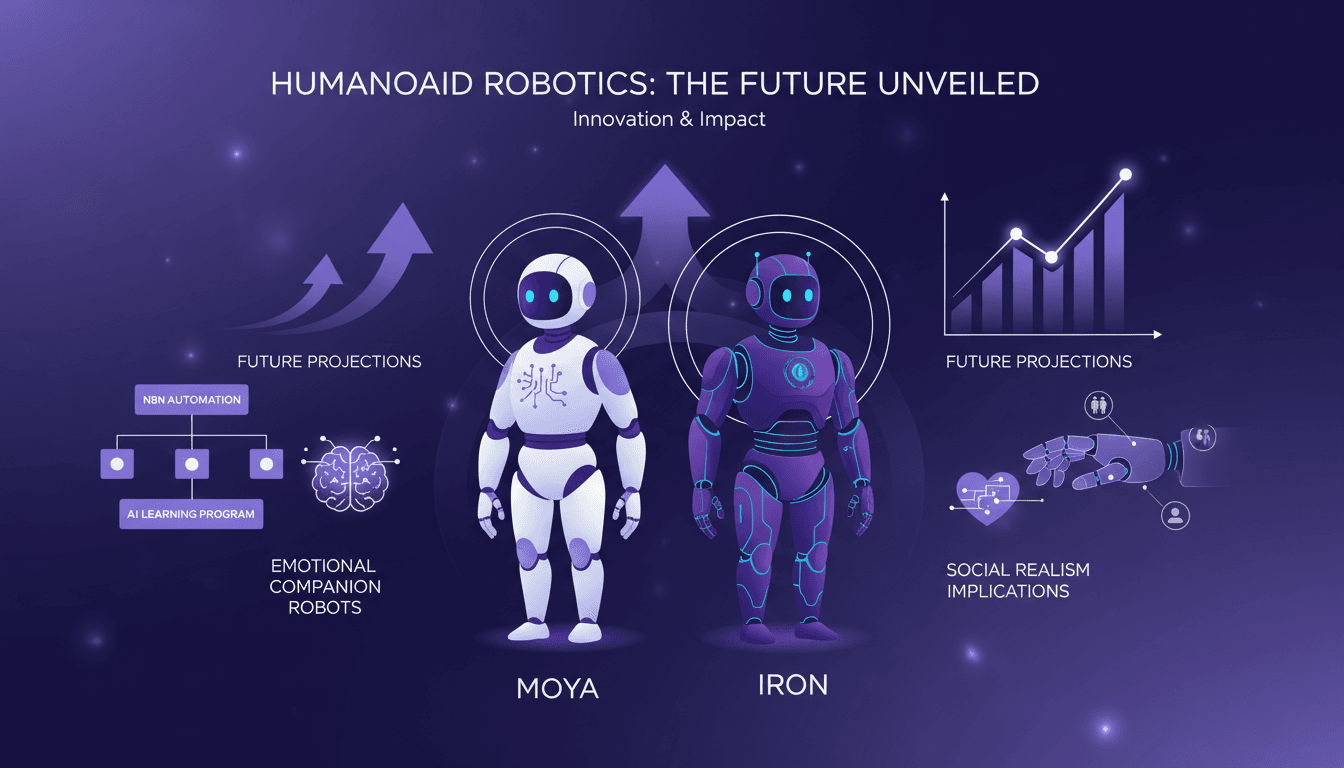
Humanoid Robots: Moya and Iron, Challenges Ahead
I shook Moya's hand, and the warmth was uncanny. It's not just about replicating human features; it's about pushing the boundaries of robotics. With the humanoid robotics market projected to grow rapidly, understanding the tech advancements and market dynamics is crucial. I dive into how humanoid robots like Moya and Iron are reshaping the field. From robot design to AI integration, and automation using N8N, these robots are redefining our relationship with technology. Watch out, Moya's skin reaches 36°C, eerily similar to a human's. Ready to dive into this fascinating world?
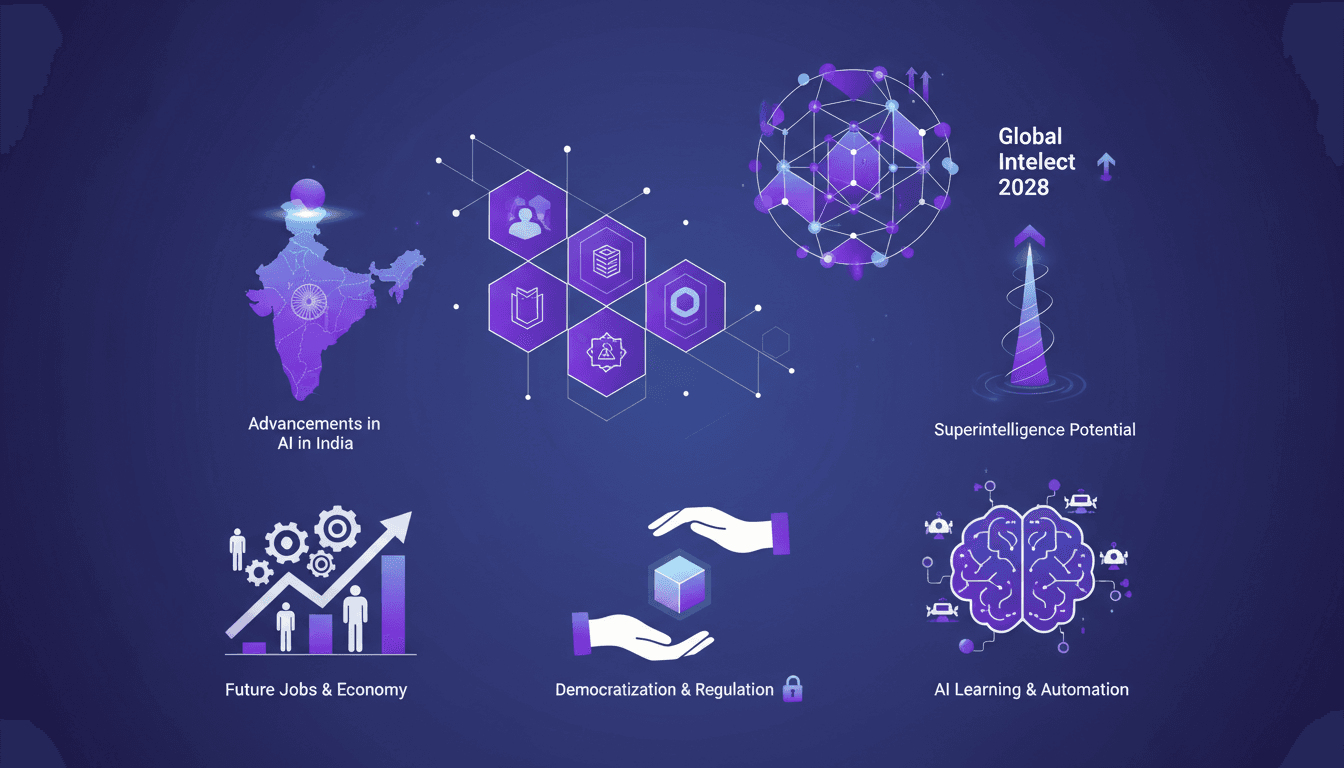
AI in India: Revolution and Global Impact
I've been in the AI trenches for years, and let me tell you, what's happening in India is nothing short of revolutionary. With over 100 million people using Chat GPT weekly, and a third of them being students, we're tapping into something profound. This isn't just about technology; it's about transforming economies and societies. By 2028, a significant portion of the world's intellectual capacity might be locked in data centers. Imagine super intelligence on the horizon. India is at the forefront, and the economic and social impact will be colossal. Let's discuss learning programs, automation, democratization, and regulation of AI.