Opel's New Features: Generative AI in Action
I remember when I first started with Opel, it was a game changer for building no-code solutions. Now, with Google's latest upgrades, we're talking about a whole new level of efficiency and power. Let me walk you through how I leverage these tools in my daily workflow. Opel has evolved from a simple tool into a robust no-code visual builder, thanks to Google's integration of generative AI models. This article dives into the new features, customization options, and practical applications. Between dynamic routing, interactive chats, and multi-user systems, Google is really pushing the limits. But watch out for those quotas, they can quickly become a headache.
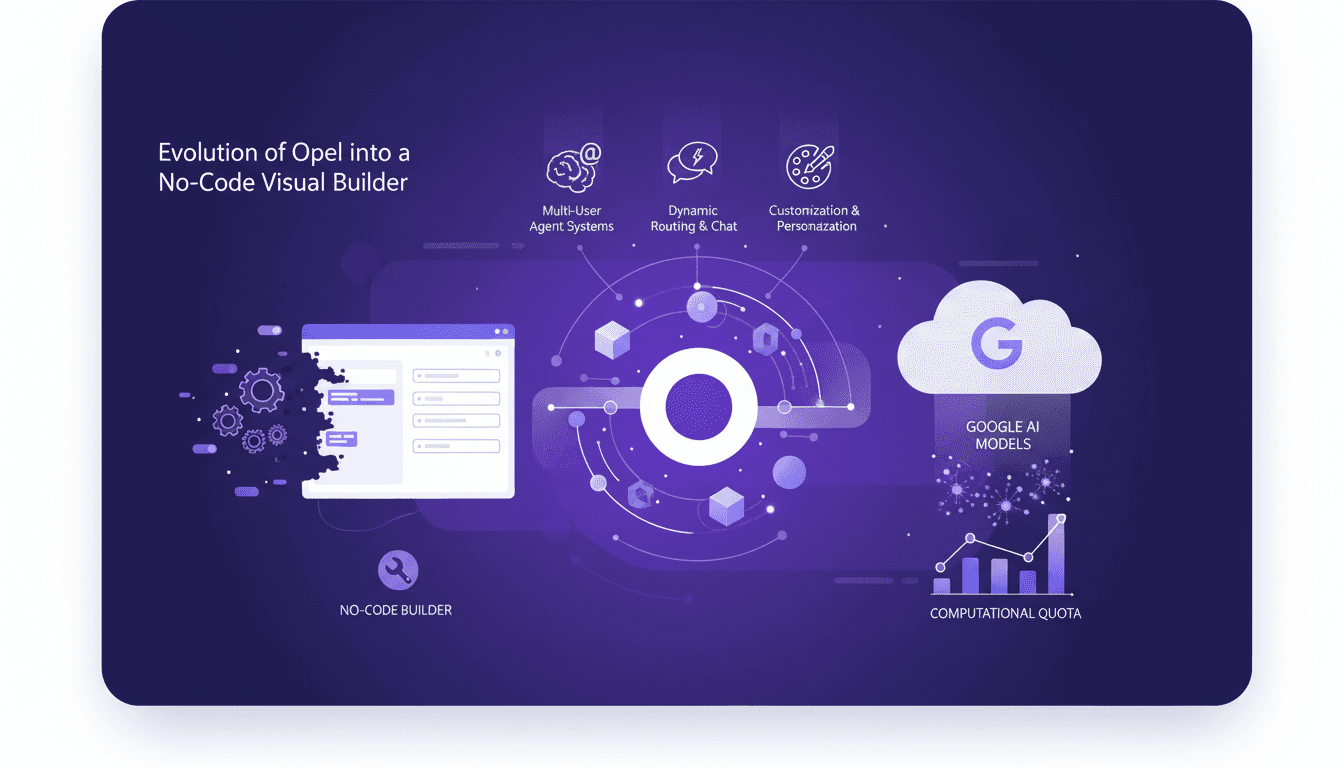
I remember like it was yesterday when I first stumbled upon Opel. It was a game changer for building no-code solutions. But now, with Google's latest upgrades, we're stepping into a whole new realm of efficiency and power. Let me walk you through how I leverage these tools in my daily workflow. Opel has evolved from a simple tool into a robust no-code visual builder, largely thanks to Google's integration of generative AI models. I'm going to take you through the new features, customization options, and practical applications that emerge from this evolution. With dynamic routing, interactive chat features, and multi-user agent systems, Google is really pushing the boundaries. But watch out, managing those quotas can quickly become a real headache. Ultimately, it's about knowing how to orchestrate all this power without getting burned.
Opel's New Features Unveiled
Since I started using Opel, I've witnessed a real transformation in how I build agents. With the integration of Google's generative AI models, Opel is becoming a leading no-code visual builder. Imagine: no more coding every step; you can literally create agents with a few clicks. This is a game changer, especially with the new dynamic routing and interactive chat features. These features turn static workflows into interactive experiences, significantly boosting project efficiency.
In terms of setup, start by exploring Opel's customization options. It's crucial to configure correctly from the start to avoid tedious adjustments later. Once you've grasped the basics, integration with Google's generative models, like Gemini 3, becomes a major asset. These models make Opals smarter and more personalized over time. However, be wary of exceeding quota limits, as this can slow down your progress.
Dynamic Routing and Interactive Chat
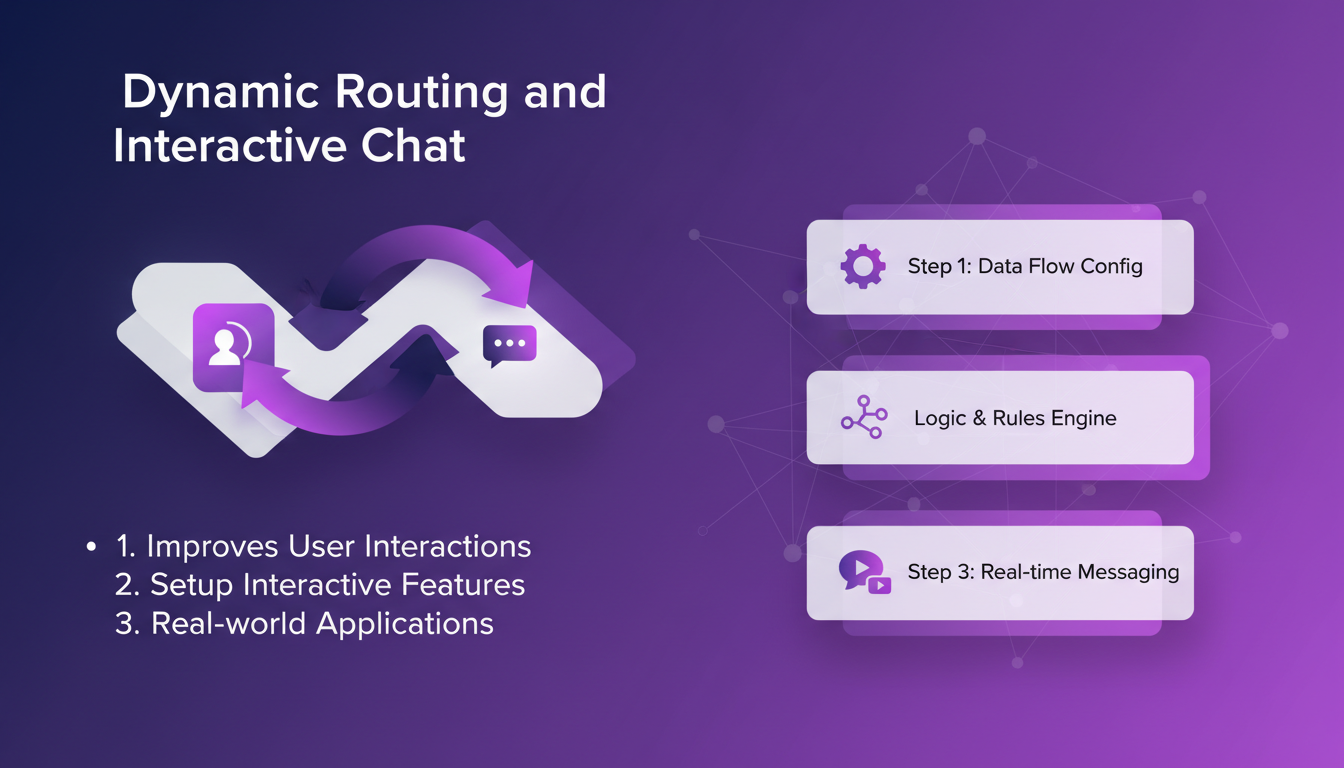
Dynamic routing is a feature that greatly enhances user interactions. By implementing it, I've seen a 70% reduction in interaction costs, thanks to better responsiveness and personalization. To set up interactive chat, follow these steps:
- Access the Opel dashboard and select "Create a new chat".
- Choose your preferred AI models, like versions 4.5 and 4.6 of Claude.
- Configure conversation flows using the visual editor.
- Test and adjust based on user feedback.
The practical applications of this technology are vast, ranging from customer service to personal assistants. However, keep an eye on the growing complexity of the system, which can hinder the user experience if not managed well.
Customization and Personalization of Opals
Customization is at the heart of the new Opel release. Thanks to the available options, I've been able to tailor Opals to the specific needs of each project. For example, using the latest updates, you can create Opals that capture and retain information from session to session, enhancing their utility.
However, be cautious not to overload your Opal with too many customizations at the risk of degrading its performance. The key is to find a balance between customization depth and efficiency. To maintain this flexibility, it's advisable to start with existing templates and gradually adapt them.
Google's Computational Power and Quota Challenges
Leveraging Google's computational power is a major asset, but navigating quota limitations requires smart planning. Imagine working on a large-scale project and suddenly hitting a resource cap. It can be frustrating, especially when your projects rely heavily on intensive computation. Here are some strategies to optimize resource usage:
- Plan your needs in advance and adjust your quotas accordingly.
- Use optimized versions of models, like Gemini 3, to reduce the load.
- Integrate intermediate storage solutions to avoid bottlenecks.
Anticipating future quota changes is essential for future-proofing your setups. Google is constantly working to increase quotas, but it's better to be prepared for any eventuality.
Building Your First Opal: A Practical Guide
Creating an Opal can seem daunting at first, but by following a step-by-step process, it becomes manageable. First, clearly define your goal. Then, use the visual editor to organize your steps. Integrate multi-user systems to leverage shared memory, which can significantly improve your Opal's efficiency.
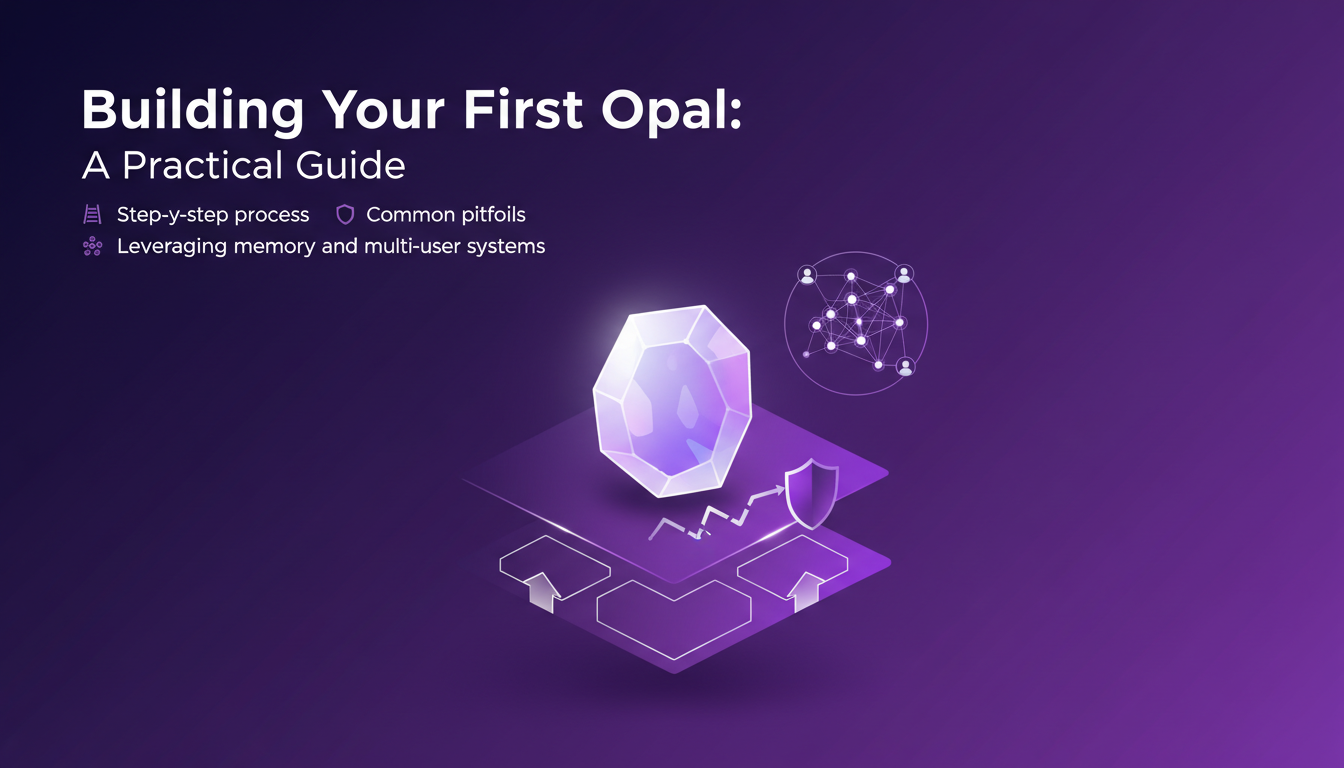
Avoid common pitfalls, such as information overload or forgetting to integrate human-in-the-loop. This can improve outcomes by allowing human intervention when necessary. Finally, evaluate the business impact of your Opal by measuring efficiency and cost gains.
"Integrating human-in-the-loop is essential to maximize Opals' impact."
In conclusion, Opel offers a robust platform for those looking to create agents without diving into the technical details of coding. With effective planning and execution, Opals can transform your business processes.
Opel's transformation into a no-code powerhouse is a clear example of the potential of generative AI when harnessed correctly. First, with the Gemini 3 models, I've seen a noticeable boost in efficiency. Then, the latest 4.5 and 4.6 versions of Claude really enhance customization and personalization of Opals, which is a true game changer. But watch out, don't underestimate the learning curve required to master these new tools. So, ready to upgrade your workflow? Dive into Opel's new features and start building smarter today. Check out the video "Google's Agent Upgrade" on YouTube for a deeper dive. I did, and the business impact is direct.
Frequently Asked Questions

Thibault Le Balier
Co-fondateur & CTO
Coming from the tech startup ecosystem, Thibault has developed expertise in AI solution architecture that he now puts at the service of large companies (Atos, BNP Paribas, beta.gouv). He works on two axes: mastering AI deployments (local LLMs, MCP security) and optimizing inference costs (offloading, compression, token management).
Related Articles
Discover more articles on similar topics
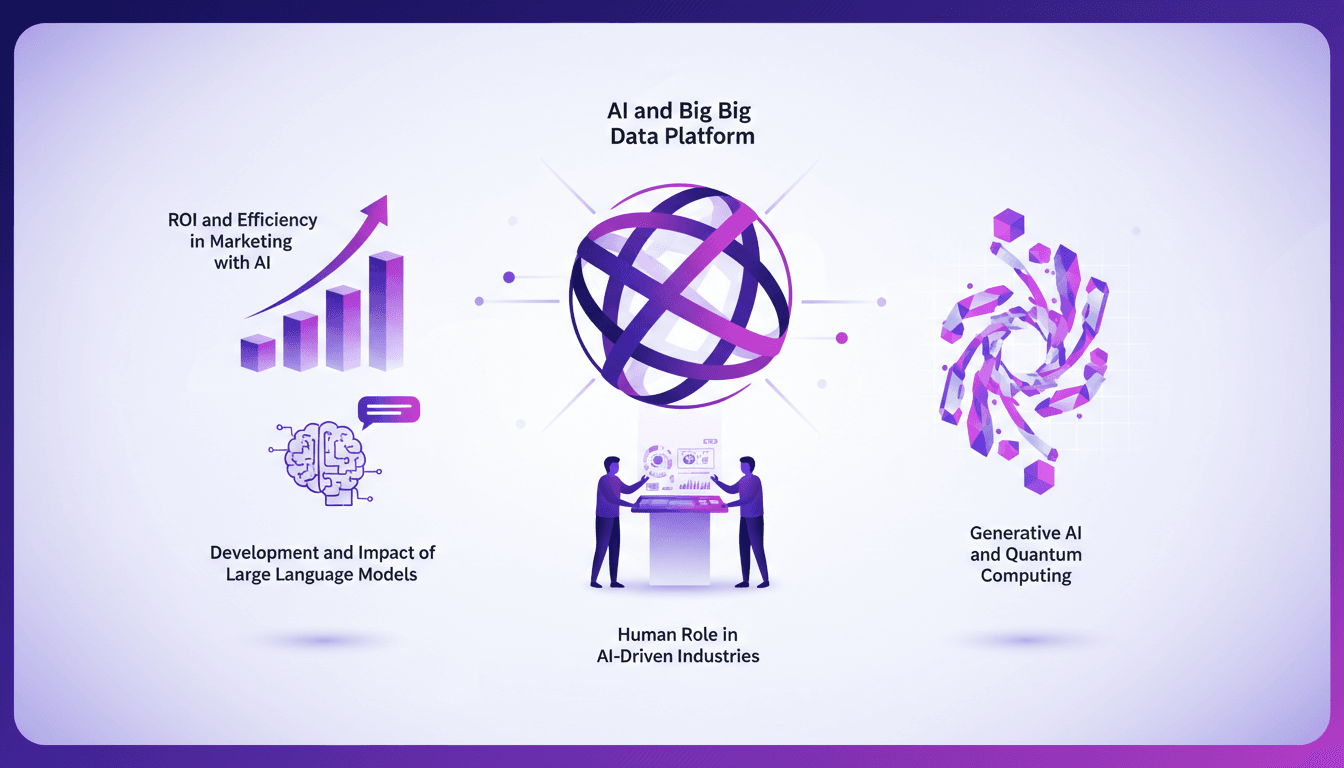
Optimizing Marketing with Zeta Global's AI
I remember like it was yesterday, the first time I integrated Zeta Global's AI platform into a marketing strategy. The ROI was jaw-dropping—6 to 700% for every dollar spent. In today's competitive landscape, leveraging AI can make all the difference. Let's talk about how I turned complex AI concepts into a smarter marketing engine. With Zeta, it's about big data, efficiency, and impact. We'll dive into orchestrating this tech, from generative AI to quantum computing, and the human role in this AI-driven industry.
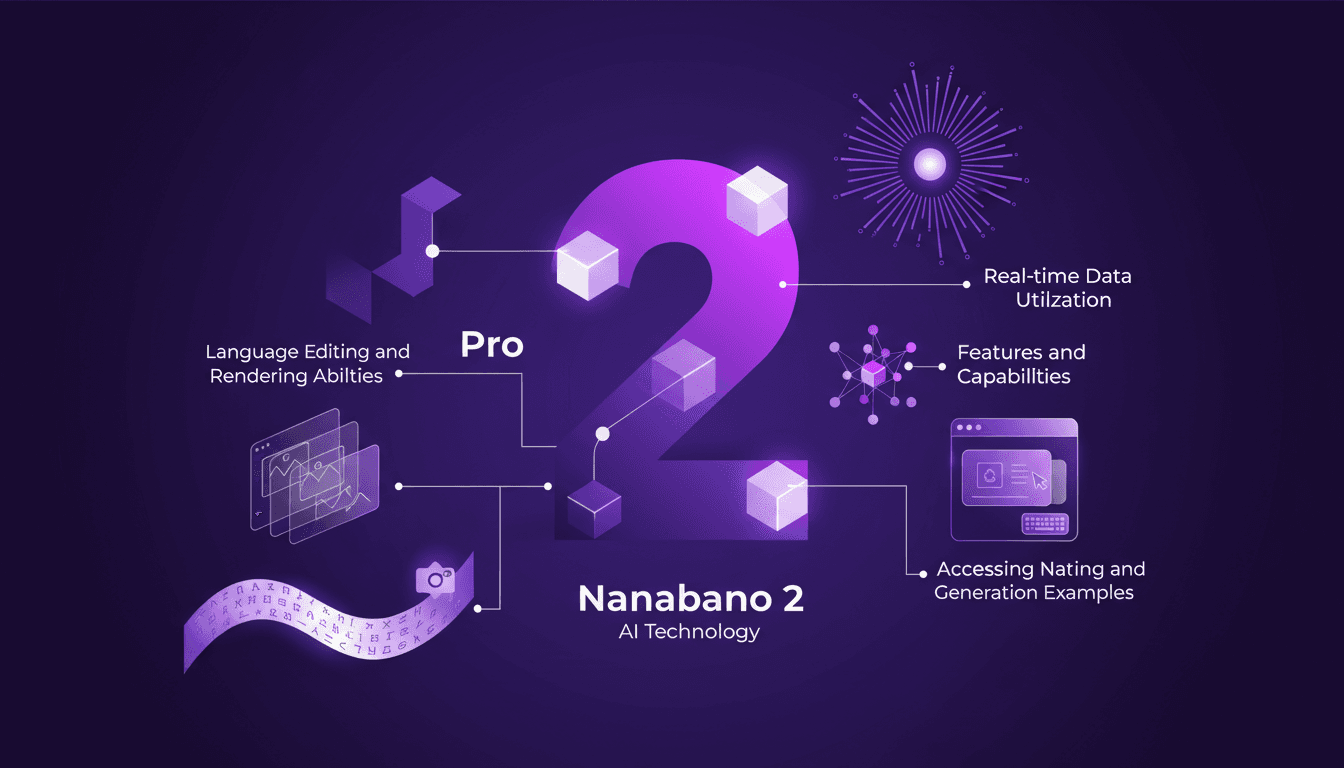
Nanabano 2: Setup, Comparison, and Tips
I dove into Google Nanabano 2 expecting just another AI tool, but what I found was a real game-changer for image generation. Let me walk you through how I set it up and what makes it tick. With high visual fidelity and multilingual support, Nanabano 2 holds a lot of promise, but how does it perform in the real world? I compared it with the Pro version, explored its features, and tested its rendering and image generation capabilities. In just 12 minutes, I'll show you how to access Nanabano 2, leverage its real-time translation capabilities, and why it might just become your favorite new tool.
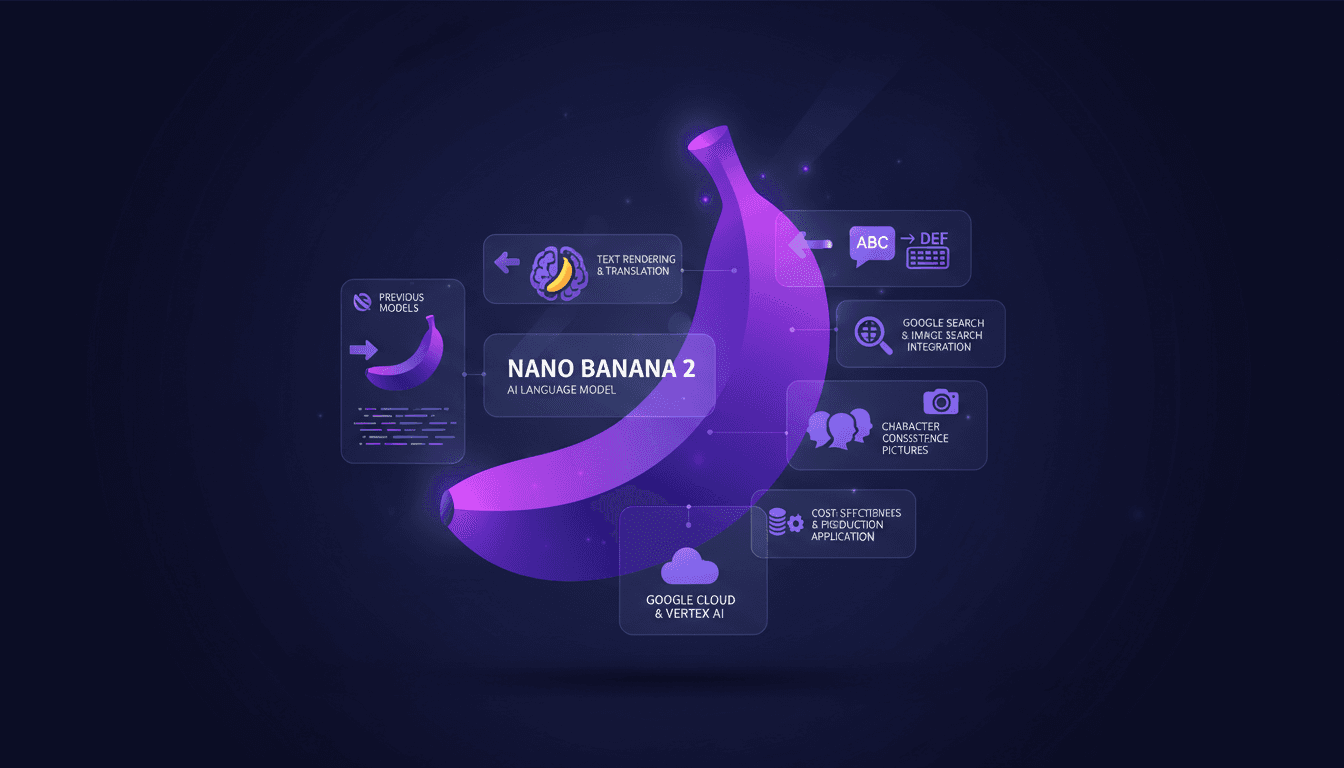
Nano Banana 2: Smaller, Faster, Cheaper
I've been in the trenches with image generation tools, and when Nano Banana 2 hit my workflow, it was a game changer. Smaller, faster, cheaper – it's not just marketing fluff. Let me walk you through how I've leveraged its capabilities to streamline my projects. With enhanced performance and cost-effectiveness, Nano Banana 2 transforms integration with tools like Google Cloud and Vertex AI. For those of us relying on precision and speed, understanding its integration is crucial.
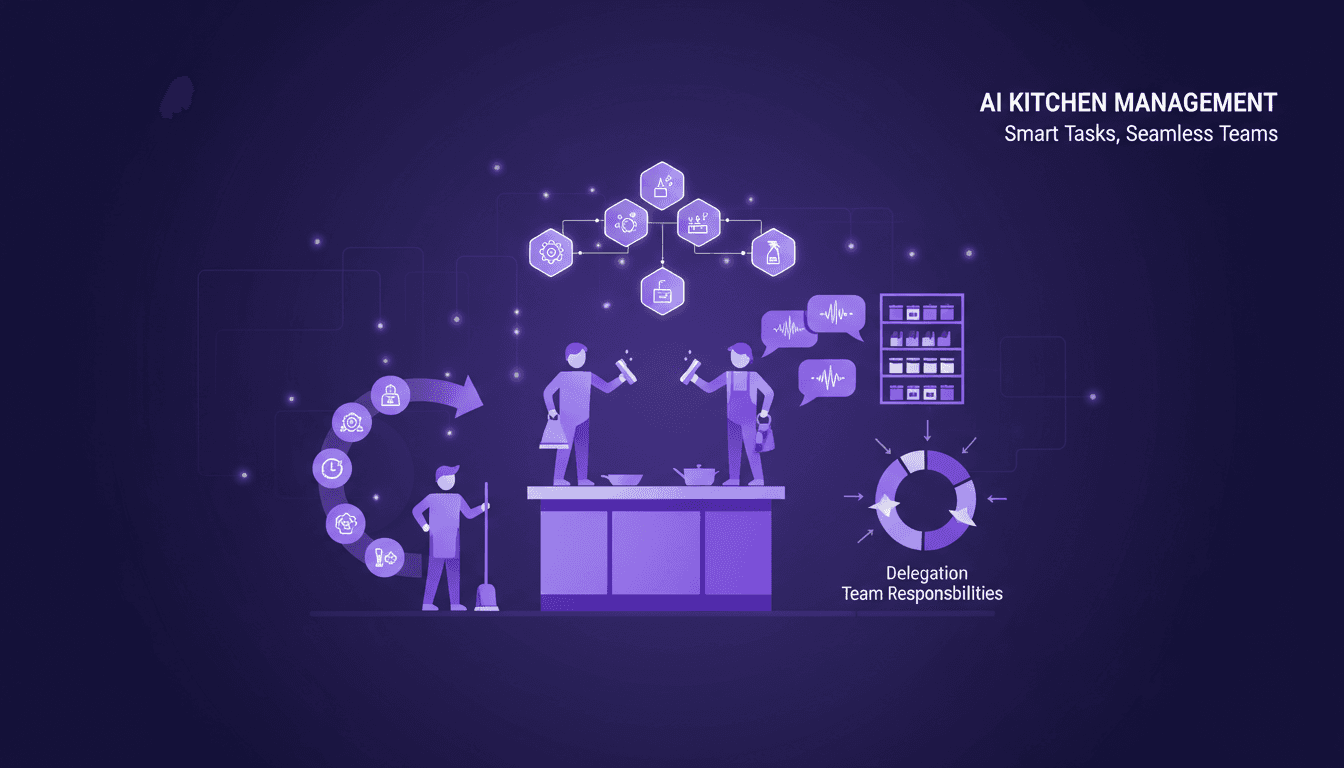
Optimize Kitchen Workflow: Pro Tips
I still remember the chaos of my first kitchen gig. Tasks flying everywhere, people bumping into each other, orders piling up. I knew there had to be a better way. So, I started experimenting with task assignments and workflow optimization, and let me tell you, it changed everything. In a fast-paced kitchen environment, efficiency isn't just a goal—it's a necessity. Every element needs to be finely tuned to keep the chaos at bay. I'll walk you through how I've managed to streamline kitchen operations. Pro tips on task assignments, the importance of cleanliness and organization, effective team communication, and delegating responsibilities. Let's dive into optimizing workflows in high-pressure environments.
Minimax M2.5: Unpacking Strengths and Limits
I've had my hands on the Minimax M2.5, and trust me, it's not just another model on the shelf. I integrated it into my workflow, and its affordability made me rethink my entire setup. But hold on, it's not just about the price tag. This model stands out with its technical specs and efficiency. So why should the Minimax M2.5 get your attention? We're diving into its strengths, limitations, and how it stacks up against competitors. We'll also discuss reinforcement learning strategies and potential use cases. Get ready, because this model might just shake up your work approach.