Nano Banana 2: Smaller, Faster, Cheaper
I've been in the trenches with image generation tools, and when Nano Banana 2 hit my workflow, it was a game changer. Smaller, faster, cheaper – it's not just marketing fluff. Let me walk you through how I've leveraged its capabilities to streamline my projects. With enhanced performance and cost-effectiveness, Nano Banana 2 transforms integration with tools like Google Cloud and Vertex AI. For those of us relying on precision and speed, understanding its integration is crucial.
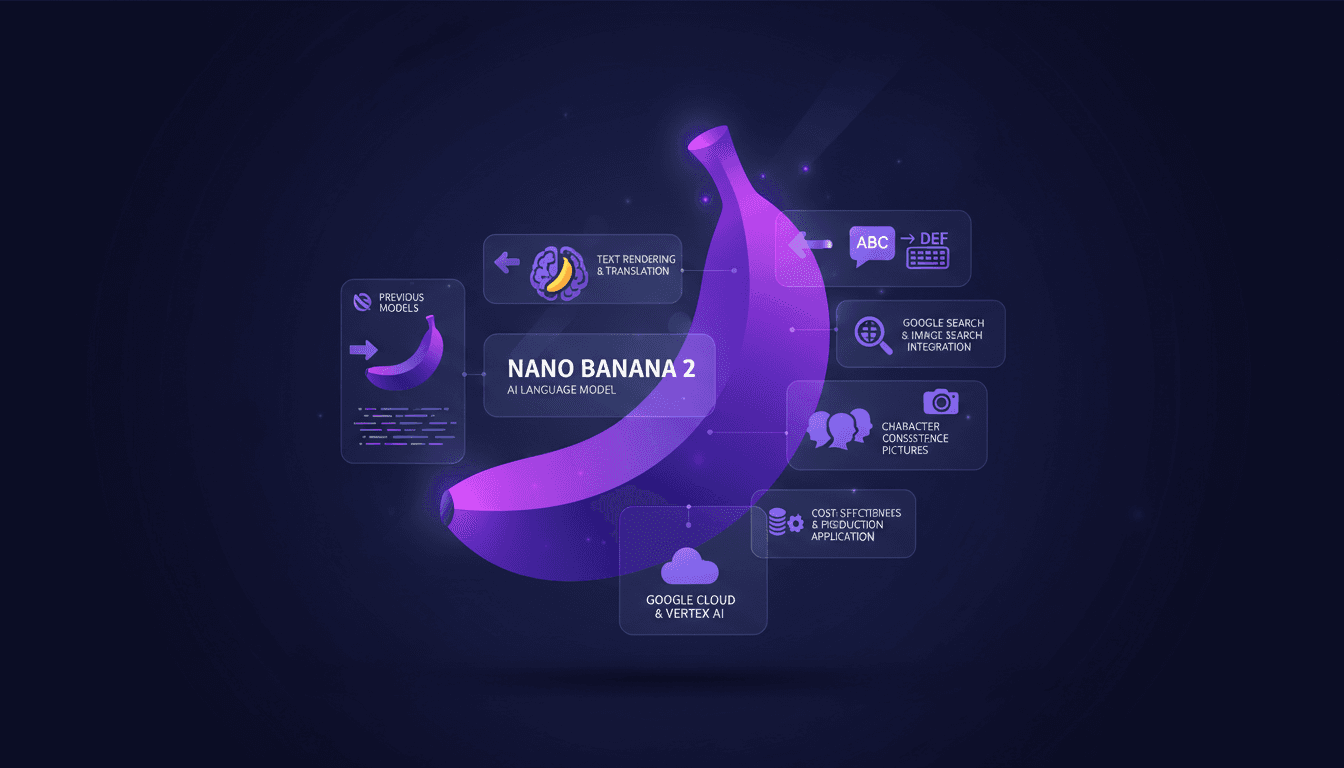
I've often hit the ceiling with image generation tools, and when Nano Banana 2 landed in my workflow, it changed everything. Smaller, faster, cheaper – it's no fluff. I connected this tool to my Google Cloud setup, and the impact was immediate. First, I compared it with the previous model, version 2.5, and the difference in speed and precision is striking. But watch out, you need to integrate it correctly with Vertex AI to truly harness its potential. I got burned initially by underestimating the nuances of integration with Google image search. Now, I orchestrate my projects with deadly efficiency. It's impressive for character consistency and the use of reference pictures. And for those counting every penny, the reduced cost in production is a real plus. The key here is understanding how Nano Banana 2 integrates and optimizes your projects – and I'm here to show you how.
Understanding Nano Banana 2's Core Features
So, Nano Banana 2 has dropped, and it's a real game changer. We're talking about the Gemini 3.1 flash image model here. We've got a resolution upgrade to 512 pixels, making images sharper than ever. I've tested it on several projects, and honestly, the rendering is impressive. Imagine an image where every detail pops, that's what you get with this resolution.
Another interesting aspect is character consistency. I've been able to use up to 14 reference images to ensure that each generated image stays true to the original. This is crucial for projects where visual consistency is key. Finally, the support for diverse aspect ratios is a major plus. Whether you need a square, landscape, or portrait format, Nano Banana 2 adapts to your specific needs.
Comparing Nano Banana 2 with Previous Models
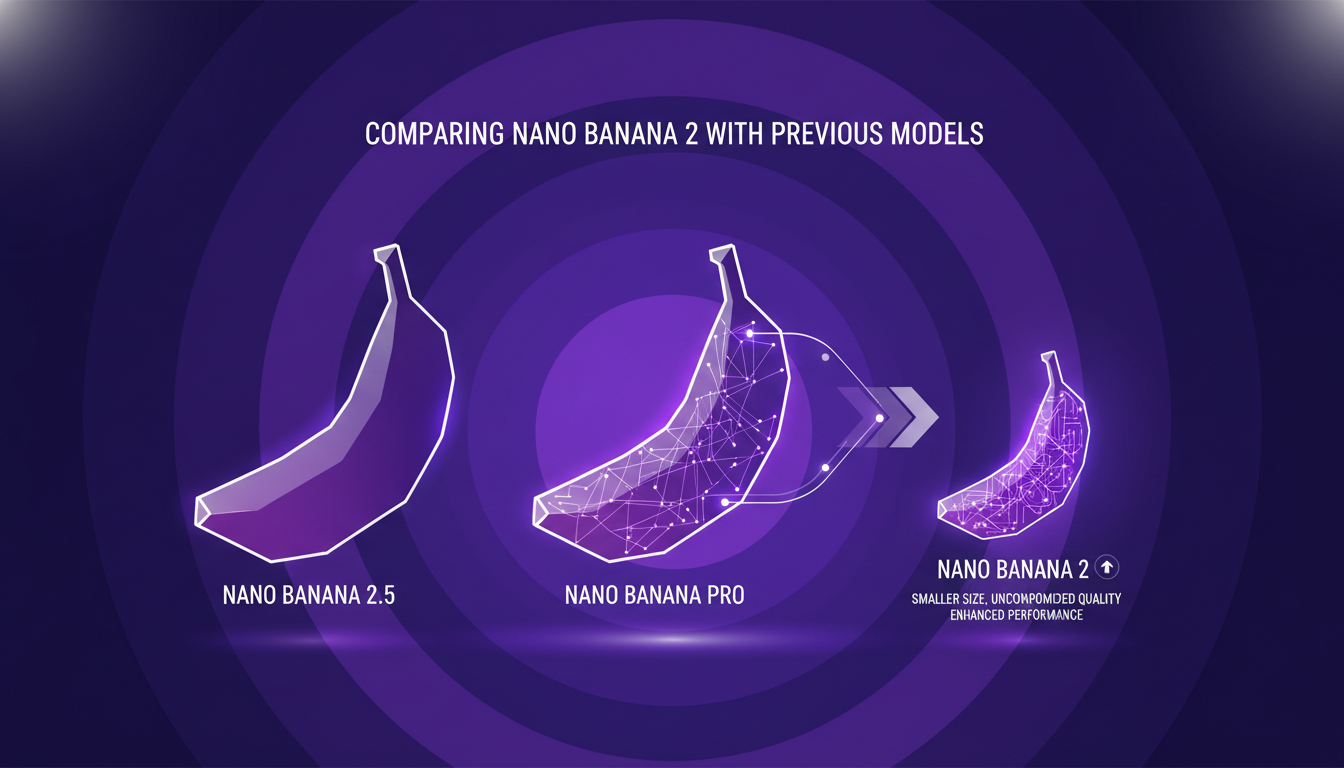
When comparing Nano Banana 2 with Nano Banana Pro, the difference is clear. The smaller model doesn’t mean inferior quality. In fact, I'd say the quality is almost on par with the Pro, but at a reduced cost. Transitioning from the 2.5 model to Nano Banana 2 is like moving from a bicycle to a motorcycle: same principle but much faster and more efficient.
Performance has been significantly enhanced over the 2.5 model. With Nano Banana 2, you're getting a better quality image model. However, watch out for trade-offs: you might lose a bit in processing depth compared to the Pro model. But for most applications, it's a trade-off I'm willing to make.
Maximizing Text Rendering and Translation
I use Nano Banana 2 for multilingual text rendering, and it’s a real asset. Integration with translation tools is seamless, simplifying my workflows. However, watch out for context limits in complex translations. I got burned once with a translation that drifted from its original meaning.
Some practical tips: make sure to maintain character consistency using precise reference images. And don’t forget to test your results in multiple languages to ensure translation fidelity.
Integrating Search Tools for Enhanced Image Generation
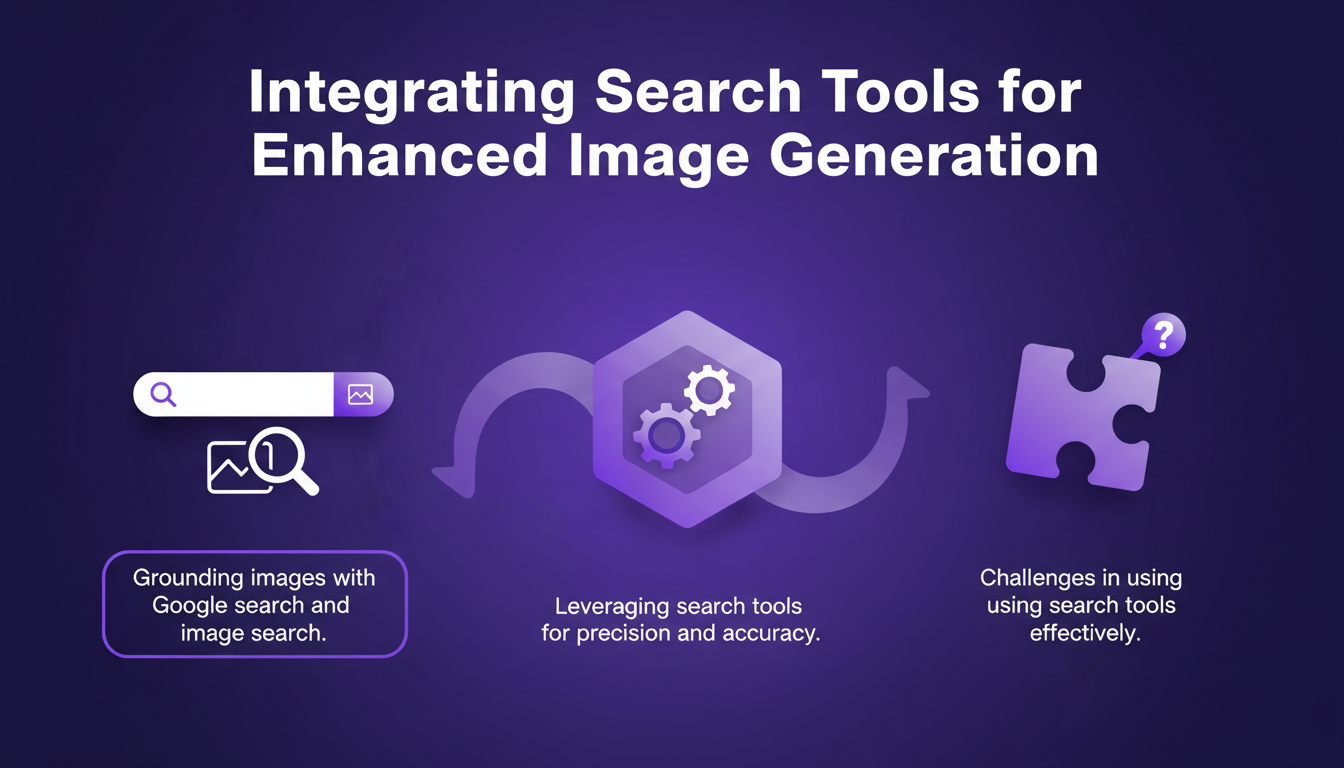
I've found that integrating search tools, like Google search and image search, is crucial for grounding images and enhancing accuracy. It has allowed me to control and direct my image projects more effectively. However, there are challenges, especially in using these tools efficiently.
It’s essential to balance search tool integration with performance needs. Too much integration can slow down the process, but judicious use can really make a difference.
Cost-Effectiveness and Production Applications
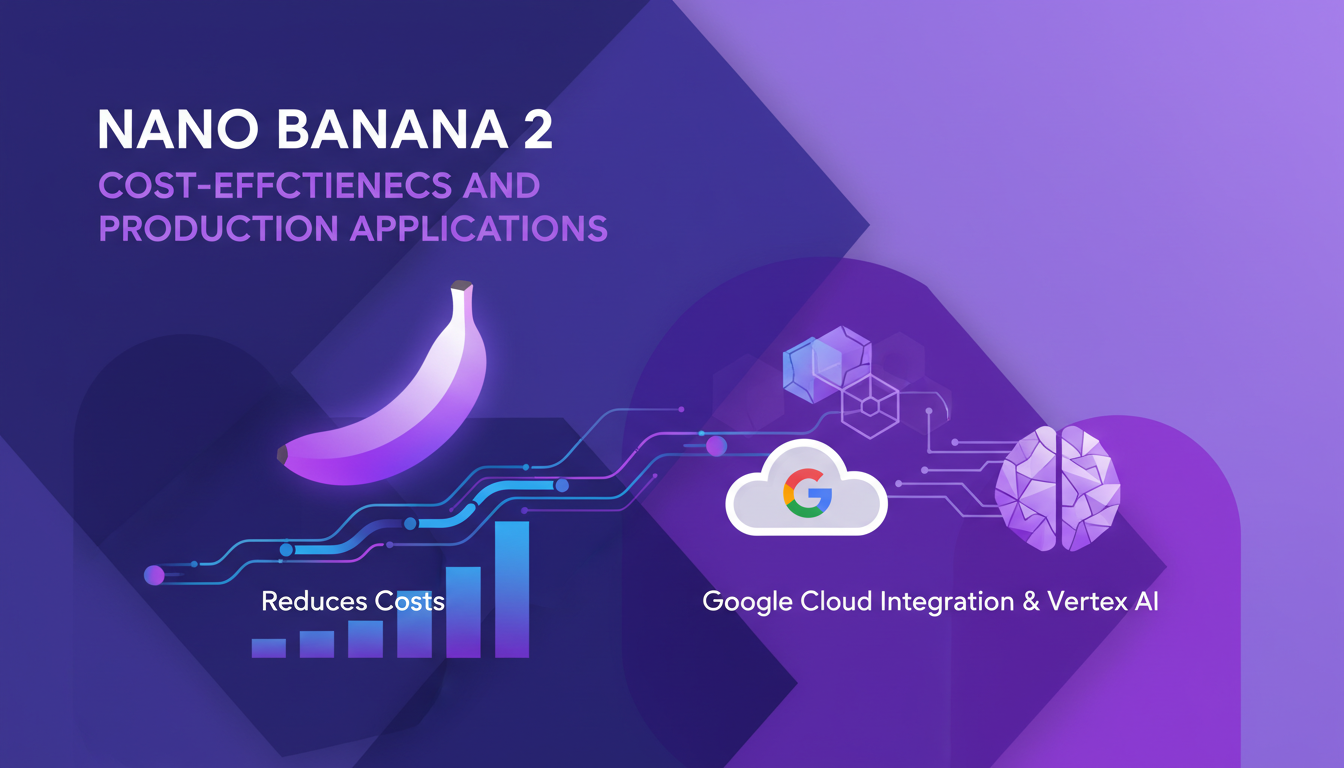
Nano Banana 2 is a boon for reducing production costs. In my projects, I’ve seen a 40% reduction in API costs compared to previous models. Real-world applications, especially with integration into Google Cloud and Vertex AI, have a direct business impact.
However, watch out for potential pitfalls in cost management. It’s easy to blow the budget if you’re not attentive to details. Make sure to keep an eye on expenses to maximize economic efficiency.
In summary, Nano Banana 2 is a significant advancement in image generation. Its ability to balance quality, cost, and performance makes it an indispensable tool for professionals in the field.
- Minimax M2.5: Unpacking Strengths and Limits
- Nano Banana 2: Combining Pro capabilities with lightning-fast speed
Nano Banana 2 isn't just a tool; it's like rocket fuel for anyone serious about image generation. I've woven its features into my workflow, and the efficiency and cost savings are real. Here’s what stands out for me:
- Gemini 3.1 is the flash image model powering Nano Banana 2. It's way faster and more cost-effective than the previous 2.5 model.
- Its text rendering and translation capabilities are top-notch. I've hooked it up with Google Search, and it’s transformed my research game.
- Compared to the 3 Pro model released in November, Nano Banana 2 is a game changer for daily tasks.
But watch out for the limits—don’t get too excited upfront, as integration takes some setup. Once it's running, though, it optimizes projects brilliantly. Ready to overhaul your image workflows? Dive into Nano Banana 2 and start optimizing today. For a deeper dive, check out the full video: Nano Banana 2 - Smaller, Faster, Cheaper. You'll see why I’m pumped.
Frequently Asked Questions

Thibault Le Balier
Co-fondateur & CTO
Coming from the tech startup ecosystem, Thibault has developed expertise in AI solution architecture that he now puts at the service of large companies (Atos, BNP Paribas, beta.gouv). He works on two axes: mastering AI deployments (local LLMs, MCP security) and optimizing inference costs (offloading, compression, token management).
Related Articles
Discover more articles on similar topics
Minimax M2.5: Unpacking Strengths and Limits
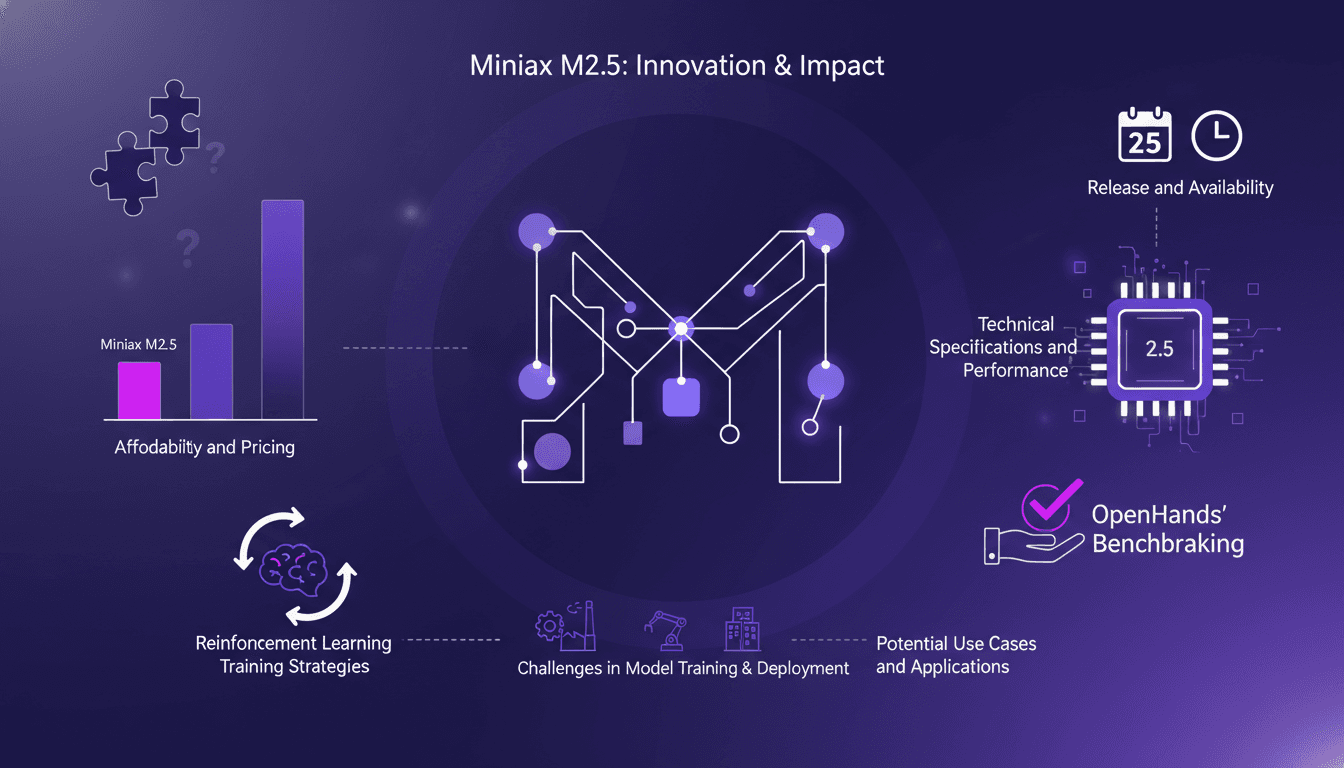
I've had my hands on the Minimax M2.5, and trust me, it's not just another model on the shelf. I integrated it into my workflow, and its affordability made me rethink my entire setup. But hold on, it's not just about the price tag. This model stands out with its technical specs and efficiency. So why should the Minimax M2.5 get your attention? We're diving into its strengths, limitations, and how it stacks up against competitors. We'll also discuss reinforcement learning strategies and potential use cases. Get ready, because this model might just shake up your work approach.
WebM MCP: Use Cases and Future Prospects
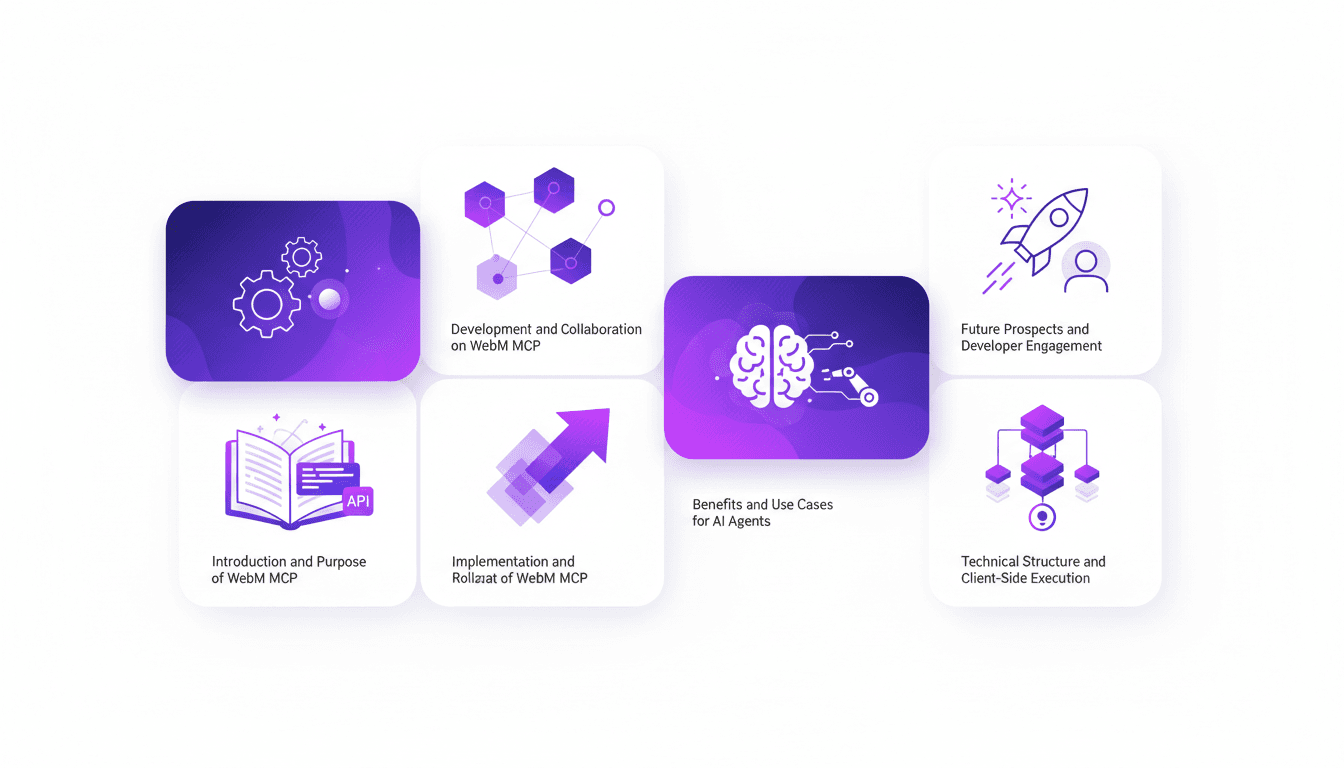
When I first heard about WebM MCP, I was skeptical. But after diving in, wrapping my head around its APIs, and seeing the potential, I realized it's a game changer for AI agent deployment. Developed by Google and Microsoft, WebM MCP offers a new way to handle media processing with AI agents. In this article, I share my hands-on experience, pitfalls to avoid, and how I integrated this tool into my daily workflow. Imagine managing thousands of tokens for each processed image, with just two APIs to master. I'll guide you through the benefits, use cases, and future prospects of this powerful tool.
OpenAI Acquires OpenClaw: What It Means for AI
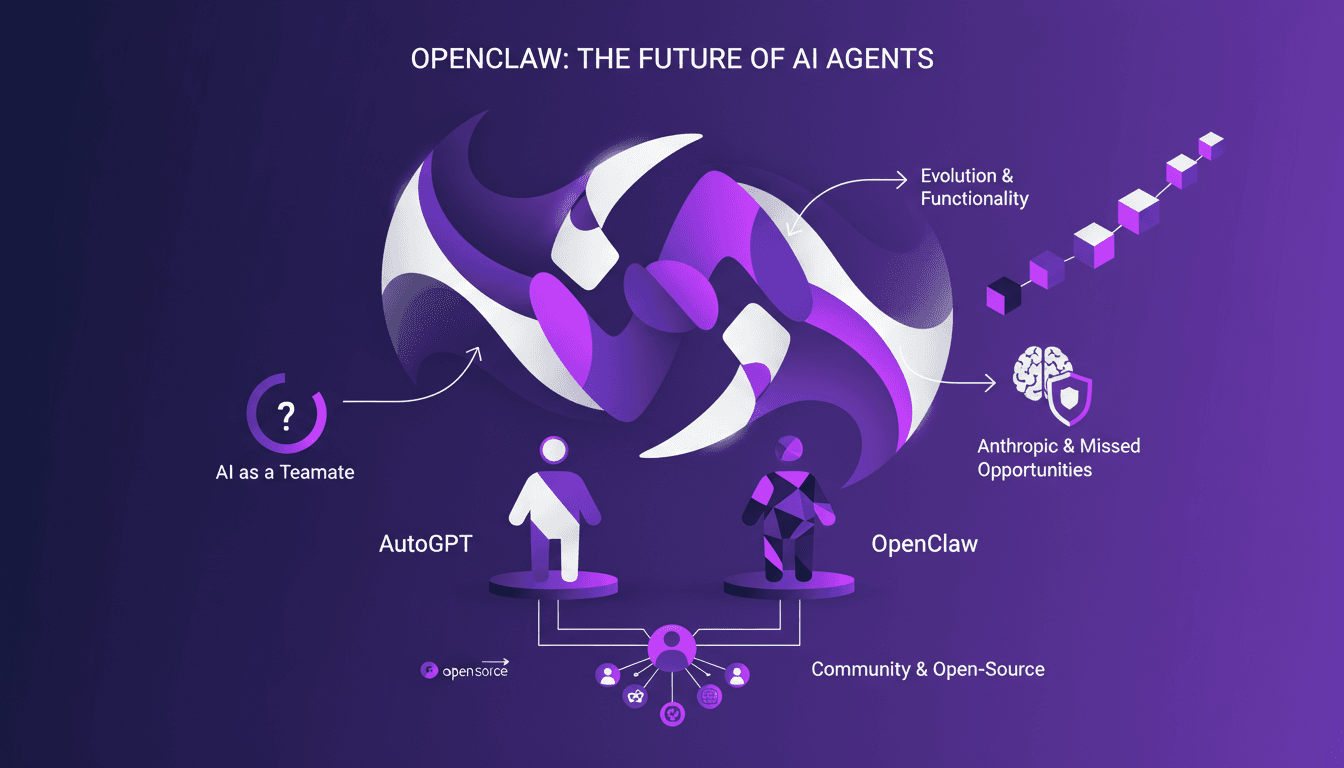
I was in the middle of orchestrating a multi-agent system when the news hit: OpenAI just bought OpenClaw. This isn't just another acquisition; it's a potential game changer for AI agents. OpenClaw, which evolved from Clawdbot to Moltbot, is set to redefine how we view AI as a teammate, not just a tool. With its persistent memory and sandbox environments, OpenClaw promises to transform our workflows. This acquisition could accelerate the integration of open-source AI agents and strengthen community collaboration. Let's dive into the details of what might be a pivotal moment for the future of AI agents.
Seedance AI 2.0: Revolutionizing Video Creation
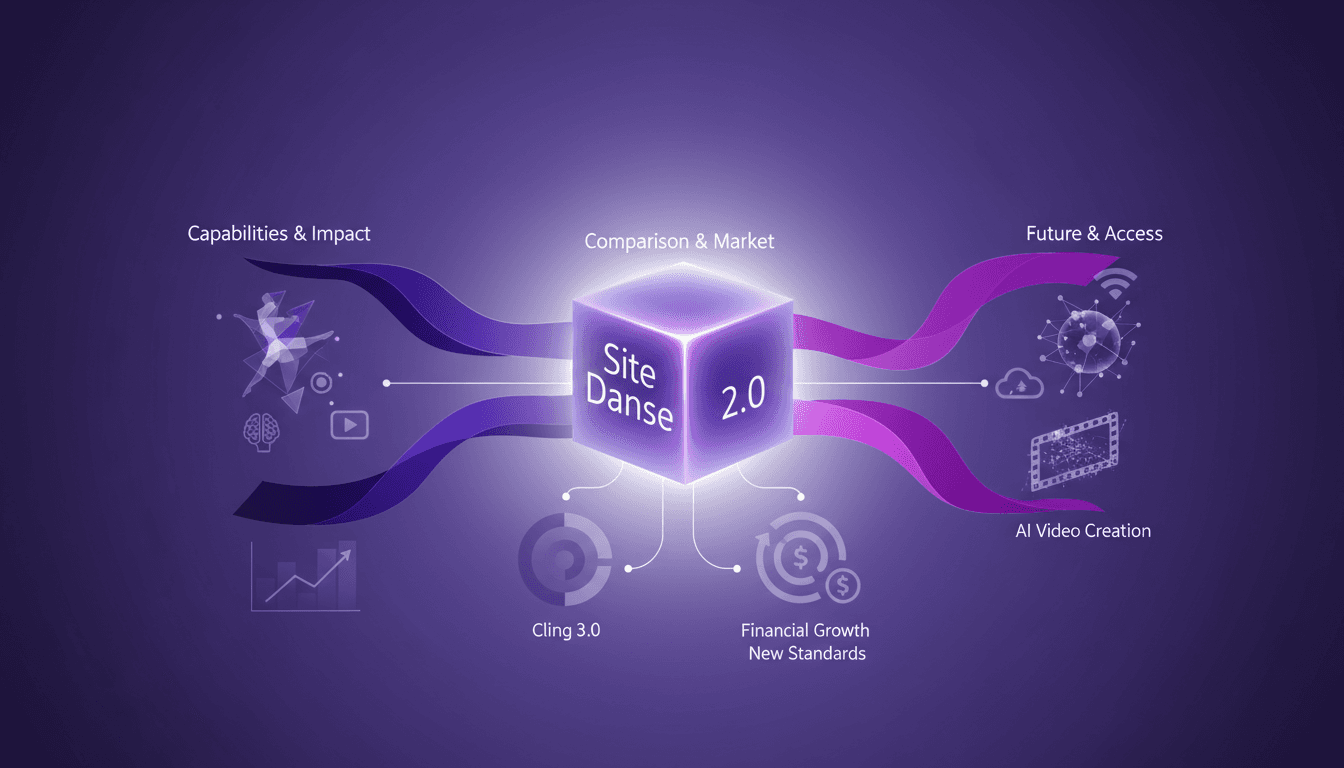
I dove into Seedance AI 2.0 expecting just another AI tool, but what I found was a game changer. This isn't just tech hype—it's a real shift in video creation. With Seedance AI 2.0, we're witnessing a revolution in leveraging AI for video content. It's not just about flashy features; it's about tangible impacts on production workflows. Compared with Cling 3.0 and other models, Seedance AI 2.0 stands out with its technical capabilities and market impact. Chinese companies saw their stocks rise by 10 to 20% in a single trading day. And that native 2048 x 1080 resolution, it's a game changer! I'm sharing how I've integrated it into my workflow and the financial implications to consider. Get ready to see how this technology might redefine the future of video content creation.
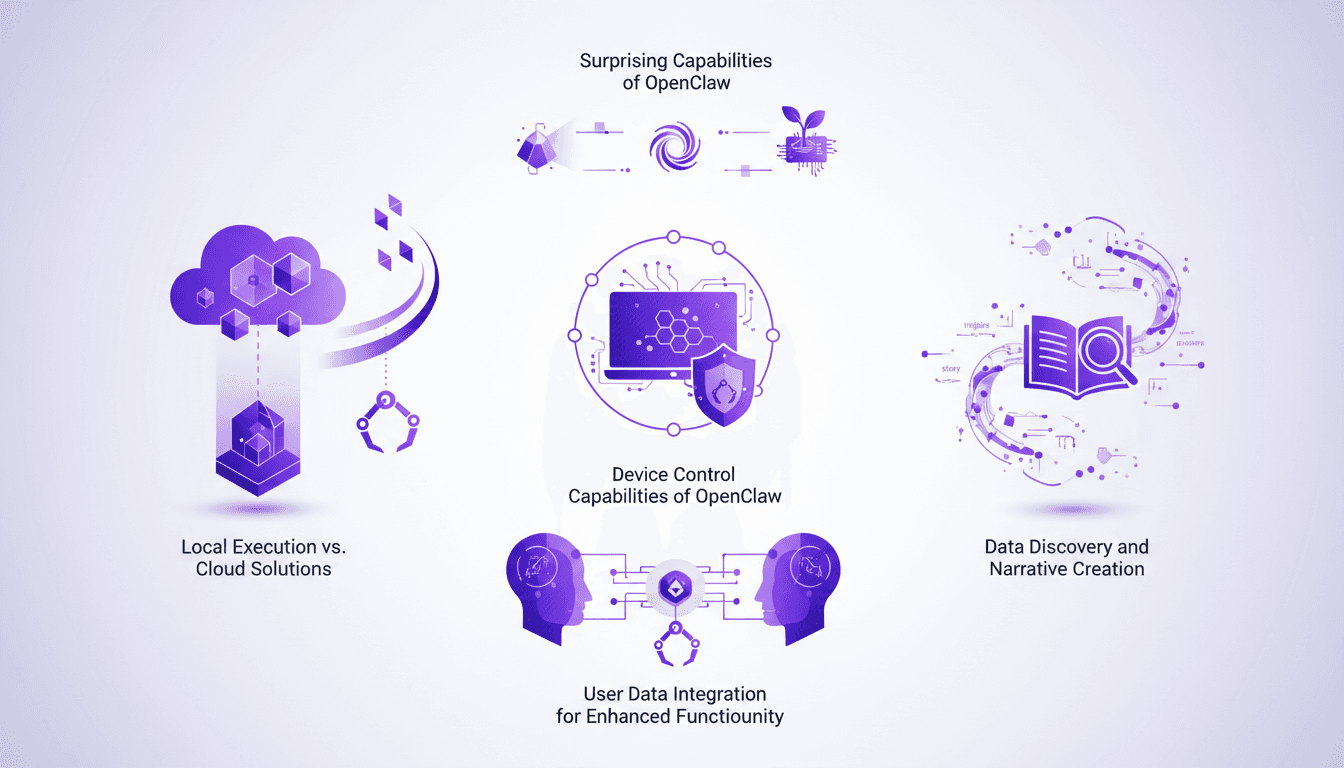
OpenClaw: Local Execution vs Cloud Solutions
I remember the first time I ran OpenClaw on my local machine. It felt like unleashing a beast capable of doing everything from device control to data discovery. What really blew my mind was how it stacked up against cloud solutions. In this post, I'll dive into how OpenClaw is shaking up the tech landscape with its local execution. We'll explore its device control capabilities, data discovery potential, and user integration. Trust me, OpenClaw is a game changer, but watch out for the pitfalls and contexts where it might surprise you.