LangSmith Webhooks Setup: Notify Slack Efficiently
I've been there: waiting for my agent to finish its run, only to miss the crucial notification. That's when I realized, why not automate this with a Slack alert? If you're deploying on LangSmith and need to keep your team in the loop, setting up webhook notifications is a game changer. Let me share how I did it. From creating a custom FastAPI route to testing the setup, I'll cover it all. Get ready for a smooth integration between LangSmith and Slack that's going to transform your workflow.

I got burned a few times, waiting patiently for my LangSmith agent to finish its run, only to realize too late that I missed the key notification. So I thought, why not automate this with a Slack alert? For those deploying on LangSmith and needing to keep their team in the loop, setting up webhook notifications is a real game changer. First, we configure a custom FastAPI route, then register it in the langgraph.json file. But we don't stop there: I'll show you how to send notifications directly to Slack, covering the necessary keys and parameters to get everything running smoothly. And watch out, a testing step is crucial to ensure everything works as expected. You'll see that with the right setup, it's a real joy to never miss a crucial notification again. Let's dive in, I'll walk you through it all.
Creating a Custom FastAPI Route
When diving into integrating webhooks in Langsmith, the first step is always setting up a custom FastAPI route to handle webhook notifications. FastAPI, with its lightweight structure, fits this task perfectly. I've found it integrates smoothly, especially when I need to orchestrate real-time notifications efficiently.
To start, I define my route, and I recommend using '/d' in your URL for clarity. It's a small detail, but it helps keep things organized. Remember, your dev server should be running on port 2024. It may seem trivial, but I've wasted time figuring out why nothing worked simply because the port was incorrect. Once the route is defined, we can move on to registering it in langgraph.json.
Registering the Route in langgraph.json
Once your FastAPI route is set up, it's crucial to integrate it into the langgraph.json file. This registration is essential for Langsmith to recognize your custom webhook. I've learned the hard way that even a small JSON syntax error, like a missing comma, can be a real headache.
To avoid these issues, I usually perform a dry run to catch errors early. Basically, you add the HTTP key and point to the FastAPI app instance. It seems simple, but every detail matters here. After this step, I always double-check that the dev server is running correctly before proceeding to set up the required keys and parameters.
Setting Up Required Keys and Parameters
Now it's time to set up the necessary keys and parameters for the webhook to function properly. Don't skip this step: incorrect parameters lead to failed notifications, and I've seen colleagues get burned by this more than once.
I recommend double-checking your Slack webhook URL and token. You'll need keys for the model provider, Tavilli API, Langmith API, and the Slack webhook URL. This is where mistakes are most common, so take your time to verify everything. Once everything is in place, it's time to configure notifications to Slack.
Sending Notifications to Slack
Configuring your webhook to send notifications to Slack is straightforward and quick—it usually takes me about 2-3 minutes. The key here is to customize your message format to include essential run completion details.
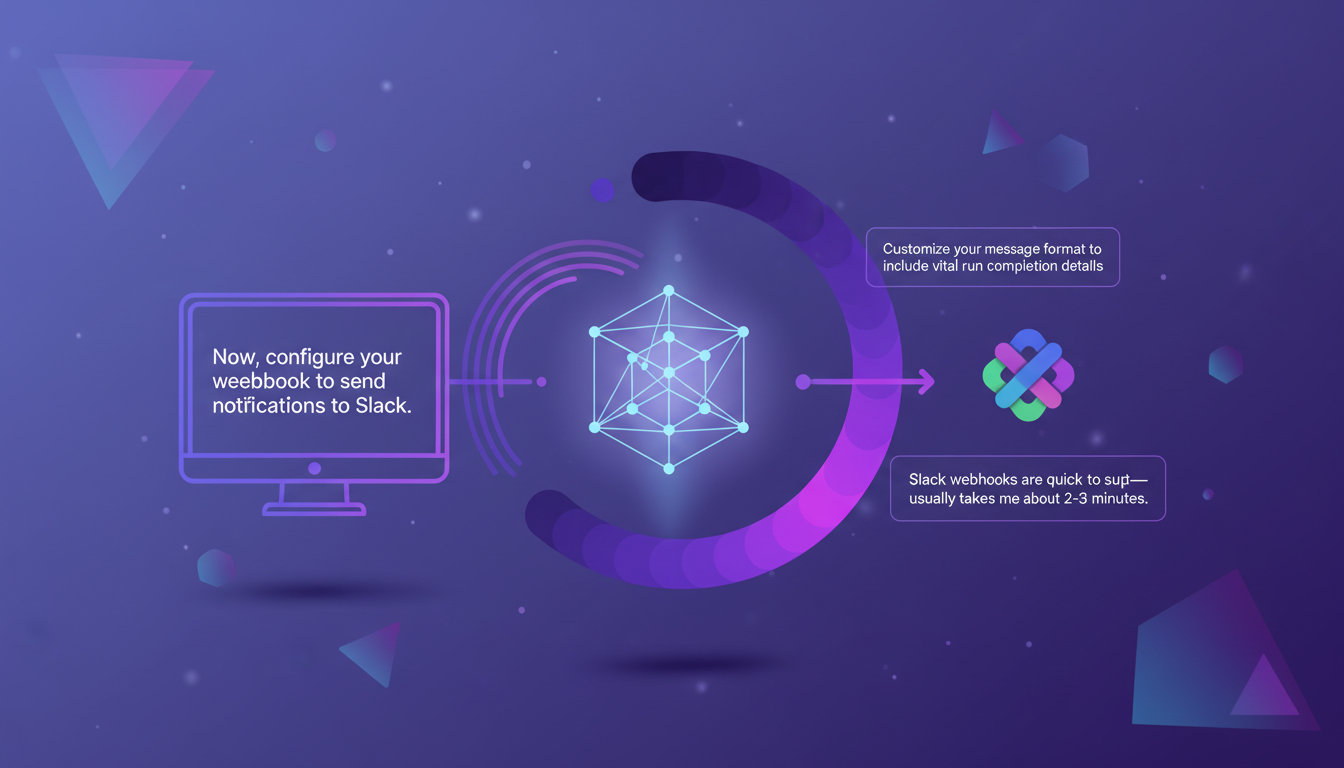
Remember, one thread per conversation keeps discussions organized. This practice not only keeps things tidy but also makes tracking easier. Good organization is crucial to avoid drowning in endless message threads.
Testing the Slack Notification Setup
The final, but essential step is to test your setup to ensure notifications are sent as expected. Watch out for common pitfalls like misconfigured URLs or incorrect permissions. Personally, I use a test agent run to verify everything is working smoothly.
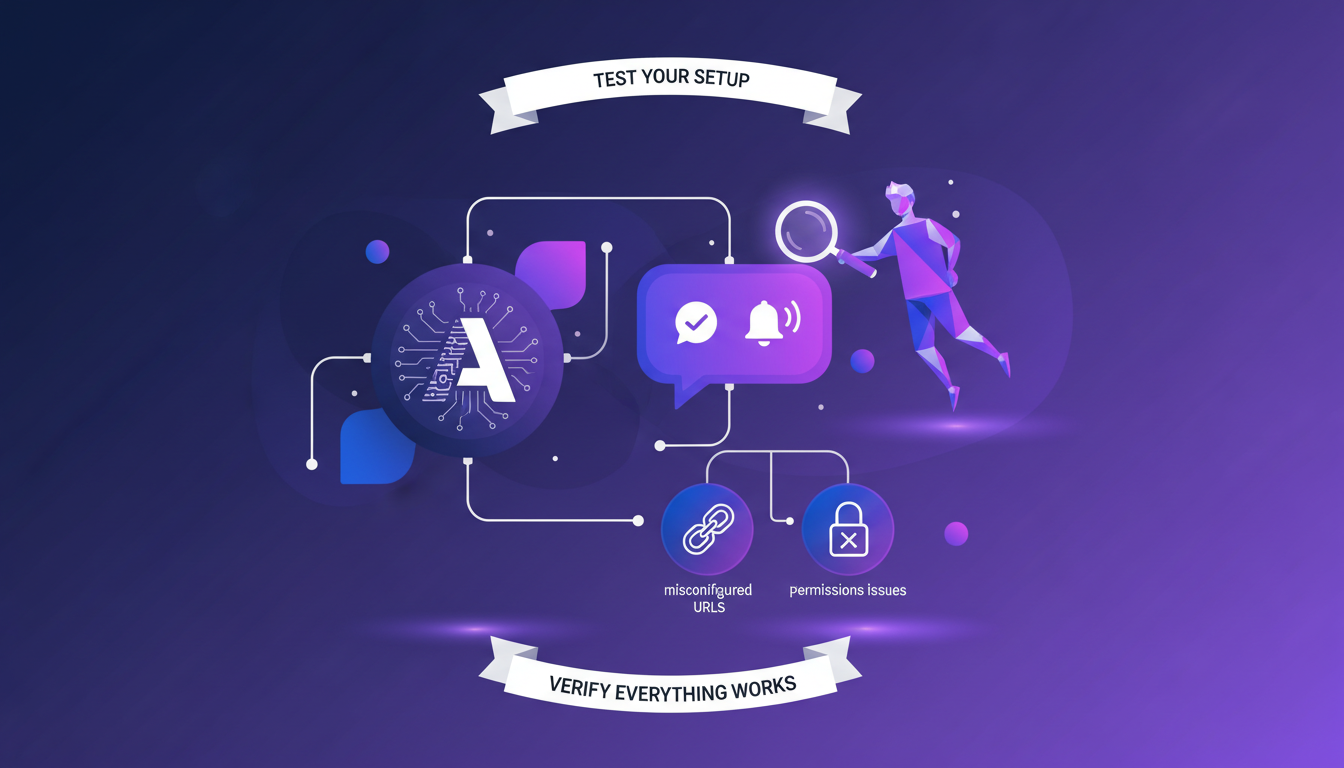
And sometimes, it's faster to troubleshoot with a colleague—don't hesitate to ask for a second pair of eyes if you're stuck. Ultimately, this process allows you to receive a Slack notification when your research run is completed, which is a real time-saver.
For those interested in more complex integrations, I recommend checking out this guide on creating custom routes with FastAPI. It can really extend the capabilities of your Langsmith deployment.
Setting up webhooks in LangSmith to automate Slack notifications was honestly a game changer for me. It cuts down manual updates and keeps the team informed in real time. Here's how I did it:
- First, I created a custom FastAPI route. It's pretty straightforward once you add that 'd' in your URL.
- Then, I registered this route in the langgraph.json file. Watch out, missing this step means nothing will work.
- Finally, I tested it by sending notifications to Slack – boom, the team knows immediately when a deployment finishes.
This workflow can really enhance team coordination, especially on complex deployments. But remember, securing your webhooks is crucial to avoid any nasty surprises.
Give this a try on your next deployment and see the difference. I recommend checking out the original video for all the nitty-gritty details straight from the source. YouTube link
Frequently Asked Questions

Thibault Le Balier
Co-fondateur & CTO
Coming from the tech startup ecosystem, Thibault has developed expertise in AI solution architecture that he now puts at the service of large companies (Atos, BNP Paribas, beta.gouv). He works on two axes: mastering AI deployments (local LLMs, MCP security) and optimizing inference costs (offloading, compression, token management).
Related Articles
Discover more articles on similar topics
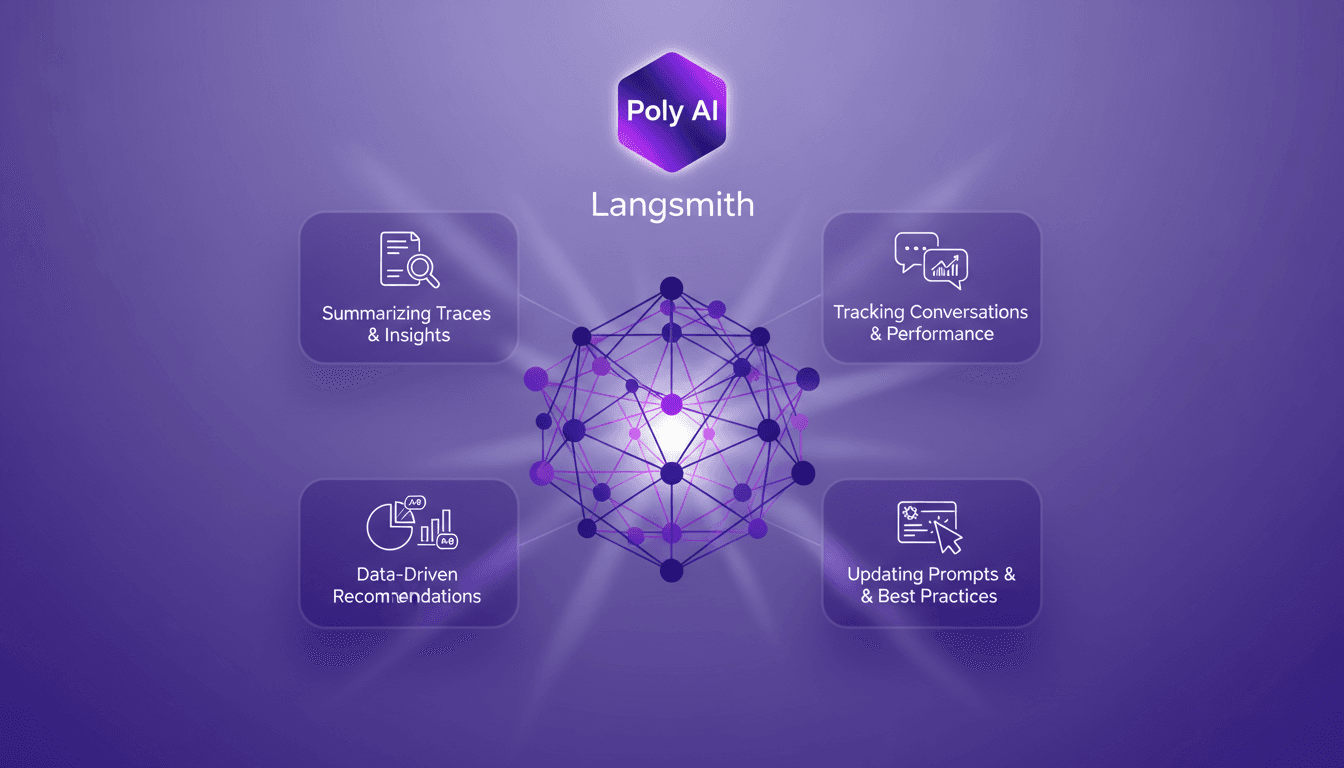
Poly AI in Langmith: Enhance Your Traces
I recently integrated the Polly AI Assistant into Langmith, and let me tell you, it's like having a supercharged co-pilot. The first thing I noticed? How it transformed my workflow for tracking conversations and updating prompts. Polly provides tools for summarizing traces, offering insights, and making data-driven recommendations. It's a game changer for anyone looking to optimize agent performance and experiment with new prompts. In this article, I'll show you how to leverage these capabilities to boost your workflow and enhance your performance.
AI Transformation Challenges: Overcome Them
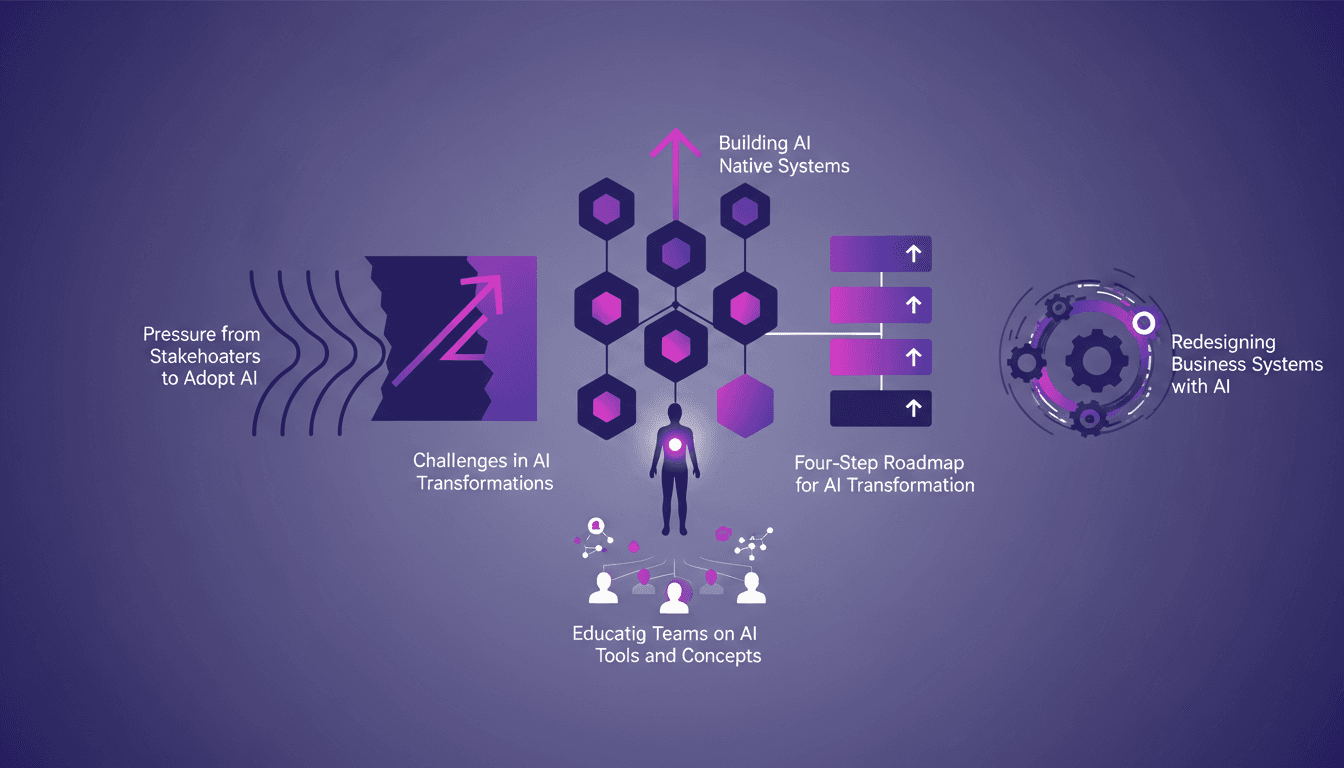
I've been deep in the trenches of AI transformations, and let me tell you, it's anything but plug-and-play. You can't just sprinkle a bit of AI on your systems and expect magic to happen. The promises of AI transformations are big, but they often fall short. Why? Because the key is building AI-native systems and having the right champions to lead the charge. I'll walk you through how I navigate these turbulent waters, with a four-step roadmap, and how to avoid common pitfalls. Whether you're under pressure from stakeholders to adopt AI or need to redesign your business systems with AI, understanding these challenges is crucial for success. Ready to dive in?
Nvidia Neimotron 3 Nano: LLM for the Edge Explained
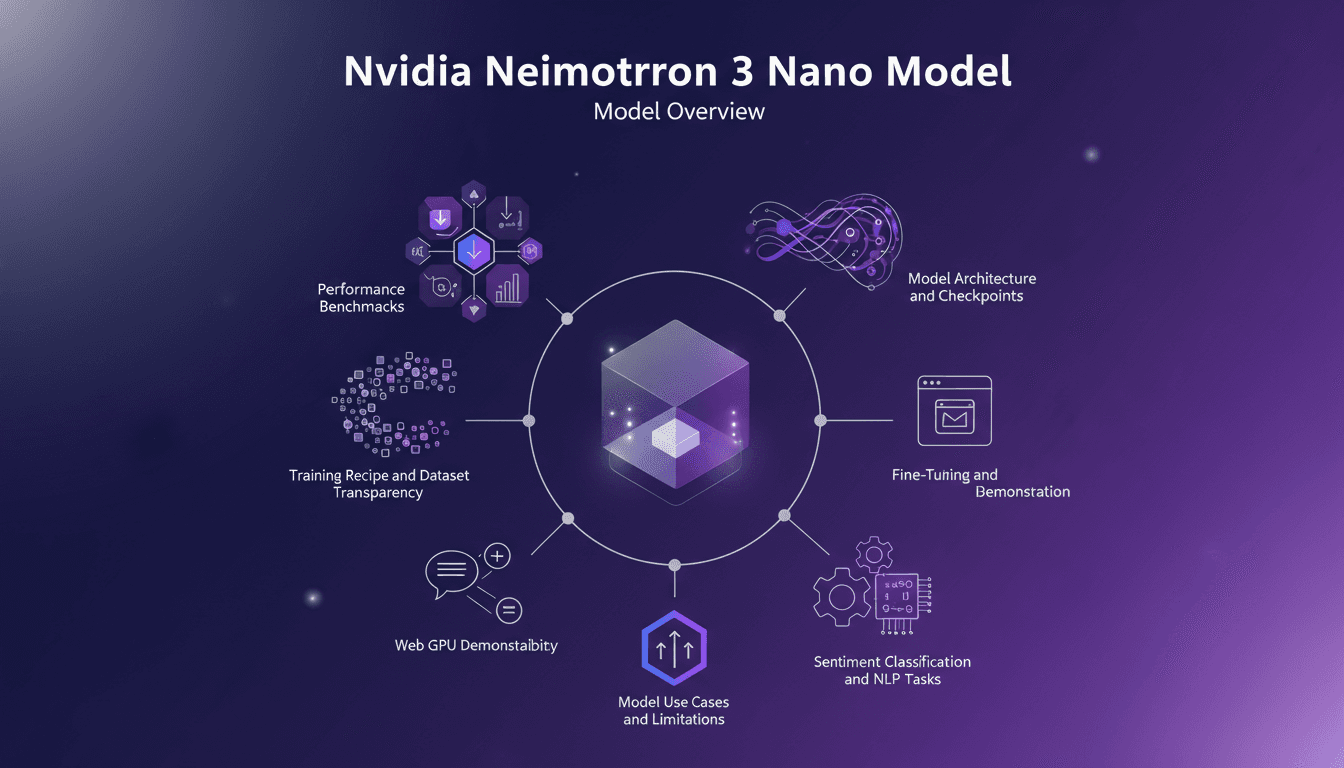
I got my hands on the Nvidia Neimotron 3 Nano, and it's a game changer for edge computing. With 4 billion parameters, this model is set to push the boundaries of edge AI. But beyond the hype, how does it truly perform? I'll take you through setting it up, what worked, and what to watch out for. We'll delve into the model architecture, performance benchmarks, and I'll share insights on use cases and limitations. Get ready to dive into the world of the Neimotron 3 Nano and see how it stacks up against models like the Quen 3.5, with a 10 percentage point better performance on ifbench.
LangSmith Fleet: Quick and Efficient Start
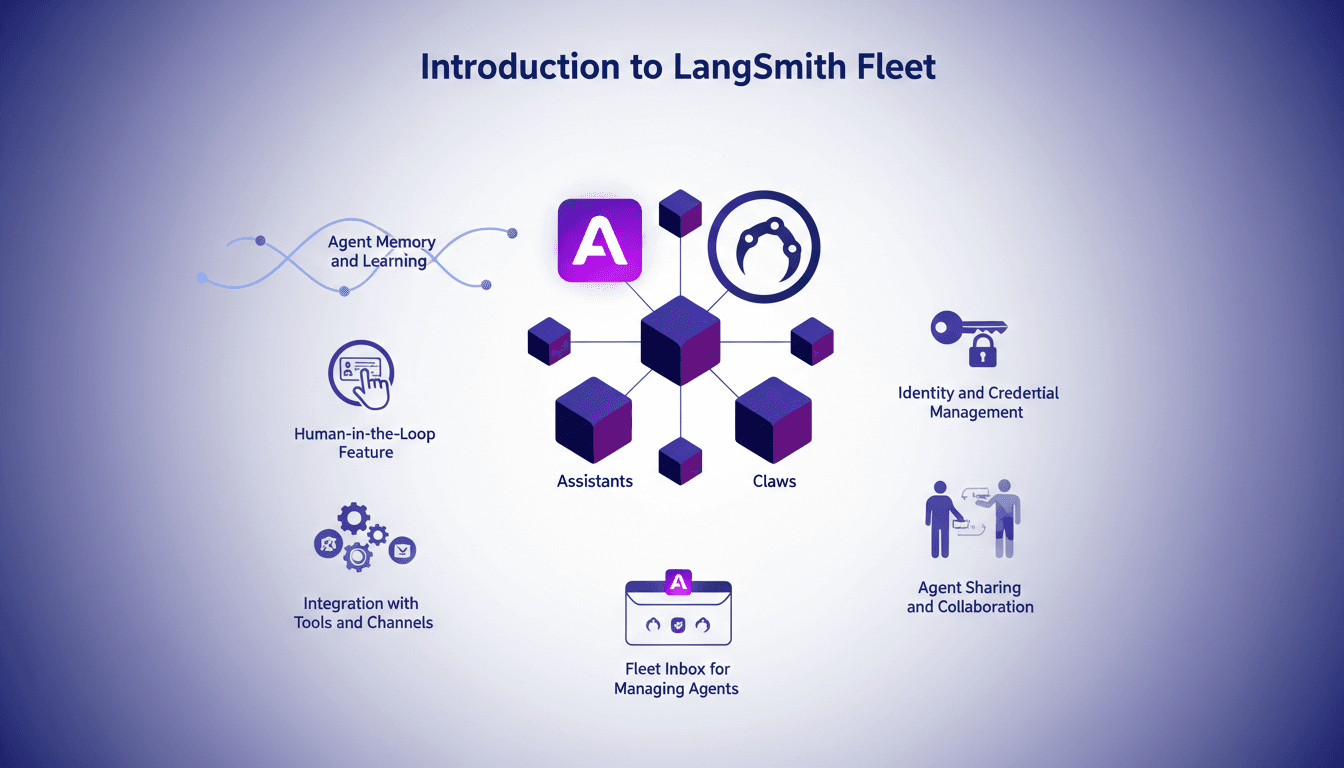
I jumped into LangSmith Fleet thinking it was just another tool. But once I integrated it with my workflow, I realized it was a game changer. Let me walk you through how I set it up, the pitfalls I encountered, and the efficiencies I gained. LangSmith Fleet offers a robust platform for managing AI agents, whether you're dealing with assistants or claws. Understanding agent memory, leveraging human-in-the-loop features, integrating with tools and channels... This isn't theoretical; it's practical with a direct impact on your daily workflow.
Crafting Effective Soundscapes in Videos
I still remember the first time I realized the power of sound in a video. It was a simple project, but the moment I added background music, everything transformed. That's when I knew audio wasn't just an accessory; it was a game changer. Today, in the media landscape, sound plays a pivotal role in shaping viewer perception. Whether through subtle theme repetition or strategic use of music, audio elements can make or break your content. In this video, I share how I crafted effective soundscapes and the impact of auditory repetition on atmosphere creation.