LangSmith Fleet: Quick and Efficient Start
I jumped into LangSmith Fleet thinking it was just another tool. But once I integrated it with my workflow, I realized it was a game changer. Let me walk you through how I set it up, the pitfalls I encountered, and the efficiencies I gained. LangSmith Fleet offers a robust platform for managing AI agents, whether you're dealing with assistants or claws. Understanding agent memory, leveraging human-in-the-loop features, integrating with tools and channels... This isn't theoretical; it's practical with a direct impact on your daily workflow.
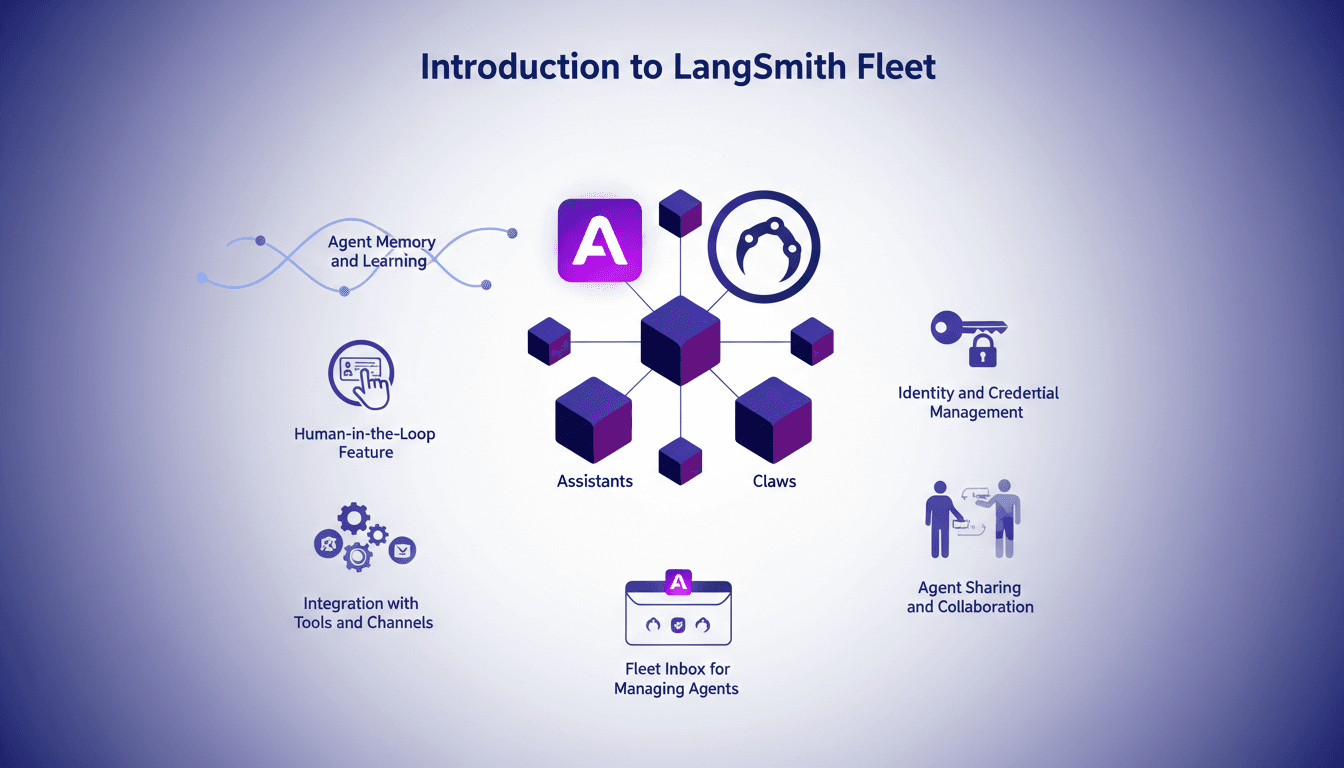
I jumped into LangSmith Fleet thinking it was just another tool to test. But once I integrated it into my workflow, I quickly realized it was a game changer. Let me guide you through how I set it up, the pitfalls I encountered, and how I optimized my processes. LangSmith Fleet isn't just a theoretical solution; it's a robust platform for managing your AI agents practically and collaboratively. Whether you're juggling assistants or claws, understanding agent memory and leveraging human-in-the-loop features are key elements. And watch out for details like identity and credential management, as it can become a puzzle. For those, like me, who want to share and collaborate, the agent sharing feature and Fleet Inbox are real assets. So, if you're ready to dive into this journey, follow me, and I'll show you how I orchestrated it all.
Setting Up LangSmith Fleet: The Basics
The first step in setting up my LangSmith Fleet was creating an account. The interface is intuitive, yet deep enough to require some exploration. Once logged in, I had to choose between two types of agents: assistants and claws. Each has its use case. Assistants act on my behalf with my credentials, while claws use a fixed set of credentials, allowing them to be more autonomous.
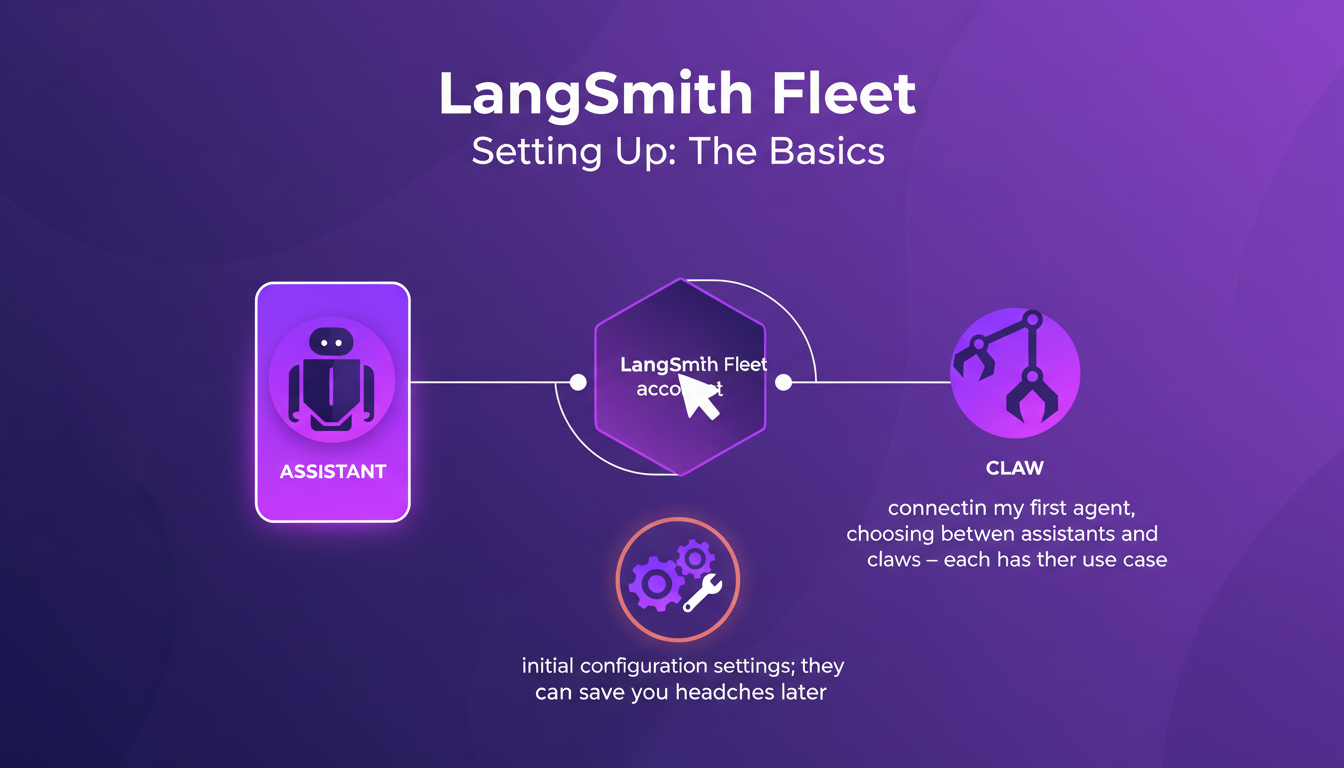
I ran into an OAuth authentication snag. It was a bit of a hassle, but by tweaking security settings and reviewing permissions, I resolved it efficiently. What is OAuth Authentication? Taking the time to understand the dashboard is crucial—it's your central command.
- Create your LangSmith Fleet account and explore the interface.
- Choose between assistant or claw agents based on your needs.
- Ensure initial configuration settings are correctly defined.
- Resolve OAuth authentication issues by checking permissions and security settings.
Navigating Agent Memory and Learning
Agent memory is crucial; it's what allows them to learn and adapt. I set up memory parameters to optimize performance without overloading the system. More memory means better learning, but it also consumes more resources. The key is to find the right balance.
I started with fixed credentials but switched to user credentials for flexibility. This allows agents to act according to each user's specific context, which is particularly useful in tools like Slack. LangSmith docs
- Configure memory settings based on your agent's needs.
- Start with fixed credentials, then switch to user credentials for more flexibility.
- Monitor memory usage to maintain optimal performance.
Maximizing Human-in-the-Loop Features
The Human-in-the-Loop feature is where LangSmith Fleet shines, enhancing agent decisions with human input. I integrated this feature to refine agent responses, especially for complex queries. But be careful, too much human intervention can slow down processes.
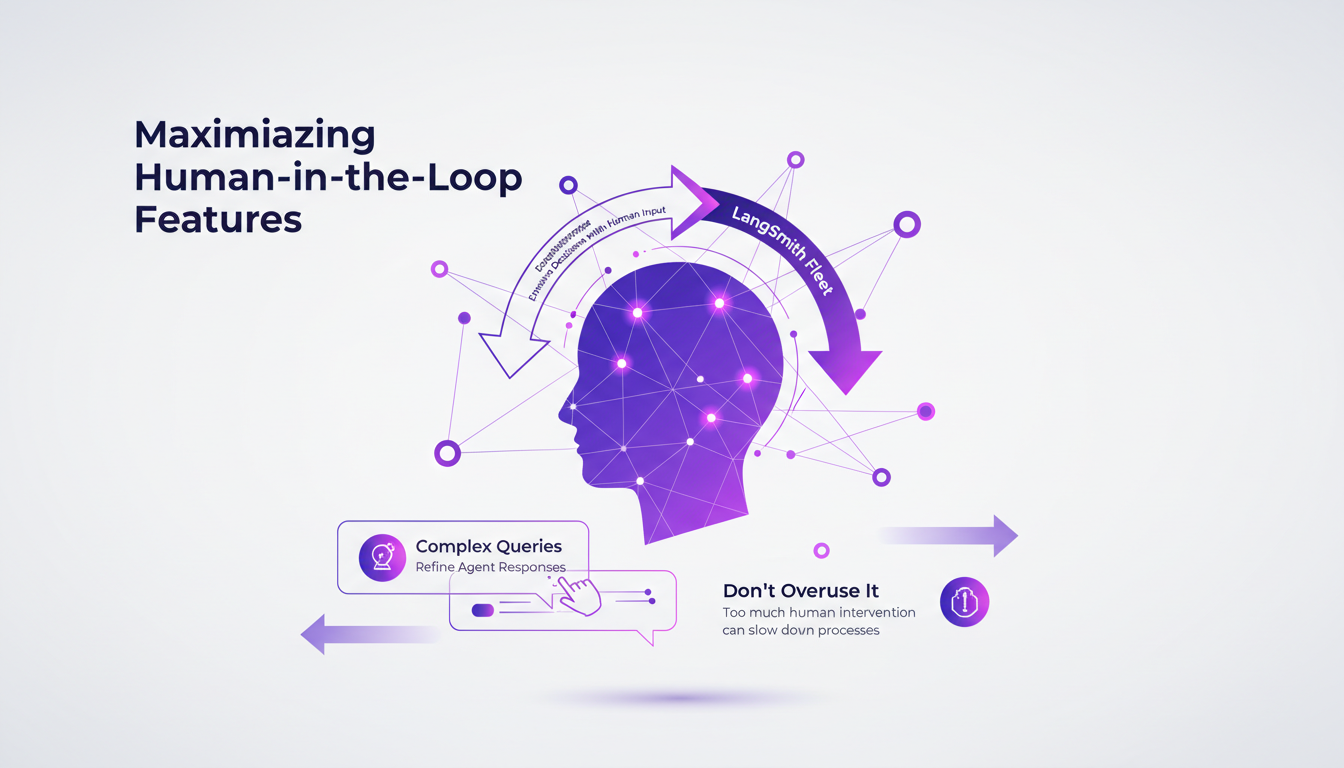
The ideal balance? Automate routine tasks and involve humans for nuanced decisions. What is Human-in-the-Loop AI? This improves accuracy and user satisfaction without constant oversight.
- Integrate Human-in-the-Loop features to enhance agent decision-making.
- Automate simple tasks, reserve complex decisions for human intervention.
- Improve accuracy and user satisfaction with targeted intervention.
Integration with Tools and Channels
LangSmith Fleet integrates seamlessly with existing tools. I connected mine, including Slack and email, for smooth communication. These channels are vital for multi-agent setups. However, I encountered a hiccup with OAuth credentials. After some adjustments, I found a workaround.
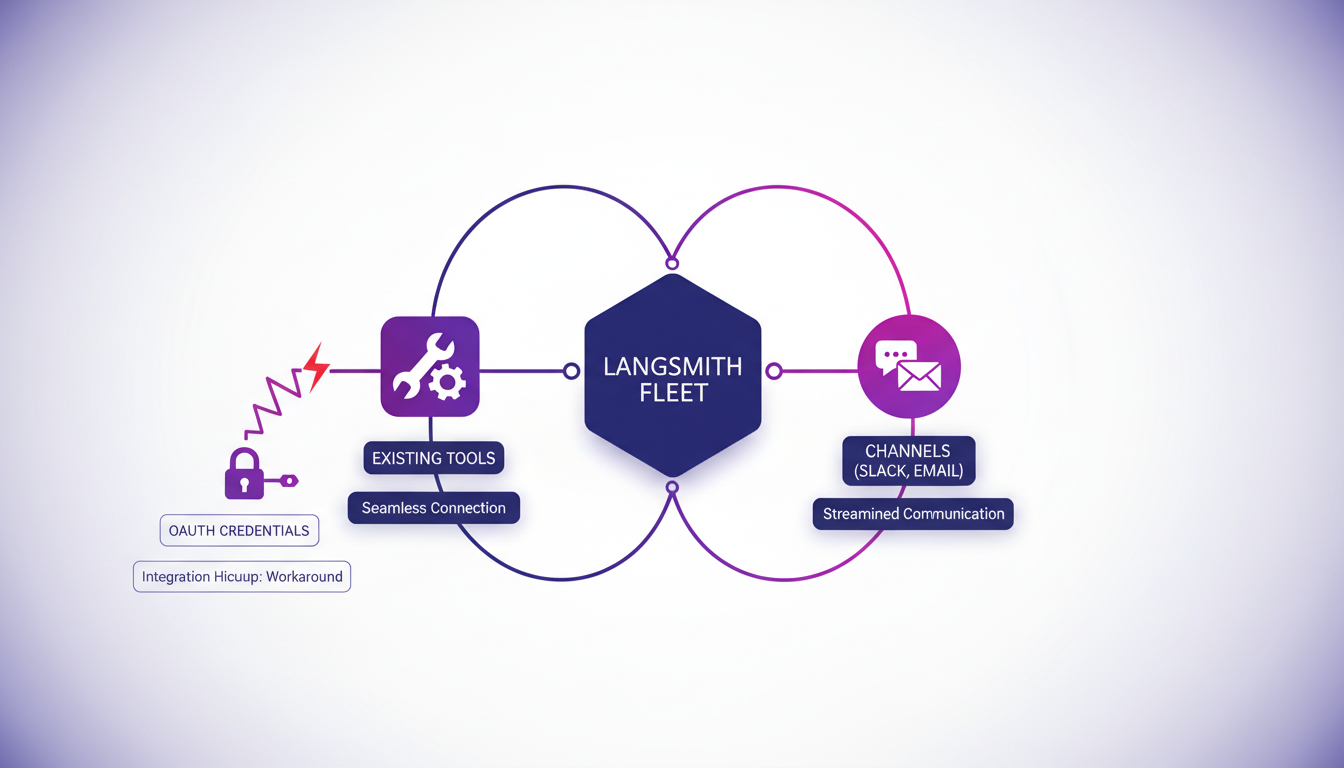
Proper integration can significantly reduce response times, enhancing the overall efficiency of your agent management. Fleet - LangChain
- Integrate LangSmith Fleet with existing tools and channels for optimal synergy.
- Check and adjust OAuth credentials for seamless integration.
- Reduce response times with efficient integrations.
Agent Sharing, Collaboration, and Fleet Inbox
Sharing agents across teams is a breeze with the workflow I use. Collaboration features allow for seamless project handoffs and updates. The Fleet Inbox is a lifesaver for managing agent activity. Two runs needed my attention, and it was easy to sort out.
In conclusion, it's crucial to regularly review shared agent permissions to maintain security. For more details on identity and credential management, check out Machine Payments Protocol: AI Agents Take Charge.
- Share agents across teams for optimal collaboration.
- Use Fleet Inbox for efficient agent activity management.
- Regularly review permissions to ensure credential security.
LangSmith Fleet is a powerful platform, but like any tool, it needs to be used wisely to get the most out of it. By understanding its features and adhering to best practices, you can truly optimize your agent management.
LangSmith Fleet has truly transformed how I manage AI agents. First, I leveraged the two types of agents—assistants and claws—for tailored tasks. Then, by integrating agent memory and learning features, I managed to streamline my processes and boost efficiency. But watch out, managing identities can be tricky with two types of credentials to choose from, so planning is key. Lastly, the Human-in-the-Loop feature allowed me to maintain human oversight on critical decisions, a real asset.
Looking ahead, LangSmith Fleet could indeed be a game changer for those seeking a robust AI solution, but it’s essential to adopt it gradually. I recommend starting with a pilot project and expanding as your agility and understanding grow. For deeper insights, I encourage you to watch the original video. It's packed with practical insights. Try LangSmith Fleet and see the difference yourself. Watch the full video here
Frequently Asked Questions

Thibault Le Balier
Co-fondateur & CTO
Coming from the tech startup ecosystem, Thibault has developed expertise in AI solution architecture that he now puts at the service of large companies (Atos, BNP Paribas, beta.gouv). He works on two axes: mastering AI deployments (local LLMs, MCP security) and optimizing inference costs (offloading, compression, token management).
Related Articles
Discover more articles on similar topics
Machine Payments Protocol: AI Agents Take Charge
I still remember the first time I saw a cloudbot autonomously handle a transaction. The Machine Payments Protocol (MPP) isn't just a concept – it's a real game changer for agent-driven e-commerce. Co-authored by Tempo and Stripe, this protocol redefines how AI agents manage microtransactions, making human intervention obsolete. In this article, I'm diving into how the MPP revolutionizes efficiency and cost savings. We’ll talk about the launch by Tribe, the role of cloudbots and open claws, and Skype's significance as a major payment provider. Buckle up, we're diving into this new world.
LangChain & Nvidia: Create Your AI Agent
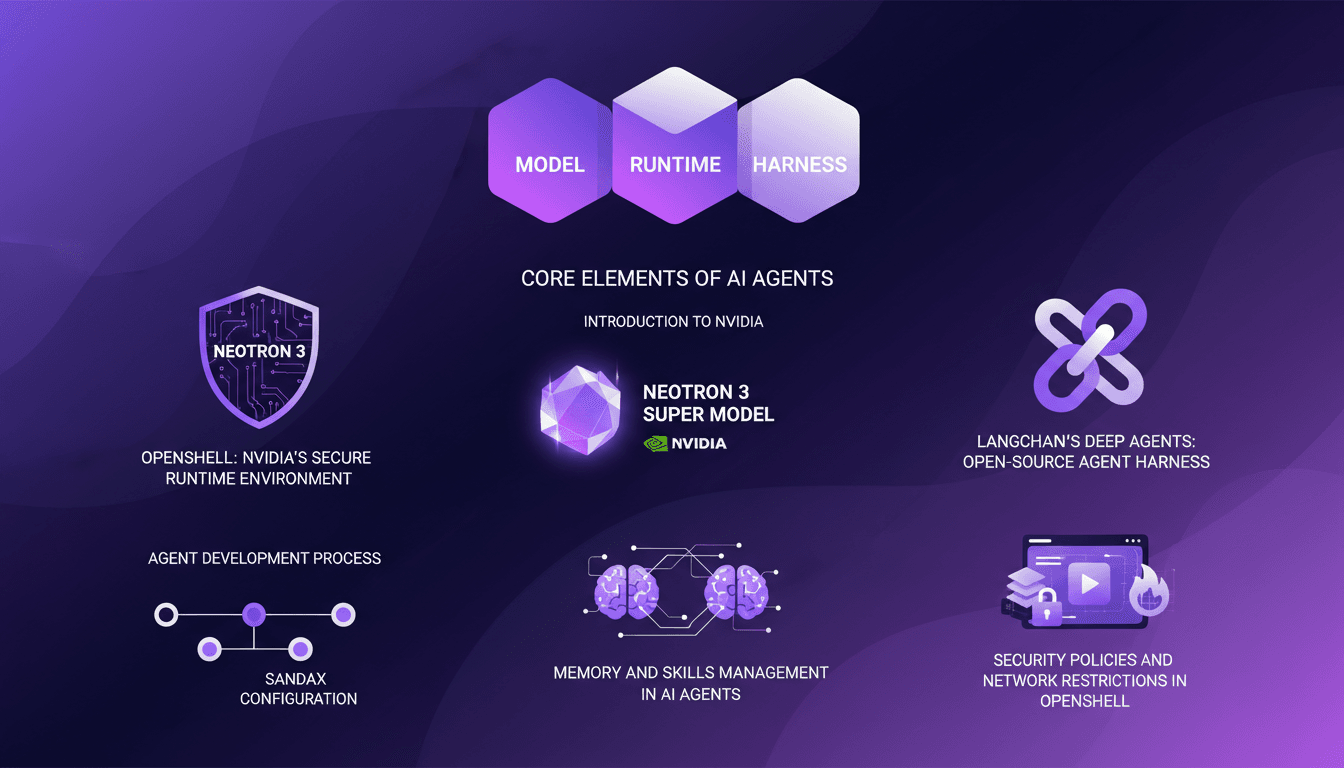
I dove headfirst into building AI agents using LangChain and Nvidia's latest tech, and it's been a game changer. First, I connected my Neotron 3 model, then secured the runtime with OpenShell. LangChain's Deep Agents helped me craft an open-source harness, and juggling the agent's memory and skills was both complex and fascinating. But watch out, the security policies and network restrictions in OpenShell can be tricky. If you're looking to build your own AI agent, I break down how I orchestrated it all.
AI Agents: Speeding Up Software Development
I've been knee-deep in AI development for years, and when I first heard about Emergent's AI agents for non-technical users, I was skeptical. But diving into their infrastructure and seeing the impact firsthand, I realized these tools are reshaping software development. Emergent has built a platform where even non-tech users can harness AI agents’ power. With a growing user base and robust infrastructure, they're setting new tech industry standards. From technical architecture to user empowerment and even team structure, this is a game-changer. Sure, there are challenges, but the potential is massive.

Crafting Effective Soundscapes in Videos
I still remember the first time I realized the power of sound in a video. It was a simple project, but the moment I added background music, everything transformed. That's when I knew audio wasn't just an accessory; it was a game changer. Today, in the media landscape, sound plays a pivotal role in shaping viewer perception. Whether through subtle theme repetition or strategic use of music, audio elements can make or break your content. In this video, I share how I crafted effective soundscapes and the impact of auditory repetition on atmosphere creation.
Google Stitch: The AI Tool Redefining Design
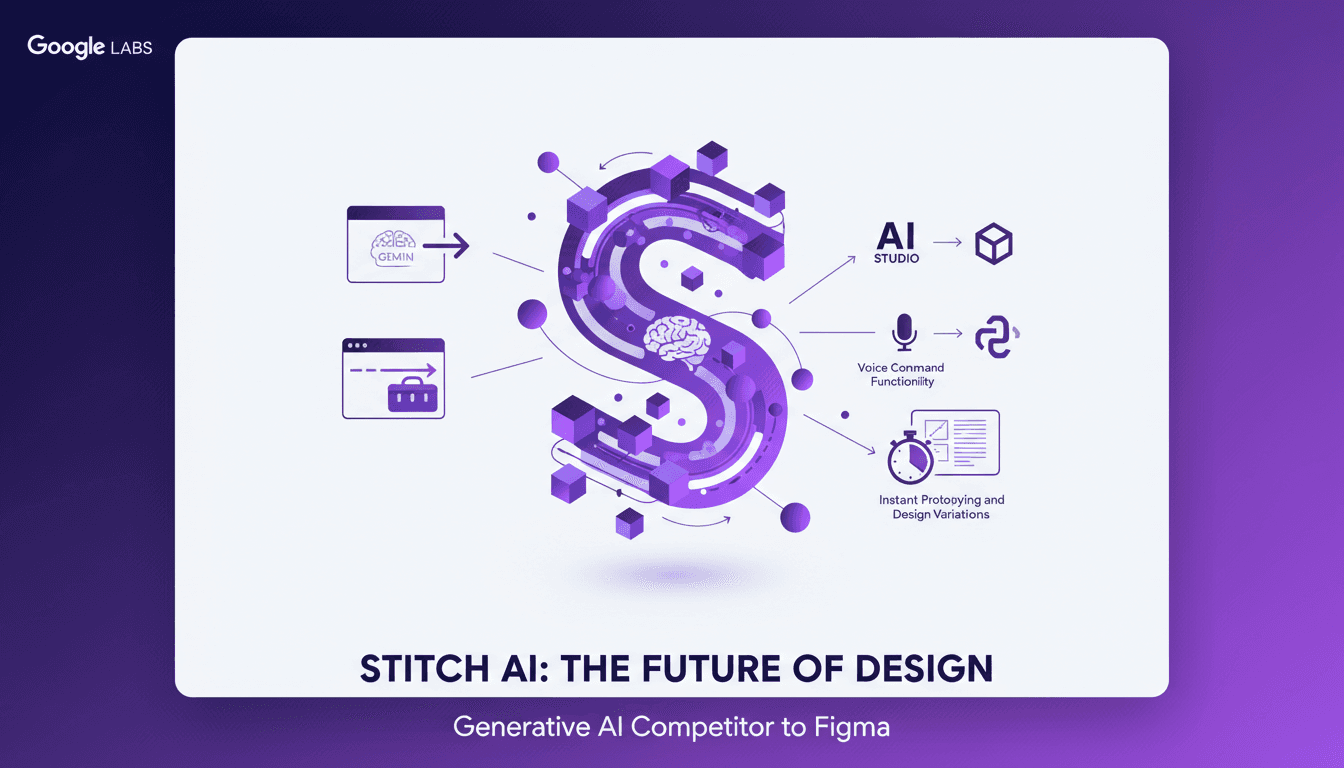
Diving into Google Stitch's latest update was like stepping into a new era of design. With Gemini model integration and voice commands, this isn't just another tool—it's a game changer. I'll show you how I leveraged these features. Google Labs has turned Stitch into a powerhouse generative AI design tool, extracting design standards from URLs and exporting to Figma and React. It's a serious contender to Figma. But watch out for the pitfalls, and I'll guide you through them.