Google Stitch: The AI Tool Redefining Design
Diving into Google Stitch's latest update was like stepping into a new era of design. With Gemini model integration and voice commands, this isn't just another tool—it's a game changer. I'll show you how I leveraged these features. Google Labs has turned Stitch into a powerhouse generative AI design tool, extracting design standards from URLs and exporting to Figma and React. It's a serious contender to Figma. But watch out for the pitfalls, and I'll guide you through them.
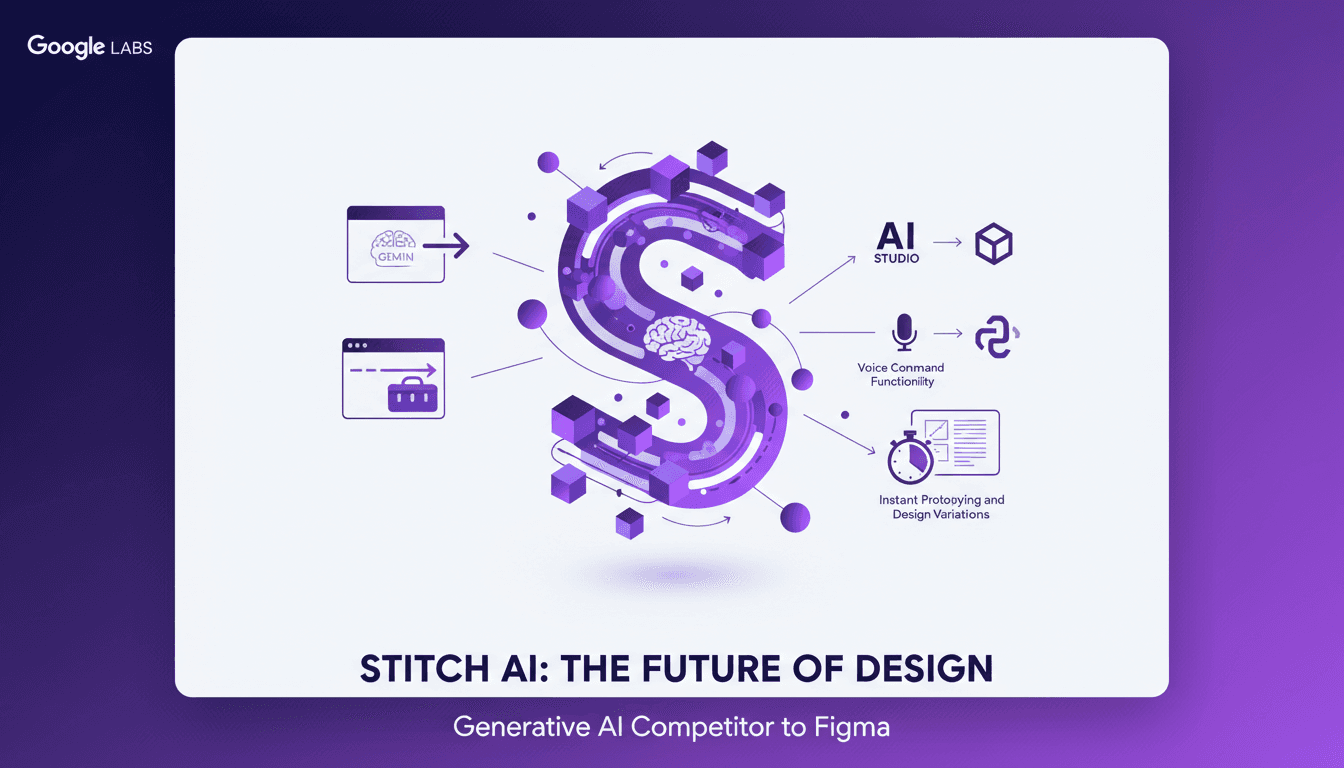
I dove into Google Stitch's latest update, and believe me, it feels like stepping into a new era of design. This isn't just another tool to add to the list—it's a game changer. The integration of Gemini models and voice command functionality completely shifts the landscape. First, I connected Stitch to my ongoing projects. I used its capabilities to extract design standards straight from URLs, saving me tons of time. Then, exporting to Figma and React was a breeze. But beware, the power of this tool can also be its pitfall. I got burned a few times before figuring out how to orchestrate the use of voice commands effectively for design modifications. Google Labs has truly transformed Stitch into a serious competitor for Figma. And I'm here to share how I navigated the hurdles to make the most out of it.
Unpacking the Power of Gemini Models
First, I integrated the Gemini text and image models into Stitch. Let me tell you, that was quite the experience. These models allow for dynamic design generation, tapping into a massive dataset. It's like giving an artist's palette to an algorithm. But watch out, there's a learning curve. It's manageable with practice, but don't expect to master it overnight. Currently, I'm using the 3.0 flash model, with a potential update to 3.1 on the horizon. Clearly, this integration is key for creating varied and efficient design outputs.
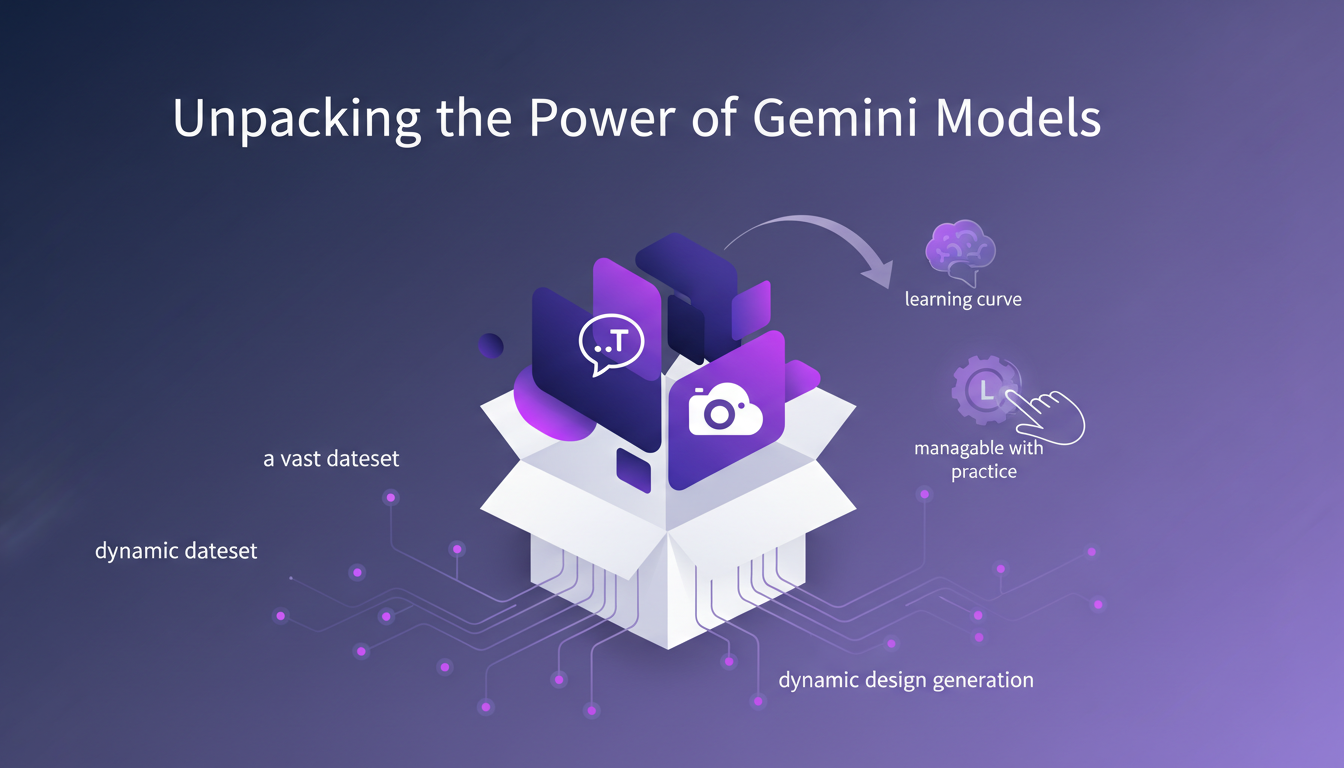
With the Gemini models, we're really talking about a revolution in how we approach generative design. Google Labs has made a significant leap to compete with tools like Figma AI. The mix of the design agent and the new native design canvas offers a robust platform for creatives.
Extracting Design Standards from URLs
Next, I used Stitch to extract design standards directly from URLs. Basically, it's like having a personal assistant taking care of all the redundant tasks. This feature saves a ton of time by automating what used to be a tedious manual task. But be cautious of URL limitations; not all sites are compatible. That being said, this tool is invaluable for maintaining consistency across different design projects.
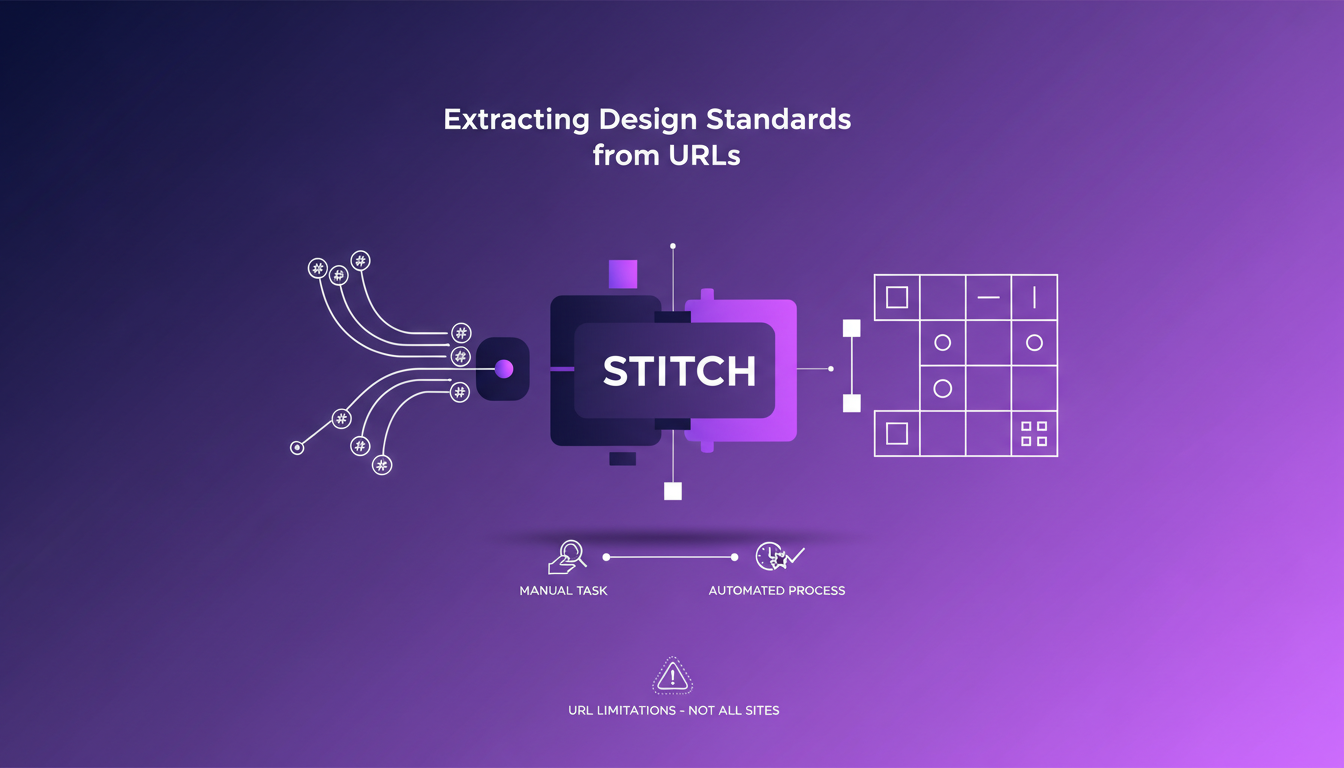
For those juggling multiple projects, it's a real asset. Stitch's ability to analyze colors, fonts, and icons from a website to create coherent design systems is a feature I highly recommend.
Exporting Designs: From AI Studio to React
Exporting to AI Studio, Figma, and React apps is seamless with Stitch. I found the transition to these platforms smooth, maintaining design integrity. However, keep an eye on file sizes—they can balloon quickly. This export feature allows for easy collaboration with teams using different tools. But consider the cost implications of using multiple platforms.
Cross-platform export is essential for hybrid teams. For instance, if your developer works in React but your designer prefers Figma, Stitch bridges this gap, avoiding tedious back-and-forths.
Voice Command Functionality: A Designer's New Ally
Voice commands in Stitch allow for hands-free design adjustments. I experimented with this feature, finding it intuitive and responsive. But don't rely on it entirely—manual adjustments are still necessary. It enhances workflow efficiency, especially during prototyping.
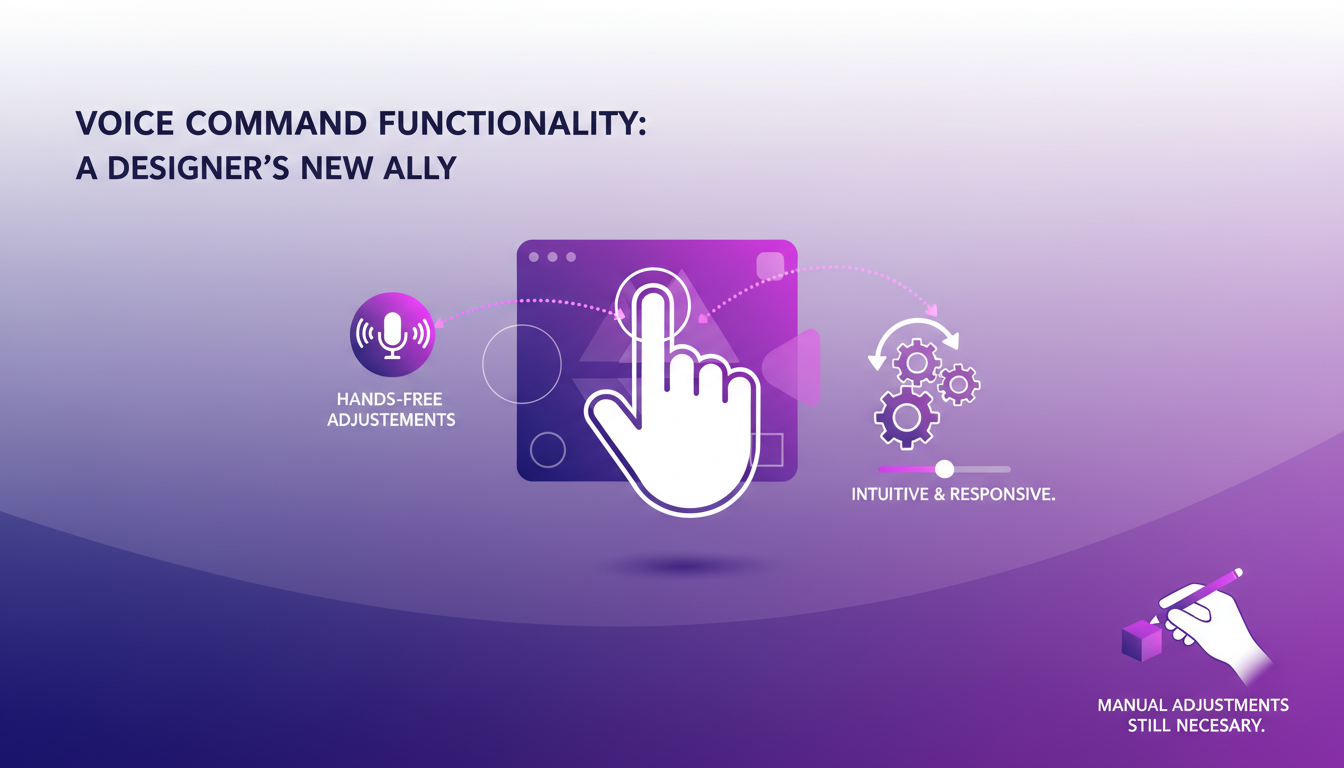
This functionality sets Stitch apart from its competitors. It can truly transform your workflow, but be cautious about overusing it.
Design System Toolkit and the Design.md File
Stitch's Design System Toolkit is an effective way to organize design elements. The Design.md file acts as a living document for design standards. I found it useful for keeping track of design iterations and updates. Don't overcomplicate your toolkit—simplicity aids efficiency. This feature is crucial for maintaining project coherence over time.
Using a document like Design.md allows for centralized design decisions, facilitating team communication and ensuring better overall coherence.
With Stitch, you can truly orchestrate your design projects more effectively, leveraging the latest AI advancements. If you haven't tested it yet, I highly recommend you do.
Google Stitch isn't just another design tool; it's a robust AI-driven platform that integrates seamlessly with our existing workflows. I streamlined my design process using Gemini models, URL extraction, and voice commands. But watch out for the limits—file sizes and compatibility can be a bottleneck.
- Seamless Integration: Google Stitch works smoothly with AI Studio, Figma, and React Apps, saving you time.
- Gemini Models: They quickly generate text and images, but mastering the nuances of the three variations is key.
- URL Extraction: Great for pulling design standards, but not always precise with complex URLs.
It's a game changer, but with the 3.0 flash model, you need to stay cautious. I'm eager to see what the 3.1 version holds. Ready to transform your design workflow? Dive into Google Stitch and see how it can redefine your creative process. Check out the full video for a deeper understanding: YouTube
Frequently Asked Questions

Thibault Le Balier
Co-fondateur & CTO
Coming from the tech startup ecosystem, Thibault has developed expertise in AI solution architecture that he now puts at the service of large companies (Atos, BNP Paribas, beta.gouv). He works on two axes: mastering AI deployments (local LLMs, MCP security) and optimizing inference costs (offloading, compression, token management).
Related Articles
Discover more articles on similar topics
AI Meets Creativity: Transforming Product Design
I vividly remember the first time I integrated AI into my design workflow. It was like handing a paintbrush to a machine and watching magic happen. But let's be real, AI is more than just magic; it's an amplifier of what we can do, faster and smarter. In today's design world, AI isn't just a tool—it's a partner. From Autodesk Fusion's capabilities to generative AI's precision, we're witnessing a revolution in product design. Let's dive into how these technologies are redefining creativity and consumer trust. How does AI augment our creativity and decision-making? How is Autodesk Fusion transforming product design? And what about the shift in consumer preferences towards authenticity? That's what we're diving into here.

Machine Payments Protocol: AI Agents Take Charge
I still remember the first time I saw a cloudbot autonomously handle a transaction. The Machine Payments Protocol (MPP) isn't just a concept – it's a real game changer for agent-driven e-commerce. Co-authored by Tempo and Stripe, this protocol redefines how AI agents manage microtransactions, making human intervention obsolete. In this article, I'm diving into how the MPP revolutionizes efficiency and cost savings. We’ll talk about the launch by Tribe, the role of cloudbots and open claws, and Skype's significance as a major payment provider. Buckle up, we're diving into this new world.
Poly AI in Langmith: Enhance Your Traces
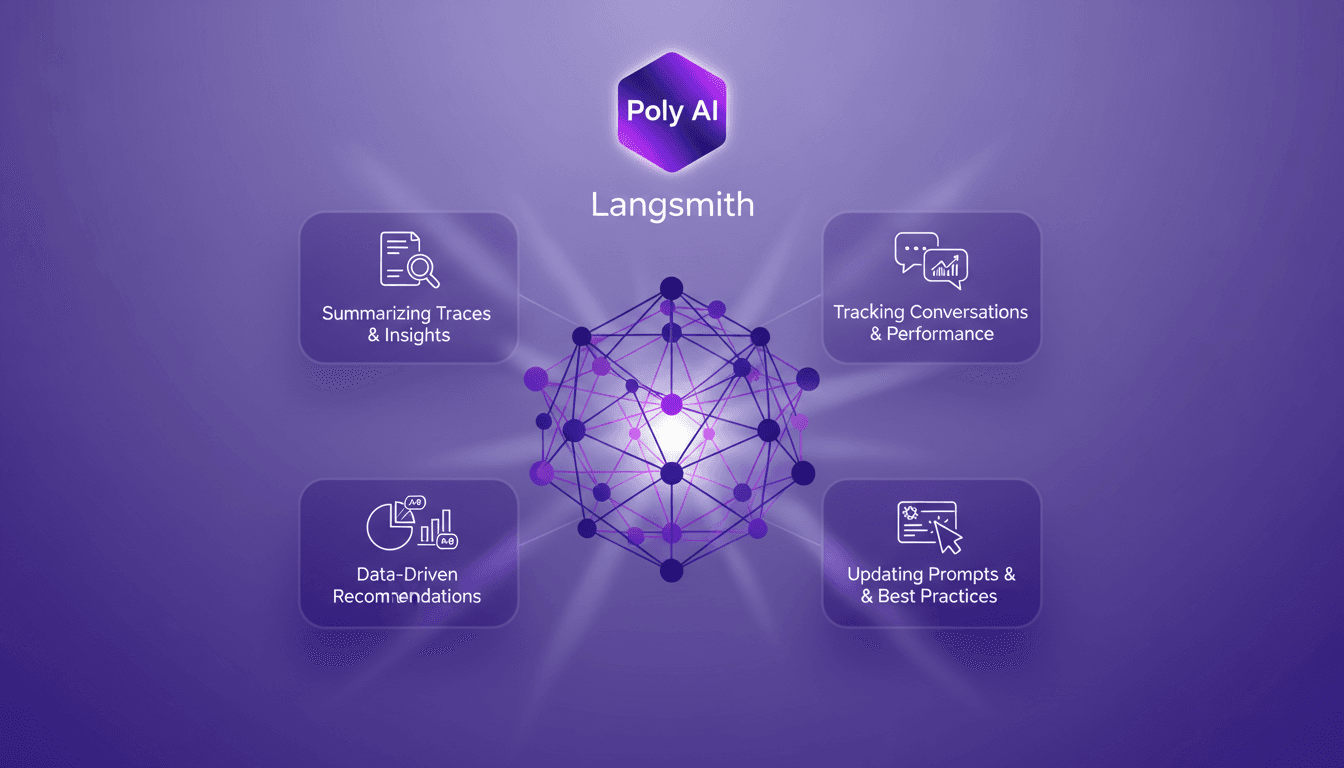
I recently integrated the Polly AI Assistant into Langmith, and let me tell you, it's like having a supercharged co-pilot. The first thing I noticed? How it transformed my workflow for tracking conversations and updating prompts. Polly provides tools for summarizing traces, offering insights, and making data-driven recommendations. It's a game changer for anyone looking to optimize agent performance and experiment with new prompts. In this article, I'll show you how to leverage these capabilities to boost your workflow and enhance your performance.
LangChain & Nvidia: Create Your AI Agent
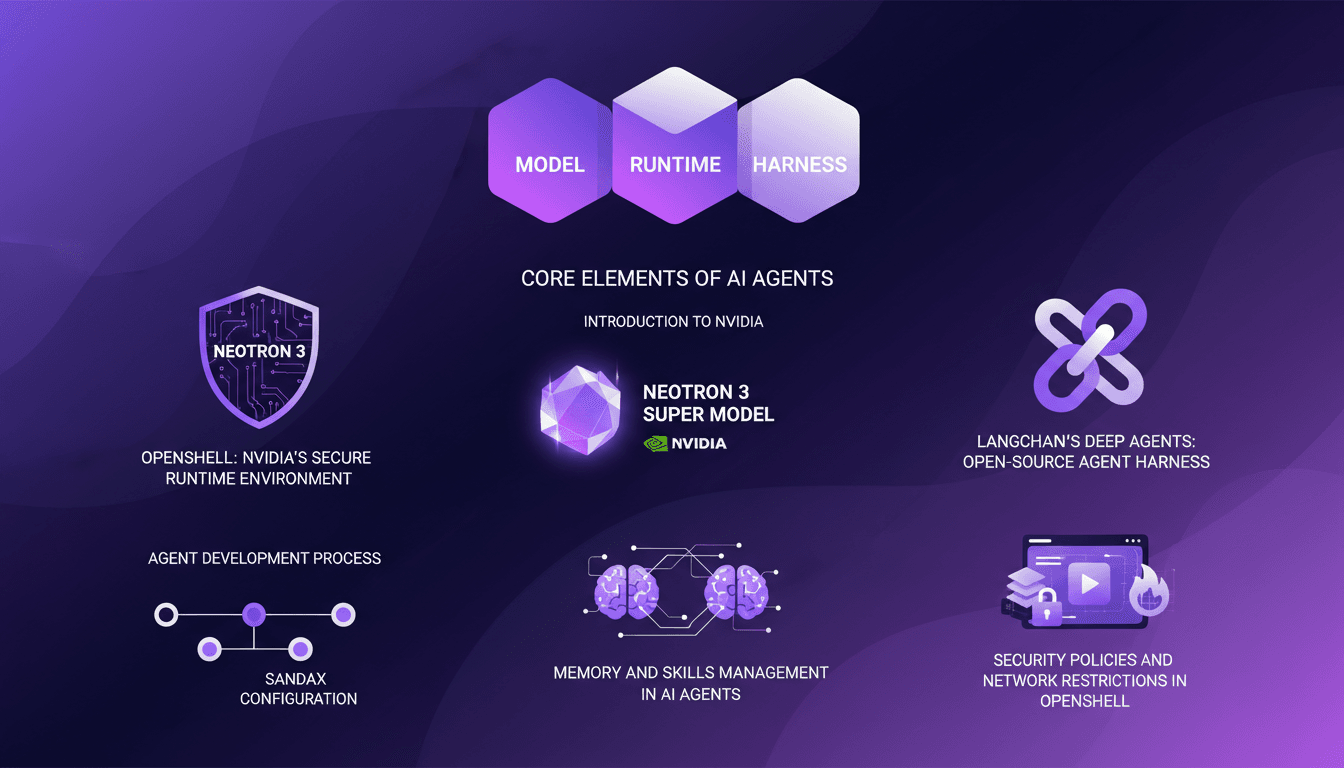
I dove headfirst into building AI agents using LangChain and Nvidia's latest tech, and it's been a game changer. First, I connected my Neotron 3 model, then secured the runtime with OpenShell. LangChain's Deep Agents helped me craft an open-source harness, and juggling the agent's memory and skills was both complex and fascinating. But watch out, the security policies and network restrictions in OpenShell can be tricky. If you're looking to build your own AI agent, I break down how I orchestrated it all.
GPT 5.4 Mini: Performance and Cost Compared
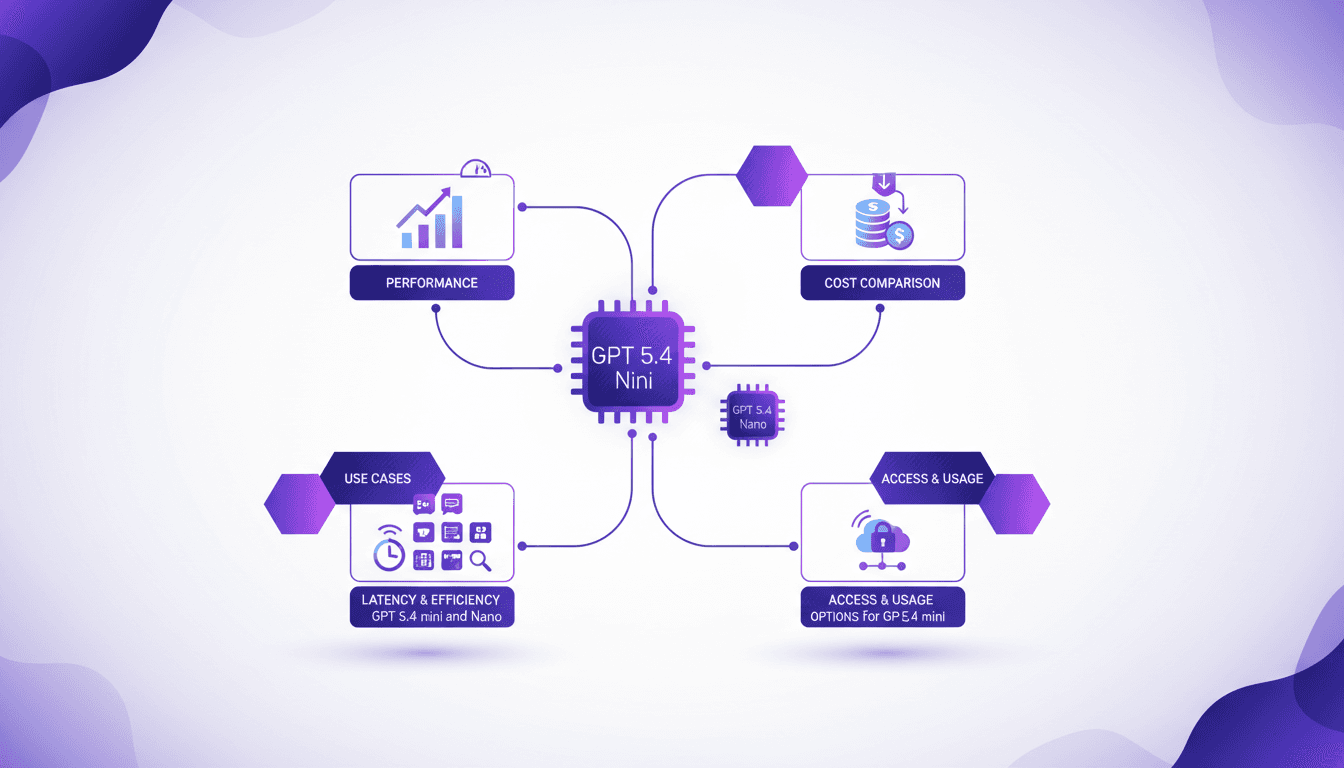
I've been diving into the GPT 5.4 Mini and Nano models—talk about game changers. But, like always, there are trade-offs. With AI models evolving fast, the GPT 5.4 series offers intriguing options for devs who need to balance performance and cost. First, I set up the Mini to get a feel for its performance. Scoring 54.4%, it holds its own, especially considering the lower cost. Then I tested the Nano, which comes in at 52.5%. It's perfect for apps where every millisecond counts. But watch out for latency. We'll dive into how these models can fit into your workflows, and especially, where they truly stand out against competitors.