Poly AI in Langmith: Enhance Your Traces
I recently integrated the Polly AI Assistant into Langmith, and let me tell you, it's like having a supercharged co-pilot. The first thing I noticed? How it transformed my workflow for tracking conversations and updating prompts. Polly provides tools for summarizing traces, offering insights, and making data-driven recommendations. It's a game changer for anyone looking to optimize agent performance and experiment with new prompts. In this article, I'll show you how to leverage these capabilities to boost your workflow and enhance your performance.
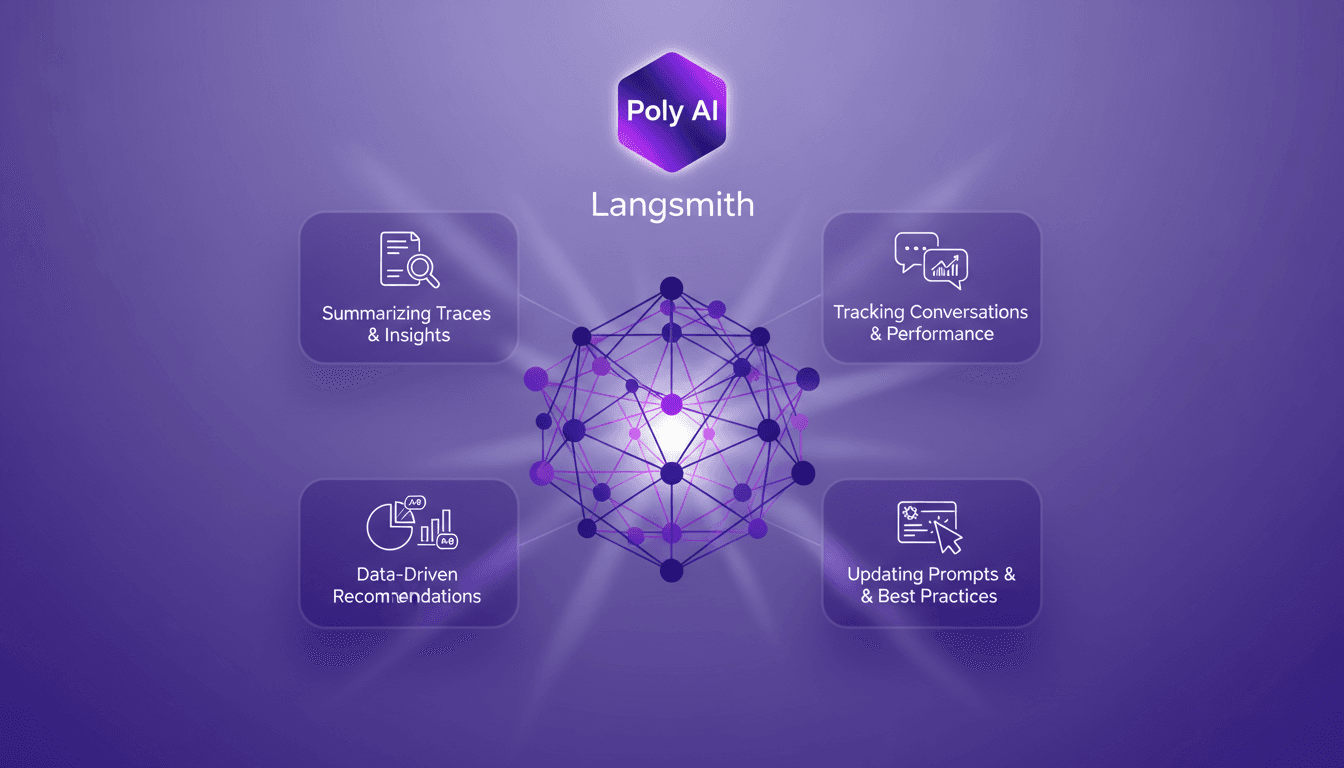
I recently integrated the Polly AI Assistant into Langmith, and honestly, it's like having a supercharged co-pilot. As soon as I dove in, I realized how it transformed my way of tracking conversations and updating prompts. First off, Polly provides tools for summarizing traces and offering relevant insights, but watch out, it doesn't stop there. With its data-driven recommendations, it's become a game changer for anyone looking to optimize agent performance and experiment with new prompts. The way I could compare experiments and adjust my strategies is a real asset. If you're looking to boost your workflow, follow me: I'll show you how to best leverage these capabilities. But careful, don't fall into the trap of overdoing it, limits exist, and sometimes you need to pause to truly benefit from the insights provided.
Getting Started with Poly AI in Langmith
When I first dived into Poly AI on every page of Langmith, it was like having a co-pilot that never gets lost. Accessing Poly is straightforward: log into the platform, and that's it. No complex configurations, no headache. Once Poly is activated, its interface is intuitive, with clear tabs for navigating between features. In short, setup is a breeze.
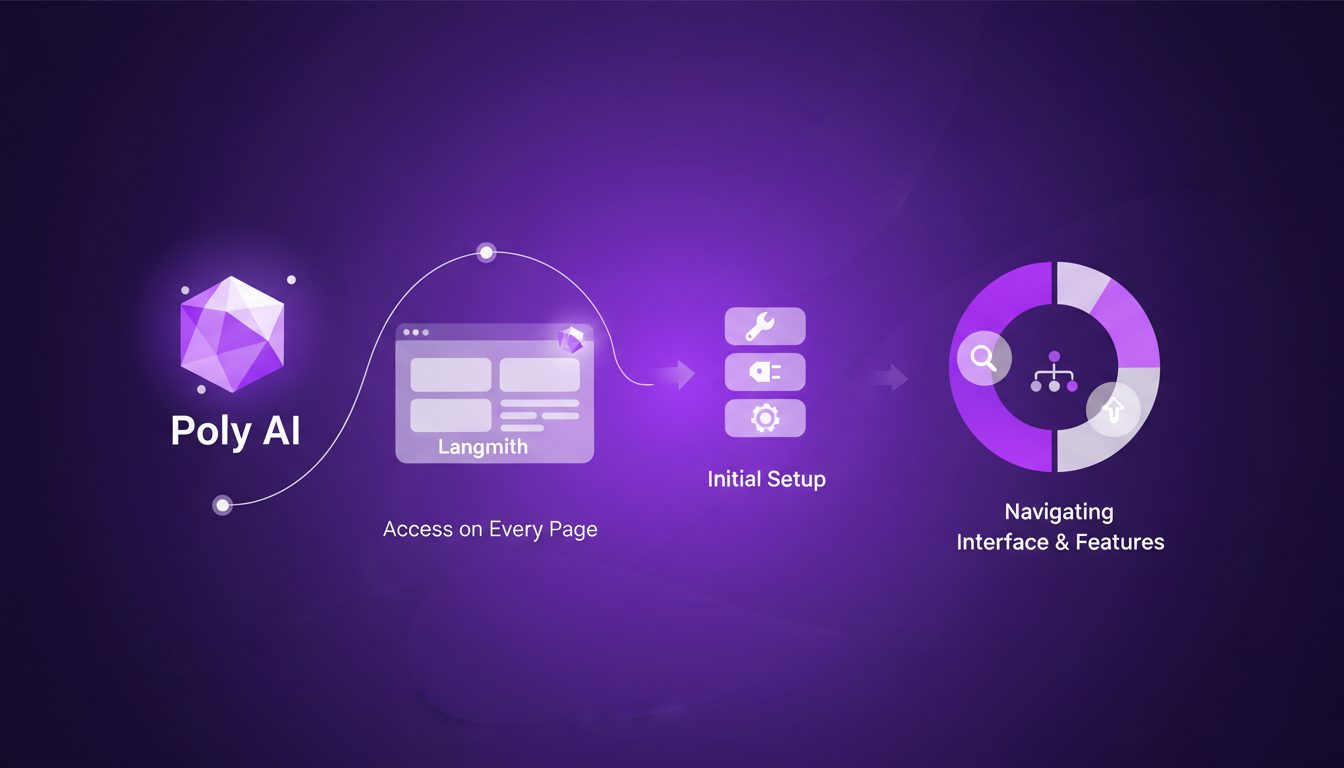
The immediate benefits are obvious: you gain efficiency right away. No more juggling between pages and losing your place. Poly is there, always ready to assist. But beware, every tool has its limits. Poly doesn't replace human judgment, and in very complex scenarios, you might still have to get your hands dirty.
Summarizing Traces and Insights
Poly really shines when it comes to summarizing conversation traces. Instead of spending hours sifting through data, Poly sorts it out and offers relevant insights in seconds. Wondering how to improve your agent? Poly tells you, clear and straightforward. Insights are accessible directly from the interface, and they're actionable, which is a game changer for our workflow.
But let's be realistic: in highly complex situations, summaries can lack nuance. I've seen cases where Poly oversimplifies, so always keep a critical eye on the results.
- Poly quickly summarizes traces.
- Insights are directly actionable.
- Watch out: don't rely blindly on summaries in complex scenarios.
Tracking Conversations and Agent Performance
For tracking conversations, Poly provides an overview of agent performance. Step-by-step, you start by opening a trace, then let Poly analyze. Performance metrics are clear: response times, success rates of interactions, everything is there. It allows you to see where the agent excels and where there's still work to be done.
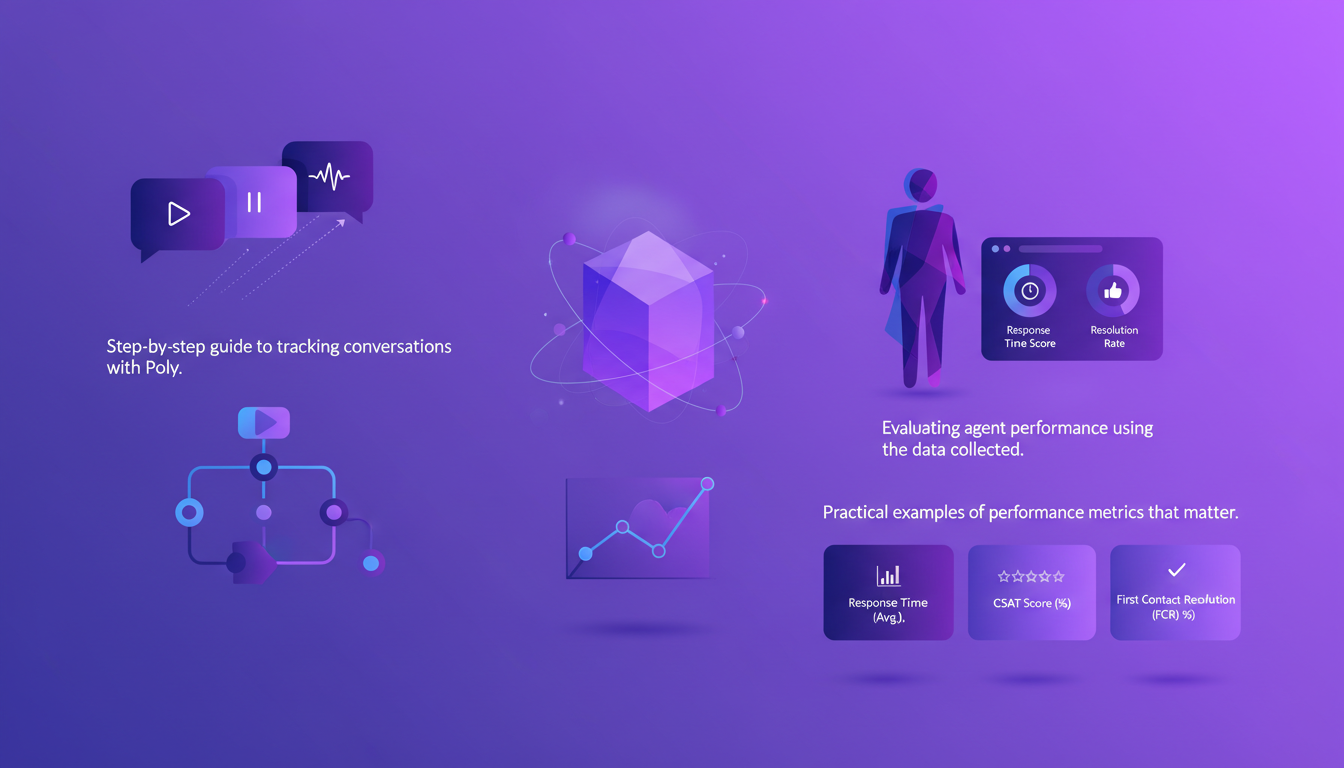
However, you need to balance detail and overview. Too much detail can drown out useful information. I recommend focusing on metrics that truly matter for your project.
- Step-by-step analysis of conversations.
- Essential performance metrics for agents.
- Trade-off: find a balance between detail and overview.
Data-Driven Recommendations and Experiment Comparisons
With Poly, data-driven recommendations are just a click away. I was able to compare different agent tests and see which one worked best, all based on concrete results. For example, Poly helped me identify model changes that improved production performance.
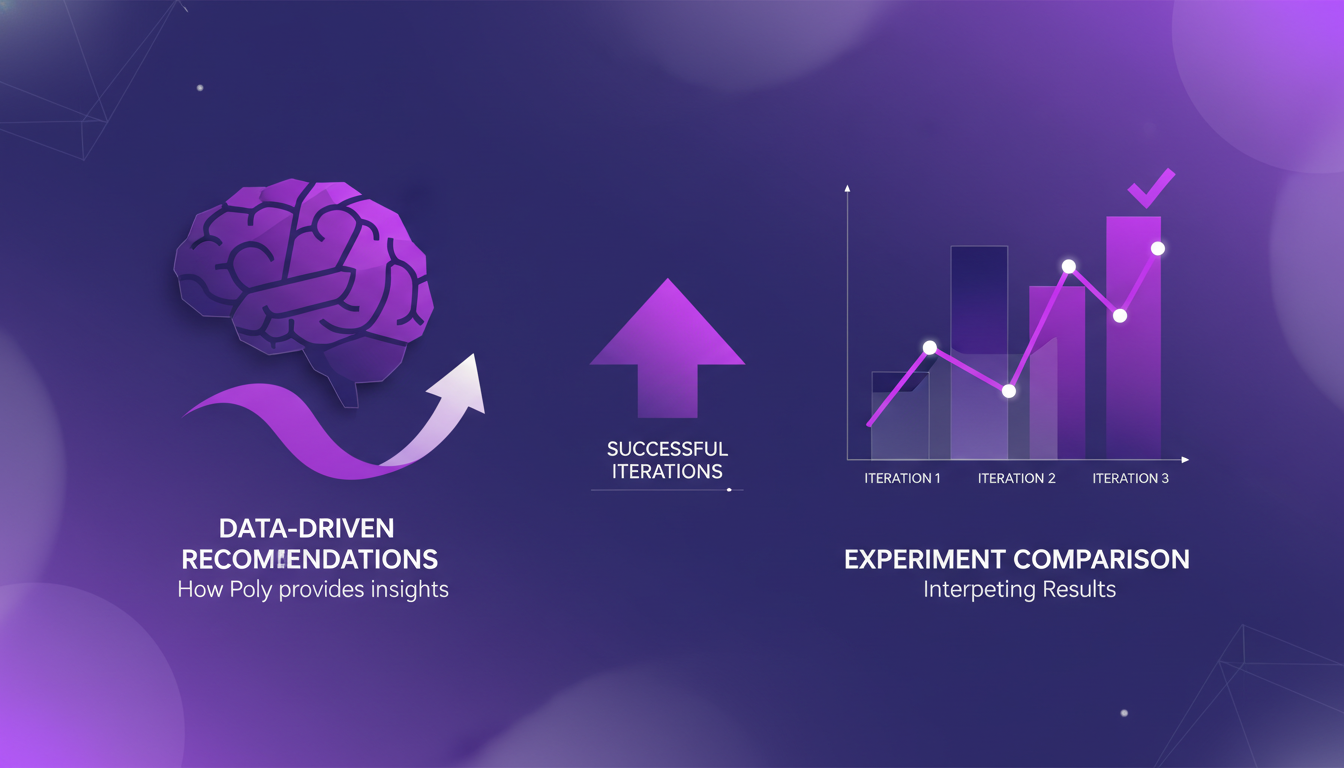
But be cautious, data-driven recommendations aren't foolproof. There are times when human insight is indispensable. Don't rely solely on Poly for all your strategic decisions.
- Comparison of experiments with tangible results.
- Recommendations based on data.
- Limit: don't replace human judgment.
Updating Prompts with Best Practices
Finally, Poly is invaluable for refining and updating prompts. Using Poly's insights, you can improve them while adhering to best practices. I've seen cases where simple modifications led to significantly better outcomes.
However, don't overdo it. Keeping prompts simple and clear is crucial. Too much complexity can confuse agents and reduce their effectiveness. In short, Poly is a powerful tool, but to be used judiciously.
- Prompt optimization based on best practices.
- Concrete examples of successful improvements.
- Watch out: don't overcomplicate prompts.
Integrating Poly AI into Langmith has truly been a productivity booster for me. First, I summarize traces, which lets me save time and focus on what really matters. Then, I track agent performance, which is a real game changer for optimizing our customer service. The data-driven recommendations have allowed me to update my prompts more effectively, and I'm already seeing the difference in my workflow.
- Poly is available on every page in Langmith, making these features easily accessible.
- Poly's summaries and insights are transforming how I manage my projects.
- Tracking conversations and comparing experiments helps me leverage every interaction.
Ready to optimize your workflow with Poly AI? Set it up in Langmith today and start seeing the difference for yourself. And for a deeper dive, watch the full video here: YouTube Link. It's like chatting with a colleague who's already tried it all.
Frequently Asked Questions

Thibault Le Balier
Co-fondateur & CTO
Coming from the tech startup ecosystem, Thibault has developed expertise in AI solution architecture that he now puts at the service of large companies (Atos, BNP Paribas, beta.gouv). He works on two axes: mastering AI deployments (local LLMs, MCP security) and optimizing inference costs (offloading, compression, token management).
Related Articles
Discover more articles on similar topics
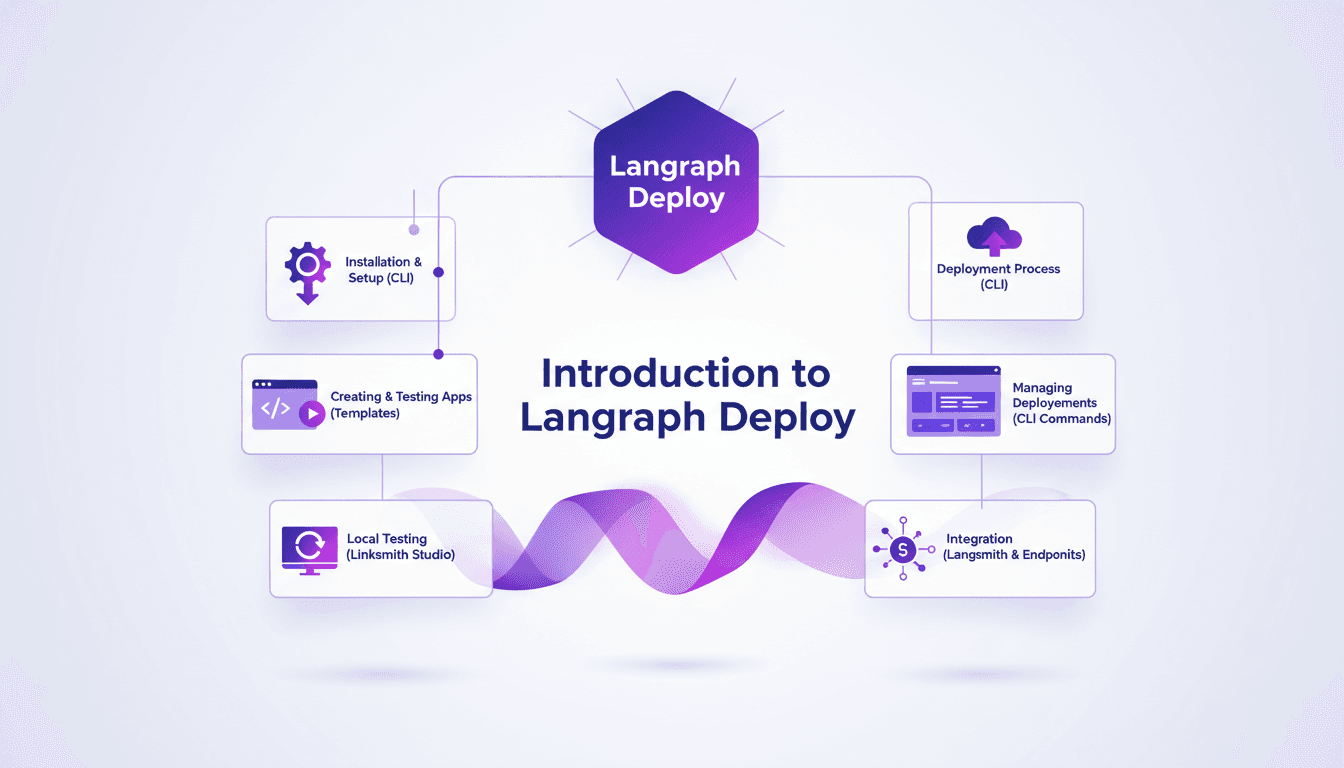
Deploy Agents Easily with Langraph CLI: A Practical Guide
Deploying agents shouldn't be a pain. With Langraph CLI, I've slashed my deployment time down to mere minutes. First, I set up the CLI installation with the straightforward 'uv tool install langraph cli' command. Then, I test my applications locally using Langsmith Studio, allowing for quick iterations (essential to dodge any production mishaps). After that, I spin up a new Langraph application with 'langraph new' and I'm ready for deployment. I'll walk you through how I integrated with Langsmith, managed my deployments, and used the available endpoints—all from the terminal in just a few commands. Trust me, once you experience this ease, there's no going back.
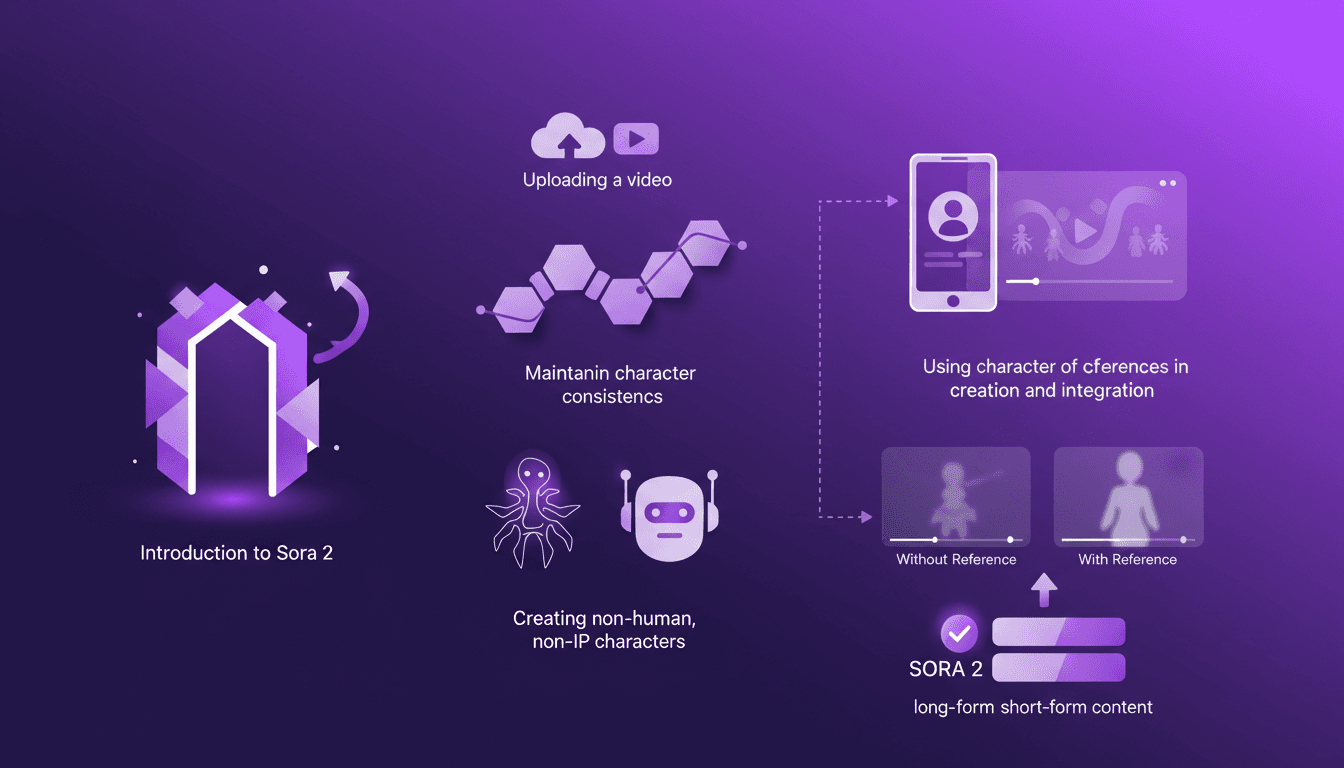
Building Consistent Characters with Sora 2
I've been diving into Sora 2, and let me tell you, the character creation functionality is a game changer for anyone serious about video consistency. You know how frustrating it is when your AI-generated characters look different in every scene? Sora 2 tackles that head-on. In this piece, I’ll walk you through how I use Sora 2 to maintain character consistency, even when creating non-human, non-IP characters. We’ll explore the workflow from uploading your initial video to seeing the final consistent output. I’ll demonstrate character creation and integration, and compare video outputs with and without character references. Sora 2 is a major asset for long-form and short-form content. Buckle up, this is hands-on.
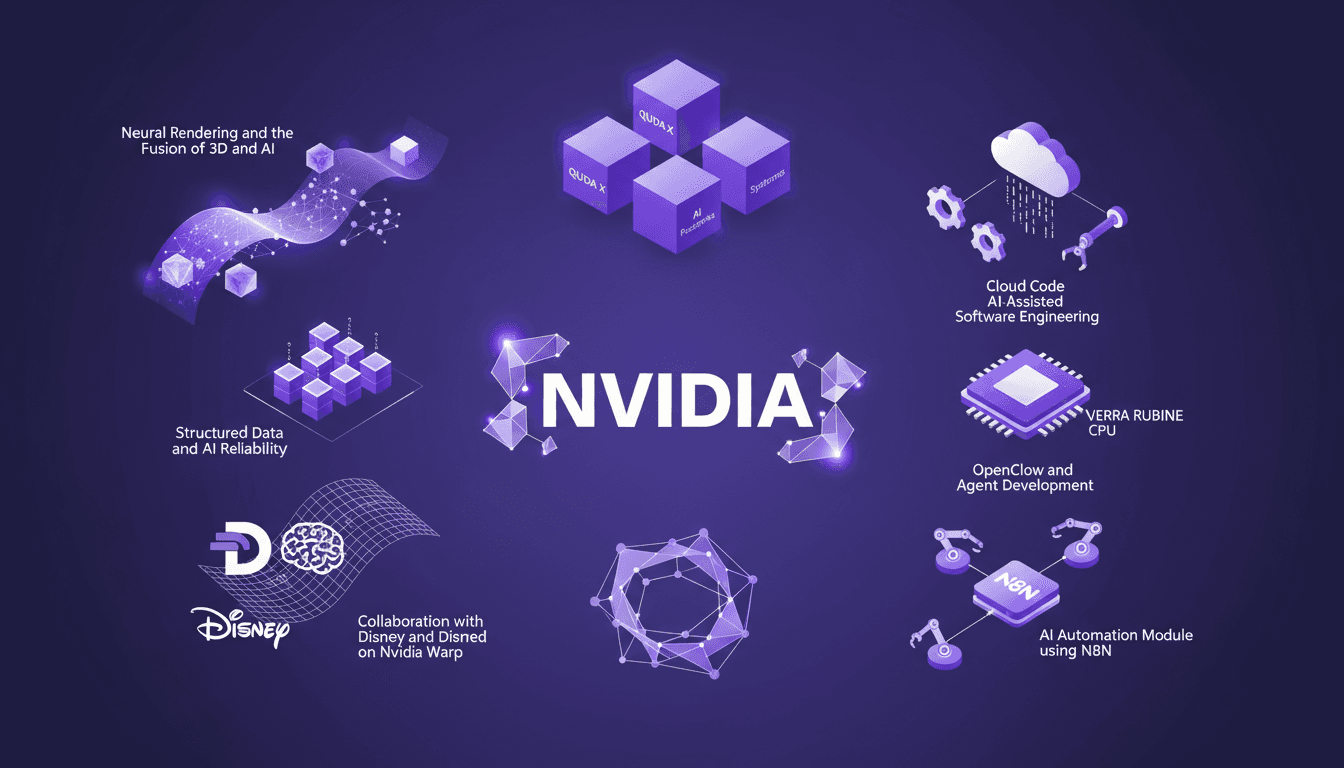
NVIDIA GTC 2026: Unveiling New Platforms
I've attended countless conferences, but NVIDIA's GTC 2026 was a real game changer. They unveiled platforms that are set to redefine AI and computing. Picture CPUs that transform how we code, neural rendering that fuses 3D and AI, and collaborations with Disney and Deep Mind on Nvidia Warp. It's massive, and the impact on us builders is direct. We're talking about QUDA X, AI-assisted software engineering, and even 45° water-cooled systems. We've got years of work ahead, but also incredible opportunities. Let's dive into what was unveiled.
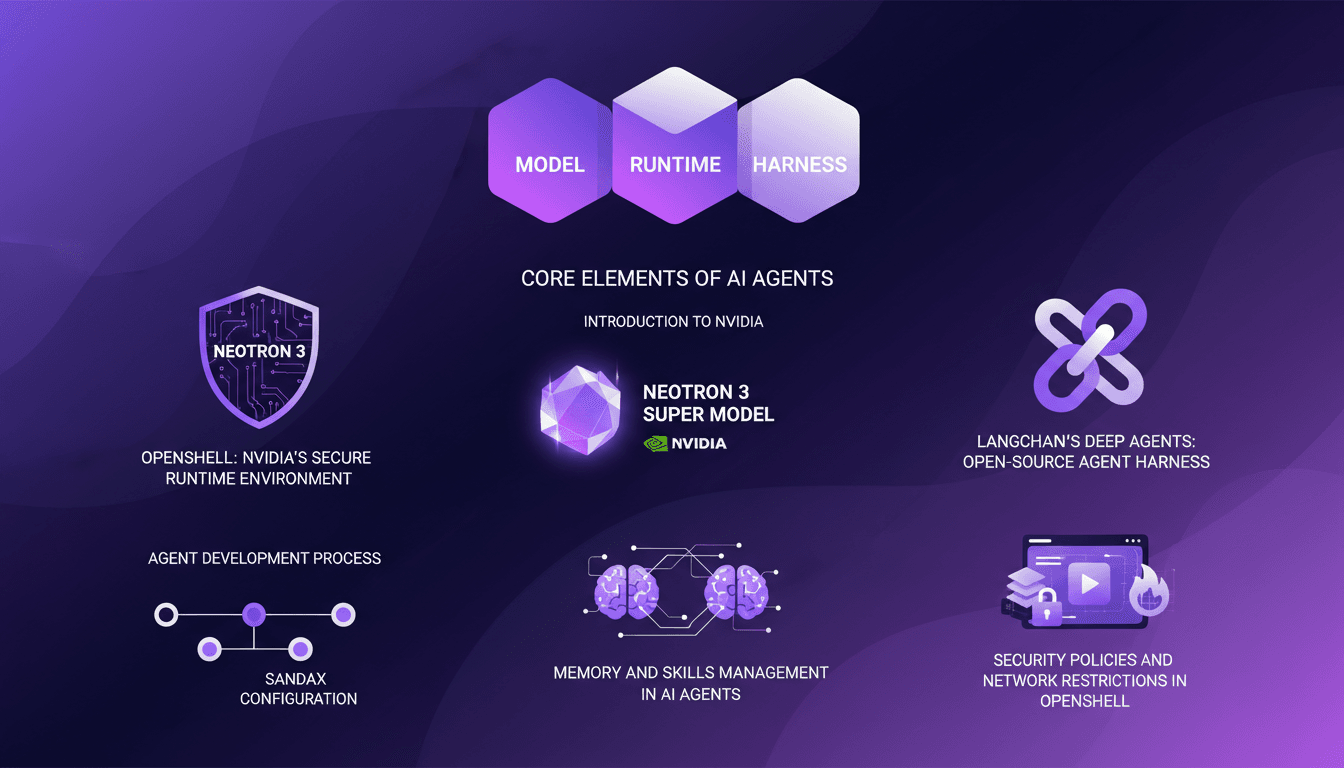
LangChain & Nvidia: Create Your AI Agent
I dove headfirst into building AI agents using LangChain and Nvidia's latest tech, and it's been a game changer. First, I connected my Neotron 3 model, then secured the runtime with OpenShell. LangChain's Deep Agents helped me craft an open-source harness, and juggling the agent's memory and skills was both complex and fascinating. But watch out, the security policies and network restrictions in OpenShell can be tricky. If you're looking to build your own AI agent, I break down how I orchestrated it all.
GPT 5.4 Mini: Performance and Cost Compared
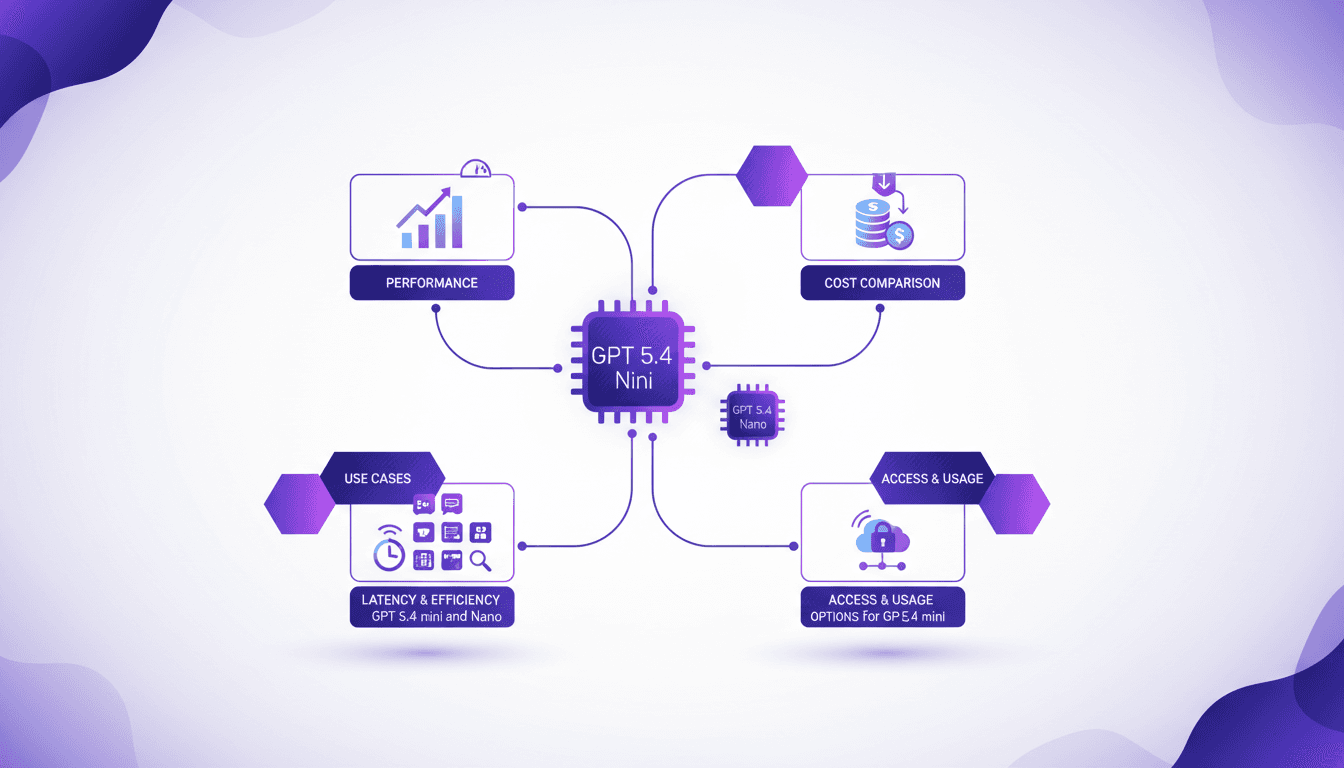
I've been diving into the GPT 5.4 Mini and Nano models—talk about game changers. But, like always, there are trade-offs. With AI models evolving fast, the GPT 5.4 series offers intriguing options for devs who need to balance performance and cost. First, I set up the Mini to get a feel for its performance. Scoring 54.4%, it holds its own, especially considering the lower cost. Then I tested the Nano, which comes in at 52.5%. It's perfect for apps where every millisecond counts. But watch out for latency. We'll dive into how these models can fit into your workflows, and especially, where they truly stand out against competitors.