Building Consistent Characters with Sora 2
I've been diving into Sora 2, and let me tell you, the character creation functionality is a game changer for anyone serious about video consistency. You know how frustrating it is when your AI-generated characters look different in every scene? Sora 2 tackles that head-on. In this piece, I’ll walk you through how I use Sora 2 to maintain character consistency, even when creating non-human, non-IP characters. We’ll explore the workflow from uploading your initial video to seeing the final consistent output. I’ll demonstrate character creation and integration, and compare video outputs with and without character references. Sora 2 is a major asset for long-form and short-form content. Buckle up, this is hands-on.
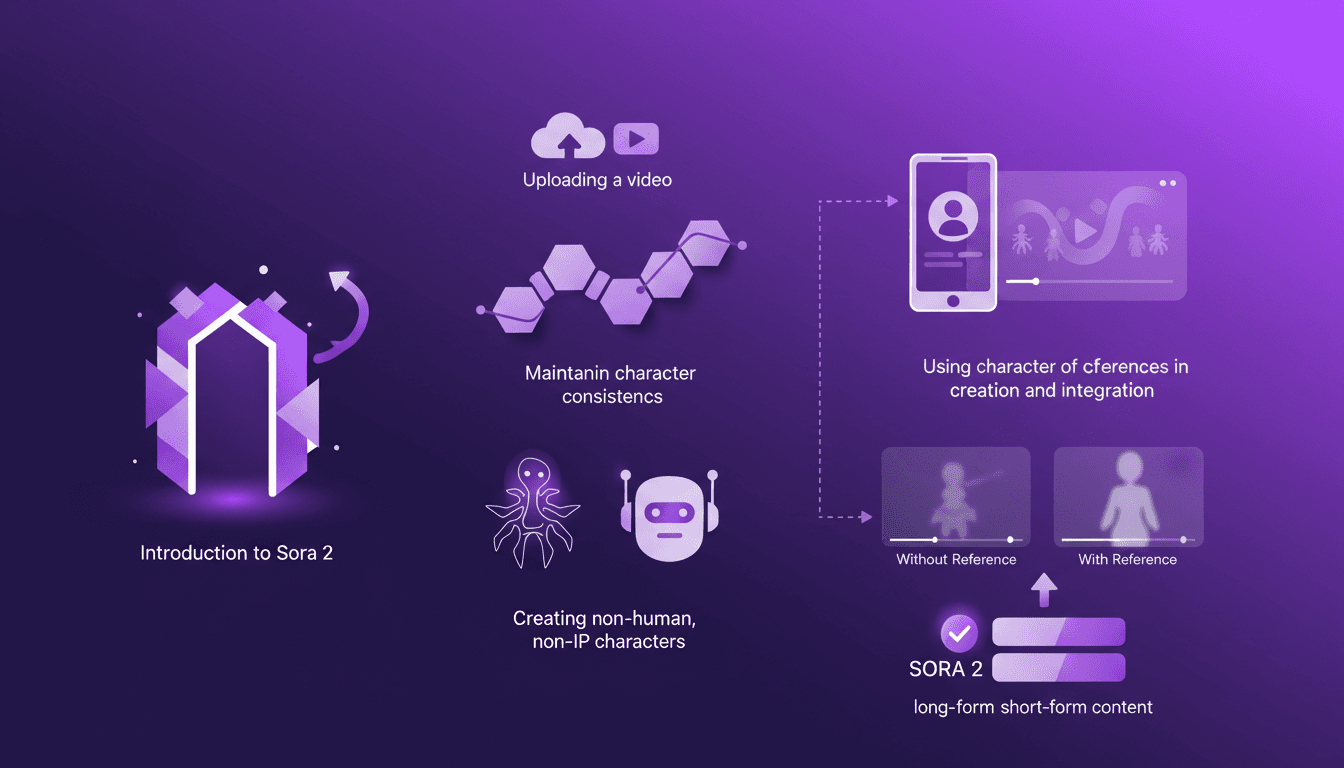
I've been diving into Sora 2, and let me tell you, the character creation functionality is a game changer. You know that frustrating feeling when your AI characters look different in every scene? I've been there, done that, and looked for solutions. With Sora 2, say goodbye to inconsistencies. I'll walk you through how I use this tool to ensure character consistency, even when creating non-human, non-IP characters. The workflow is straightforward: first, you upload your video, then create the character, and bam, you get a final output that holds up. I'll compare videos with and without character references so you can see the difference. Believe me, whether for long-form or short-form content, Sora 2 is a powerful ally. And for those who've been burned by visual inconsistencies, this guide is for you.
Getting Started with Sora 2's Character Creation
Sora 2's character creation is a must-try if you're into AI-generated videos. It's all about crafting consistent digital personas from simple video clips. First things first, upload a 4-second video clip. Keeping clips concise helps in faster processing and better results.
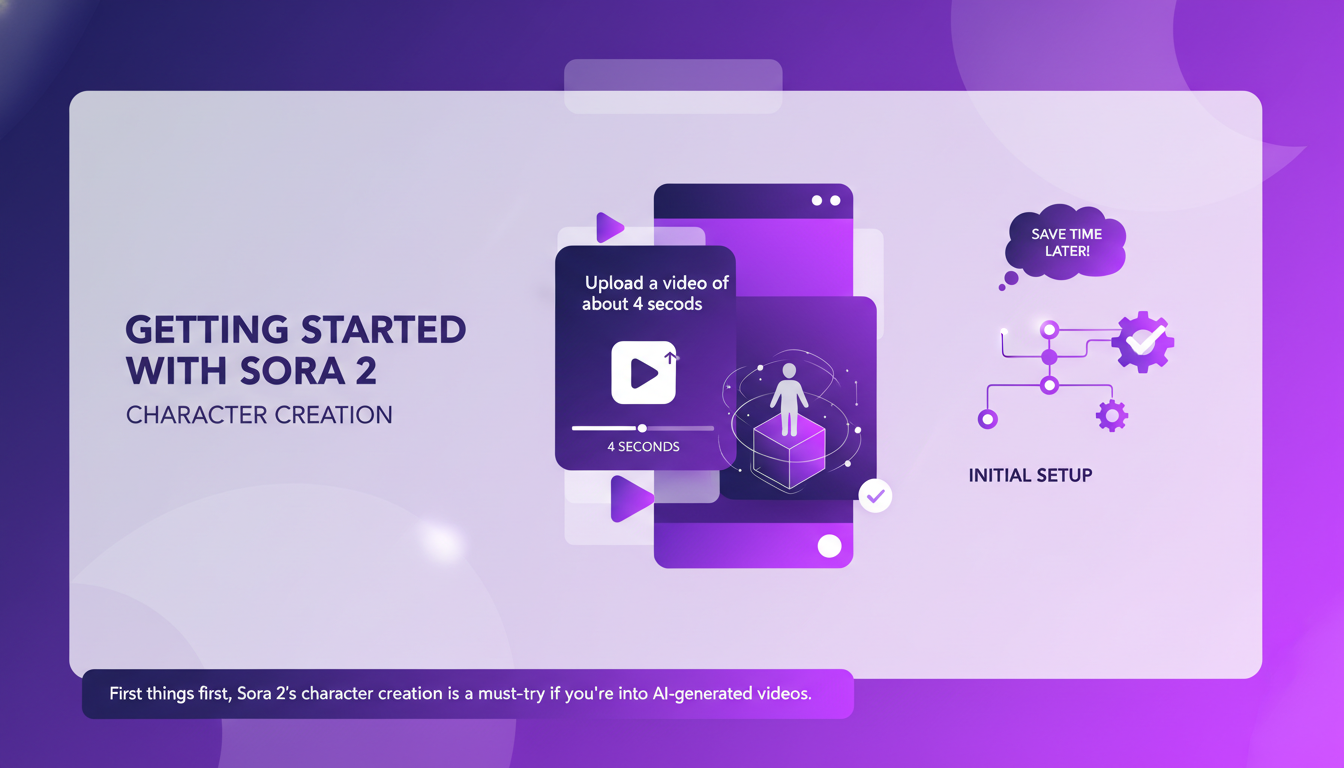
The interface is intuitive, but watch out for the initial setup. Getting it right from the start saves time later on. I got burned the first time by overlooking some settings, so make sure you're thorough.
It's really great as a tool, but watch out for context limits—beyond 100K tokens it gets tricky.
Uploading and Creating Your Character
Uploading is straightforward: drag, drop, and you're in. Sora 2 automatically processes the video to extract character features. You can tweak these features, but don't get lost in perfection. Sometimes, "good enough" is perfect.
The goal is consistency. Focus on defining key traits to ensure the character remains consistent across frames. The tool lets you create character references to reuse in your video scripts, which greatly helps in maintaining visual identity.
Maintaining Character Consistency in AI Videos
Character consistency is crucial for professional-looking videos. Sora 2 excels in maintaining these traits across different scenes. I've noticed using character references twice during creation ensures better consistency.
This is where Sora 2 truly shines, saving time and reducing post-production tweaks. With statistics showing over 95% consistency, it's a powerful tool for content creators.
Creating and Integrating Non-Human, Non-IP Characters
Sora 2 allows for the creation of unique non-human characters without IP issues. This opens up a world of creative possibilities—think mascots or fantasy creatures.
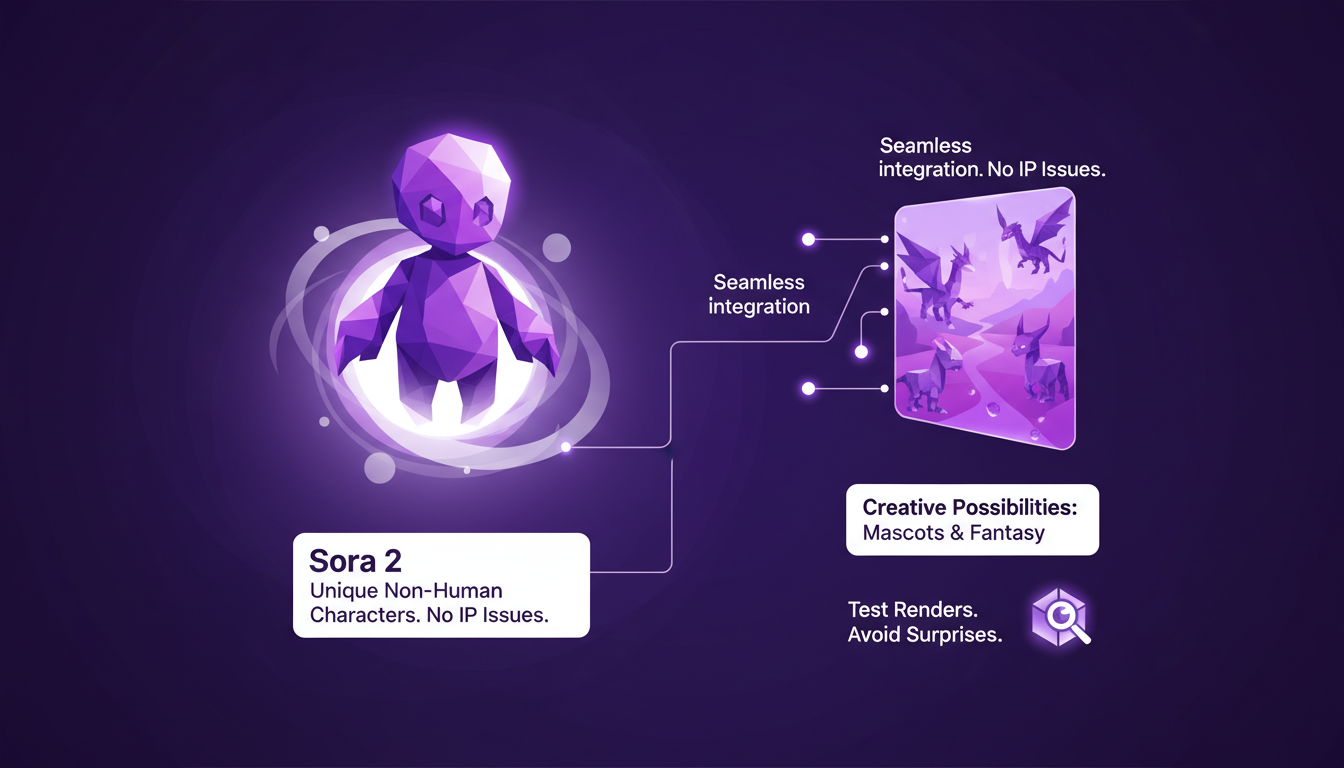
The integration process is seamless, but I recommend testing your renders to avoid surprises. These characters work great for both long-form and short-form content.
Comparing Video Outputs: With vs. Without Character References
I ran tests comparing outputs with and without character references. The difference in consistency is night and day—references are a must for professional work.
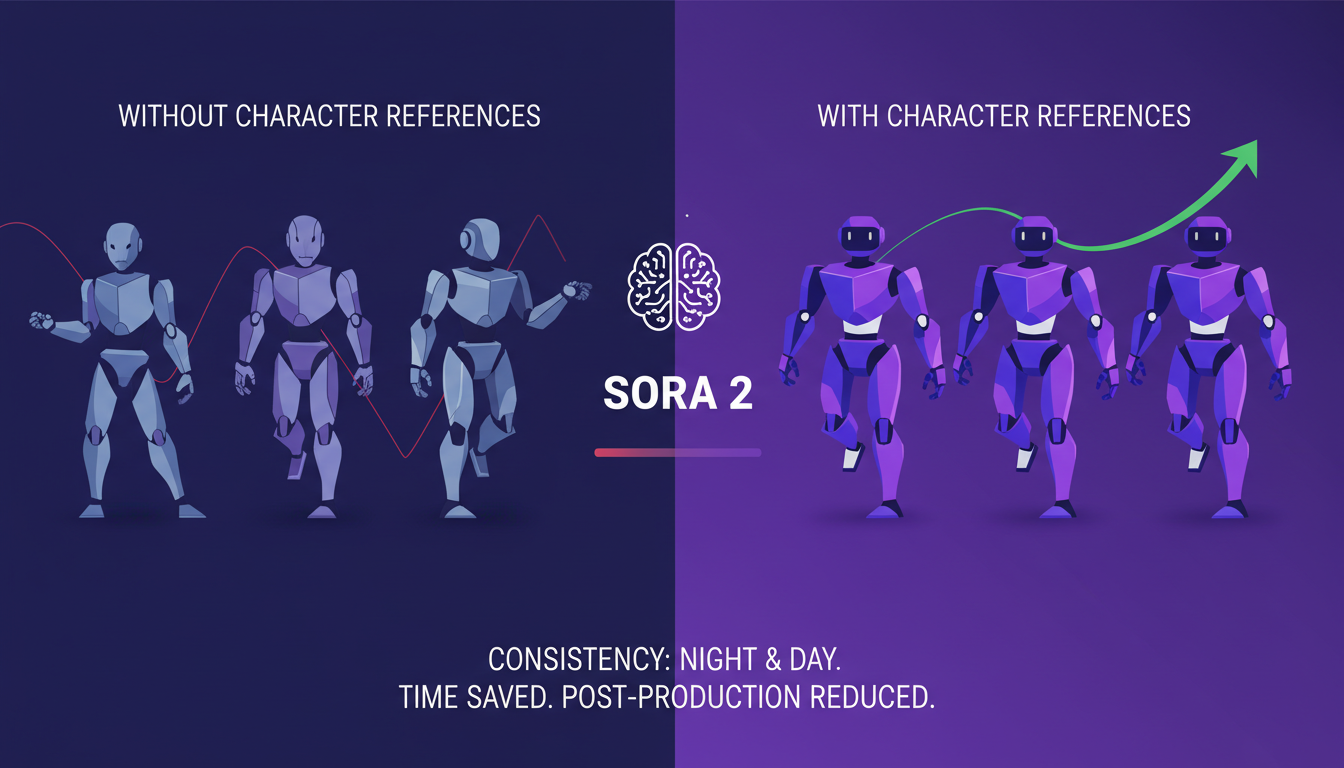
Sora 2's efficiency shines here, saving time and reducing post-production tweaks. Sometimes, less is more—don't overcomplicate your references.
- Use character references in your scripts to ensure consistency.
- Test your non-human character renders to avoid surprises.
- Don't chase perfection in character features; sometimes "good enough" is perfect.
Hands-On with Gemini Embedding 2: A Practical Guide How to Create Characters in Sora 2: Complete Guide to Cameos ...
I jumped into Sora 2 and trust me, it's a game changer for character consistency in AI-generated videos. First, I set up a structured workflow to ensure my characters remain consistent throughout the video. Next, I never forget to leverage character references. It might sound basic, but it makes all the difference for producing professional-quality content. Finally, the tool is also great for creating non-human and non-IP characters, which broadens the creative possibilities even further. But watch out, you need to manage the input clip duration well, ideally around 4 minutes, to get the most out of the process.
Looking forward, with Sora 2, I see endless possibilities for content creation while saving precious time. I highly encourage you to dive into Sora 2 yourself. The time savings are real and the results speak for themselves. For a deeper dive into the updates and the tool's potential, I recommend checking out the full video here: Sora 2 updates with Character Consistency!. You won't regret it.
Frequently Asked Questions

Thibault Le Balier
Co-fondateur & CTO
Coming from the tech startup ecosystem, Thibault has developed expertise in AI solution architecture that he now puts at the service of large companies (Atos, BNP Paribas, beta.gouv). He works on two axes: mastering AI deployments (local LLMs, MCP security) and optimizing inference costs (offloading, compression, token management).
Related Articles
Discover more articles on similar topics
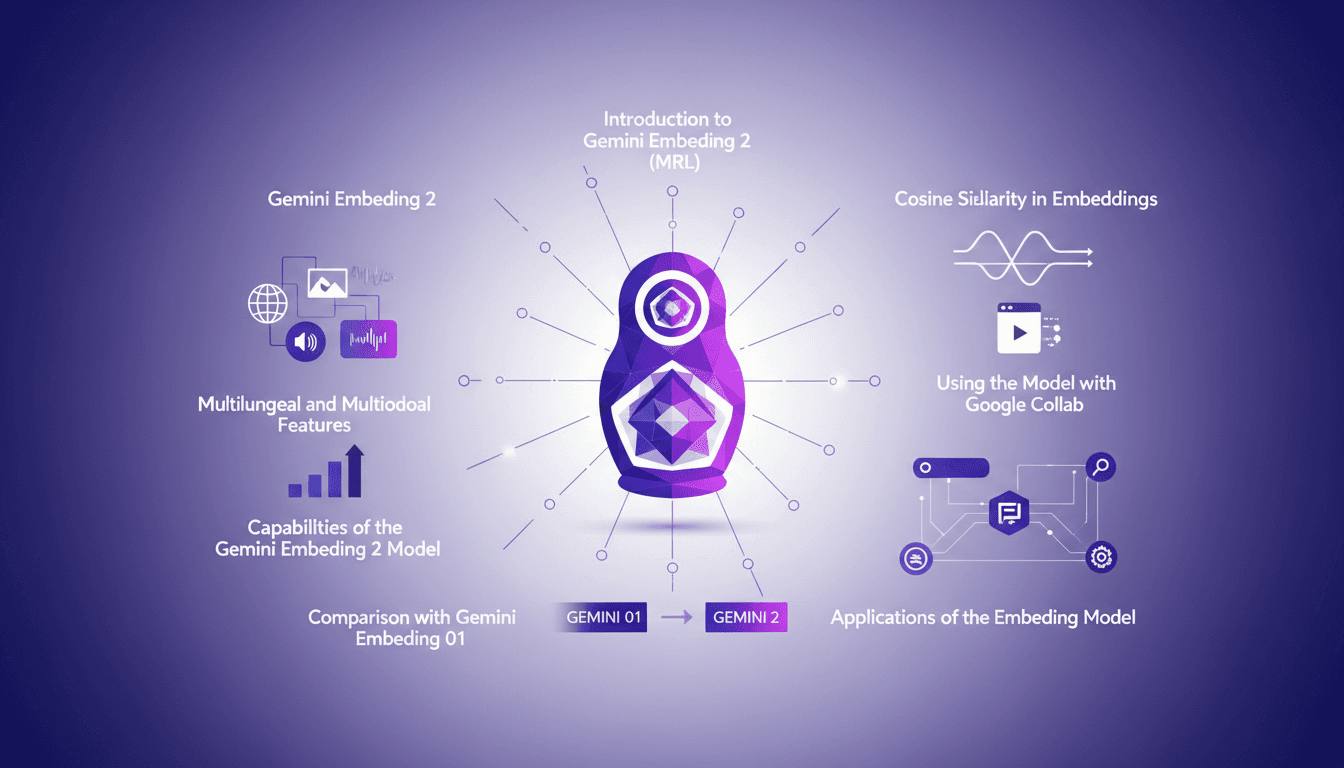
Hands-On with Gemini Embedding 2: A Practical Guide
I dove into Gemini Embedding 2 with both excitement and skepticism. Having been burned by overhyped models before, I needed to check if this one lived up to its promises. Spoiler: it has some game-changing features, but there are limits you need to know. Gemini Embedding 2 promises advanced capabilities in multilingual and multimodal embedding, but how does it really perform in practice? In this hands-on guide (in just 8 minutes), I walk you through its capabilities, how to leverage Matrioska Representation Learning, and compare it with the previous model. We also cover using it with Google Collab and the importance of cosine similarity. Let's dive into a straightforward overview together!
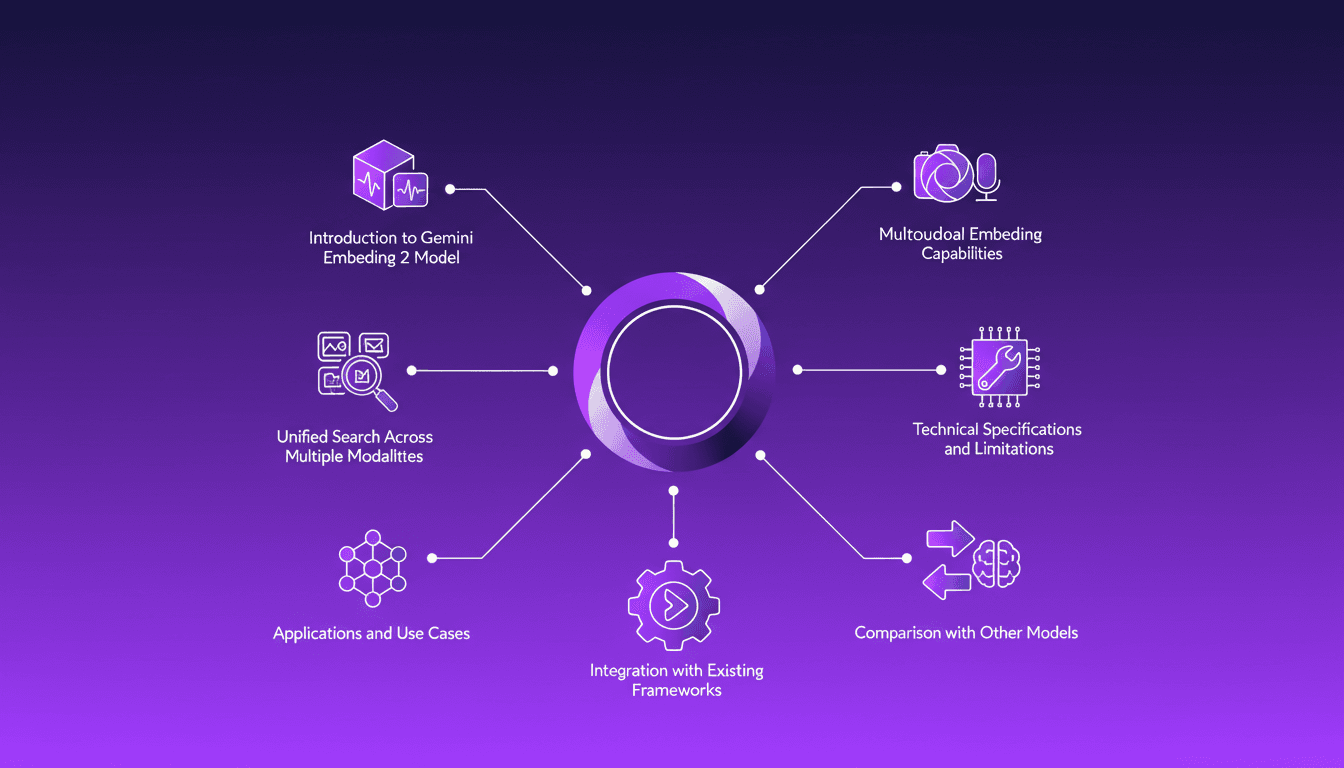
Integrating Gemini Embedding 2: A Practical Guide
I dove into Gemini Embedding 2 to streamline how I handle audio, text, images, and videos. Imagine this: a unified approach to multimodal embedding that actually delivers. I put this promise to the test myself, and trust me, there are critical nuances you'll need to leverage its full potential. Whether you're looking to unify your searches across multiple media types or integrate this model into your existing frameworks, this practical guide will show you how. Be wary of some technical limitations that might catch you off guard, but with the right orchestration, the results speak for themselves. Let's dive in, and I'll show you how I've integrated it into my workflows for direct, measurable impact.
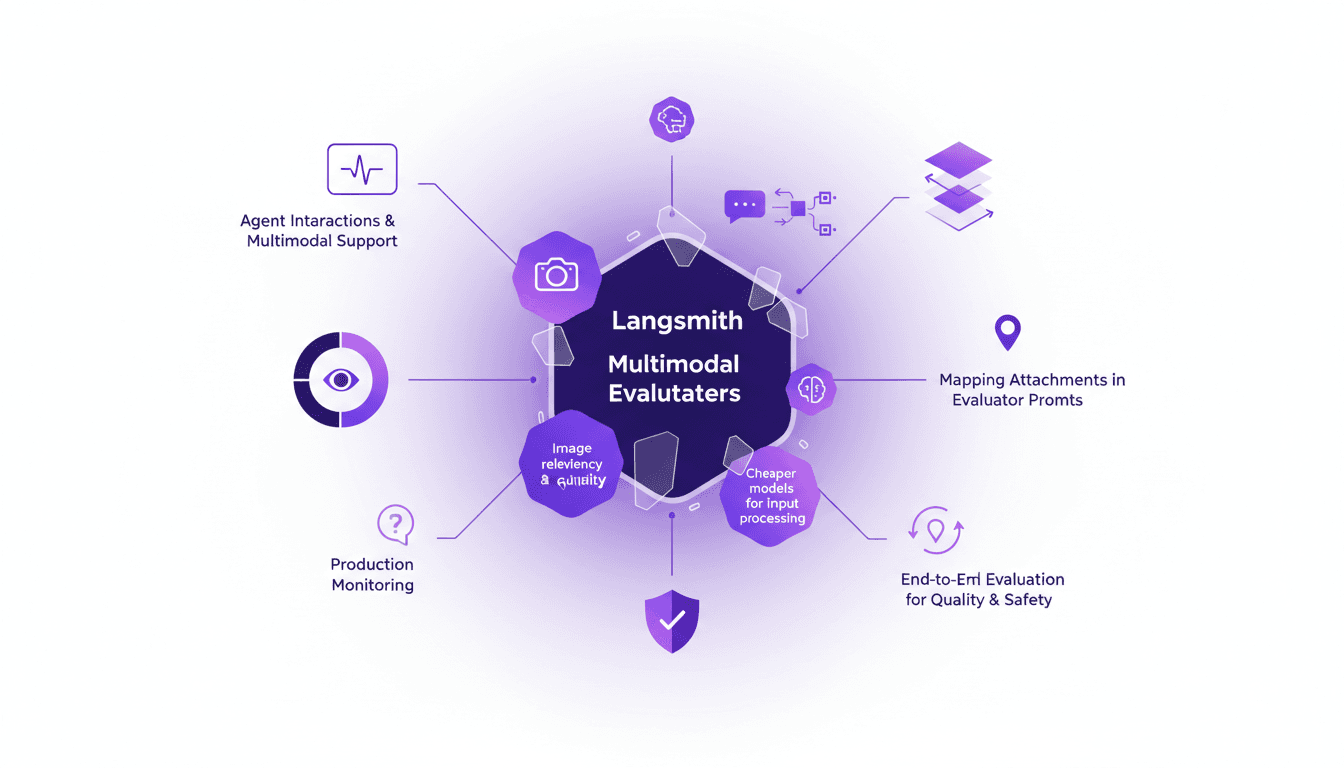
LangSmith Multimodal Evaluators: Practical Integration
I've been tinkering with LangSmith's latest feature—multimodal evaluators—and it's a game changer for agent interactions. First, I integrated the B64 format to handle images, then evaluated the relevancy and quality of interactions. But watch out for cheaper models, they can sometimes skew results. The integration is a real challenge, but once mastered, it enables smooth production monitoring and end-to-end evaluation of interactions to ensure quality and safety.
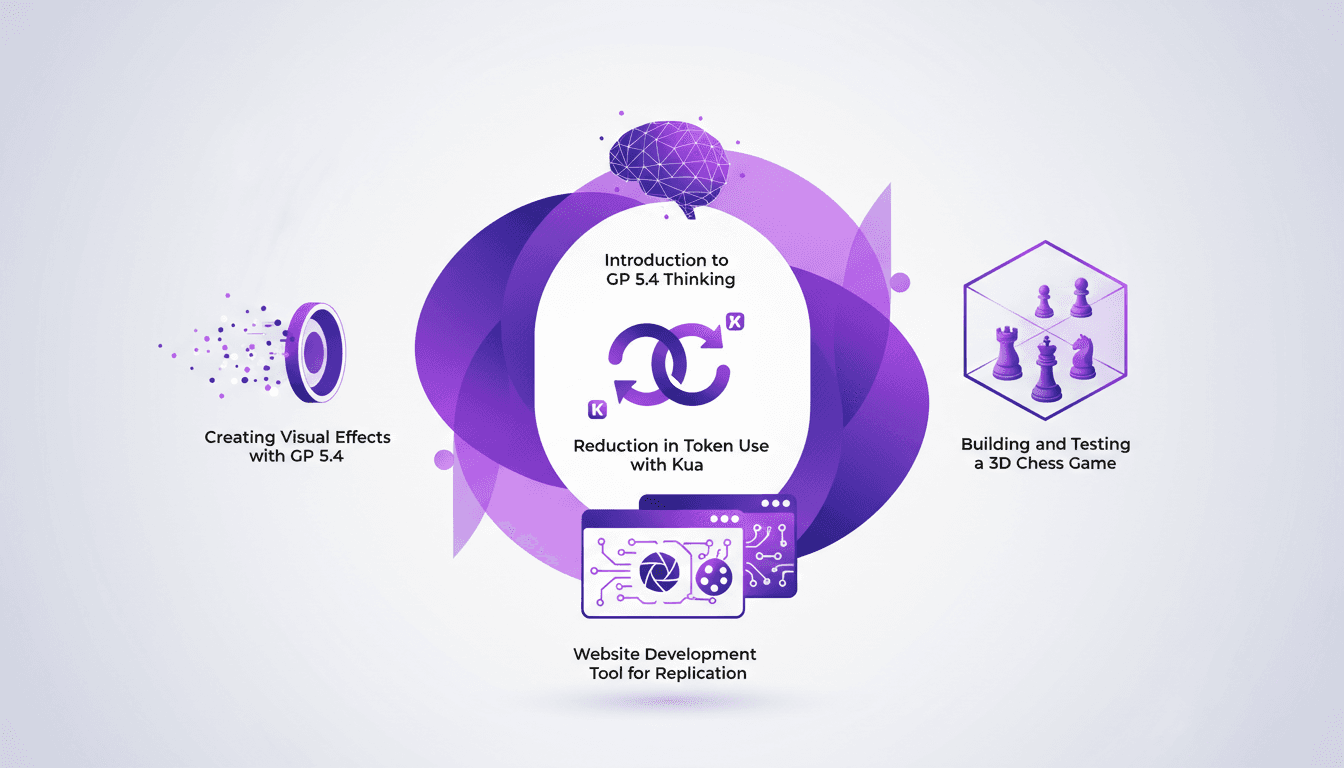
Using GP 5.4: Token Reduction, UI Mastery
I dove headfirst into GP 5.4 thinking, and let me tell you, it's like handing the keys of a Ferrari to your frontend UI. First thing I noticed? Token usage plummeted thanks to Kua. But there's more. GP 5.4 isn't just another upgrade; it's a game-changer for UI design and web development. From building a 3D chess game to crafting stunning visual effects, this tool is a powerhouse. We'll break down how to leverage it efficiently. From token reduction with Kua to using the Image Genen tool for web design, I'll walk you through what GP 5.4 can achieve.
Mastering Link Chain and Linksmith for AI
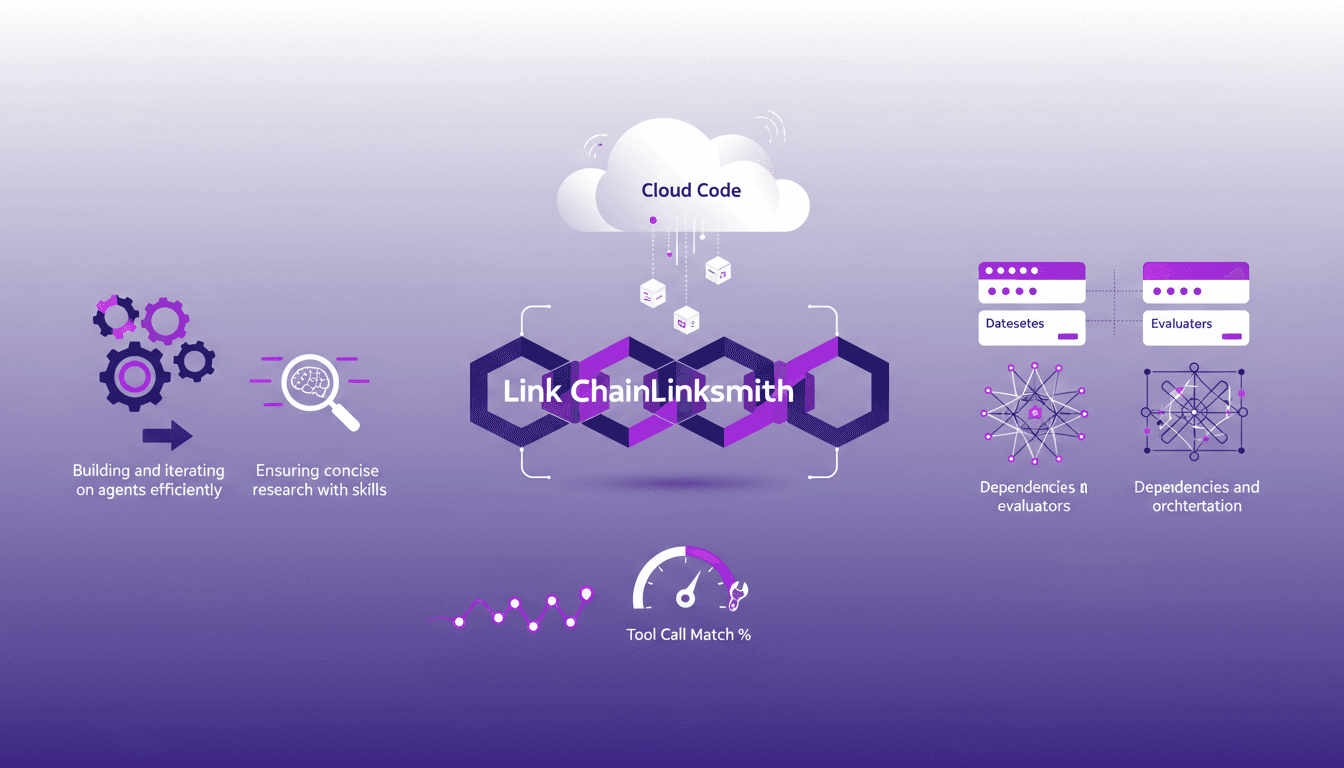
The first time I tried to build an AI agent with Link Chain and Linksmith, it felt like piecing together a complex puzzle. But once I got the hang of it, the efficiency gains were undeniable. In this article, I share my practical experiences: how I used Link Chain and Linksmith with Cloud Code to create and iterate on AI agents. I'll explore key concepts like creating datasets, evaluating tool call match percentages, and more. You'll see how I orchestrated dependencies and analyzed traces to optimize each step.