Hands-On with Gemini Embedding 2: A Practical Guide
I dove into Gemini Embedding 2 with both excitement and skepticism. Having been burned by overhyped models before, I needed to check if this one lived up to its promises. Spoiler: it has some game-changing features, but there are limits you need to know. Gemini Embedding 2 promises advanced capabilities in multilingual and multimodal embedding, but how does it really perform in practice? In this hands-on guide (in just 8 minutes), I walk you through its capabilities, how to leverage Matrioska Representation Learning, and compare it with the previous model. We also cover using it with Google Collab and the importance of cosine similarity. Let's dive into a straightforward overview together!
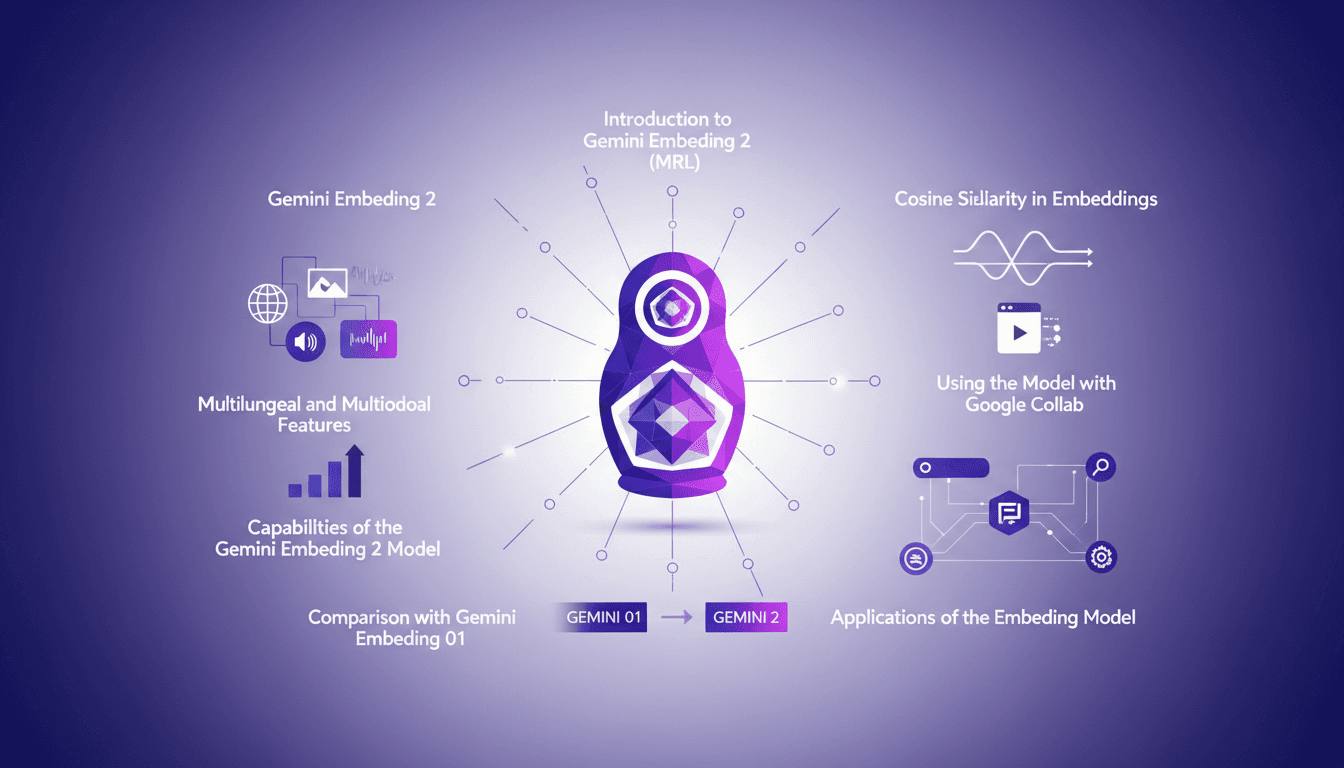
I dove into Gemini Embedding 2 with a mix of excitement and skepticism (a familiar feeling if you've ever been burned by overhyped models). I needed to see if this new version lived up to its promises. Spoiler: yes, there are game-changing features, but also limits you need to be aware of. Gemini Embedding 2 promises some serious prowess in multilingual and multimodal embedding, but how does it hold up in practice? So, I rolled up my sleeves and got to work. In just 8 minutes, I offer you a hands-on guide to explore its capabilities, master Matrioska Representation Learning, and compare it to Gemini Embedding 01. We'll also go through Google Collab to see how to integrate it into your daily workflows and understand the importance of cosine similarity. Let's dive in together!
Getting Started with Gemini Embedding 2
First off, if you're diving into Gemini Embedding 2, the essential first step is connecting to Google Collab. Trust me, it makes the setup much smoother. But watch out for the 8,192 token limit when inputting text. I learned this the hard way—got stuck mid-integration. The model employs dual embeddings for text and images, which is pretty cool but requires a solid understanding right from the start.
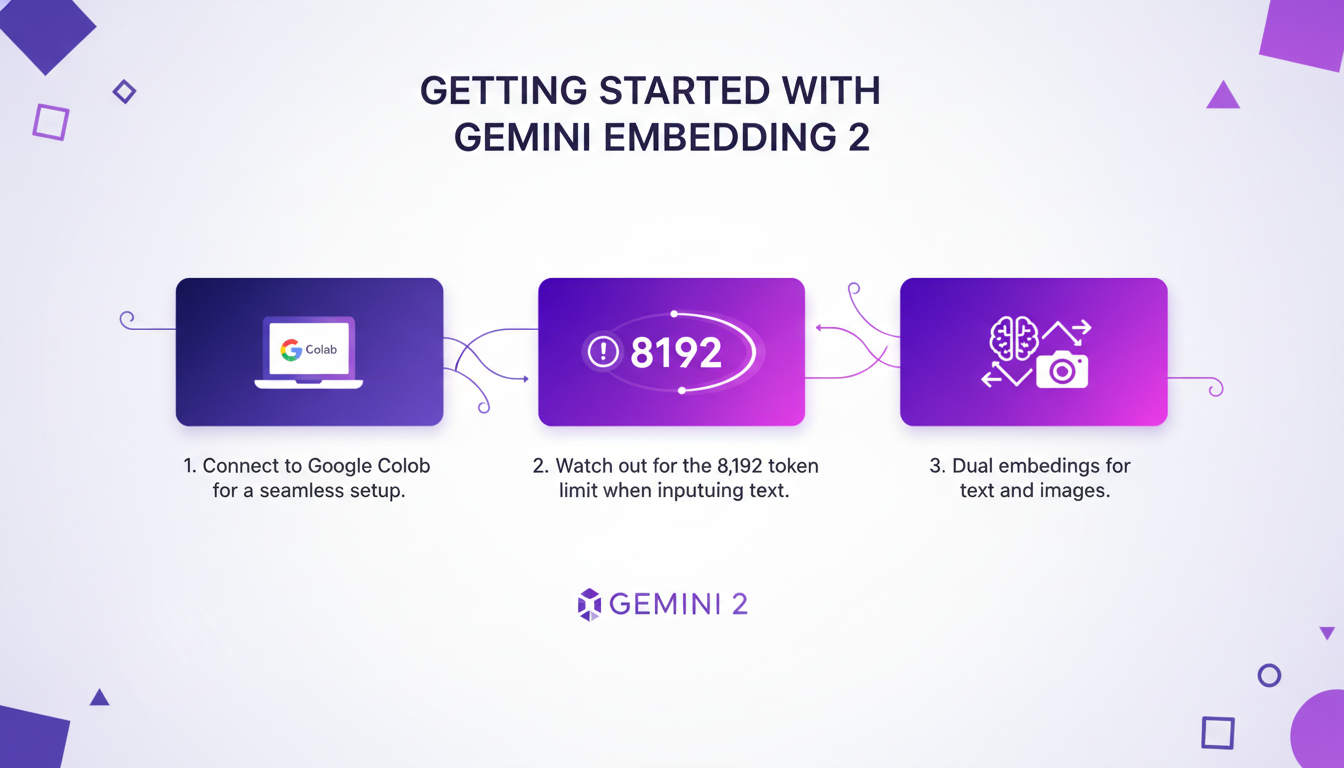
When embedding PDFs, remember the 6-page limit. Crucial if you're integrating documents directly. For videos, stick to MP4 or MOV formats under 120 seconds. Otherwise, you risk performance issues or annoying errors.
Capabilities and Features of Gemini Embedding 2
Now, let's explore the capabilities of Gemini Embedding 2. This model is truly a gem for its multilingual and multimodal features. We're talking about 3,722 default output dimensions—yes, you heard that right—and this directly impacts performance. Thanks to Matrioska Representation Learning, or MRL, we can adjust these dimensions (372, 1,536, or even 768) without needing different models. A game-changer, but as always, there's a trade-off between performance and complexity.
Cosine similarity is a major asset for semantic search. It allows for far more relevant searches in your databases. But be careful, balancing performance and complexity can become quite tricky.
Applications and Real-World Use Cases
Where Gemini Embedding 2 truly shines is in its practical applications. Semantic search, for instance, can radically transform user experience. Multimodal embeddings offer efficiency gains when integrated into existing workflows. However, be aware of the associated costs. Some savings are possible, but not everywhere.
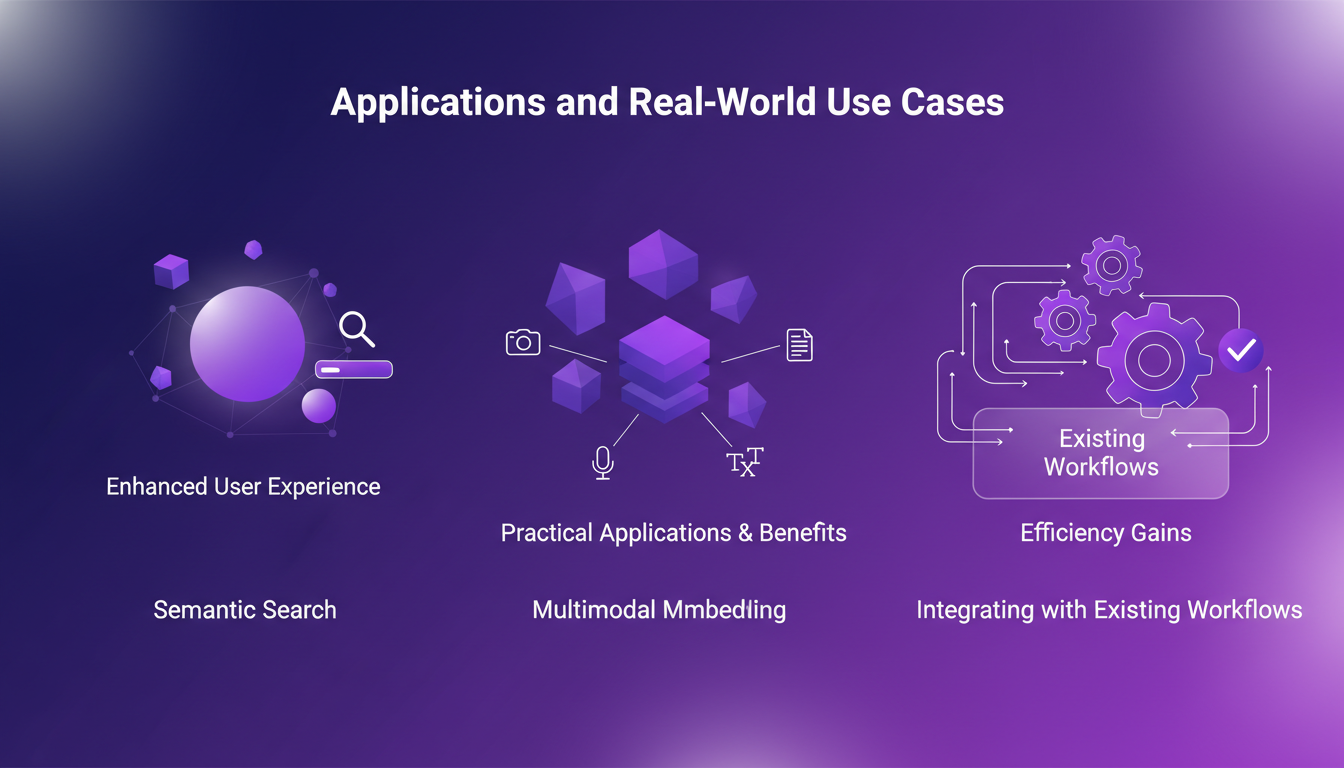
In practice, the model allows converting internal documents into embedding space, which is fantastic for chatbot or automated question-answering systems. But watch out for limitations in real-world scenarios, like format or duration constraints.
Comparison with Gemini Embedding 01
So, what's really changed compared to Gemini Embedding 01? The improvements are clear, particularly in multilingual capabilities. Benchmarks show that Gemini 2 outperforms its predecessor, especially in terms of performance. But some weaknesses persist.
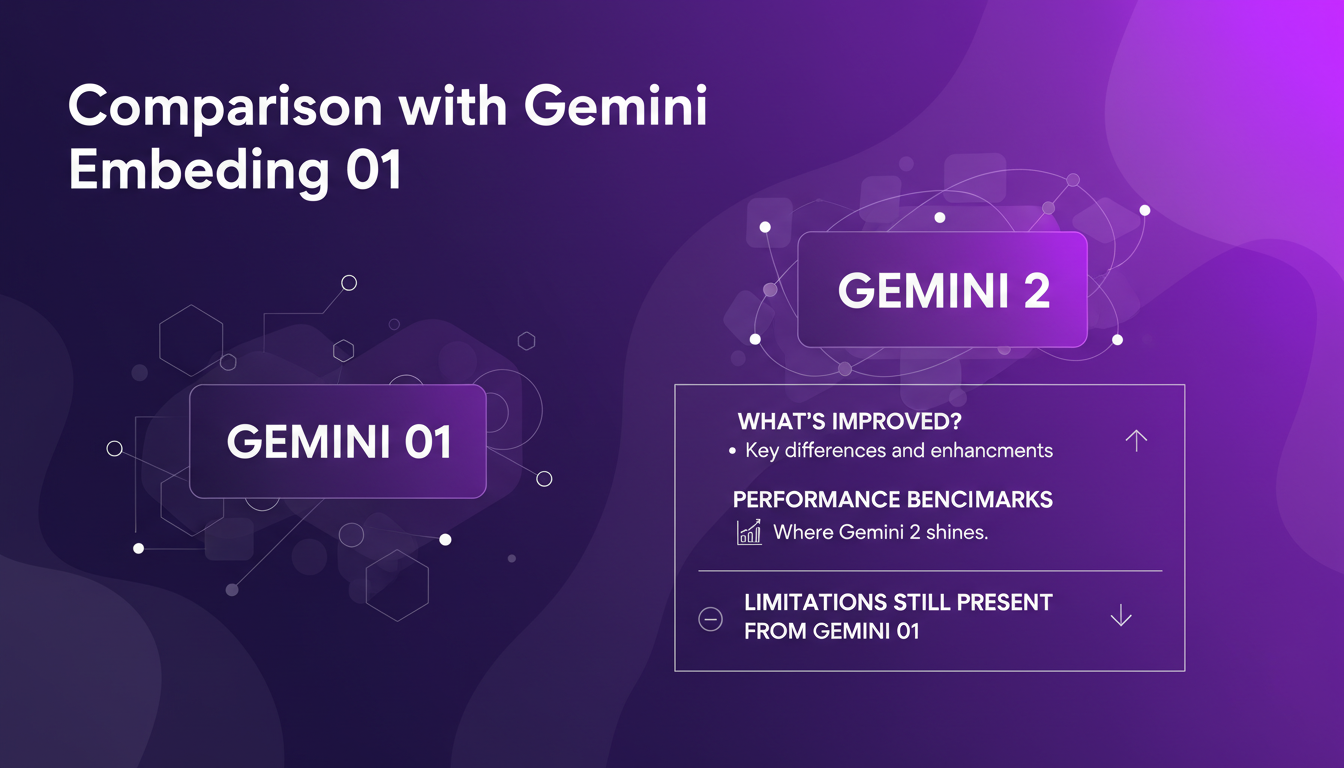
If you're considering upgrading to Gemini 2, weigh the pros and cons: is the cost worth it for your specific use case?
Implementing Gemini Embedding 2 in Google Collab
Finally, for those looking to set up Gemini Embedding 2 in Google Collab, here's a step-by-step guide. First, import the right libraries. Watch out for common pitfalls like misconfigured API keys. To optimize performance, a few tricks can make a difference, like adjusting output dimensions to balance resource usage and result quality.
In conclusion, integrating Gemini Embedding 2 into your workflow can be a real asset, provided you master the tools and know the potential limits.
- Connect Google Collab for the initial setup.
- Consider token and page limits for different inputs.
- Adjust output dimensions for better balance between performance and cost.
- Test semantic search to improve user experience.
- Monitor costs to avoid exceeding your budget.
With Gemini Embedding 2, I jumped right into the action. First off, the capabilities are powerful: getting two embeddings for each text and image is a game changer! But, let's be clear about the limits: six pages max for embedding PDFs and only up to 120 seconds for MP4 or MOV videos. Then, with Matrioska Representation Learning (MRL), I saw real potential to enhance projects, but you have to keep testing and iterating to really harness it. I've learned that if you push too hard, you'll hit the walls of complexity.
Looking forward, I see Gemini Embedding 2 as a real ally for those who can navigate its sometimes turbulent waters. Ready to dive deeper? Start your own Gemini Embedding 2 project on Google Collab today and see the impact firsthand. And if you want more details, check out the original video 'Gemini Embedding 2 Hands-on in 8 mins!' on YouTube. Trust me, it's worth it!
Frequently Asked Questions

Thibault Le Balier
Co-fondateur & CTO
Coming from the tech startup ecosystem, Thibault has developed expertise in AI solution architecture that he now puts at the service of large companies (Atos, BNP Paribas, beta.gouv). He works on two axes: mastering AI deployments (local LLMs, MCP security) and optimizing inference costs (offloading, compression, token management).
Related Articles
Discover more articles on similar topics
Using GP 5.4: Token Reduction, UI Mastery
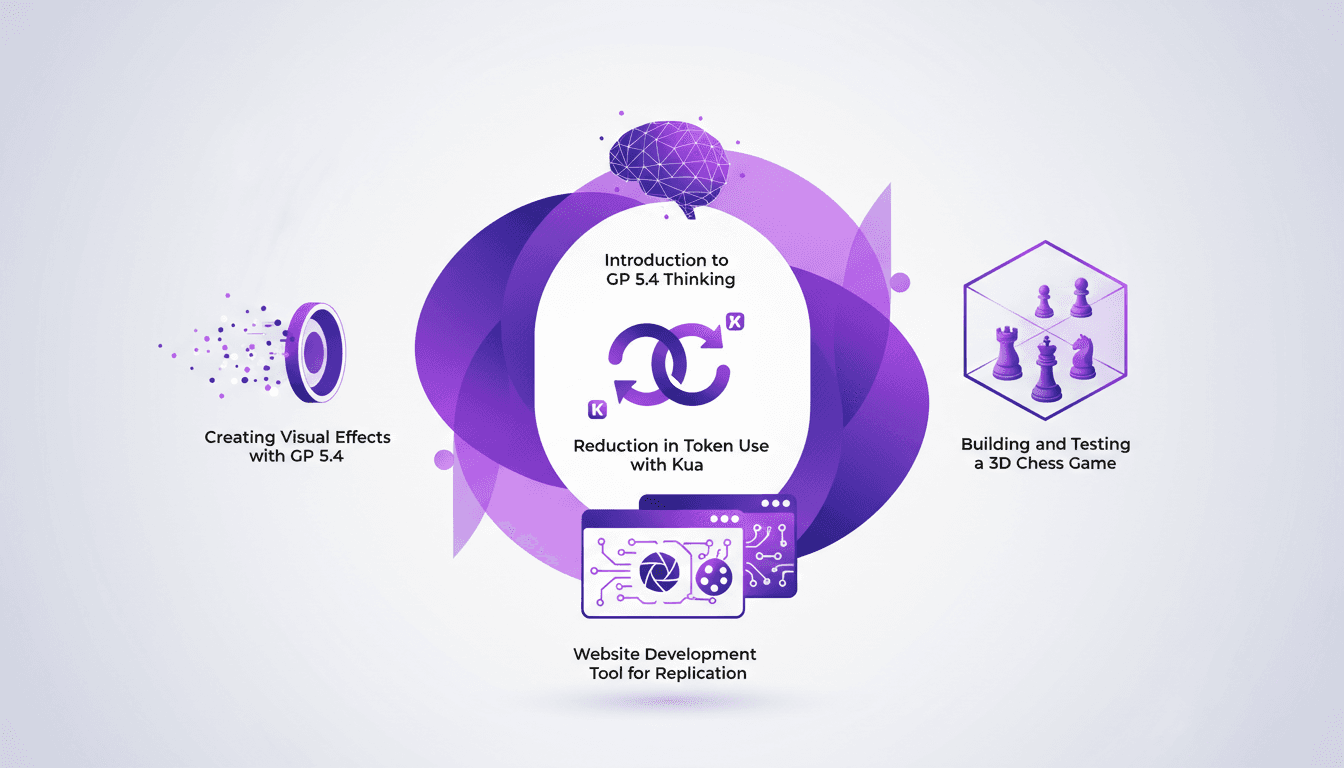
I dove headfirst into GP 5.4 thinking, and let me tell you, it's like handing the keys of a Ferrari to your frontend UI. First thing I noticed? Token usage plummeted thanks to Kua. But there's more. GP 5.4 isn't just another upgrade; it's a game-changer for UI design and web development. From building a 3D chess game to crafting stunning visual effects, this tool is a powerhouse. We'll break down how to leverage it efficiently. From token reduction with Kua to using the Image Genen tool for web design, I'll walk you through what GP 5.4 can achieve.
Integrating Gemini Embedding 2: A Practical Guide
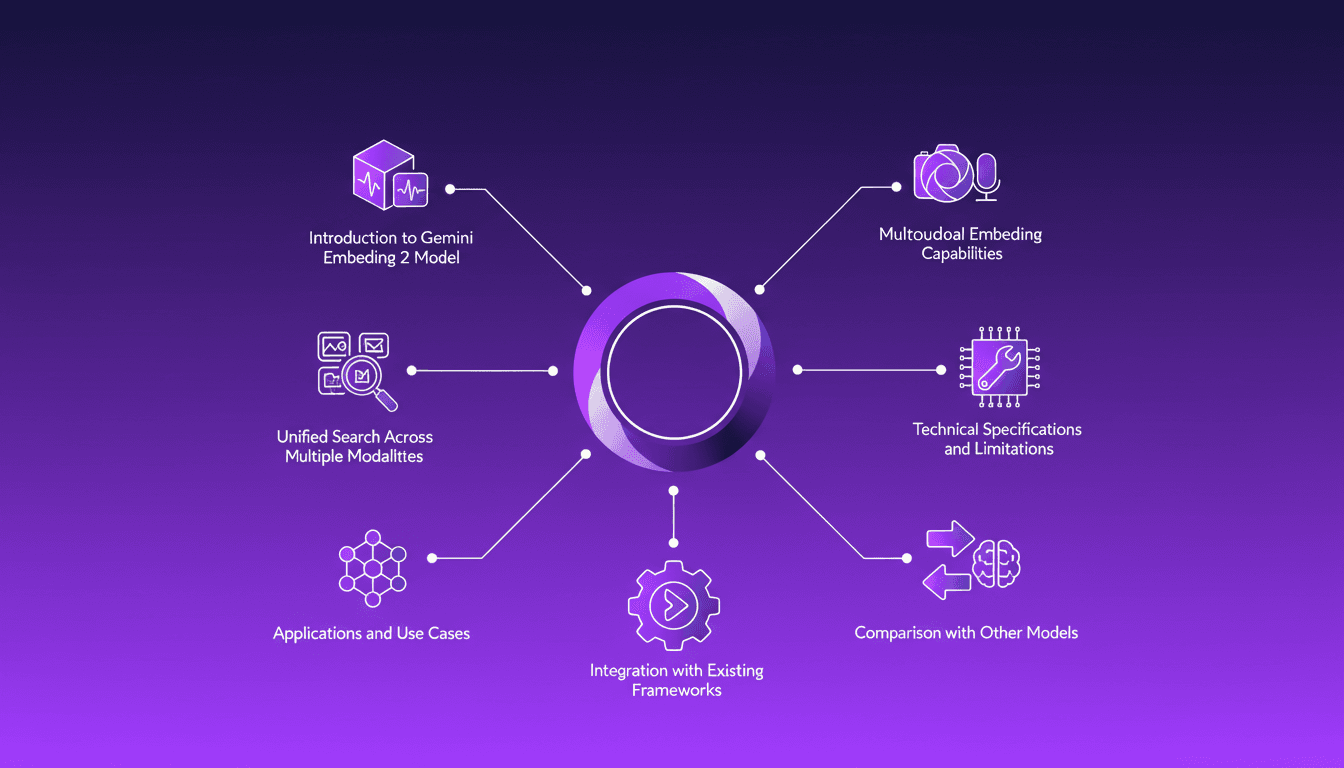
I dove into Gemini Embedding 2 to streamline how I handle audio, text, images, and videos. Imagine this: a unified approach to multimodal embedding that actually delivers. I put this promise to the test myself, and trust me, there are critical nuances you'll need to leverage its full potential. Whether you're looking to unify your searches across multiple media types or integrate this model into your existing frameworks, this practical guide will show you how. Be wary of some technical limitations that might catch you off guard, but with the right orchestration, the results speak for themselves. Let's dive in, and I'll show you how I've integrated it into my workflows for direct, measurable impact.
Mastering Link Chain and Linksmith for AI
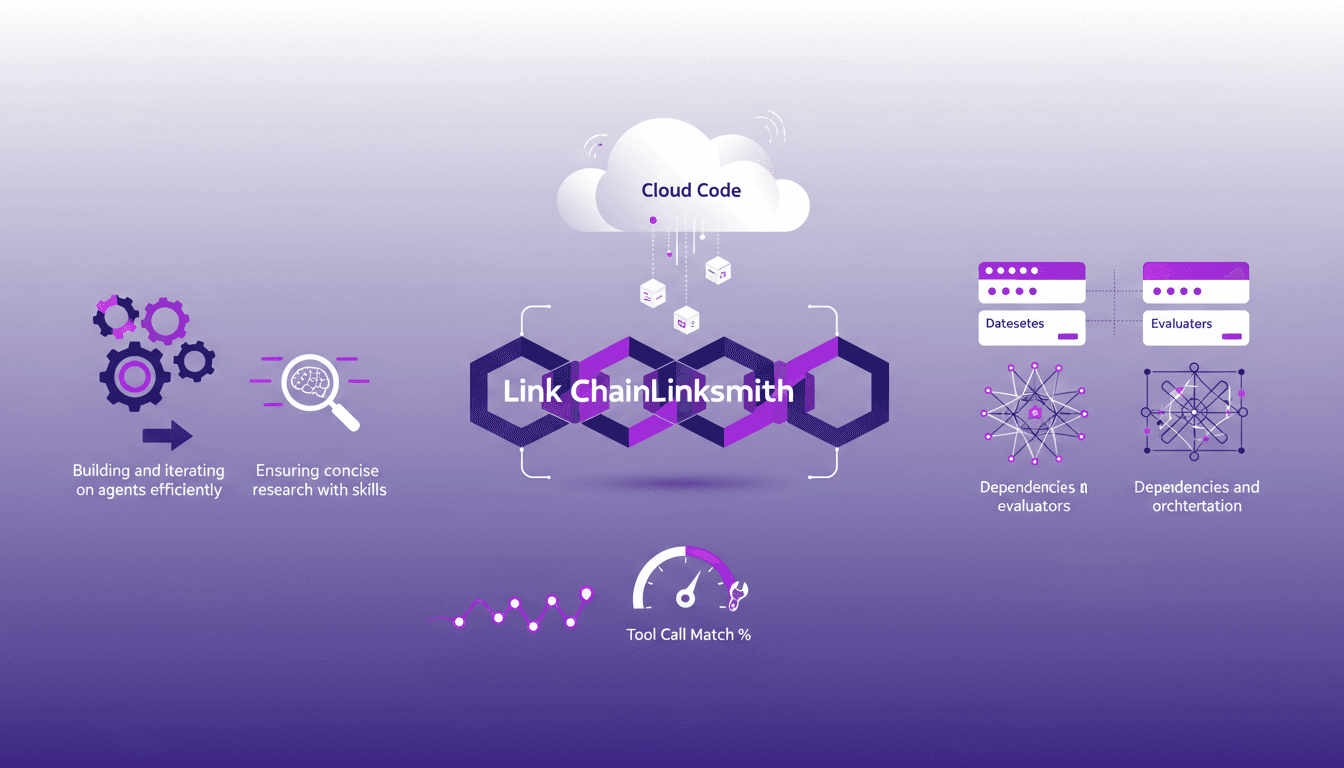
The first time I tried to build an AI agent with Link Chain and Linksmith, it felt like piecing together a complex puzzle. But once I got the hang of it, the efficiency gains were undeniable. In this article, I share my practical experiences: how I used Link Chain and Linksmith with Cloud Code to create and iterate on AI agents. I'll explore key concepts like creating datasets, evaluating tool call match percentages, and more. You'll see how I orchestrated dependencies and analyzed traces to optimize each step.
Boosting Web Search with GPT-5.3: Practical Guide
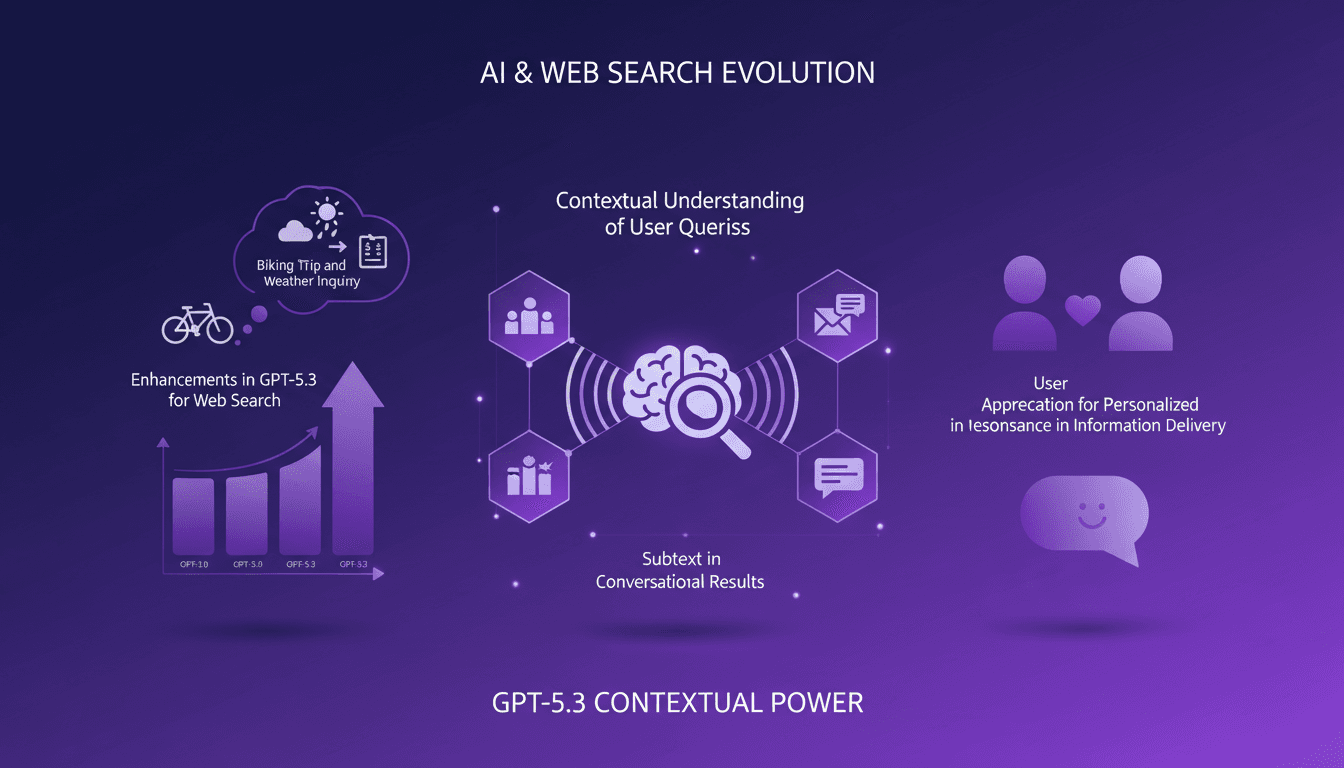
I've been tweaking search results for years, but integrating GPT-5.3 changed everything. With the latest enhancements, understanding user queries has become more nuanced. In this article, I walk you through how to leverage these advancements for better web search results. We'll dive into the importance of subtext, the enhancements in GPT-5.3, and how they make responses more natural and conversational. You'll see practical cases like planning a biking trip or understanding baseball rule changes. It's a powerful tool, but watch out for context limits—beyond 100K tokens, things get tricky. I'll share how I orchestrated these elements for direct user experience impact.
Automate Claude Code: Scheduled Tasks
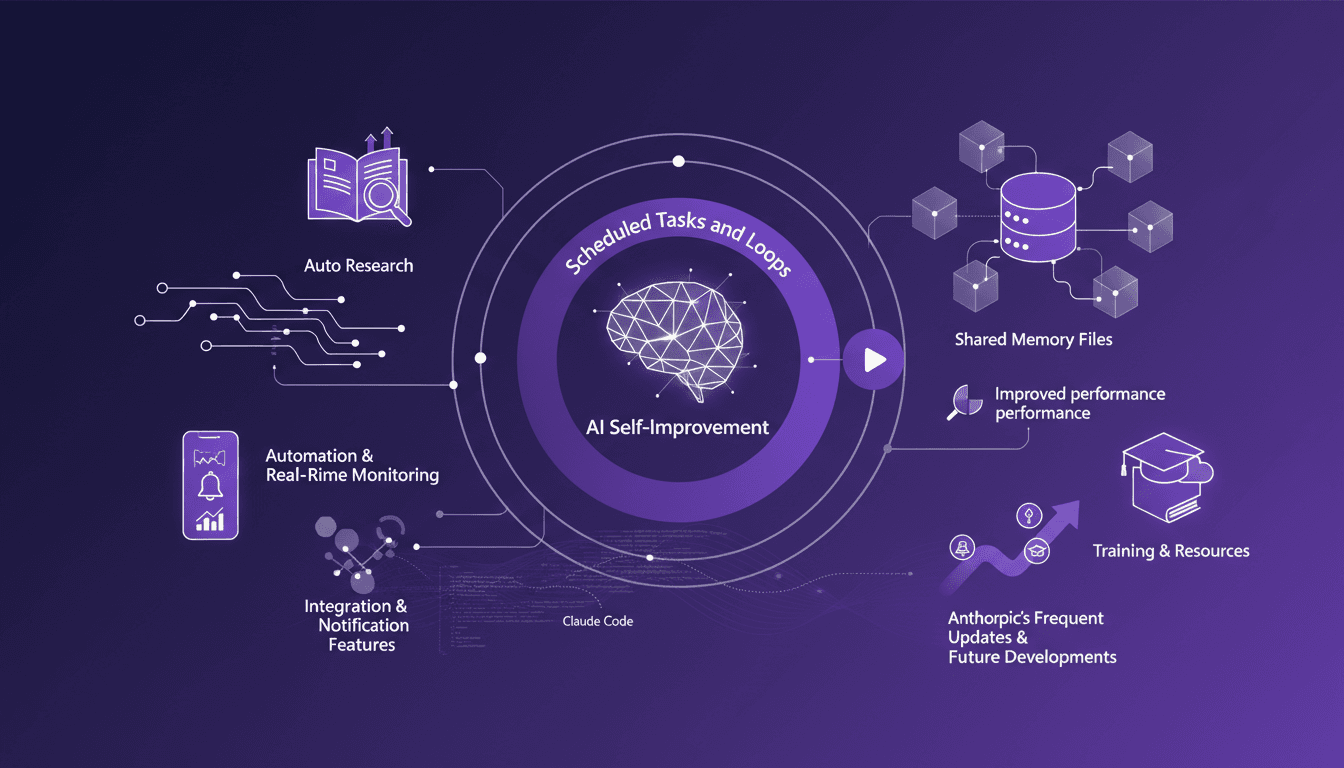
I've spent nights tweaking Claude Code so it works while I sleep. I connect scheduled tasks, orchestrate loops, and optimize performance to keep everything running smoothly. Claude Code can be a real game changer if set up right. Imagine your code reviews happening automatically at 6 AM while you're still asleep. But watch out—you don't want to be digging through logs three days later to understand what went wrong. Let's dive into auto-research, self-improvement, and how Anthropic keeps the updates coming. I'll share my strategies for integration, notifications, and real-time monitoring with Cloud Code. If you're ready to unlock the potential of Claude Code, join me on this technical journey.