Automate Claude Code: Scheduled Tasks
I've spent nights tweaking Claude Code so it works while I sleep. I connect scheduled tasks, orchestrate loops, and optimize performance to keep everything running smoothly. Claude Code can be a real game changer if set up right. Imagine your code reviews happening automatically at 6 AM while you're still asleep. But watch out—you don't want to be digging through logs three days later to understand what went wrong. Let's dive into auto-research, self-improvement, and how Anthropic keeps the updates coming. I'll share my strategies for integration, notifications, and real-time monitoring with Cloud Code. If you're ready to unlock the potential of Claude Code, join me on this technical journey.
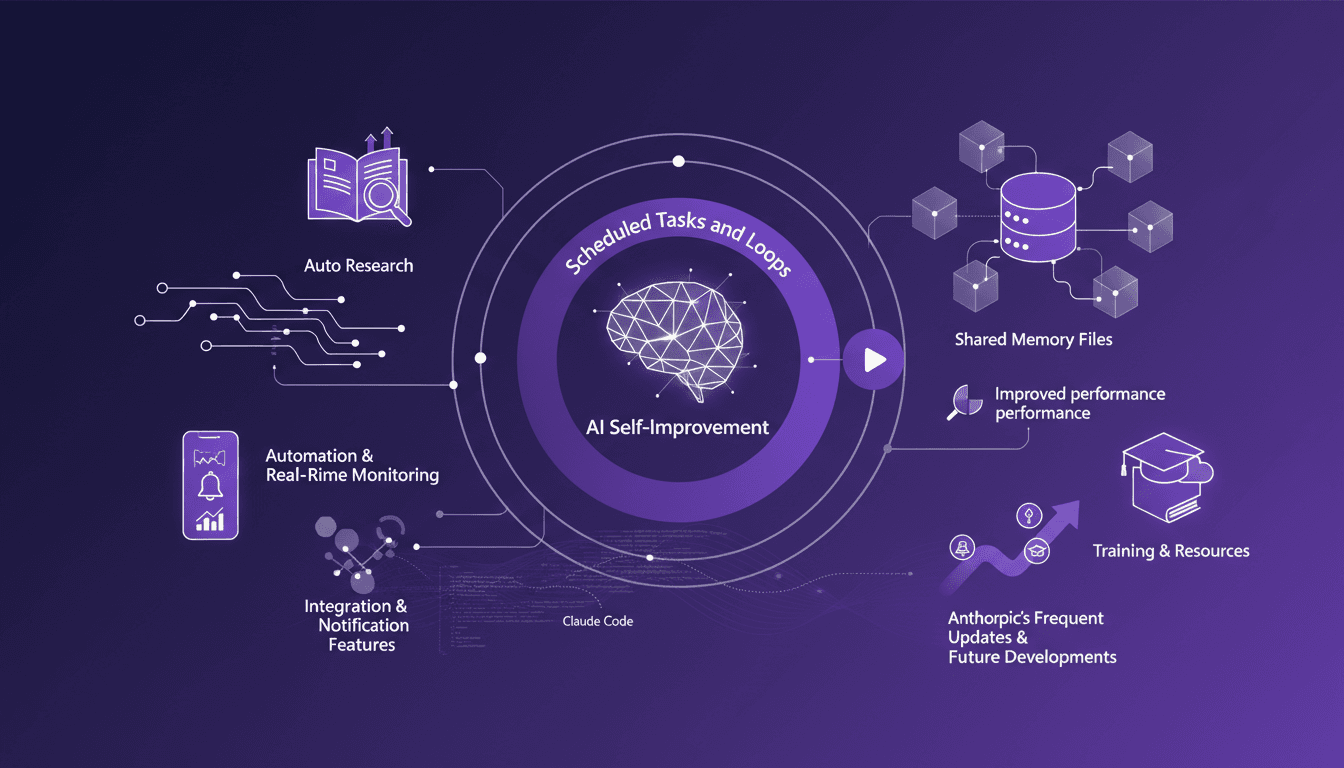
I got burned more than once trying to make Claude Code work while I sleep. But after a few sleepless nights and several cups of coffee, I finally nailed automating my tasks with a fluidity I hardly thought possible. Imagine your code reviews happening at 6 AM while you're still dreaming. But watch out, you need to set it up right, or you'll end up spending three days digging through logs to understand what's gone wrong. In this tutorial, I'll show you how I connected scheduled tasks, orchestrated loops, and optimized performance with Claude Code. We'll explore features like auto-research and self-improvement, and how Anthropic keeps those updates coming. If you're looking for strategies on integration and real-time monitoring, you're in the right place. Ready to revolutionize your workflow with Claude Code? Let's dive in!
Autonomous Functionality of Claude Code
Picture this: 6 AM, no one at the screen, and Claude Code is already reviewing the night's commits. It's checking for bugs and drafting a comprehensive project summary. By the time I arrive with my coffee at 8 AM, everything is ready. I didn't initiate anything; Claude Code managed it through its scheduled tasks and loops.
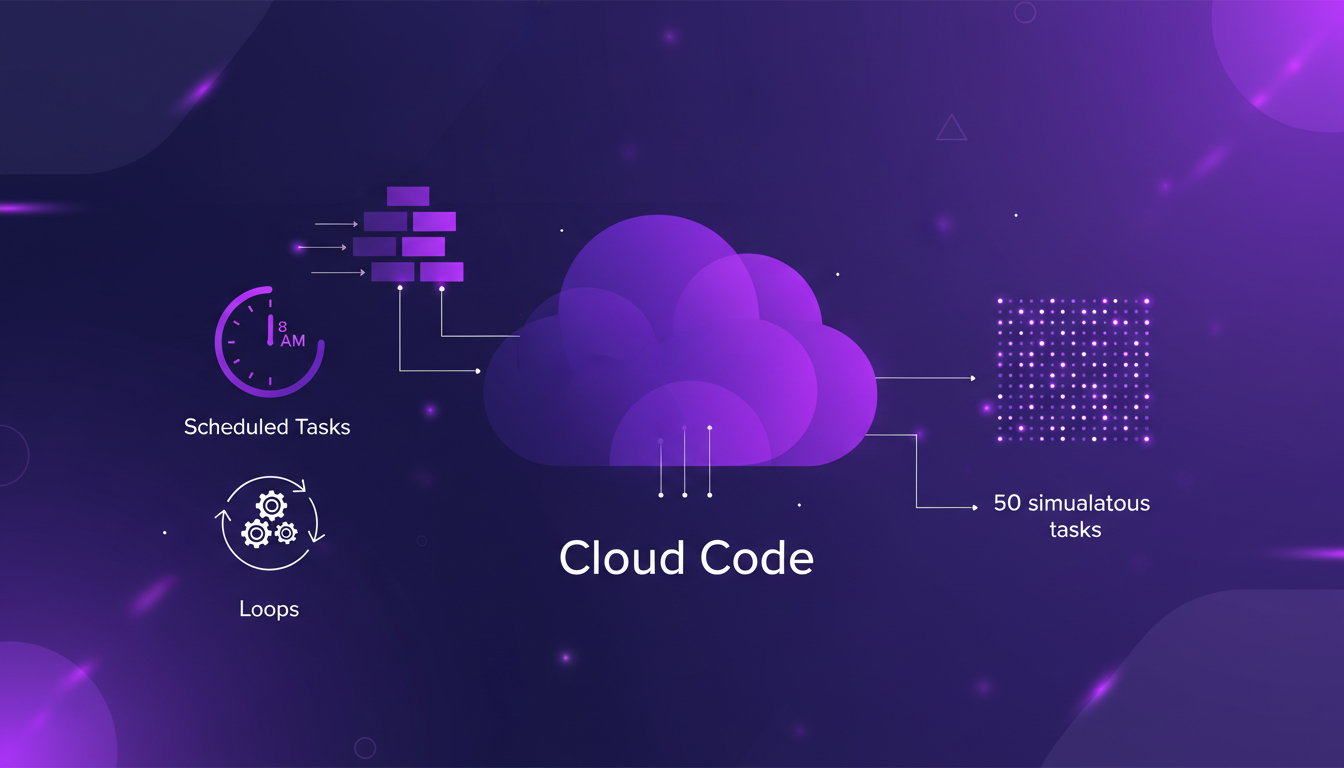
I've set up Claude Code to run code reviews automatically at 6 AM. This frees up mental load and lets me hit the ground running by 8. But watch out for over-scheduling; too many simultaneous tasks can create bottlenecks. I learned the hard way that an overloaded schedule can slow down the system.
- Scheduled tasks automate executions at predefined times.
- Loops allow for real-time checks with access to previous context.
- Be cautious not to overuse loops as they can saturate the context window.
Scheduled Tasks and Loops in Cloud Code
Configuring tasks to run at specific times, like 8 AM for optimal server load, is a real game changer. In a session, each task runs using up to 50 simultaneous processes. However, balancing the task load is crucial to avoid server strain.
HTTP hooks are handy for triggering these tasks, allowing for smoother and more responsive automation. I use these hooks to receive notifications on task status, keeping me informed without having to dig into logs 3 days later.
- Configure tasks to run at specific times to optimize server usage.
- Loops efficiently manage repetitive processes.
- Each session supports up to 50 simultaneous tasks.
- HTTP hooks facilitate task triggering.
Shared Memory Files for Improved AI Performance
Utilizing shared memory files is a major asset for boosting AI performance. These files allow fast data access, facilitating seamless data sharing between tasks. This results in a notable reduction in latency and an improvement in AI performance.
To avoid exceeding memory limits, I ensure constant monitoring of memory usage. Integration with GitHub Actions also enables automated deployments, further enhancing process efficiency.
- Shared memory files improve data access speed.
- Facilitate seamless data sharing between tasks.
- Reduce latency, thus improving performance.
- Use GitHub Actions for automated deployments.
Automation and Real-Time Monitoring with Cloud Code
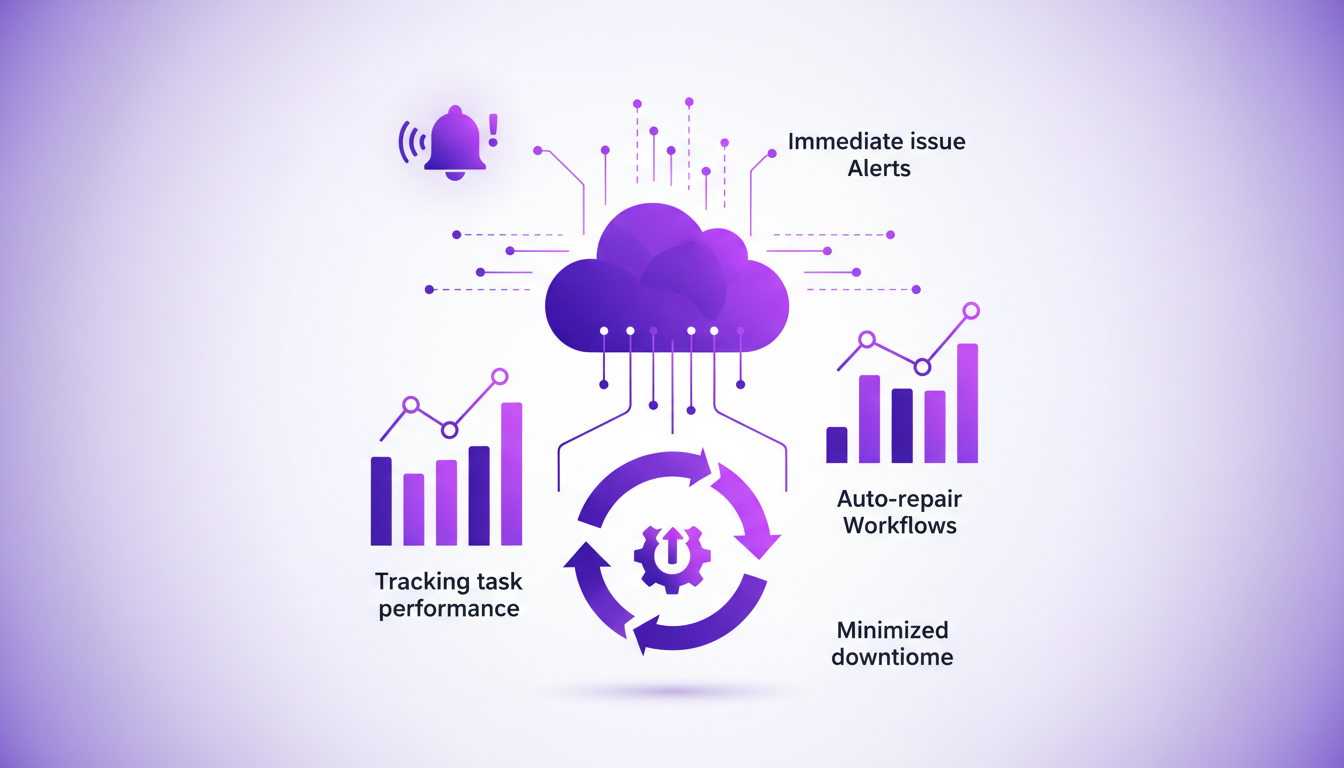
Setting up real-time monitoring to track task performance is essential. I have configured notifications for immediate alerts in case of issues, allowing me to minimize downtime through auto-repair workflows.
I regularly check logs to spot issues before they become critical. However, it's important to strike a balance between automation and manual oversight to maintain optimal control.
- Set up real-time monitoring to track task performance.
- Use notifications for immediate issue alerts.
- Auto-repair workflows to minimize downtime.
- Regularly check logs to catch issues early.
Integration and Future Developments
Integrating Claude Code with other tools for comprehensive automation is a crucial step. Staying updated with Anthropic's frequent updates is essential for planning future scalability and feature integration.

By using training resources, I continually enhance the implementation of these tools. However, it's crucial to remain vigilant about compatibility issues that might arise with new updates.
“Claude Code is capable of working autonomously while the user sleeps, reviewing commits, drafting summaries, and enhancing performance.”
- Integrate with other tools for comprehensive automation.
- Stay updated with Anthropic's frequent updates.
- Plan for scalability and feature integration.
- Use training resources for better implementation.
Setting up Claude Code for autonomous operation has allowed me to run routine tasks efficiently while focusing on larger-scale projects. Here are some concrete takeaways I've experienced:
- Claude Code automatically performs code reviews at 6 AM, freeing up significant time to focus on other priorities.
- Be careful not to discover the results of these tasks three days later by digging through logs. Real-time monitoring is crucial to maximize impact.
- Integrating shared memory files has significantly boosted AI performance, which has been a real game changer for me.
Looking ahead, there's tremendous potential in continuing to automate and monitor in real-time, but be cautious with integration to maintain process control. I encourage you to start automating your Claude Code setup today. Trust me, it makes a difference. To fully grasp the power of this tool, watch the video 'Claude Code Fonctionne ENFIN Pendant Que Vous Dormez'. It's like getting insights from a colleague who's already been through it. YouTube link
Frequently Asked Questions

Thibault Le Balier
Co-fondateur & CTO
Coming from the tech startup ecosystem, Thibault has developed expertise in AI solution architecture that he now puts at the service of large companies (Atos, BNP Paribas, beta.gouv). He works on two axes: mastering AI deployments (local LLMs, MCP security) and optimizing inference costs (offloading, compression, token management).
Related Articles
Discover more articles on similar topics
Mastering Claude Code: Basics and Beyond
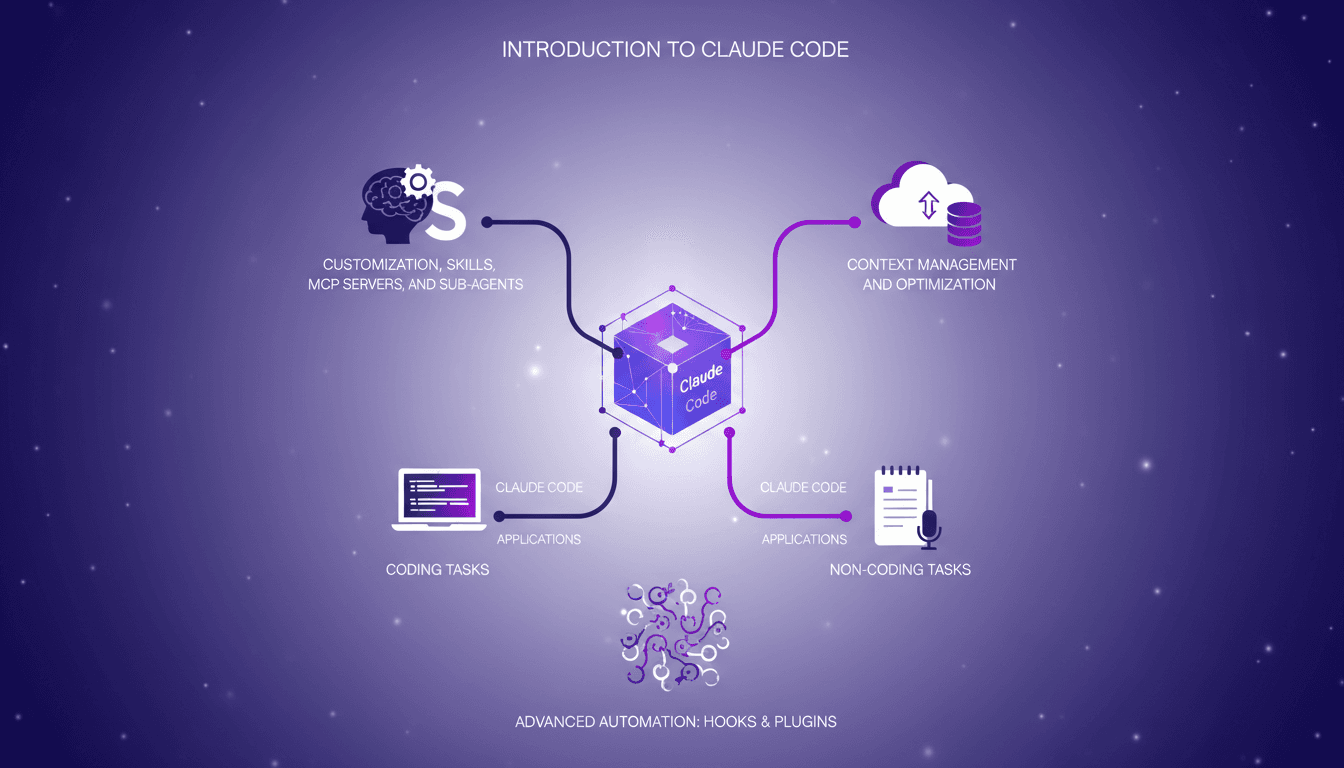
I remember the first time I dived into Claude Code. It was like opening a toolbox I didn't know I needed. Claude Code isn't just a coding tool; it's a powerhouse for both coding and non-coding tasks. Whether you're customizing with skills or optimizing context windows, this 47-minute guide walks you through practical steps and strategies. From context management to advanced features like hooks and plugins, we cover it all. This is an intermediate to advanced level dive, so get ready to transform your workflow drastically!
Codex on Windows: Master PowerShell
When I heard Codex was coming to Windows, my first move was to dive into its native operation with PowerShell and the Windows sandbox. Picture this: skills, automations, and work trees directly integrated into your system. It's a real game changer for us Windows users looking to streamline workflows. I'll walk you through setting it up, leveraging its full potential, and why it's a must-have tool for anyone wanting to master PowerShell and the Windows sandbox. Download it via the Microsoft Store or openai.com and let's get to work.
Mastering Link Chain and Linksmith for AI
The first time I tried to build an AI agent with Link Chain and Linksmith, it felt like piecing together a complex puzzle. But once I got the hang of it, the efficiency gains were undeniable. In this article, I share my practical experiences: how I used Link Chain and Linksmith with Cloud Code to create and iterate on AI agents. I'll explore key concepts like creating datasets, evaluating tool call match percentages, and more. You'll see how I orchestrated dependencies and analyzed traces to optimize each step.
Reducing Overcaveating in GPT-5.3
I remember the first time I encountered overcaveating in AI models. It was like talking to someone who couldn't stop hedging their bets. With GPT-5.3, I've finally found a way to cut through the noise and get straight answers. This version has significantly improved understanding of user intent and precision in interactions. But watch out for contextual limits. When I configure these models, I always make sure to test use cases where precision is crucial, and not get burned by poor performance. In short, GPT-5.3 is a game changer, but you need to know how to use it right.
Profitable AI Agent: Strategies and Tools
I built an AI agent that rakes in $10K a month without spending a dime on ads. Sounds crazy? Here’s how I did it. In a world where efficiency and automation are key, I developed Lancer, an AI agent that transforms how freelancers and agencies operate on platforms like Upwork. By automating job discovery and proposal writing, Lancer has revolutionized our approach. I share how I leveraged connectors for business growth, crafted subscription plans and pricing, and the opportunities I discovered in building AI agents. I'll also explain the mistakes I made, the tools I used, and how you can start your own software product development.