Integrate Langsmith and Claude Code: Build Agents
I've been knee-deep in agent development, and integrating Langsmith with code agents has been a game changer. First, I'll walk you through how I set this up, then I'll share the pitfalls and breakthroughs. Langsmith serves as a robust system of record, especially when paired with tools like Claude Code and Deep Agent CLI. If you're looking to streamline your debugging workflows and enhance agent skills, this is for you. I'll explore the integration of Langsmith with code agents, Langmith's trace retrieval utility, and how to create skills for Claude Code and Deep Agent CLI. Iterative feedback loops and the separation of tracing and code execution in projects are also on the agenda. I promise it'll transform the way you work.
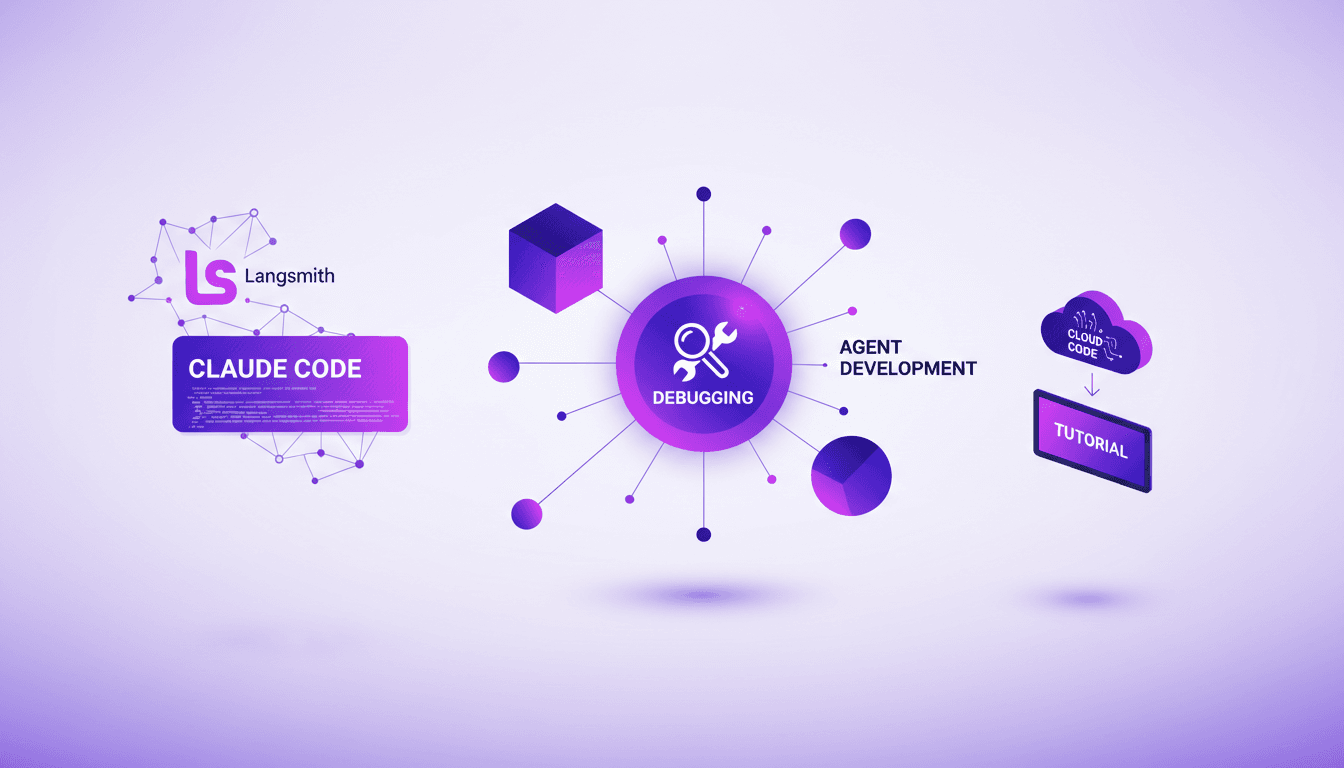
I've been knee-deep in agent development, and integrating Langsmith with code agents has been a game changer. Picture this: Langsmith as a robust system of record, paired with Claude Code and Deep Agent CLI. At first, I connected Langsmith to my code agents, and the potential to streamline debugging workflows is massive. But watch out, there are pitfalls: trace retrieval with Langmith can be a headache if you exceed limits. I'll also dive into creating skills for Claude Code and Deep Agent CLI. Iterative feedback loops have transformed my development approach. And the separation of tracing and code execution? Essential to avoid costly errors. If you're like me, always looking to optimize every step of your projects, this approach will revolutionize your way of working.
Getting Started with Langsmith and Code Agents
When I first stumbled upon Langsmith, it was a true game changer for orchestrating my code agents. Imagine a system that records every trace, every step of your agents. That's exactly what Langsmith offers. First, you set up your environment variables. A single agent.py file is enough to get everything running. But watch out, the initial integration can quickly become a headache if you don't follow the steps correctly. I had to try multiple times before getting everything right.
Leveraging Langmith Fetch Utility for Tracing
The fetch utility from Langmith simplifies tracing like never before. It's like having a personal assistant fetching recent traces from a given project. But watch out, there's a limit to the number of traces you can retrieve at once. For efficient setup, I create a balance between trace separation and code execution. You simply install the utility, and within a few commands, you have everything you need. It's handy, but make sure not to overload the system.
Executing Workflows with Cloud Code and Deep Agent CLI
Cloud Code is great for streamlined workflows, but sometimes I opt for Deep Agent CLI which offers a flexible alternative. This is where iterative feedback loops come into play. You execute some code, analyze the traces, and improve. However, there are trade-offs between using Cloud Code and CLI. Sometimes, the CLI is faster, but it doesn't offer the same integration as Cloud Code. The key is to choose the tool that best fits your specific needs.
Creating and Enhancing Skills in Your Agents
Creating skills for your agents with Cloud Code can transform your workflow. I've often used this method to make my agents smarter by adding specific skills using the Deep Agent CLI. For instance, in one project, I integrated a function that allowed the agent to automatically detect common errors and suggest fixes. But watch out for common pitfalls: it's easy to overload an agent with unnecessary skills that slow down the system.
Practical Applications and Benefits of Using Langsmith
In the real world, Langsmith is a major asset for debugging. I've been able to cut costs and save valuable time. Orchestrating complex workflows becomes a breeze. However, it's crucial not to overlook the necessary trade-offs, such as resource management and initial configuration. In summary, the benefits of Langsmith include increased efficiency, cost reductions, and simplified orchestration of agent workflows.
- Initial setup with agent.py
- Using the fetch utility for tracing
- Comparison between Cloud Code and Deep Agent CLI
- Creating and enhancing agent skills
- Practical applications and benefits of Langsmith
Integrating Langsmith with your code agents isn’t just about adding another tool; it’s about supercharging your entire workflow. I've been there, done that, and here's what I found:
- Langsmith Fetch Utility: Great for trace retrieval, but watch out for the one trace limit.
- Debugging with Cloud Code and Deep Agent CLI: It's a game changer for diagnosing bugs efficiently.
- Creating Skills: Building skills for Cloud Code and Deep Agent CLI really boosts your agents' capabilities.
- Single File agent.py: Simplifying code management is a real time-saver.
Honestly, with careful setup and understanding of its limits, the benefits are substantial. Ready to transform your agent development process? Dive into Langsmith's capabilities today. And to really grasp the impact, take a moment to watch the full video. It's a must-watch for anyone looking to optimize their practices.
Frequently Asked Questions

Thibault Le Balier
Co-fondateur & CTO
Coming from the tech startup ecosystem, Thibault has developed expertise in AI solution architecture that he now puts at the service of large companies (Atos, BNP Paribas, beta.gouv). He works on two axes: mastering AI deployments (local LLMs, MCP security) and optimizing inference costs (offloading, compression, token management).
Related Articles
Discover more articles on similar topics
Claude Code-LangSmith Integration: Complete Guide
Step into a world where AI blends seamlessly into your workflow. Meet Claude Code and LangSmith. This guide reveals how these tools reshape your tech interactions. From tracing workflows to practical applications, master Claude Code's advanced features. Imagine fetching real-time weather data in just a few lines of code. Learn how to set up this powerful integration and leverage Claude Code's hooks and transcripts. Ready to revolutionize your digital routine? Follow the guide!
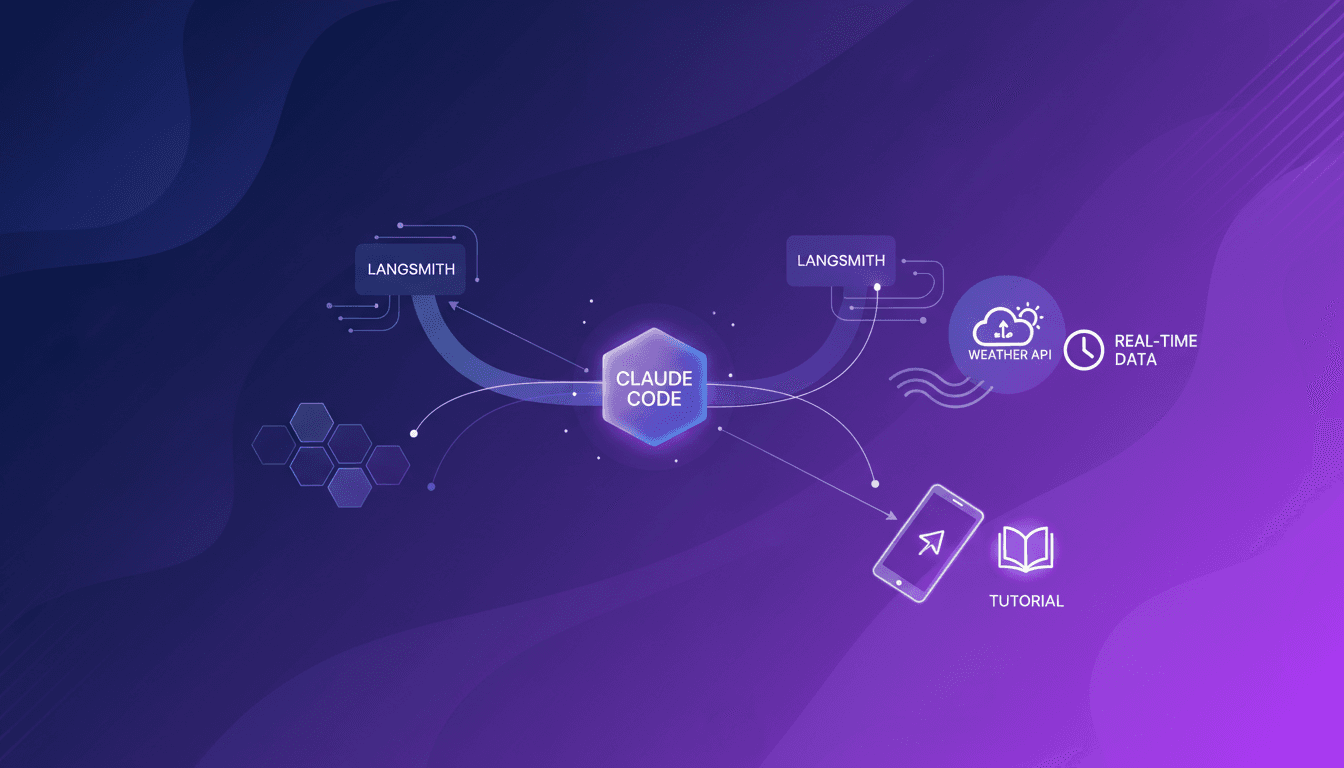
Integrate Claude Code with LangSmith: Tutorial
I remember the first time I tried to integrate Claude Code with LangSmith. It felt like trying to fit a square peg into a round hole. But once I cracked the setup, the efficiency gains were undeniable. In this article, I'll walk you through the integration of Claude Code with LangSmith, focusing on tracing and observability. We’ll use a practical example of retrieving real-time weather data to show how these tools work together in a real-world scenario. First, I connect Claude Code to my repo, then configure the necessary hooks. Watch out, tracing can quickly become a headache if poorly orchestrated. But when well piloted, the business impact is direct and impressive.
Becoming an AI Whisperer: A Practical Guide
Becoming an 'AI Whisperer' isn't just about the tech, trust me. After hundreds of hours engaging with models, I can tell you it's as much art as science. It's about diving headfirst into AI's depths, testing its limits, and learning from every quirky output. In this article, I'll take you through my journey, an empirical adventure where every AI interaction is a lesson. We'll dive into what truly being an AI Whisperer means, how I explore model depths, and why spending time talking to them is crucial. Trust me, I learned the hard way, but the results are worth it.
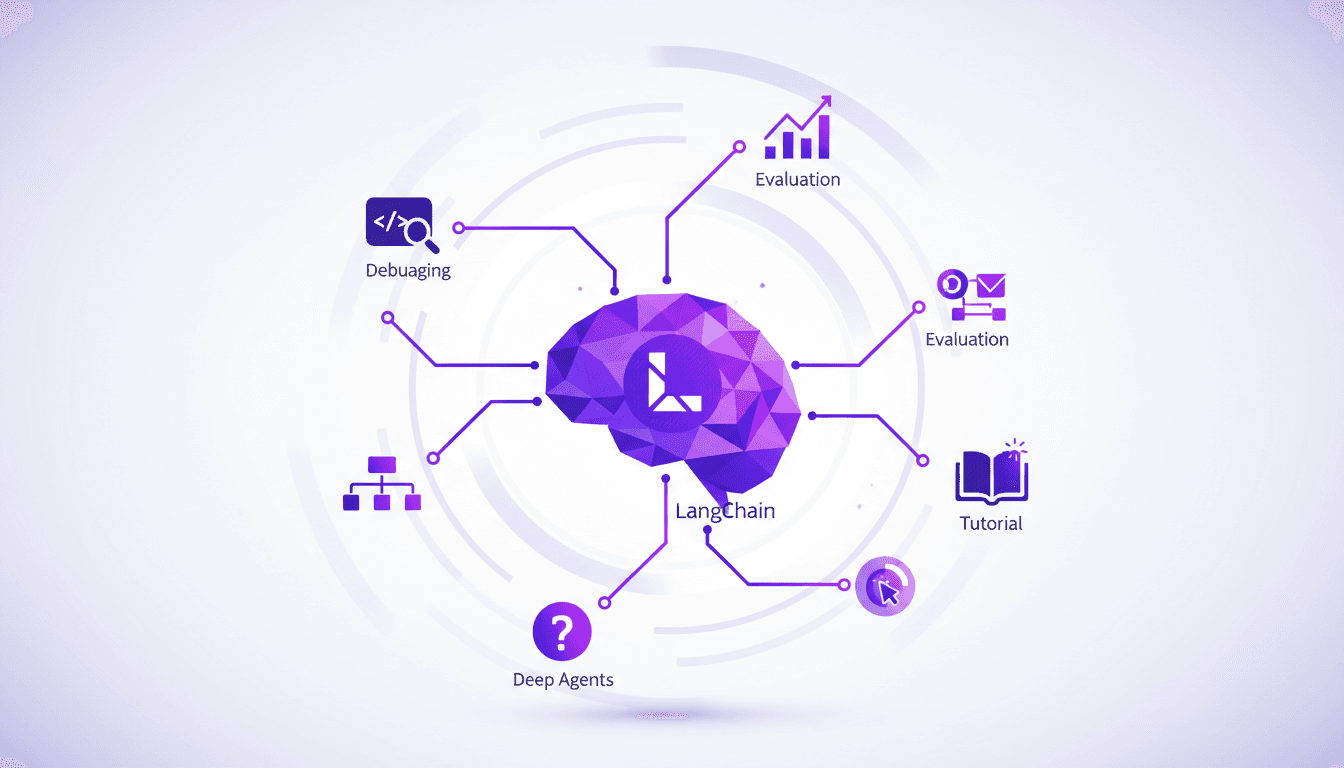
Deep Agents with LangChain: Introduction
I've spent countless hours in the trenches of AI development, wrestling with deep agents. When I first encountered LangChain, it felt like stumbling upon a goldmine. Imagine launching two sub-agents in parallel to supercharge efficiency. Let me walk you through how I optimize and debug these complex systems, leveraging tools like Langmith Fetch and Paulie. Deep agents are the backbone of advanced AI systems, yet they come with their own set of challenges. From evaluation to debugging, each step demands precision and the right set of tools.
Unlocking Gemini 3 Flash: Practical Use Cases
I dove into Gemini 3 Flash expecting just another AI tool, but what I found was a game changer for OCR tasks. This model, often overshadowed by the Pro, turns out to be a hidden gem, especially when you factor in cost and multilingual capabilities. In this article, I'll walk you through how Gemini 3 Flash stacks up against its big brother and why it deserves more attention. We're talking efficiency, technical benchmarks, and practical use cases. Spoiler: for certain tasks, it even outperforms the Pro. Don't underestimate this little gem; it might just transform your OCR handling without breaking the bank.