Unlocking Gemini 3 Flash: Practical Use Cases
I dove into Gemini 3 Flash expecting just another AI tool, but what I found was a game changer for OCR tasks. This model, often overshadowed by the Pro, turns out to be a hidden gem, especially when you factor in cost and multilingual capabilities. In this article, I'll walk you through how Gemini 3 Flash stacks up against its big brother and why it deserves more attention. We're talking efficiency, technical benchmarks, and practical use cases. Spoiler: for certain tasks, it even outperforms the Pro. Don't underestimate this little gem; it might just transform your OCR handling without breaking the bank.
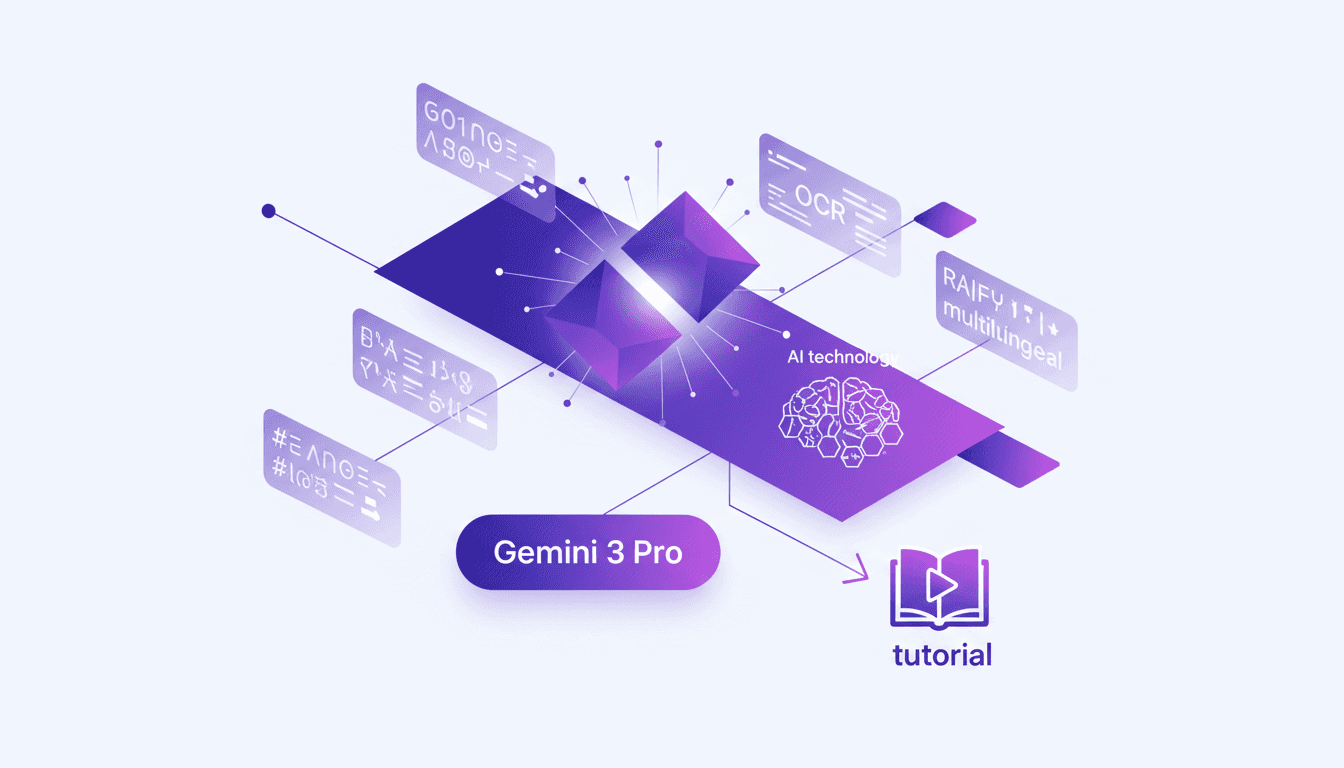
I dove into the world of Gemini 3 Flash expecting to find just another AI tool, but I stumbled upon a game changer for OCR tasks. It's rare to find a model that, despite being overshadowed by the Pro, stands out with its efficiency and multilingual capabilities. I found myself orchestrating tasks more smoothly and, importantly, without breaking the bank. First, I'll show you how the Flash compares to the Pro. Then we'll delve into its cost-effectiveness, technical benchmarks, and why it's a smart choice for certain use cases. Fair warning: you might be surprised to see how the Flash sometimes outperforms the Pro. So, don't underestimate this model; it might just revolutionize your OCR handling while keeping things economical.
Setting the Stage: Gemini 3 Flash Overview
Gemini 3 Flash is Google's latest AI model, and don't let the "Flash" in its name fool you. This model has the potential to outperform Gemini 3 Pro in certain scenarios. Before diving into the details, it's crucial to understand the initial expectations versus its actual performance. Gemini 3 Flash is designed to provide a robust OCR (Optical Character Recognition) solution, balancing speed, accuracy, and cost perfectly. In my agency, I chose to explore it because it promised significant cost reductions while maintaining high performance levels. In terms of features, it stands out with its ability to efficiently process multilingual data. That's why it deserves a place in my workflow, especially when dealing with large volumes of documents in multiple languages.
Gemini 3 Flash vs Pro: A Cost-Performance Analysis
Cost is a decisive factor when choosing an AI solution. At 50 cents per million tokens, Gemini 3 Flash is four times cheaper than Gemini 3 Pro, which costs $2 for the same amount. But what about performance? Flash shines in scenarios where cost-performance is crucial. For example, in OCR tasks where speed and accuracy are essential, Flash offers an excellent value proposition. In my projects, I often need to balance cost and performance, and Gemini 3 Flash allowed me to do so without compromising quality. However, it's important to note that for tasks requiring more complex logic, Pro might be more suitable, albeit at a higher cost.
OCR Tasks: Unleashing Gemini 3 Flash
When it comes to OCR tasks, Gemini 3 Flash is a true asset. In terms of technical benchmarks, it is almost on par with Gemini 3 Pro, with a score of 0.12 compared to 15 for Pro. This means it can process documents with great efficiency while being faster and less expensive. During my tests, I observed that Flash completes multilingual OCR tasks in just 25 seconds, which is impressive. However, watch out for minor errors it may make, like mistaking certain digits. Nonetheless, these errors are relatively rare and can be corrected with minimal human oversight.
Multilingual Capabilities: A Hidden Strength
Gemini 3 Flash is particularly notable for its handling of multilingual data. For instance, when digitizing documents in Bengali, it successfully extracted not only the text but also specific information like phone numbers. However, token pricing can increase for complex multilingual projects, requiring careful planning to avoid budget overruns. To circumvent these limitations, I recommend always assessing the data volume and adjusting processing parameters accordingly.
Practical Use Cases and Final Thoughts
Beyond OCR tasks, Gemini 3 Flash holds enormous potential for other applications, such as complex document analysis or deepfake detection. By integrating Flash into my workflow, I've learned to leverage its strengths while being mindful of its limitations. Ultimately, choosing between Flash and Pro depends on your specific needs and budget. For those looking to optimize costs while achieving fast and reliable results, Flash is an indispensable option. I invite you to try it in your next project and share your insights.
- Gemini 3 Flash is four times cheaper than Pro, at only 50 cents per million tokens.
- It performs almost as well as Pro for OCR tasks, with a score of 0.12 compared to 15 for Pro.
- The model is particularly efficient for multilingual OCR tasks, completing them in 25 seconds.
- For multilingual projects, be mindful of token costs, which can rise quickly.
- Flash is ideal for those seeking to balance cost and performance for quick and reliable tasks.
Gemini 3 Flash is like the Swiss Army knife for OCR and multilingual tasks. First, I realized the cost-performance ratio is unbeatable, especially when you compare it to the flagship model, Gemini 3 Pro. Then, for OCR tasks, it gets the job done without breaking the bank. But watch out, there are limits — don't expect miracles on overly complex tasks.
- Cost-effectiveness: Gemini 3 Flash is perfect for those who want to maximize their budget while getting solid results.
- OCR Performance: I tested it on several multilingual documents and it performs very well.
- Limits: Don't overload it, as it's optimized for specific tasks.
If you're looking to optimize your AI projects, give Gemini 3 Flash a try and share your feedback. Maybe together, we can push the boundaries of what this tool can do. To dive deeper, I recommend watching the video "The Most Underrated Gemini 3 Flash use-case!" on YouTube. It's worth a watch to better understand how to fully exploit this tool.
Frequently Asked Questions

Thibault Le Balier
Co-fondateur & CTO
Coming from the tech startup ecosystem, Thibault has developed expertise in AI solution architecture that he now puts at the service of large companies (Atos, BNP Paribas, beta.gouv). He works on two axes: mastering AI deployments (local LLMs, MCP security) and optimizing inference costs (offloading, compression, token management).
Related Articles
Discover more articles on similar topics
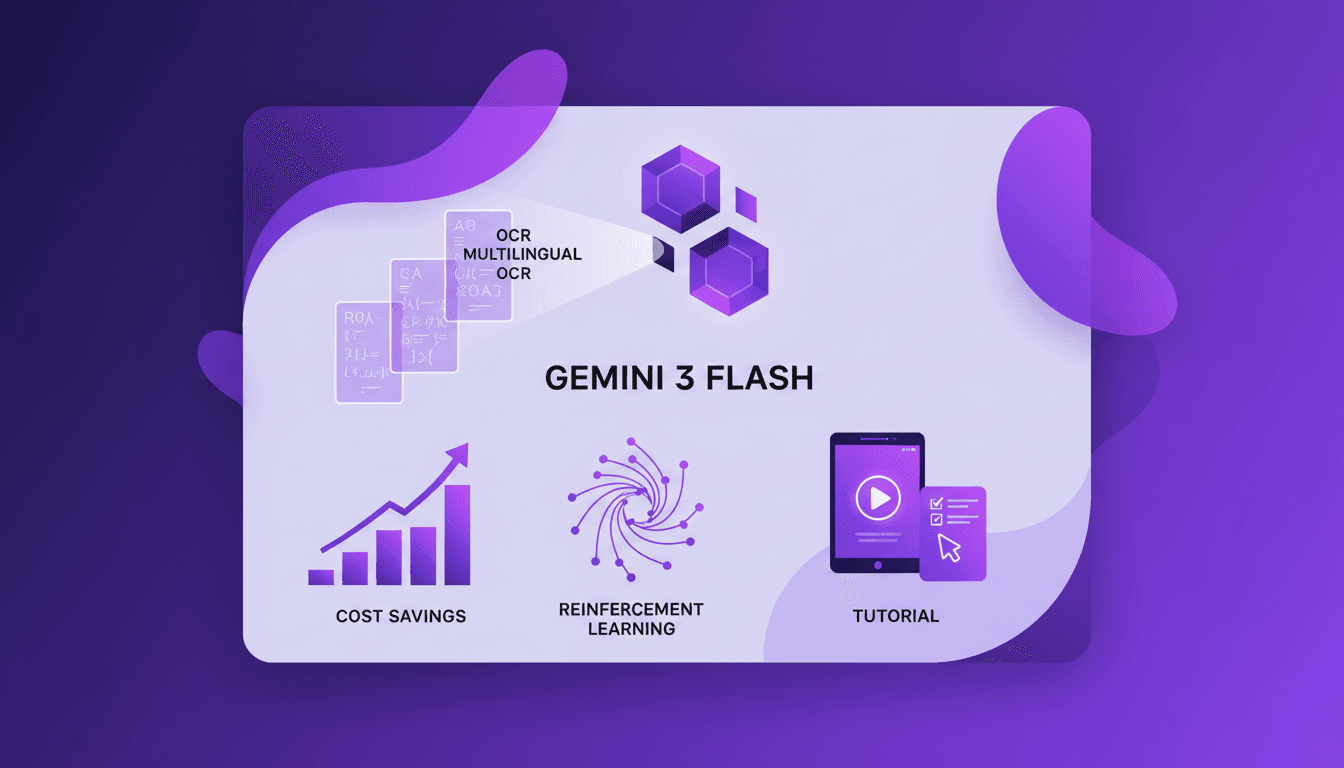
Harnessing Gemini 3 Flash: Cost Savings and OCR Performance
I remember the first time I switched to Gemini 3 Flash. We were drowning in document digitization costs, paying a premium for features we didn't fully exploit. That's when I decided to explore Gemini 3 Flash, and what I found was a game changer. In the world of OCR and document digitization, balancing cost and performance is crucial. Gemini 3 Flash offers a compelling, cost-effective solution, especially compared to its pricier sibling, Gemini 3 Pro. Priced four times cheaper, it's a boon for multilingual digitization projects. Let's dive into the OCR performance, the power of Gemini 3 Flash, and why it might just be the catalyst for your next project.
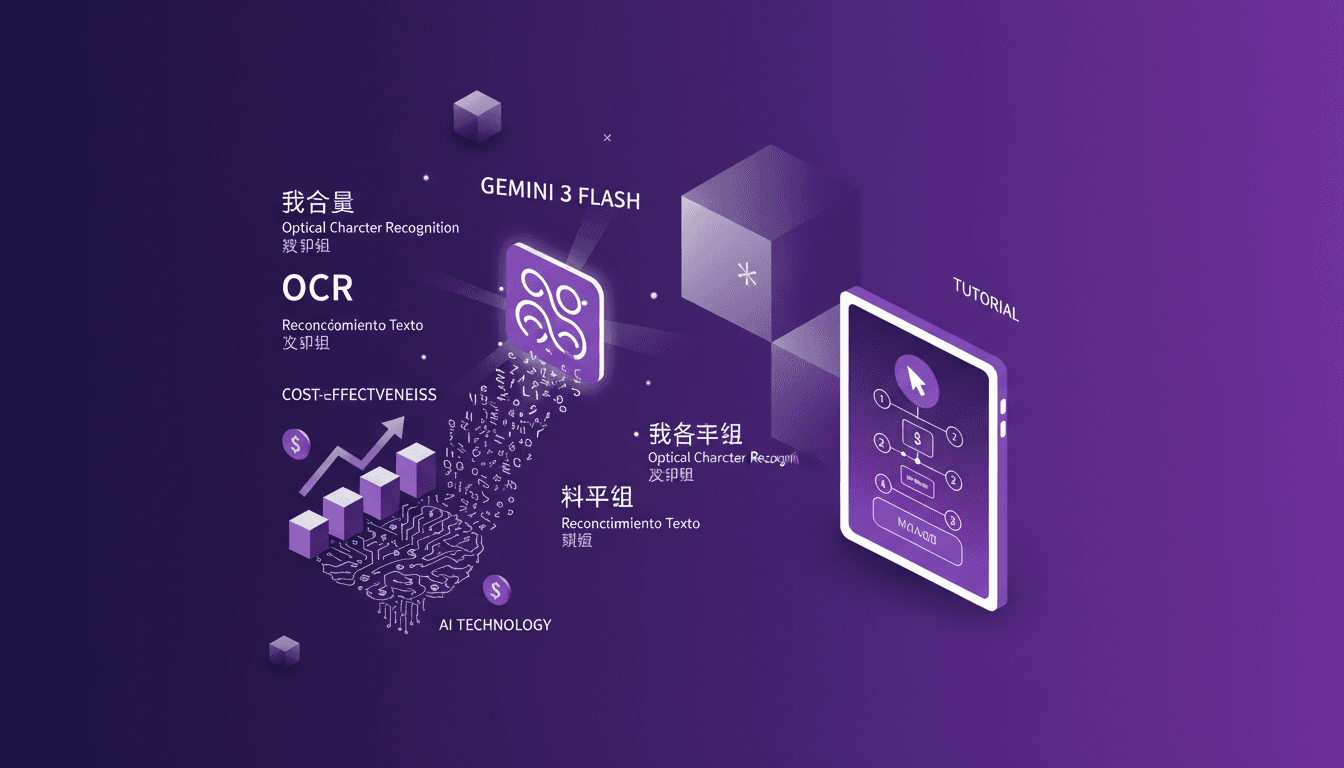
Cut Costs with Gemini 3 Flash OCR
I've been diving into OCR tasks for years, and when Gemini 3 Flash hit the scene, I had to test its promise of cost savings and performance. Imagine a model that's four times cheaper than Gemini 3 Pro, at just $0.50 per million token input and $3 for output tokens. I'll walk you through how this model stacks up against the big players and why it's a game changer for multilingual OCR. From cost-effectiveness to multilingual capabilities and technical benchmarks, I'll share my practical findings. Don't get caught up in the hype, discover how Gemini 3 Flash is genuinely transforming the game for OCR tasks.
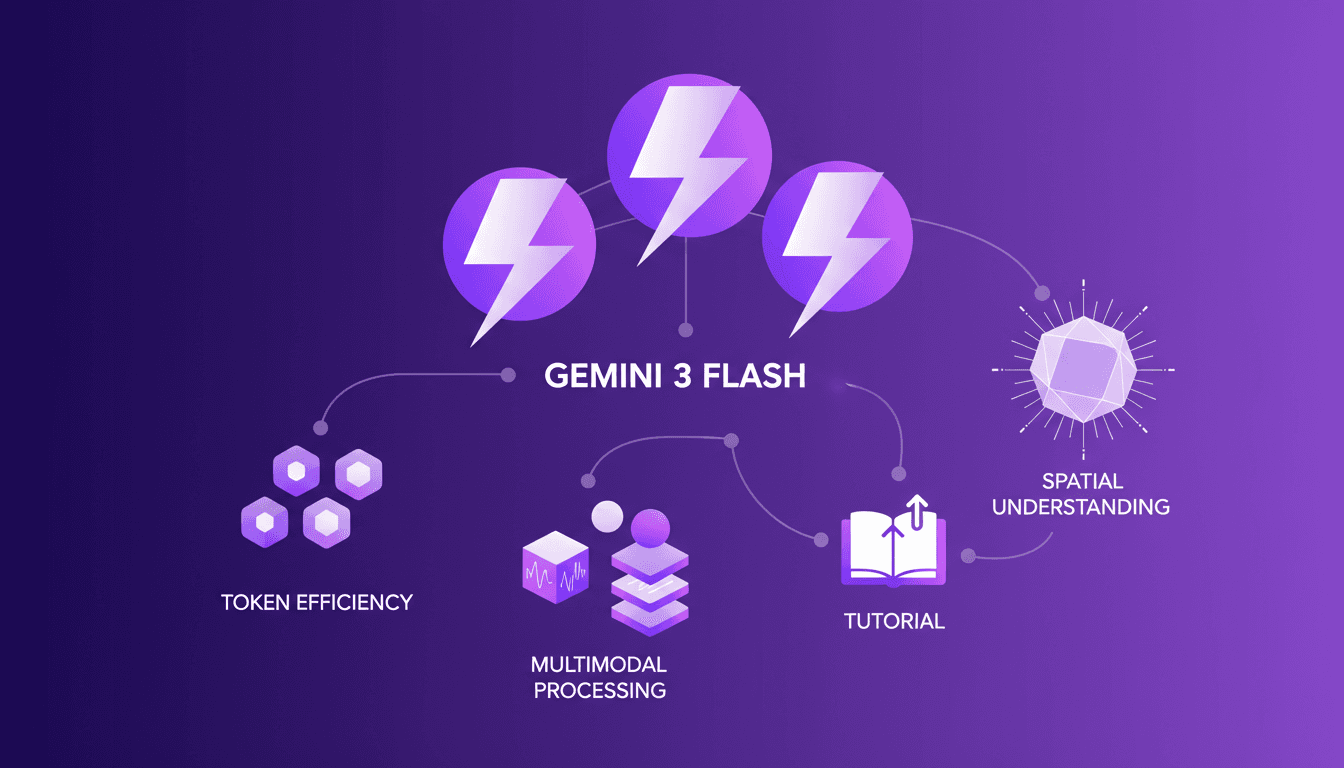
Gemini 3 Flash: Upgrade Your Daily Workflow
I was knee-deep in token usage issues when I first got my hands on Gemini 3 Flash. Honestly, it was like switching from a bicycle to a sports car. I integrated it into my daily workflow, and it's become my go-to tool. With its multimodal capabilities and improved spatial understanding, it redefines efficiency. But watch out, there are limits. Beyond 100K tokens, it gets tricky. Let me walk you through how I optimized my operations and the pitfalls to avoid.
Claude Code-LangSmith Integration: Complete Guide
Step into a world where AI blends seamlessly into your workflow. Meet Claude Code and LangSmith. This guide reveals how these tools reshape your tech interactions. From tracing workflows to practical applications, master Claude Code's advanced features. Imagine fetching real-time weather data in just a few lines of code. Learn how to set up this powerful integration and leverage Claude Code's hooks and transcripts. Ready to revolutionize your digital routine? Follow the guide!
Mastering Gemini Interactions API: Practical Guide
I dove headfirst into the Gemini Interactions API, and let me tell you, it's a game changer if you know how to wield it. First, I connected the dots between its features and my daily workflow, and then I started seeing the real potential. But watch out, it's not all sunshine and rainbows—there are some quirks to navigate. By understanding its multimodality, managing tokens efficiently, and leveraging server-side state persistence, I was able to integrate advanced AI interactions into my applications. But honestly, I got burned more than once before mastering its nuances. So, are you ready to explore what the Gemini API can really do for you?