Harnessing Quen 3 Multimodal Embeddings
I dove into Qwen 3's multimodal embeddings, aiming to streamline my AI projects. The promise? Enhanced precision and efficiency across over 30 languages. First, I connected the embedding models, then orchestrated the rerankers for more efficient searches. The results? A model reaching 85% precision, a real game changer. But watch out, every tool has its limits and Qwen 3 is no exception. Let me walk you through how I set it up and the real-world impact it had.
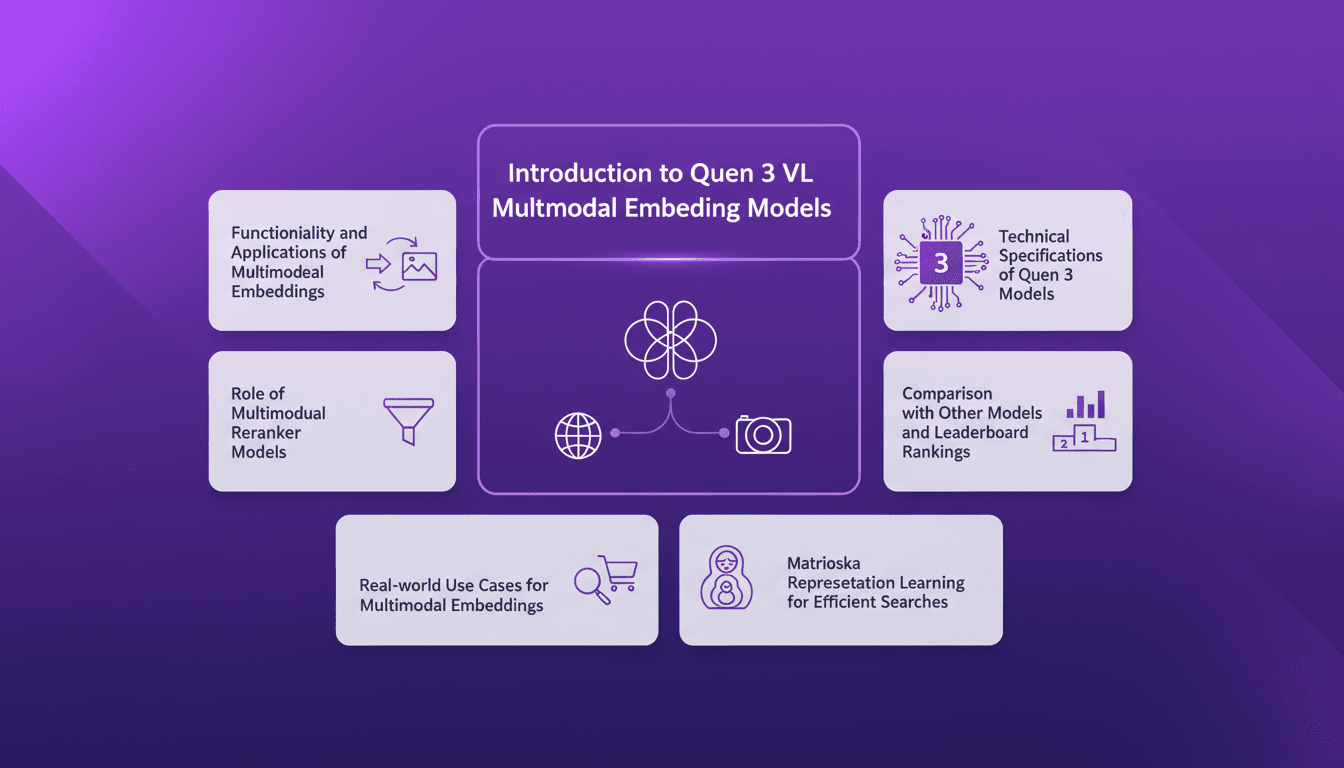
I dove headfirst into Qwen 3's multimodal embeddings with a clear goal: optimize my AI projects. As soon as I connected the models, I saw the potential. With an 85% precision and the ability to operate in over 30 languages, we're talking about a real leap forward for multimodality. First, I configured the embeddings to ensure they effectively capture nuances between images and text. Then, I orchestrated the rerankers to prioritize results more finely. But don't underestimate the calibration phase: each model has its quirks and limits, and Qwen 3 is no exception. In terms of use cases, I integrated these models into my workflows for faster and more accurate searches. I'll walk you through how I did it and why it could be a game changer for you too.
Setting Up Quen 3 Multimodal Embeddings
First, I integrated the Quen 3 model into my existing system, and the experience was nothing short of a game changer. The 32K context window opened up the ability to handle complex data inputs much more effectively. It allowed for processing larger volumes of data without sacrificing precision. However, the 4,096 embedding size requires careful orchestration; mishandling it can lead to inefficiencies. I achieved 85% precision with just the embedding model, which is impressive given the challenges posed by multimodal data.

Functionality and Applications of Multimodal Embeddings
Multimodal embeddings bridge the gap between text and visual data, enhancing semantic similarity in my projects. I used this technology to boost semantic search, which had a direct impact on optimizing search engines and recommendation systems. But don't overuse embeddings; it's often more cost-effective to balance these new methods with traditional approaches.
- Search engine optimization
- Enhancement of recommendation systems
- Video content analysis
For a step-by-step guide on effectively implementing these methods, check out this comprehensive guide.
Role and Setup of Multimodal Reranker Models
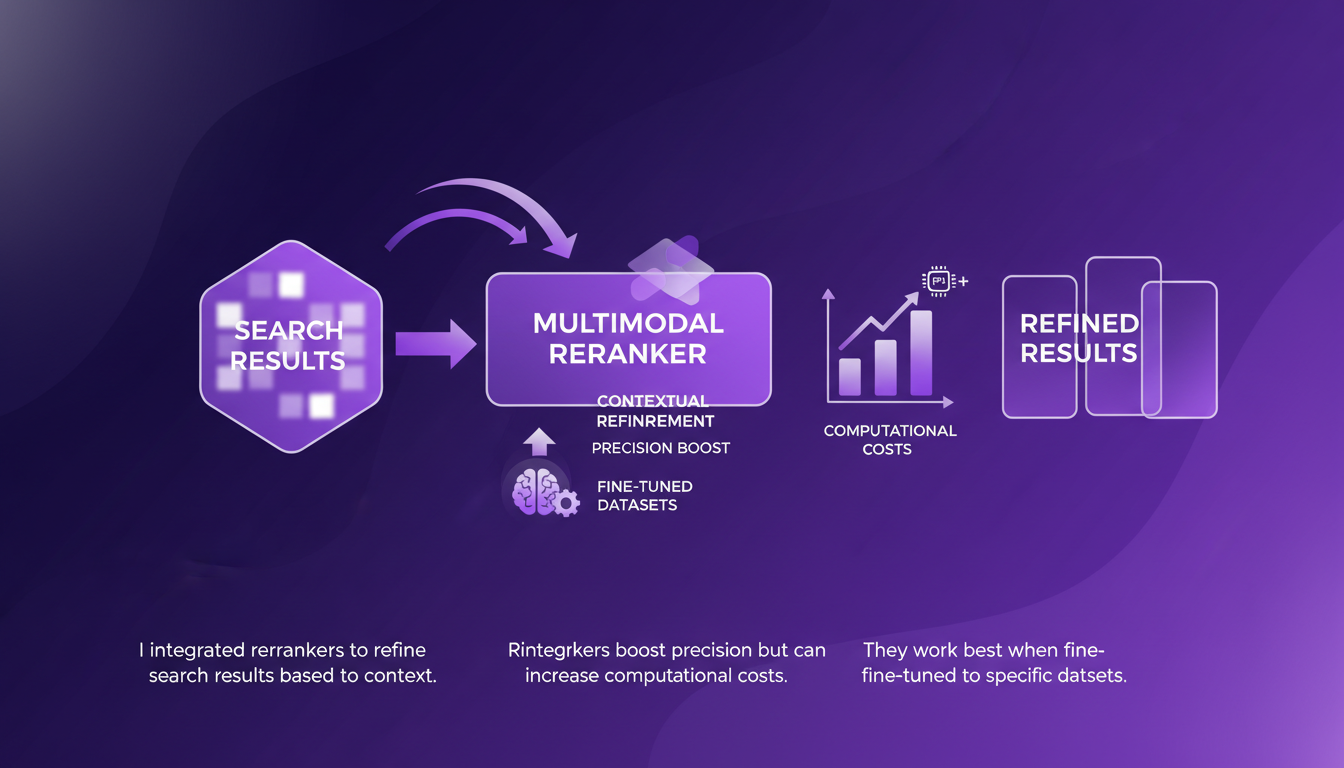
Rerankers play a critical role in refining search results based on context. I integrated these rerankers to boost search precision, but be aware that they can increase computational costs. They work best when fine-tuned to specific datasets. Consider your hardware limitations before full deployment to avoid any unpleasant surprises.
Technical Specifications and Real-world Impact
Quen 3 models support over 30 languages, making them ideal for global projects. The 8 billion parameter model can seem overwhelming, but starting small is a great deployment strategy. In practice, applications range from cross-language searches to multilingual chatbots. I saw direct business impact with increased user engagement.
Comparisons and Matrioska Representation Learning
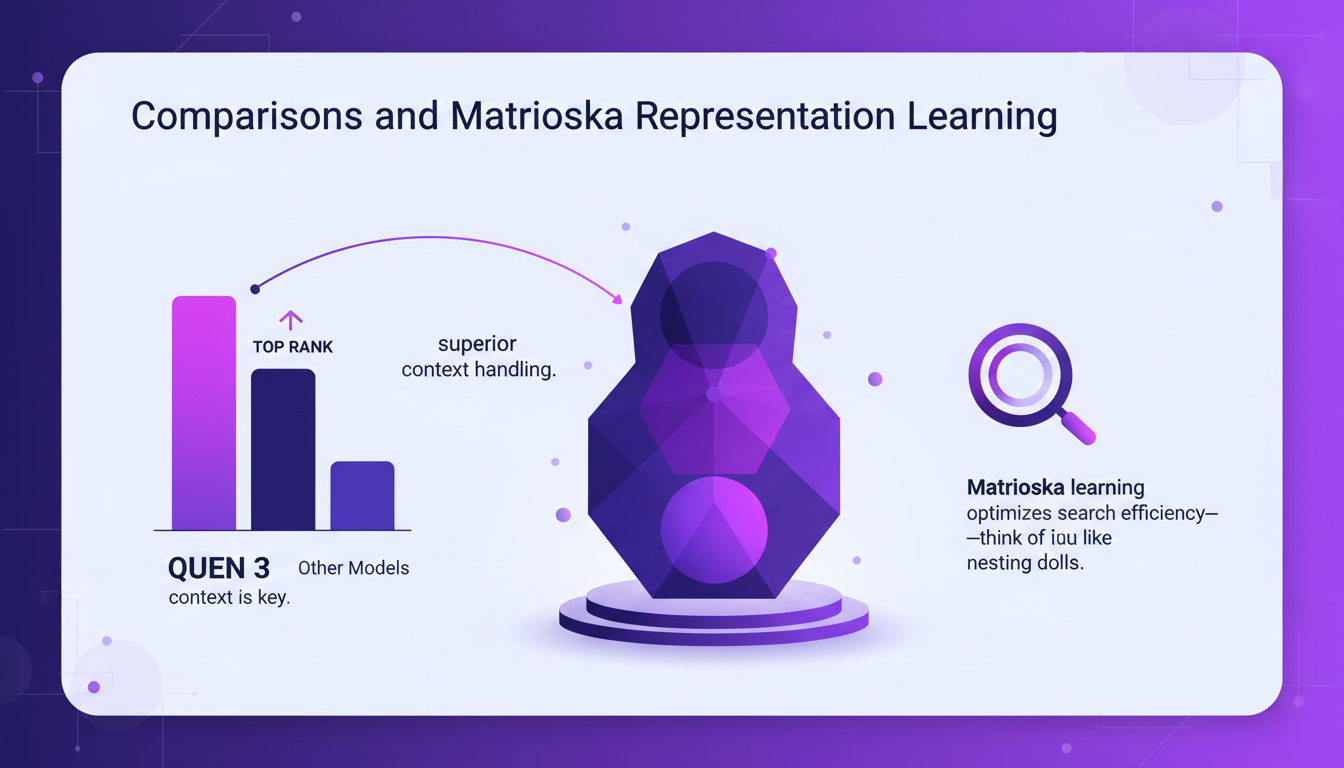
On leaderboards, Quen 3 ranks high, but context remains key. Matrioska representation learning optimizes search efficiency, much like nesting dolls. Compared to other models, Quen 3 offers superior context handling. Evaluate your needs; sometimes simpler models suffice.
| Model | Ranking | Comments |
|---|---|---|
| Quen 3 8B | #1 | Best context management |
| Smaller model | #5 | Outperforms some larger 7B models |
With Qwen 3, I've completely transformed the way I approach AI projects. The multimodal embeddings and rerankers have really been a game changer, especially in terms of precision and real-world applications. Here's what stood out for me:
- 85% Precision: The embedding model alone hit impressive accuracy, but watch out for the complexity that might creep in.
- Multilingual Support: Over 30 languages are supported, which is a huge asset for global projects.
- Real-world Applications: Multimodal rerankers improve results tangibly, but balancing complexity with practicality is key.
Looking ahead, I'm convinced these tools will keep pushing the boundaries of what we can do with AI. But let's be mindful of the trade-offs to avoid overcomplicating our systems.
Ready to integrate Qwen 3 into your workflow? Dive in and share your experiences! For more insights, I recommend watching the full video: Qwen3 Multimodal Embeddings and Rerankers. It's worth a watch for anyone looking to optimize their AI projects.
Frequently Asked Questions

Thibault Le Balier
Co-fondateur & CTO
Coming from the tech startup ecosystem, Thibault has developed expertise in AI solution architecture that he now puts at the service of large companies (Atos, BNP Paribas, beta.gouv). He works on two axes: mastering AI deployments (local LLMs, MCP security) and optimizing inference costs (offloading, compression, token management).
Related Articles
Discover more articles on similar topics
DSPI: Revolutionizing Prompt Engineering
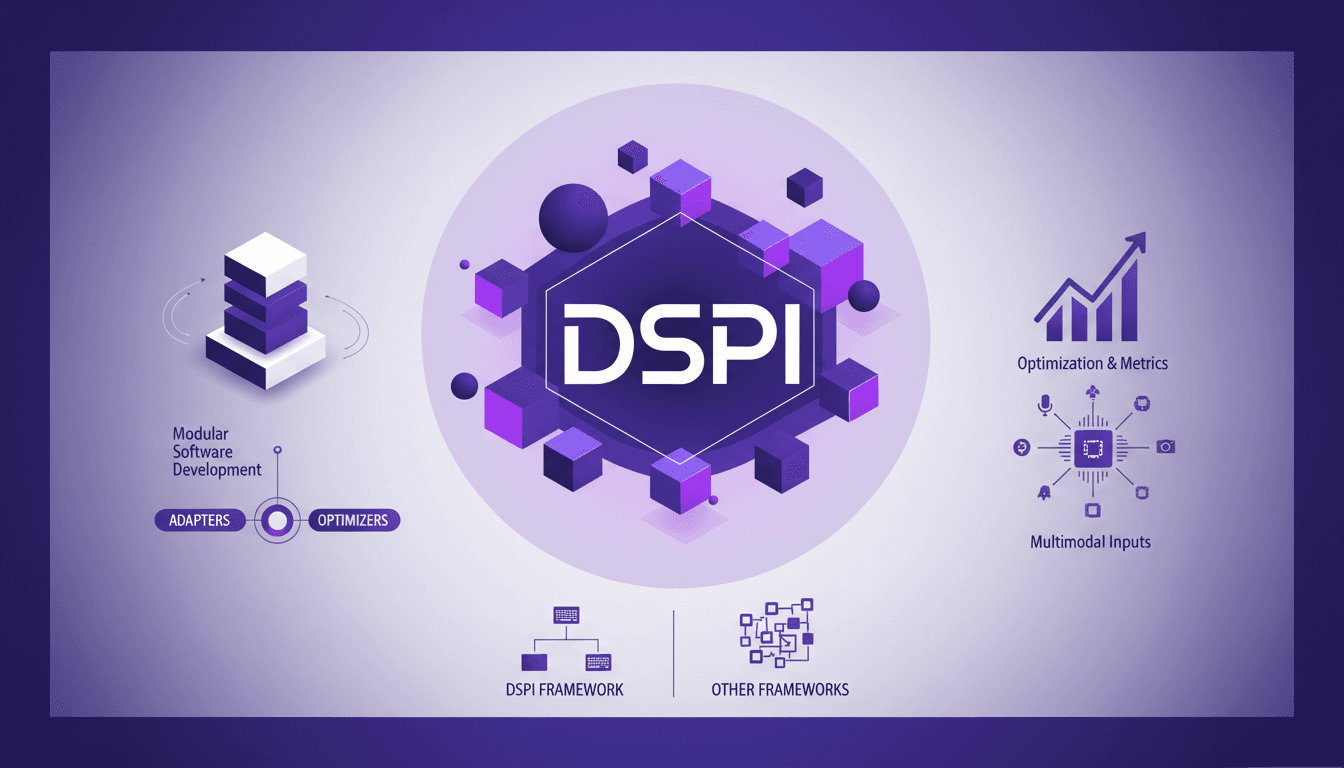
I've been diving deep into DSPI, and let me tell you, it's not just another framework — it's a game changer in how we handle prompt engineering. First, I was skeptical, but seeing its modular approach in action, I realized the potential for efficiency and flexibility. With DSPI, complex tasks are simplified through a declarative framework, which is a significant leap forward. And this modularity? It allows for optimized handling of inputs, whether text or images. Imagine, for a classification task, just three images are enough to achieve precise results. It's this capability to manage multimodal inputs that sets DSPI apart from other frameworks. Whether it's for modular software development or metric optimization, DSPI doesn't just get the job done, it reinvents it.
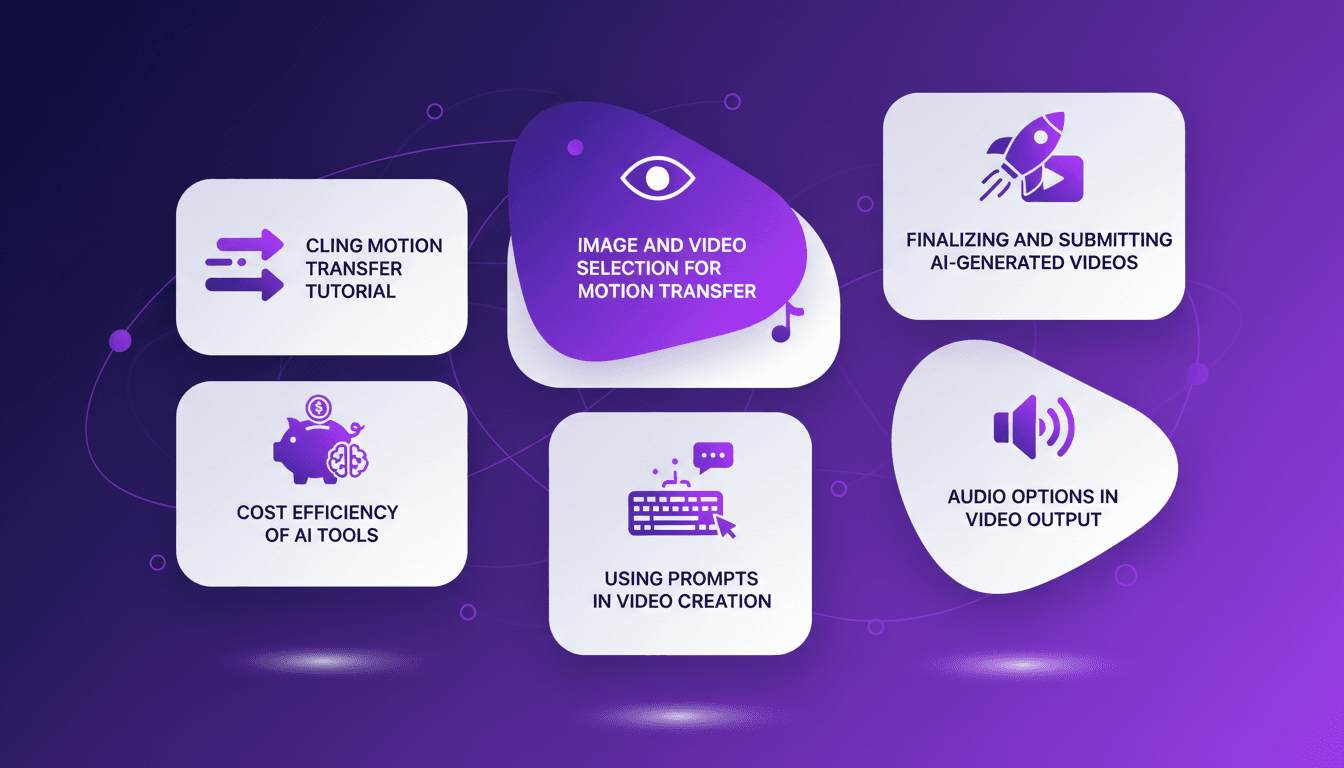
Mastering Cling Motion Transfer: A Cost-Effective Guide
I still remember the first time I tried Cling Motion Transfer. It was a game-changer. For less than a dollar, I turned a simple video into viral content. In this article, I'll walk you through how I did it, step by step. Cling Motion Transfer is an affordable AI tool that stands out in the realm of video creation, especially for platforms like TikTok. But watch out, like any tool, it has its quirks and limits. I'll guide you through image and video selection, using prompts, and how to finalize and submit your AI-generated content. Let's get started.

Fastest TTS on CPU: Voice Cloning in 2026
I remember the first time I tried running a text-to-speech model on my consumer-grade CPU. Slow, frustrating, like being stuck in the past. But with the TTH model, everything's changed. Imagine achieving lightning-fast TTS performance on regular hardware, with some astonishing voice cloning thrown in. In this article, I guide you through this 2026 innovation: from technical setup to comparisons with other models, and how you can integrate this into your projects. If you're a developer or just an enthusiast, you're going to want to see this.
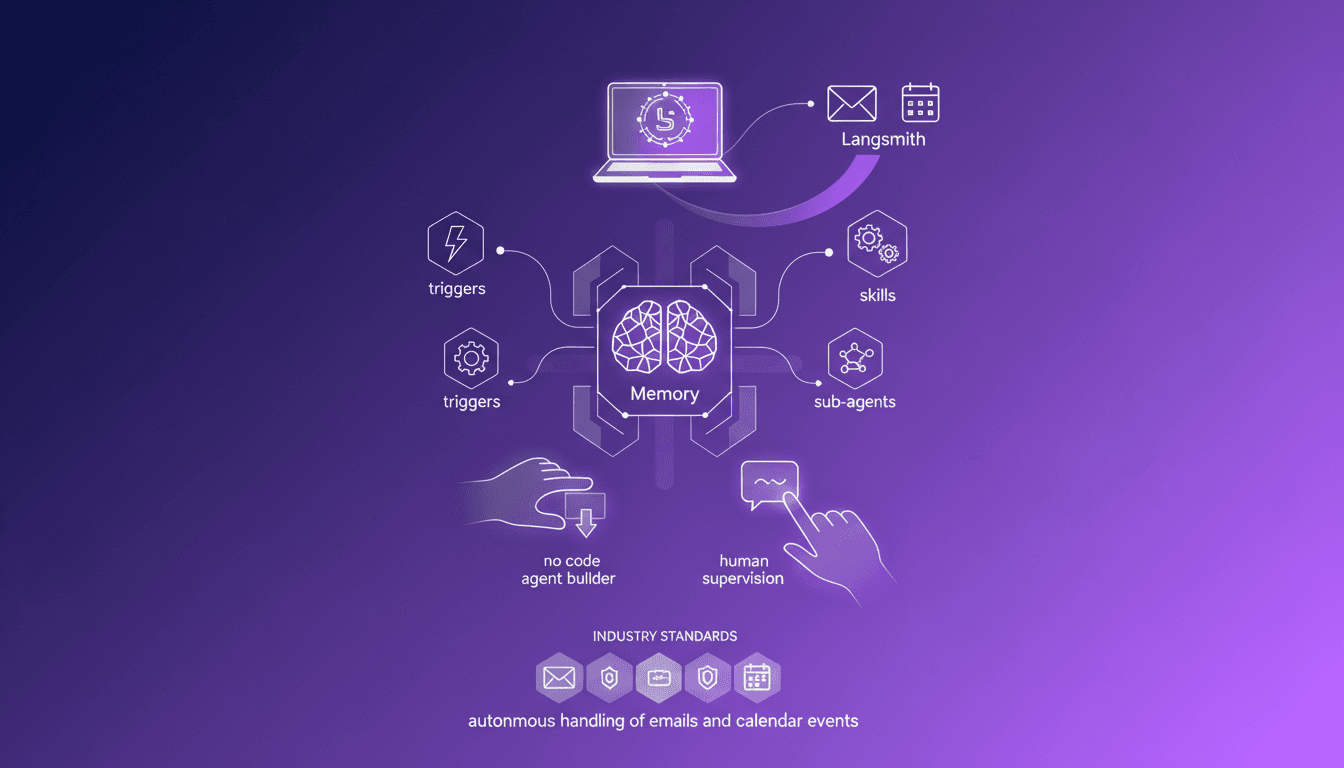
Building an AI Email Assistant with LangSmith
Ever felt like your inbox was a beast you couldn't tame? I did, until I built an AI email assistant using LangSmith's new Agent Builder. No code, just pure automation magic. I turned chaos into order with an assistant that handles my emails and syncs with my calendar, all with human oversight and customization. In this article, I show you how I leveraged this no-code platform to lighten my daily workload and optimize efficiency. If you're looking to tame your email flow, look no further.
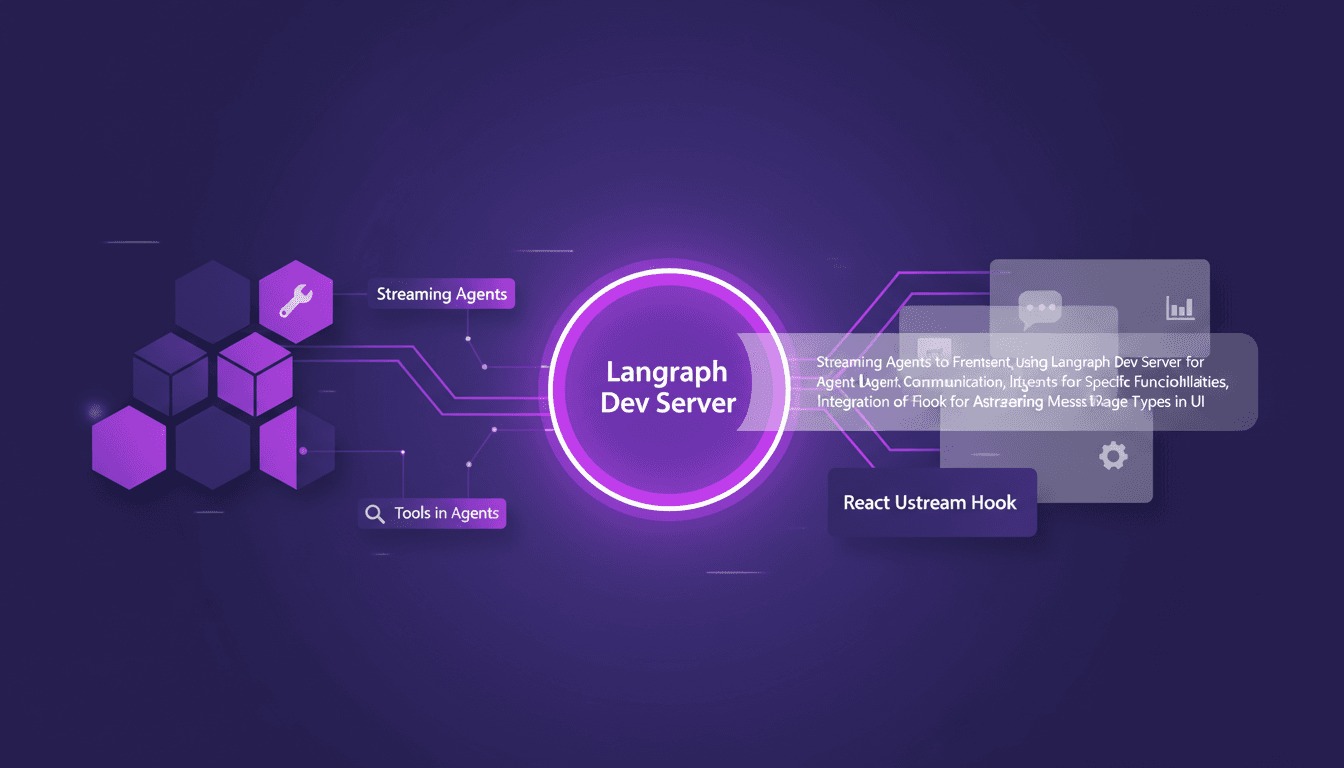
Streaming Agent Messages in React with LangChain
I remember the first time I tried to stream agent messages into a React app. It was a mess—until I got my hands on LangChain and Langraph. Let me walk you through how I set this up to create a seamless interaction between frontend and AI agents. In this tutorial, I'll show you how to connect LangChain and React using Langraph Dev Server. We'll dive into streaming agent messages, using tools like weather and web search, and rendering them effectively in the UI. You'll see how I integrate these messages using the React Ustream hook, and how I handle different message types in the UI. Ready to transform your AI interactions? Let's dive in.