Building an AI Email Assistant with LangSmith
Ever felt like your inbox was a beast you couldn't tame? I did, until I built an AI email assistant using LangSmith's new Agent Builder. No code, just pure automation magic. I turned chaos into order with an assistant that handles my emails and syncs with my calendar, all with human oversight and customization. In this article, I show you how I leveraged this no-code platform to lighten my daily workload and optimize efficiency. If you're looking to tame your email flow, look no further.
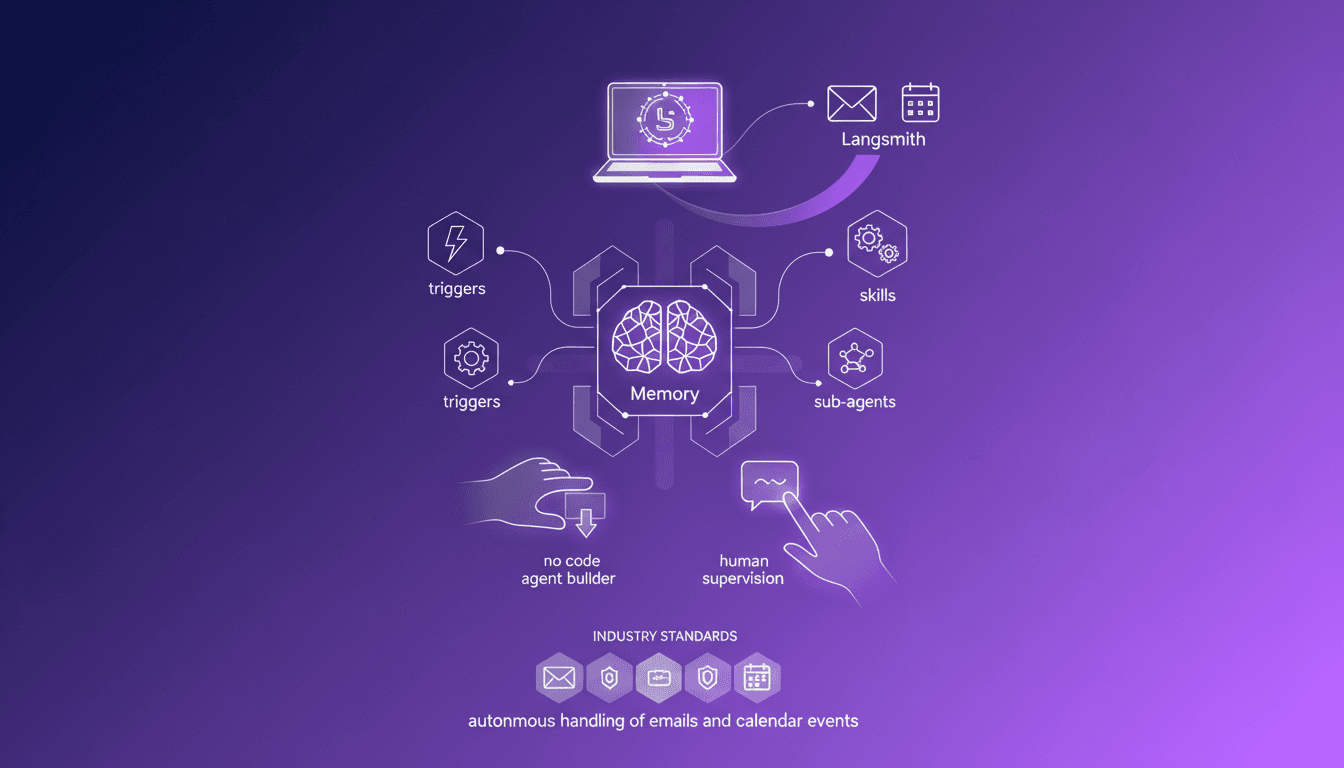
Ever felt like your inbox was a beast you couldn't tame? I did, until I built an AI email assistant using LangSmith's new Agent Builder. No code, just pure automation magic. First, I connect my Gmail and calendar, and that's where the real work begins: setting up memory, triggers, skills. But watch out, don't go for total autonomy. I quickly learned that a bit of human supervision and customization makes all the difference to avoid mishaps. With LangSmith, I guide, refine, tweak, and suddenly my assistant handles emails and appointments like a pro. I'll walk you through how I achieved this, and more importantly, how you can do the same without writing a single line of code. You'll see, it's a real game changer for productivity.
Getting Started: Setting Up with LangSmith
When I first dove into LangSmith, the simplicity was striking. An intuitive interface with a no-code approach is a real delight. The first step? Picking the right templates. LangSmith offers a variety of templates that make getting started a breeze. For me, the email assistant was a natural choice. It easily connects to Gmail and the calendar, enabling seamless integration. The beauty of no-code is that I can deploy quickly without getting bogged down in coding.
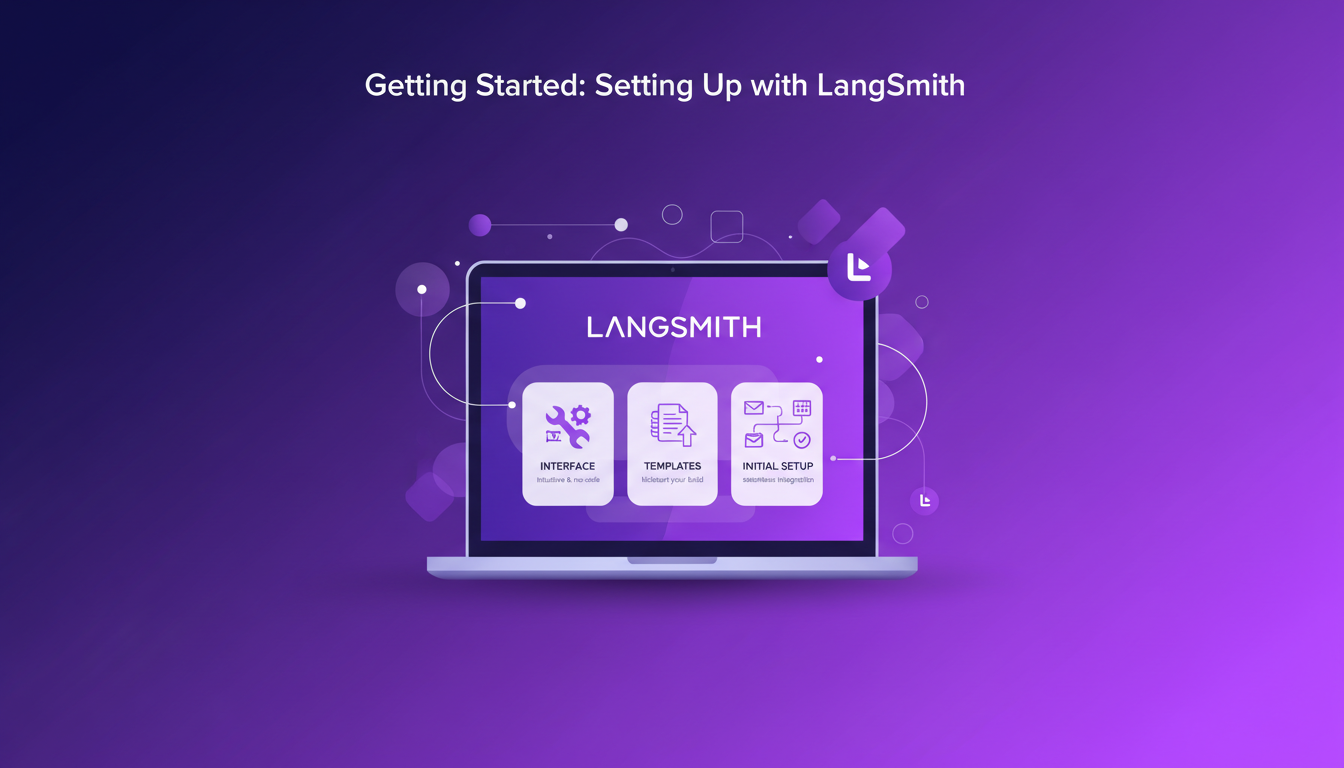
To kick things off, I connected LangSmith with my Gmail and calendar accounts. The integration is smooth, and everything syncs up quickly. This is where no-code becomes a true game changer: I can get a functional assistant up and running without the usual development hurdles. But watch out, choosing the right templates from the get-go is crucial to avoid wasting time.
"LangSmith makes deploying an email assistant as easy as selecting a template and connecting it to your tools."
- Intuitive no-code interface
- Quick connection to Gmail and calendar
- Templates for accelerated deployment
- Key: Choose the right template from the start
Integrating and Connecting: Gmail and Calendar
Next comes integration. Connecting Gmail with LangSmith is a breeze, nearly as easy as linking an account on a mobile app. The process is step-by-step, ensuring you don't get lost in technical details.
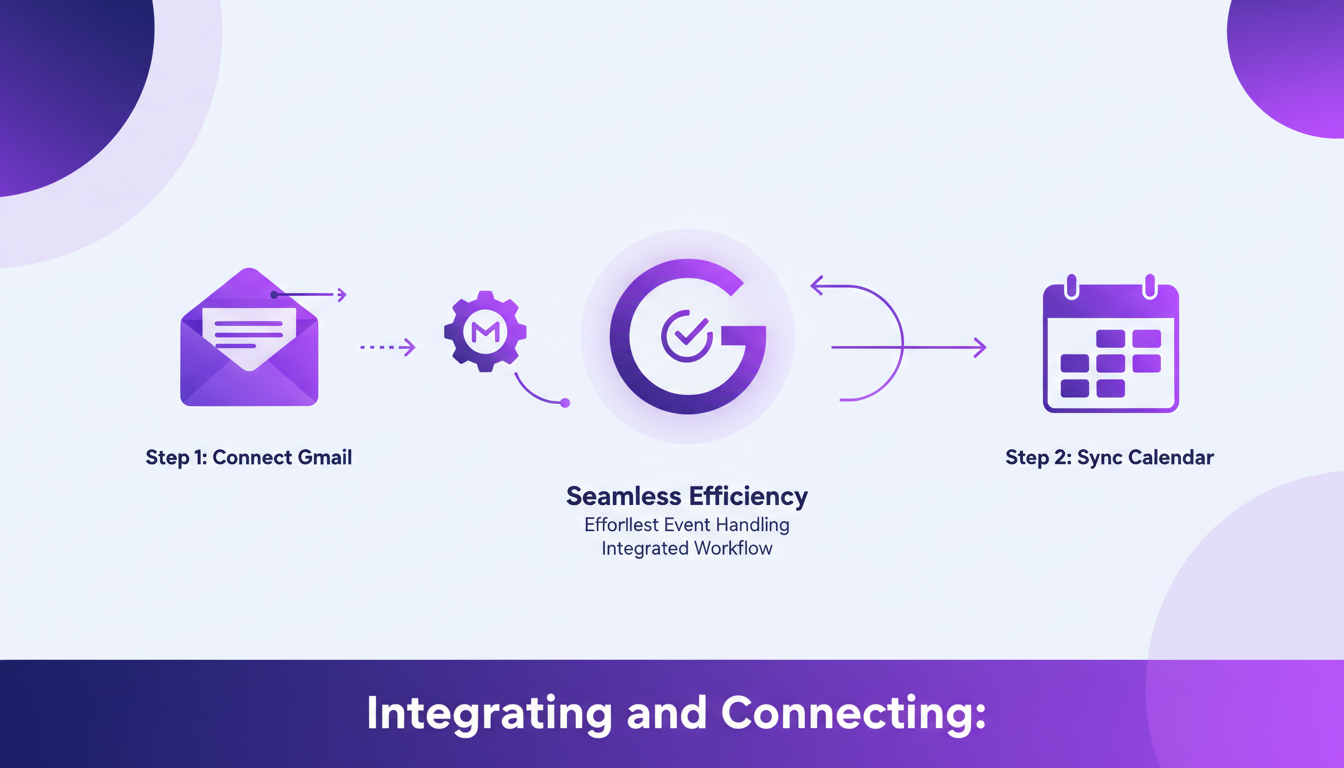
Synchronizing with the calendar is essential for handling events. An email assistant that can schedule meetings and send invites is a real time-saver. But be wary, there are sometimes sync issues. I got burned early on with events not syncing properly. Always double-check everything is in order after the initial setup.
- Simple and quick Gmail connection
- Calendar sync for event handling
- Watch out for potential sync issues
Building Intelligence: Triggers, Memory, and Sub Agents
This is where you really start building the assistant's intelligence. Setting up triggers allows for automated responses and actions. For example, automatically replying to certain types of emails or organizing an event as soon as an email arrives.
Incorporating memory for personalized interactions is a big advantage. The agent learns from user preferences and adapts to improve performance. Sub agents are also crucial for handling specific tasks. But be careful, you need to balance complexity with performance. Too many sub-agents can hinder efficiency.
- Automation through triggers
- Personalization with memory
- Sub agents for specific tasks
- Balance complexity and performance
Customization and Human Oversight
With LangSmith, customizing your agent is a breeze. Using natural language, I can tweak the agent's behavior without diving into complex lines of code. This is a major plus for tailoring the agent to my specific needs.
But don't forget the importance of human oversight. Some critical decisions require manual intervention. I've learned the hard way not to automate everything. Sometimes, it's faster and safer to have a human validate certain actions.
- Easy customization with natural language
- Human oversight for critical decisions
- Don't automate everything, maintain human control
Testing and Iteration: Perfecting the Assistant
Finally, it's time to test the assistant in real-world scenarios. This allows you to see how it reacts and where improvements are needed. Iteration is key, based on feedback and performance.
In terms of efficiency, minimizing resource usage is crucial. I've found that with some tweaks, you can really optimize the assistant's operation. The final touches are often what make the difference.
- Testing in real-world scenarios
- Iterate based on feedback and performance
- Minimize resource usage
- Final tweaks for optimal operation
Building an AI email assistant with LangSmith was more than just a project; it was a shift in how I manage communications. Key Takeaways: 1. No code: I built the email assistant without a single line of code using LangSmith's agent builder. It's a real time-saver, but watch out for selecting the right templates to avoid tedious adjustments. 2. Total Integration: By integrating Gmail and my calendar, I automated repetitive tasks, freeing up mental space for more critical work. 3. Powerful Features: With memory, triggers, and sub agents, I turned email into an efficient machine, but watch for storage limits if you have a massive email volume. Forward-looking: I'm convinced that the future of email management is AI-driven, and LangSmith is a key player in this revolution. CTA: Ready to tame your inbox? Watch the full video to see how I did it and start building your own assistant with LangSmith: YouTube Video.
Frequently Asked Questions

Thibault Le Balier
Co-fondateur & CTO
Coming from the tech startup ecosystem, Thibault has developed expertise in AI solution architecture that he now puts at the service of large companies (Atos, BNP Paribas, beta.gouv). He works on two axes: mastering AI deployments (local LLMs, MCP security) and optimizing inference costs (offloading, compression, token management).
Related Articles
Discover more articles on similar topics
Building AI Agents: Challenges and Solutions
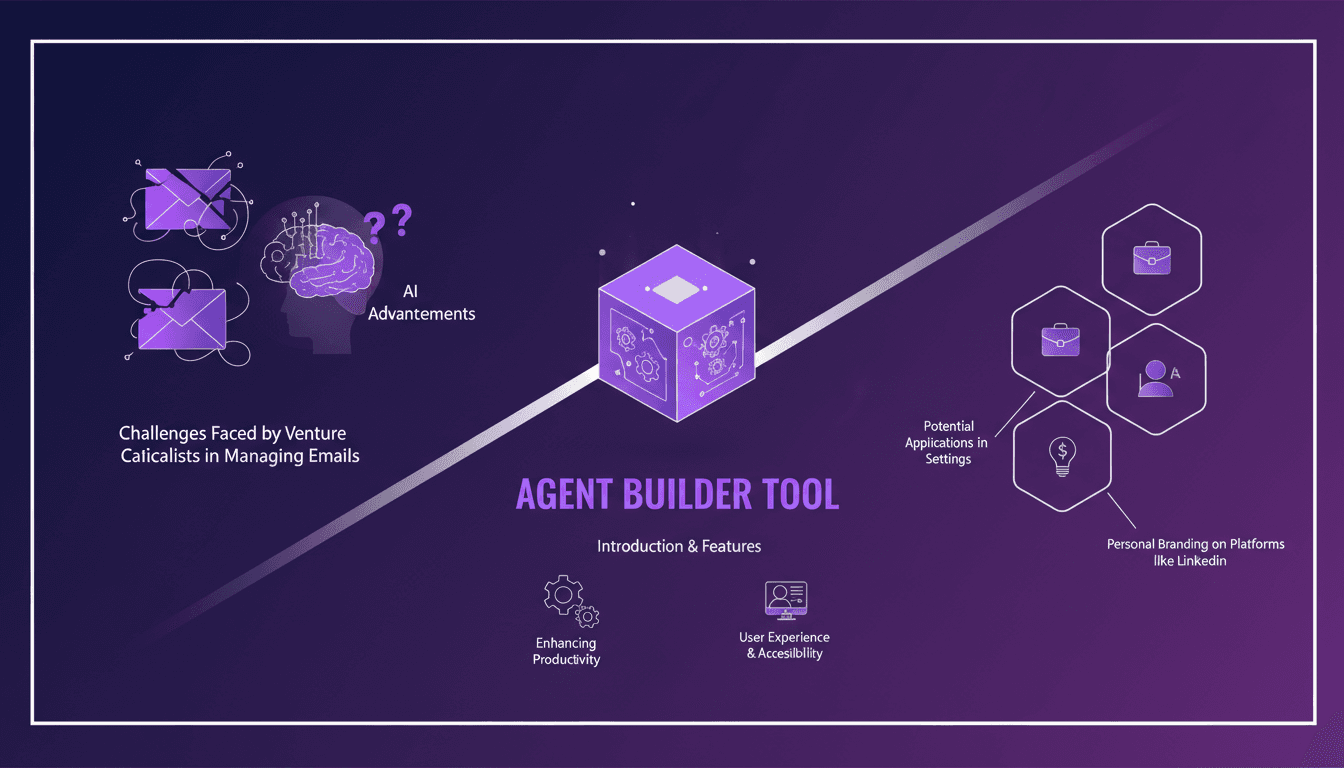
Knee-deep in the venture capital world, my inbox is a nightmare of endless emails. Seriously, it's brutal. Then I stumbled upon the LangSmith Agent Builder, and it's been a game changer. Picture a tool that automates and streamlines your daily tasks, freeing up time for what truly matters. But watch out, don't get too carried away; there are limits you need to know. For instance, beyond 100K tokens, things get tricky. Still, amidst the daily grind, this tool is a breath of fresh air. It not only boosts your productivity but also strengthens your LinkedIn presence. In short, it's a must-have for us venture capital professionals.
Spec-Driven Development: Sharpen Your AI Toolbox
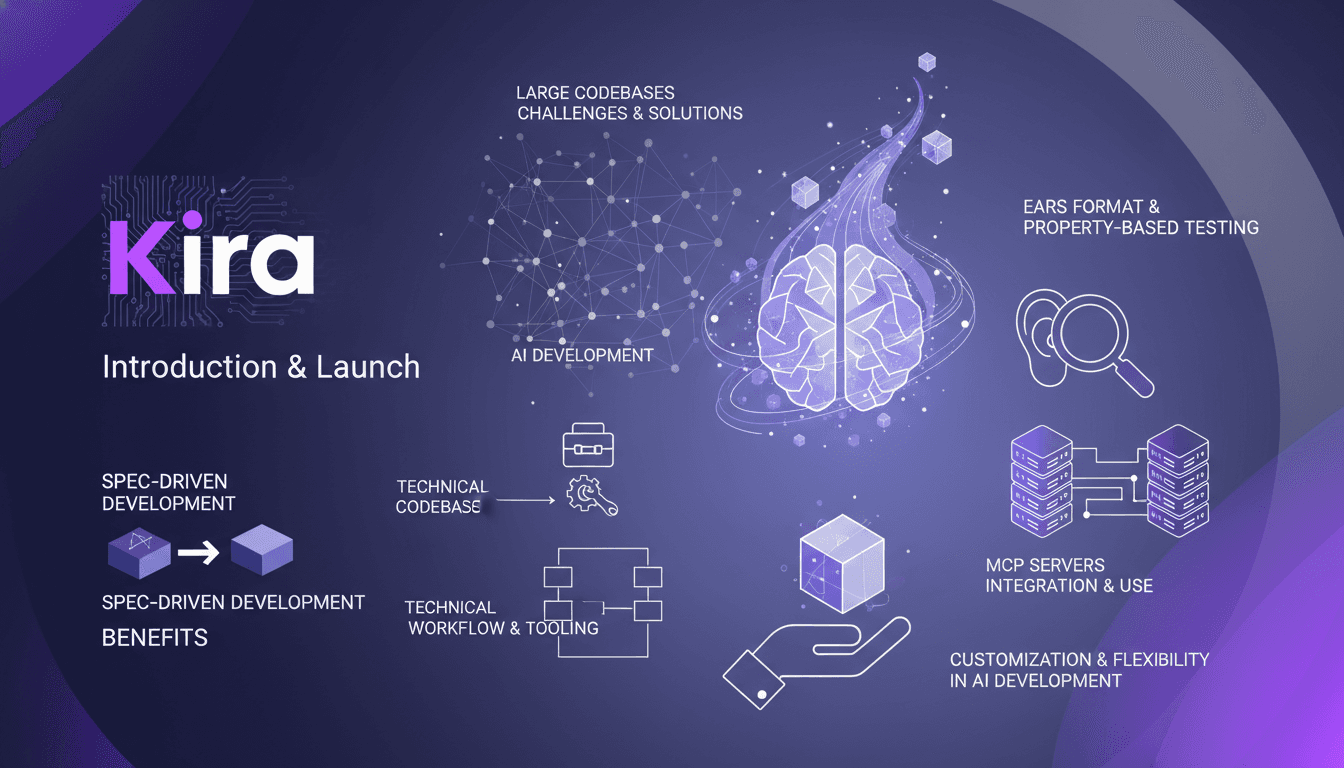
I've spent over 25 years in software development, and if there's one thing I've learned, it's that clarity in specifications can make or break a project. Spec-Driven Development (SDD) has become a game changer in my AI toolbox, especially with the launch of Kira. As AI systems grow increasingly complex, having a structured approach like SDD is crucial. Kira, launched on the 17th, offers a fresh perspective on integrating these methodologies. We'll dive into the benefits of SDD, the EARS format, property-based testing, and much more. I'll also share the challenges I've faced in large codebases and how I've overcome these hurdles with enhanced customization and flexibility.
Streaming Agent Messages in React with LangChain
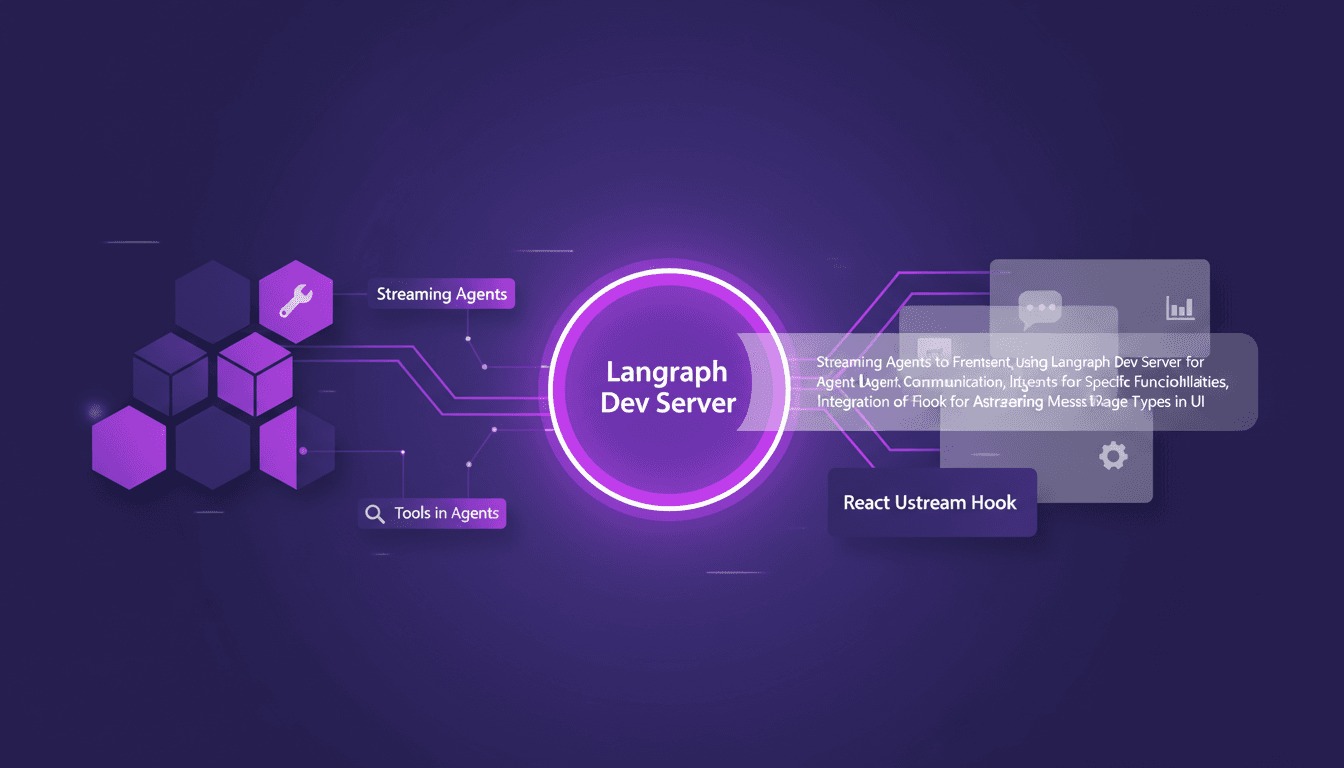
I remember the first time I tried to stream agent messages into a React app. It was a mess—until I got my hands on LangChain and Langraph. Let me walk you through how I set this up to create a seamless interaction between frontend and AI agents. In this tutorial, I'll show you how to connect LangChain and React using Langraph Dev Server. We'll dive into streaming agent messages, using tools like weather and web search, and rendering them effectively in the UI. You'll see how I integrate these messages using the React Ustream hook, and how I handle different message types in the UI. Ready to transform your AI interactions? Let's dive in.
Rapid Adoption of Cloud Code: Why It Changes Everything
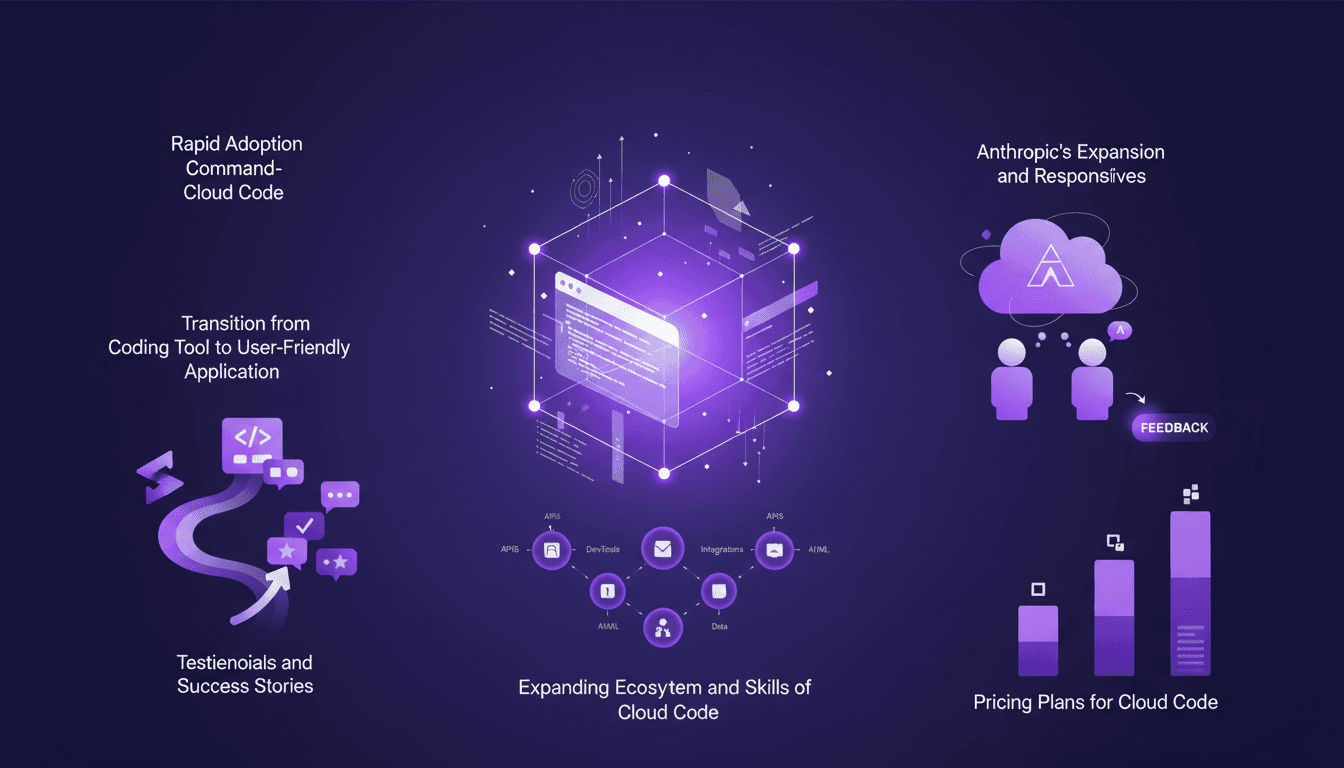
I started using Cloud Code back in 2026, and let me tell you, it’s been a game-changer. At first, I was skeptical—another tool promising to revolutionize coding. But then, I saw the command-level interface in action, and things clicked. Cloud Code is quickly becoming the go-to tool for developers. It's not just about writing code; it's about transforming how we approach development. In this article, I'll dive into why so many people are making the switch and how you can harness its power. We’ll cover the rapid adoption of Cloud Code, its unique interface, and how the ecosystem is expanding. Don't miss this if you want to stay ahead of the curve!
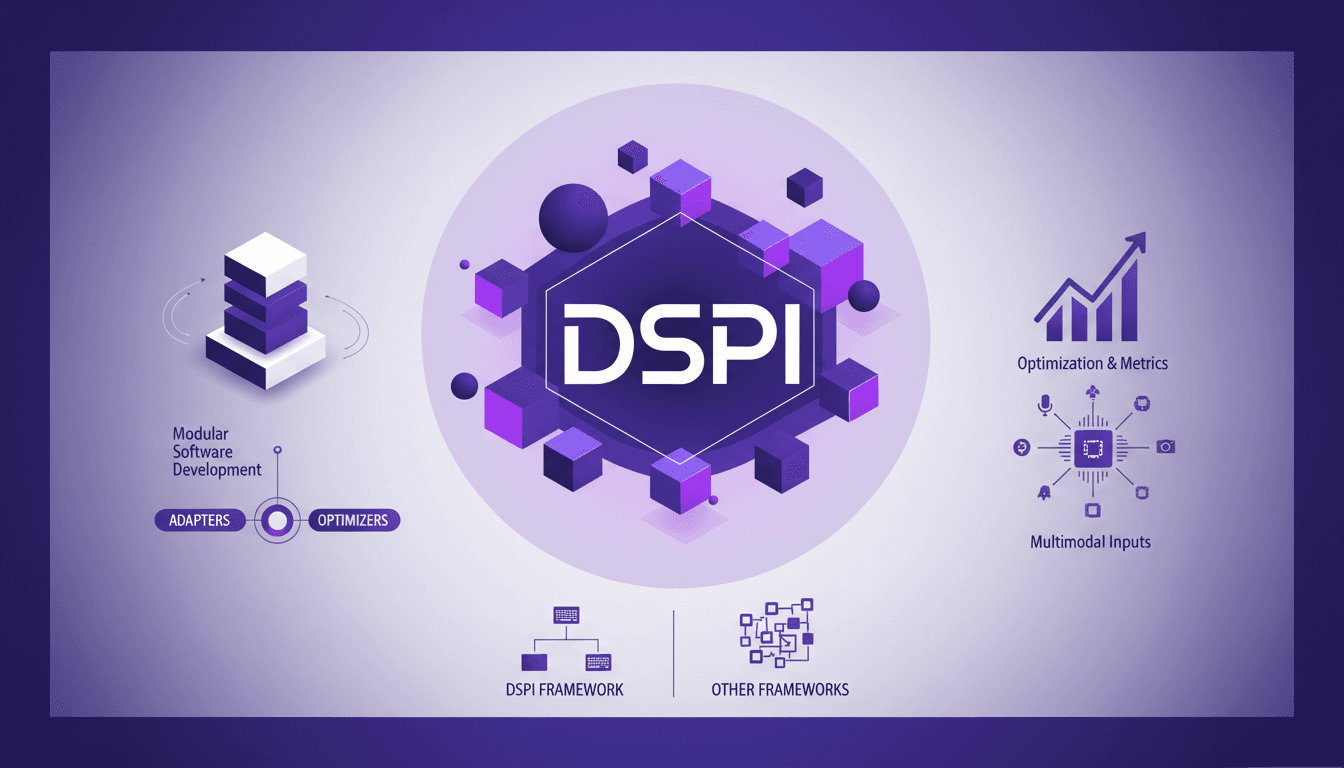
DSPI: Revolutionizing Prompt Engineering
I've been diving deep into DSPI, and let me tell you, it's not just another framework — it's a game changer in how we handle prompt engineering. First, I was skeptical, but seeing its modular approach in action, I realized the potential for efficiency and flexibility. With DSPI, complex tasks are simplified through a declarative framework, which is a significant leap forward. And this modularity? It allows for optimized handling of inputs, whether text or images. Imagine, for a classification task, just three images are enough to achieve precise results. It's this capability to manage multimodal inputs that sets DSPI apart from other frameworks. Whether it's for modular software development or metric optimization, DSPI doesn't just get the job done, it reinvents it.