Claude.ai Connectors: Streamline Workflows
Ever hit a Friday afternoon crunch? I have, and that's when Claude.ai's connectors saved my week. These unsung heroes of automation integrate seamlessly with your digital tools, enhancing capabilities and saving precious time. Let me show you how I set them up to streamline my workflows. First, you configure the connectors in Claude.ai, then integrate them with your digital tools to automate recurring tasks. I've even used these connectors to effortlessly create product release notes. But watch out, managing security and permissions is crucial to avoid nasty surprises. Let's dive into this process that transformed my Friday afternoons.
Ever been caught in a Friday afternoon crunch? I have, and that's when Claude.ai's connectors came to my rescue. These connectors are the unsung heroes of automation, seamlessly integrating with your digital tools to enhance capabilities and save precious time. Let me walk you through how I set them up to streamline my workflows. First, you configure the connectors in Claude.ai, which is a critical step for successful integration. Then, I link them to my digital tools to automate repetitive tasks, like creating product release notes. Just a heads up, managing security and permissions is key to avoiding pitfalls. So, let's dive into this process that's turned my Friday afternoons into an efficiency masterpiece!
Understanding Connectors in Claude.ai
When I started integrating connectors with Claude.ai, it was like unlocking a new toolkit for my daily workflow. Connectors act as bridges between Claude.ai and other digital tools I use, making repetitive tasks almost automatic. It's like having an assistant who knows exactly where to find information and what to do with it. The key concept here is the Model Context Protocol (MCP), ensuring seamless integration. With connectors, Claude can read documents, analyze data, and even create presentations while maintaining full context.
"Connectors elevate Claude from a simple assistant to a full-fledged productivity partner."
A real-world example? At one point, I saw my productivity transform when I connected my project management tools to Claude. Tasks that used to take hours were reduced to a few clicks. It's a real game changer, but watch out for context limits, especially when exceeding 100K tokens.
Setting Up and Managing Connectors
First, I identified the tools I needed to connect. The initial step is always understanding what is necessary. Then, I moved on to the actual setup. It's quite straightforward: you click the "add connectors" button in Claude's chat window. But beware, don't be fooled by the apparent simplicity. I made the mistake of not checking permissions initially, which caused me some issues later.
To manage connectors, I make sure to keep them up-to-date regularly. Claude offers a handy button to manage existing connectors. But you need to be alert to potential pitfalls: a poorly configured connection can slow down the whole system.
Integration with Digital Tools
Integrating connectors with my existing toolset was a major efficiency boost. Less manual input means fewer errors. For instance, I synced my calendar with my task manager, allowing Claude to automatically update my appointments and deadlines. But remember, there are always trade-offs: too much automation can reduce the control you have over certain processes.
A practical example: I configured a connector to sync my calendar information with my task manager. This allowed for seamless updates without juggling multiple applications.
Use Case: Creating Product Release Notes
For generating release notes, I automated several steps using connectors. It all starts with data collection: Claude pulls completed tickets from my weekly production sprint. Then, it uses our standard communication template to create the notes. Connectors have saved me a ton of time, reducing prep from hours to mere minutes.
I've learned to tweak the process for better results: it's crucial to define templates well in advance to avoid unpleasant surprises.
Security and Permissions Management
Security is a critical aspect when using connectors. Setting up permissions correctly to protect sensitive data is vital. Within Claude.ai's ecosystem, I ensure each connector only accesses strictly necessary data. This involves a delicate balance between accessibility and security.
Tip: always review permissions after each update or configuration change. This ensures nothing is left to chance.
In my experience, connectors in Claude.ai aren't just tools; they're true game changers for managing workflows. First, when I set them up thoughtfully, I save significant time, especially on a Friday afternoon, wrapping up the week's production sprint. Then, they dramatically reduce human errors, which can be costly in production. But watch out — you need to manage integrations carefully to avoid overwhelming your system.
Looking ahead, implementing these connectors could revolutionize how we automate our daily tasks. Imagine moments where everything connects seamlessly, without a hitch.
So, ready to transform your workflow? Try setting up a connector today and see the difference for yourself. For a deeper dive, watch the "Getting started with connectors in Claude.ai" video here: YouTube. Give it a shot, you won't regret it!
Frequently Asked Questions

Thibault Le Balier
Co-fondateur & CTO
Coming from the tech startup ecosystem, Thibault has developed expertise in AI solution architecture that he now puts at the service of large companies (Atos, BNP Paribas, beta.gouv). He works on two axes: mastering AI deployments (local LLMs, MCP security) and optimizing inference costs (offloading, compression, token management).
Related Articles
Discover more articles on similar topics
Integrate Claude Code with LangSmith: Tutorial
I remember the first time I tried to integrate Claude Code with LangSmith. It felt like trying to fit a square peg into a round hole. But once I cracked the setup, the efficiency gains were undeniable. In this article, I'll walk you through the integration of Claude Code with LangSmith, focusing on tracing and observability. We’ll use a practical example of retrieving real-time weather data to show how these tools work together in a real-world scenario. First, I connect Claude Code to my repo, then configure the necessary hooks. Watch out, tracing can quickly become a headache if poorly orchestrated. But when well piloted, the business impact is direct and impressive.
Claude Code-LangSmith Integration: Complete Guide
Step into a world where AI blends seamlessly into your workflow. Meet Claude Code and LangSmith. This guide reveals how these tools reshape your tech interactions. From tracing workflows to practical applications, master Claude Code's advanced features. Imagine fetching real-time weather data in just a few lines of code. Learn how to set up this powerful integration and leverage Claude Code's hooks and transcripts. Ready to revolutionize your digital routine? Follow the guide!
Unlocking Gemini 3 Flash: Practical Use Cases
I dove into Gemini 3 Flash expecting just another AI tool, but what I found was a game changer for OCR tasks. This model, often overshadowed by the Pro, turns out to be a hidden gem, especially when you factor in cost and multilingual capabilities. In this article, I'll walk you through how Gemini 3 Flash stacks up against its big brother and why it deserves more attention. We're talking efficiency, technical benchmarks, and practical use cases. Spoiler: for certain tasks, it even outperforms the Pro. Don't underestimate this little gem; it might just transform your OCR handling without breaking the bank.
Introduction to LangChain: AI Agents in Python
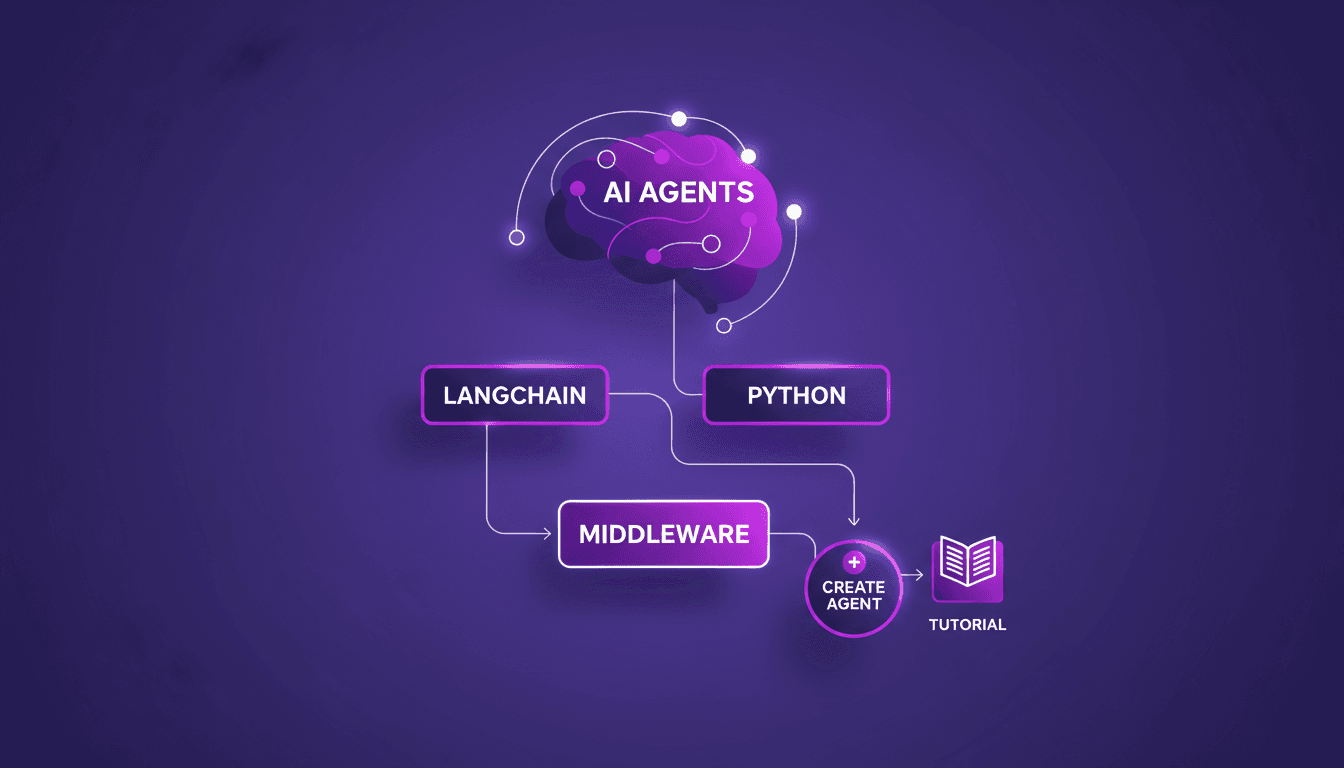
Imagine a world where AI agents handle your daily tasks effortlessly. Welcome to LangChain, a powerful tool in Python that makes this a reality. LangChain is changing how developers craft AI agents. Explore the new LangChain Academy course, designed to arm you with the skills to build sophisticated AI systems. Learn to create customized agents with the 'create agent' abstraction and refine their behavior with middleware. This course guides you through practical modules and projects to master this groundbreaking technology. Don't miss the chance to revolutionize how you interact with AI!
Integrate Langsmith and Claude Code: Build Agents
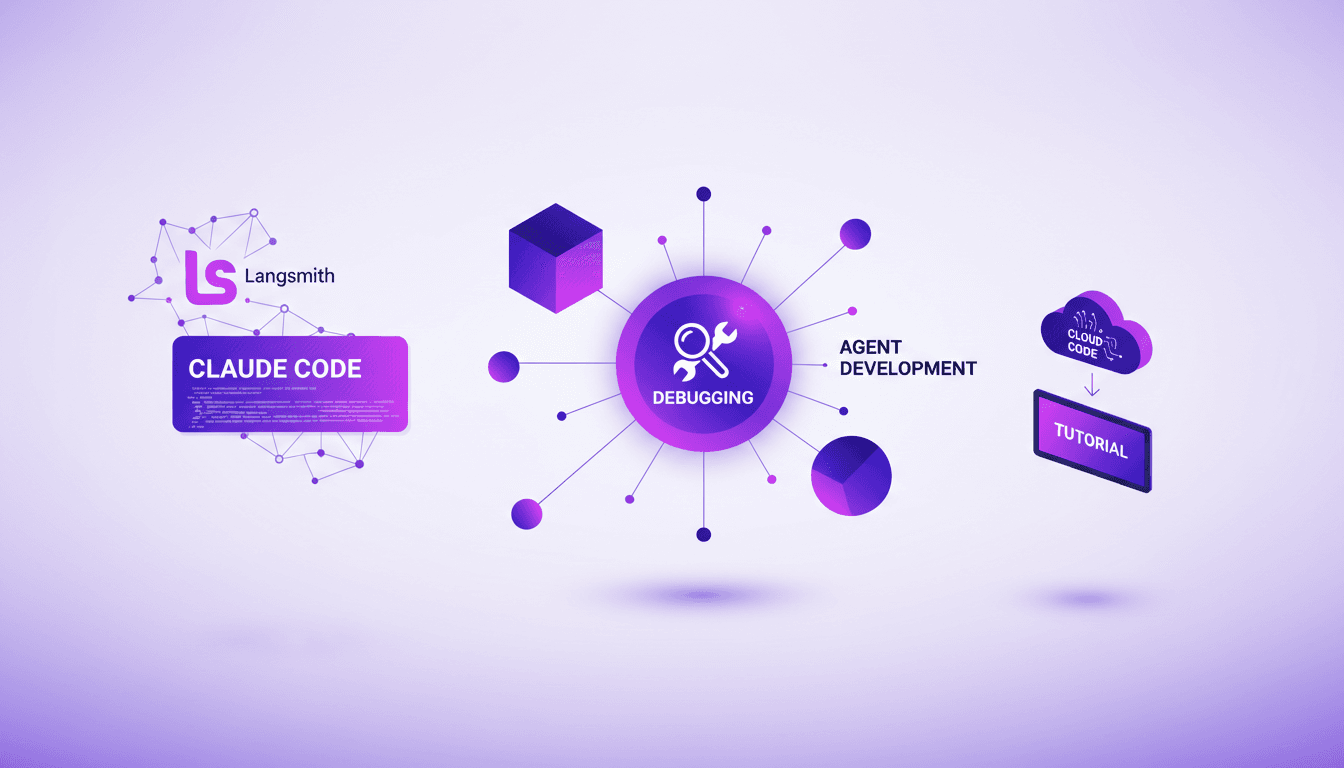
I've been knee-deep in agent development, and integrating Langsmith with code agents has been a game changer. First, I'll walk you through how I set this up, then I'll share the pitfalls and breakthroughs. Langsmith serves as a robust system of record, especially when paired with tools like Claude Code and Deep Agent CLI. If you're looking to streamline your debugging workflows and enhance agent skills, this is for you. I'll explore the integration of Langsmith with code agents, Langmith's trace retrieval utility, and how to create skills for Claude Code and Deep Agent CLI. Iterative feedback loops and the separation of tracing and code execution in projects are also on the agenda. I promise it'll transform the way you work.