Gemini RAG: Optimized File Search Tool
I dove into Gemini RAG this week, and let me tell you, it's a game changer for file search. From PDFs to JSON files, I can now manage them all efficiently. But watch out for the storage limits! With Gemini 3.0, we finally have a tool that simplifies document processing and embedding. I'll walk you through how I set it up and what pitfalls to avoid. From search management to pricing, including advanced features like custom chunking and metadata, we'll cover it all. Get ready to optimize your file search processes like never before.
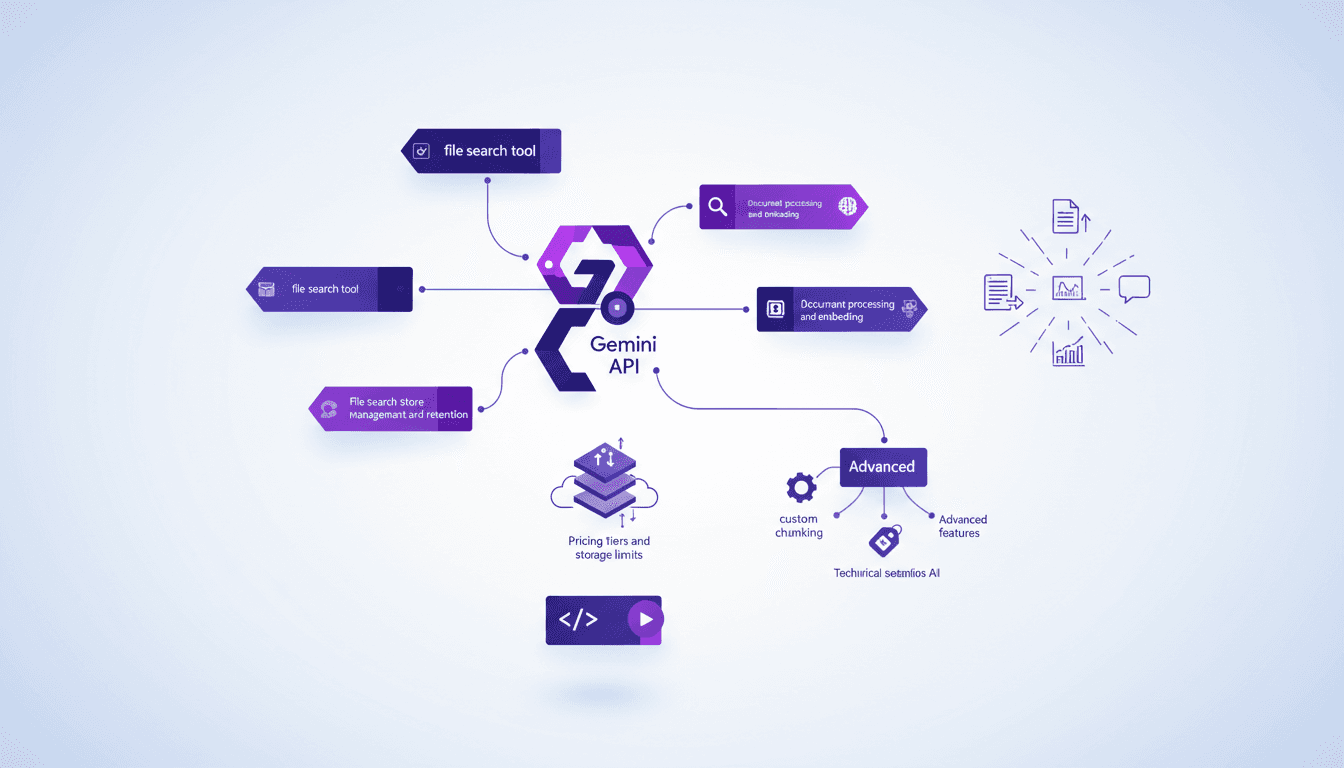
I dove into Gemini RAG this week, and let me tell you, it's a game changer for file search. Picture managing PDFs, code files, markdown text, logs, and even JSON files efficiently. But watch out, there are storage limits you'll need to deal with. With the launch of Gemini 3.0, a new feature really caught my eye. As someone who handles a variety of document types, being able to process and embed these files with ease is crucial. I'll walk you through how I set it up, the mistakes I avoided, and the ones that cost me time (and a bit of sanity!). We're going to break down search management, storage, pricing tiers, and advanced features like custom chunking and metadata. Ready to optimize your file management? Let's dive in!
Setting Up Gemini API for File Search
Getting started with the Gemini API for file search is like setting up a new piece of tech. Exciting, but you need to be methodical. First, I configured my API keys and set up authentication. Easy enough, I thought, until I got caught off guard by file size limits. Yes, each document can't exceed 100 megabytes. It sounds generous, but trust me, it can surprise you when you're dealing with hefty files.
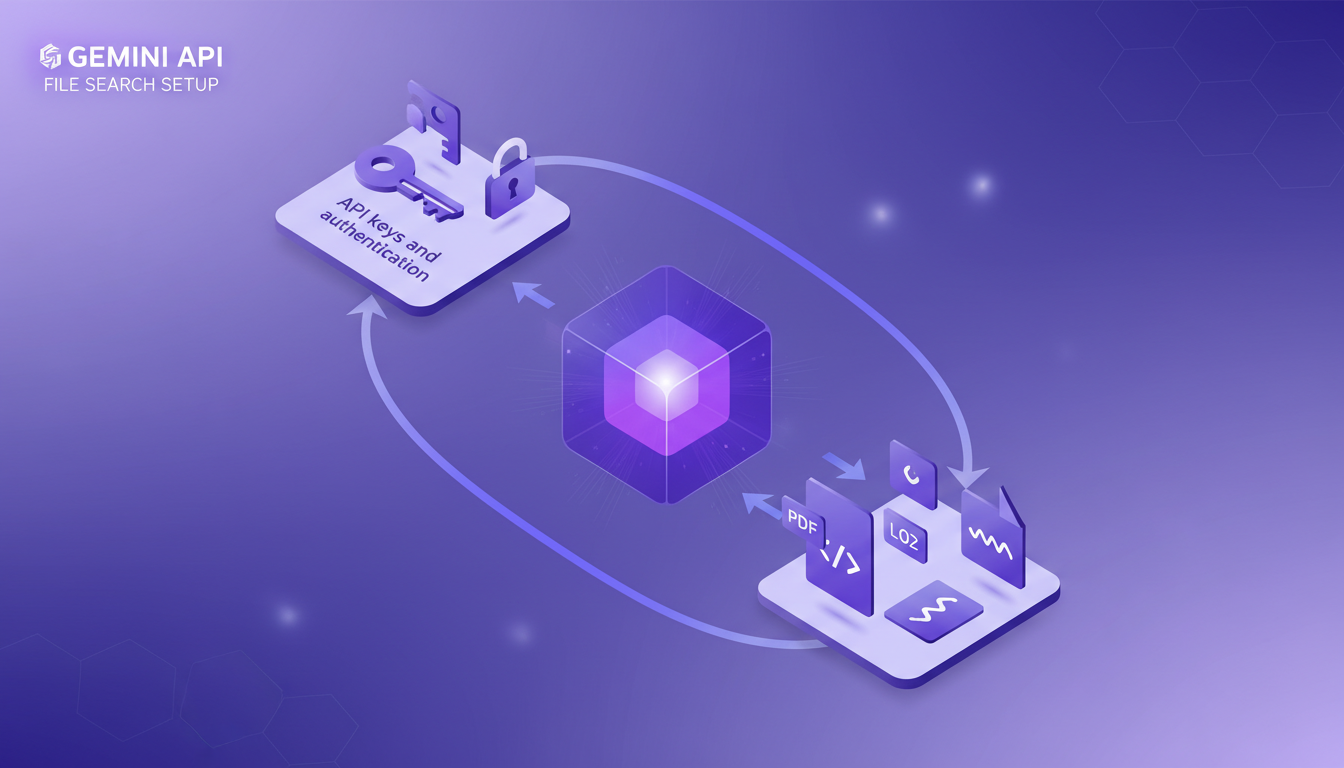
Then, I began uploading various document types: PDFs, code, text markdown files, logs, and JSON files. The documentation is helpful, but some areas needed trial and error. For instance, metadata management is crucial but not always intuitive. You find yourself juggling fields to optimize search results.
Document Processing and Embedding
Gemini's document processing is robust. I used embeddings to enhance search accuracy across documents. Each document gets chunked, and here's where you need to watch out for the chunk sizes! I had to experiment with custom chunk sizes to avoid slowing down the process. It's like slicing a cake—too many slices can make the service sluggish.
By adding metadata tags, I saw significant improvements in retrieval times. However, don't overuse metadata, or you'll risk drowning in complexity.
Managing File Search Store and Retention
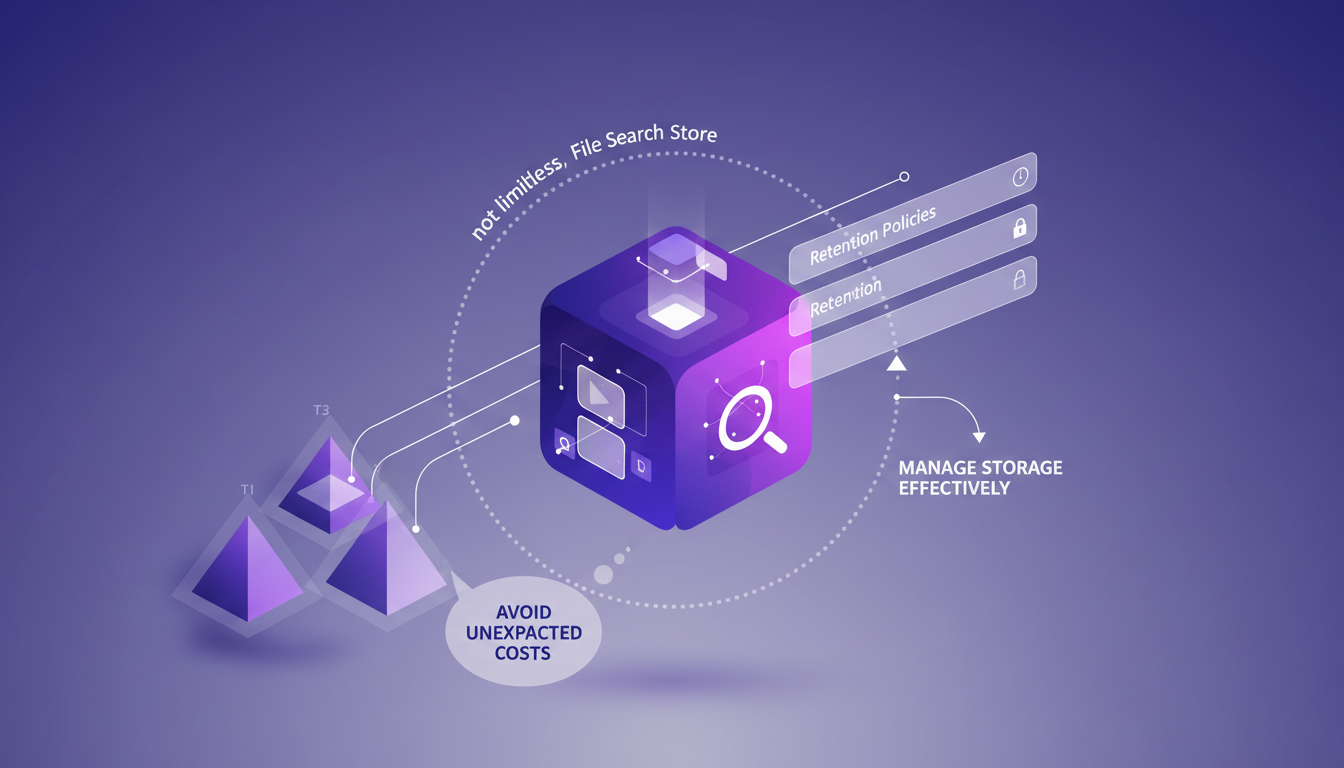
The magic of file search happens in the file search store. But remember, it's not limitless. I set up retention policies to manage storage effectively. A pro tip: understand the pricing tiers to avoid unexpected charges.
Optimizing storage requires regular clean-ups and archiving. Balancing cost and performance is key. I learned the hard way that leaving unused files can quickly become expensive.
Advanced Features: Custom Chunking and Metadata
Custom chunking is a powerful tool to tailor document processing to my needs. By playing with metadata, I enhanced search relevance. But these features can be a double-edged sword. Too much chunking or metadata can make the system complex.
I found a sweet spot by balancing chunk size and metadata richness. Sometimes, less is more, especially when you want to keep the system responsive.
Use Cases and Practical Applications
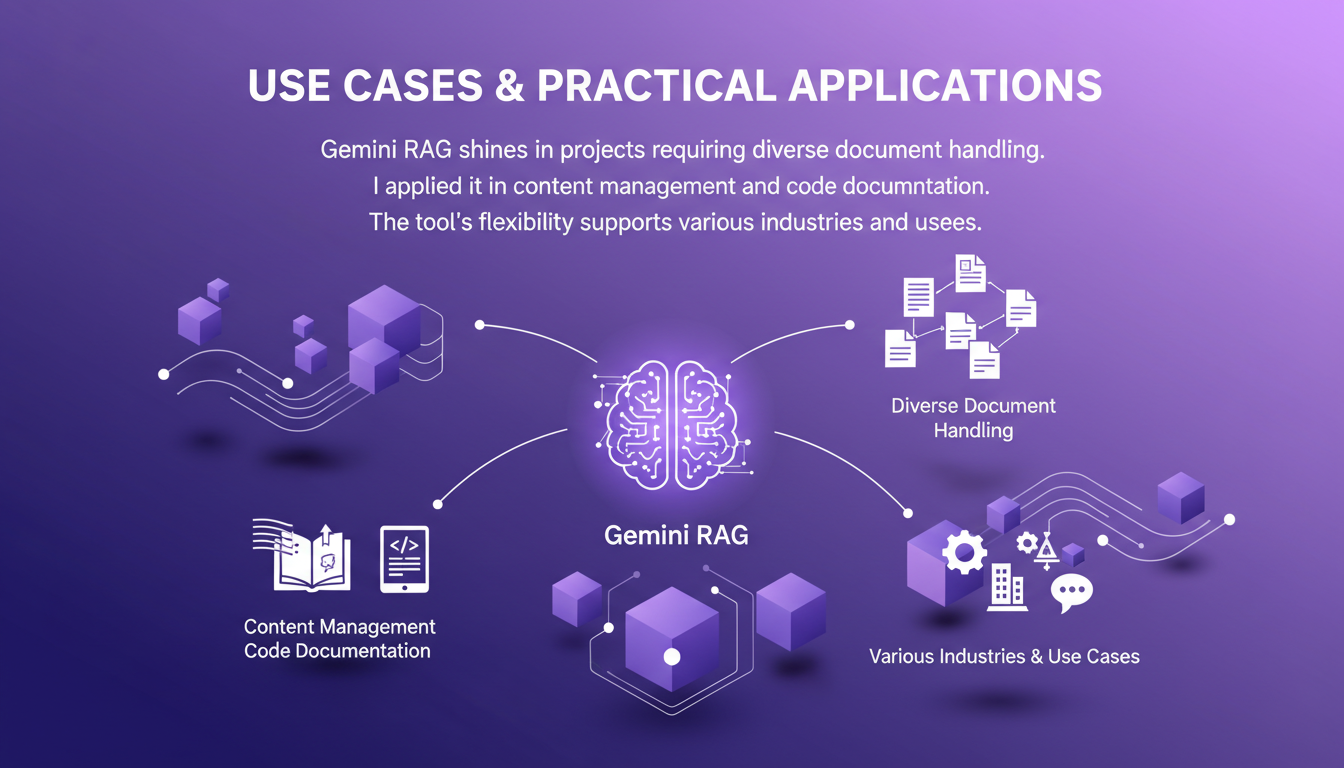
The Gemini RAG shines in projects requiring diverse document handling. I applied it in content management and code documentation. Its flexibility supports various industries, like legal document search or data analysis.
To maximize benefits, consider the specific needs of your project. The potential is vast, but it requires thoughtful exploitation.
In conclusion, the Gemini API and its file search tool offer vast potential to simplify and optimize document processing. But beware, understand its limits and use it wisely.
Gemini RAG has completely transformed how I handle file searches. First, I set up the Gemini API to process and embed a variety of documents, from PDFs to code, markdown files, and JSON. It's really a game changer, but watch out for storage and processing limits. Next, I manage the file search store carefully to avoid any overload. Gemini's pricing tiers are interesting, but they require careful management to stay cost-effective. Finally, the introduction of version 3.0 this week brought some really cool new features, but you need to be mindful of the platform’s boundaries. Looking ahead, the potential applications are expanding as I continue to refine my use. Ready to optimize your file search with Gemini RAG? Dive in, but keep an eye on your storage and processing limits. Share your experiences and let's learn together. For more details and a deeper understanding, I recommend watching the original video here: https://www.youtube.com/watch?v=MuP9ki6Bdtg
Frequently Asked Questions

Thibault Le Balier
Co-fondateur & CTO
Coming from the tech startup ecosystem, Thibault has developed expertise in AI solution architecture that he now puts at the service of large companies (Atos, BNP Paribas, beta.gouv). He works on two axes: mastering AI deployments (local LLMs, MCP security) and optimizing inference costs (offloading, compression, token management).
Related Articles
Discover more articles on similar topics
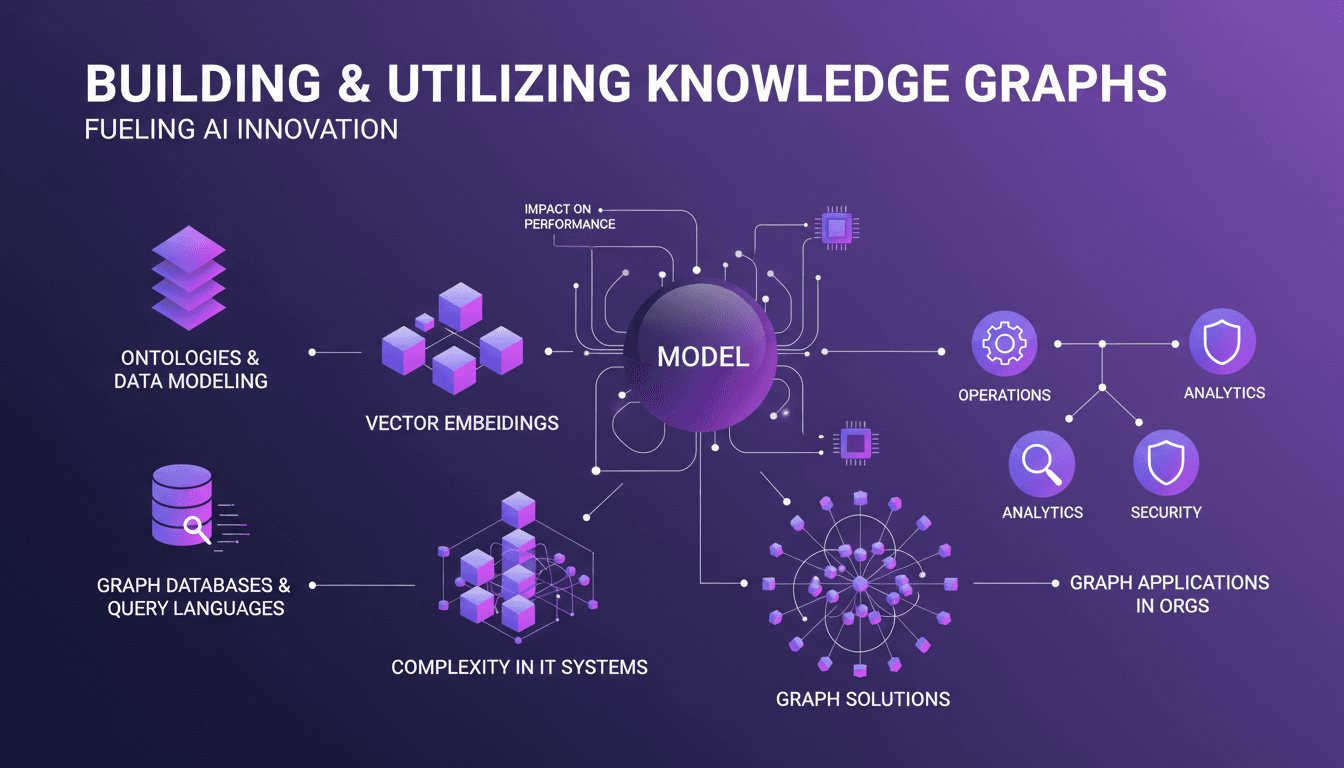
Building Knowledge Graphs: A Practical Guide
I remember the first time I stumbled upon knowledge graphs. It felt like discovering a secret weapon for data organization. But then the complexity hit. Navigating the maze of graph structures isn't straightforward. Yet, when I connect the dots, the impact on my models' performance is undeniable. Knowledge graphs aren't just powerful tools; they're almost indispensable in a world where managing complex IT systems is the norm. But beware, don't underestimate the learning curve. In this article, I show you how I tamed these tools and how you can effectively integrate them into your projects.
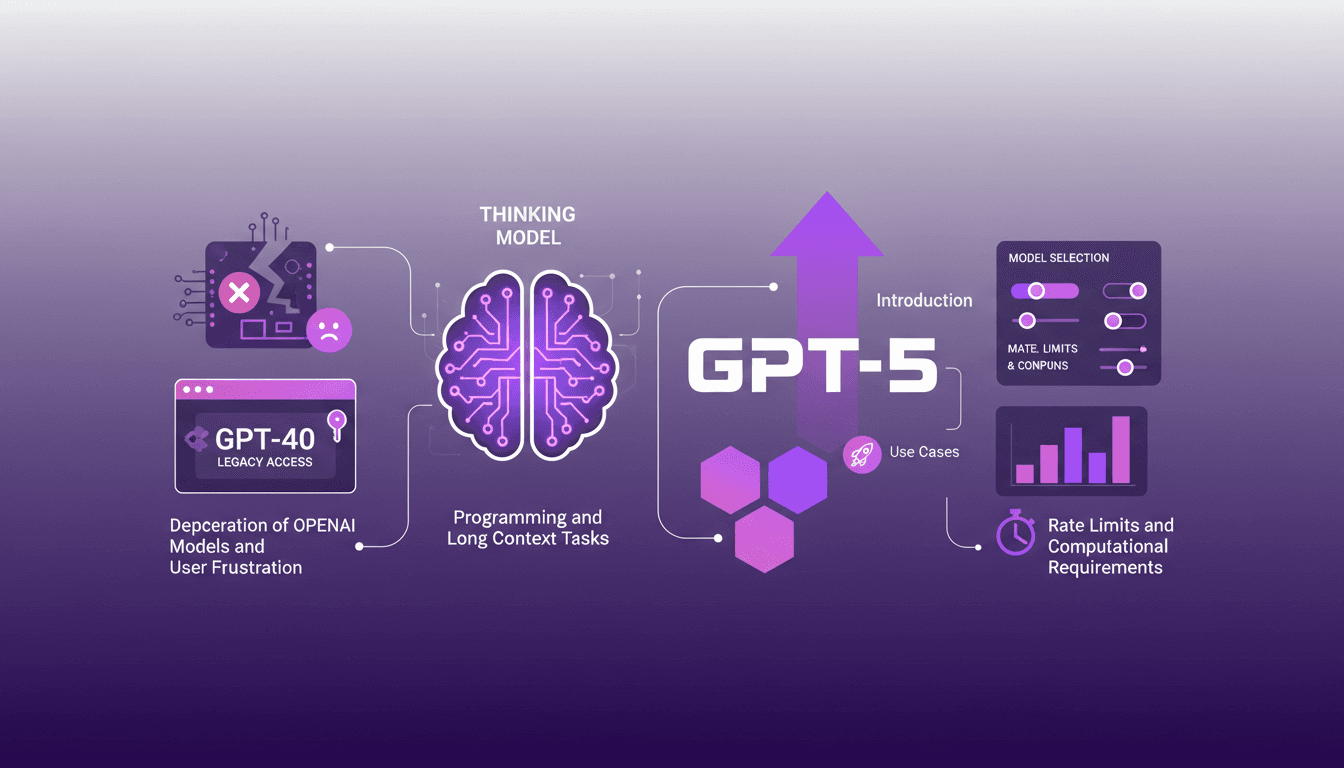
Accessing GPT-40 on ChatGPT: Practical Tips
I remember the day OpenAI announced the deprecation of some models. The frustration was palpable among us users, myself included. But I found a way to navigate this chaos, accessing legacy models like GPT-40 while embracing the new GPT-5. In this article, I share how I orchestrated that. With OpenAI's rapid updates, staying current can feel like a juggling act. The deprecation of older models and introduction of new ones like GPT-5 have left many scrambling. But with the right approach, you can leverage these changes. I walk you through accessing legacy models, the use cases of GPT-5, and how to configure your model selection settings on ChatGPT, while keeping an eye on rate limits and computational requirements.
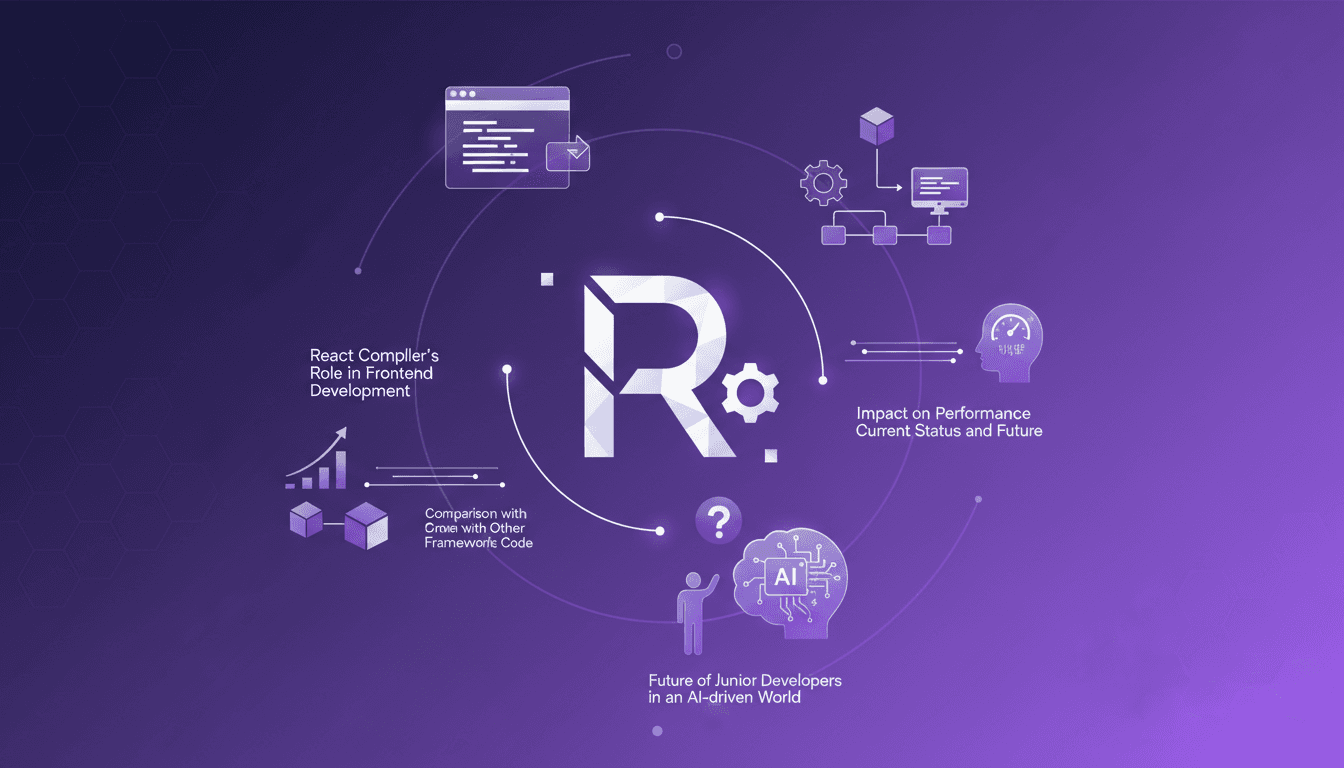
React Compiler: Transforming Frontend
I still remember the first time I flipped on the React Compiler in a project. It felt like turning on a light switch that instantly transformed the room's atmosphere. Components that used to drag suddenly felt snappy, and my performance metrics were winking back at me. But hold on, this isn't magic. It's the result of precise orchestration and a bit of elbow grease. In the ever-evolving world of frontend development, the React Compiler is emerging as a true game changer. It automates optimization in ways we could only dream of a few years ago. Let's dive into how it's reshaping the digital landscape and what it means for us, the builders of tomorrow.

Voice Cloning: Efficient Model for Commercial Use
I dove into voice cloning out of necessity—clients needed unique voiceovers without the hassle of endless recording sessions. That's when I stumbled upon this voice cloning model. First thing I did? Put it against Eleven Labs to see if it could hold its ground. Voice cloning isn't just about mimicking tones—it's about creating a scalable solution for commercial applications. In this article, I'll take you behind the scenes of this model: where it shines, where it falters, and the limitations you need to watch out for. If you've dabbled in voice cloning before, you know technical specs and legal considerations are crucial. I’ll walk you through the model's nuances, its commercial potential, and how it really stacks up against Eleven Labs.
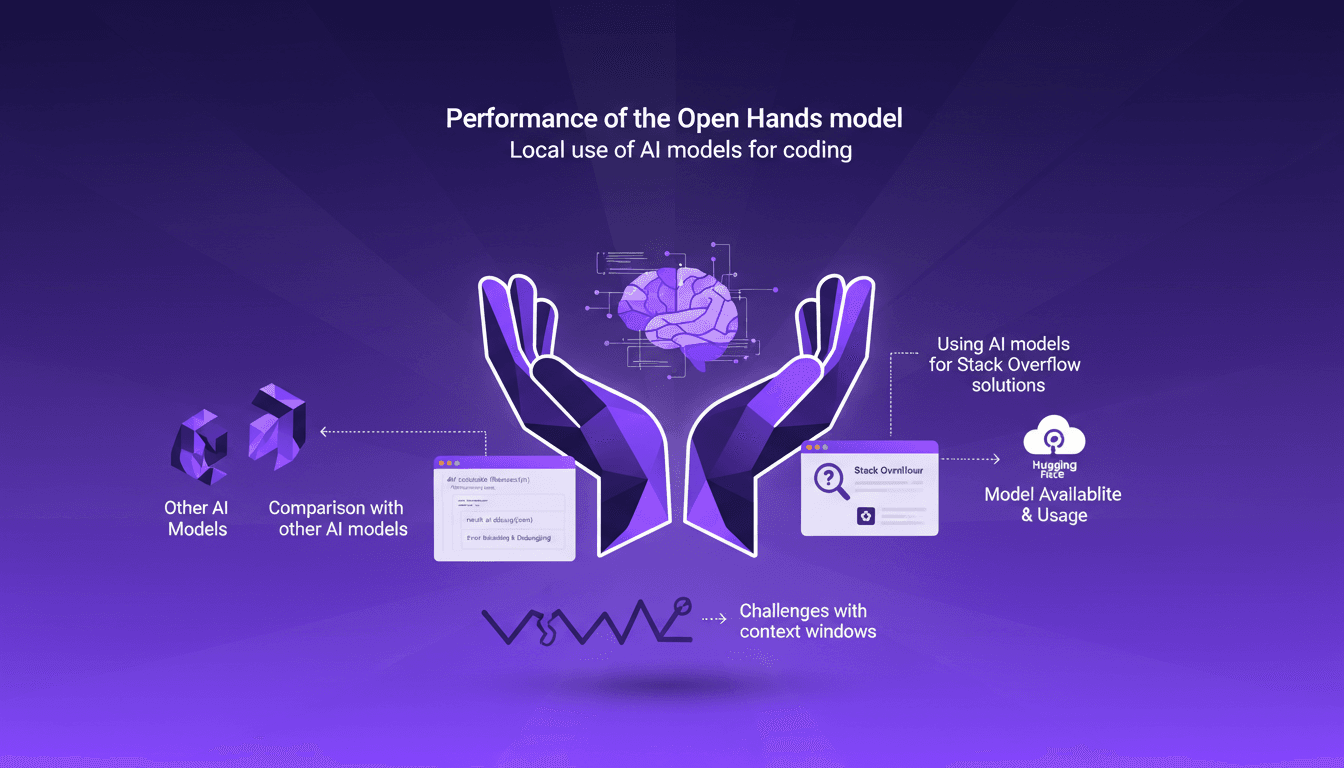
Open Hands Model Performance: Local and Efficient
I’ve been diving into local AI models for coding, and let me tell you, the Open Hands model is a game changer. Running a 7 billion parameter model locally isn’t just possible—it’s efficient if you know how to handle it. In this article, I’ll walk you through my experience: from setup to code examples, comparing it with other models, and error handling. You’ll see how these models can transform your daily programming tasks. Watch out for context window limits, though. But once optimized, the impact is direct, especially for tackling those tricky Stack Overflow questions.