Open Hands Model Performance: Local and Efficient
I’ve been diving into local AI models for coding, and let me tell you, the Open Hands model is a game changer. Running a 7 billion parameter model locally isn’t just possible—it’s efficient if you know how to handle it. In this article, I’ll walk you through my experience: from setup to code examples, comparing it with other models, and error handling. You’ll see how these models can transform your daily programming tasks. Watch out for context window limits, though. But once optimized, the impact is direct, especially for tackling those tricky Stack Overflow questions.
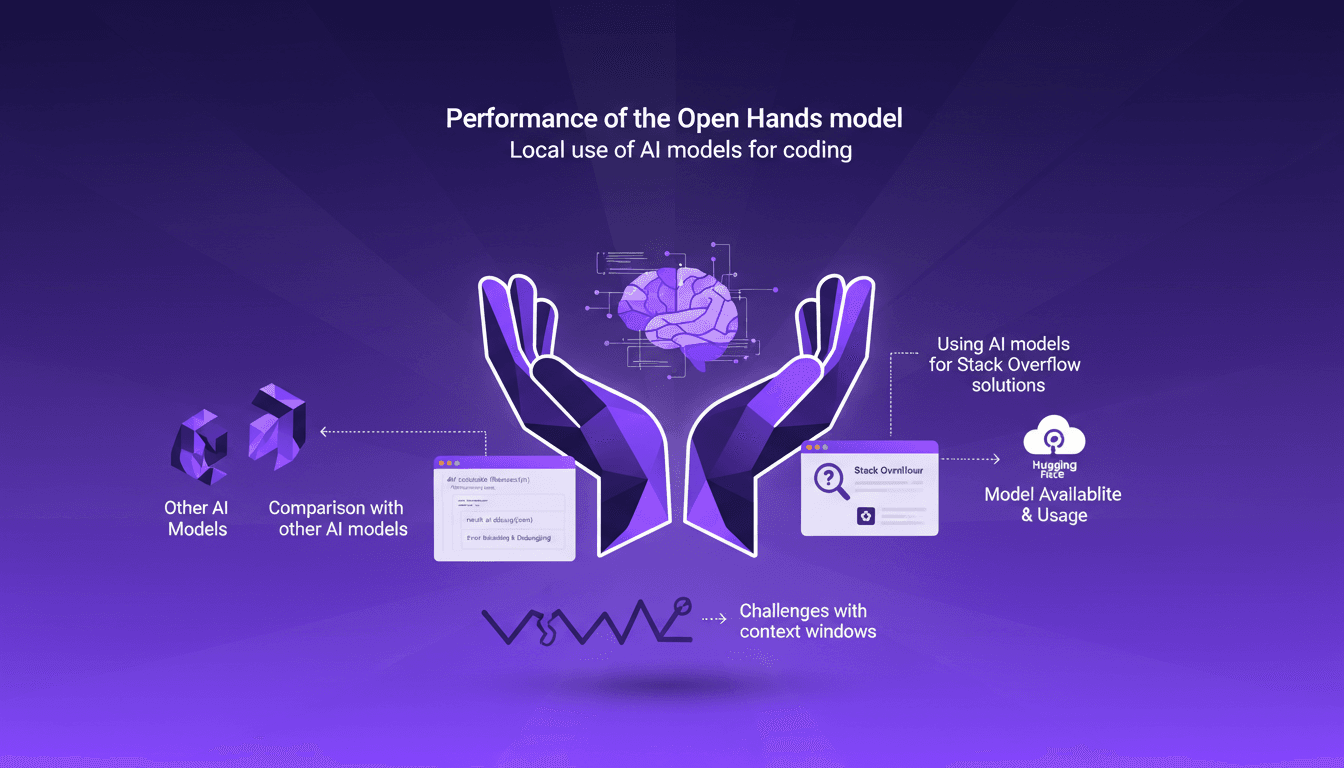
I’ve been diving into local AI models for coding, and let me tell you, the Open Hands model is a game changer. Running a 7 billion parameter model locally isn’t just possible—it’s efficient if you know how to handle it. First tip: get ready to orchestrate your machine to leverage its full potential. I’ll take you behind the scenes of my experience with Open Hands, comparing it with other models (you know, those that promise the world but sometimes fall flat). From setup to error handling, and through actual programming tasks, I demonstrate how these models can boost your productivity. Watch out, though—context window limits can sometimes be a headache. But once you’ve got these tools under control, the impact is direct. You’ll see how I tackled complex code issues, often in response to technical questions on Stack Overflow.
Setting Up the Open Hands Model Locally
Setting up the Open Hands model with 7 billion parameters on my machine was quite the adventure. First, I had to understand my machine's specs—a Mac M3 max with 36GB of RAM. Why does this matter? Every machine has its limits, and ignoring them can lead to disappointing performance. I linked the model via Hugging Face and immediately saw improvements compared to models like Deepseek V3 and GMA 3. But watch out, don't expect miracles if your machine isn't up to par.
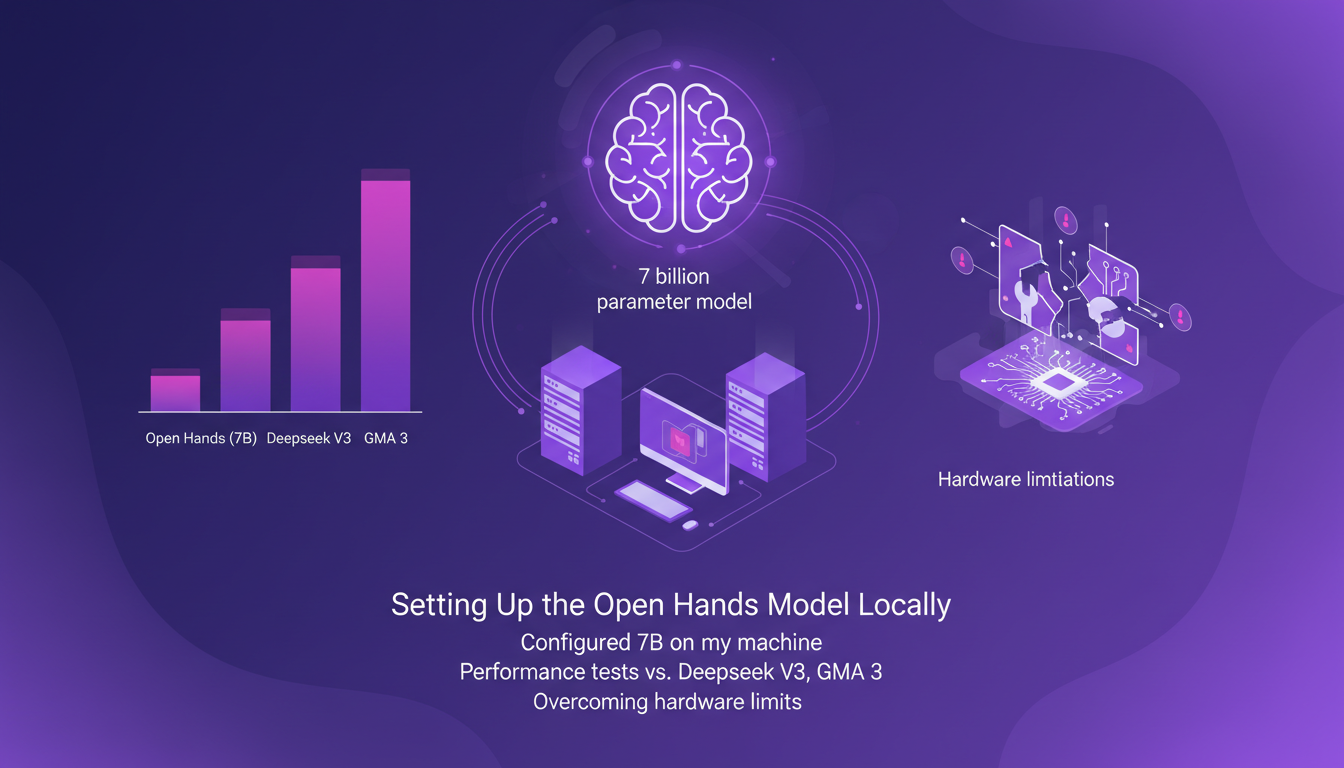
The model outperformed others by scoring 37.2% on the swb bench. It's impressive, but that doesn't mean everything is perfect. I had to tweak certain parameters to prevent my computer from heating up like an oven. A good tip: always keep an eye on memory usage, especially when working with large contexts.
Understanding Context Windows and Model Performance
The 128,000 context window is a major asset for programming tasks. But don't be fooled, the larger the context, the more your machine struggles. I tried leveraging this capability and yes, it works, but only up to a point. Beyond that, watch out for memory spikes. This model managed to solve 37% of kdub issues, a figure that speaks for itself.
Reinforcement learning principles are at the heart of this performance. But again, not everything is rosy. While the model works wonders in some contexts, it can also be a source of frustration in others. Think of it as a complex puzzle: each piece must be in place for the whole to function properly.
Code Generation Examples: HTML5, p5.js, and Python
To test the model, I generated HTML5 and p5.js code. The result is quite satisfying for a 7-billion-parameter model. I even managed to create a basic landing page for an imaginary startup. The model gave me a functional skeleton, though not exactly aesthetic. Where it gets interesting is with Python and Pygame. The results were mixed, and I had to manually intervene to fix some bugs.
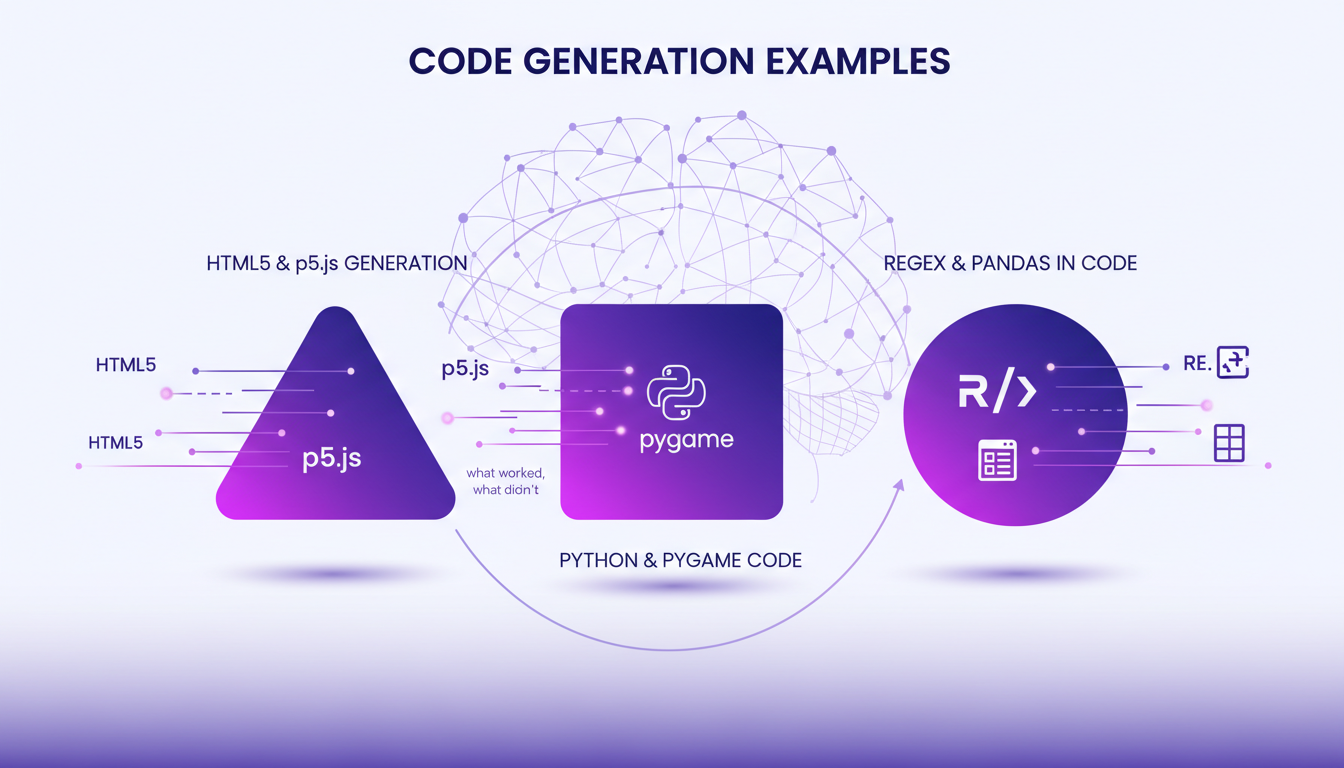
Regular expressions and Pandas data frames are tools that the model integrated, but don't expect miracles. Automated generation has its limits, and human intervention remains crucial to ensure the final code's accuracy and efficiency.
Using AI Models for Stack Overflow Solutions
By using the model to address common Stack Overflow questions, I saved a significant amount of time. The model offers solutions that are often a good starting point. But beware, human verification is always necessary. Quantized models can improve response times, but they'll never replace the human eye for catching nuances.
The key is finding the right balance between automation and human oversight. In my case, this approach allowed me to focus on more complex tasks while leaving the model to handle simpler queries.
Error Handling and Debugging AI-Generated Code
Errors in AI-generated code are inevitable. I've often encountered bugs that cost me time, but thanks to some debugging strategies, I was able to resolve these issues effectively. Sometimes, it's better to trust your intuition and manually examine the code rather than blindly relying on the model.
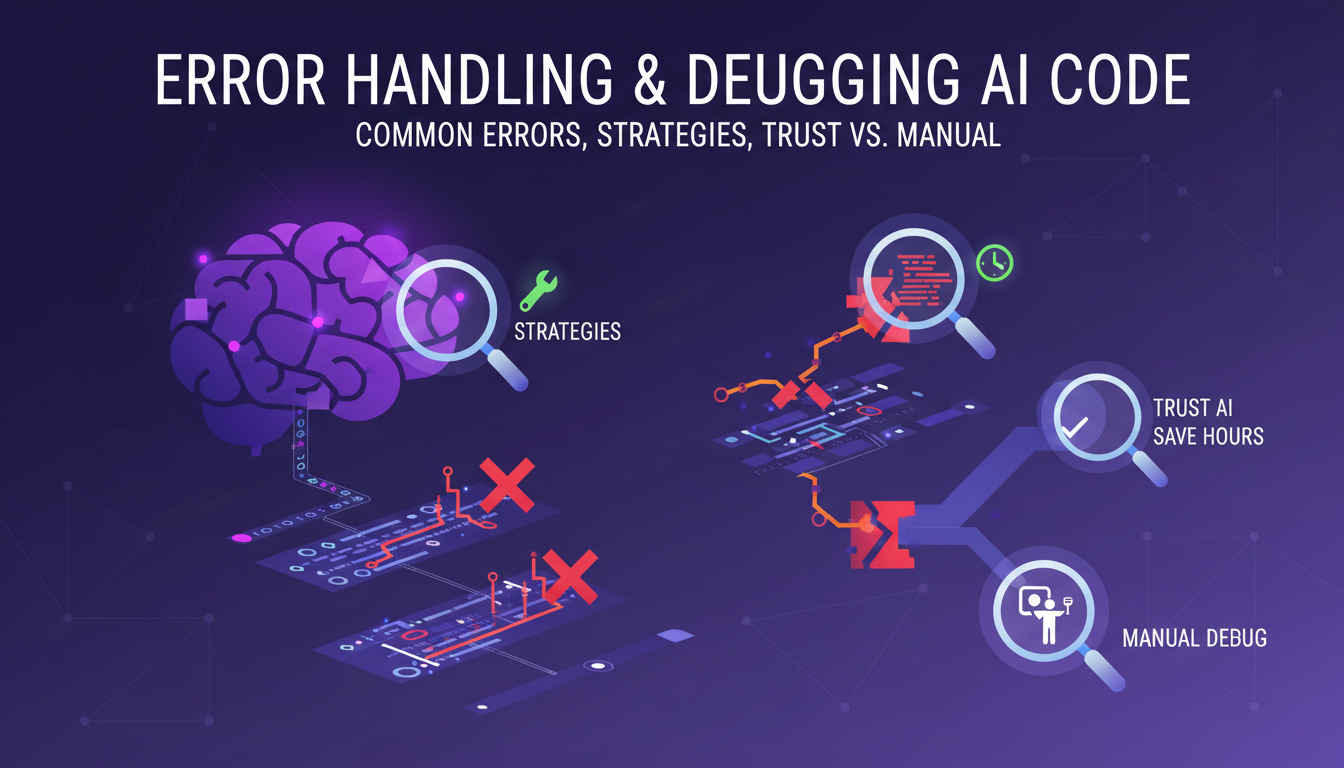
My final thought: AI models are powerful tools, but they're not infallible. Their solutions should be seen as drafts, to be refined by expert hands. This way, you can get the best out of these technologies while minimizing potential errors.
Running the Open Hands model locally has truly transformed my coding workflow. First off, the 32 billion parameter version scoring 37.2% on the swb bench is impressive, but watch out for context windows. Mismanage these, and you'll burn through resources. Then, handling errors is key; I've learned to step in manually when the model gets tangled. Lastly, the 7 billion parameter model offers a lighter alternative, but doesn't always outperform its peers.
These tools are fantastic, but there are trade-offs: performance can vary, and mastering the technical details is crucial. Ready to dive into local AI coding? Equip yourself with the right knowledge and tools to harness the full potential of models like Open Hands. Your coding efficiency depends on it.
For a deeper understanding, check out the video "This VIBECODING LLM Runs LOCALLY! 🤯". That's where I truly grasped the power and limits, and I think it'll help you too. Video link
Frequently Asked Questions

Thibault Le Balier
Co-fondateur & CTO
Coming from the tech startup ecosystem, Thibault has developed expertise in AI solution architecture that he now puts at the service of large companies (Atos, BNP Paribas, beta.gouv). He works on two axes: mastering AI deployments (local LLMs, MCP security) and optimizing inference costs (offloading, compression, token management).
Related Articles
Discover more articles on similar topics
Becoming an AI Whisperer: A Practical Guide
Becoming an 'AI Whisperer' isn't just about the tech, trust me. After hundreds of hours engaging with models, I can tell you it's as much art as science. It's about diving headfirst into AI's depths, testing its limits, and learning from every quirky output. In this article, I'll take you through my journey, an empirical adventure where every AI interaction is a lesson. We'll dive into what truly being an AI Whisperer means, how I explore model depths, and why spending time talking to them is crucial. Trust me, I learned the hard way, but the results are worth it.
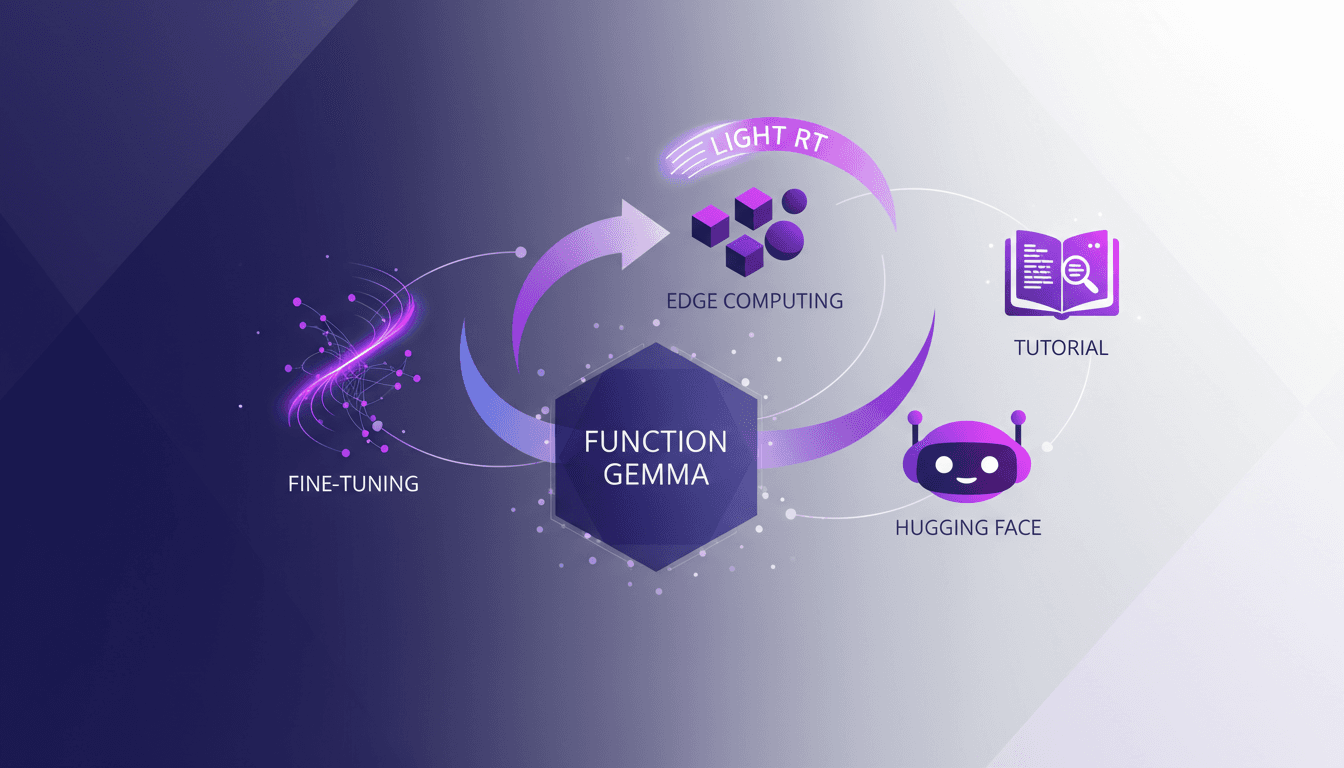
Optimizing Function Gemma for Edge Computing
I remember the first time I deployed Function Gemma on an edge device. It was a game changer, but only after I figured out the quirks. With its 270 million parameters, the Gemma 3270M model is a powerhouse for edge computing. But to really leverage its capabilities, you need to fine-tune and deploy it smartly. Let me walk you through how I customized and deployed this model, so you don’t hit the same bumps. We're talking customization, deployment with Light RT, and how it stacks up against other models. You can find Function Gemma on Hugging Face, where I used the TRL library for fine-tuning. Don’t get caught by the initial limitations; improvements are there to be made. Follow me in this tutorial and optimize your use of Function Gemma for edge computing.
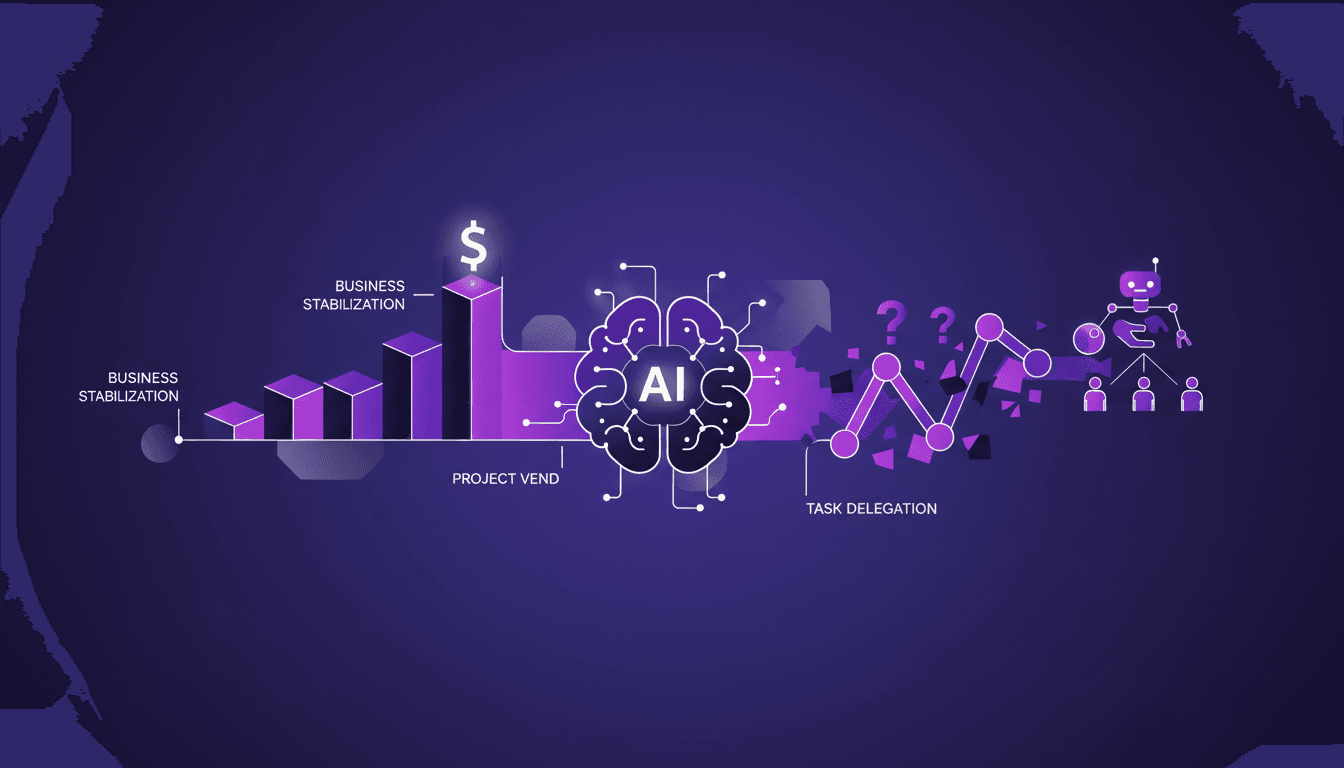
AI Integration: How I Stabilized My Business
I still remember the first time I integrated AI into our operations with Project Vend. It felt like handing over the keys to a new driver—exciting but a bit nerve-wracking. Navigating AI's challenges is like juggling the thrill of innovation with the reality of identity crises (I'm talking about Claude, our AI agent, not me). We brought in a sub-agent named CEO to stabilize everything. Between human manipulation and AI task delegation, it was a real resilience test for our business. But spoiler alert, it transformed the way we operate. And let's not forget, on March 31st, Claude started having an identity crisis, thinking everything was an April Fools' prank. Welcome to the fascinating world of AI integration.
AI's Impact on Education: Revolution or Risk?
I've seen AI transform industries, but in education, it's truly a game changer. Picture me connecting AI tools to personalize learning and alleviate teacher burnout. It doesn't stop there: we're also talking about democratizing access to education. But watch out, there are pitfalls like cheating and data privacy. In this panel discussion, I'll walk you through how I'm navigating these changes and the challenges we need to overcome to make AI a true ally in education.
AI Exploration: 10 Years of Progress, Limits
Ten years ago, I dove into AI, and things were quite different. We were barely scratching the surface of what deep learning could achieve. Fast forward to today, and I'm orchestrating AI projects that seemed like science fiction back then. This decade has seen staggering advancements—from historical AI capabilities to recent breakthroughs in text prediction. But watch out, despite these incredible strides, challenges remain and technical limits persist. In this exploration, I'll take you through the experiments, trials, and errors that have paved our path, while also gazing into the future of AI.