Accessing GPT-40 on ChatGPT: Practical Tips
I remember the day OpenAI announced the deprecation of some models. The frustration was palpable among us users, myself included. But I found a way to navigate this chaos, accessing legacy models like GPT-40 while embracing the new GPT-5. In this article, I share how I orchestrated that. With OpenAI's rapid updates, staying current can feel like a juggling act. The deprecation of older models and introduction of new ones like GPT-5 have left many scrambling. But with the right approach, you can leverage these changes. I walk you through accessing legacy models, the use cases of GPT-5, and how to configure your model selection settings on ChatGPT, while keeping an eye on rate limits and computational requirements.
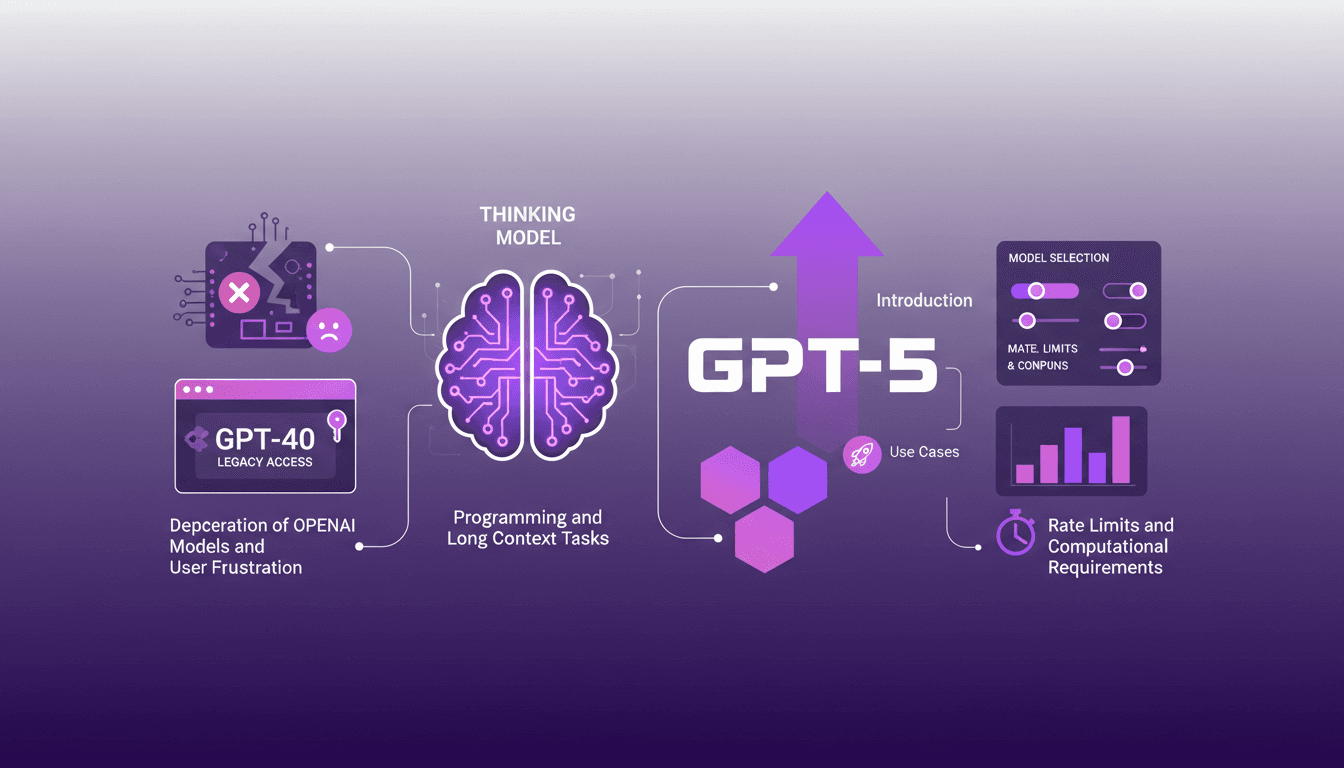
I vividly remember the day OpenAI announced the deprecation of some models. The frustration was palpable among users, myself included. But I found a way to navigate this chaos, accessing legacy models like GPT-40 while adapting to the new GPT-5. Here's how I orchestrated it all. With OpenAI's rapid updates, staying current can feel like a juggling act. The deprecation of older models and introduction of new ones like GPT-5 have left many of us in the lurch. Yet, with the right approach, these changes can be a real boon. I'll walk you through accessing legacy models, the use cases of GPT-5, and how to configure your model selection settings on ChatGPT. But watch out, it's crucial to keep an eye on rate limits and computational requirements to get the most out of these tools. So, let's dive into this tutorial that will give you the keys to regain control.
Navigating Model Deprecation: A Practical Guide
I remember the days when OpenAI started deprecating some of its older models. It was a real headache, especially for those of us who had optimized our workflows around models like GPT-40. Why this deprecation? Essentially, it's to push users towards newer, more performant versions. But watch out, it can be frustrating, especially when our processes get disrupted. Fortunately, for paid users, OpenAI has made GPT-40 accessible as a legacy model. It just requires a bit of digging in the settings to find it.
To access these older models, you simply need to navigate through ChatGPT settings and enable additional models. It might sound simple, but it saves the day. Deprecation directly impacts our efficiency, especially if we heavily relied on these older models in our daily workflows.
"OpenAI deprecated many models, causing frustration, especially on Reddit."
- Understanding why models are deprecated.
- Steps to access legacy models like GPT-40.
- Balancing frustration with proactive solutions.
- Practical impact on workflows and efficiency.
Unlocking the Potential of GPT-5
When OpenAI introduced GPT-5, I was skeptical at first. But after testing it, I quickly saw the advantages. Compared to its predecessors, GPT-5 is much faster and more accurate. It excels in complex tasks and adapts to context changes smoothly. For example, for real-time currency conversion, GPT-5 proved very efficient.
The use cases are numerous: from data analysis to assisted writing. But beware, like everything, there are limits. GPT-5 can be resource-intensive, especially if you exceed the 196,000 token window. This is where performance and computational demand trade-offs come into play.
- Introduction to GPT-5 and its capabilities.
- Improvements over previous models.
- Real-world use cases for GPT-5.
- Potential limitations and performance trade-offs.
Configuring ChatGPT for Optimal Model Selection
One thing I learned while juggling different models is the importance of properly configuring ChatGPT. To enable additional models, you need to go through the settings and understand the role of the Model Router. It decides which model to use based on the task. But sometimes, it's better to customize these configurations for specific tasks.
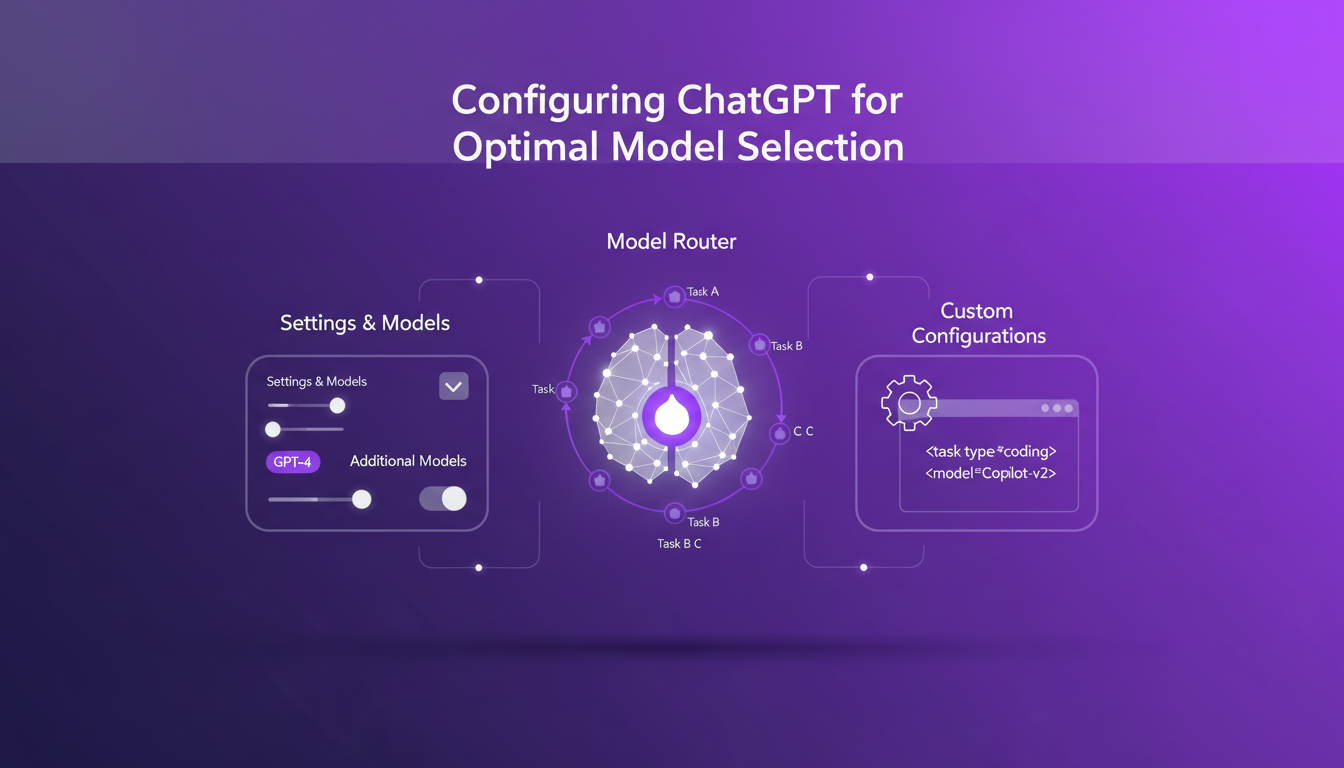
Watch out for common pitfalls: don't let the router decide for you on critical tasks. Sometimes, manual selection is more effective.
- Settings to enable additional models in ChatGPT.
- Understanding the role of the Model Router.
- Customizing configurations for specific tasks.
- Avoiding common pitfalls in model selection.
Maximizing Efficiency with the Thinking Model
The thinking model in ChatGPT is like having an assistant that thinks for you. With its 196,000 token context window, it's perfect for programming tasks or long contexts. But beware, it can be costly in terms of resources. Sometimes it's better to choose a faster model if the context isn't complex.
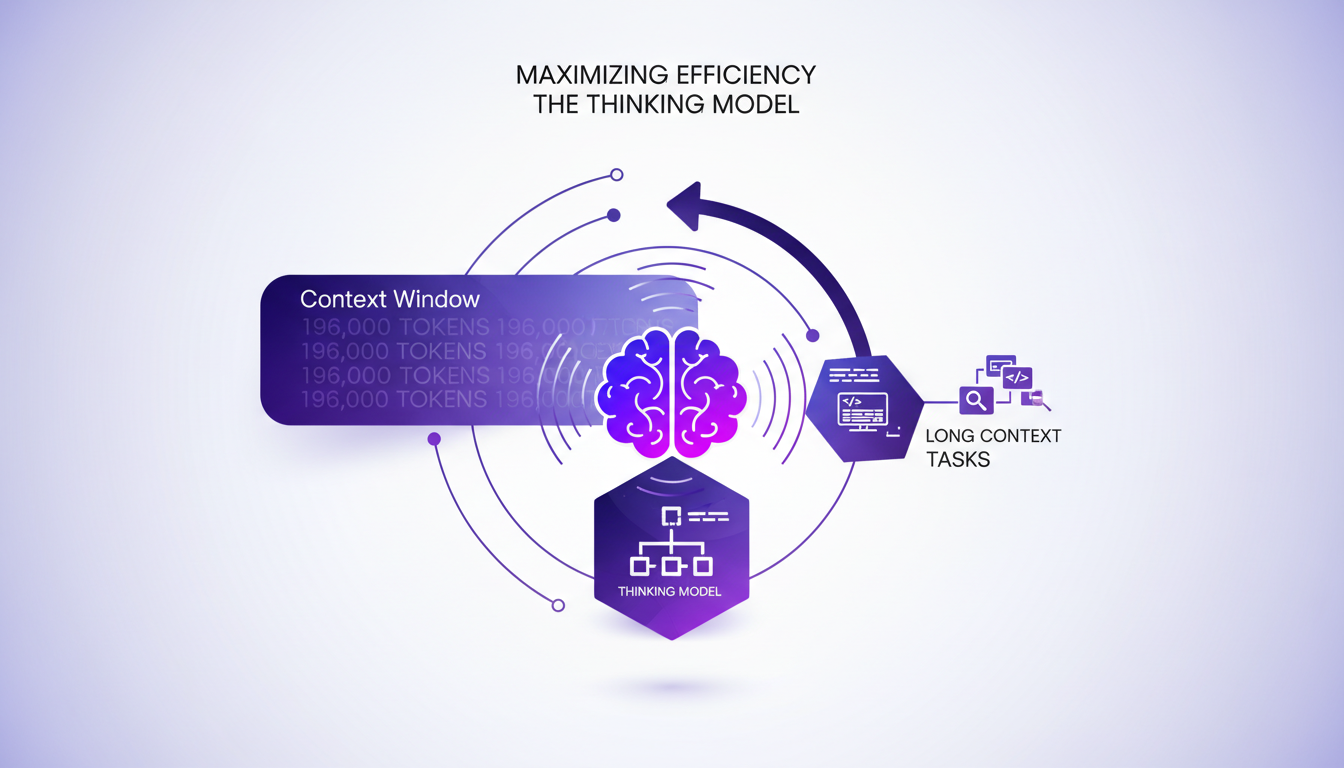
- Leveraging the 196,000 token context window.
- Using the Thinking Model for programming tasks.
- Handling long context tasks effectively.
- Trade-offs between computational demand and performance.
Handling Rate Limits and Computational Requirements
Another thing not to overlook is the 3,000 message per week limit. It might seem like a lot, but when you're in full development mode, you hit the limit quickly. To optimize message usage, you need to plan and distribute requests strategically.
Balancing computational requirements with performance is crucial. Anticipating potential bottlenecks can save your project from failure.
- Understanding the 3,000 message per week limit.
- Strategies to optimize message usage.
- Balancing computational requirements with performance.
- Anticipating and managing potential bottlenecks.
Navigating OpenAI's shifting landscape is like steering a ship through a storm. First, understanding model deprecation is key—it's frustrating, sure, but it also opens the door to embracing new capabilities like GPT-5. Then, I make sure to optimize my settings because the real magic happens when you match the right model to the right task. For instance, GPT-5, with its 196,000 token context window, is a game changer for complex applications.
- Get a handle on the frustration with model deprecation and how to access legacy models like GPT-40.
- Dive into the new capabilities of GPT-5 for advanced use cases.
- Ensure you optimize model selection settings in ChatGPT for the best results.
The future looks bright with these tools, but watch out not to get lost in the hype of unnecessary novelties. Ready to optimize your AI workflows? Dive into these strategies and transform how you use ChatGPT today. For deeper insights, I recommend checking out the full video here: GPT-5 Update! 💥.
Frequently Asked Questions

Thibault Le Balier
Co-fondateur & CTO
Coming from the tech startup ecosystem, Thibault has developed expertise in AI solution architecture that he now puts at the service of large companies (Atos, BNP Paribas, beta.gouv). He works on two axes: mastering AI deployments (local LLMs, MCP security) and optimizing inference costs (offloading, compression, token management).
Related Articles
Discover more articles on similar topics

OpenAI and Nuclear Security: Deployment and Impact
I remember the first time I read about OpenAI's collaboration with the US government. It felt like a game-changer, but not without its complexities. This partnership with the National Labs is reshaping AI deployment, and it's not just about tech. We're talking leadership, innovation, and a delicate balance of power in a competitive world. With key figures like Elon Musk and Donald Trump involved, and tech players like Nvidia and Azure backing up, the stakes in nuclear and cyber security take on a whole new dimension. Plus, there's that US-China competition lurking. Strap in, because I'm going to walk you through how this is all playing out.
StepFun AI Models: Efficiency and Future Impact
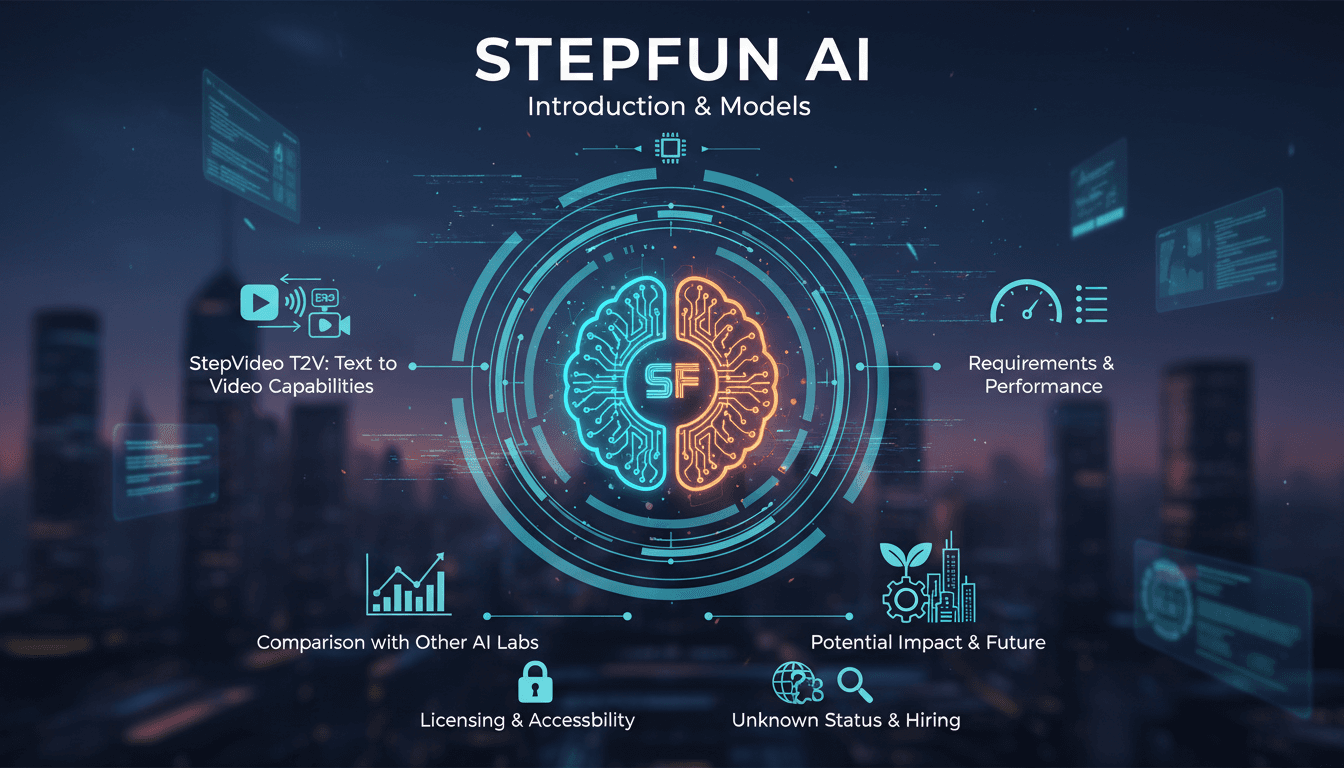
I dove into StepFun AI's ecosystem, curious about its text-to-video capabilities. Navigating through its models and performance metrics, I uncovered a bold contender from China. With 30 billion parameters and the ability to generate up to 200 frames per second, StepFun AI promises to shake up the AI landscape. But watch out, the Step video t2v model demands 80 GB of GPU memory. Compared to other models, there are trade-offs to consider, yet its potential is undeniable. Let's explore what makes StepFun AI tick and how it might redefine the industry.
Build AI Fashion Influencer: Step-by-Step
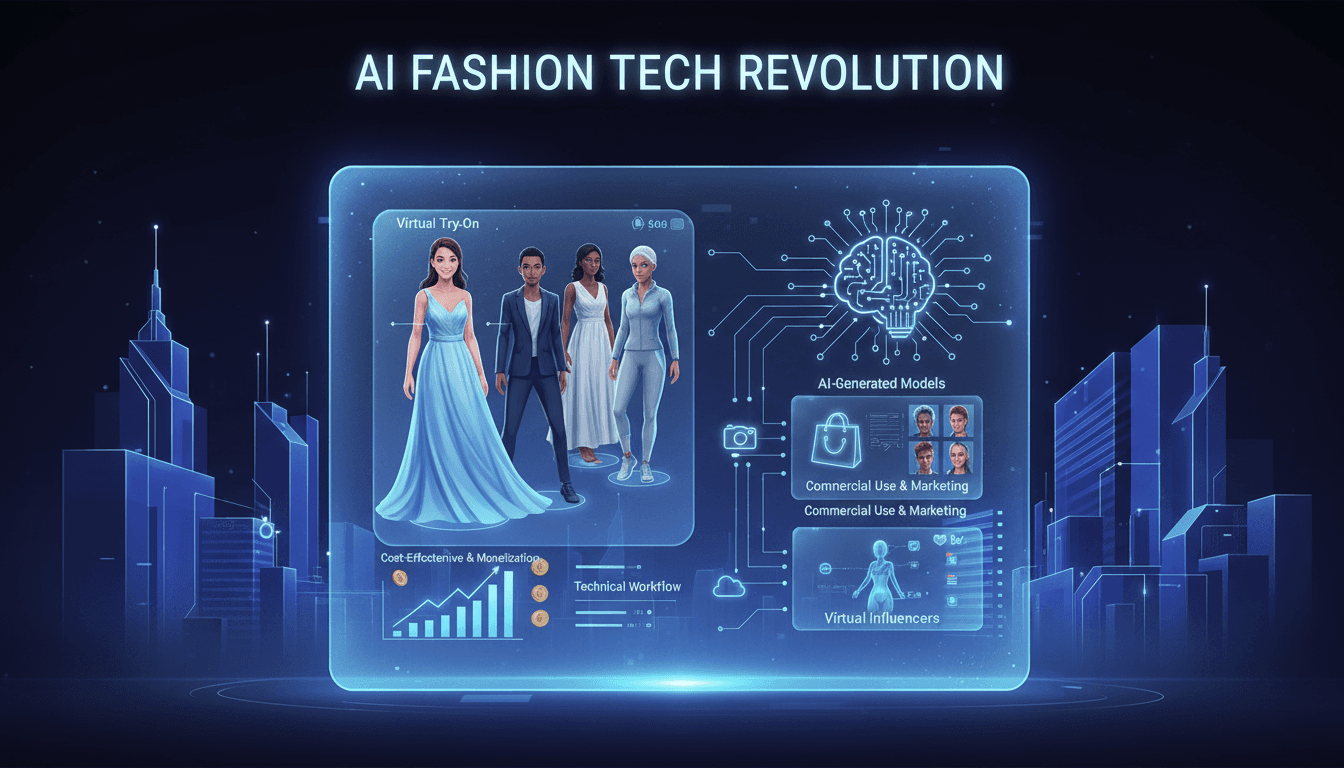
I dove headfirst into the world of virtual fashion influencers, and let me tell you, the potential for virtual try-ons is massive. Imagine crafting a model that showcases your designs without a single photoshoot. That's exactly what I did using straightforward AI tools, and it's a real game changer for cutting costs and sparking creativity. With less than a dollar per try-on and just 40 seconds per generation, this isn't just hype. In this article, I'll walk you through how to leverage this technology to revolutionize your fashion marketing approach. From AI-generated models to monetization opportunities, here’s how to orchestrate this tech effectively.
Becoming an AI Whisperer: A Practical Guide
Becoming an 'AI Whisperer' isn't just about the tech, trust me. After hundreds of hours engaging with models, I can tell you it's as much art as science. It's about diving headfirst into AI's depths, testing its limits, and learning from every quirky output. In this article, I'll take you through my journey, an empirical adventure where every AI interaction is a lesson. We'll dive into what truly being an AI Whisperer means, how I explore model depths, and why spending time talking to them is crucial. Trust me, I learned the hard way, but the results are worth it.
Llama 4 Deployment and Open Source Challenges
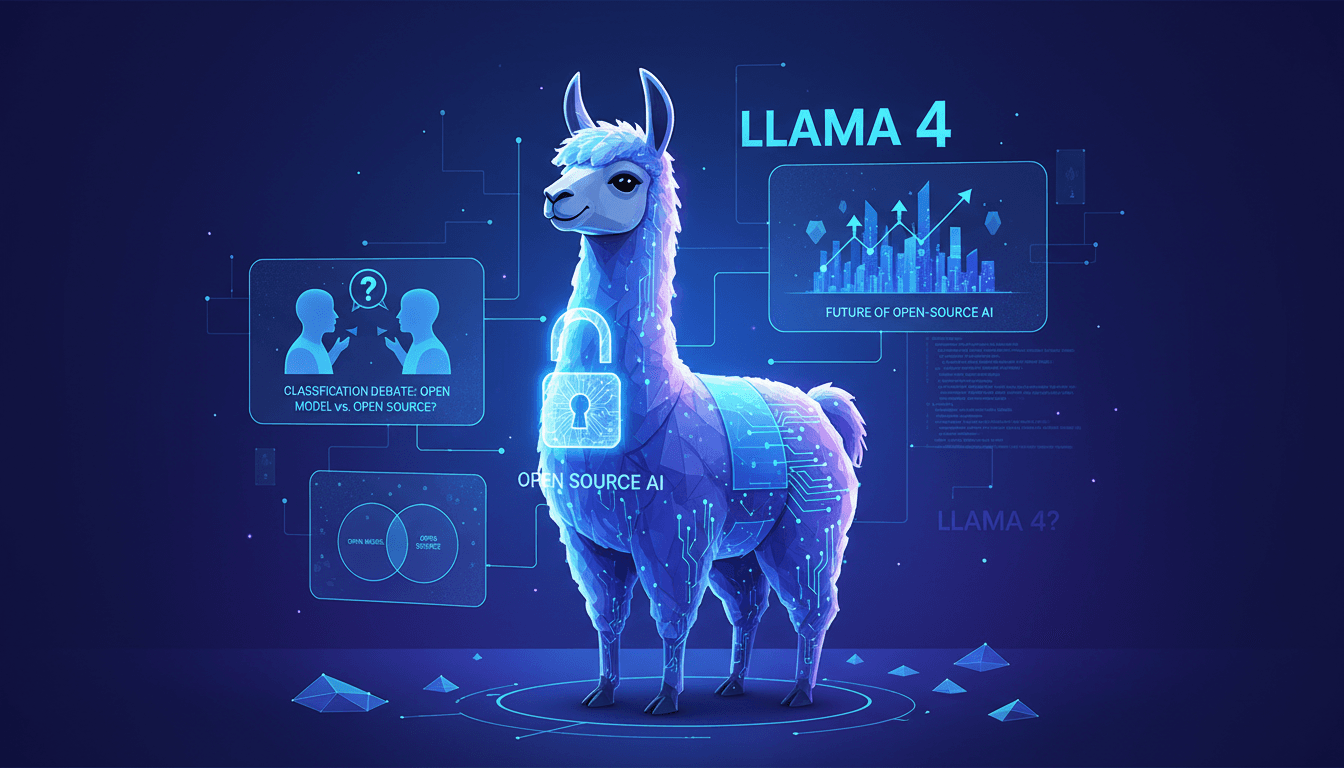
I dove headfirst into the world of AI with Llama 4, eager to harness its power while navigating the sometimes murky waters of open source. So, after four intensive days, what did I learn? First, Llama 4 is making waves in AI development, but its classification sparks heated debates. Is it truly open-source, or are we playing with semantics? I connected the dots between Llama 4 and the concept of open-source AI, exploring how these worlds intersect and sometimes clash. As a practitioner, I take you into the trenches of this tech revolution, where every line of code matters, and every technical choice has its consequences. It's time to demystify the terminology: open model versus open-source. But watch out, there are limits not to cross, and mistakes to avoid. Let's dive in!