Enhance Agent UX: Stream Events with LangChain
I remember the first time I faced lagging user interfaces while working with agent tools. It was frustrating, especially when you're trying to impress a client with real-time data processing. That's when I started integrating custom stream events with LangChain. In this article, I'll walk you through setting up a responsive user interface using LangChain, React, and Typescript. We'll dive into custom stream events, the config.writer function, and deploying with the langraph dev server. If you've ever lost time to sluggish tool calls, this tutorial is for you.
I remember the first time I faced lagging user interfaces while working with agent tools. It was frustrating, especially when you're trying to impress a client with real-time data processing. That's when I started integrating custom stream events with LangChain, and it changed the game for me. In this article, I'll walk you through setting up a responsive user interface using LangChain, React, and Typescript. We'll dive into custom stream events, explore the config.writer function, and deploy with the langraph dev server. I'll show you how to identify and render these custom events, using helper functions for typing data objects. The goal is to provide immediate feedback for those tool calls that might take a second or two longer than expected. And trust me, those 500 milliseconds of arbitrary wait time make a difference. If you're ready to optimize your agent interfaces, let's get started.
Setting Up Custom Stream Events
In modern app development, having a responsive UI is crucial to delivering a smooth user experience. I integrated custom stream events to enhance interactivity in my applications, and let me tell you, it's a game changer. First, I dove into integrating stream events in LangChain.
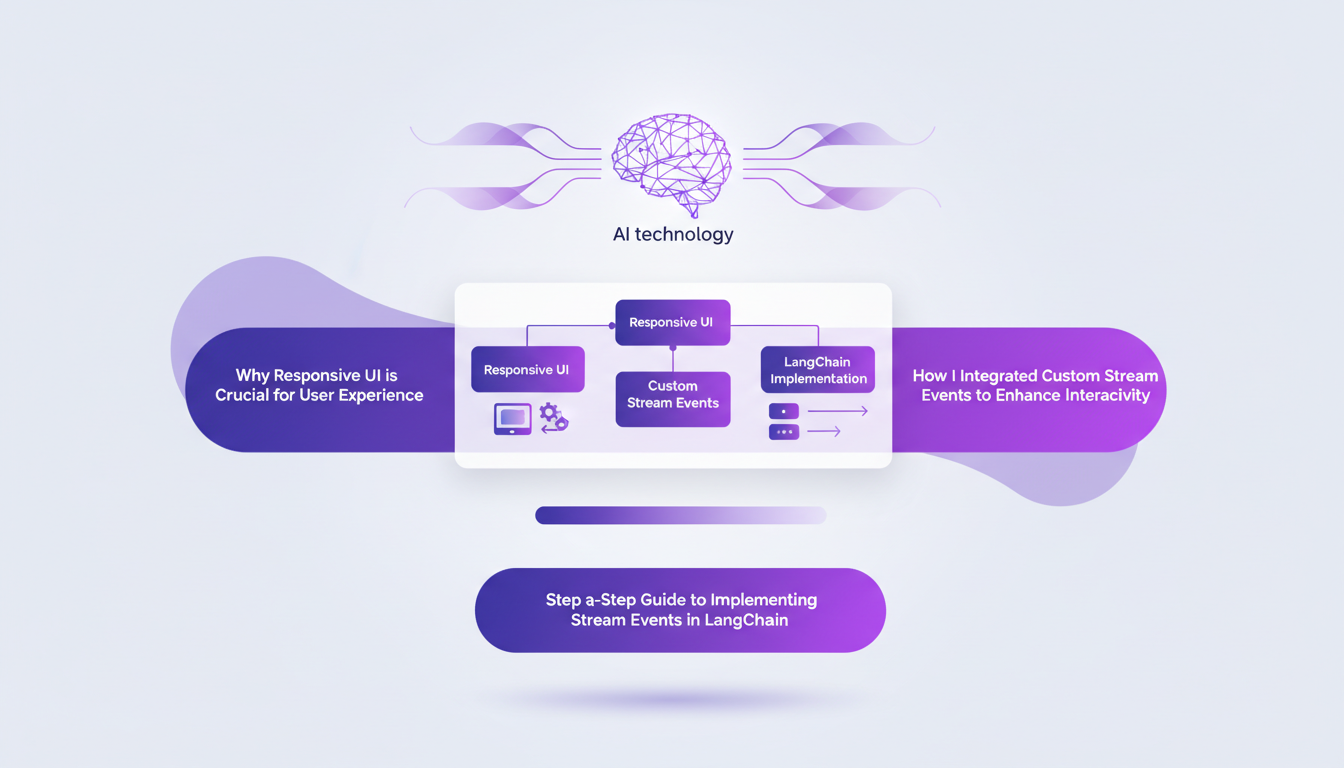
Everything starts with implementing custom stream events. These events make the app more responsive during tool execution. The idea is to provide constant feedback to the user, even if a tool call takes time. With LangChain, this is done by using events identified by a type and a specific tool call ID.
One crucial point to watch out for is the 500 milliseconds wait time that I had to adjust. You need to find the right balance to avoid overloading the app.
Using the Config.writer Function
The config.writer function plays a key role in managing event streams. It allows sending arbitrary events to the front end during tool execution. I used it to streamline the event flows, and honestly, it simplifies the process a lot.
In practice, I used config.writer to send progress updates to users. For example, by integrating progress steps like 'connecting', 'fetching', 'processing', and 'generating'. This keeps the app interactive and engaging.
However, beware of trade-offs: increased complexity can affect performance. It's important to evaluate whether the benefits are worth it.
Typing Data with Helper Functions and Typescript
Data typing is crucial for code stability and clarity. I used helper functions to type data objects received in the front end. This ensures that data is processed correctly, reducing potential errors.
Integrating Typescript was a major asset. It allowed me to manage data more smoothly and efficiently. However, there are common pitfalls, like incorrect typing, which can lead to tricky debugging errors.
Rendering Immediate Feedback for Long Tool Calls
Keeping users engaged during long tool calls is challenging, but there are effective strategies. I found that providing immediate feedback makes all the difference. It prevents users from thinking the app is stuck.
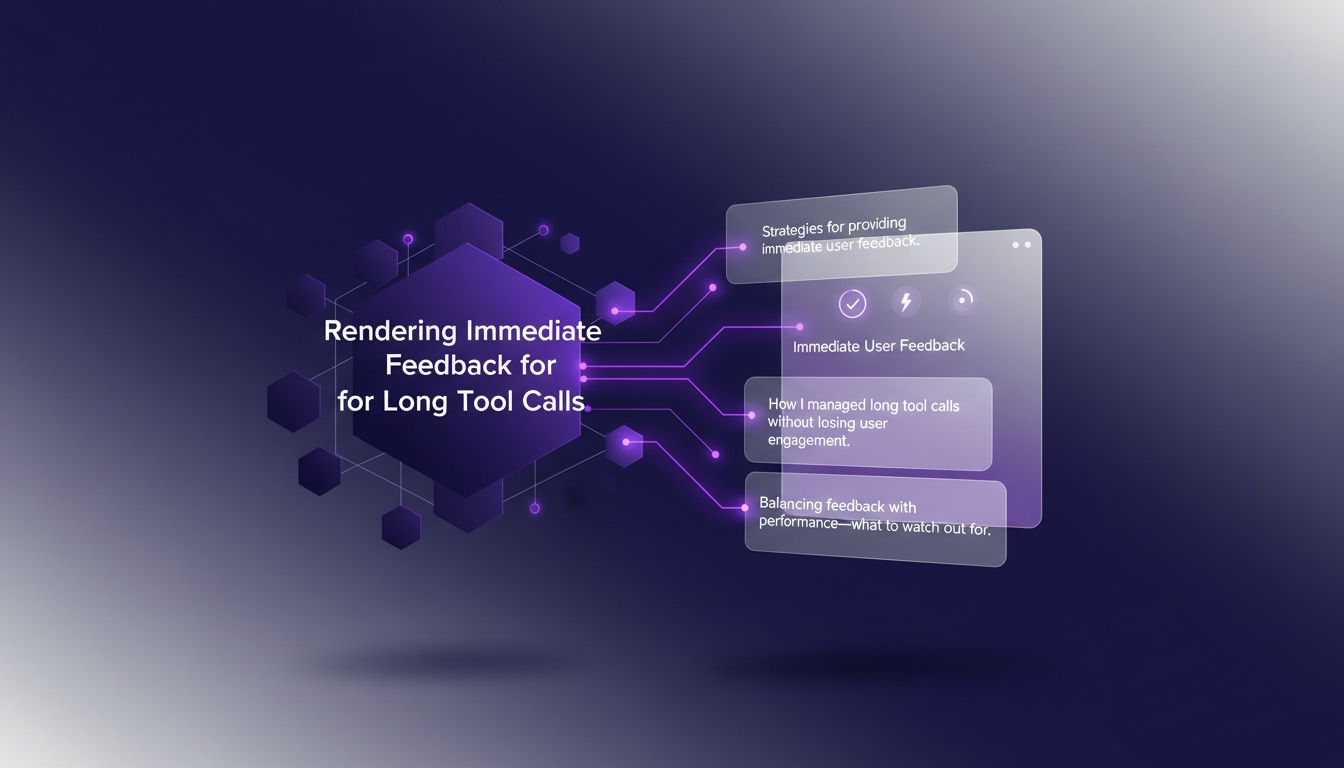
For instance, in one of my projects, I integrated custom stream events to display live updates while the tool worked in the background. This was a real game changer for user experience.
Deploying with Langraph Dev Server
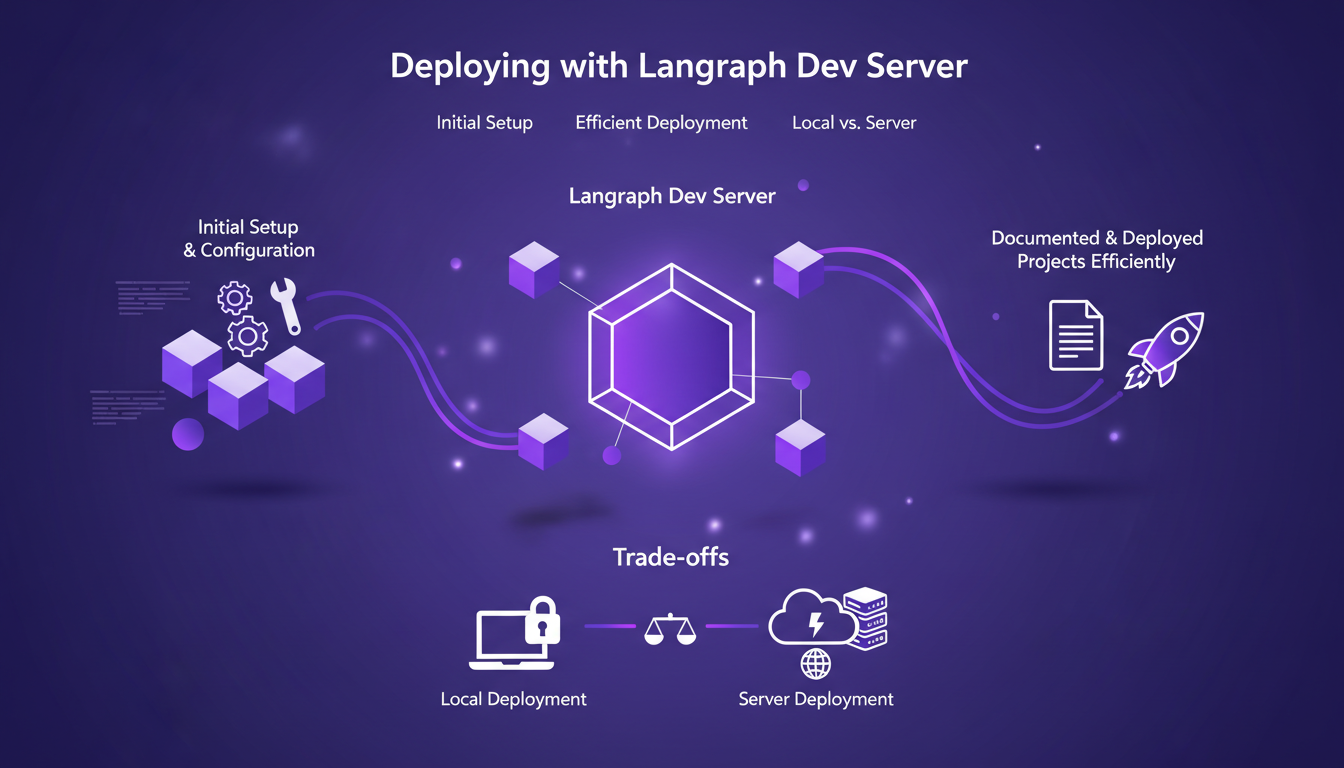
Deployment is often a critical step. With the langraph dev server, I was able to document and deploy my projects efficiently. The initial setup is straightforward, but watch out for common mistakes.
I've noted that the choice between local and server deployment can significantly impact performance and cost. Each has its pros and cons, and you need to choose based on specific project needs.
In conclusion, by following these steps and avoiding common pitfalls, I was able to enhance my app's responsiveness while keeping an eye on performance and costs. For more details, check out our articles on Streaming Agent Messages in React with LangChain.
By integrating custom stream events and leveraging LangChain's capabilities, I've significantly boosted the responsiveness of my projects. Here are some key takeaways from my experience:
- Custom Stream Events: Crucial for enhancing performance without sacrificing user experience, but be careful not to overload the system.
config.writerFunction: I use it to tailor how my streams are written, which helped cut down the arbitrary 500-millisecond wait.- Identification and Rendering of Events: Proper management is key to avoiding unnecessary wait times.
- Helper Functions: Essential for typing data objects correctly and ensuring a smooth process.
Looking forward, these strategies can transform user engagement. I encourage you to try implementing these techniques in your own projects. Share your experiences and let's continue to build better tools together.
For a deeper understanding, I strongly recommend watching the original video: "Build Better Agent UX: Streaming Progress, Status, and File Ops with LangChain" on YouTube. See how these concepts can be a real game changer while keeping in mind necessary limits and trade-offs. Watch here.
Frequently Asked Questions

Thibault Le Balier
Co-fondateur & CTO
Coming from the tech startup ecosystem, Thibault has developed expertise in AI solution architecture that he now puts at the service of large companies (Atos, BNP Paribas, beta.gouv). He works on two axes: mastering AI deployments (local LLMs, MCP security) and optimizing inference costs (offloading, compression, token management).
Related Articles
Discover more articles on similar topics
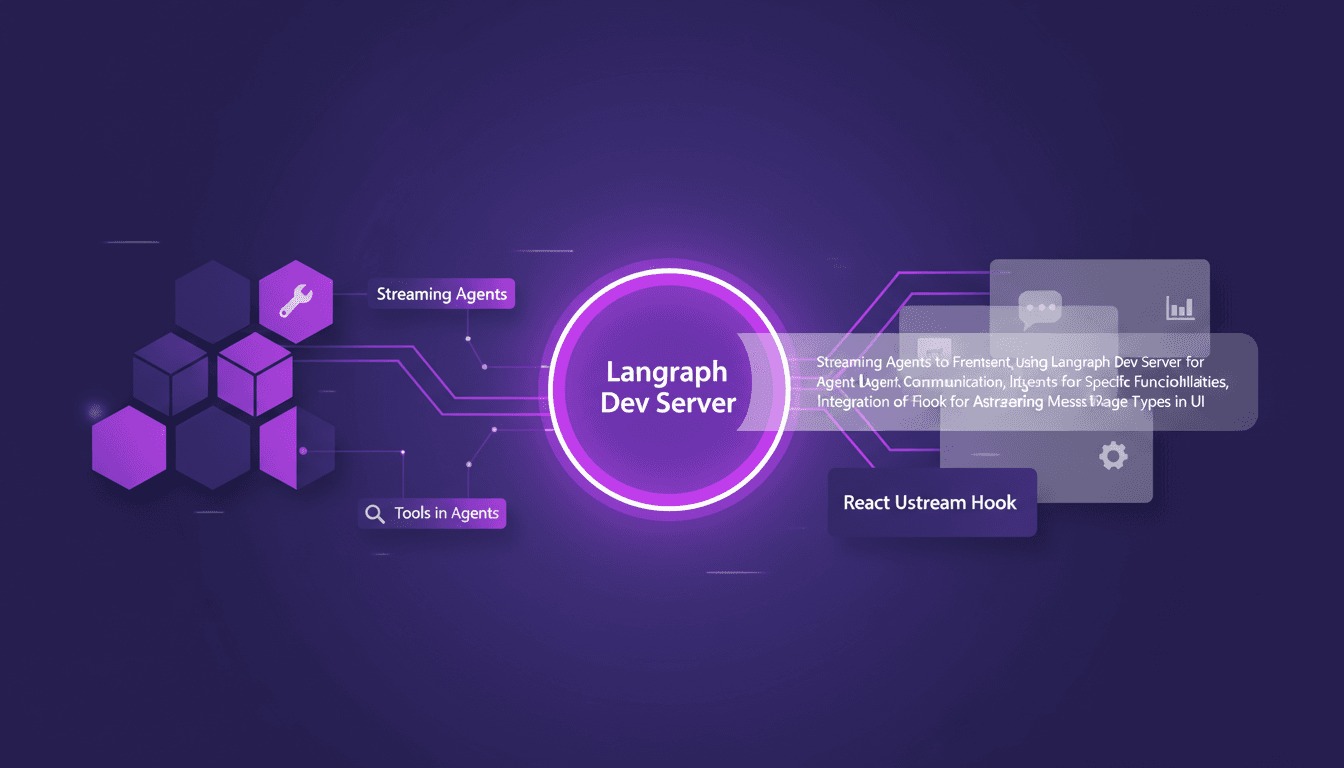
Streaming Agent Messages in React with LangChain
I remember the first time I tried to stream agent messages into a React app. It was a mess—until I got my hands on LangChain and Langraph. Let me walk you through how I set this up to create a seamless interaction between frontend and AI agents. In this tutorial, I'll show you how to connect LangChain and React using Langraph Dev Server. We'll dive into streaming agent messages, using tools like weather and web search, and rendering them effectively in the UI. You'll see how I integrate these messages using the React Ustream hook, and how I handle different message types in the UI. Ready to transform your AI interactions? Let's dive in.
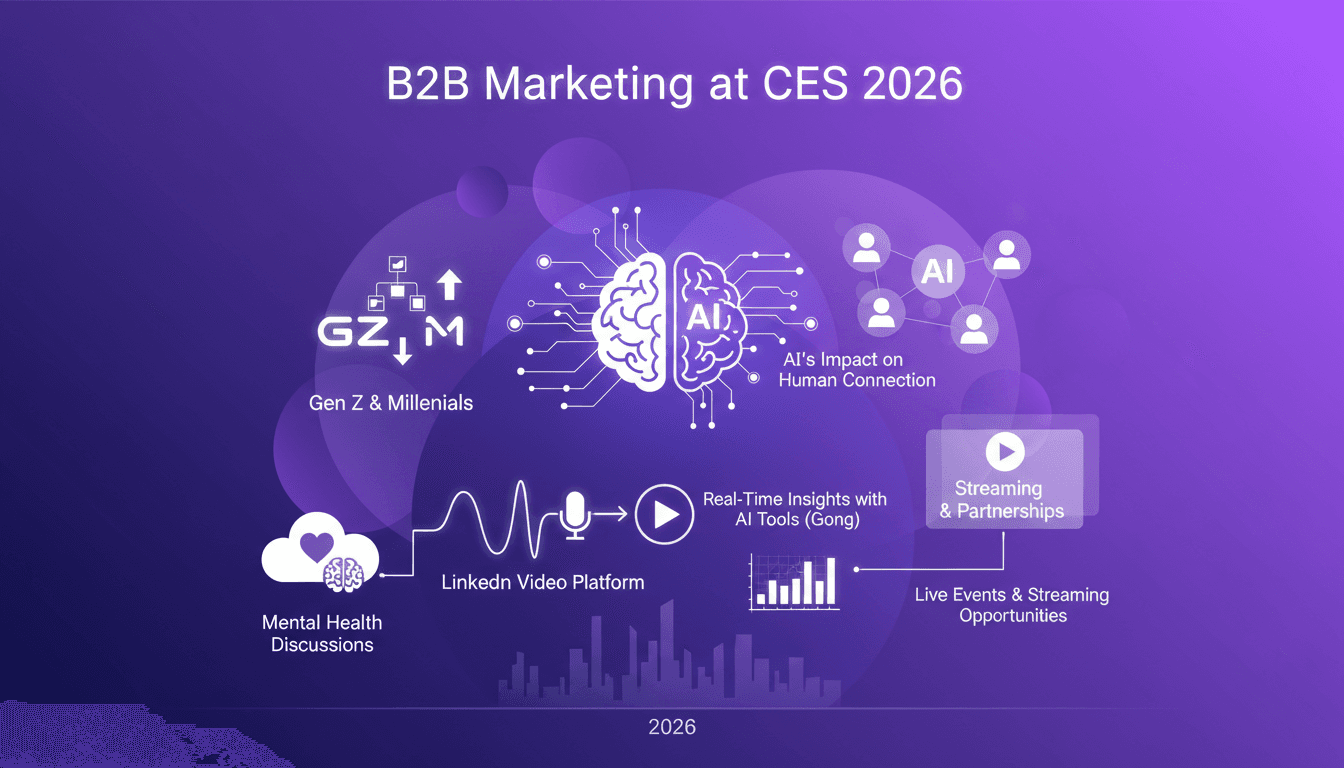
B2B Marketing 2026: AI and LinkedIn's Impact
I was at CES 2026, diving deep into LinkedIn's transformative journey. First, the shift towards video content hit me—it's not just a trend, it's the new norm. With Gen Z and millennials now influencing 71% of B2B decisions, LinkedIn's evolution into a video platform is a no-brainer. Let's unpack how AI and real-time insights are reshaping B2B marketing. LinkedIn is celebrating its 22nd anniversary, and they're not resting on their laurels. From tools like Gong to mental health discussions, they're paving the way for a new era of B2B marketing.
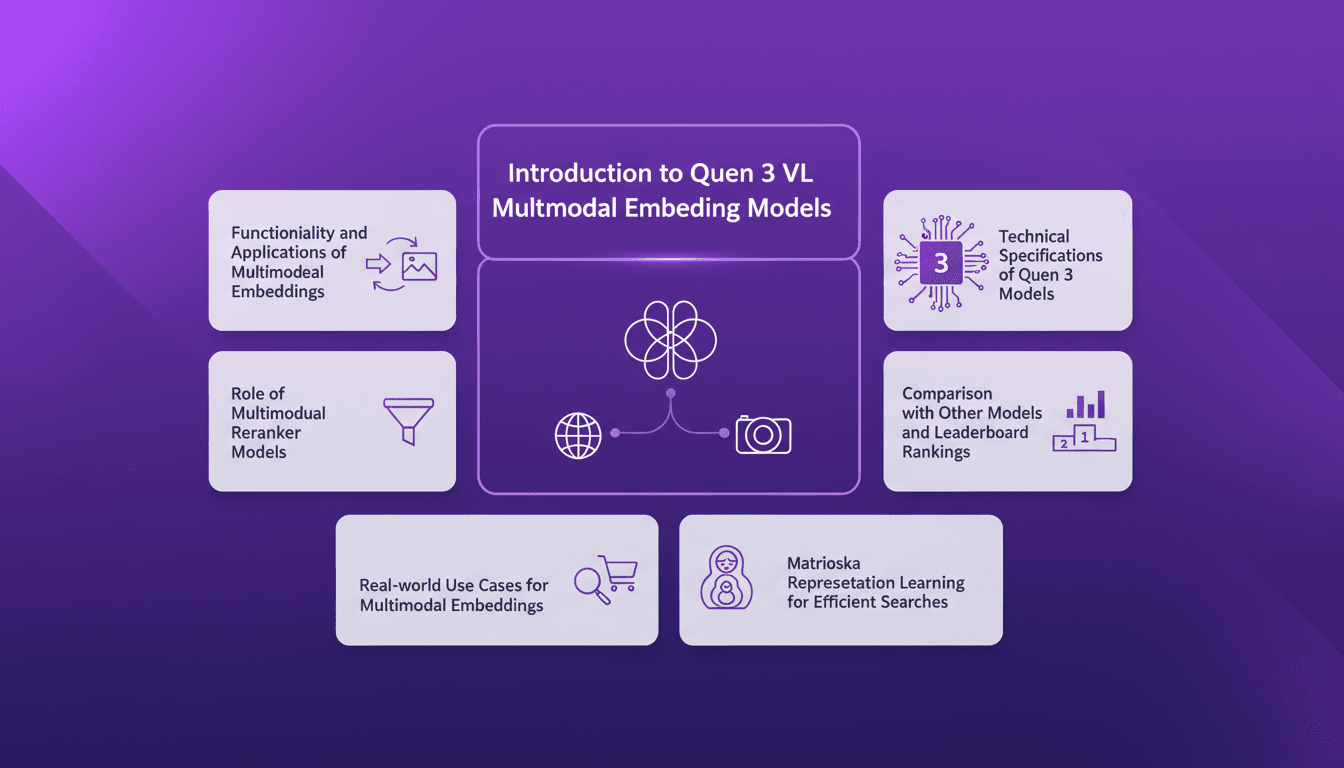
Harnessing Quen 3 Multimodal Embeddings
I dove into Qwen 3's multimodal embeddings, aiming to streamline my AI projects. The promise? Enhanced precision and efficiency across over 30 languages. First, I connected the embedding models, then orchestrated the rerankers for more efficient searches. The results? A model reaching 85% precision, a real game changer. But watch out, every tool has its limits and Qwen 3 is no exception. Let me walk you through how I set it up and the real-world impact it had.
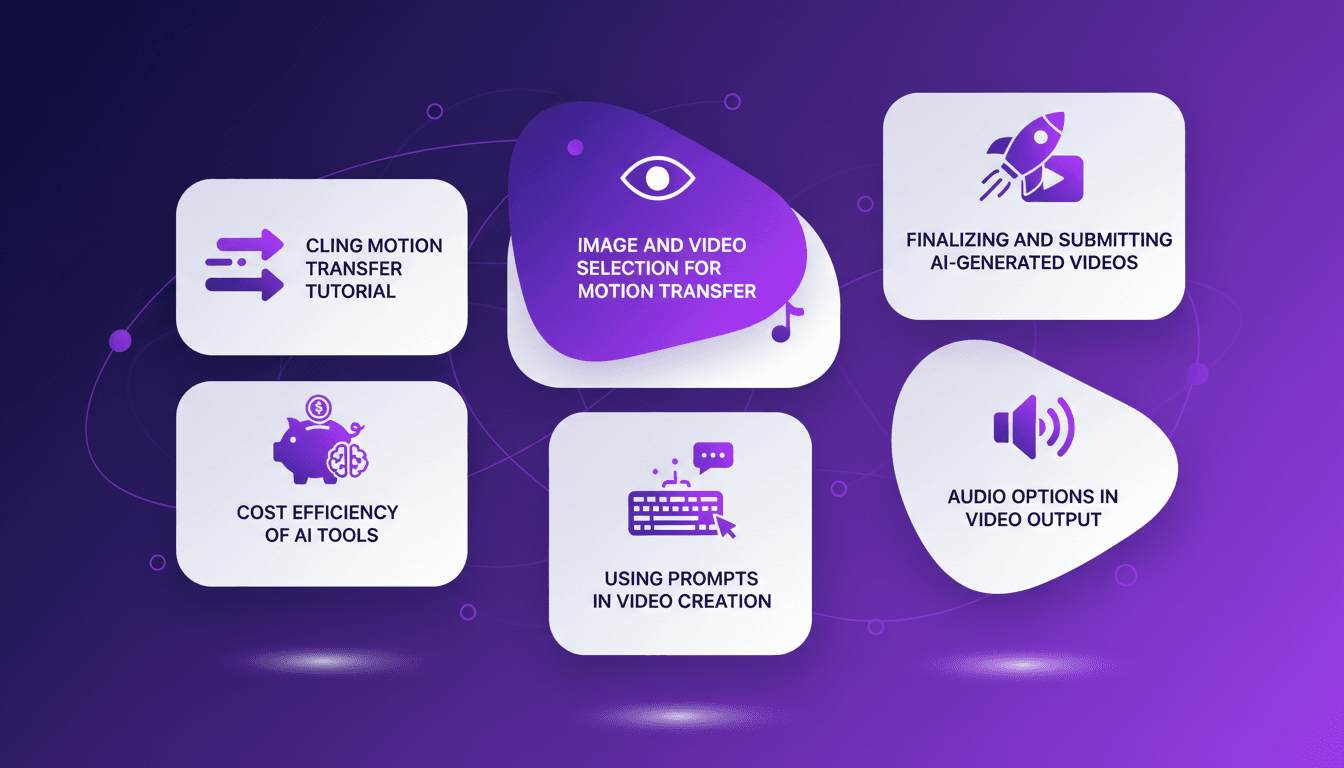
Mastering Cling Motion Transfer: A Cost-Effective Guide
I still remember the first time I tried Cling Motion Transfer. It was a game-changer. For less than a dollar, I turned a simple video into viral content. In this article, I'll walk you through how I did it, step by step. Cling Motion Transfer is an affordable AI tool that stands out in the realm of video creation, especially for platforms like TikTok. But watch out, like any tool, it has its quirks and limits. I'll guide you through image and video selection, using prompts, and how to finalize and submit your AI-generated content. Let's get started.

Fastest TTS on CPU: Voice Cloning in 2026
I remember the first time I tried running a text-to-speech model on my consumer-grade CPU. Slow, frustrating, like being stuck in the past. But with the TTH model, everything's changed. Imagine achieving lightning-fast TTS performance on regular hardware, with some astonishing voice cloning thrown in. In this article, I guide you through this 2026 innovation: from technical setup to comparisons with other models, and how you can integrate this into your projects. If you're a developer or just an enthusiast, you're going to want to see this.