ChatGPT Images 2.0: Multilingual Image Generation
I dove headfirst into ChatGPT Images 2.0, eager to see how it could revolutionize my creative workflow. The promise of multilingual support and high-resolution outputs had me immediately intrigued. In practice, it's a real leap forward for AI-driven image generation. We're talking multilingual capabilities, enhanced visual intelligence, and images that look natural. I started by connecting the 4K API to test high-resolution outputs, and honestly, the difference is striking. But watch out—there are limits, especially regarding token usage. It's a powerful tool for creators pushing boundaries. Let me walk you through how it played out.
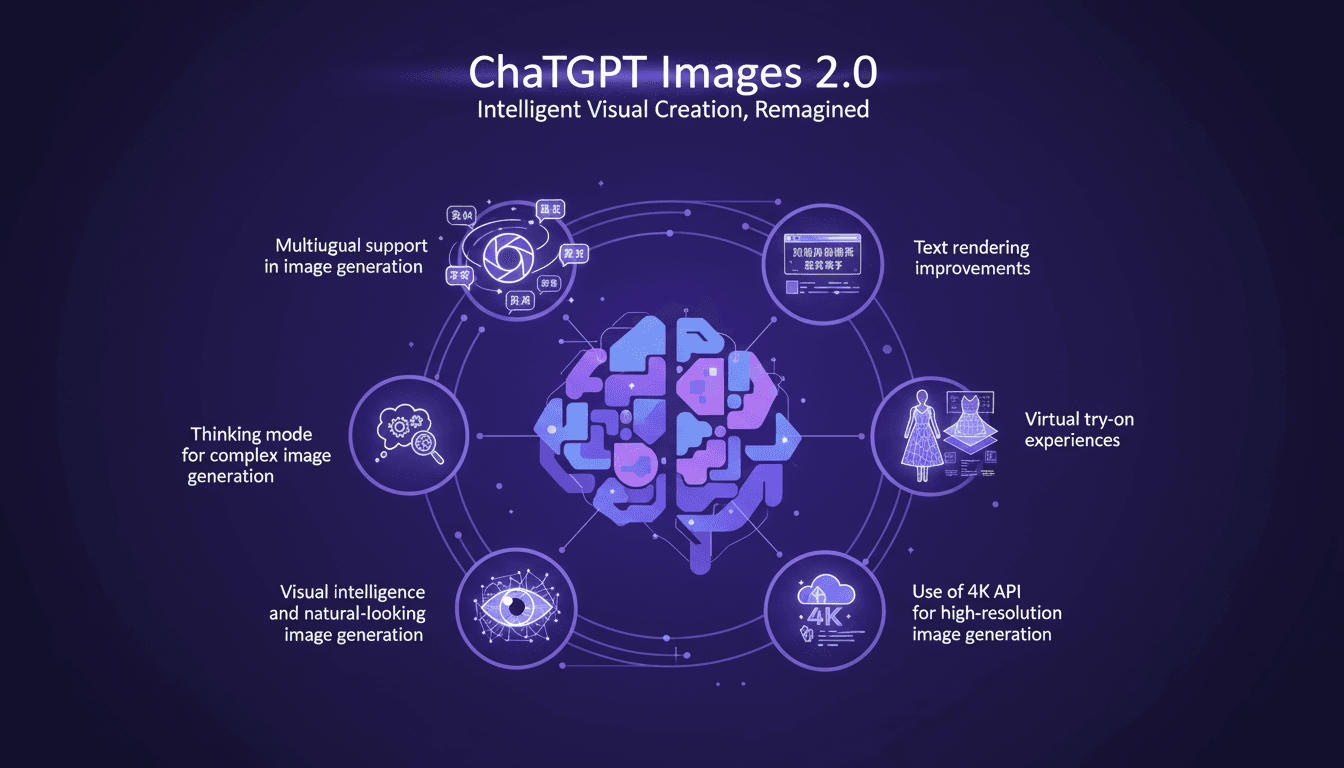
The moment I heard about ChatGPT Images 2.0, I knew I had to dive in and see what it was all about. The promise of multilingual support and high-resolution outputs immediately spoke to me, especially in my line of work where every detail counts. So, I started by connecting my 4K API to test high-res outputs, and I was blown away. The images are impressively sharp. But be careful—there are pitfalls to avoid, particularly with token usage, which can quickly skyrocket if you're not careful. The ability to generate natural-looking images, with improvements in text rendering across multiple languages, is a real plus. That said, I had a few surprises when attempting virtual try-on experiences—sometimes it's faster to revert to simpler methods. What I discovered is that ChatGPT Images 2.0 isn't just an update; it's a tool that, when used correctly, can truly transform the way we create visuals.
Getting Started with ChatGPT Images 2.0
Diving into ChatGPT Images 2.0 feels like unboxing a new toolkit for your digital creative workshop. Setup is a breeze: download, install, and you're ready to generate images with unmatched quality. The multilingual capabilities of this version broaden my creative canvas, allowing me to craft visuals in multiple languages.
The interface is intuitive, but watch out for the initial learning curve. I spent a few hours exploring all the features, but once you get the hang of it, it's a game changer. Version 2.0 is undoubtedly the smartest image generation model ever built, capable of producing complex, polished, production-ready visuals.
Exploring Multilingual Image Generation
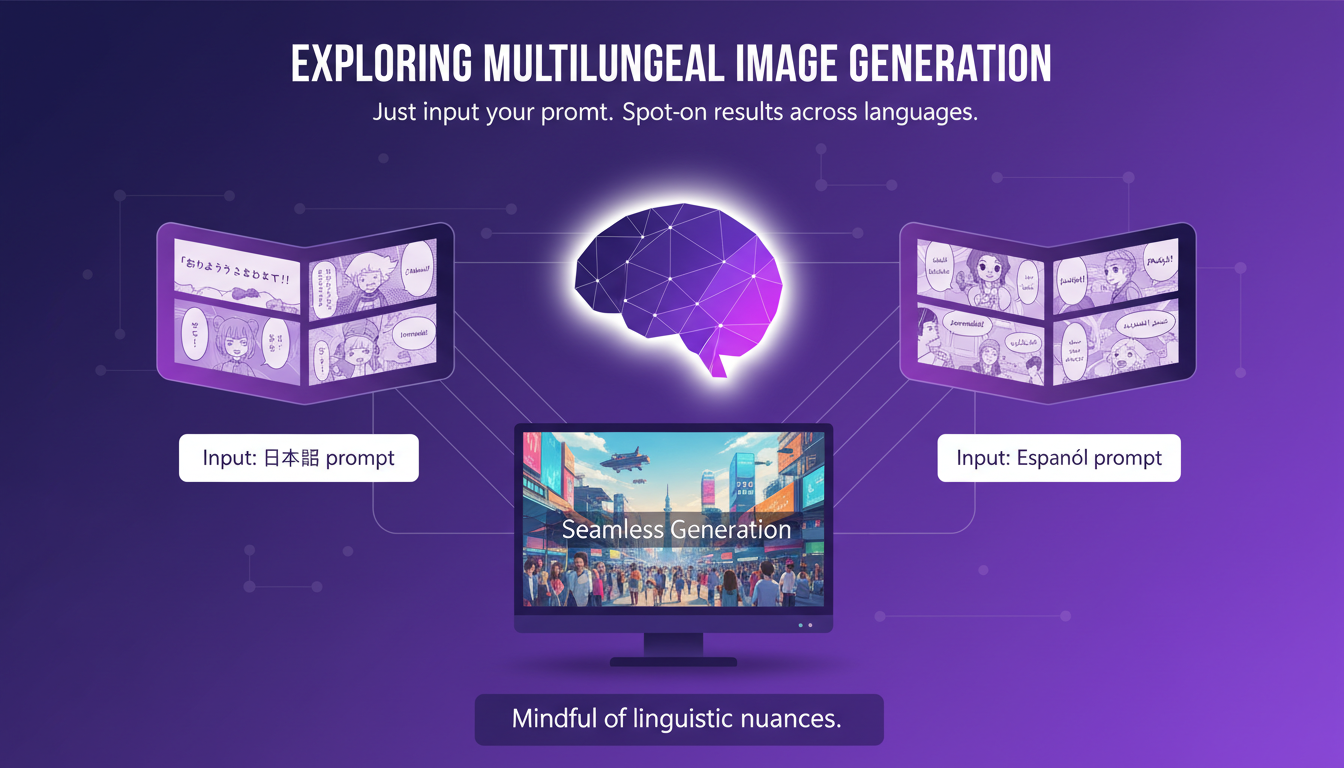
Generating images in different languages is seamless with ChatGPT Images 2.0. You just input your prompt, and the model works its magic. I tested this by generating three pages of a manga, and the results were spot-on. Each page maintained stylistic coherence, which is crucial for visual storytelling.
However, be mindful of the nuances in language-specific text rendering. The model has made significant strides in understanding non-Latin scripts, but challenges remain, especially with complex languages like Japanese or Korean.
Harnessing the Thinking Mode
The thinking mode is a powerful feature that allows for complex image generation. It's like having a digital brainstorming partner. From a single prompt, I was able to create eight different summer outfits, saving hours of work.
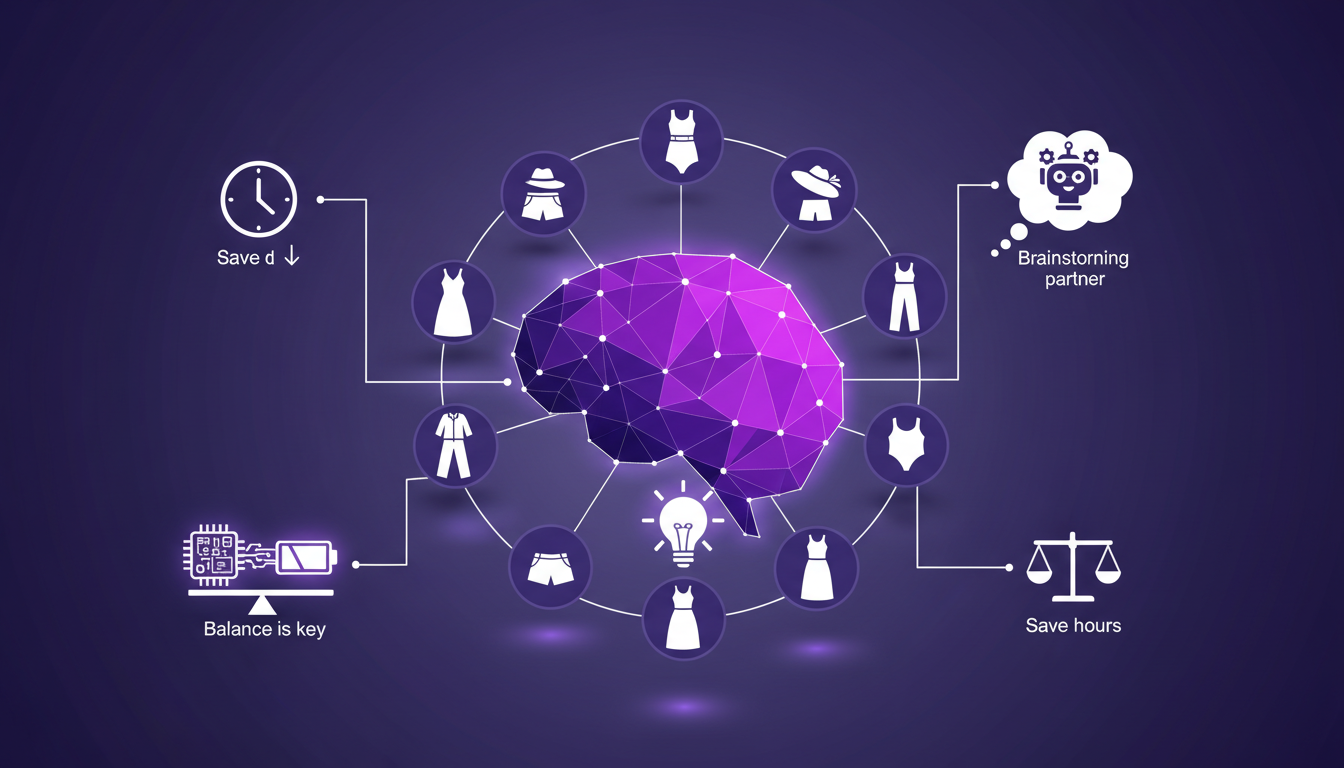
This mode is impressive, but watch for resource intensity. The model can become resource-heavy, so it's crucial to balance usage to avoid overloading your system.
- Use thinking mode for complex projects.
- Save resources by limiting simultaneous use.
Visual Intelligence and High-Resolution Outputs
The visual intelligence of ChatGPT Images 2.0 makes images look natural and lifelike. Say goodbye to the uncanny valley. With the 4K API, resolution reaches new heights, perfect for high-end projects.
But watch out, generating 4K images can be slow. I've noticed processing times can be lengthy, especially if you're stacking multiple tasks at once.
It's a real breakthrough for those seeking visual perfection, but be prepared to wait.
Virtual Try-On and Detailed Visual Outputs
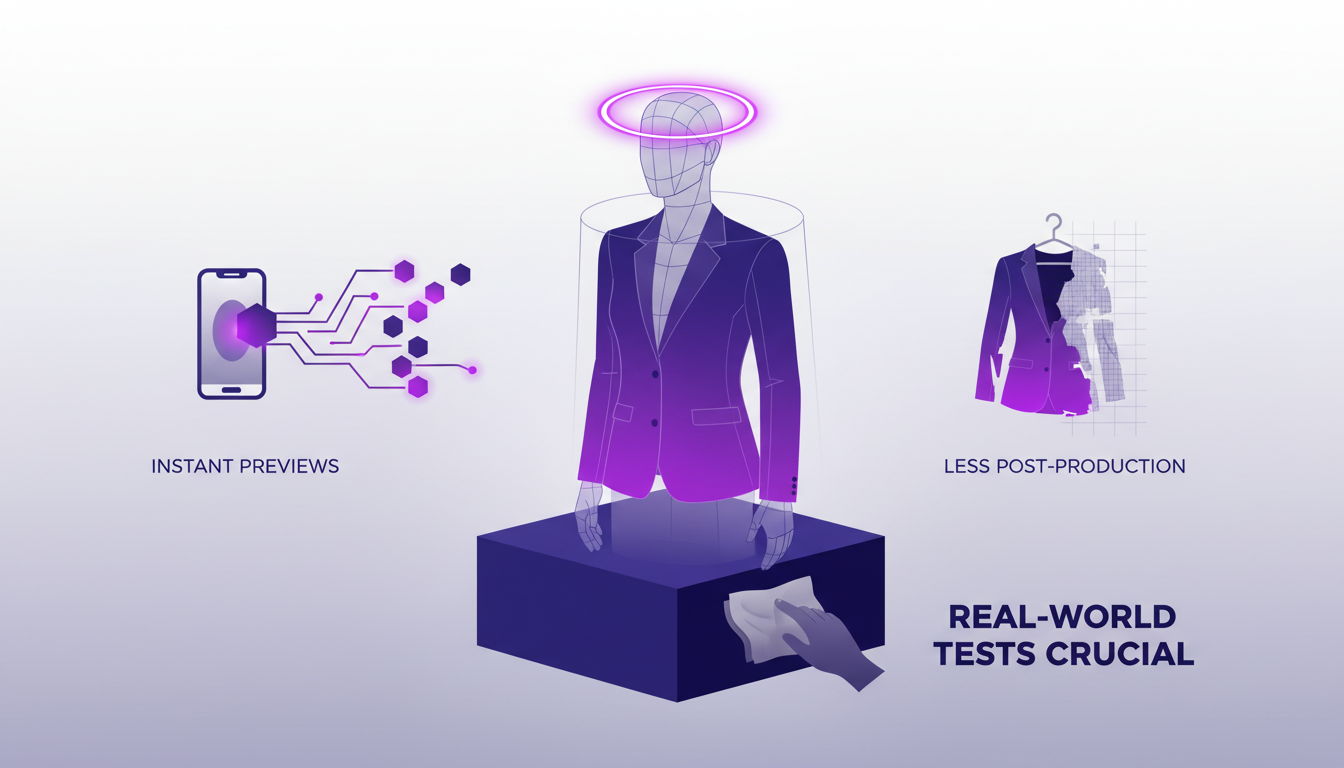
The virtual try-on feature is a game changer for fashion, offering instant previews. Detailed outputs mean less time spent on post-production tweaks. However, don't over-rely on virtual try-ons; real-world tests are still crucial for quality assurance.
- Use virtual try-ons to save time.
- Always conduct physical tests for final validation.
ChatGPT Images 2.0 is a game changer for those of us juggling visual creation. I've integrated this version 2.0 into my projects, and honestly, it expands creative boundaries like never before, especially with multilingual support. But watch out, there are limits not to be overlooked: the advanced visual intelligence is impressive, but you need to understand the trade-offs, like the 2K resolution which may not suffice for every project. Here are the key takeaways:
- Multilingual support that broadens creative possibilities.
- 'Thinking' mode for generating complex images.
- Visual intelligence making images more natural, but watch for resolution limits.
Looking ahead, I'm really excited to see how this tool can further evolve to enhance our visual projects. I encourage you to dive into ChatGPT Images 2.0, experiment, iterate, and share your experiences—this is how we improve. Check out the full video on YouTube to uncover the full potential of this tool. It's a valuable resource for any visual creator.
Frequently Asked Questions

Thibault Le Balier
Co-fondateur & CTO
Coming from the tech startup ecosystem, Thibault has developed expertise in AI solution architecture that he now puts at the service of large companies (Atos, BNP Paribas, beta.gouv). He works on two axes: mastering AI deployments (local LLMs, MCP security) and optimizing inference costs (offloading, compression, token management).
Related Articles
Discover more articles on similar topics
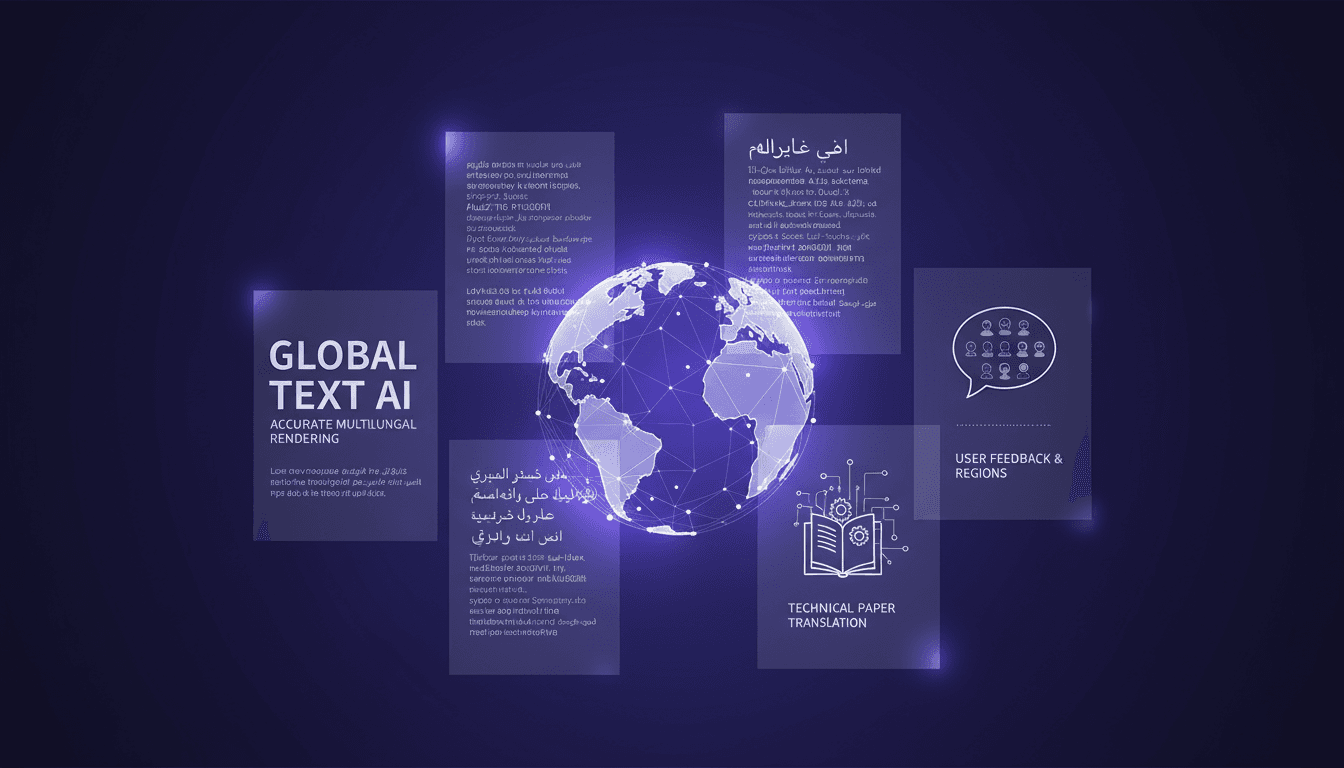
Multilingual Rendering: ChatGPT Images 2.0 in Action
I dove into ChatGPT Images 2.0 expecting the usual AI quirks, but what I found was a game-changer in multilingual text rendering. Let me walk you through how I tackled city poster creation in various languages. With this update, ChatGPT Images 2.0 promises improved multilingual capabilities and more accurate small text rendering. But how does it really hold up in real-world applications? I'll show you how I navigated the challenges of multilingual rendering and, by juggling user feedback from different regions, managed to translate and render a 100-page technical paper. It's really great as a tool, but watch out for context limits – beyond 100K tokens it gets tricky.
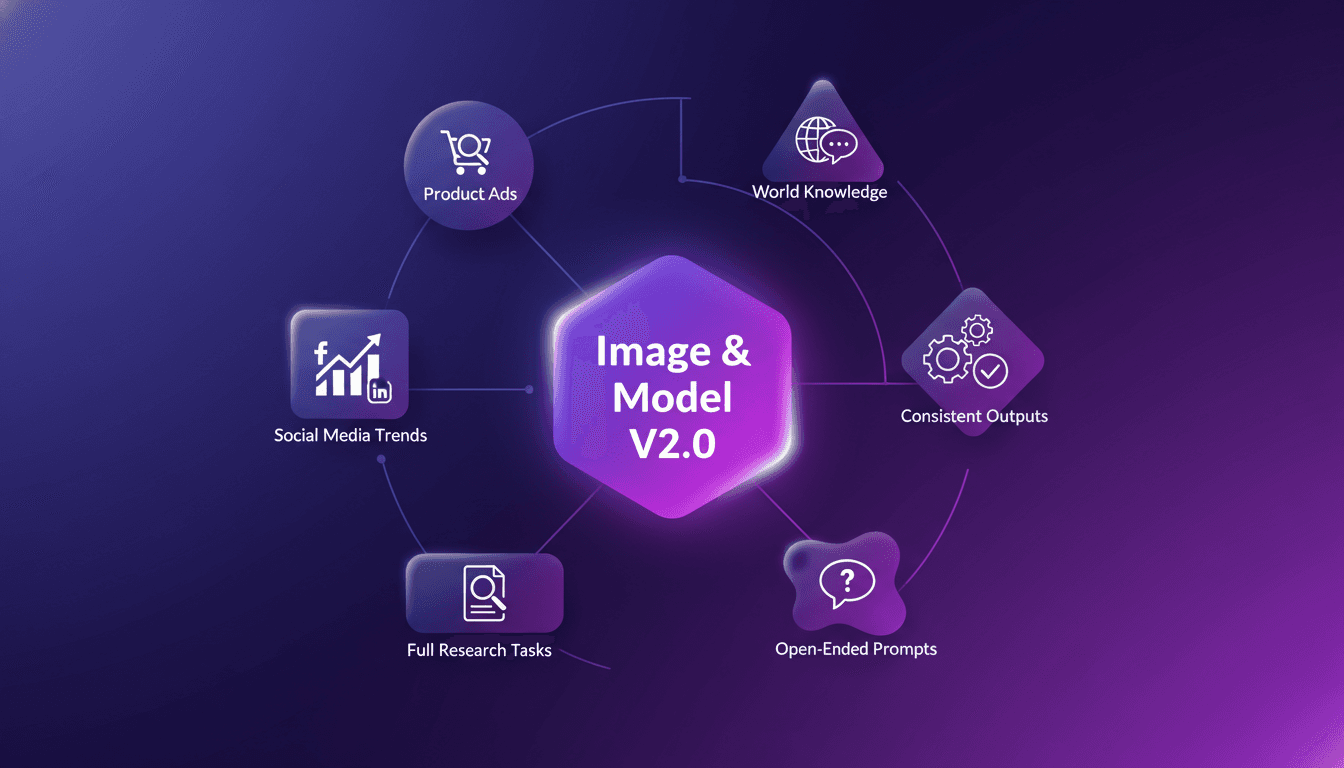
Harnessing ChatGPT Images 2.0: Create, Analyze
I dove into ChatGPT Images 2.0, and it's a real game changer for creating ads, summarizing knowledge, and analyzing trends. With Image and Model Version 2.0, we have tools that can transform our creative and analytical tasks. But it's not just about the tech—it's about how we use it efficiently. I started by exploring its capabilities for creating product ads, then moved on to summarizing world knowledge and analyzing social media trends over the last three decades. The impact is immediate when you know how to orchestrate it all. I'll walk you through how I make the most of it.
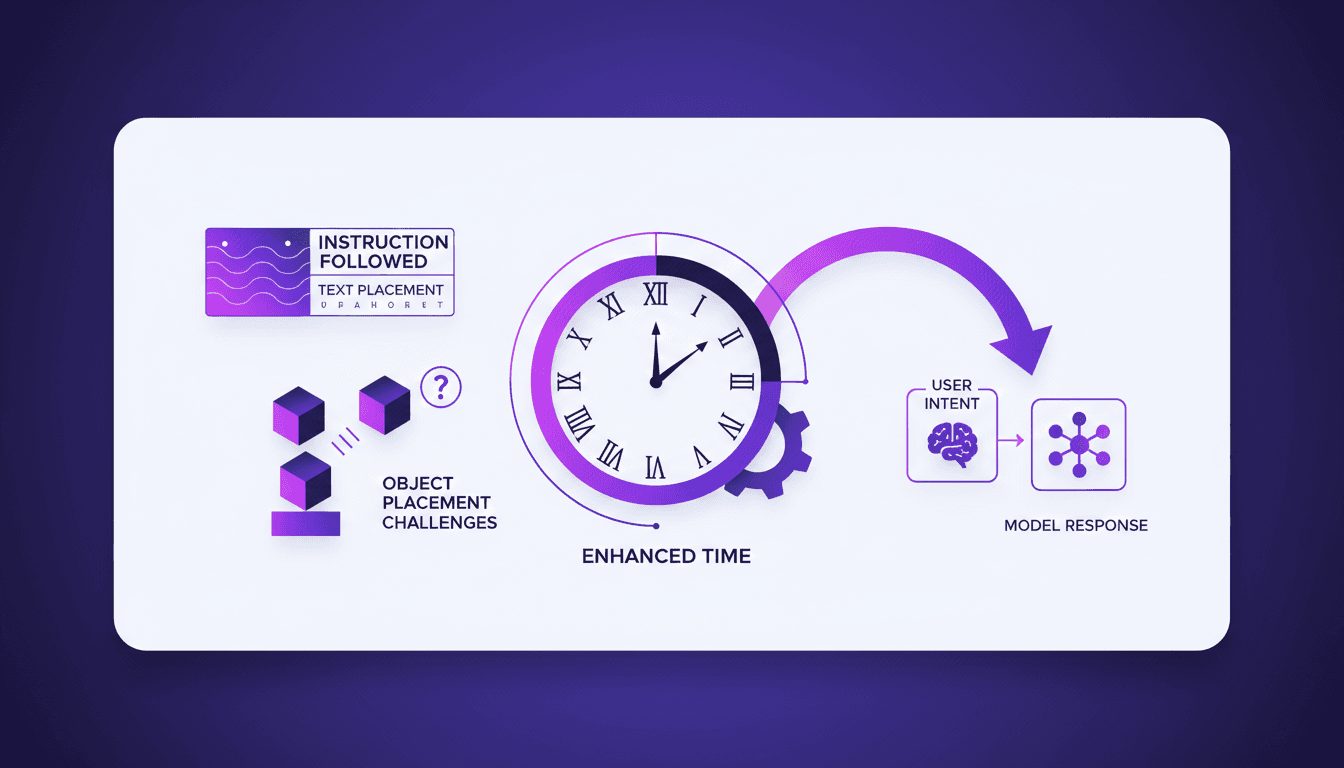
Instruction Following ChatGPT Images 2.0
I've spent hours trying to get an AI to follow precise instructions for image generation, and I can tell you, it's a real challenge. But with ChatGPT Images 2.0, we're starting to see real progress. I connect my workflows, test text rendering, and finally see objects landing where I want them. Watch out, there are still pitfalls, especially when it comes to rendering clocks accurately — but the results are promising. Want to know how I make it work? Join me as I dive into the capabilities of this new version.
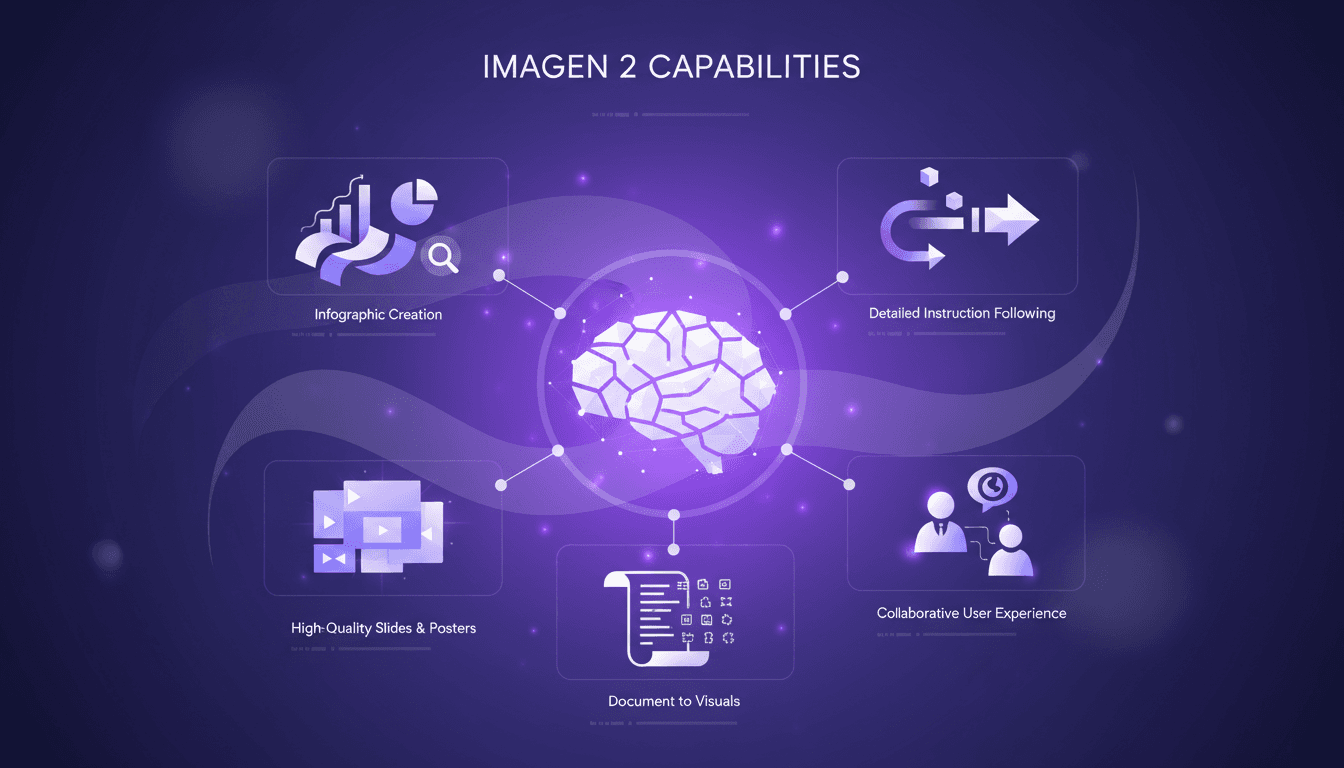
Craft Impactful Infographics with Imagen 2
I've been in the trenches, turning dense documents into visuals that actually speak to people. Imagen 2 has been my go-to for crafting infographics and slides that not only look professional but also convey the message clearly. Whether it's a 70-page PDF or a one-page poster, this tool makes life easier and presentations more impactful. I'll walk you through my process, step by step. We’ll dive into Imagen 2's capabilities, how I convert lengthy documents into concise visuals, and how I create high-quality slides and posters. Trust me, the user experience with Imagen 2 is collaboration at its finest.
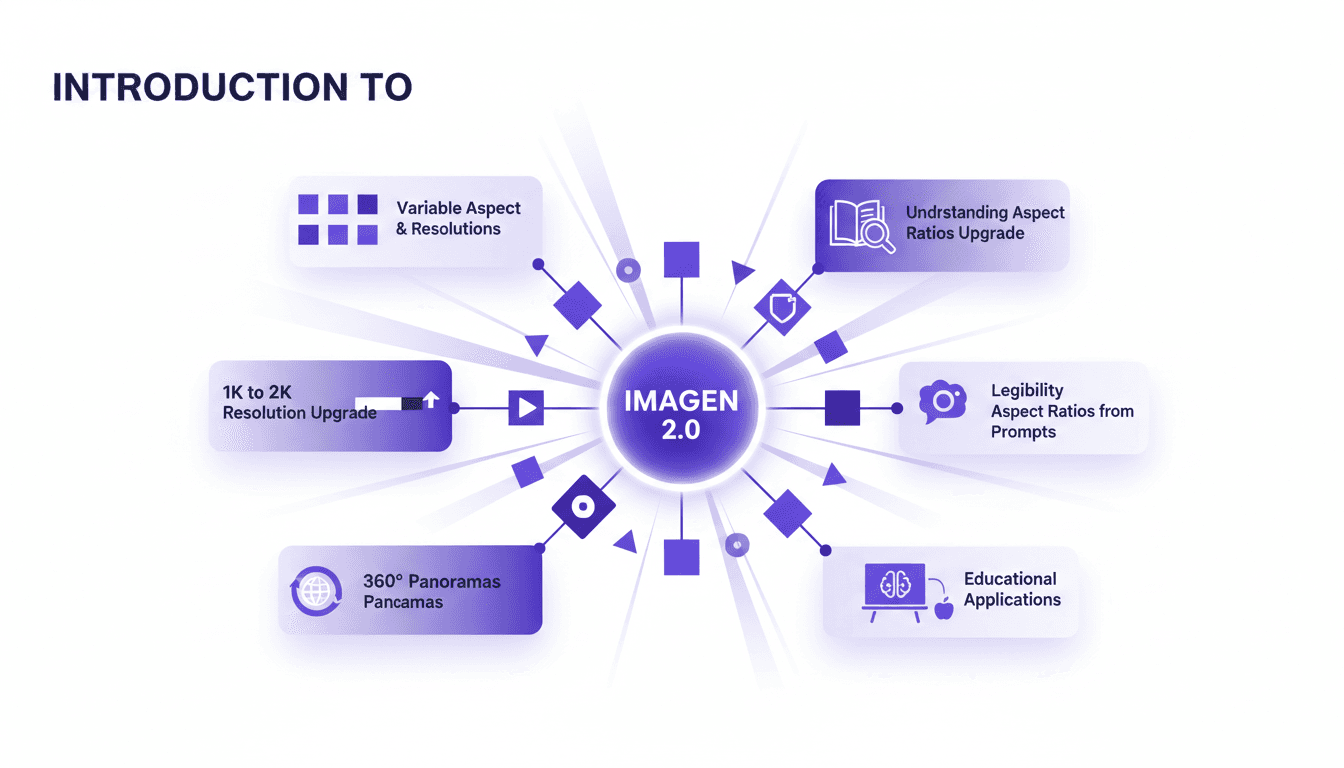
Aspect Ratios & Resolution with Imagen 2.0
I dove into Imagen 2.0 expecting just another upgrade, but what I found was a game changer. Shifting from 1K to 2K resolution and playing with aspect ratios truly opens up new doors for my projects. Imagine creating 360° panoramas or adjusting posters with a 3 by 1 ratio, all with impressive precision. Imagen 2.0 isn't just about better resolution—it's about flexibility and precision in image creation. Whether you're crafting educational materials or immersive panoramas, understanding these tools is crucial. In this tutorial, I'll walk you through mastering aspect ratios with Imagen 2.0, and I promise you'll never look at your projects the same way again.