Harnessing ChatGPT Images 2.0: Create, Analyze
I dove into ChatGPT Images 2.0, and it's a real game changer for creating ads, summarizing knowledge, and analyzing trends. With Image and Model Version 2.0, we have tools that can transform our creative and analytical tasks. But it's not just about the tech—it's about how we use it efficiently. I started by exploring its capabilities for creating product ads, then moved on to summarizing world knowledge and analyzing social media trends over the last three decades. The impact is immediate when you know how to orchestrate it all. I'll walk you through how I make the most of it.
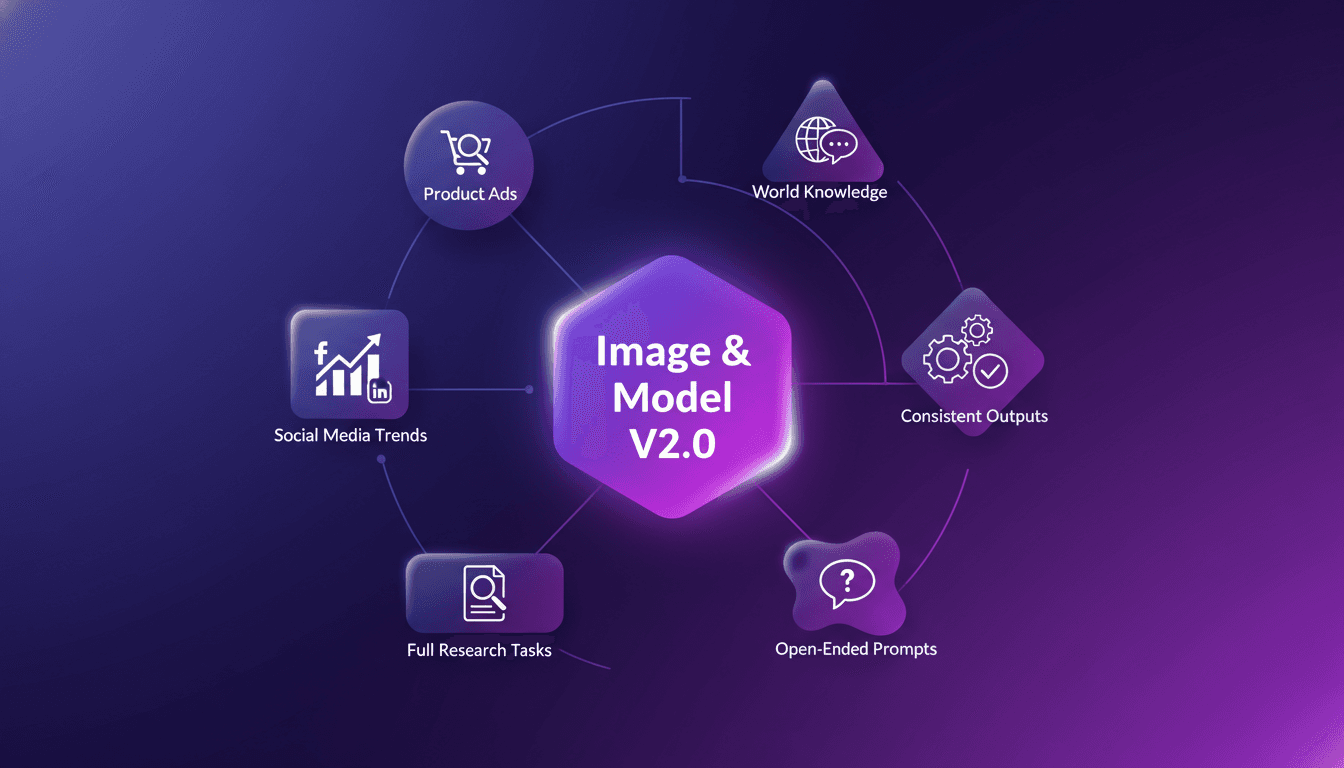
I dove into the latest ChatGPT Images 2.0, and let me tell you, it's a game changer for creating ads, summarizing knowledge, and researching trends. With the new Image and Model Version 2.0, we have tools that can transform how we handle creative and analytical tasks. But it's not just about the tech—it's about how we use it efficiently. I always start by testing its capabilities for creating product advertisements. Then I move on to summarizing world knowledge, and finally, I analyze social media trends over the last three decades. To generate consistent outputs, you need to execute full research tasks. And answering open-ended prompts becomes a breeze when you master these tools. I'll walk you through my workflow so you can also leverage what this technology has to offer.
Understanding Image and Model Version 2.0
First, diving into Image and Model Version 2.0 was eye-opening. It's not just an upgrade—it's a completely new toolkit. The model handles open-ended prompts with surprising nuance. However, watch out for the context limits—beyond certain points, it can get tricky. I found that using it for consistent outputs requires some orchestration, almost like conducting an orchestra where each section needs perfect synchronization.
“Image 2.0 is more than just an image generator for fun purposes; it has visual intelligence, designed for utility, beauty, and real-world creative work.”
Creating Product Advertisements
I started by creating ads for OpenAI merch. With the right prompts, it's pretty straightforward. What really impressed me was the model's ability to generate visually appealing images. However, don't over-rely on it for creativity—it requires direction. Efficiency tip: batch process similar tasks to save time.
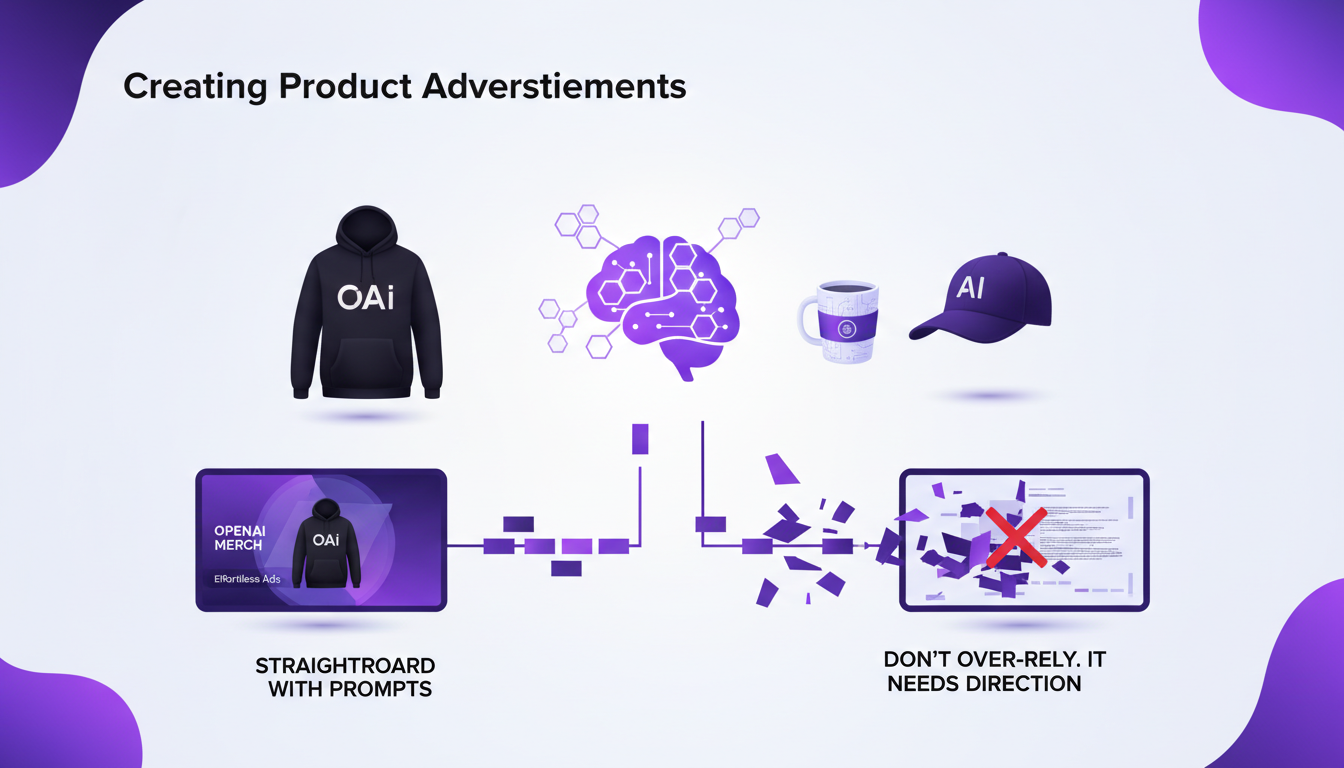
- Use clear prompts for precise results.
- Batch processing to optimize time.
- Always check for consistency in generated images.
Summarizing World Knowledge
My test case was summarizing Newton's contributions. The model condenses complex information into digestible summaries. Be cautious of accuracy—always cross-check critical facts. I use it to quickly draft outlines before deep dives into detailed analysis.
The model can truly unlock new use cases for teachers, especially for creating textbook renderings or note sheets.
OpenAI's Image 2.0 model shifts from art to toolAnalyzing Social Media Trends
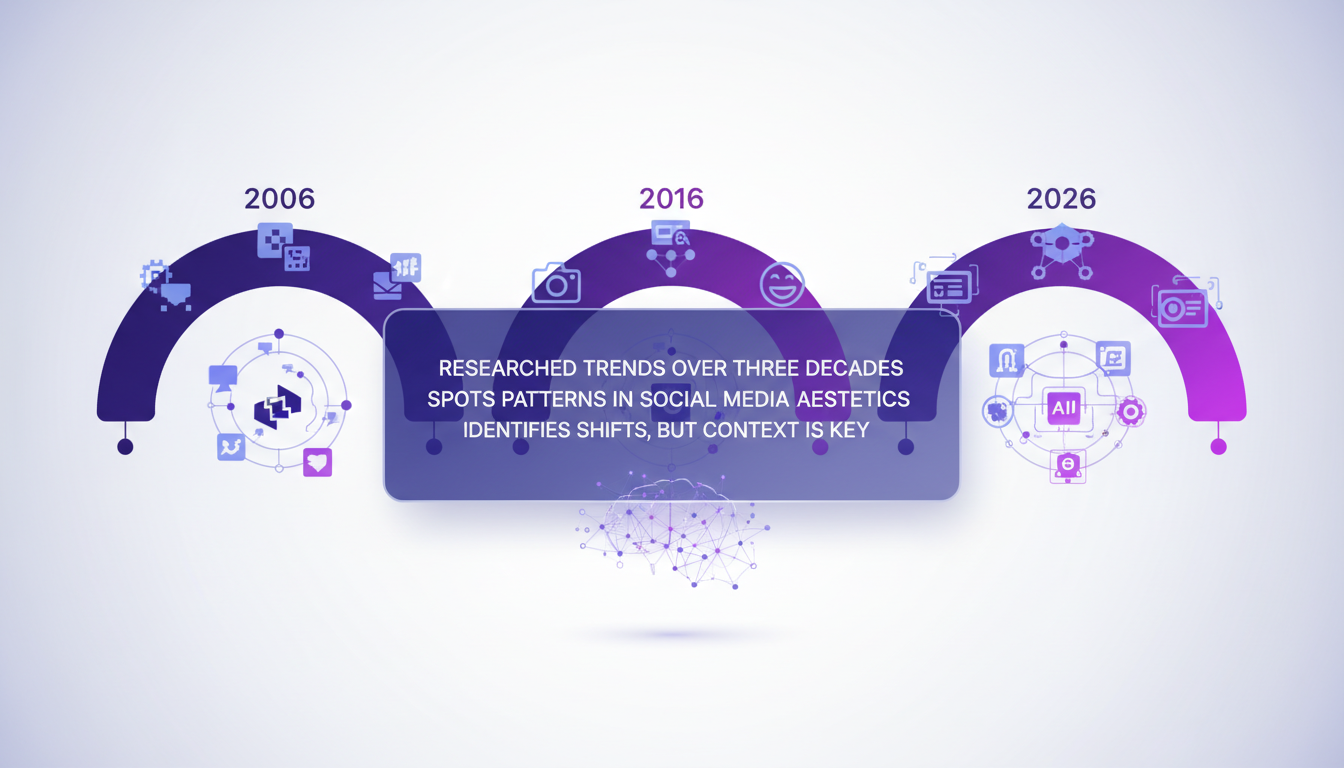
Researching trends over the past three decades (2006, 2016, 2026) allowed me to spot patterns in social media aesthetics. The model is great for identifying shifts, but remember, context is key. For comprehensive analysis, combine model insights with manual research.
- Use the model for quick insights.
- Complement with manual research for a full overview.
- Watch out for biases in analyzed data.
Executing Full Research Tasks
For full research tasks, I orchestrate multiple model outputs. Generating consistent outputs is possible with structured prompts. The trade-off: balancing depth and breadth in research outputs. I've streamlined my workflow by integrating model insights early.
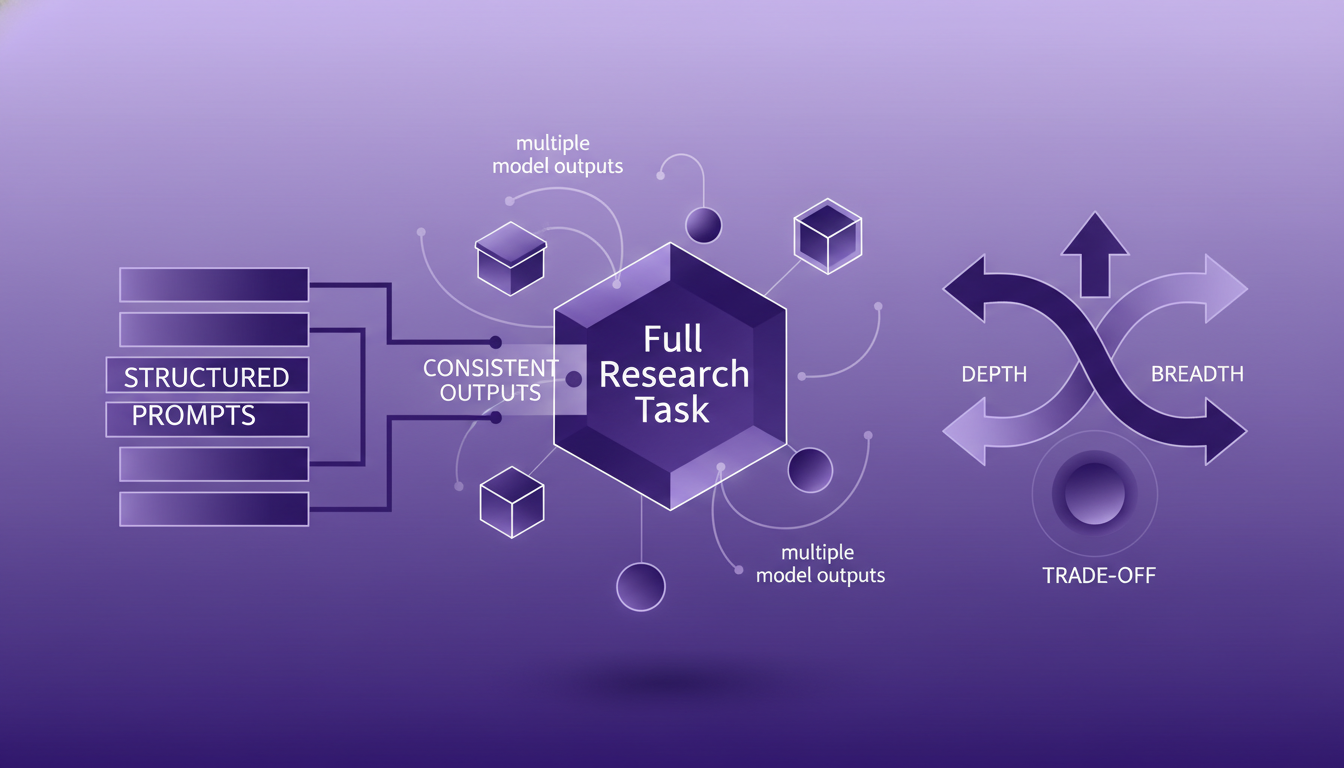
- Structure prompts for consistent outputs.
- Early integration of insights for optimized workflow.
- Balance depth and breadth for effective research.
Ultimately, the Image Model 2.0 is truly transformative, but with great tools come responsibilities and management requirements. Remember, always orchestrate with care.
In my day-to-day workflow, ChatGPT Images 2.0 is truly a game changer for creating, summarizing, and researching. I've leveraged this new image and model version 2.0 to craft impactful product advertisements, and it really shifts the playing field. But watch out, you need to orchestrate it well. Summarizing world knowledge has become straightforward, even for analyzing social media trends over the past three decades. Remember, every tool has its limits — staying strategic is key to maximizing efficiency and impact.
- Use it to create attention-grabbing product ads.
- Summarize vast world knowledge in a few clicks.
- Simplify complex trend analysis significantly.
Looking forward, I’m convinced this technology will continue to transform how we tackle complex tasks. But again, you need to know its limits to get the best out of it.
I encourage you to try it in your projects and see how it can transform your approach. And for a deeper understanding, check out the original video "Thinking & Intelligence with ChatGPT Images 2.0" on YouTube: https://www.youtube.com/watch?v=JJgwiuu-Axw.
Frequently Asked Questions

Thibault Le Balier
Co-fondateur & CTO
Coming from the tech startup ecosystem, Thibault has developed expertise in AI solution architecture that he now puts at the service of large companies (Atos, BNP Paribas, beta.gouv). He works on two axes: mastering AI deployments (local LLMs, MCP security) and optimizing inference costs (offloading, compression, token management).
Related Articles
Discover more articles on similar topics
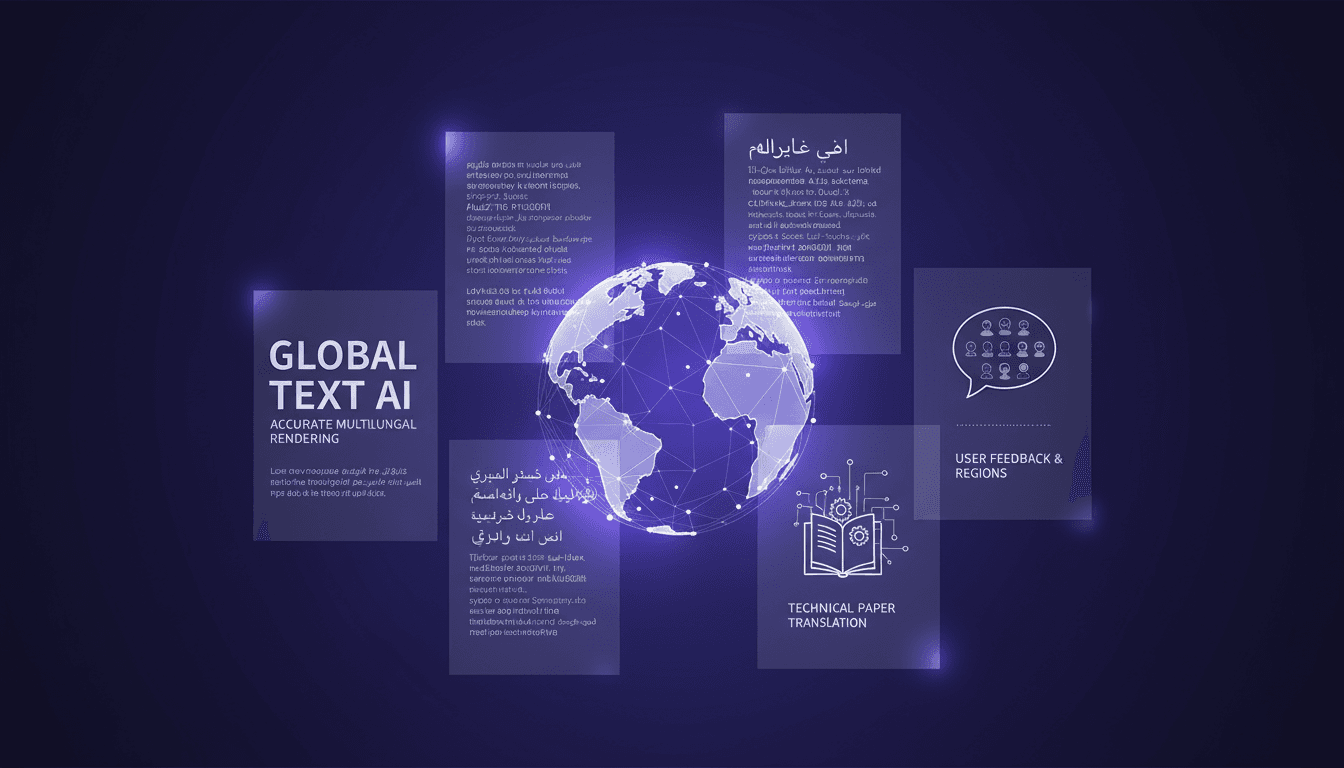
Multilingual Rendering: ChatGPT Images 2.0 in Action
I dove into ChatGPT Images 2.0 expecting the usual AI quirks, but what I found was a game-changer in multilingual text rendering. Let me walk you through how I tackled city poster creation in various languages. With this update, ChatGPT Images 2.0 promises improved multilingual capabilities and more accurate small text rendering. But how does it really hold up in real-world applications? I'll show you how I navigated the challenges of multilingual rendering and, by juggling user feedback from different regions, managed to translate and render a 100-page technical paper. It's really great as a tool, but watch out for context limits – beyond 100K tokens it gets tricky.
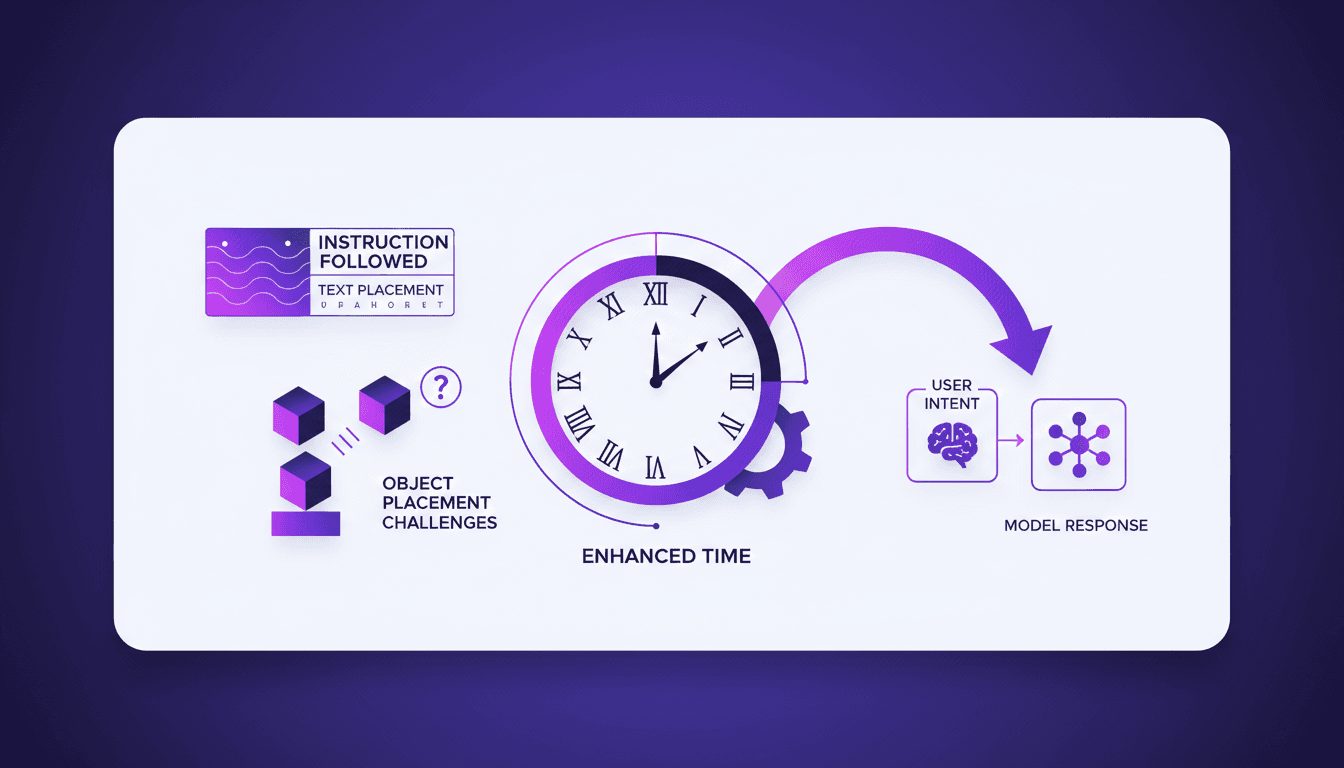
Instruction Following ChatGPT Images 2.0
I've spent hours trying to get an AI to follow precise instructions for image generation, and I can tell you, it's a real challenge. But with ChatGPT Images 2.0, we're starting to see real progress. I connect my workflows, test text rendering, and finally see objects landing where I want them. Watch out, there are still pitfalls, especially when it comes to rendering clocks accurately — but the results are promising. Want to know how I make it work? Join me as I dive into the capabilities of this new version.
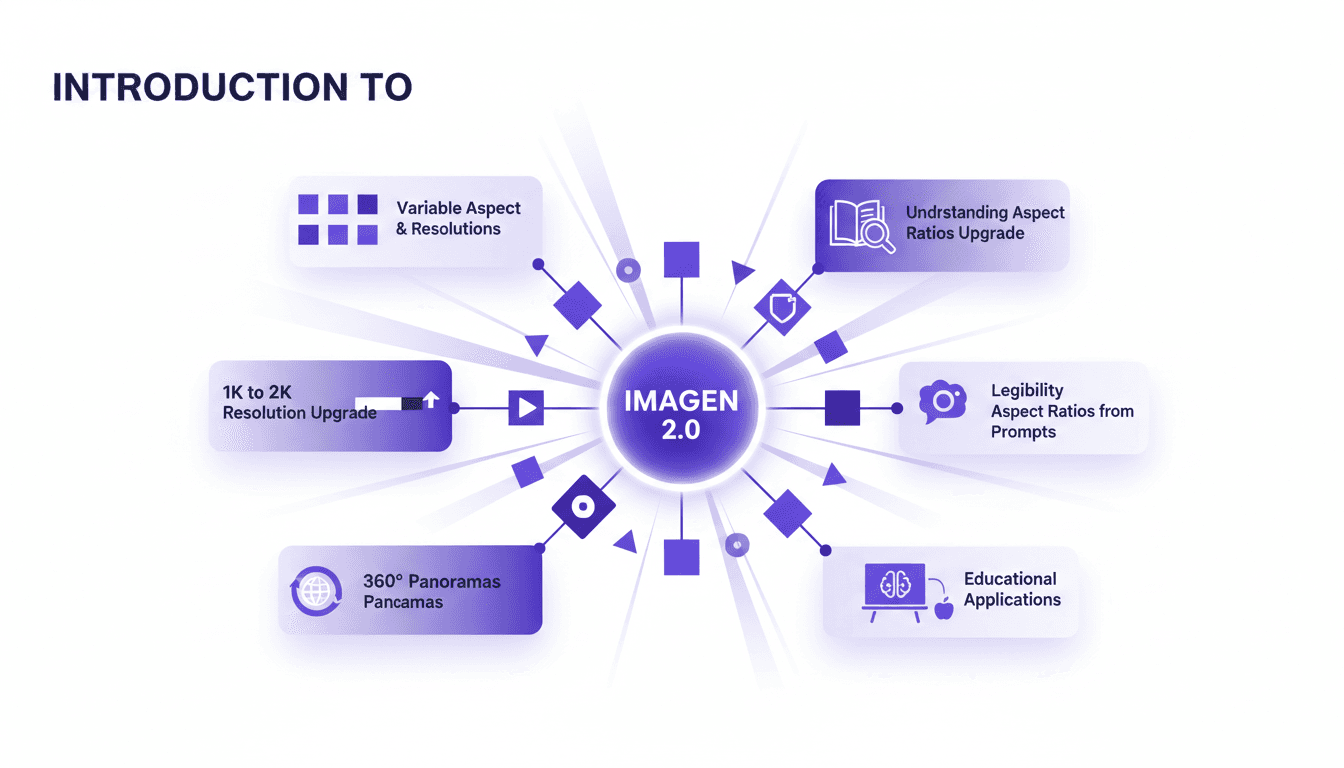
Aspect Ratios & Resolution with Imagen 2.0
I dove into Imagen 2.0 expecting just another upgrade, but what I found was a game changer. Shifting from 1K to 2K resolution and playing with aspect ratios truly opens up new doors for my projects. Imagine creating 360° panoramas or adjusting posters with a 3 by 1 ratio, all with impressive precision. Imagen 2.0 isn't just about better resolution—it's about flexibility and precision in image creation. Whether you're crafting educational materials or immersive panoramas, understanding these tools is crucial. In this tutorial, I'll walk you through mastering aspect ratios with Imagen 2.0, and I promise you'll never look at your projects the same way again.
Imagen 2.0: Revolutionizing Image Generation
When I first got my hands on Imagen 2.0, I was blown away by its potential. We're talking about generating 2K resolution images with multilingual support. The first thing I did was integrate it into my workflow, and the improvement is tangible. The advancement in resolution and detail is a real game changer, but watch out for technical limits in multi-image generation. Compared to previous models and DALL-E, Imagen 2.0 really stands out. This isn't about theory; I'm talking about daily impact on my practice. If you're aiming to innovate, this is the tool to explore.
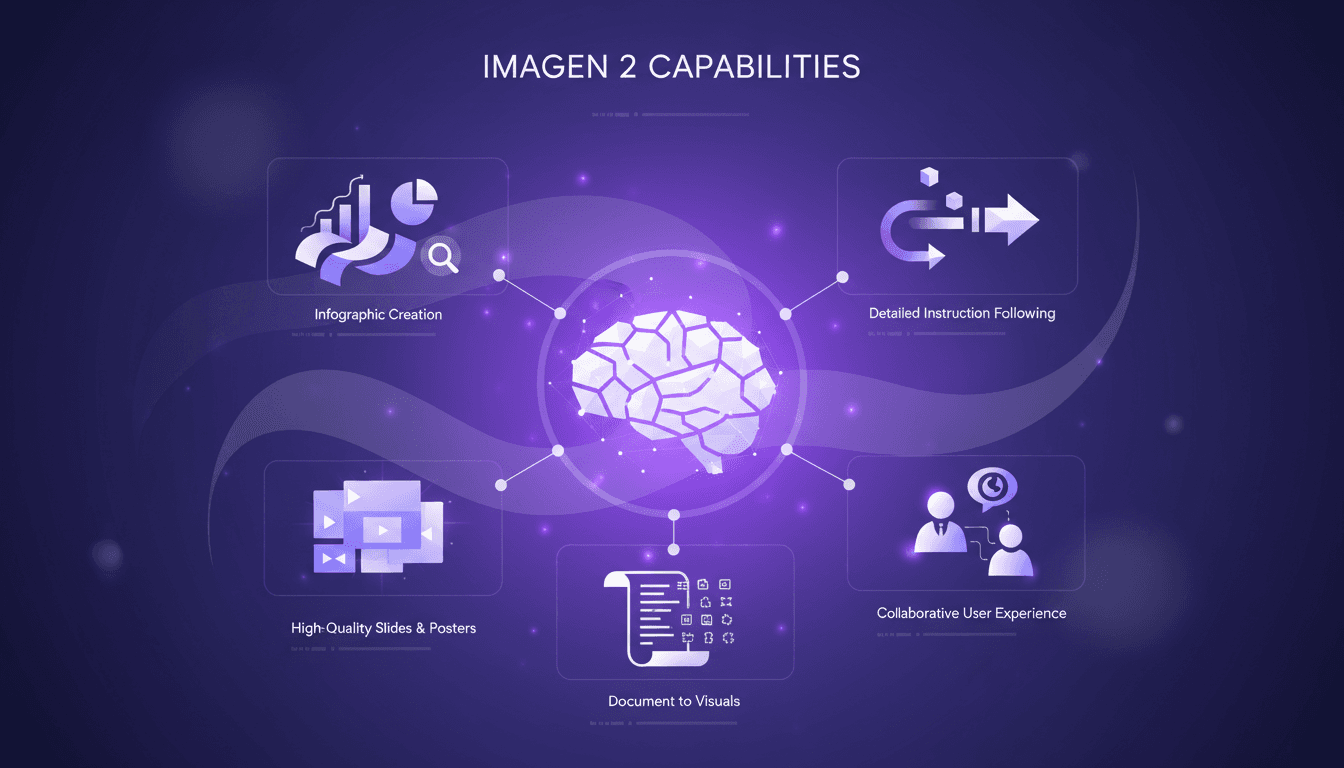
Craft Impactful Infographics with Imagen 2
I've been in the trenches, turning dense documents into visuals that actually speak to people. Imagen 2 has been my go-to for crafting infographics and slides that not only look professional but also convey the message clearly. Whether it's a 70-page PDF or a one-page poster, this tool makes life easier and presentations more impactful. I'll walk you through my process, step by step. We’ll dive into Imagen 2's capabilities, how I convert lengthy documents into concise visuals, and how I create high-quality slides and posters. Trust me, the user experience with Imagen 2 is collaboration at its finest.