AI Table Structure: Building Efficiently
I've been in the AI trenches, building agents that do more than just process data—they create their own structures. Let's talk about how these AI agents build their own data tables and why it's a game changer. In the AI world, creating dynamic data tables is crucial. It's not just about storing data; it's about making it actionable. How do I do it? I connect my agents to Map Reduce processes, create new columns for user sentiment analysis, and use Python for data visualization. But watch out, if you forget to properly structure your classification calls, you'll end up with a real mess.
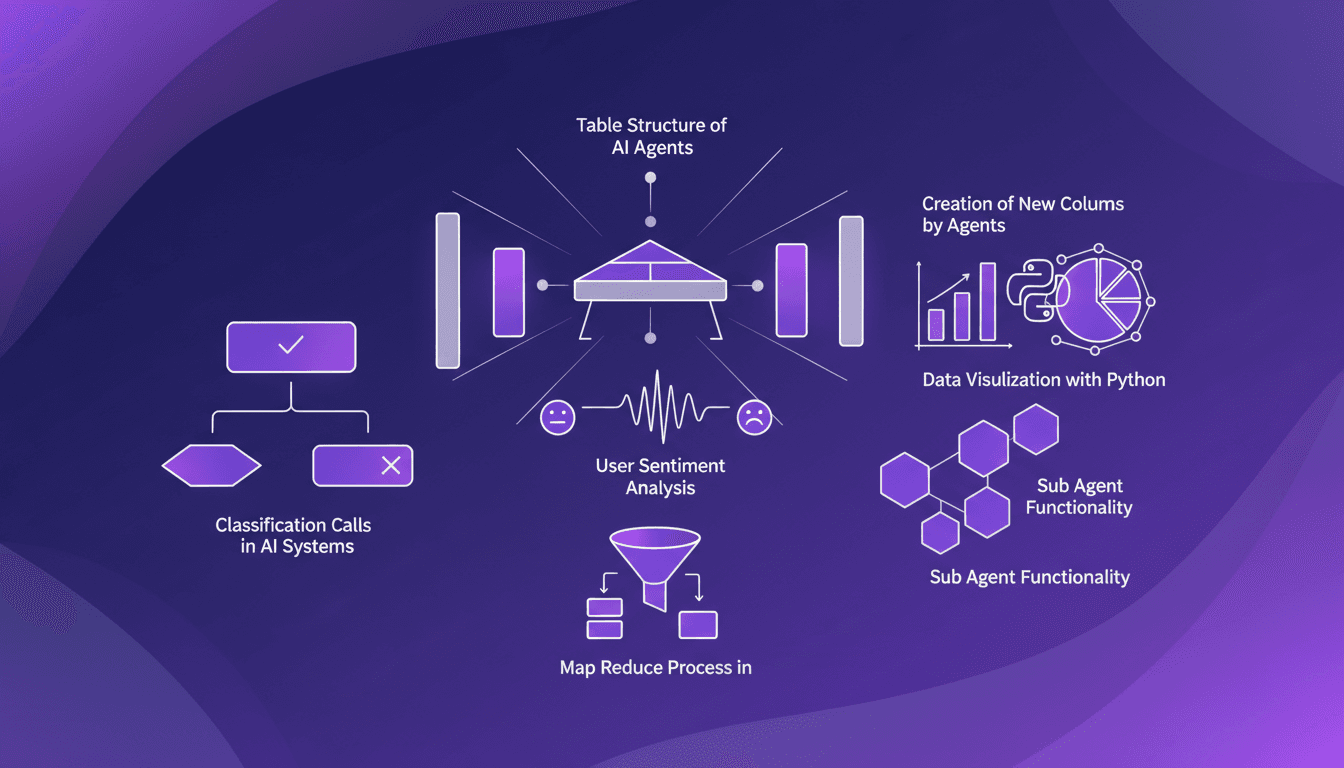
I've spent hours in the AI trenches, building agents that go beyond simple data management. They create their own structures. And that's what changes everything. We often talk about data storage, but I aim to make data actionable. How? First, I connect my agents to Map Reduce processes, a key step for optimizing efficiency. Then, these agents can create new columns for user sentiment analysis—positive, negative, or neutral. Python plays a crucial role here for data visualization. But watch out, if you neglect to properly structure your classification calls, you'll end up with a chaotic data mess that's tough to manage. That's how I pilot my agents, and believe me, the business impact is direct. So, if you're ready to orchestrate more efficiently, let's dive into AI table structures together.
Understanding Table Structure in AI Agents
When I'm building AI agents, table structure quickly becomes a foundational pillar. Why? Because a well-designed table allows for formidable AI efficiency. Each row represents a response, and each column, a question or feature. I often customize these columns to meet the AI's specific needs.
Dynamic data tables play a crucial role in AI processing. They adjust according to new data, which is a major advantage. However, there are trade-offs between static and dynamic tables. Dynamic tables gain flexibility, but watch out for performance costs when they become too complex. I've learned the hard way that it can slow down the entire system.
Creating New Columns for User Sentiment
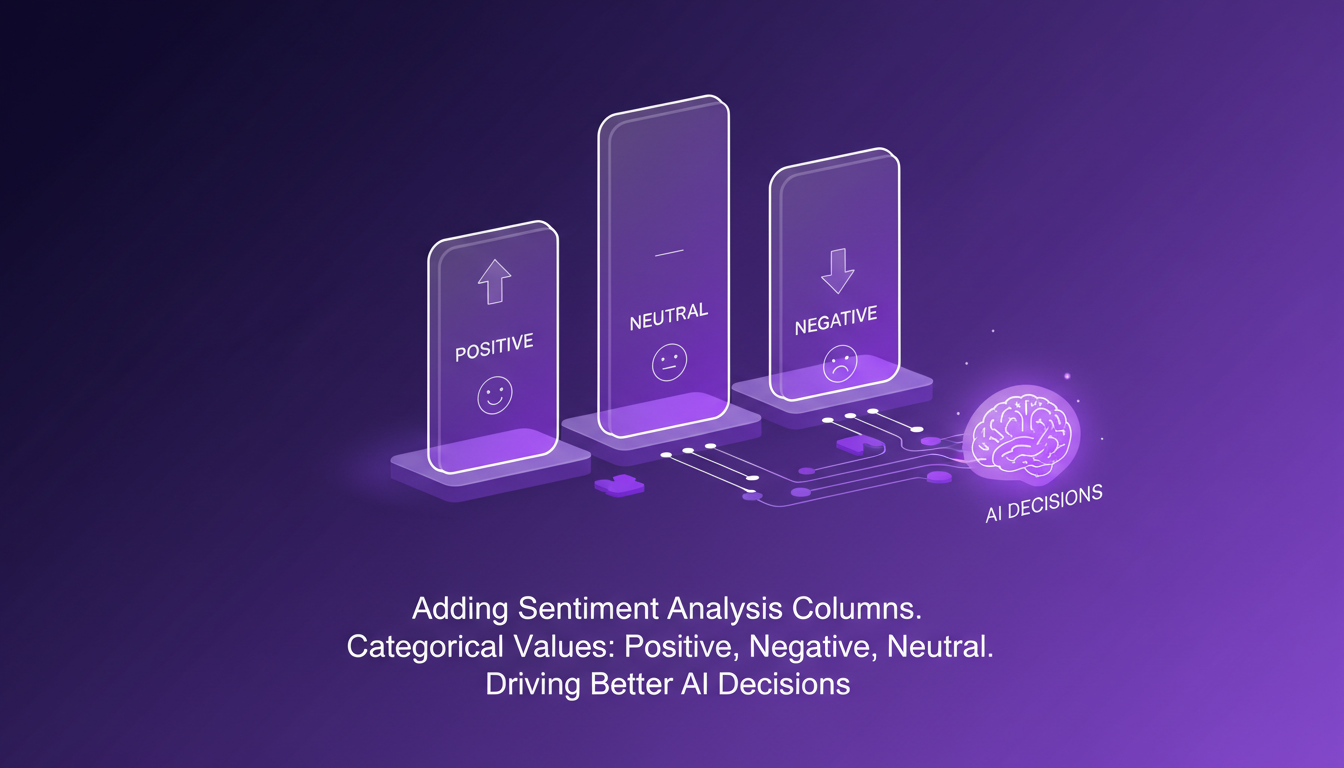
Adding sentiment analysis columns is a step I often take. First, I define the categories of values: positive, negative, neutral. This allows the AI to make better decisions by understanding user sentiment.
But, beware of the pitfalls! Data bias and misinterpretation can skew results. Sometimes, you need to balance the level of detail with data processing speed. I've been caught off guard discovering hidden biases in the data.
Data Visualization with Python: From Tables to Charts
Python is my go-to tool for data visualization. Transforming tabular data into actionable insights is essential. Python libraries offer powerful tools for this.
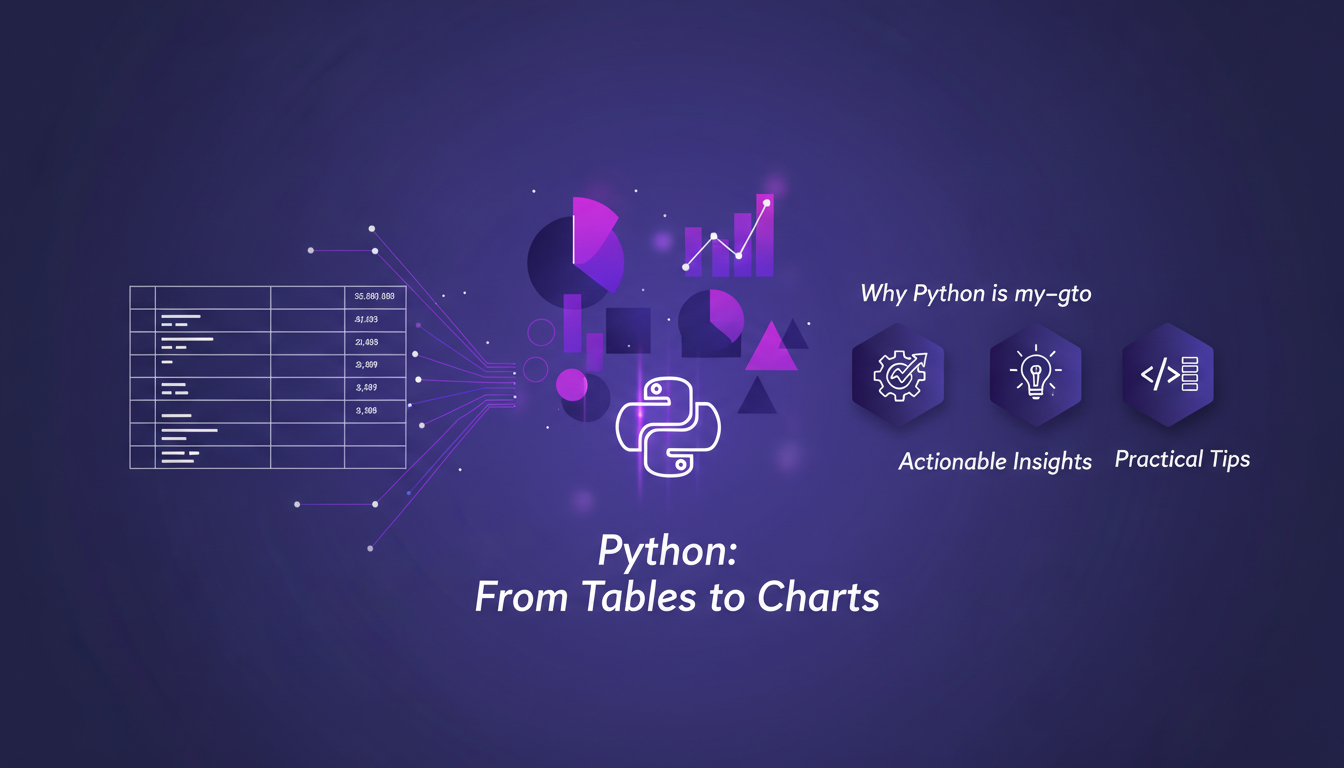
However, there are mistakes to avoid. Poor visualization can mislead. I've learned to use libraries like matplotlib and seaborn to steer clear of these pitfalls and improve decision-making with clear visual data.
Leveraging Sub Agents for Classification
Sub agents are a secret weapon to enhance classification tasks. They are integrated into the main AI workflow and add value by efficiently classifying data.
But beware, don't overcomplicate their integration. I've seen projects fail because of overly complex sub agents. Finding the balance between complexity and functionality is crucial.
Map Reduce Process in AI: A Practical Guide
Let's demystify the Map Reduce process for AI. It's a powerful tool for handling large-scale data. First, you segment the data, then process it in batches before reducing it to obtain actionable results.
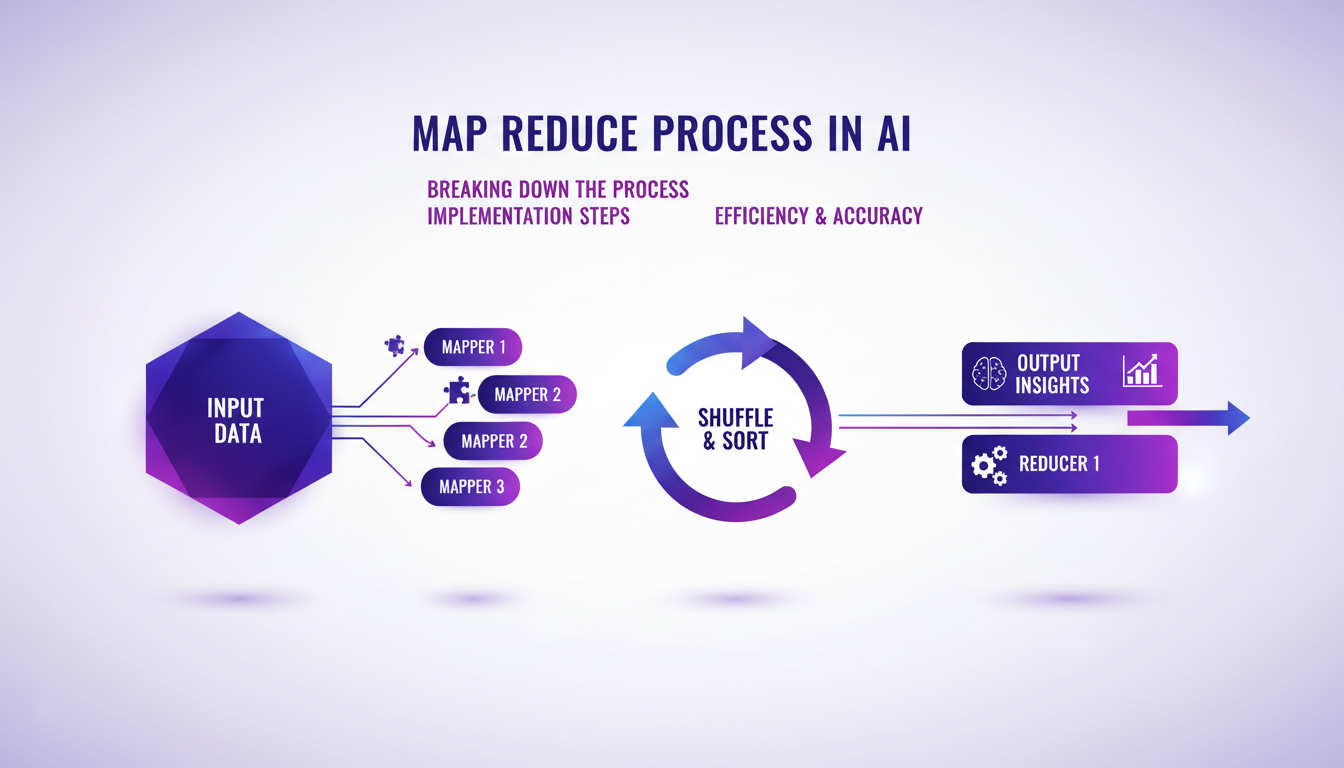
The challenge is maintaining a balance between efficiency and accuracy. I've encountered obstacles, but overcame them by adjusting processing parameters. Map Reduce is essential for large data projects, significantly reducing processing time.
Building AI agents that can structure their own data tables is truly a game changer. First, I use Python to chart the data, which gives me a quick visual on trends and helps me pivot my strategy. Then, I set up agents to create new columns dynamically, optimizing user sentiment analysis—positive, negative, neutral. But watch out, you need to manage processing load and data complexity, or you'll get tangled.
• Auto-structuring tables: massive time saver • New columns on the fly: dynamic data adjustment • Sentiment analysis: handy for user feedback
Looking ahead? I’d say these practices will revolutionize our AI workflows, but always be mindful of performance limits.
Ready to optimize your AI workflows? Dive into the full video to explore these practices deeper. I promise it's worth your time.
Video link: YouTube
Frequently Asked Questions

Thibault Le Balier
Co-fondateur & CTO
Coming from the tech startup ecosystem, Thibault has developed expertise in AI solution architecture that he now puts at the service of large companies (Atos, BNP Paribas, beta.gouv). He works on two axes: mastering AI deployments (local LLMs, MCP security) and optimizing inference costs (offloading, compression, token management).
Related Articles
Discover more articles on similar topics
AI Agents for Analysis: Challenges and Solutions
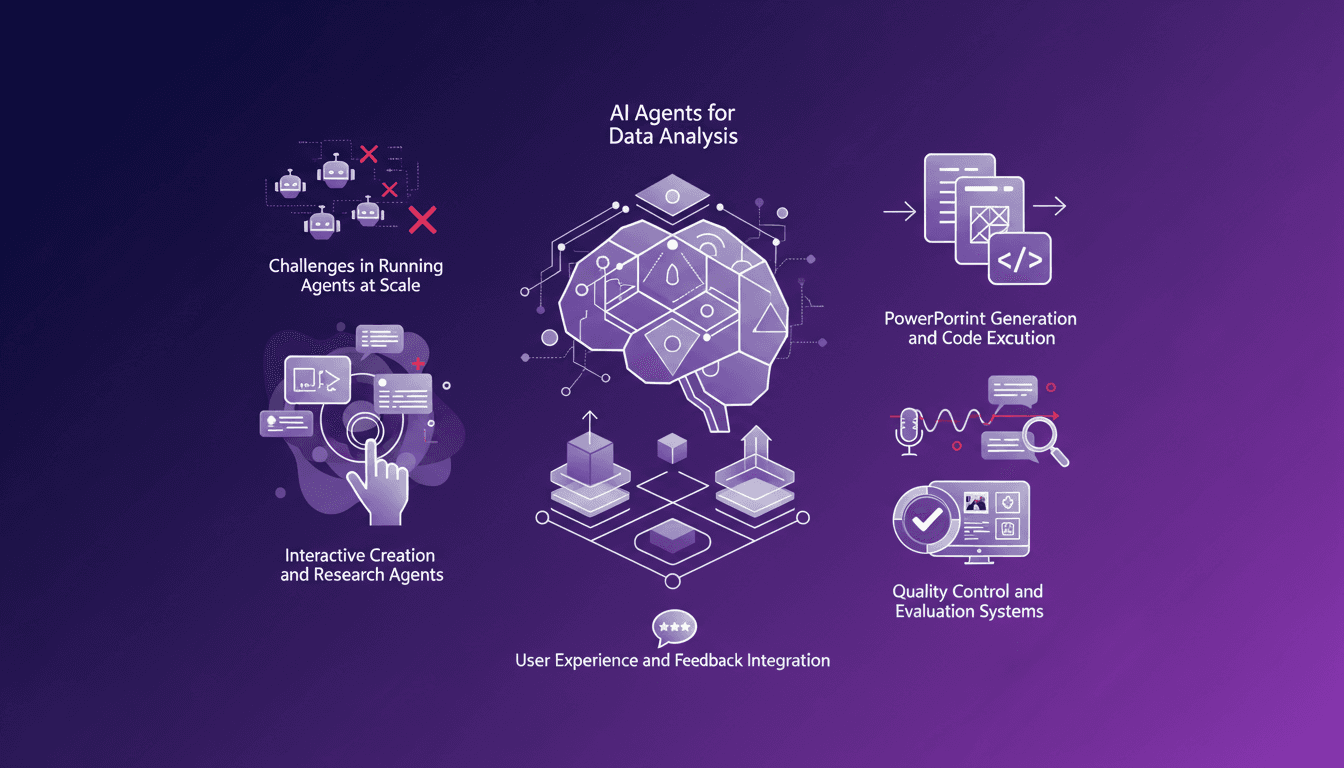
When I say I've spent hours in the trenches orchestrating AI agents for data analysis, I mean it. Generic agents look great in demos, but in real life, you have to juggle robust architectures, integrate user feedback, and more. Take the challenge of spawning 500 agents for a specific tool, for instance—it's a puzzle. Plus, a single analysis run can easily take 30 minutes, and trust me, those minutes add up fast. I'm sharing my solutions, my mistakes, and what truly works.
Building with GPT 5.5 and Codex: Cut the Third Parties
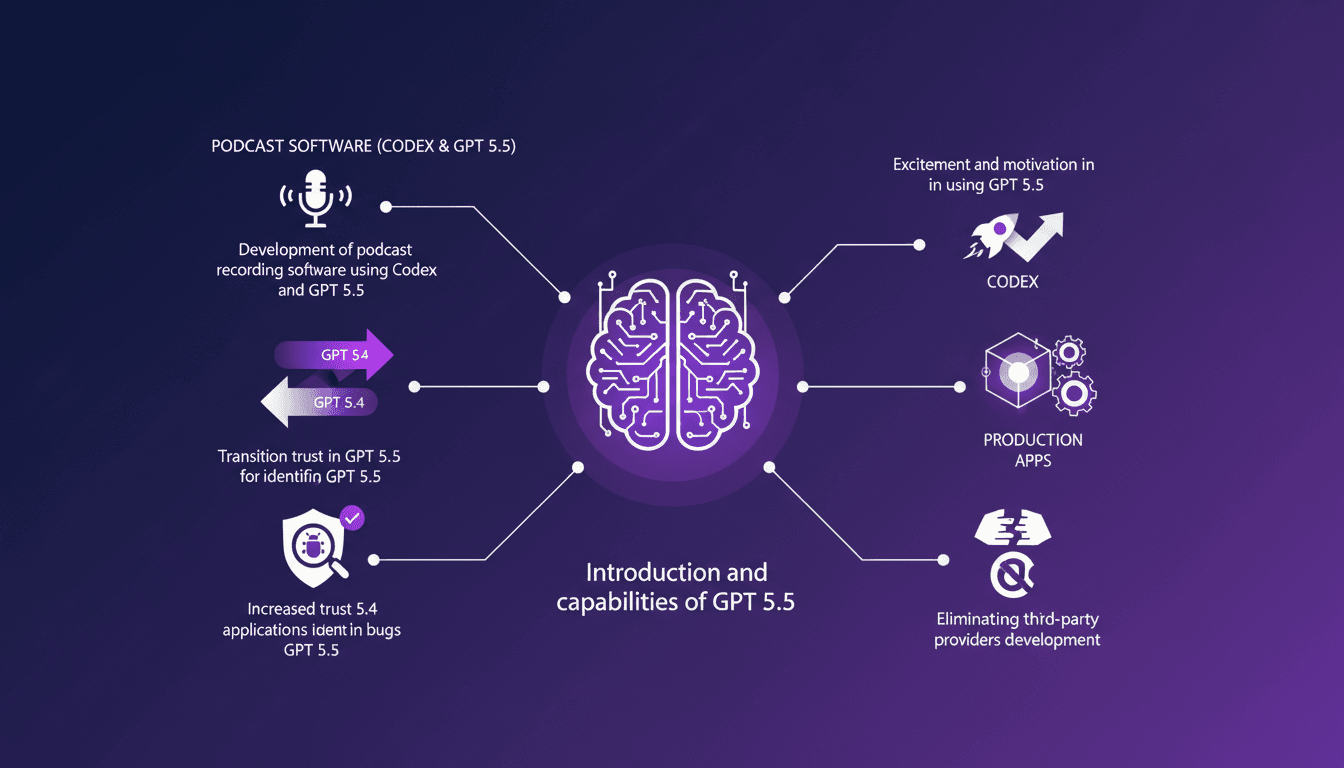
I dove headfirst into GPT 5.5, and what a ride it's been! From building podcast software to cutting out third-party providers, this version has changed the game for me. With GPT 5.5, we're not just talking upgrades; we're talking a whole new level of trust and capability. First, I integrated Codex to develop a podcast app and cut the middlemen out. Then, bugs? GPT 5.5 spots them like a pro. Tired of third-party solutions bogging down your productivity? This tool might just be your new secret weapon. Let's dive into some real-world applications together.
Building an AI Closer: Busting Sales Training Myths
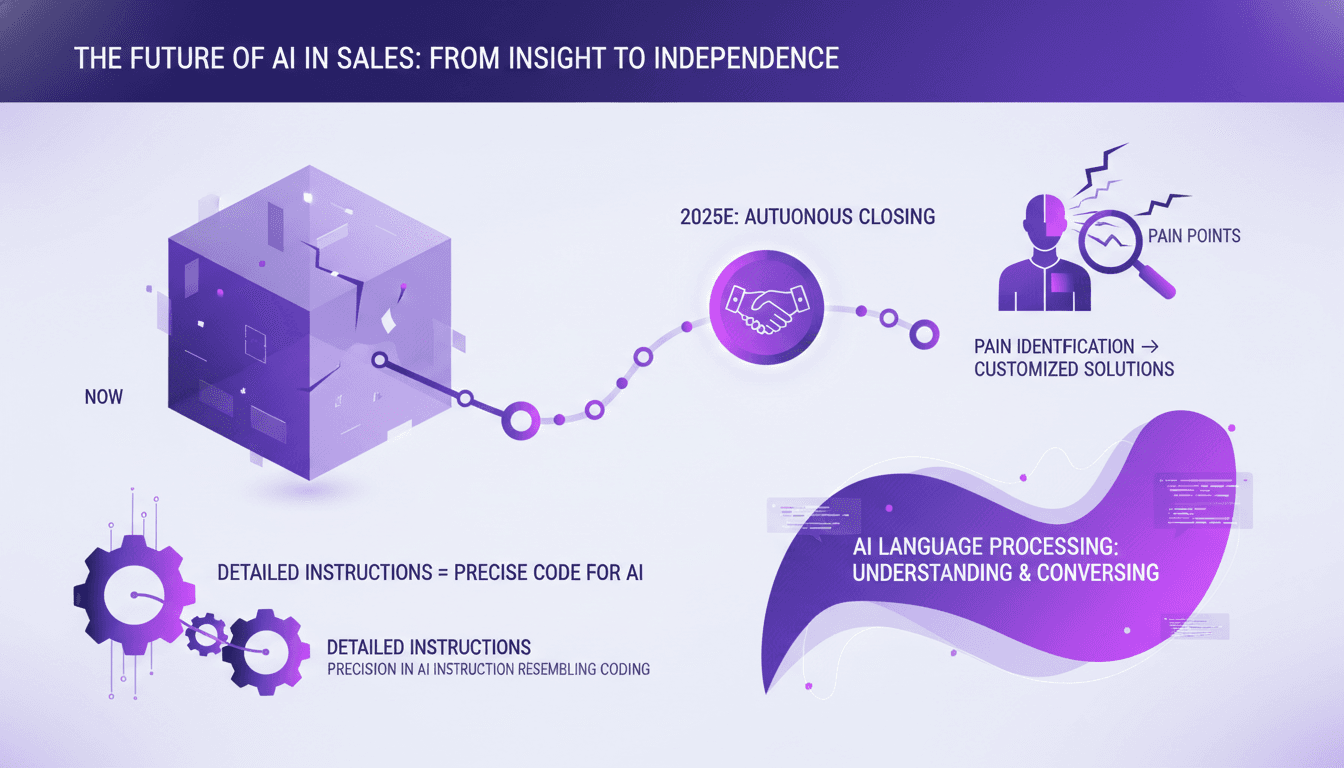
I've spent countless hours trying to get AI to close sales for me, and let me tell you, we're not there yet. But I've learned what it can do now and how to make it work effectively. In the sales world, AI is the shiny tool everyone talks about. Yet, it can't close a deal on its own—yet. What it can do is transform our approach to sales training and execution, especially in identifying and addressing customer pain points. We might be five years away from AI closing a sale, but with the right instructions, it can already recommend 80% of solutions based on pain identification. Follow along, and I'll show you how to orchestrate this for direct impact.
Setting Up GStack: My Experience with Claude Code
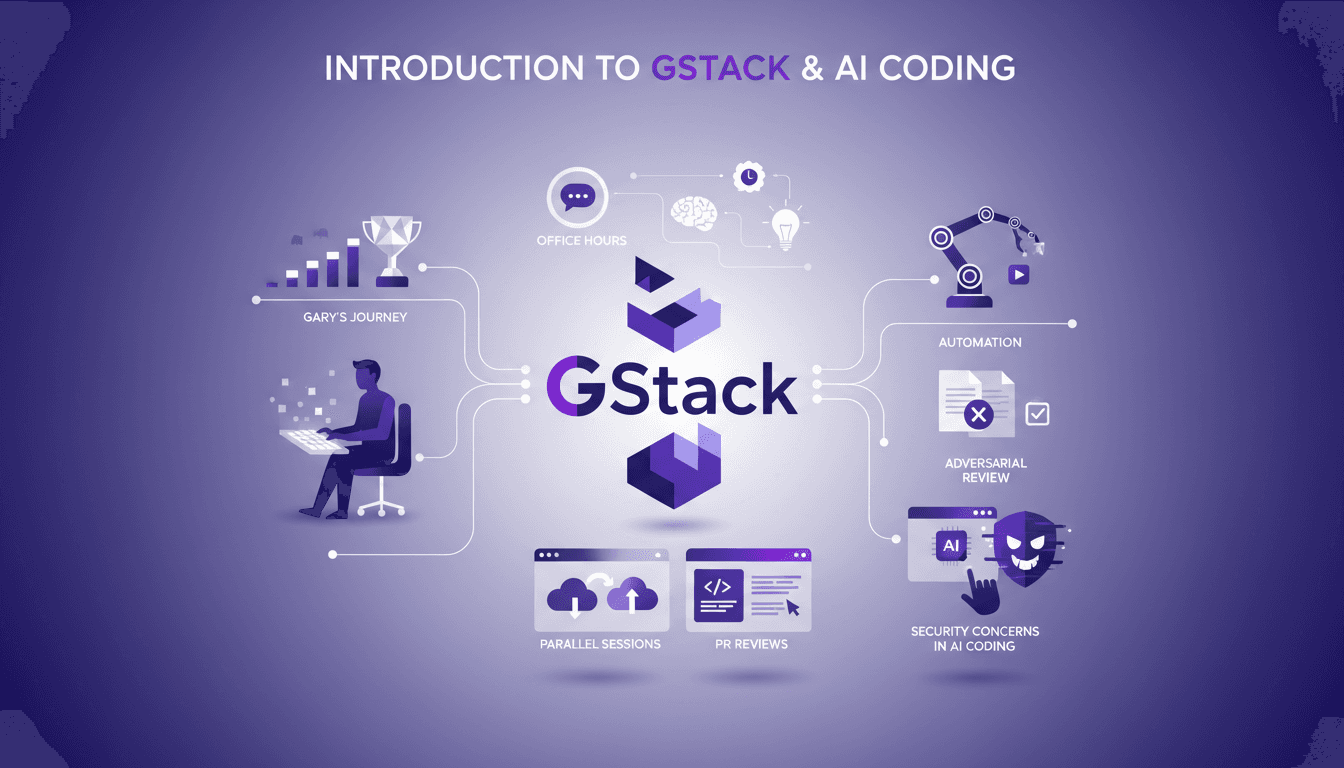
I've been deep in the trenches with GStack and Claude Code, and let me tell you, the way Garry Tan orchestrates his workflow is something else. From coding marathons to leveraging office hours for refining startup ideas, there’s a lot to unpack here. GStack is a powerhouse for automation in software development, and Garry has taken it to new heights. In this article, we dive into his tools, his methods, and the lessons we can all learn. We'll explore his use of GStack for automation, parallel cloud code sessions, and how he integrates AI into his process. But watch out, there are security concerns not to overlook.
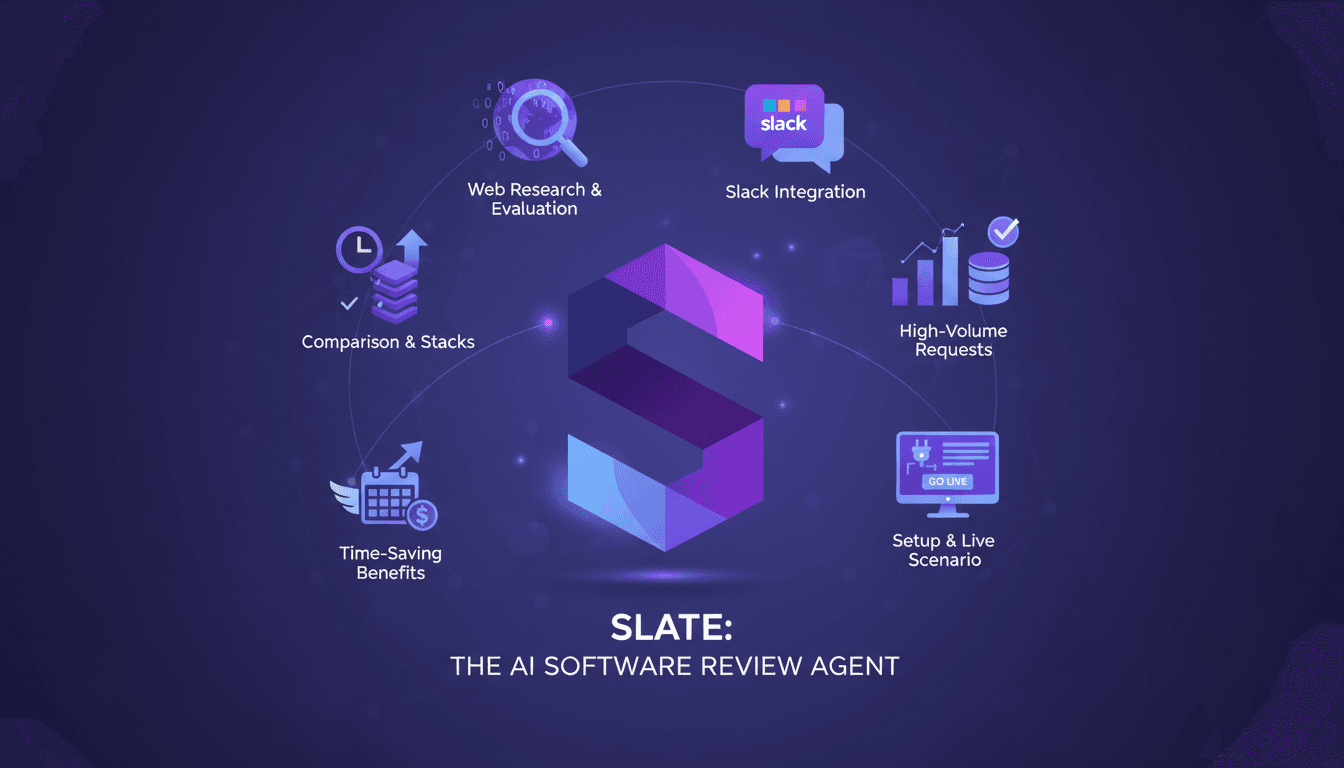
Slate: Software Review Agent in Action
I've spent years in the trenches of IT procurement, juggling endless software requests and trying to keep everyone happy. Then I discovered Slate, a software review agent, and it was a real game-changer. Slate doesn't just perform web research; it evaluates software based on our approved stacks. And the best part? Its seamless integration with Slack makes it a powerhouse for IT and procurement teams. In this article, I'll walk you through how I set up Slate and how it has revolutionized our request management, especially during high-volume periods. Time savings, stress reduction: I'm sharing my experience with you.