Slate: Software Review Agent in Action
I've spent years in the trenches of IT procurement, juggling endless software requests and trying to keep everyone happy. Then I discovered Slate, a software review agent, and it was a real game-changer. Slate doesn't just perform web research; it evaluates software based on our approved stacks. And the best part? Its seamless integration with Slack makes it a powerhouse for IT and procurement teams. In this article, I'll walk you through how I set up Slate and how it has revolutionized our request management, especially during high-volume periods. Time savings, stress reduction: I'm sharing my experience with you.
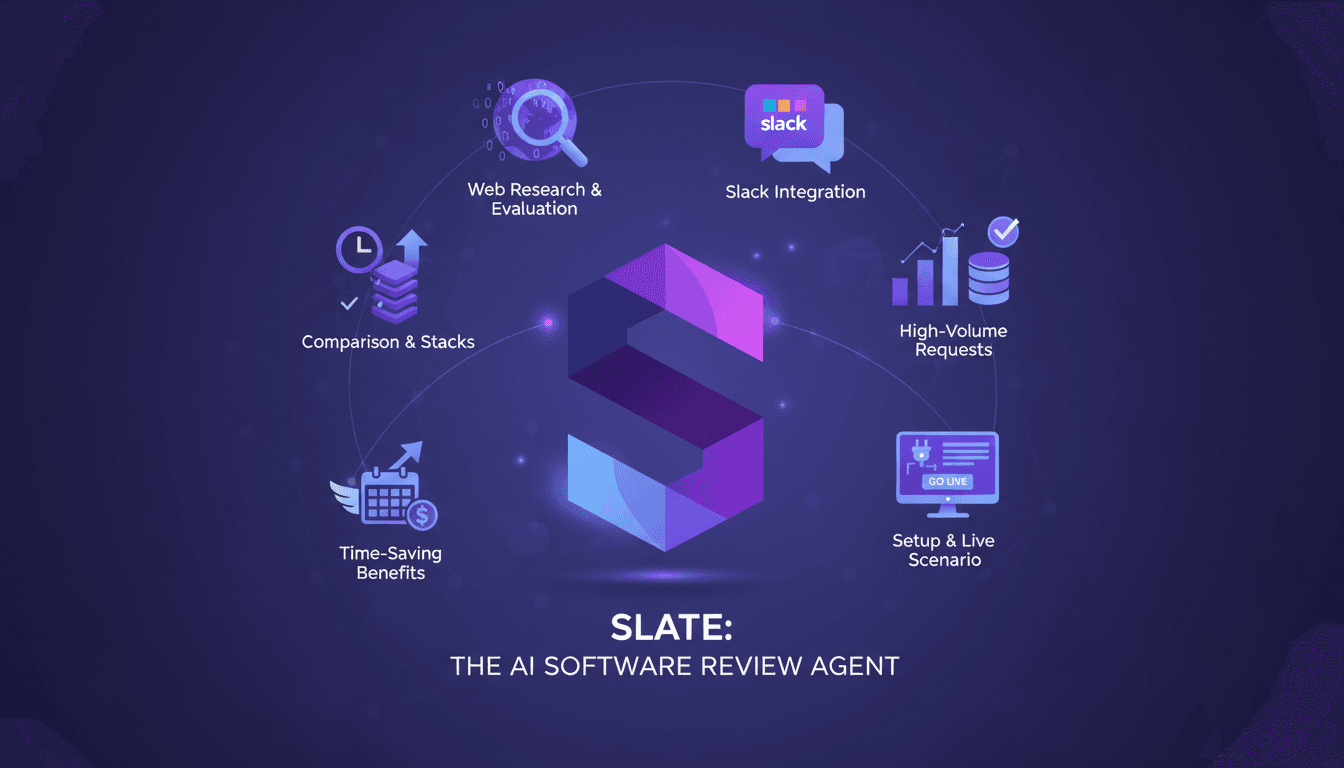
I've been buried under the avalanche of software requests more times than I care to count, trying to keep every team satisfied without losing my mind. Then I stumbled upon Slate, this game-changing software review agent, and believe me, it was a revelation. Slate is more than just another tool; it performs web research and evaluates software based on our approved stacks. Where it gets really interesting is its seamless integration with Slack, making it an indispensable powerhouse for IT and procurement teams. First, I'll show you how I set up Slate (it's not rocket science, but there are some tricks to know). Then, how it handles high-volume, time-sensitive requests without breaking a sweat. In the end, it's a massive time saver and stress reducer for those of us on the front lines. Follow along, and I'll share it all.
Getting Started with Slate
Slate, the software review agent, is here to revolutionize how we evaluate and approve software. Its primary purpose is to streamline software evaluation and approval. The first step? Connecting Slate to your approved software stack. This is where things get interesting: integrating systems like Jira, Slack, and more, so Slate can access the necessary data.
Next, understanding Slate's review process is crucial. It follows defined skills, meaning it applies best practices for each evaluation. It performs web research, checks approved software lists, and evaluates signals to recommend next steps. But watch out, there are pitfalls when getting started. For instance, not ensuring your stack is up-to-date can lead to outdated recommendations. I've been there, and trust me, it's better to anticipate!
Performing Web Research with Slate
Slate doesn't just read lists; it goes further. It conducts web research to gather insights on software. It compares available tools with those in the approved stack and uses well-defined criteria and benchmarks to evaluate software tools. Sometimes, balancing speed and accuracy can be challenging. Slate is fast, but when evaluating highly specialized tools, manual intervention might be necessary.
In the end, Slate saves time, but it can't do everything. Consider manual integration when results aren't satisfactory.
Integrating Slate with Slack
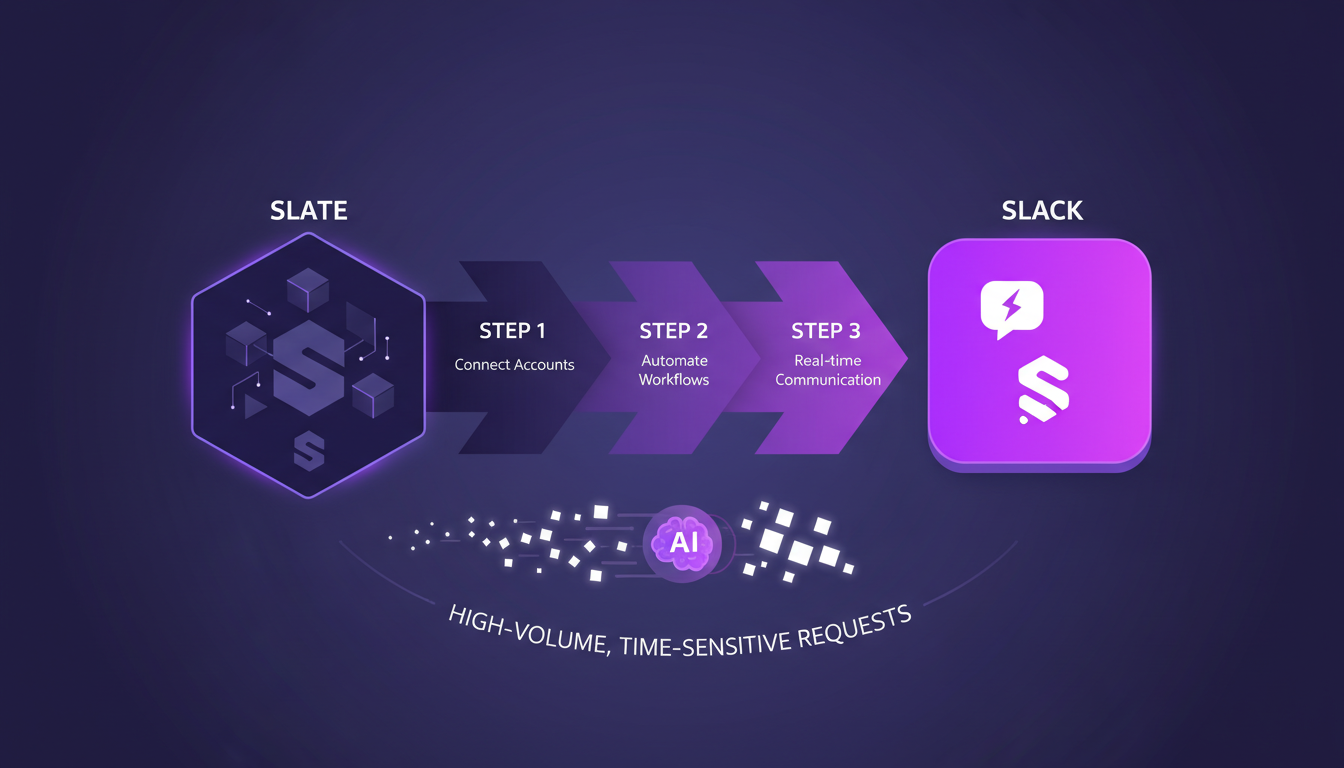
Now, let's move on to integrating with Slack, a real game changer for managing requests. Here's how you do it:
- Set up Slate to work within Slack.
- Automate requests via Slack.
- Handle high-volume, time-sensitive requests efficiently.
I've found this integration significantly streamlines communications. However, beware of high request volumes. It can create bottlenecks if Slate isn't configured correctly. If issues arise, a quick glance at the logs can solve many problems!
Live Example: Using Slate for a Video Recording Tool
Let's dive into a real-world example. Suppose you need a high-quality video recording tool. Slate processes the request by researching and comparing the capabilities of similar tools in the approved stack. It then creates a Jira ticket for the user, as this request requires IT support to provision more seats. This is where Slate truly shines: it handles these urgent requests on its own, freeing up time for IT and procurement teams.
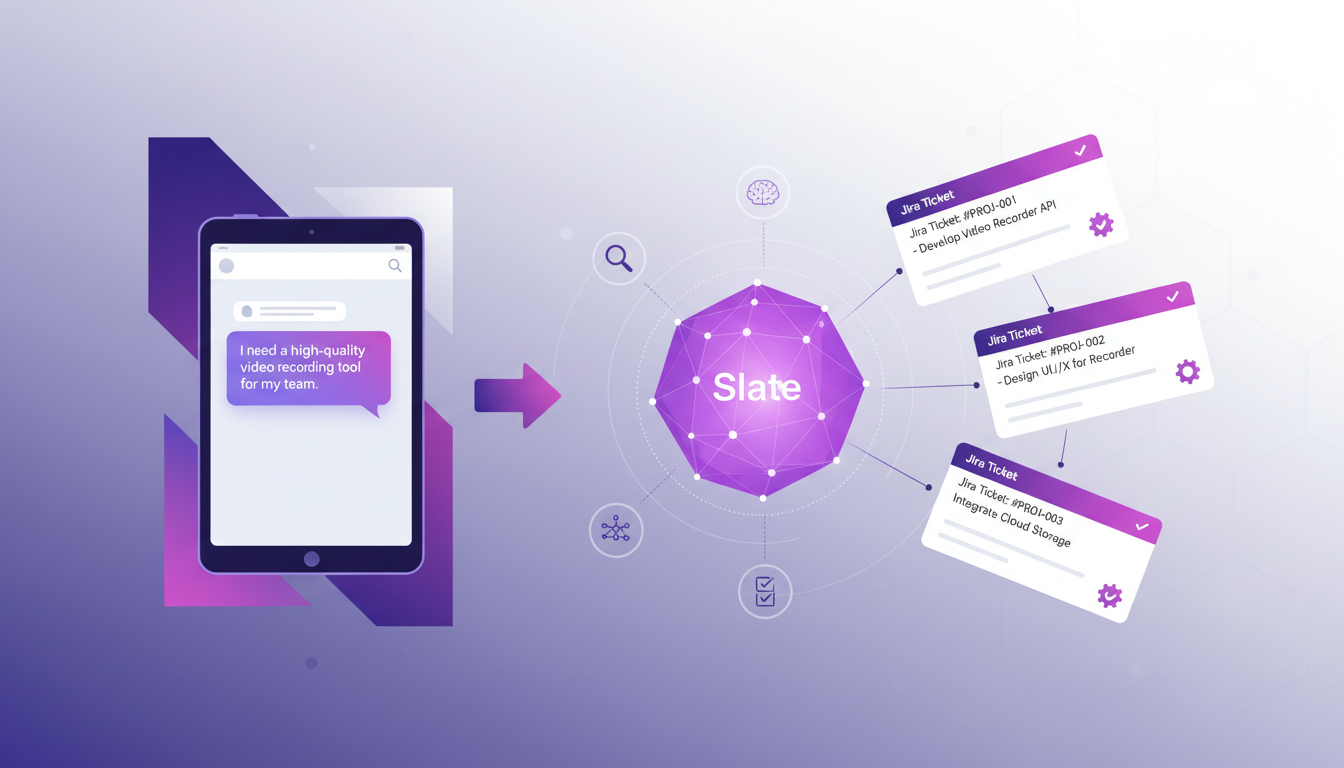
I saved a ton of time with this, and it's much appreciated when dealing with urgent tasks!
Maximizing Benefits and Understanding Trade-offs
With Slate, the time savings, efficiency, and improved decision-making are undeniable. However, in high-volume environments, understanding its limits is crucial. Automation is great, but don't overlook manual oversight when necessary. In the long term, the impact on IT and procurement workflows is substantial. Slate saves hours of manual work, but remember, good configuration is essential to avoid pitfalls.
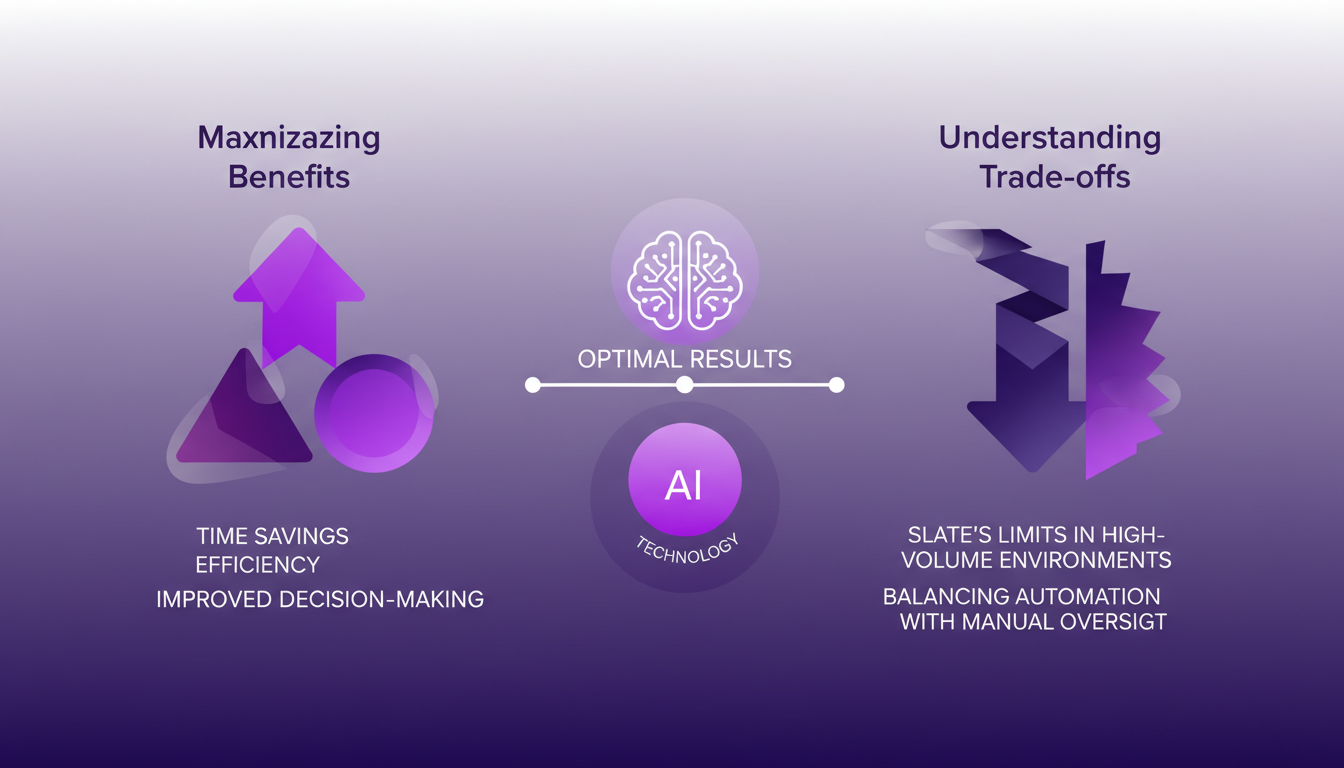
In conclusion, Slate is a powerful tool, but like any tool, it requires wise use to maximize benefits. Remember, every situation is unique, and adapting Slate to your specific needs will bring out the best of its capabilities.
For further insights, read our article on managing third-party risks with Trove and ChatGPT or explore AI at Technolutions.
I've hooked up Slate with Slack, and honestly, it's been a game-changer. The web research capabilities have saved me countless hours on software evaluations. It's brilliant for anyone drowning in software review tasks. But let's be clear, it has limits too. It's not your everyday tool—better for those high-volume, time-sensitive requests. Speaking of which, I've seen a significant drop in time spent on Jira tickets for urgent requests.
- Seamless Slack integration: User interaction has never been smoother.
- Research time optimization: It drastically cuts down on web research time.
- High-volume request management: Handles urgent demands efficiently.
Looking ahead, Slate keeps evolving and could further revolutionize how we handle approved stacks. Ready to streamline your software evaluation process? Set up Slate today. And if you want to see it in action, do yourself a favor and watch the full video. It's worth your time.
Frequently Asked Questions

Thibault Le Balier
Co-fondateur & CTO
Coming from the tech startup ecosystem, Thibault has developed expertise in AI solution architecture that he now puts at the service of large companies (Atos, BNP Paribas, beta.gouv). He works on two axes: mastering AI deployments (local LLMs, MCP security) and optimizing inference costs (offloading, compression, token management).
Related Articles
Discover more articles on similar topics
Managing Third-Party Risks with Trove and ChatGPT
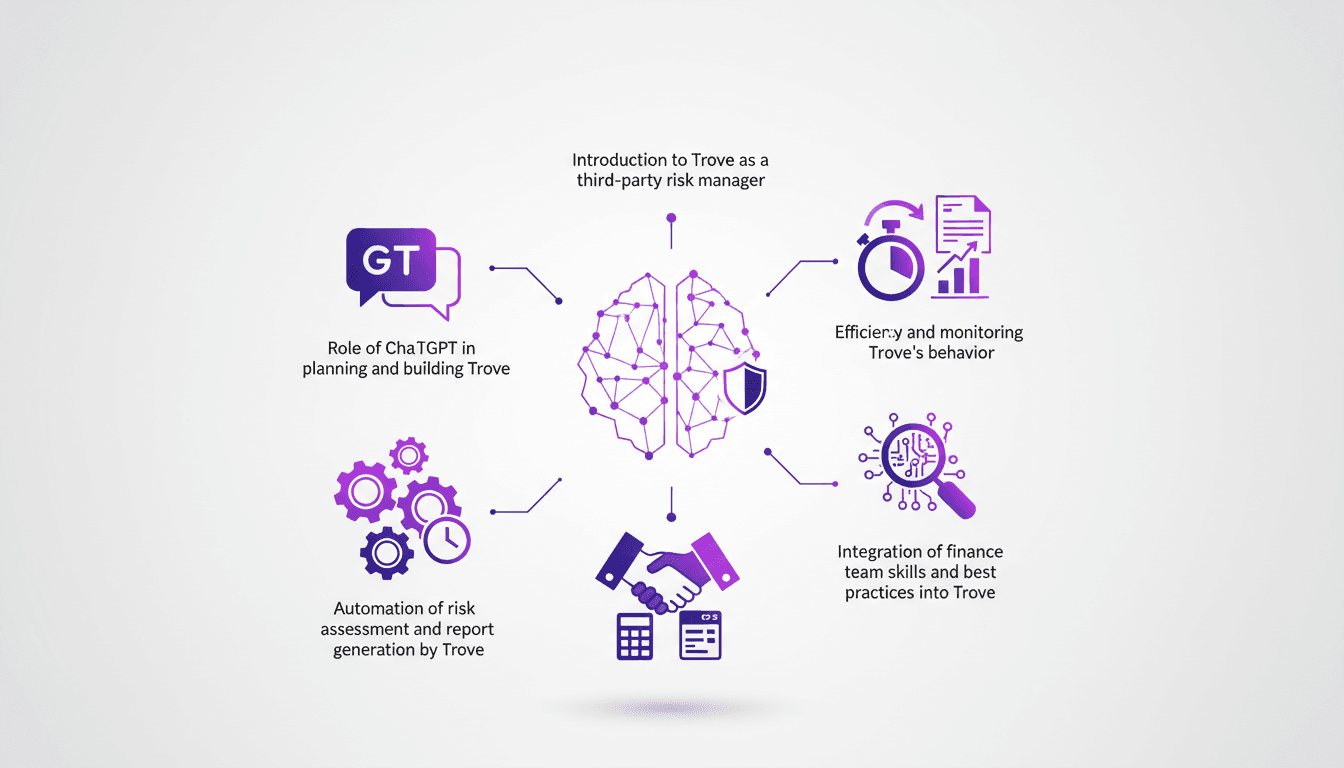
I've been in the trenches of risk management for years, and when I first stumbled upon Trove, I knew it could change the game. Trove, paired with ChatGPT, offers a fresh approach to handling vendor due diligence with automation at its core. First, I connect Trove to our risk management system, then I integrate ChatGPT to automate risk assessment and report generation. In a matter of minutes, Trove completes what used to take hours. But watch out, you need to monitor its behavior and align it with our finance team's best practices. I'll walk you through how I orchestrated this integration and the efficiency gains I've seen.
Building a Product Feedback Agent: Step-by-Step
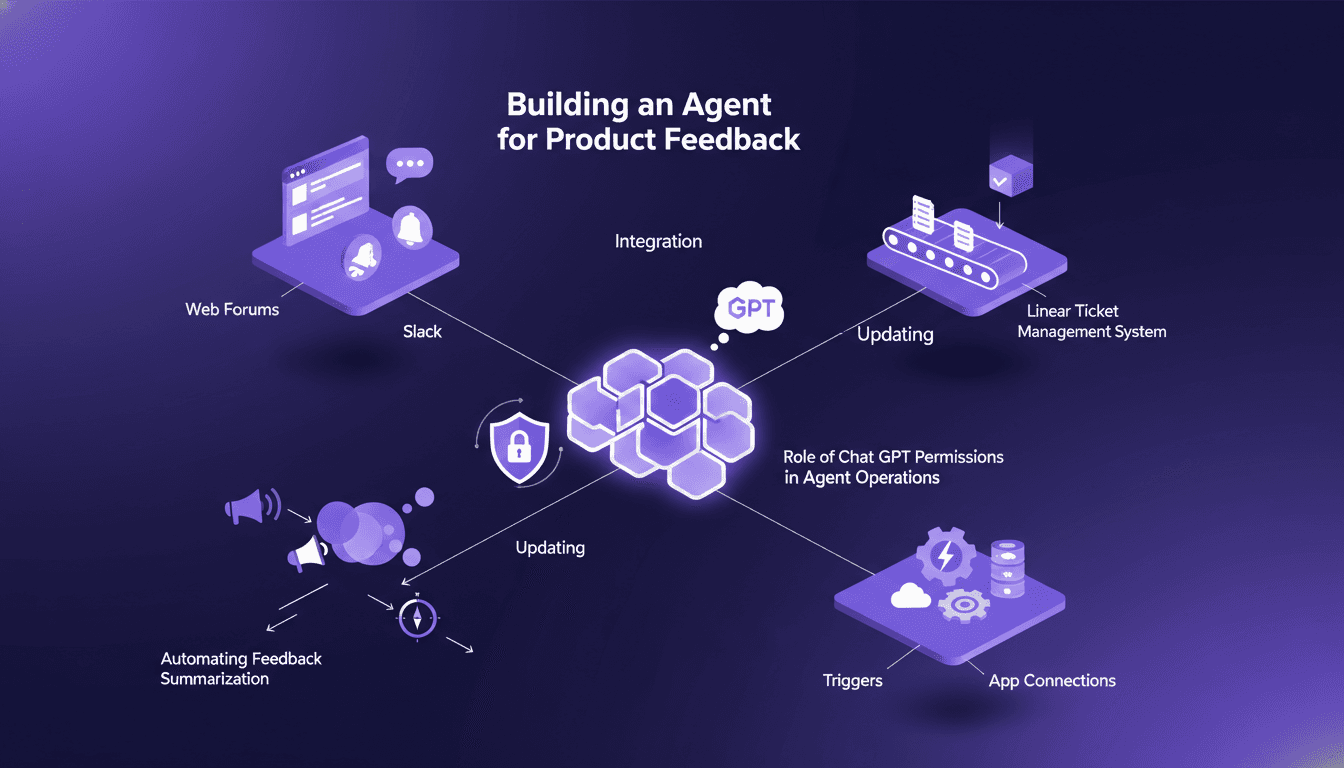
I've been knee-deep in the chaos of product feedback, trying to streamline how we handle it. Building an agent to automate this process was a game changer for me. Picture this: by integrating Chat GPT with platforms like Linear, I managed to automate the entire workflow, saving enormous time and boosting accuracy. I'll walk you through how I built this product feedback routing agent, pitfalls to watch out for, and how you can do the same to transform your feedback management.
Optimize Reporting: Agent, ChatGPT, Google Drive
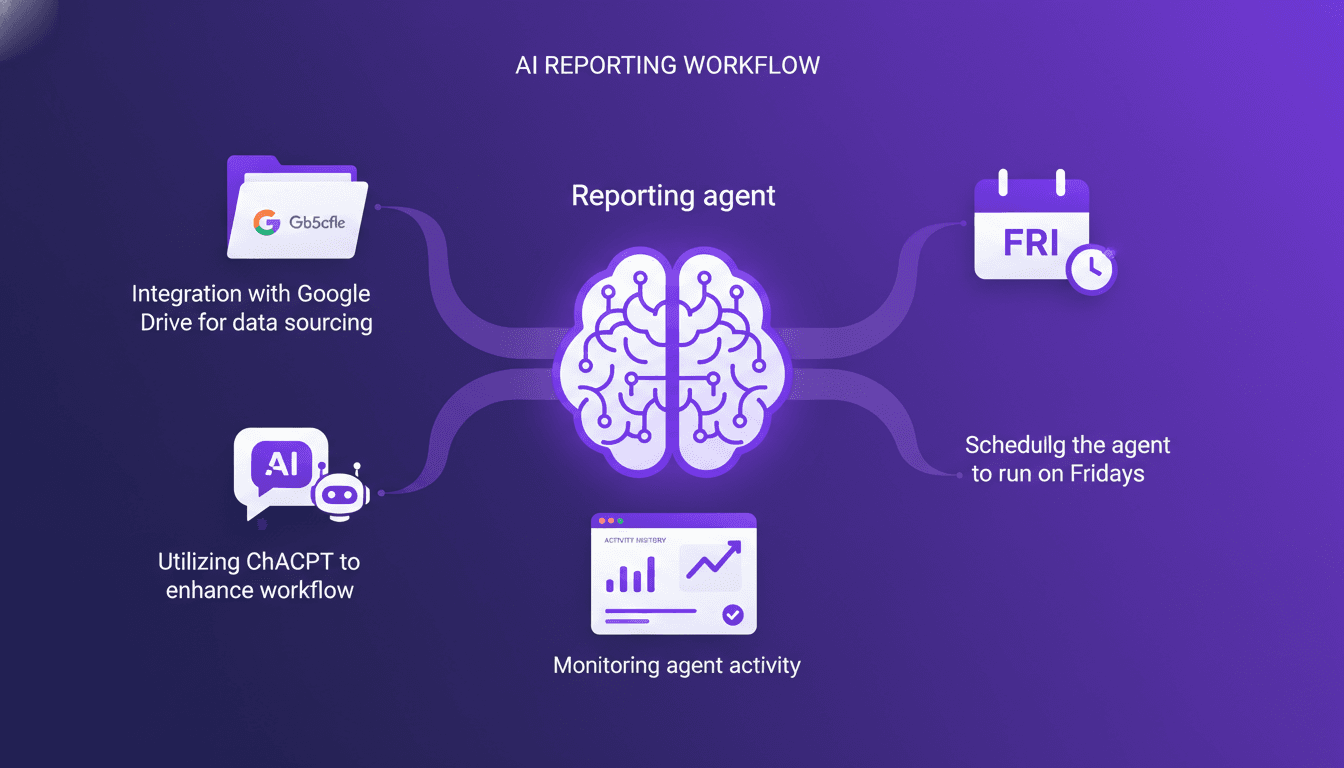
Every Friday, like clockwork, my reporting agent kicks into gear. I set up this system to pull data from Google Drive, crunch numbers with ChatGPT, and deliver a slick weekly report. I hit some snags along the way, as any builder does, but I'll walk you through how I pieced it all together. You'll see how I tackled challenges, streamlined workflows, and how you can do the same to automate your reporting. On the agenda: integrating Google Drive for data sourcing, leveraging ChatGPT to enhance processing, and weekly scheduling to keep everything running smoothly.
Automate Technical Content Creation in AI
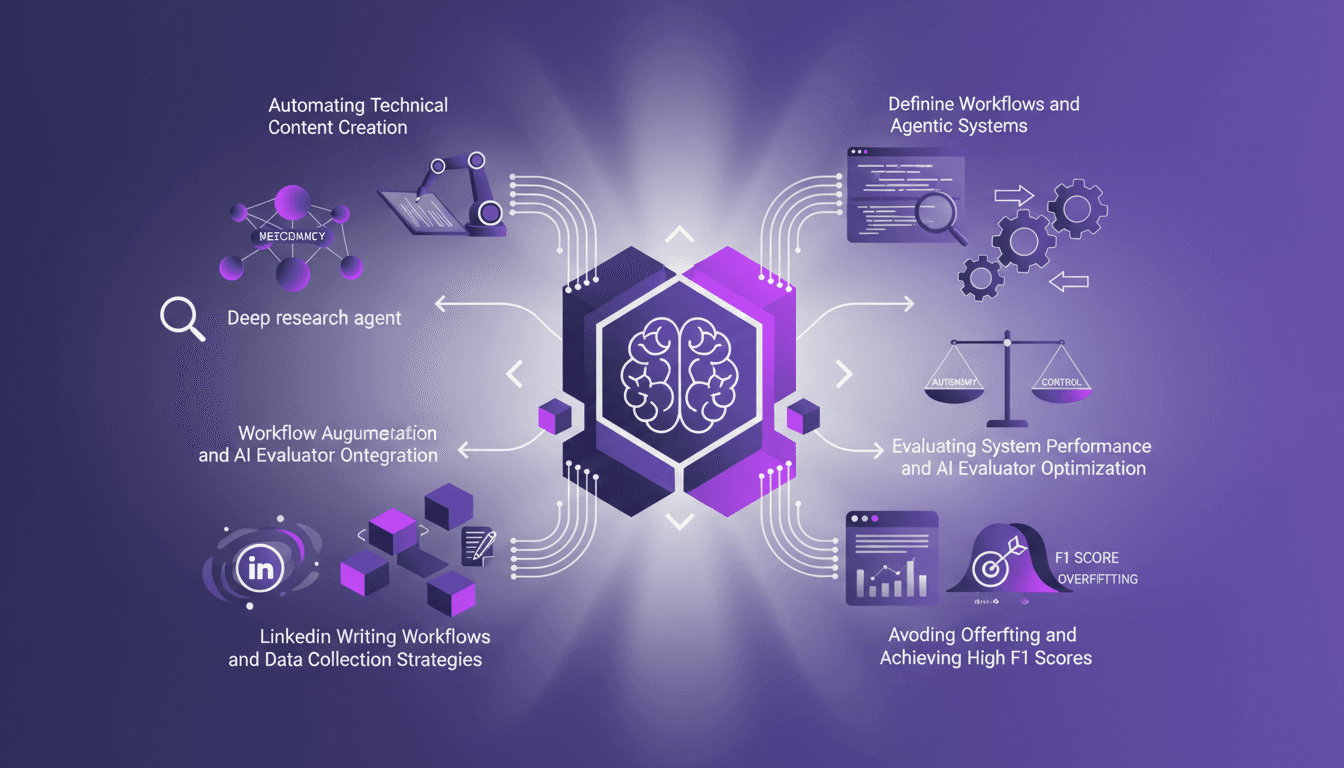
I've been teaching AI for over four years, and if there's one thing I've learned, it's that building your own deep research agents can be a game changer. But it's not just about slapping together some code; it's about crafting workflows that make sense and deliver results. In this article, I'll take you behind the scenes of my research agents, the strategies to avoid overfitting, and how to achieve high F1 scores, all while integrating these systems into your daily operations. We'll also dive into automating technical content creation and optimizing AI evaluators. It's a balance of autonomy and control, and I'll show you how I achieved it.
Imagen 2.0: Revolutionizing Image Generation
When I first got my hands on Imagen 2.0, I was blown away by its potential. We're talking about generating 2K resolution images with multilingual support. The first thing I did was integrate it into my workflow, and the improvement is tangible. The advancement in resolution and detail is a real game changer, but watch out for technical limits in multi-image generation. Compared to previous models and DALL-E, Imagen 2.0 really stands out. This isn't about theory; I'm talking about daily impact on my practice. If you're aiming to innovate, this is the tool to explore.