Building with GPT 5.5 and Codex: Cut the Third Parties
I dove headfirst into GPT 5.5, and what a ride it's been! From building podcast software to cutting out third-party providers, this version has changed the game for me. With GPT 5.5, we're not just talking upgrades; we're talking a whole new level of trust and capability. First, I integrated Codex to develop a podcast app and cut the middlemen out. Then, bugs? GPT 5.5 spots them like a pro. Tired of third-party solutions bogging down your productivity? This tool might just be your new secret weapon. Let's dive into some real-world applications together.
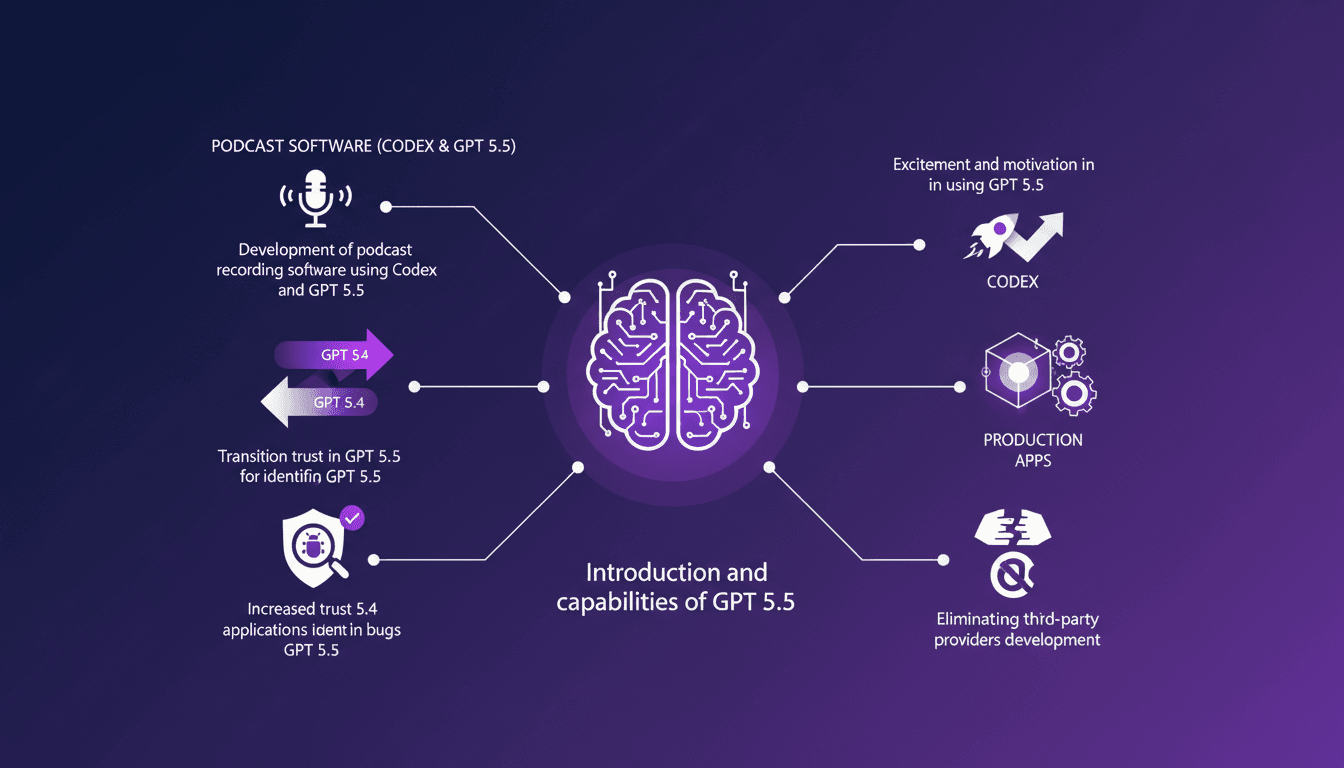
I dove headfirst into GPT 5.5, and honestly, what a revolution! Before, I was juggling third-party providers to build my podcast software, but now? I grabbed Codex, integrated GPT 5.5, and it's a whole new ballgame. No more middlemen slowing things down. What's crazy about GPT 5.5 is the trust you can put in it to spot bugs. I've seen it in action in my developments, and I've never looked back. The previous version, GPT 5.4, was good, but this is a power boost. And the motivation it brings? Unmatched. When you can build production-level applications without unnecessary stress, you quickly see the value. So, if you're tired of solutions dragging your productivity down, join me on this journey through GPT 5.5.
Getting Acquainted with GPT 5.5
First, what sets GPT 5.5 apart from 5.4 is its enhanced reliability. Right off the bat, I noticed immediate improvements in bug detection and resolution. The transition process wasn't seamless, but the payoff in performance was worth the few bumps along the way. In my day-to-day as a developer, trust in AI is crucial, and GPT 5.5 delivers this in spades.
For a technology to be trustworthy, it must prove its robustness. And with GPT 5.5, this robustness is felt right from the initial implementations. I immediately felt more at ease integrating it into critical applications. But watch out, don't get carried away by excitement: every model has its limits, and GPT 5.5 is no exception.
Building Podcast Software with Codex and GPT 5.5
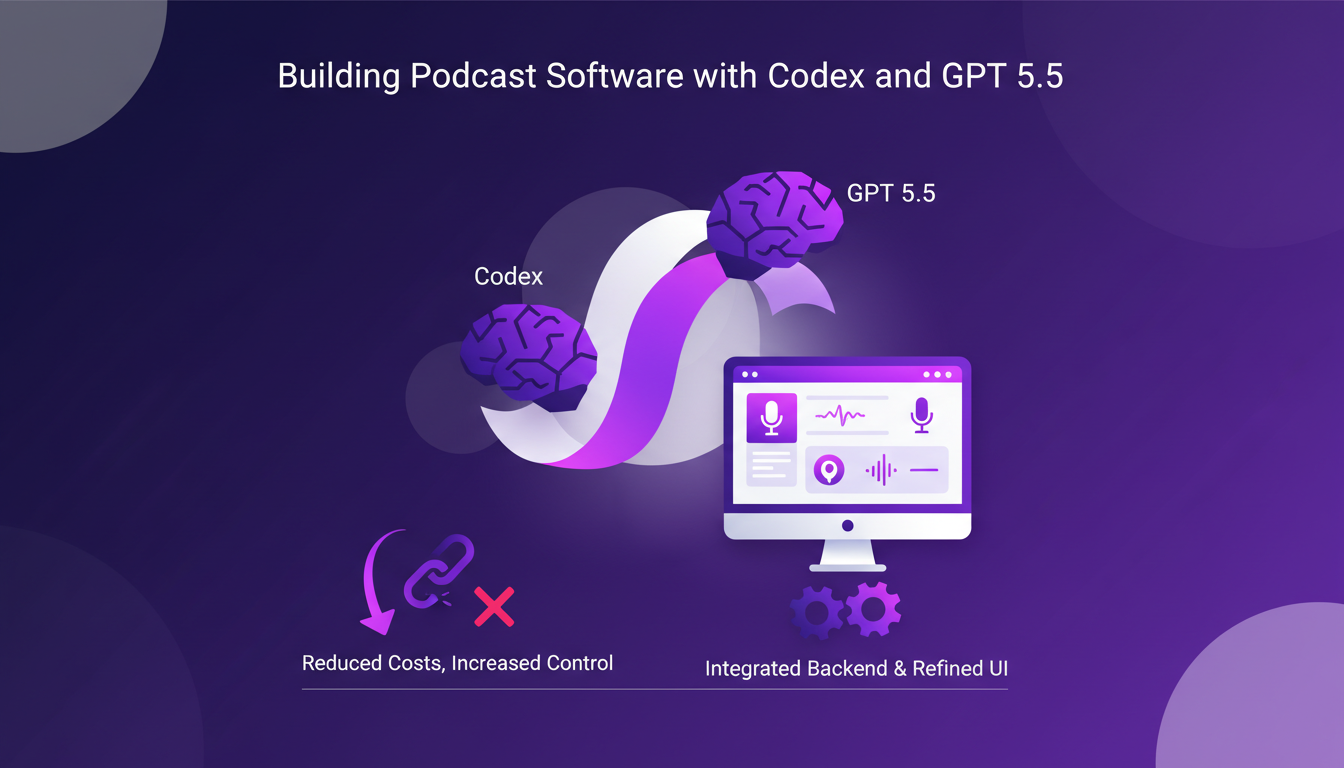
I integrated Codex with GPT 5.5 to develop a desktop app for recording podcasts. In this project, Codex handles all the backend logic, while GPT 5.5 focuses on refining the user interface. This duo allowed me to eliminate third-party providers, reducing costs and increasing control over the final product. It's a sense of freedom I hadn't experienced in a while.
But watch out, the initial configuration can be a bit finicky. You need to proceed with caution and ensure every component is in place before diving in. Some fine-tuning is necessary, but once you get past that, the fluidity is there.
Transitioning from GPT 5.4 to 5.5
Migrating from 5.4 to 5.5 involved updating dependencies and testing extensively. The new version required a learning curve, but it was manageable with clear documentation. Performance gains were evident, particularly with reduced processing times.
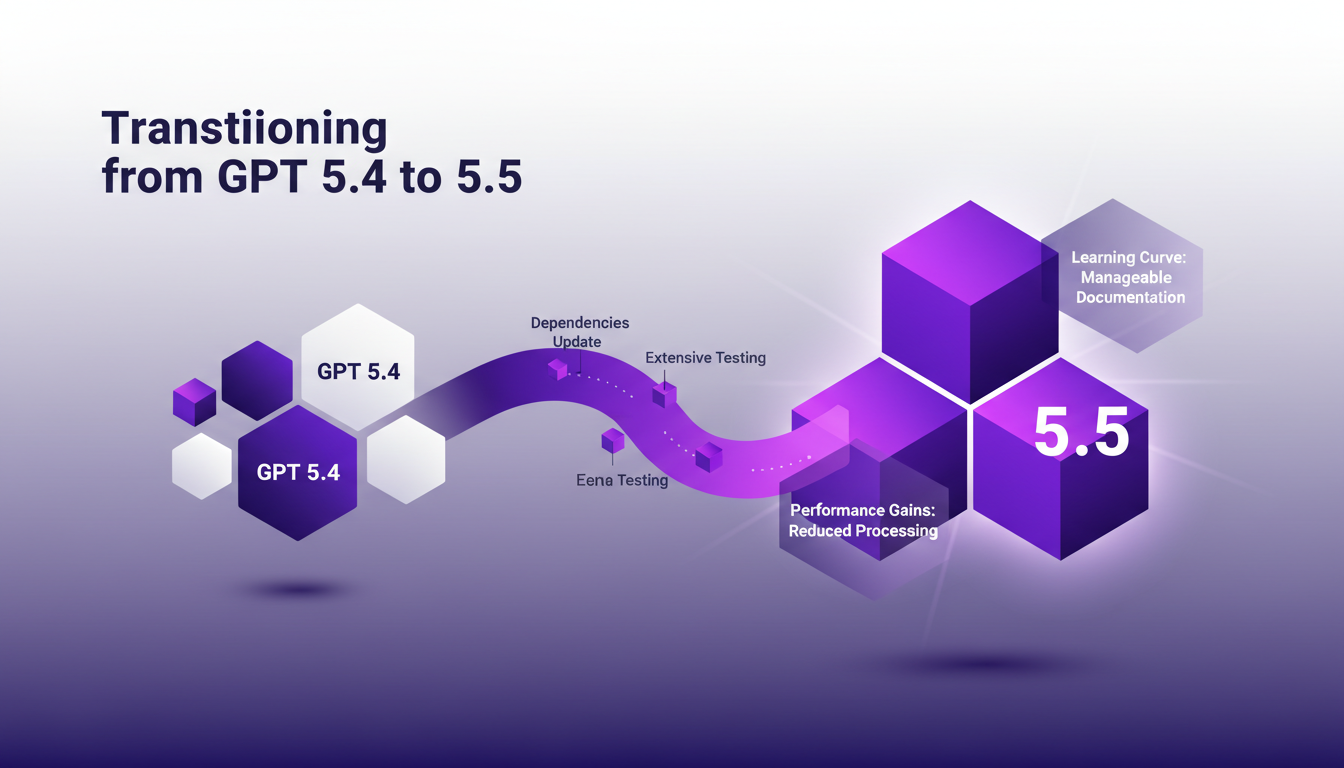
Don't overlook the importance of thorough testing during the transition. It might seem tedious, but it's essential to avoid unpleasant surprises. I've learned the hard way that it's better to be too cautious than not enough.
Trust and Reliability in GPT 5.5
The increased trustworthiness of GPT 5.5 is a game changer for production-level applications. I found its bug detection capabilities to be significantly improved, boosting my confidence in deploying AI-driven solutions. However, always have a fallback plan—no model is infallible.
"The robustness of GPT 5.5 allows me to integrate it with confidence into critical applications."
It's fascinating how GPT 5.5 proactively identifies bugs and gaps, even outside the scope of what I ask it to do. This is a valuable asset that has often helped me avoid costly mistakes.
Motivation and Excitement with GPT 5.5
The excitement of working with GPT 5.5 is palpable; it's like having a new tool in the kit. Motivation comes from seeing ideas materialize into functional applications. The potential for innovation is vast, but stay grounded in practical applications.
It's important to balance excitement with caution—understand the limits of the tool. GPT 5.5 is a formidable asset, but don't overuse it. Each application should be carefully evaluated to maximize impact without getting overwhelmed by excitement.
GPT 5.5 isn't just an upgrade; it's a tool that really boosts reliability and capability in building applications. I've used it with Codex for podcast software, and it's a game changer. First, it's enhanced bug detection — I trusted 5.4, but 5.5 takes it further. Then, integrating with Codex has become smoother and faster. But watch out, as with any AI, you need to test thoroughly before rolling out.
Looking forward, GPT 5.5 opens up new possibilities for more ambitious and reliable projects. Dive into it, start small, test extensively, and let the results speak for themselves.
To really grasp its potential, I encourage you to watch "Introducing GPT-5.5 with NVIDIA" on YouTube. It's worth it.
Frequently Asked Questions

Thibault Le Balier
Co-fondateur & CTO
Coming from the tech startup ecosystem, Thibault has developed expertise in AI solution architecture that he now puts at the service of large companies (Atos, BNP Paribas, beta.gouv). He works on two axes: mastering AI deployments (local LLMs, MCP security) and optimizing inference costs (offloading, compression, token management).
Related Articles
Discover more articles on similar topics
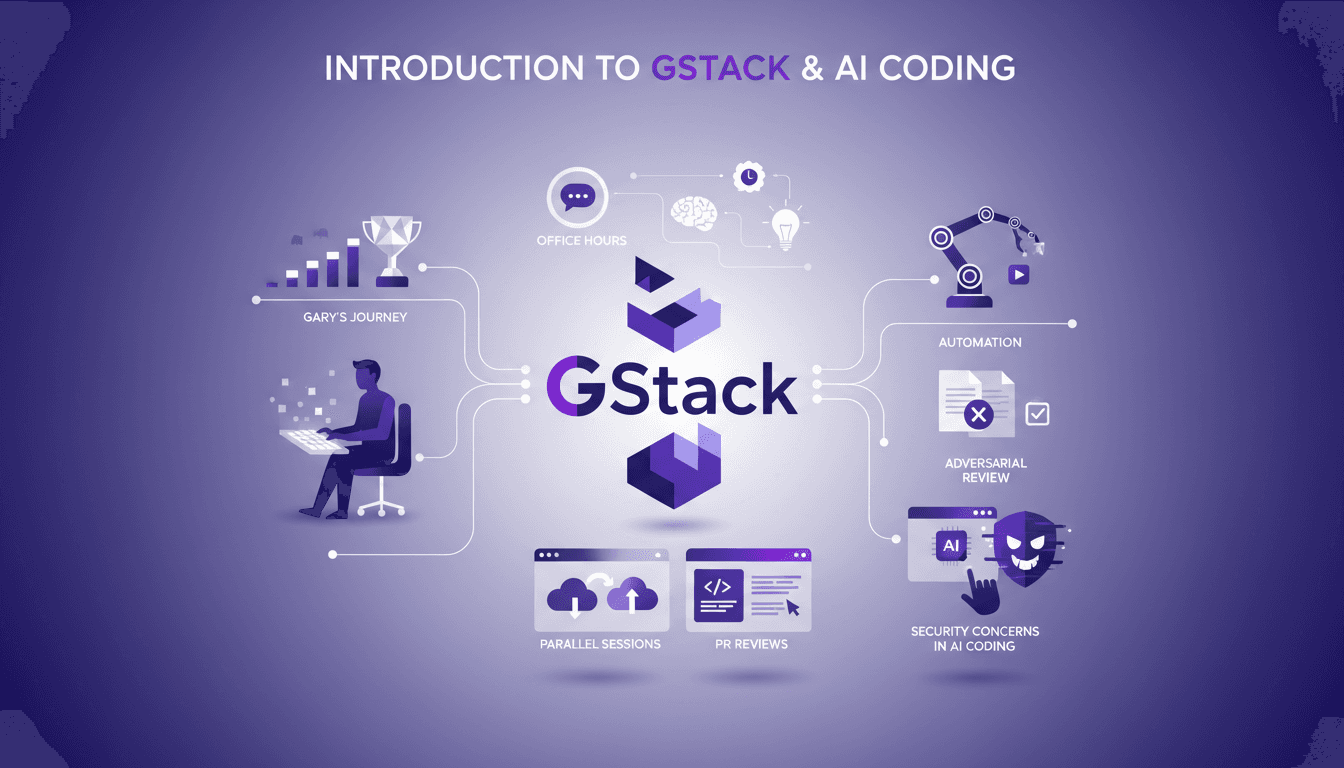
Setting Up GStack: My Experience with Claude Code
I've been deep in the trenches with GStack and Claude Code, and let me tell you, the way Garry Tan orchestrates his workflow is something else. From coding marathons to leveraging office hours for refining startup ideas, there’s a lot to unpack here. GStack is a powerhouse for automation in software development, and Garry has taken it to new heights. In this article, we dive into his tools, his methods, and the lessons we can all learn. We'll explore his use of GStack for automation, parallel cloud code sessions, and how he integrates AI into his process. But watch out, there are security concerns not to overlook.
Get Hired via GitHub: My Personal Journey
I never filled out a single job application, yet here I am, hired through GitHub. Crazy, right? In the open source world, your contributions speak louder than a resume. GitHub isn't just a code repository; it's a platform to showcase your skills, connect with potential employers, and even get job offers without applying traditionally. I'll walk you through how I pulled it off by analyzing pull requests for opportunities and keeping a firm grip on my identity and work. Watch out—using agents can be tricky in your job search. And speaking the language of reviewers is key. I'll share my missteps, my wins, and how to navigate the challenges of open source contributions.
Instruction Following ChatGPT Images 2.0
I've spent hours trying to get an AI to follow precise instructions for image generation, and I can tell you, it's a real challenge. But with ChatGPT Images 2.0, we're starting to see real progress. I connect my workflows, test text rendering, and finally see objects landing where I want them. Watch out, there are still pitfalls, especially when it comes to rendering clocks accurately — but the results are promising. Want to know how I make it work? Join me as I dive into the capabilities of this new version.
Multilingual Rendering: ChatGPT Images 2.0 in Action
I dove into ChatGPT Images 2.0 expecting the usual AI quirks, but what I found was a game-changer in multilingual text rendering. Let me walk you through how I tackled city poster creation in various languages. With this update, ChatGPT Images 2.0 promises improved multilingual capabilities and more accurate small text rendering. But how does it really hold up in real-world applications? I'll show you how I navigated the challenges of multilingual rendering and, by juggling user feedback from different regions, managed to translate and render a 100-page technical paper. It's really great as a tool, but watch out for context limits – beyond 100K tokens it gets tricky.
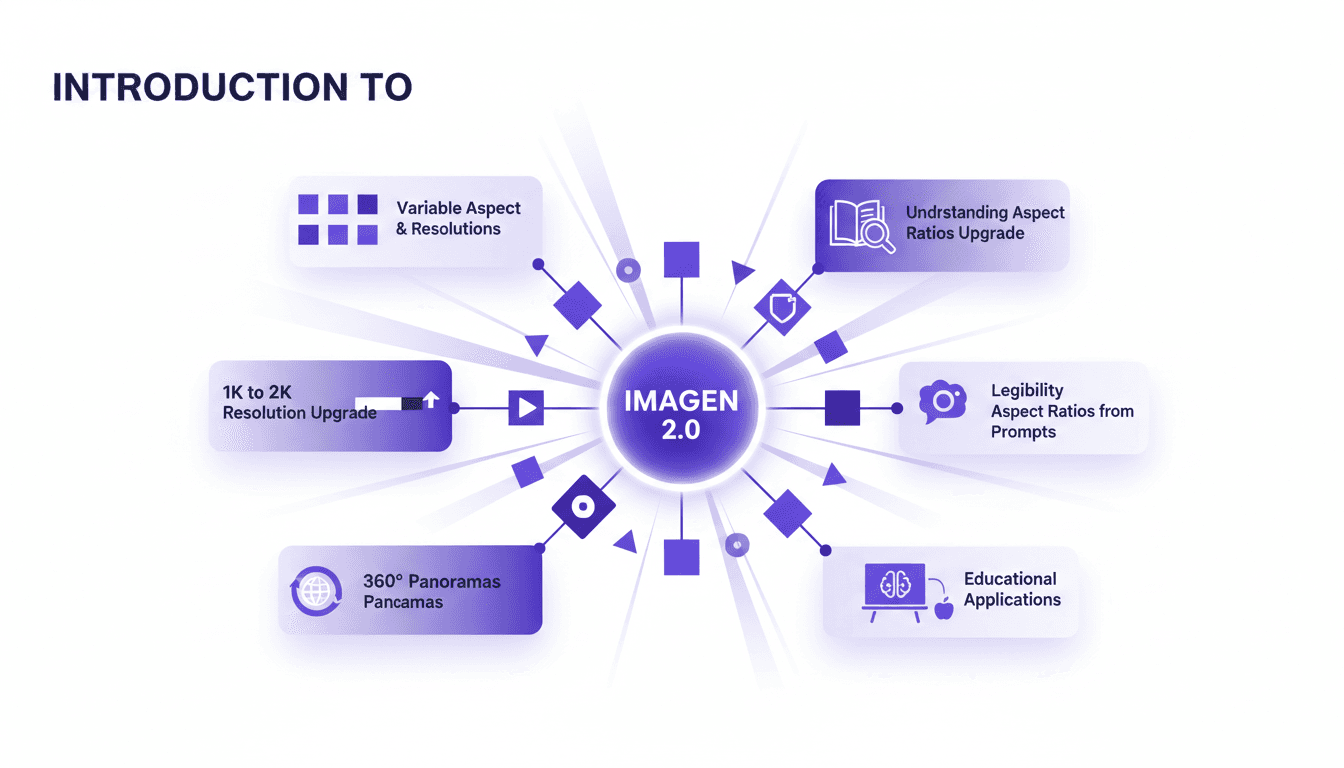
Aspect Ratios & Resolution with Imagen 2.0
I dove into Imagen 2.0 expecting just another upgrade, but what I found was a game changer. Shifting from 1K to 2K resolution and playing with aspect ratios truly opens up new doors for my projects. Imagine creating 360° panoramas or adjusting posters with a 3 by 1 ratio, all with impressive precision. Imagen 2.0 isn't just about better resolution—it's about flexibility and precision in image creation. Whether you're crafting educational materials or immersive panoramas, understanding these tools is crucial. In this tutorial, I'll walk you through mastering aspect ratios with Imagen 2.0, and I promise you'll never look at your projects the same way again.