AI's Impact on Web Development: Practical Approach
The first time I integrated AI into my web development workflow, it felt like adding a turbo engine to a classic car—everything was suddenly faster and more efficient. But beware, like any powerful tool, AI comes with its own set of challenges. Let's dive into how AI is reshaping web development. From code optimization to AI-driven browsers, we're facing a revolution. I've built two custom skills using a skill creator, and in just six months, the rising quality of AI models has changed the game for web developers. Let's explore how to navigate this new frontier.
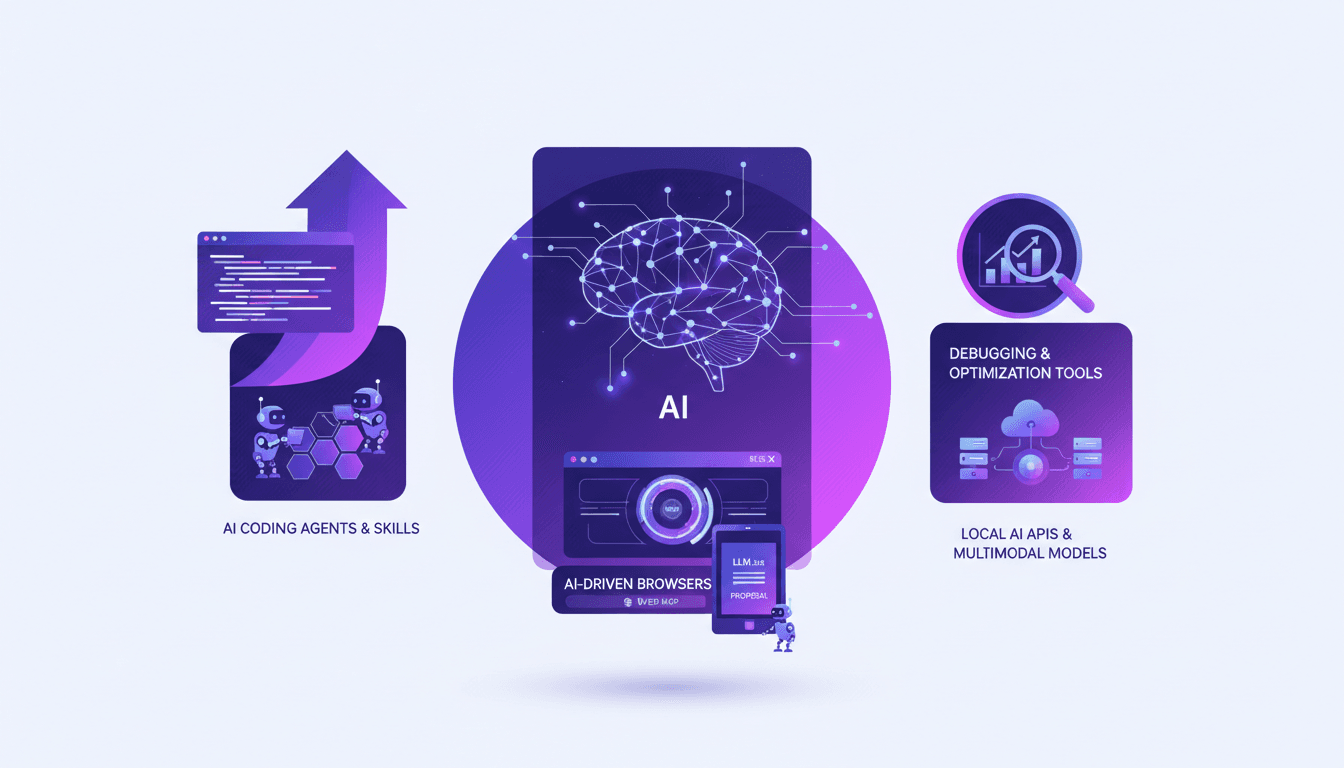
I remember the first time I integrated AI into my web development workflow. It felt like adding a turbo engine to a classic car—suddenly, everything was faster, more efficient. But like any powerful tool, AI comes with its own set of challenges. I started by connecting local APIs, and quickly saw how multimodal models are beginning to transform the way we code and optimize websites. In just six months, the rising quality of AI models has redefined the game for us web developers. I've built two custom skills using a skill creator, and let me tell you, it changes everything. But watch out, there are pitfalls—coding agents that overpromise, agentic browsers that can leave you stranded if you're not prepared. So if you want to understand how AI isn't killing the web but moving in, dive with me into this exciting exploration of AI-driven browsers and new proposals like LLM.txt for AI agents.
Impact of AI on Web Development
Over the last six months, AI has completely changed how we build web applications. I've seen firsthand how AI models have drastically improved, and it's not just a small change. These tools are now embedded in our workflows, reshaping traditional coding practices. But be careful not to lose control by integrating AI everywhere. You can quickly find yourself juggling tools you don't fully understand. During this period, 80% of developers claimed that having an AI-integrated workflow has increased their productivity. Honestly, I'm not surprised, but this efficiency comes with a cost: knowing where to draw the line to avoid losing everything in complexity.
What I've particularly appreciated is how AI tools have redefined coding practices. Now, I can focus on more complex and creative tasks instead of getting lost in repetitive ones. But remember, integrating AI requires good management to avoid getting overwhelmed.
AI Coding Agents and Skills
AI-powered coding agents have become invaluable allies. They automate repetitive tasks, saving me a ton of time. For instance, I've developed two custom skills that have significantly boosted my productivity. The first one uses GitHub CLI to manage repository issues, and the second with Playwright CLI to record feature videos. These skills are like lightweight plugins that add specific expertise to my workflow. However, it's crucial to understand AI model limitations to avoid getting stuck. For example, these agents can sometimes struggle to find tokens during demos, which can be frustrating.
By developing my custom skills, I truly realized the importance of understanding AI model limitations. It allowed me to get the most out of these tools without getting lost in unrealistic expectations.
- Automating repetitive tasks
- Developing custom skills
- Understanding AI model limitations
AI Tools for Debugging and Performance Optimization
AI-driven tools for debugging and performance optimization are a real boon. They quickly identify bottlenecks. For example, I used these tools to analyze performance metrics like LCP, CLS, and others, which significantly reduced error resolution time. However, be wary of over-relying on these tools. Manual checks remain essential, especially when testing on different connection speeds. I tested three different speeds to ensure everything worked correctly, revealing hidden issues that AI hadn't detected.
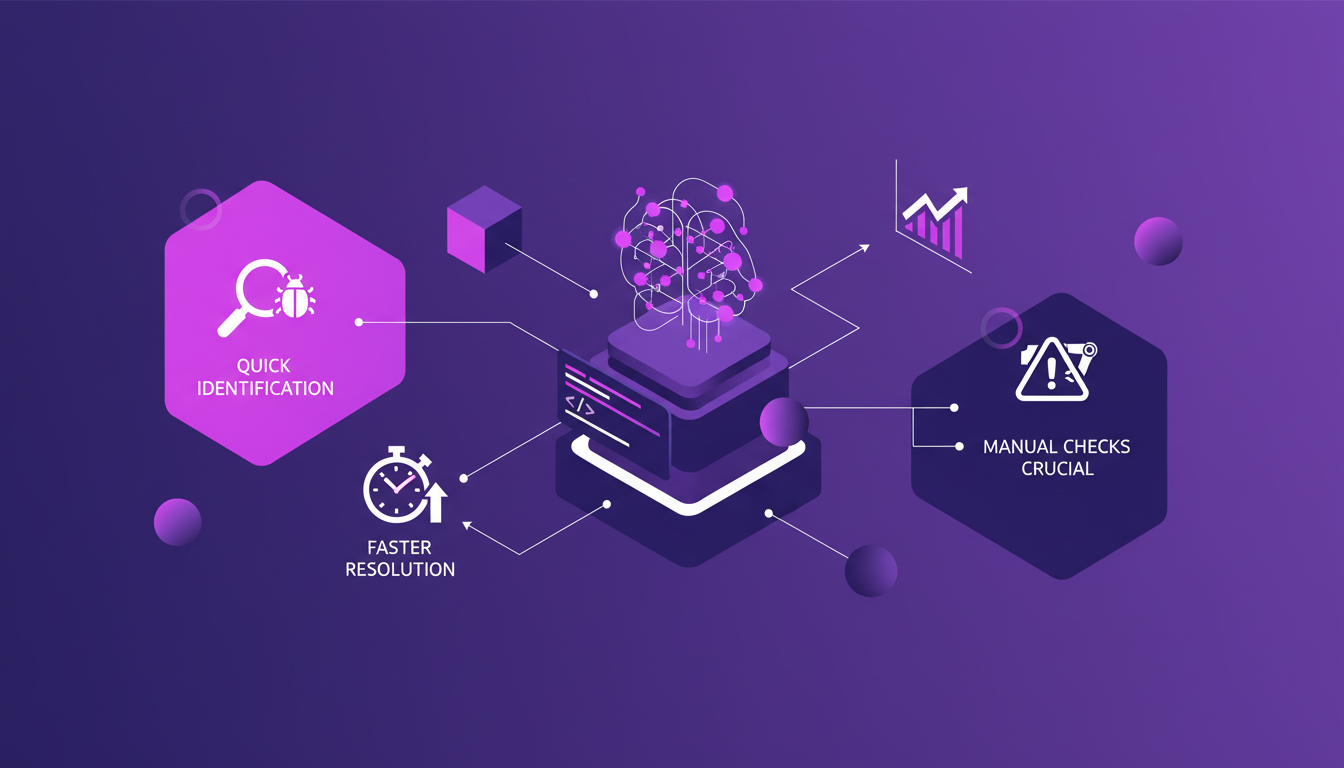
- Quickly identifying bottlenecks
- Reduced error resolution time
- Importance of manual checks
Local AI APIs and Multimodal Models
Switching to local AI APIs has given me more control and customization. Multimodal models, capable of handling various data types, have increased my projects' flexibility. But watch out for the trade-off between local processing power and speed. Sometimes, it's better to let the cloud handle certain tasks. Balancing local and cloud-based solutions is crucial for efficiency. For example, I've often had to juggle between the two to maximize my web applications' performance.
What I love about multimodal models is their ability to understand diverse inputs, allowing me to approach my projects from different angles and find more creative solutions.
- Increased control and customization with local AI APIs
- Flexibility with multimodal models
- Crucial balance between local and cloud solutions
Future of Web Development with AI-driven Browsers
AI-driven browsers are set to revolutionize our interaction with the web by 2026. Web MCP and agentic browsers promise more personalized experiences. The LLM.txt proposal could standardize AI agent interactions. It's an exciting time for us developers, but we must stay informed about emerging trends to avoid falling behind. For instance, I've already started exploring agentic browsers and how they can transform our way of developing web applications.
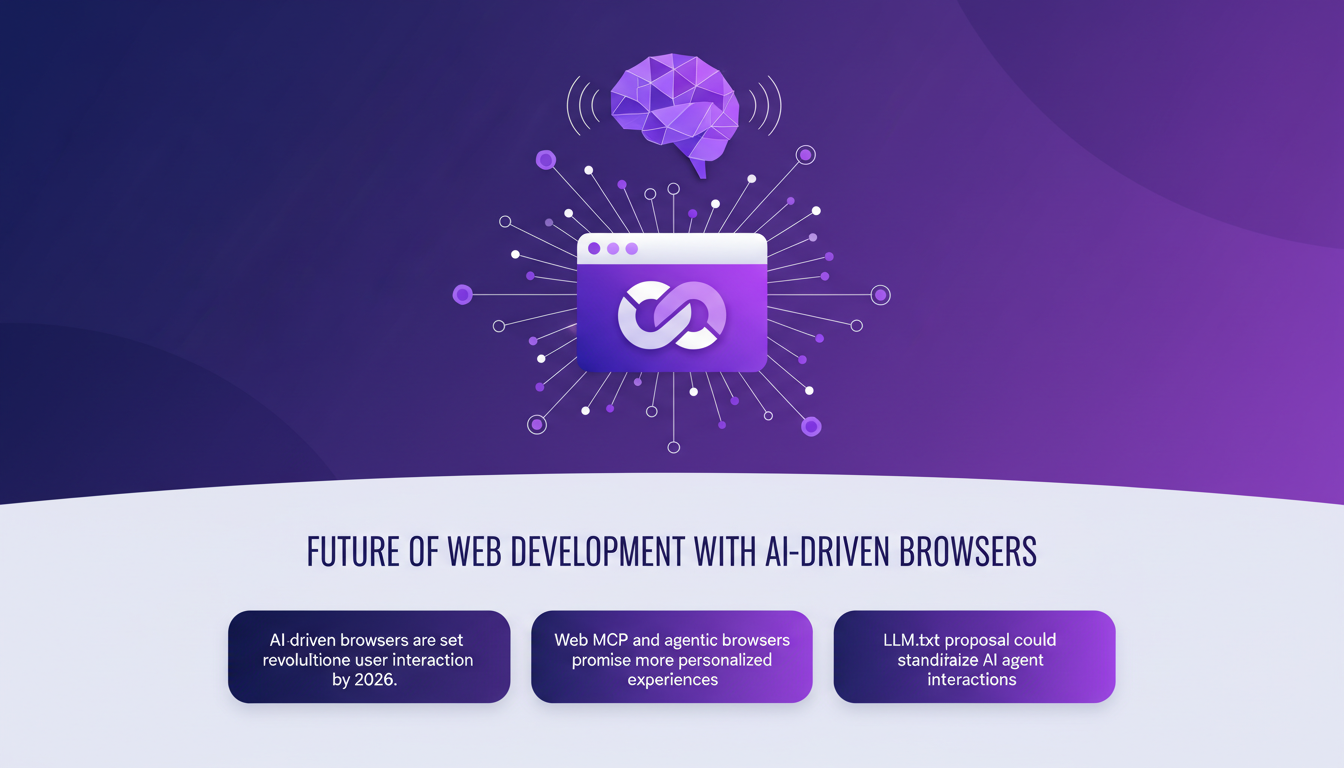
- Revolutionizing user interaction with AI-driven browsers
- More personalized experiences with Web MCP
- Importance of keeping up with emerging trends
So, what did I take away from all this? First, the impact of AI on web development is undeniable. I saw it myself after running three tests at different connection speeds—it's a real boost. Second, I built two custom skills using AI coding agents, and these tools are game changers for debugging and performance optimization. But watch out, orchestration is key here—AI models have evolved dramatically in just 6 months, so you have to balance the trade-offs.
Looking ahead, AI is a game changer, but with its limits. You need to experiment wisely and not just dive in headfirst.
Ready to integrate AI into your workflow? Start small, test rigorously, and keep iterating. The future is here, but make sure you handle it smartly. For a deeper dive, watch the full video by Olivier Leplus and Yohan Lasorsa on YouTube. It's like having a chat with colleagues who've been in the trenches.
Frequently Asked Questions

Thibault Le Balier
Co-fondateur & CTO
Coming from the tech startup ecosystem, Thibault has developed expertise in AI solution architecture that he now puts at the service of large companies (Atos, BNP Paribas, beta.gouv). He works on two axes: mastering AI deployments (local LLMs, MCP security) and optimizing inference costs (offloading, compression, token management).
Related Articles
Discover more articles on similar topics
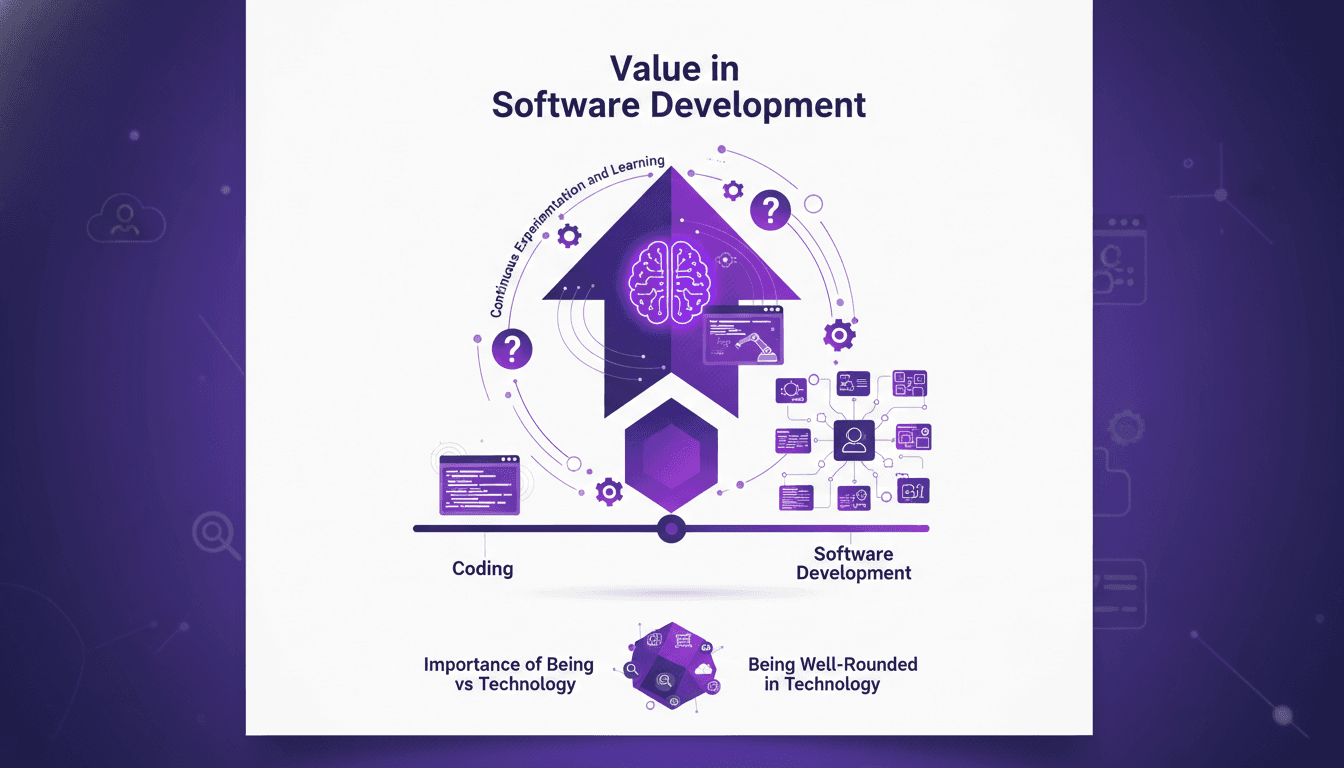
Software Development: Fast Coding, But at What Cost?
I've been coding at breakneck speed, but over time, I learned that the real cost isn't just about how fast you type. Software development is a whole different game. You can code 55 times faster, but if you're not careful, costs can skyrocket. Let's dive into why coding is cheap, but software is expensive. We'll explore the importance of being well-rounded, the role of junior engineers and AI, and why continuous experimentation is key. It's in understanding the value beyond mere lines of code that successful projects are distinguished from costly failures.
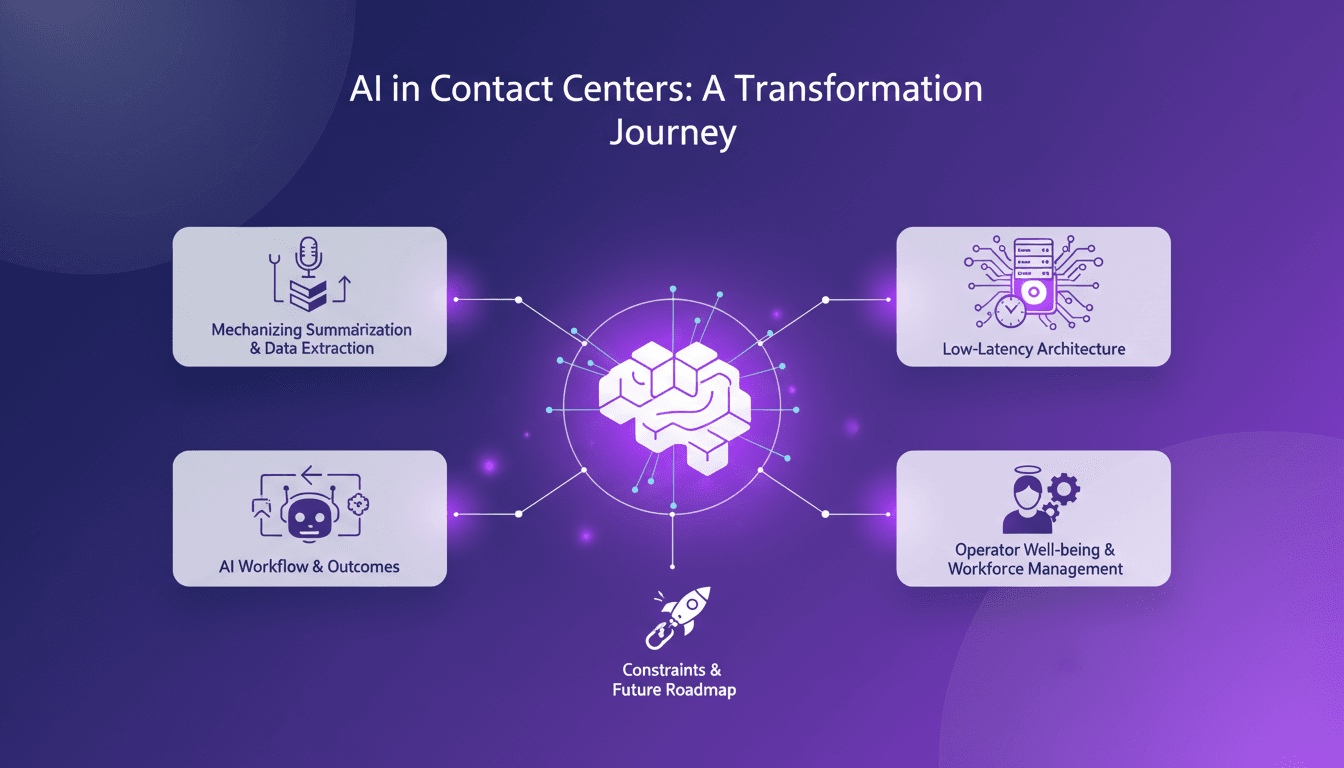
Low-Latency Audio Intelligence: AI Workflow Insights
I've spent countless hours in the trenches of contact centers, where every minute counts. When I decided to tackle low-latency intelligence extraction from messy audio streams, I knew I was up against a giant. But I figured out how to mechanize the process to save time and boost efficiency. Contact centers, the backbone of customer interaction, face major hurdles: hiring, training, productivity. AI can change the game, especially in summarizing and extracting data from audio. Let's dive into the workflow, the technical architecture, and the outcomes.
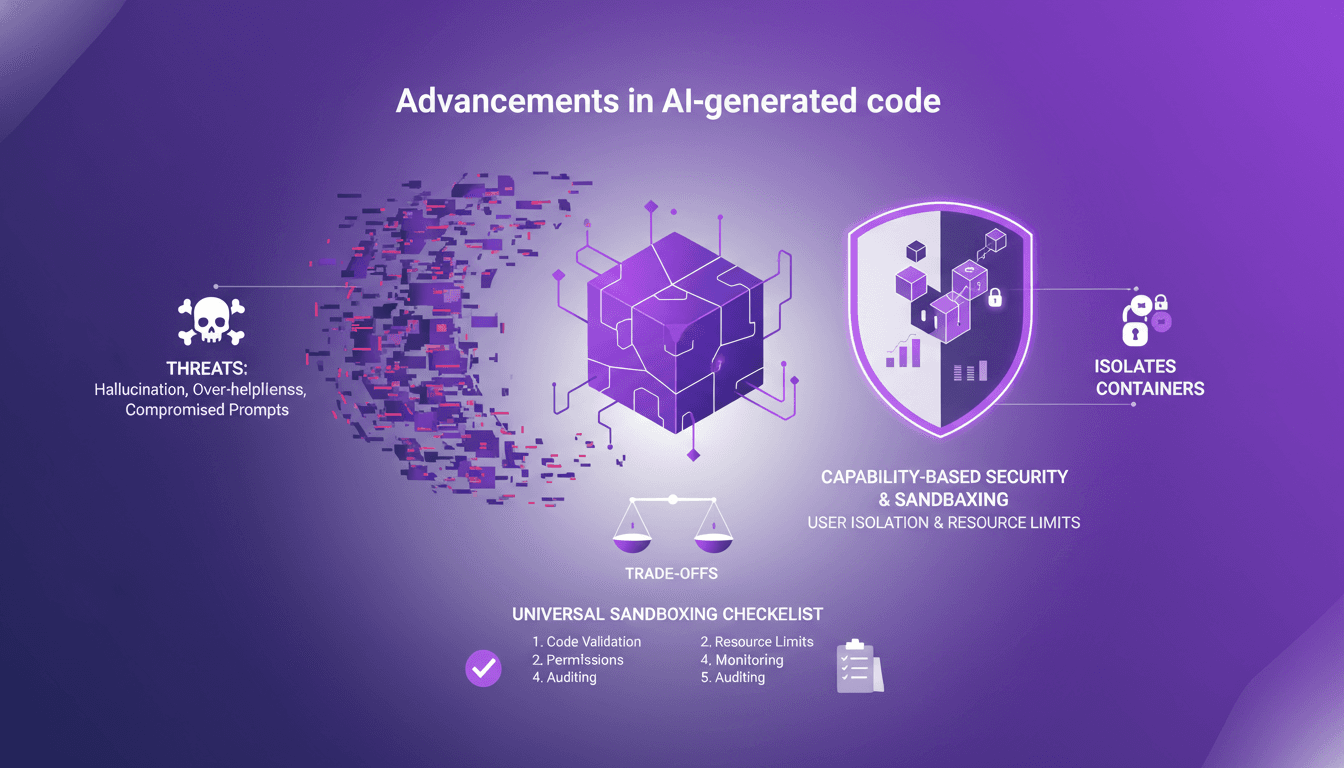
Sandboxing AI Code: Secure Your Projects
I've been burned by AI-generated code more times than I'd like to admit. From hallucinations that crashed my server to overly helpful suggestions that sent me spiraling down rabbit holes, I knew I had to sandbox that AI code. First, I'll walk you through why sandboxing is crucial, then how I set it up to protect my projects. With AI-generated code becoming more prevalent, robust security practices are essential. We’ll explore the threats posed by AI code and how sandboxing can mitigate these risks. (Hint: containers and isolates each have their trade-offs.)
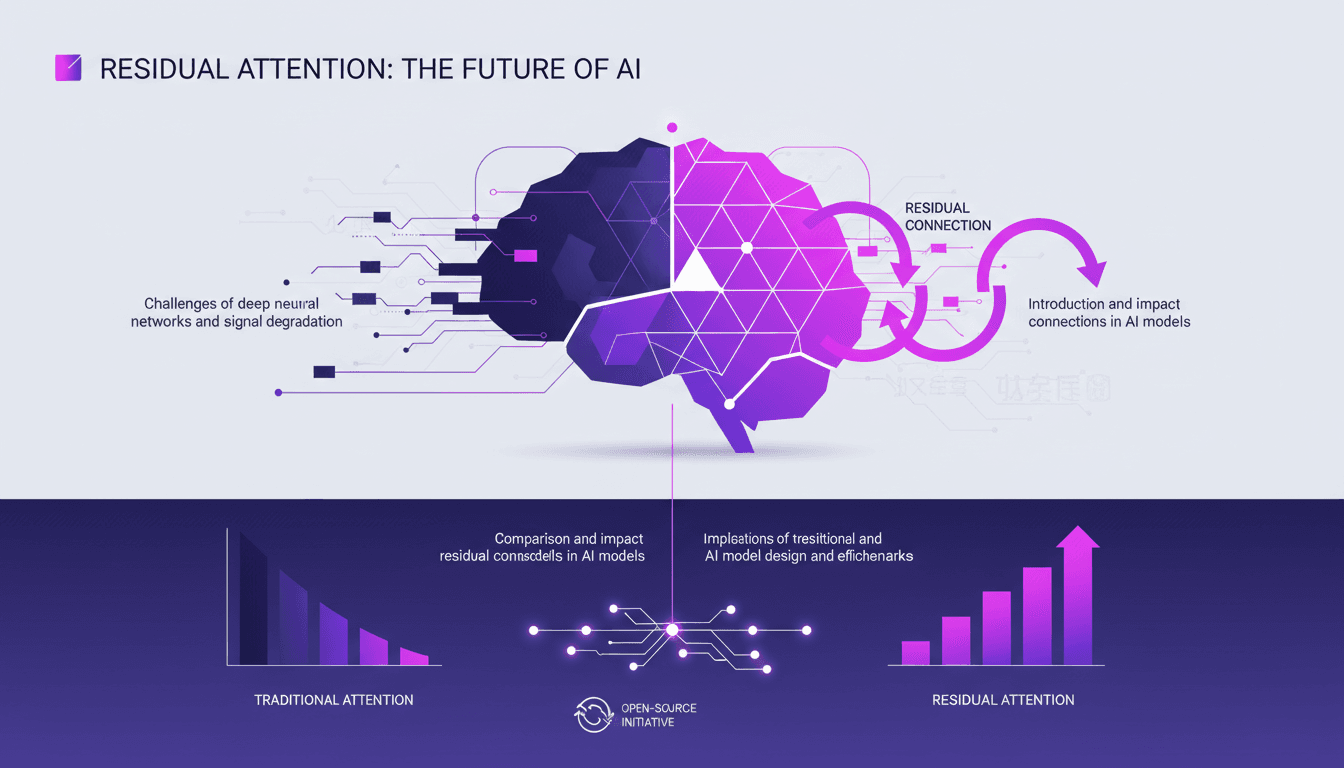
AI Breakthrough: Residual Attention Revolutionizes
I remember the first time I saw the impact of residual attention on AI models. It was like flipping a switch. Suddenly, inefficiencies that plagued deep learning for years were laid bare—and fixed. Since 2015, AI's foundations hadn't budged, but this breakthrough changes everything. Residual attention tackles signal degradation in deep neural networks, making models more efficient. Compared to traditional methods, it delivers superior performance on benchmarks. With open-sourcing, its potential impact is huge, notably in Chinese labs where hardware constraints drive innovation. But don't underestimate the complexity of integration.
From Coding to Solution-Focused Engineering
I've spent enough sleepless nights coding to know that the real challenge isn't about how much code we write, but the solutions we deliver. In a world where you can code 55 times faster, the mistake is focusing solely on churning out lines of code. What really matters is solution-focused software engineering, AI adoption, and integrating all this into our platforms. If you've ever wondered why your productivity only improves by 14% despite all your efforts, maybe it's because you haven't yet embraced this holistic approach that pushes beyond just coding.